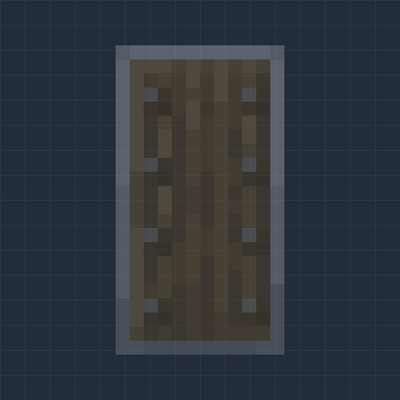
Clear Shield
Bedrock texture pack listed for Minecraft 1.21–26.x. File opened and checked on 13 Oct 2026; installs from the MC Bedrock Mods app on Android.
See-through shields. Pick how clear your own shield is in first person, from outline only to 45 percent. Other players' shields keep a visible rim and…
⬇ Download on CurseForgeThe author built this one for Minecraft 1.21.132–26.50. On other versions it may install and then do nothing.
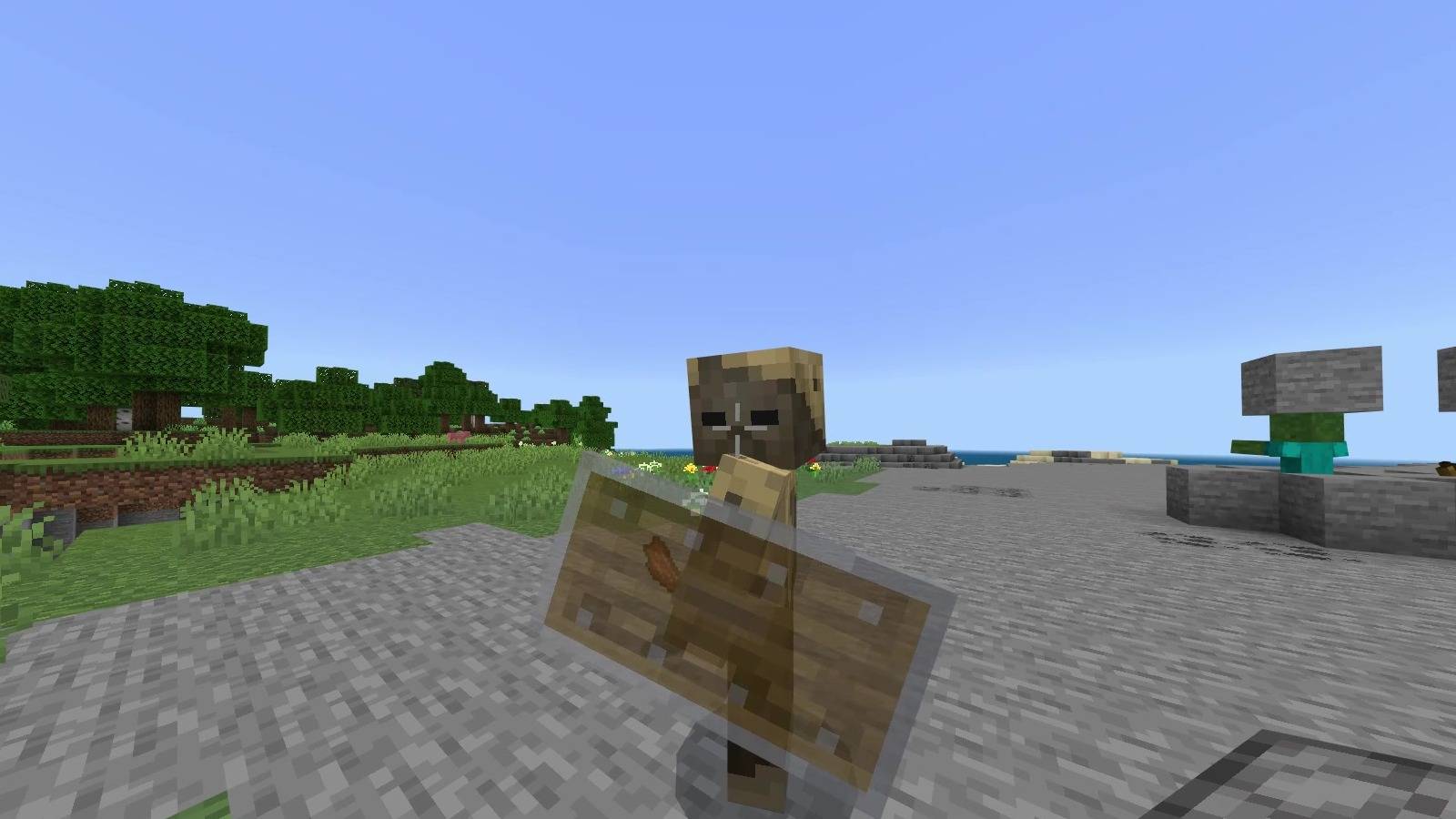
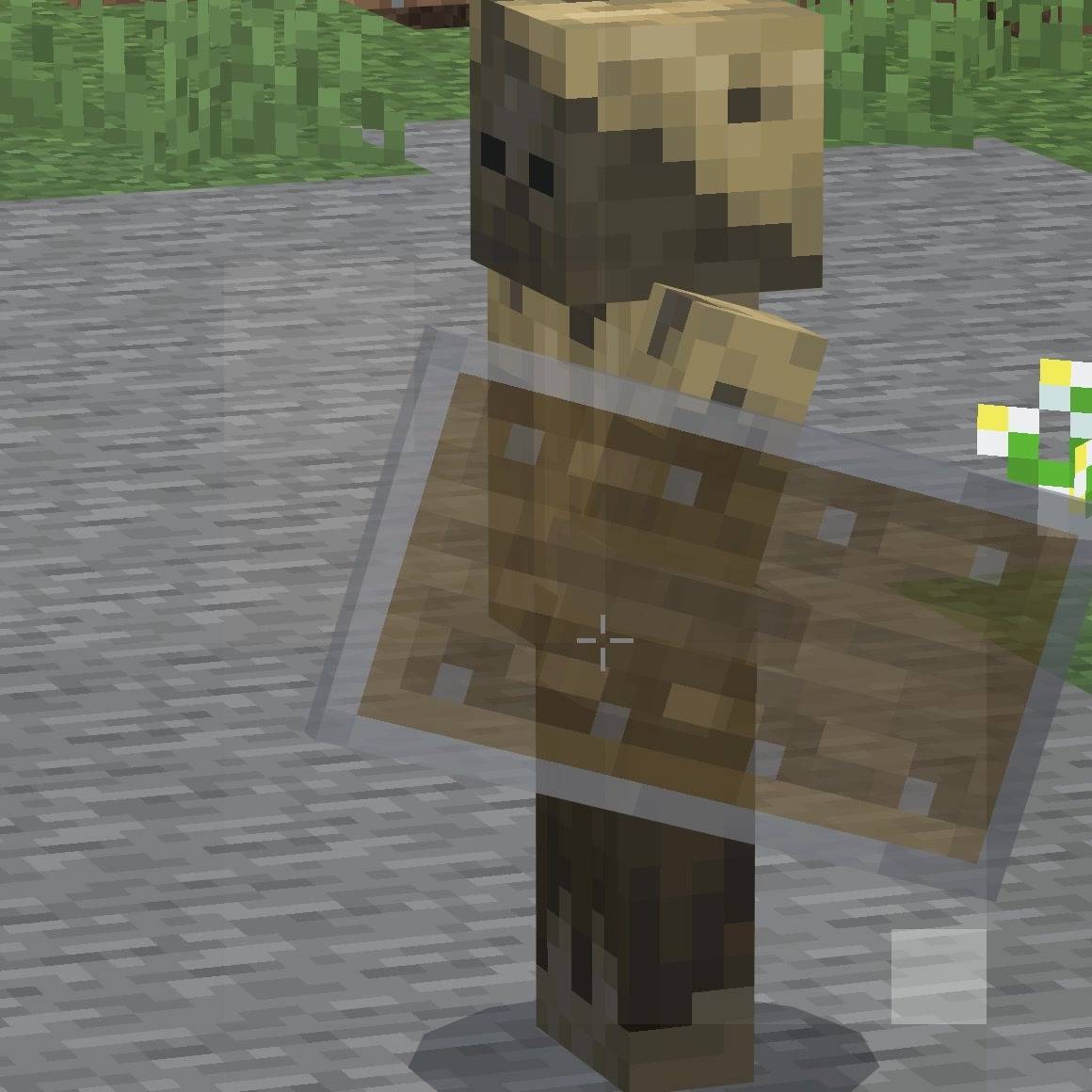
Makes shields see-through, so a raised shield no longer hides what is in front of you.
Your own shield
Pick one from the dropdown in the pack settings. The last one is selected automatically.
Outline only. Only the edge of the shield is drawn.
Outline 45%, hollow. A faint edge and nothing inside.
Outline plus inside 35%. A solid edge with a light fill.
Whole shield 55%.
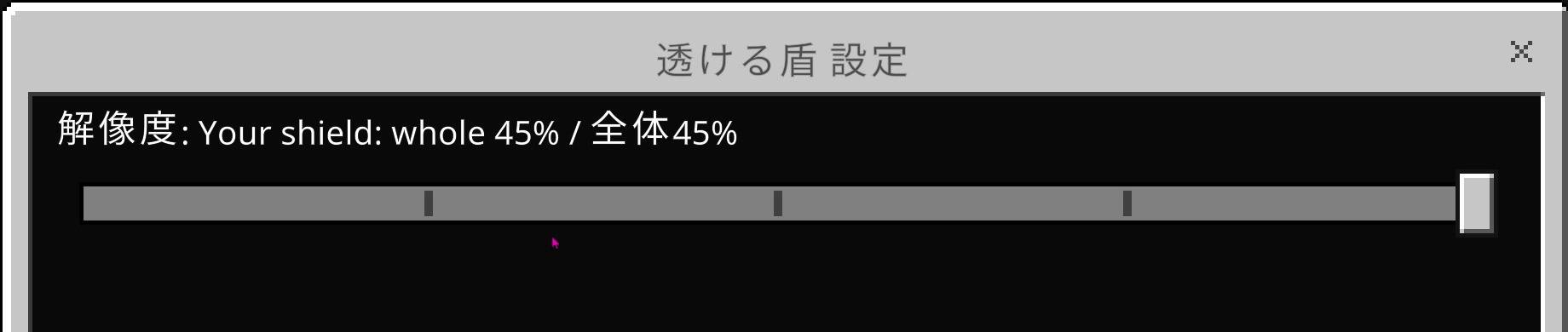
Whole shield 45%. This is the default.
These settings only change how your own shield looks in first person.
Other players' shields
Shields held by other players and mobs keep a clear rim at about 70 percent and fade toward the center, down to about 35 percent. You can see the player behind the shield, but you can still tell at a glance that they are blocking.
Tell me in the comments which percentage you use, and whether you would like another level.
Notes
Resource pack only. No behaviour pack, no scripts, no commands. Achievements are unaffected.
Banner patterns on shields are not shown while this pack is active.
This only changes how shields look. Blocking, durability and hit detection are exactly the same as vanilla.
Other packs that change the shield model or texture may conflict. Put this pack above them.
Important: Minecraft updates can change how shields are drawn. If the shield looks wrong after an update, check for a new version of this pack.
The pack name and description are translated into all 29 languages Minecraft offers. The level names are shown in both English and Japanese.
All levels work the same on every device, including phones and tablets.
Installation
Download the .mcpack and open it. Enable it under Global Resources in settings and pick a level from the dropdown.
Author: kentotukun
日本語
盾を半透明にして、構えても前が見えるようにします。
自分の盾
パックの設定のドロップダウンで選びます。一番下が自動で選ばれます。
輪郭だけ:盾のふちだけを表示します。
輪郭45%・中は空洞:うっすらしたふちだけです。
輪郭+中35%:ふちははっきり、中は薄くなります。
全体55%
全体45%:最初からこれが選ばれています。
この設定が変えるのは、一人称で見た自分の盾だけです。
他の人の盾
他のプレイヤーやモブが持つ盾は、ふちを約70%で残し、中央に向かって約35%まで薄くなります。後ろのプレイヤーは見えますが、盾を構えていることは一目で分かります。
何%を使っているか、他の段階がほしいかを、コメントで教えてください。
注意
リソースパックだけです。ビヘイビアーパック・スクリプト・コマンドは入っていません。実績は無効になりません。
このパックを入れている間、盾の旗の模様は表示されません。
変わるのは見た目だけです。防御・耐久値・当たり判定はバニラと同じです。
盾のモデルやテクスチャを変える他のパックとは、競合することがあります。その場合は、このパックを上に置いてください。
重要:Minecraft のアップデートで盾の描き方が変わると、表示がおかしくなることがあります。そのときは、新しい版が出ていないか確認してください。
パック名と説明は、Minecraft で選べる全29言語に翻訳しています。段階の名前は英語と日本語の併記です。
すべての段階が、スマホやタブレットを含むどの端末でも同じように使えます。
入れ方
.mcpack をダウンロードして開きます。設定の「グローバルリソース」で有効にして、ドロップダウンで段階を選びます。
作者:kentotukun
- Edition: Minecraft Bedrock
- File type: .mcpack
- Minecraft versions listed: 1.21.132, 26.0.02, 26.0
- How to install: Download the .mcpack. → Open it — Minecraft imports it under Resource Packs. → Activate it in Global Resources, or for one world under Resource Packs → Available.
- Where to get it: Opens on CurseForge — not every file is mirrored on our own servers.
Install steps are the general flow for this file type — How to install Minecraft Bedrock texture packs walks through it step by step.
- Pack type: .mcpack — a single pack
- Manifest requires Minecraft 1.21.0 or newer
- Complete pack — everything it depends on is inside the file
- Download size: 20 KB
- Download link checked 13 Oct 2026 — working
These come from our own check of the pack file, not from the source page.