Newb X Horizon
Bedrock texture pack listed for Minecraft 26.x. File opened and checked on 13 Oct 2026; installs from the MC Bedrock Mods app on Android.
⬇ Download on CurseForgeThe author built this one for Minecraft 26.50. On other versions it may install and then do nothing.
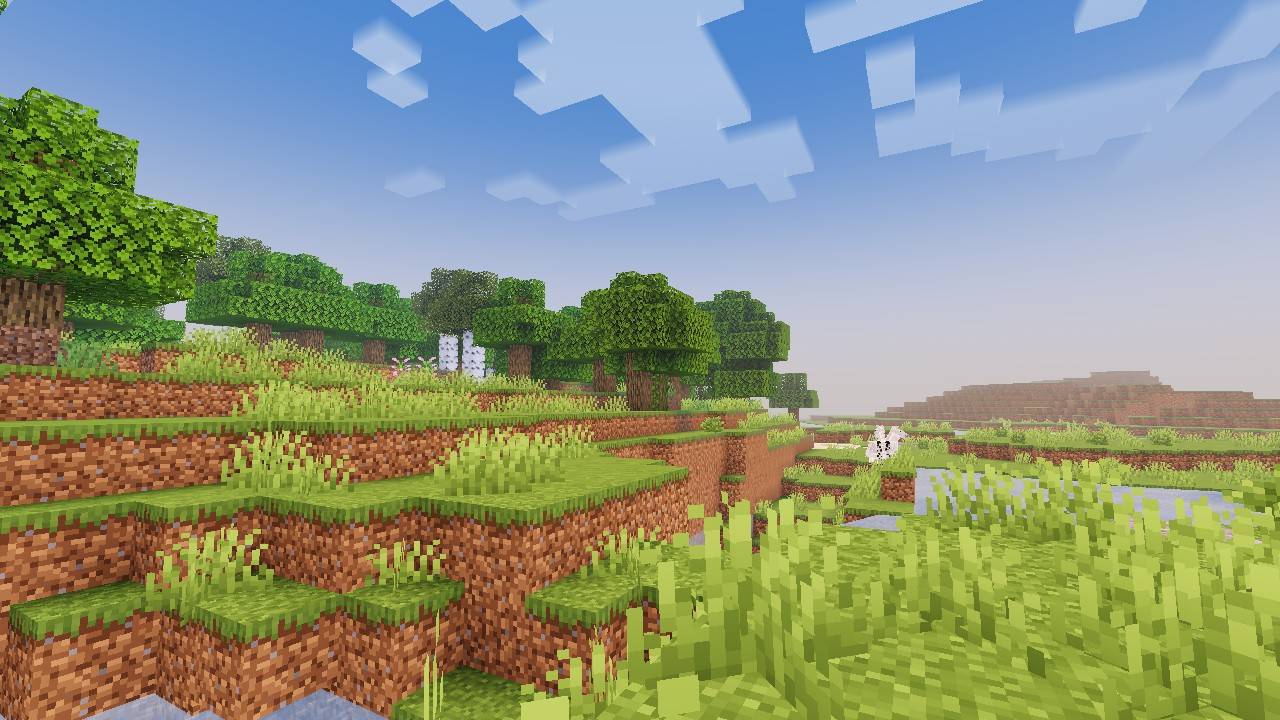
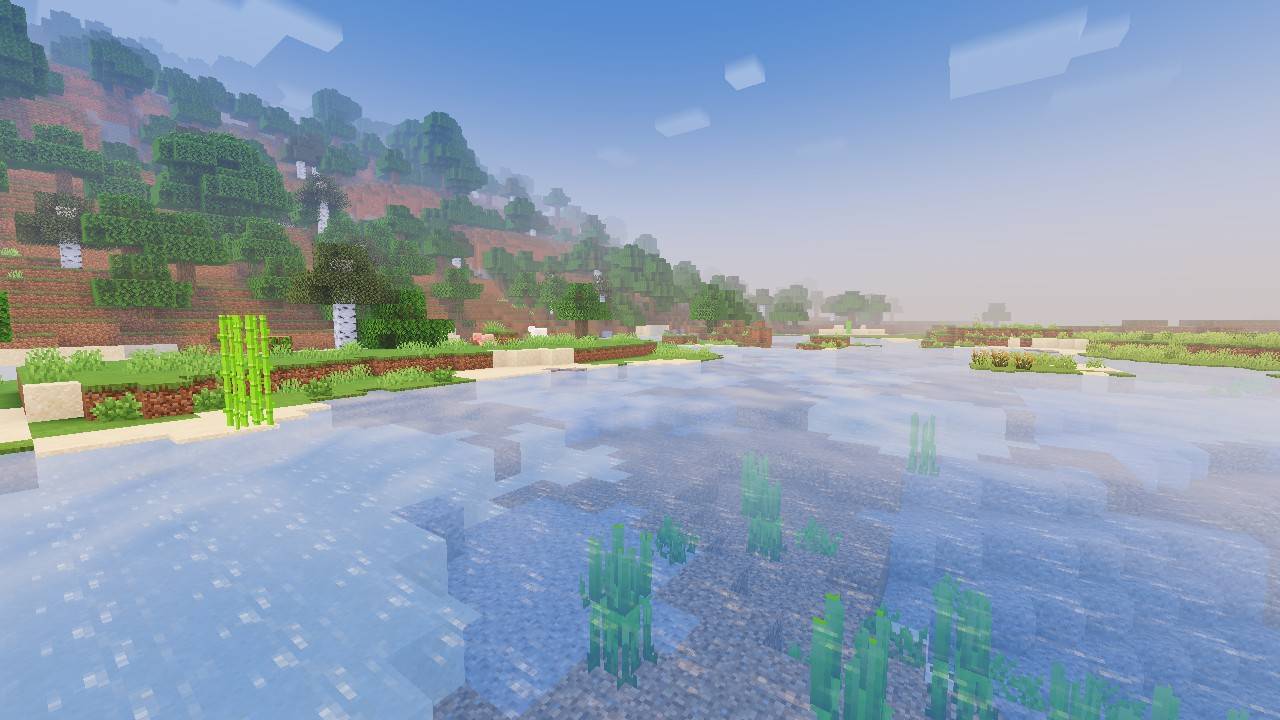
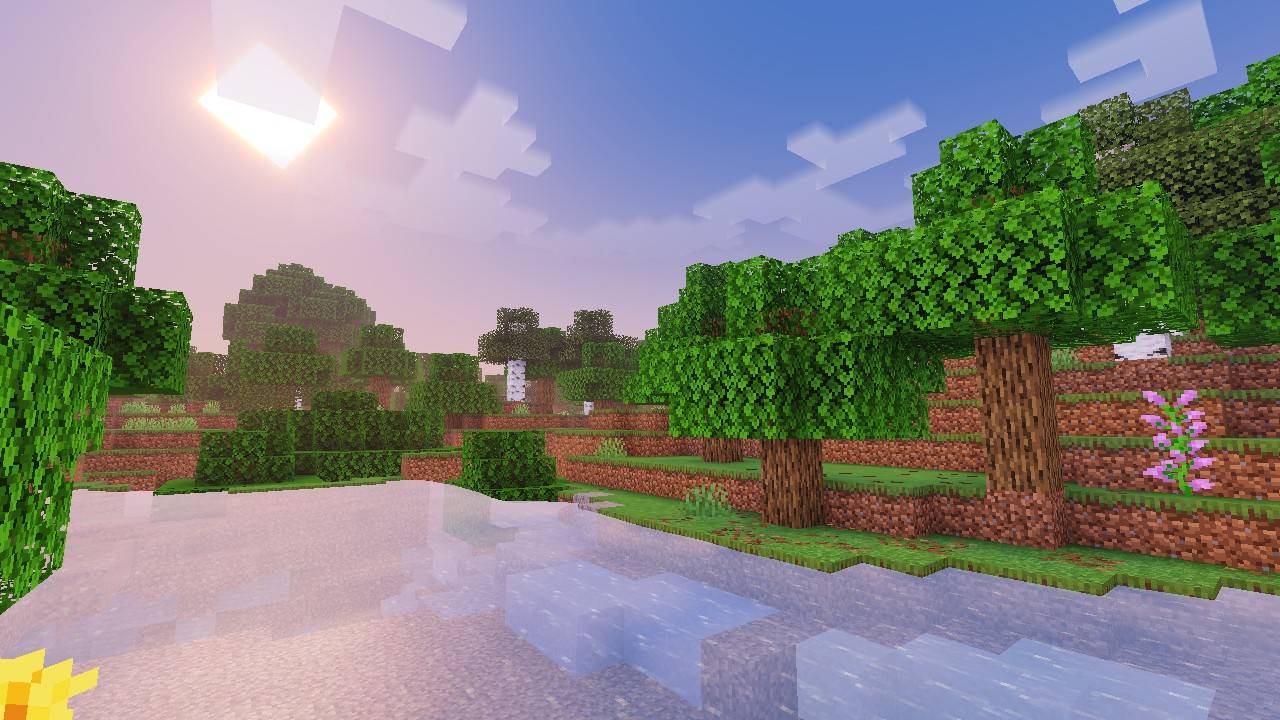
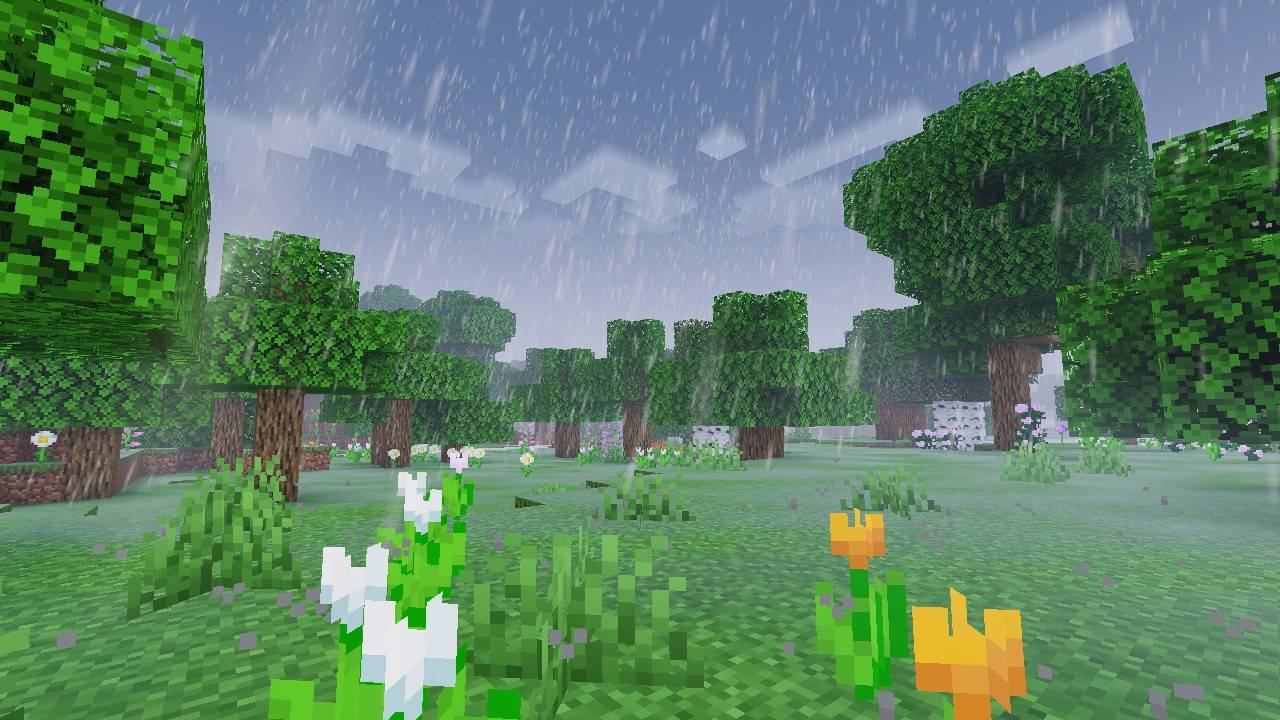
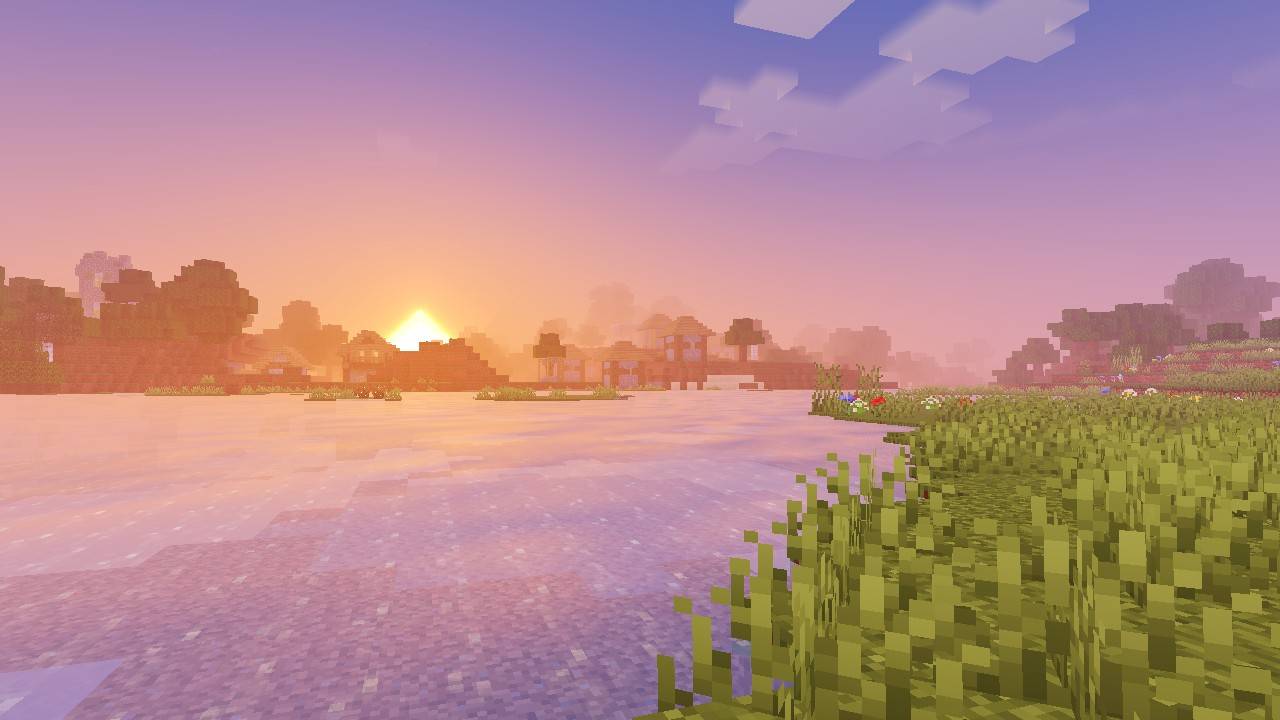
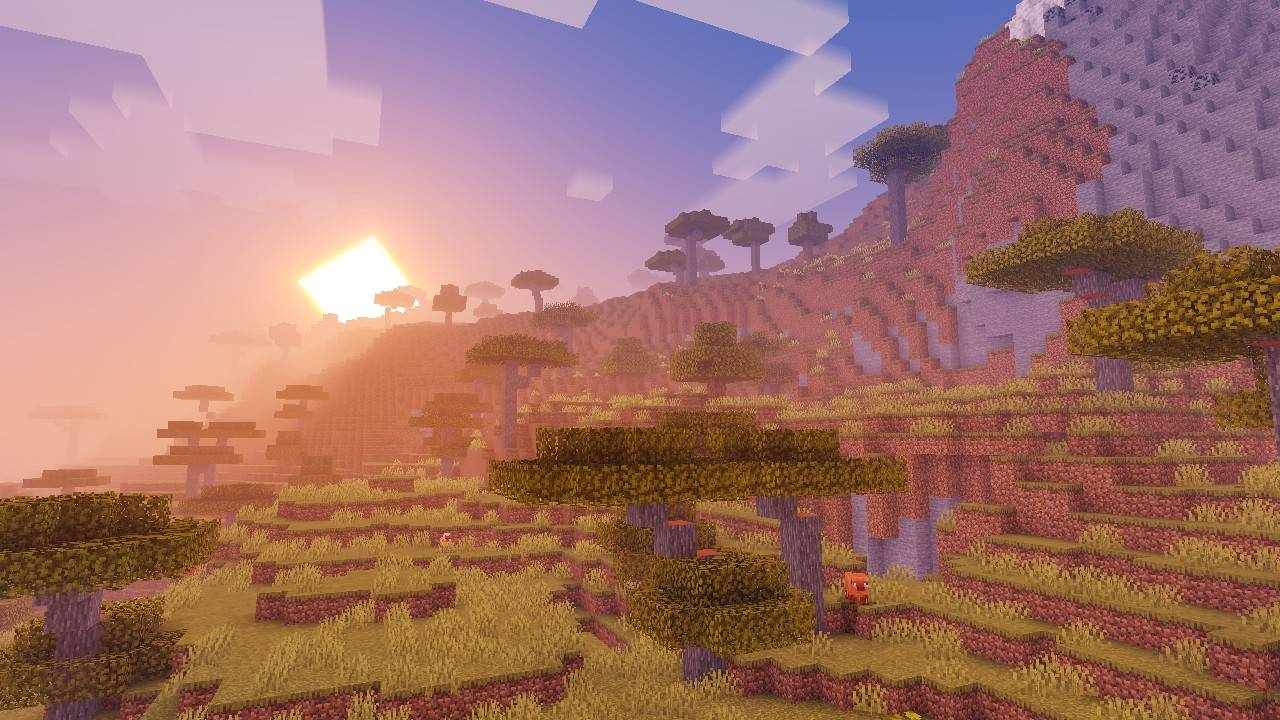
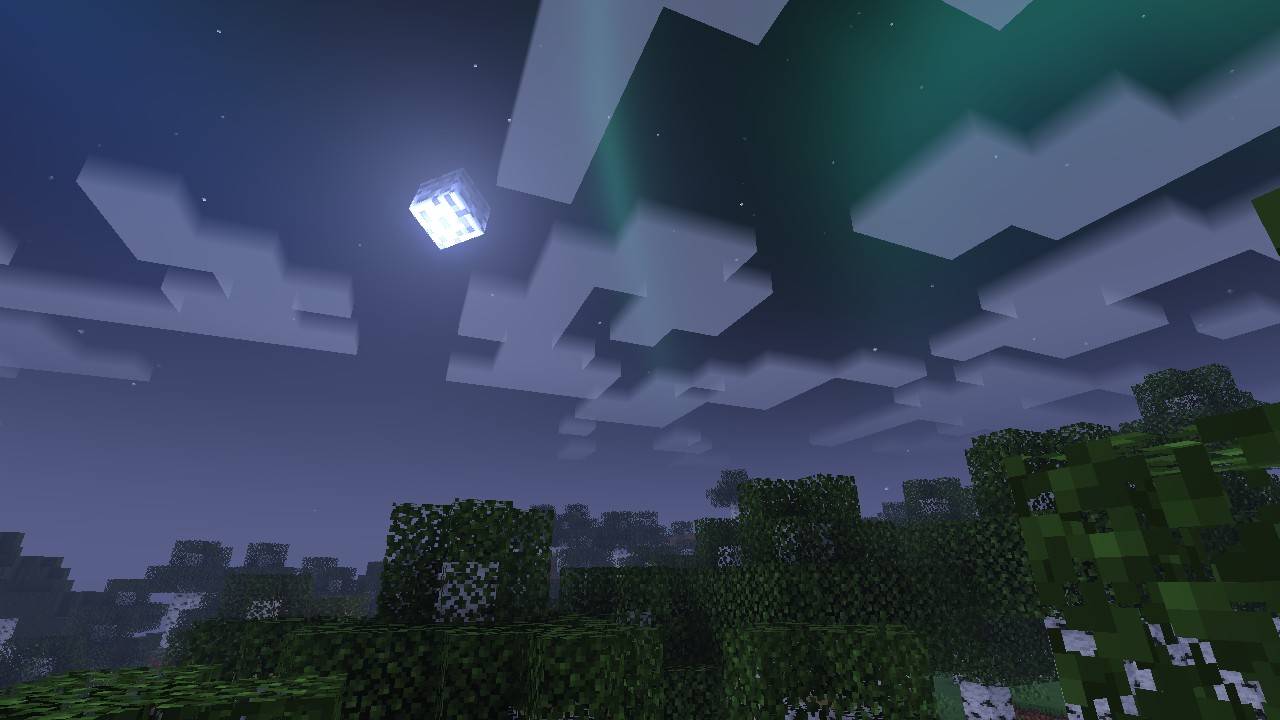
Newb X Horizon
Is a newb shader variant with some feature enhancement to improve the visual look of the game.
This shader won't work without a 3rd party apps or tools, please read the Compatibility section below.
This is not a Vibrant Visual (VV) Pack, it won't work if you have both vv pack and this shader activated.
Features
- Vanilla Clouds with aurora
- White and orange end sky effect
- ACES Tonemapping
Subpacks
Newb X Horizon provide 5 subpacks that you can use :
- Chunk Anim : Chunk rise from bottom when loaded.
- Multilayer Clouds : Add extra cloud layer.
- No Wave : Disable plant and water wave effect.
- No Fog : Disable fog effect.
- No Fog and Wave : Disable fog and wave effects.
In-game configuration
This is a recommendation for in-game configuration to use when using this shader for a better results however, you can use your own configuration if you wish
- Brightness : 50%
- Graphic Mode : Fancy
- Beautiful Sky : On
Compatibility
Newb X Horizon is only works with MB Loader (Android), Wyvern Loader (Windows), and Minecraft with Hynis IPA (iOS).
Having trouble installing the shader? Go to the Discord server to get support.
Feedbacks and Bug Reports
Have some ideas, want to suggesst a new feature, or find some bugs? Join the official Newb Shader discord server and go to Newb X Horizon (feedback).
Redistribution
You're allowed to modify this pack for personal use only. If you're going to showcase my shader please use this site or my variant thread link.
Special Thanks and Credits
- Original shader forked from newb-x-mcbe by devendrn
- All the Newb X Horizon testers
- And everyone who have download and using my variant.
Disclaimer
This project is not affiliated with Mojang Studios or Microsoft.
- Edition: Minecraft Bedrock
- File type: .mcpack
- Minecraft version listed: 26.50
- How to install: Download the .mcpack. → Open it — Minecraft imports it under Resource Packs. → Activate it in Global Resources, or for one world under Resource Packs → Available.
- Where to get it: Opens on CurseForge — not every file is mirrored on our own servers.
Install steps are the general flow for this file type — How to install Minecraft Bedrock texture packs walks through it step by step.
- Pack type: .mcpack — a single pack
- Manifest requires Minecraft 1.26.50 or newer
- Complete pack — everything it depends on is inside the file
- Download size: 9.9 MB
- Download link checked 13 Oct 2026 — working
These come from our own check of the pack file, not from the source page.