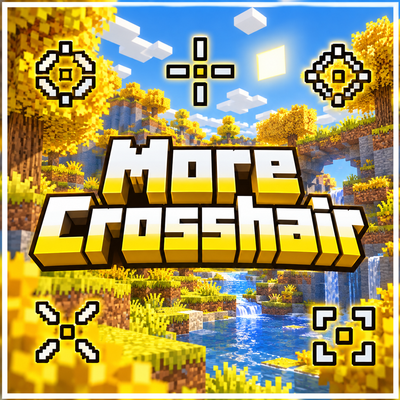
More Crosshair | 33 Custom Crosshairs
Bedrock texture pack listed for Minecraft 26.x. File opened and checked on 13 Oct 2026; installs from the MC Bedrock Mods app on Android.
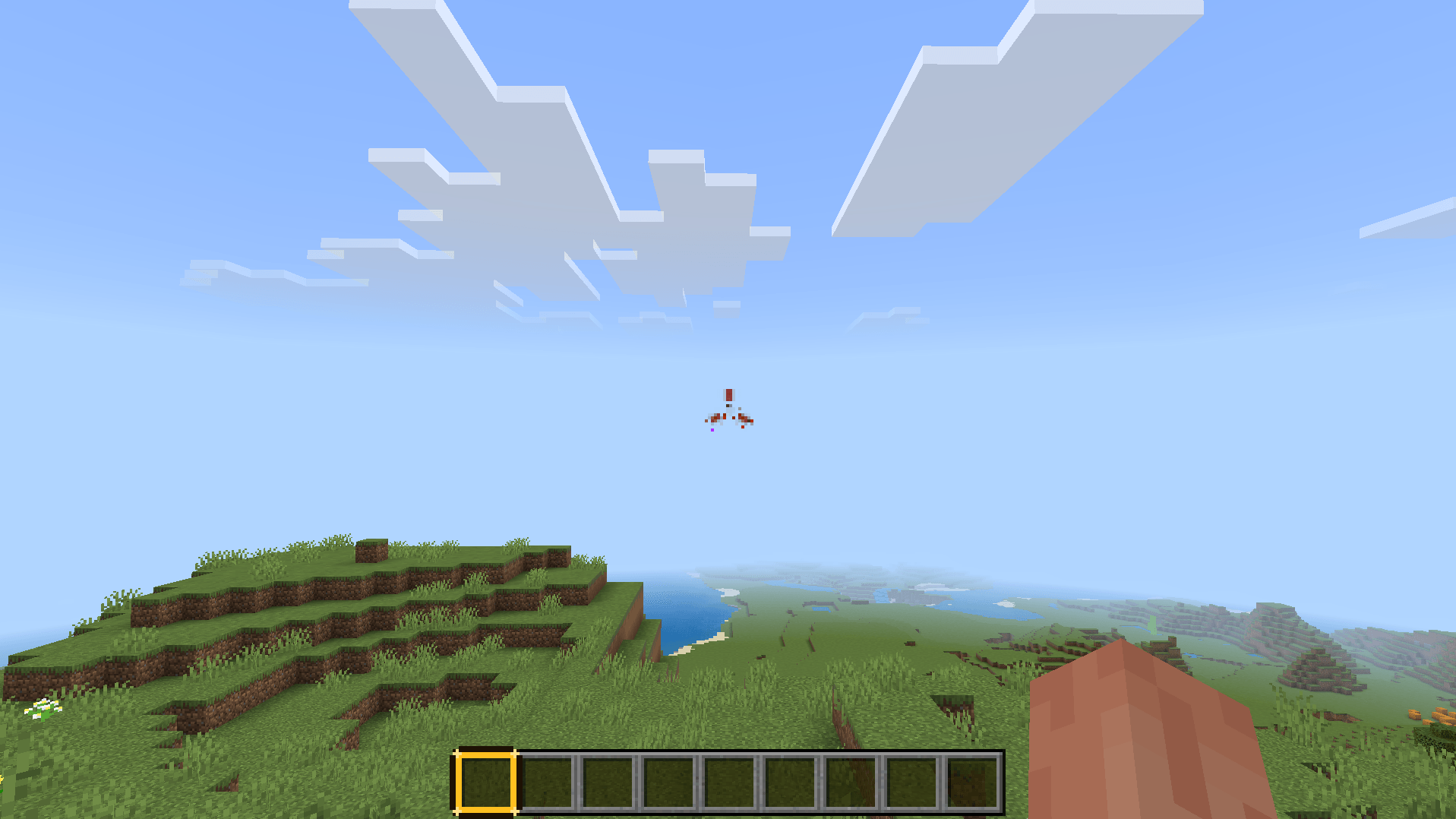
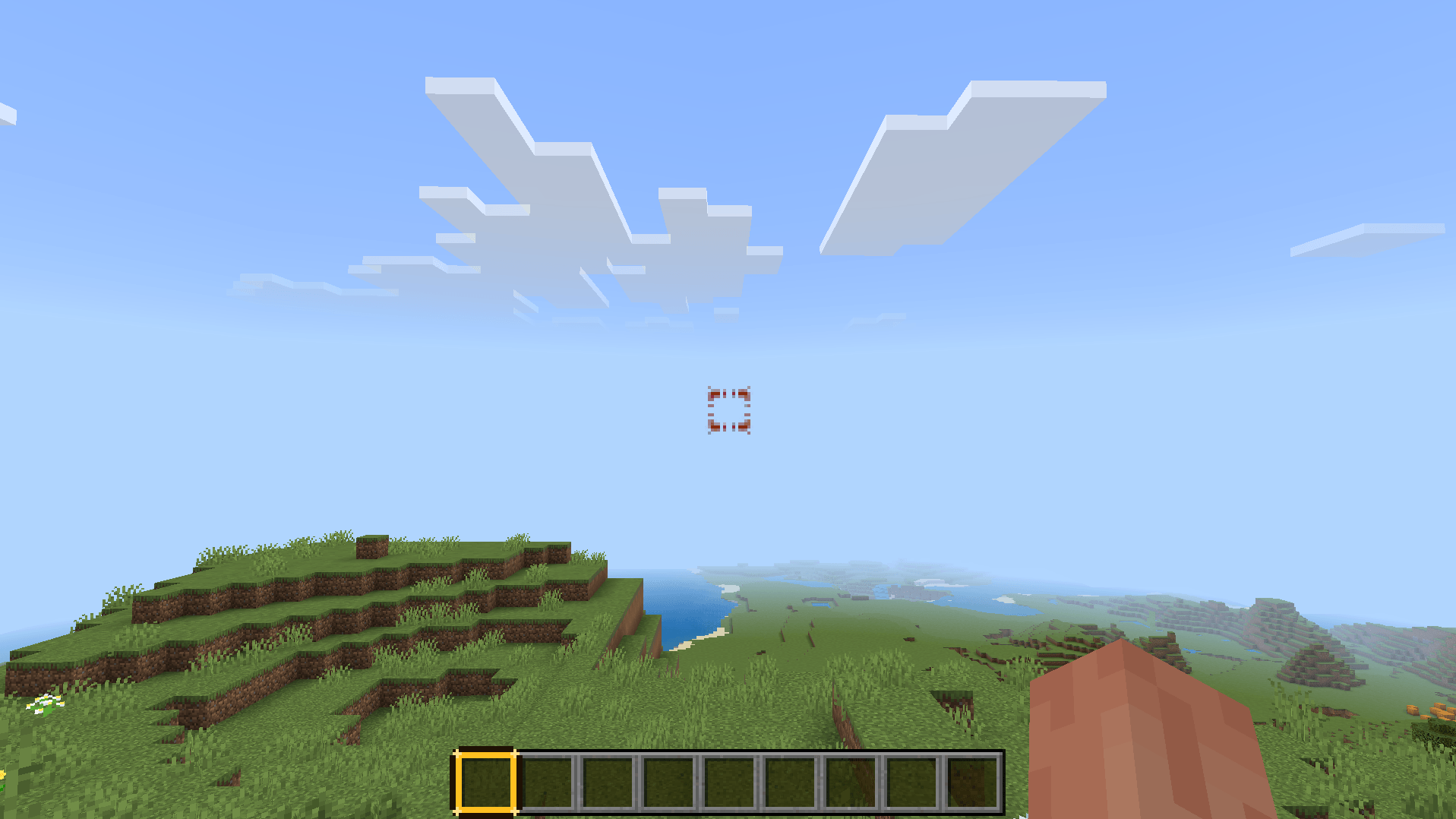
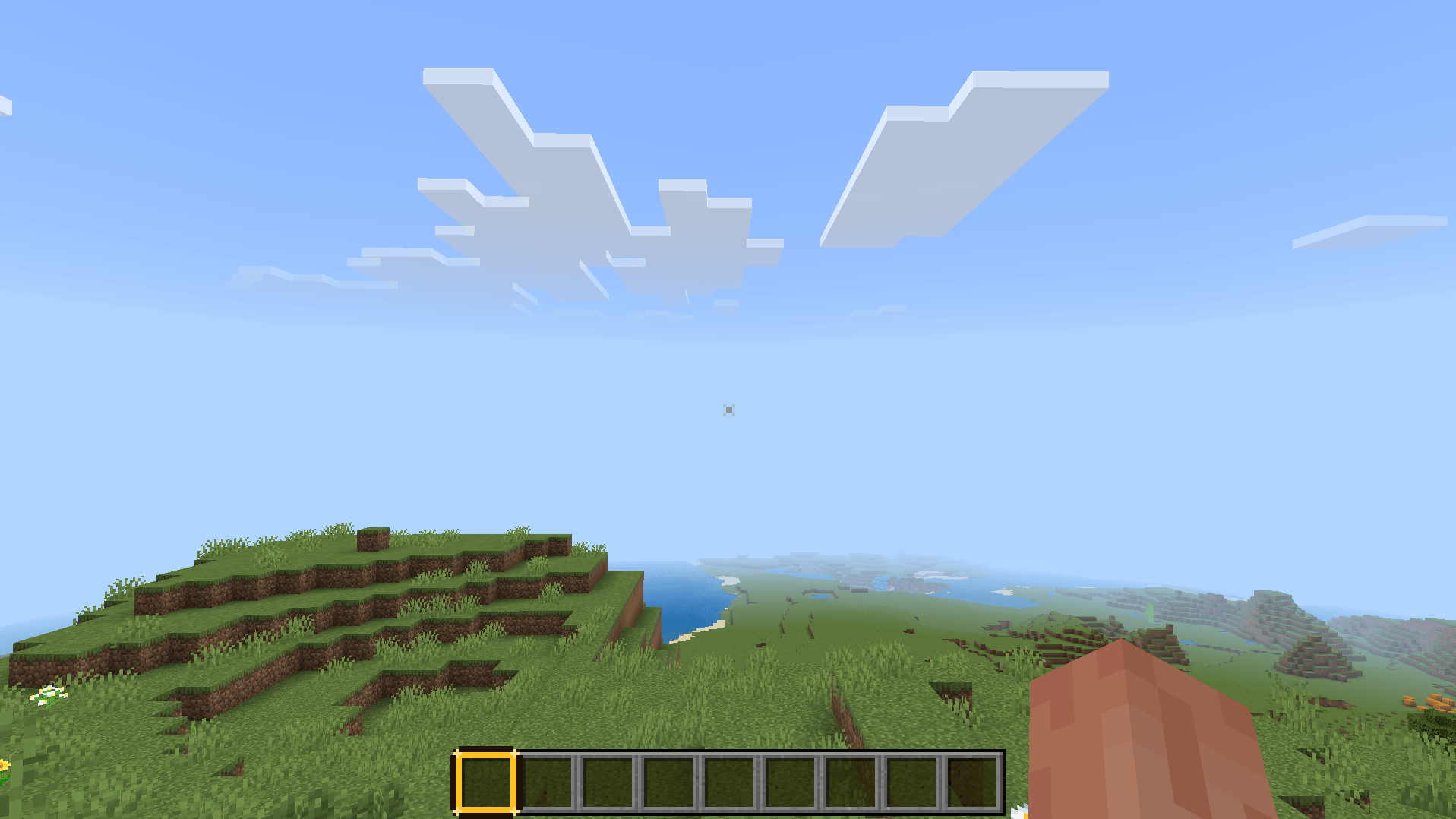
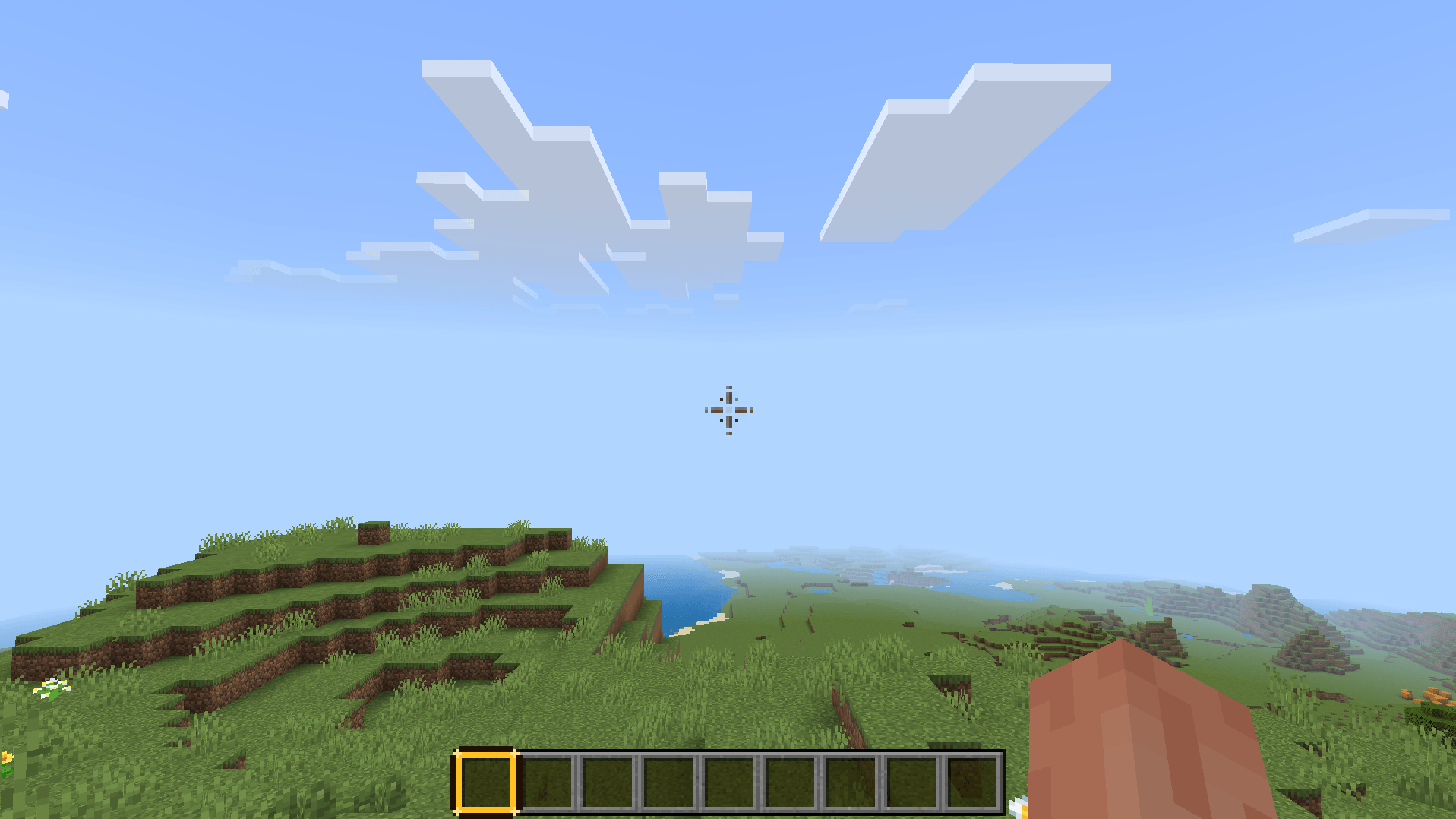
More Crosshair is a Minecraft Bedrock and MCPE resource pack with 33 selectable crosshairs, letting you customize your aim with clean reticle designs for…
⬇ Download on CurseForge
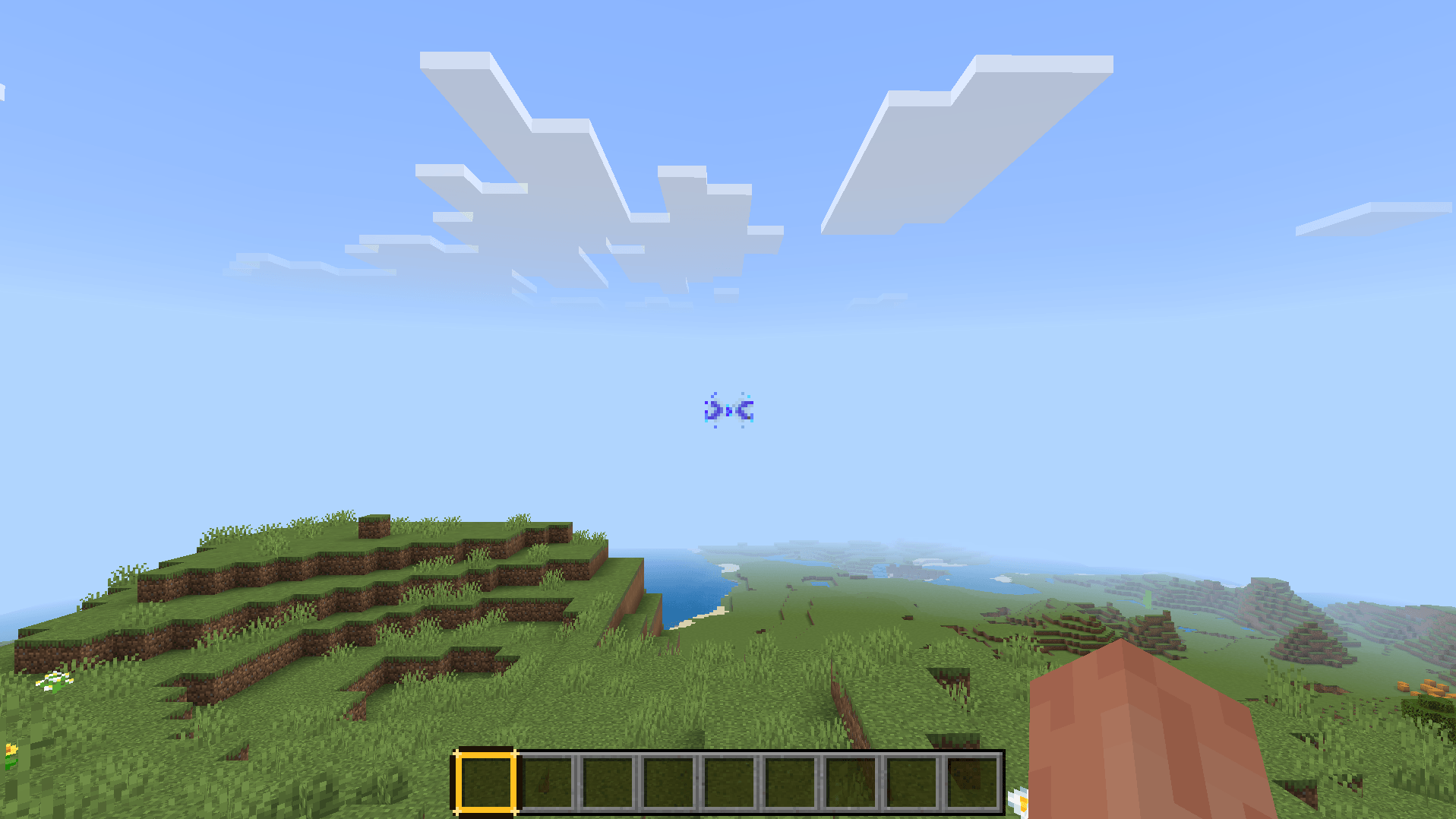
More Crosshair
Custom Crosshair Pack for Minecraft Bedrock
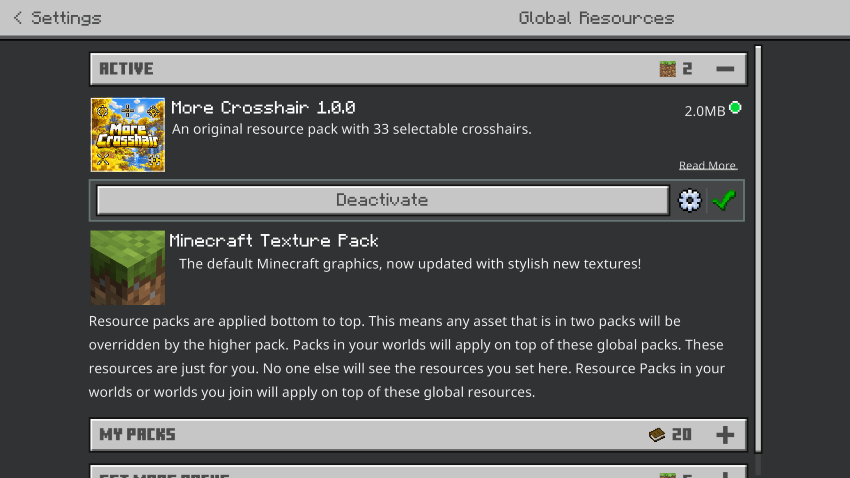
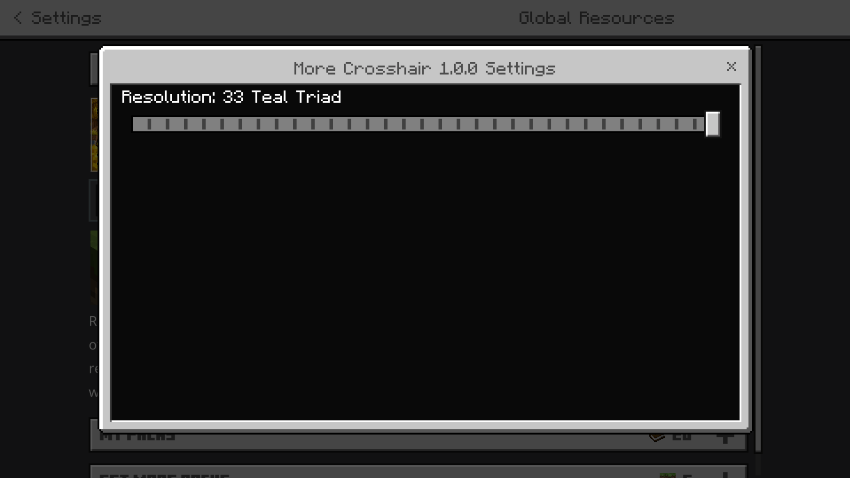
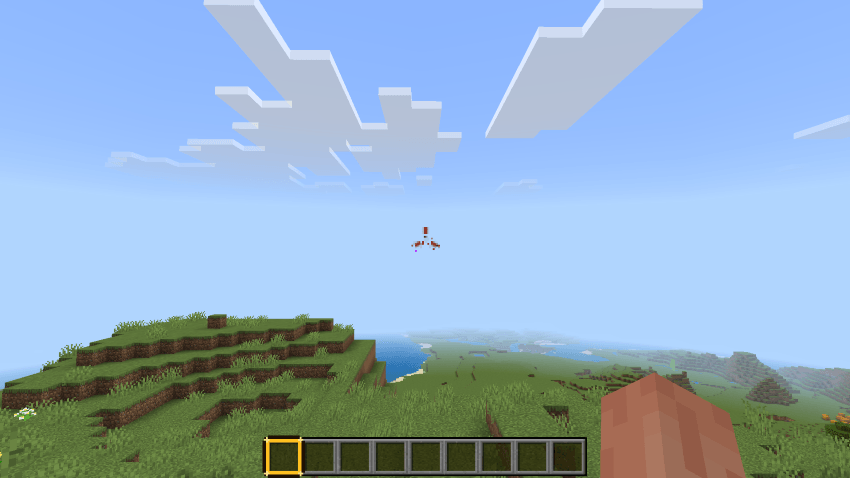
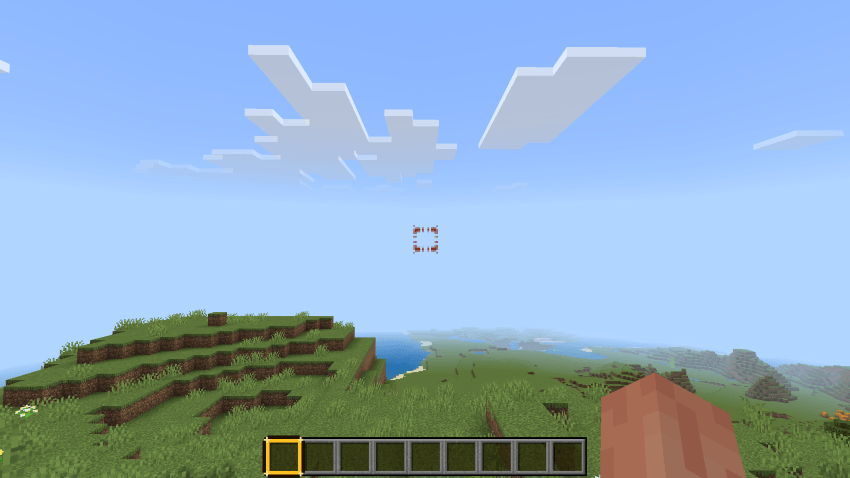
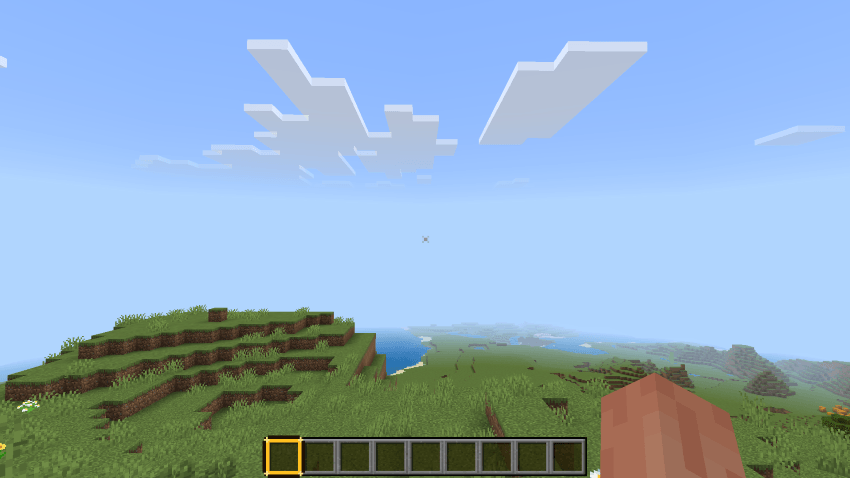
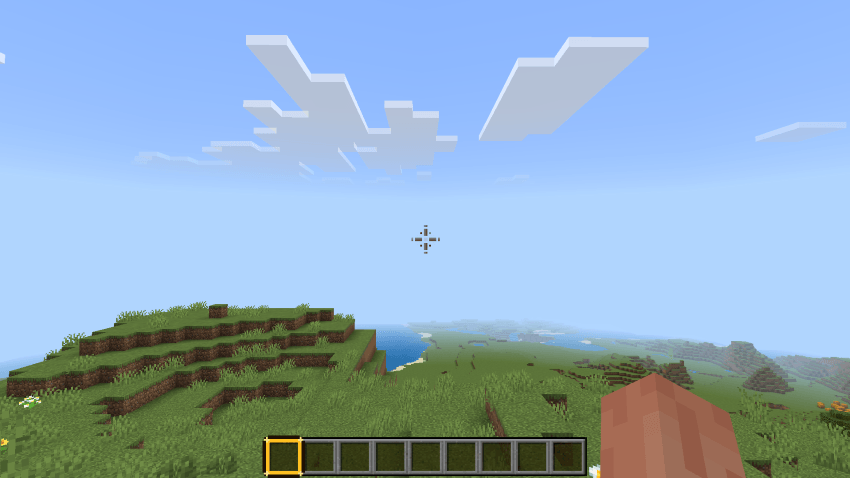
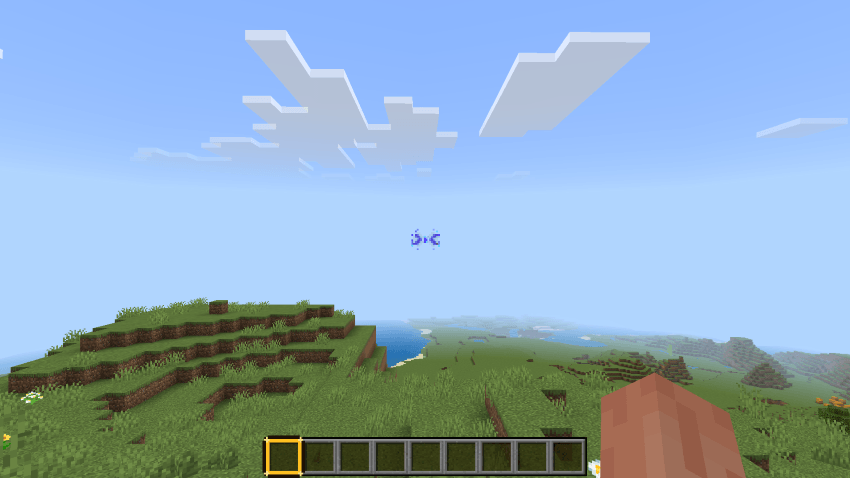
Upgrade your aiming experience with More Crosshair, a Minecraft Bedrock and MCPE resource pack designed for players who want more control over how their crosshair looks in-game.
Instead of using only the default Minecraft crosshair, this pack gives you access to 33 selectable crosshair designs, making it easier to choose a style that better fits your gameplay, visibility preferences, and overall setup.
Whether you play Survival, PvP, Creative, or just want a cleaner screen center, More Crosshair gives Minecraft Bedrock a more customizable and practical feel without changing the core gameplay.
33 Selectable Crosshairs
One of the main highlights of More Crosshair is the built-in selection system.
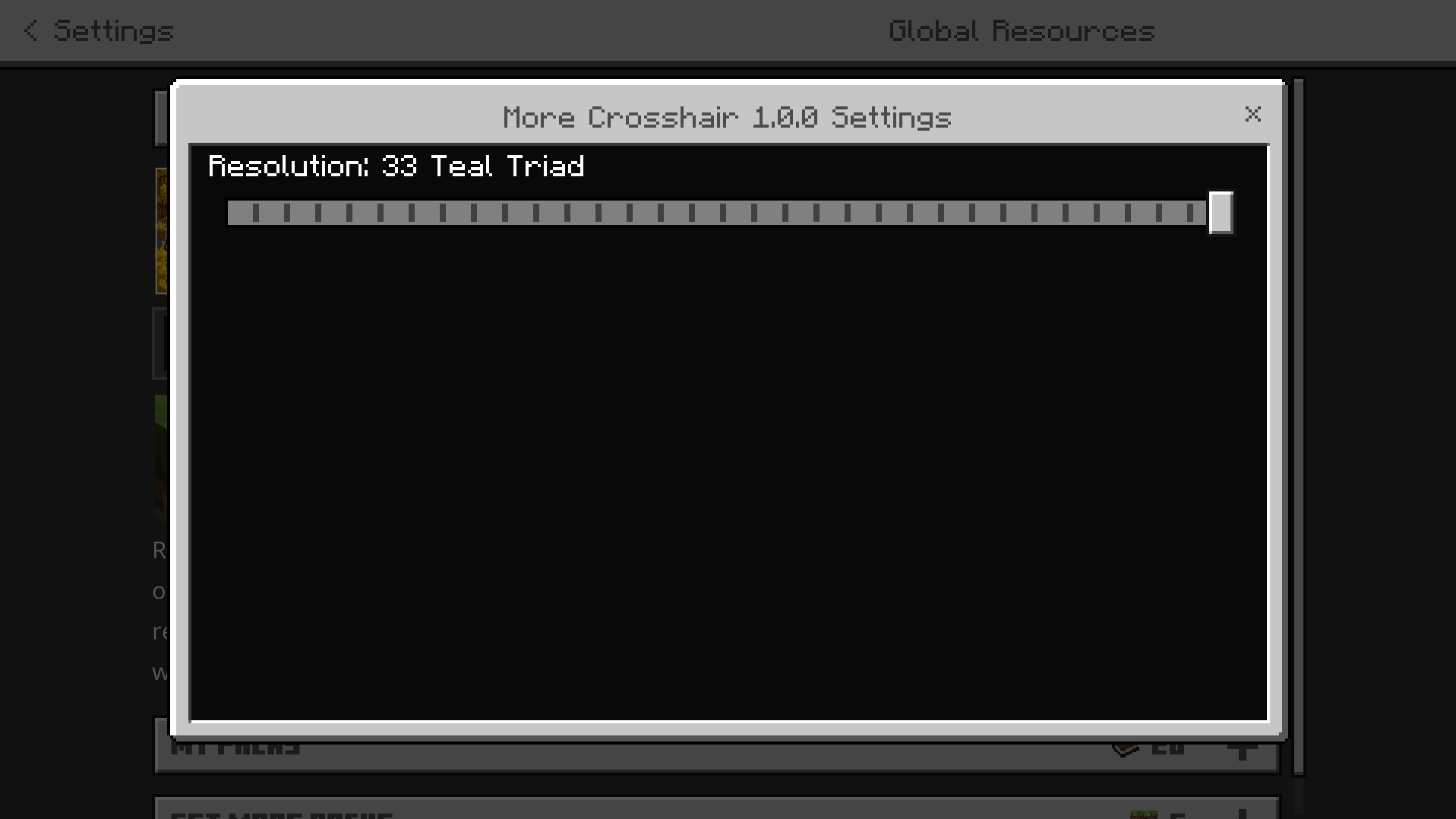
The pack includes 33 different crosshair options that can be switched through the resource pack settings, allowing you to test different shapes and choose the one that feels best for your playstyle.
Some crosshairs are more minimal and compact.
Some are more open and easier to track.
Some are more stylized and visually distinct.
This makes the pack useful for players who want a crosshair that feels more comfortable than the default one.
Choose from 33 different crosshairs and customize your Minecraft Bedrock aiming style with a cleaner and more flexible in-game reticle system.
Crosshair Customization Experience
33 Selectable Crosshairs
Custom Resource Pack Settings Support
Easy Crosshair Switching
Useful for PvP and Survival
Clearer Screen Center Visibility
Multiple Crosshair Shapes
Lightweight Utility Resource Pack
Made for Minecraft Bedrock and MCPE
Simple and Practical Customization
Clean In-Game Aiming Experience
Designed for Better Visibility
A crosshair is always at the center of your screen, so even a small change can affect how comfortable Minecraft feels during regular gameplay.
More Crosshair is designed for players who want improved visibility, a more personal look, or a crosshair shape that feels better during combat, building, mining, or exploration.
The pack works especially well for players who care about screen clarity and want a center reticle that is easier to notice without feeling too distracting.
Useful for PvP, Survival, and Everyday Gameplay
Different types of Minecraft gameplay can benefit from different crosshair styles.
PvP players may prefer a reticle that feels sharper and easier to focus on.
Survival players may want a cleaner center point for general play.
Builders and explorers may simply want a design that looks better on screen.
Because the pack offers multiple choices, More Crosshair is useful across many playstyles instead of being limited to one type of player.
Simple Settings-Based Selection
More Crosshair is not just a single crosshair replacement.
It is built around selection and flexibility, letting you change between crosshair designs through the resource pack settings menu.
That means you do not need a completely separate pack for every style. You can keep everything in one resource pack and switch between available options more conveniently.
Lightweight and Focused Design
More Crosshair keeps its purpose simple.
The pack focuses specifically on crosshair customization rather than trying to redesign menus, textures, or unrelated parts of Minecraft.
This makes it a useful utility-style resource pack for players who want one focused feature done well.
It can also fit naturally alongside many other packs because the main goal is improving the crosshair experience without overcomplicating the rest of the game.
Minecraft Bedrock & MCPE Crosshair Pack
More Crosshair naturally fits searches for More Crosshair, Minecraft Crosshair Pack, Minecraft Bedrock Crosshair, MCPE Crosshair, Custom Crosshair Pack, PvP Crosshair Minecraft, Minecraft Reticle Pack, Bedrock Utility Pack, Minecraft Aim Pack, Crosshair Texture Pack, Minecraft Bedrock PvP Pack, and Selectable Crosshair Pack.
These terms directly describe what the pack provides: a Minecraft Bedrock resource pack with 33 selectable crosshairs designed for better aiming visibility and a more customizable gameplay experience.
Make Your Minecraft Crosshair Feel Better
More Crosshair is made for players who want more than the default reticle and prefer having multiple options in one pack.
If you want a customizable Minecraft Bedrock crosshair pack with multiple reticle options, clean visibility, and easy settings-based selection, More Crosshair is built for exactly that purpose.
AI Image Disclaimer
Some showcase images used in this project were created or enhanced using AI for promotional and illustrative purposes. These images may not represent the exact in-game appearance of the resource pack.
- Edition: Minecraft Bedrock
- File type: .mcpack
- Minecraft versions listed: 26.0.02, 26.0, 26.3
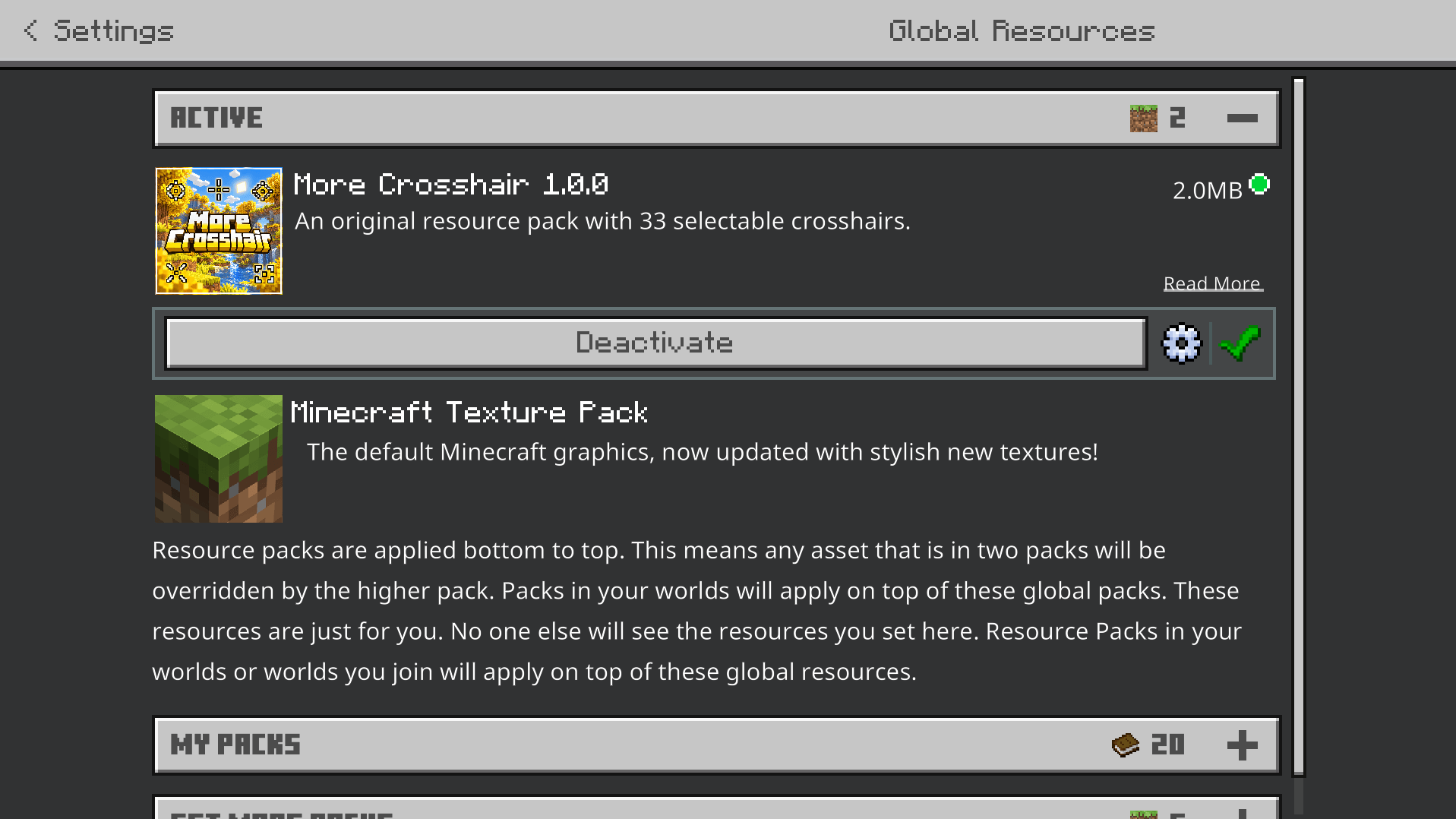
- How to install: Download the .mcpack. → Open it — Minecraft imports it under Resource Packs. → Activate it in Global Resources, or for one world under Resource Packs → Available.
- Where to get it: Opens on CurseForge — not every file is mirrored on our own servers.
Install steps are the general flow for this file type — How to install Minecraft Bedrock texture packs walks through it step by step.
- Pack type: .mcpack — a single pack
- Manifest requires Minecraft 1.26.0 or newer
- Complete pack — everything it depends on is inside the file
- Download size: 2.0 MB
- Download link checked 13 Oct 2026 — working
These come from our own check of the pack file, not from the source page.