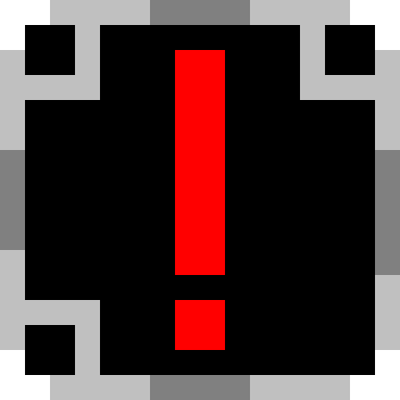
Monster Indicator
Bedrock texture pack listed for Minecraft 1.18–26.x. File opened and checked on 13 Oct 2026; installs from the MC Bedrock Mods app on Android.
⬇ Download on CurseForge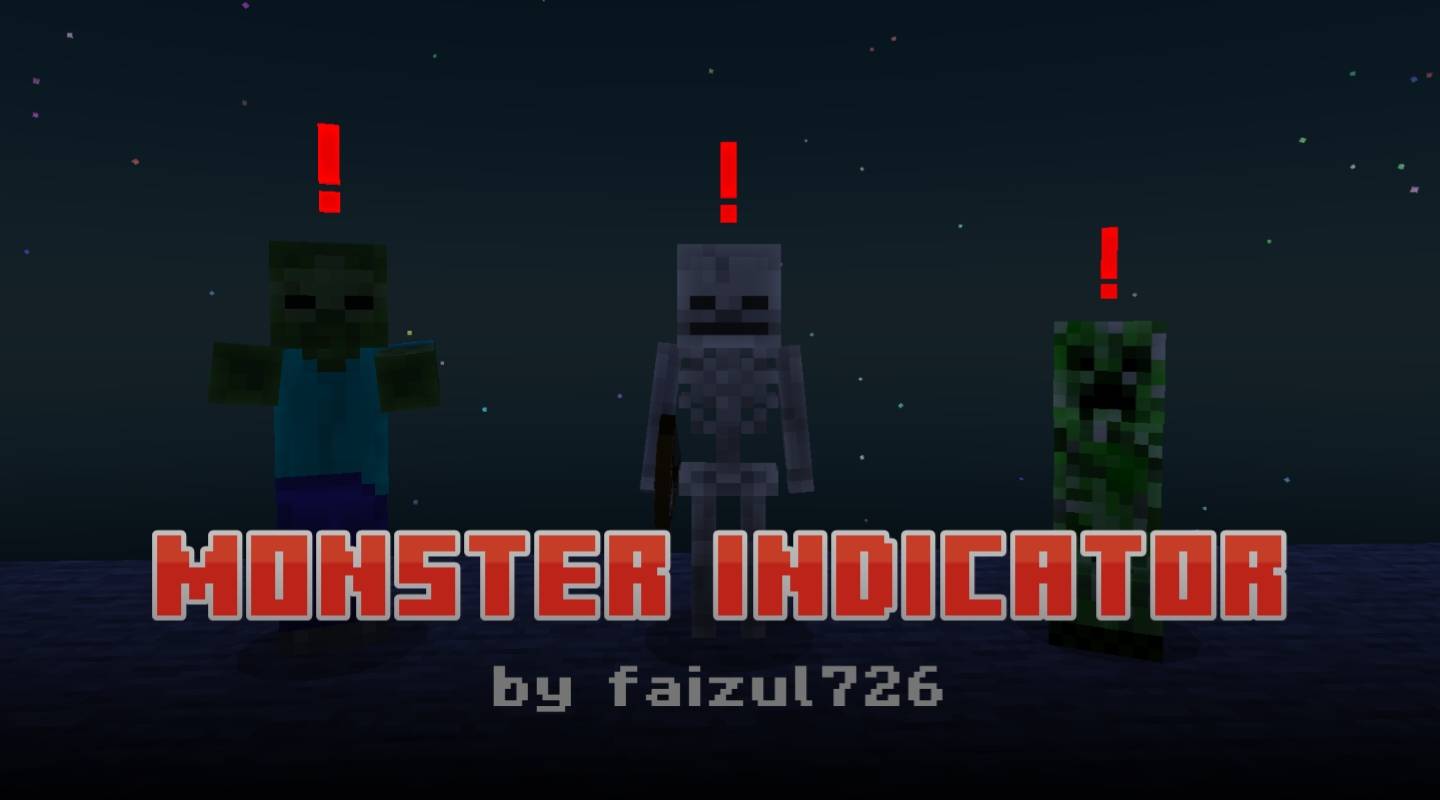
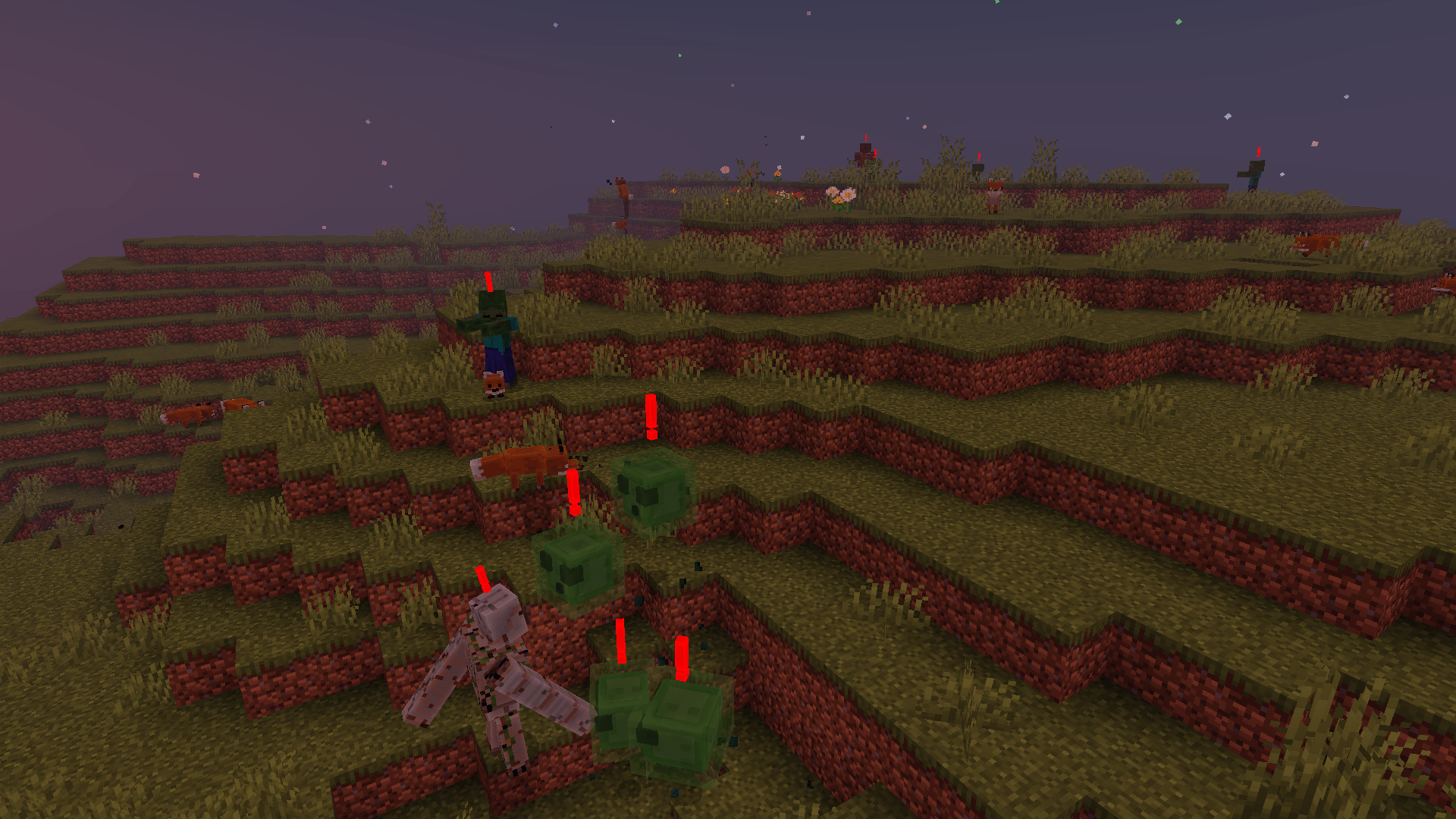
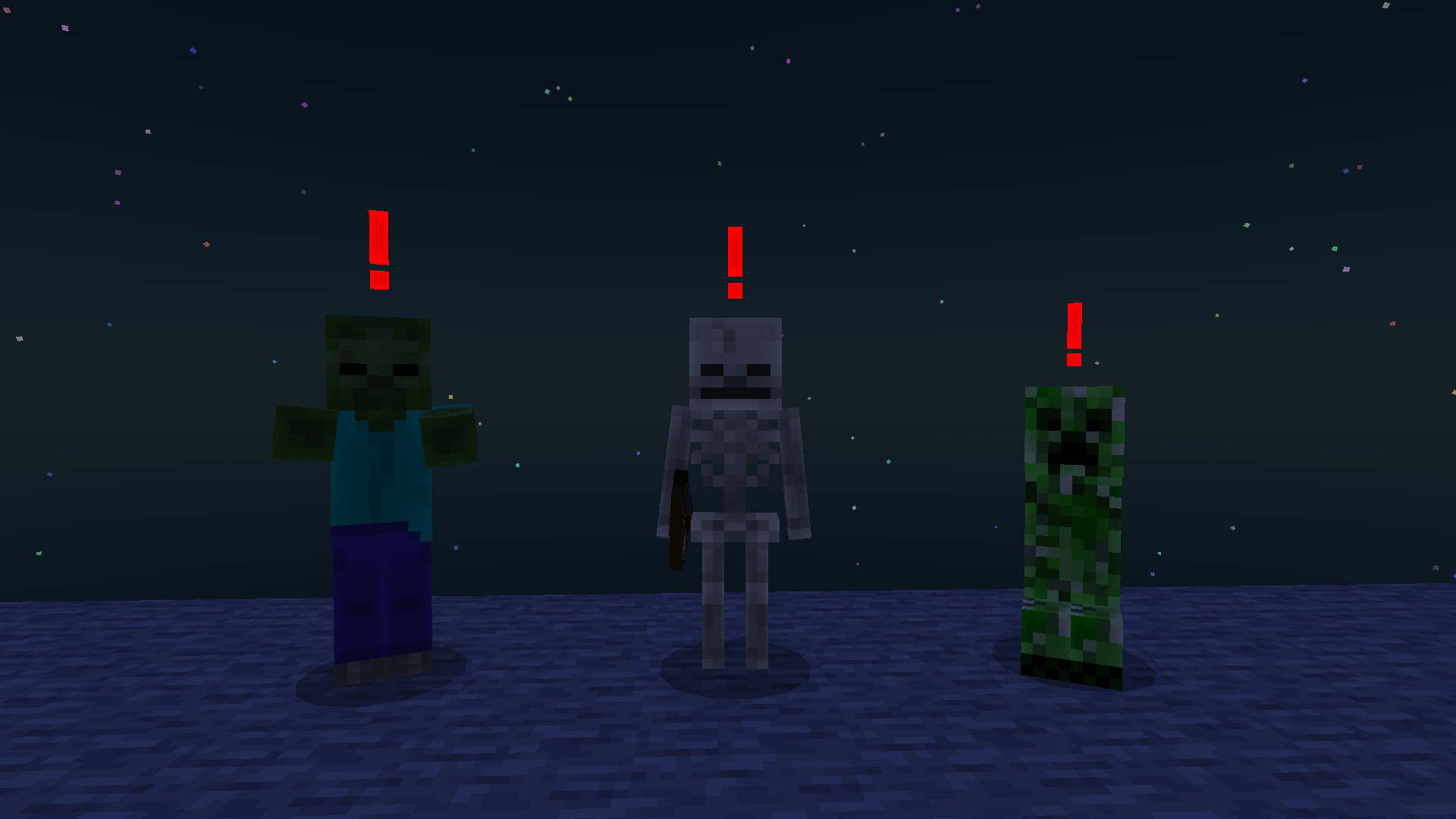
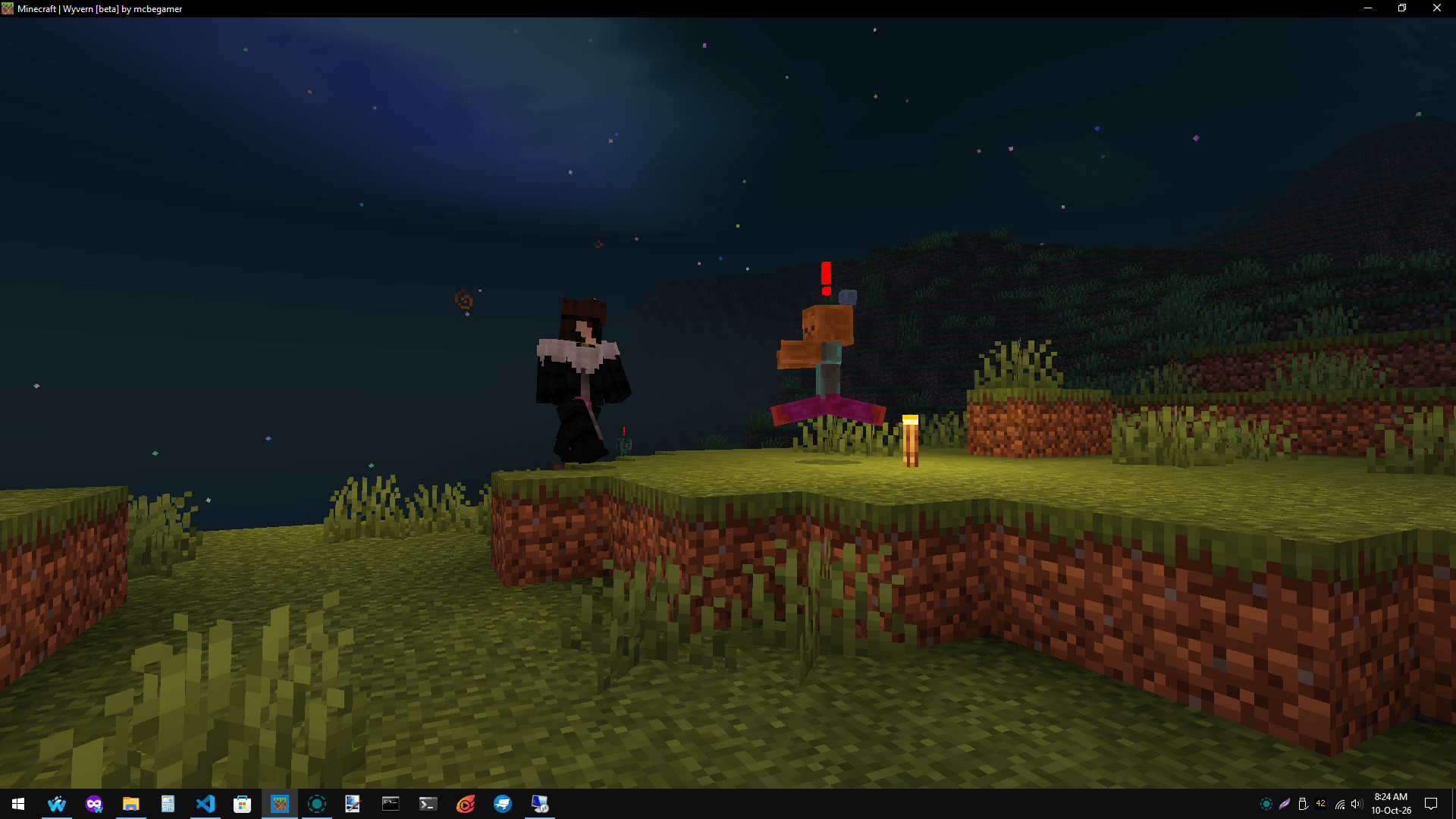
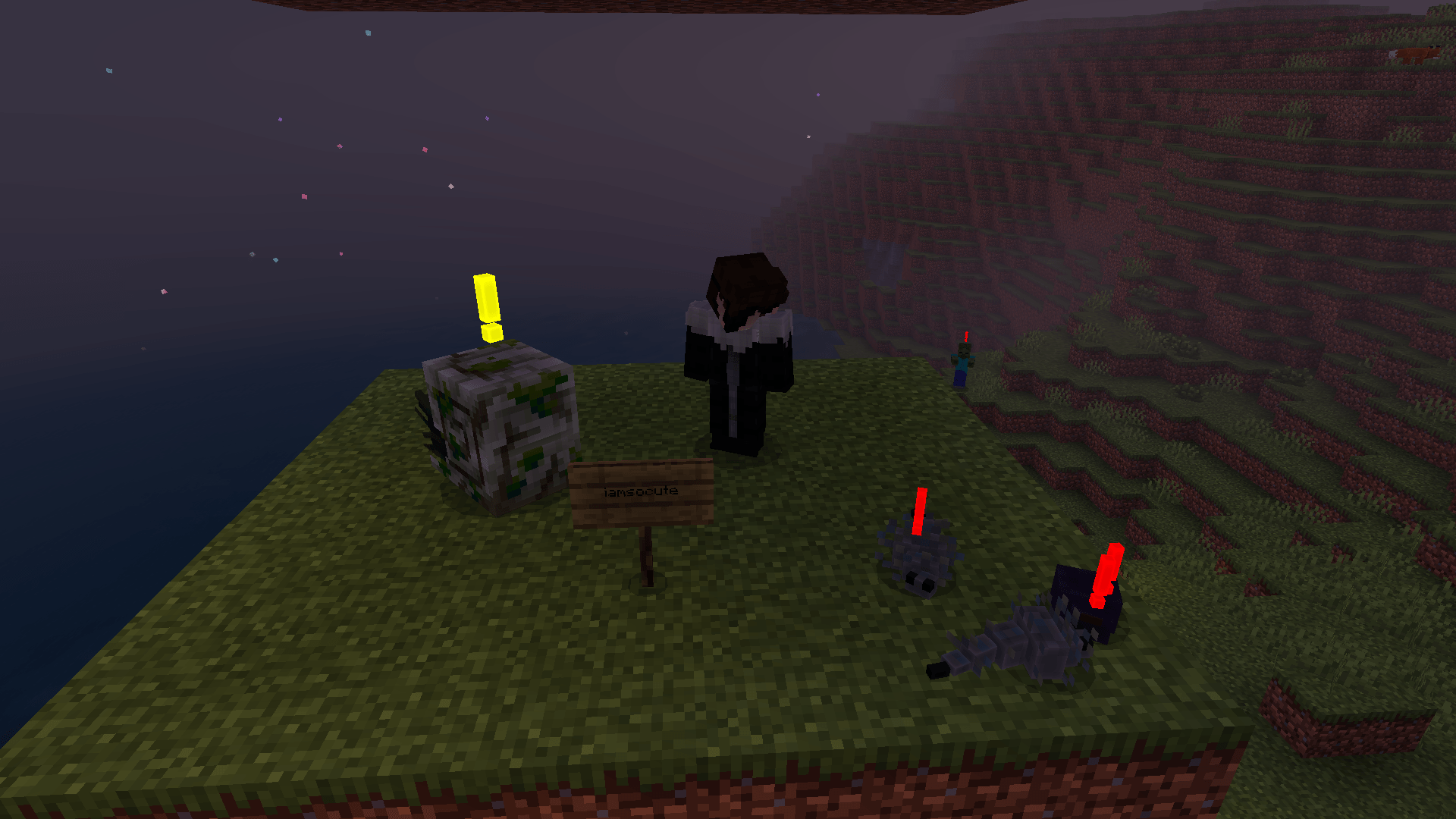
DO NOT REDISTRIBUTE/MIRROR/RELINK ANYWHERE ELSE.
NOT EVEN ON MCPEDL OR CURSEFORGE.
You are allowed to use the official MCPEDL/CurseForge link anywhere including in your videos.
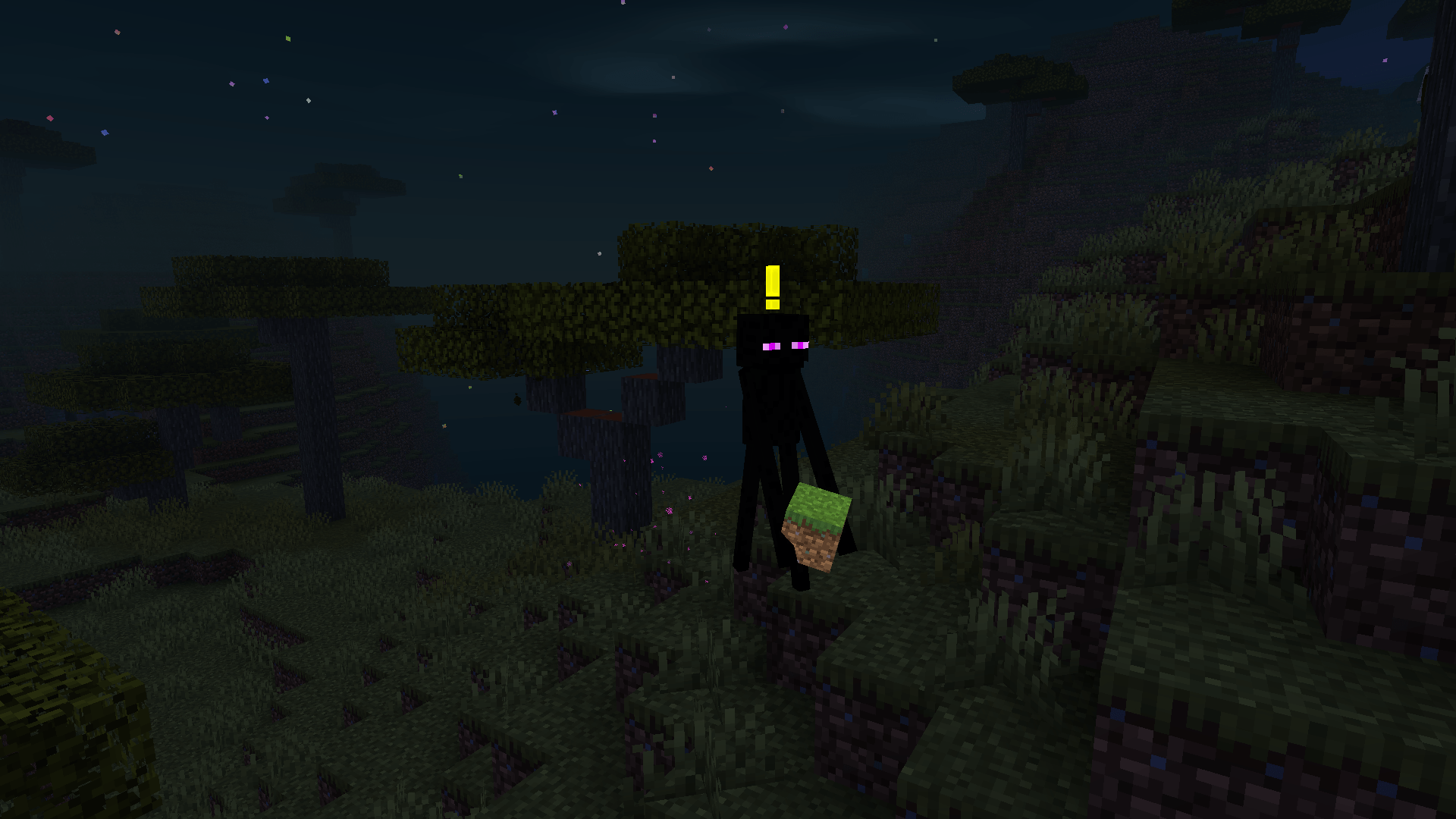
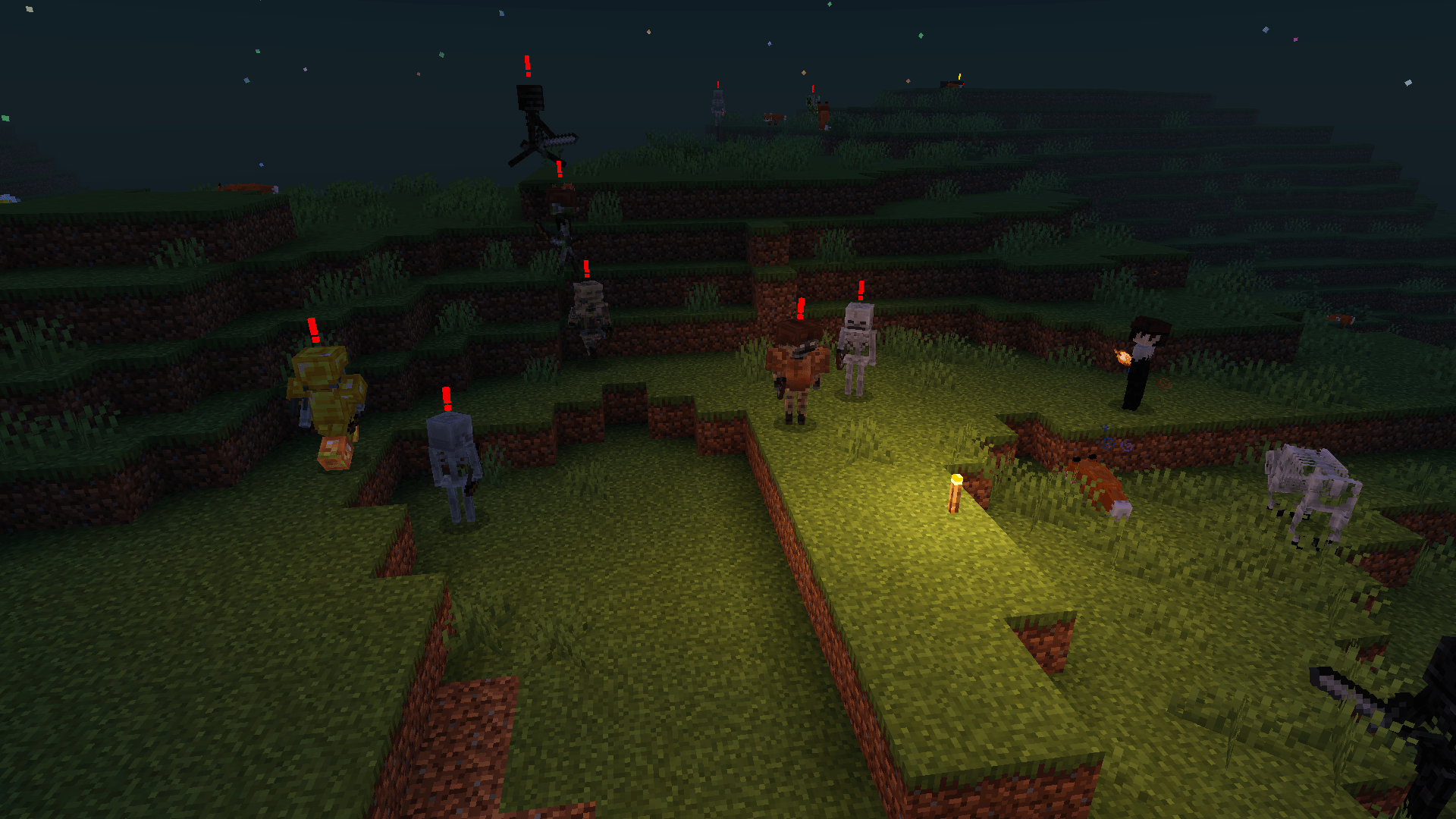
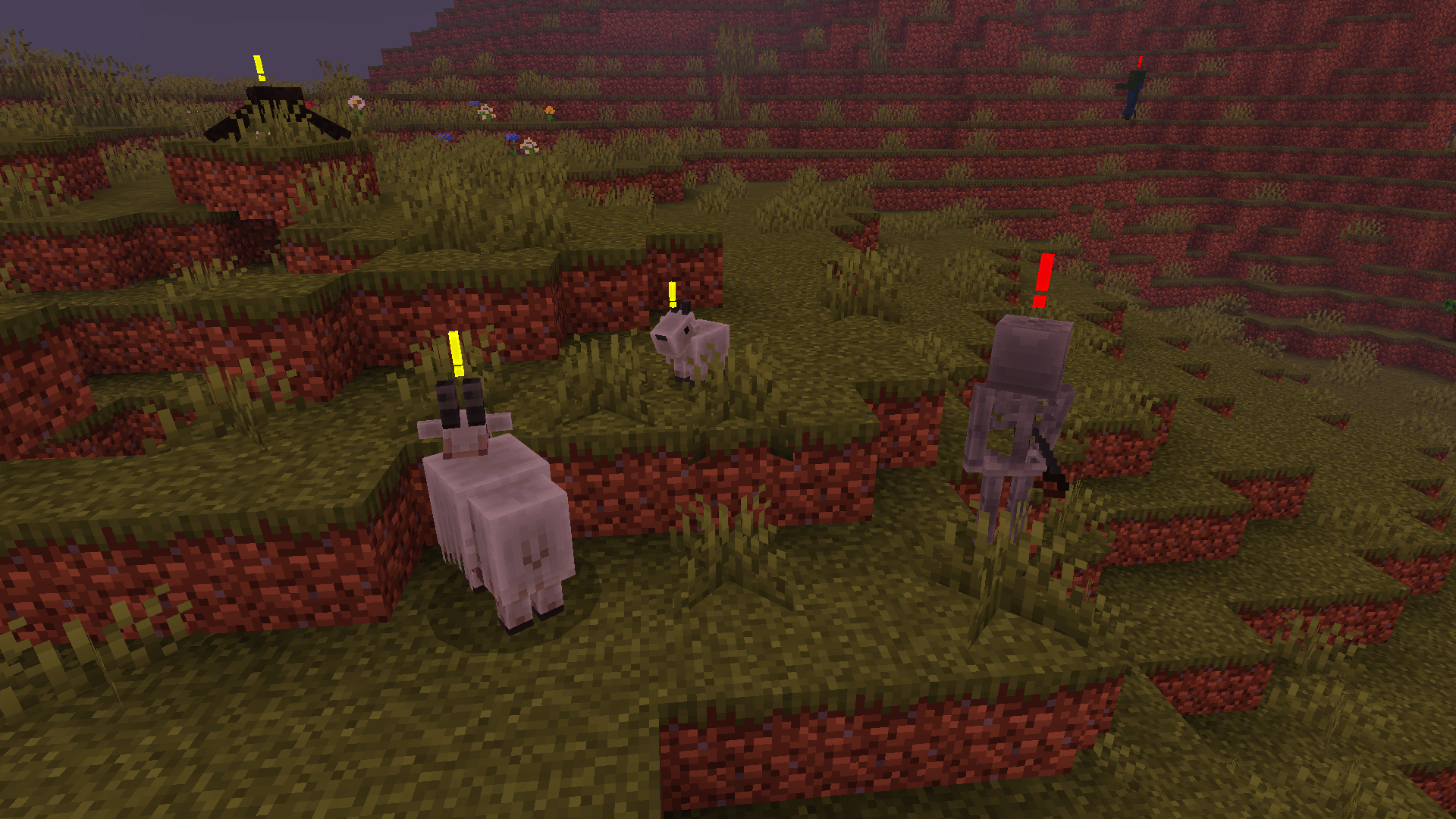
Monster Indicator is a texture pack that helps you spot neutral and hostile mobs in the dark. It adds an exclamation mark on top of all such mobs with dynamic coloring.
Yellow color indicates the mob is neutral or is not angry now. Red color means the mob is hostile or is angry.
This texture pack is made in a way so that it works on old versions starting from Minecraft v1.18.0.
It doesn't disable achievements and can be used as a global resource pack.
Known issues
- Husk is included but the game doesn't load its files (as of MC v26.52)
- Some exclamation marks may not be center aligned
- Dynamic coloring behavior may not be consistent always
- Backward compatibility is not guaranteed
If you like my work you can support me on Patreon.
List of supported mobs: (total 47)
1. Bee
2. Blaze
3. Bogged
4. Breeze
5. Cave Spider
6. Creaking
7. Creeper
8. Dolphin
9. Drowned
10. Elder Guardian
11. Enderman
12. Endermite
13. Evoker
14. Ghast
15. Goat
16. Guardian
17. Hoglin
18. Husk
19. Iron Golem
20. Llama
21. Magma Cube
22. Panda
23. Parched
24. Phantom
25. Piglin
26. Piglin Brute
27. Pillager
28. Polar Bear
29. Pufferfish
30. Ravager
31. Shulker
32. Silverfish
33. Skeleton
34. Slime
35. Spider
36. Stray
37. Vex
38. Vindicator
39. Warden
40. Witch
41. Wither Skeleton
42. Wolf
43. Zoglin
44. Zombie
45. Zombie Nautilus
46. Zombie Villager
47. Zombified Piglin
Credits
- Shader used in the screenshots is Newb Shader
- Font used in the MCPEDL thumbnail is Minercraftory
- Edition: Minecraft Bedrock
- File type: .mcpack
- Minecraft versions listed: 1.20.40, 1.21.30, 1.18.2
- How to install: Download the .mcpack. → Open it — Minecraft imports it under Resource Packs. → Activate it in Global Resources, or for one world under Resource Packs → Available.
- Where to get it: Opens on CurseForge — not every file is mirrored on our own servers.
Install steps are the general flow for this file type — How to install Minecraft Bedrock texture packs walks through it step by step.
- Pack type: .mcpack — a single pack
- Manifest requires Minecraft 1.18.0 or newer
- Complete pack — everything it depends on is inside the file
- Download size: 60 KB
- Download link checked 13 Oct 2026 — working
These come from our own check of the pack file, not from the source page.