Dark Fps Booster
Bedrock texture pack listed for Minecraft 26.x. File opened and checked on 13 Oct 2026; installs from the MC Bedrock Mods app on Android.
Dark FPS Booster – Ultimate FPS & Performance Optimization for Minecraft Bedrock Dark FPS Booster is a performance optimization pack designed to improve…
⬇ Download on CurseForge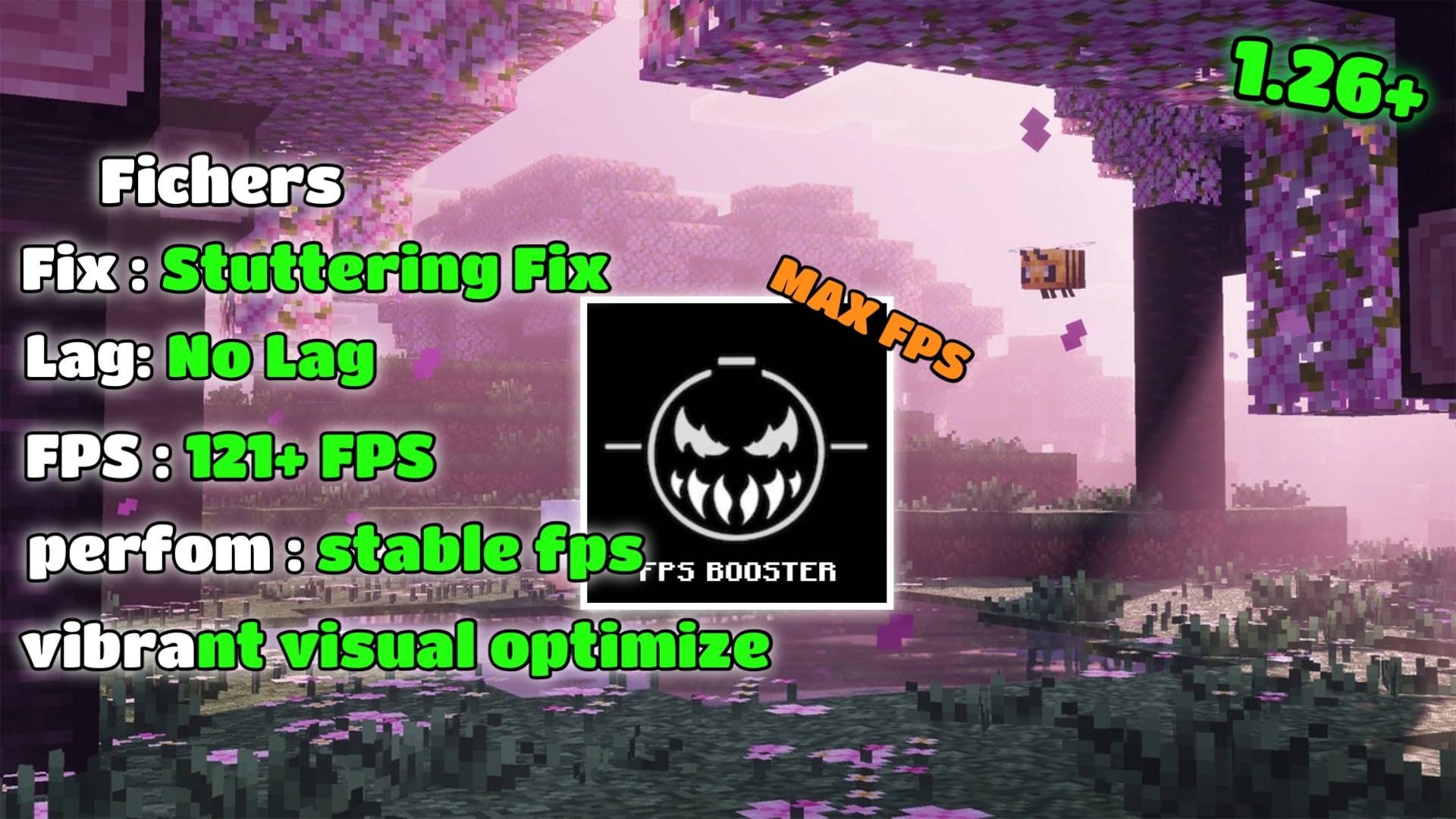
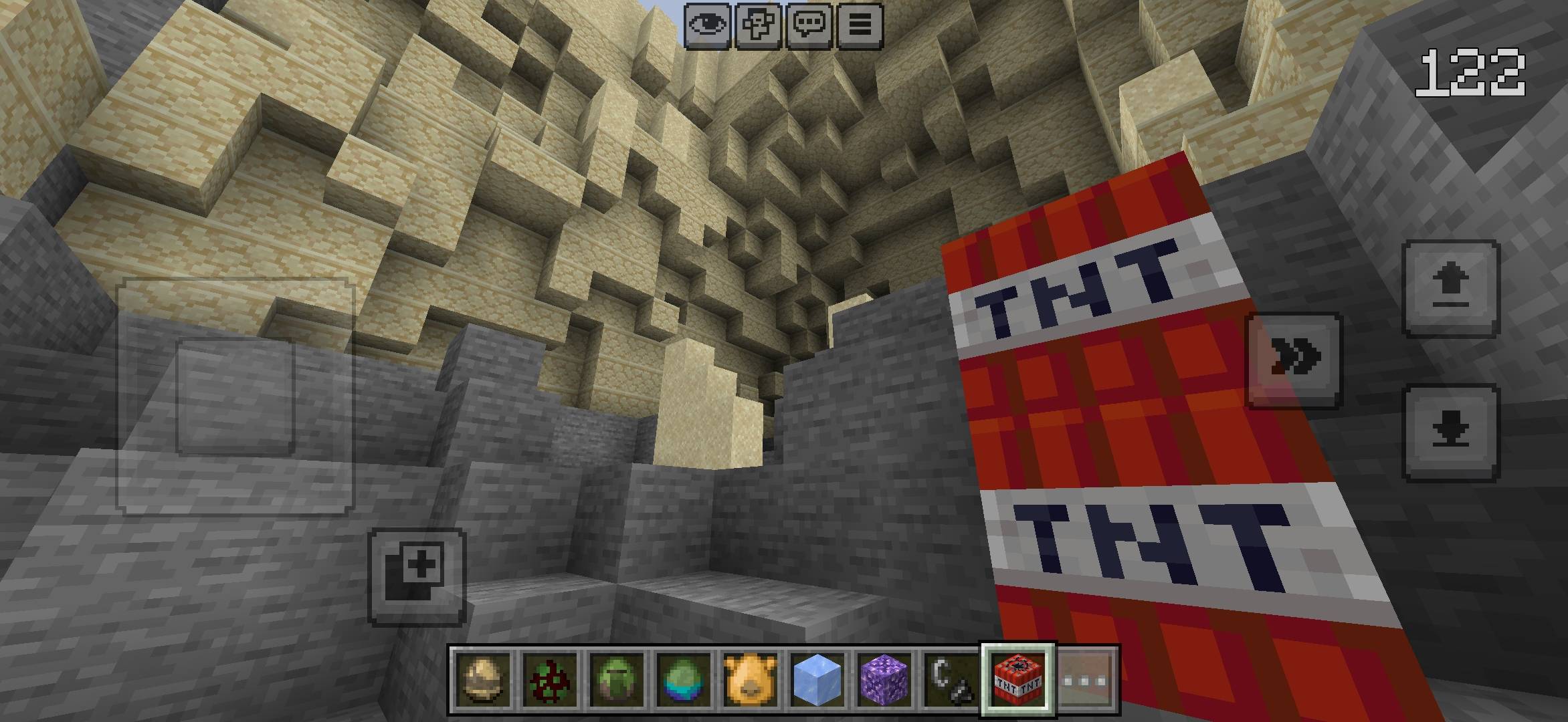
Dark FPS Booster – Ultimate FPS & Performance Optimization for Minecraft Bedrock
- Dark FPS Booster is a performance optimization pack designed to improve gameplay smoothness and reduce unnecessary resource usage in Minecraft Bedrock Edition (MCPE). It is especially useful for players using Minecraft's new Vibrant Visuals graphics update, where enhanced lighting and visual effects can put extra pressure on device performance.
The pack focuses on reducing unnecessary background effects and optimizing resource files to help deliver a smoother Minecraft experience, particularly on devices that struggle with performance.
⚡ Features
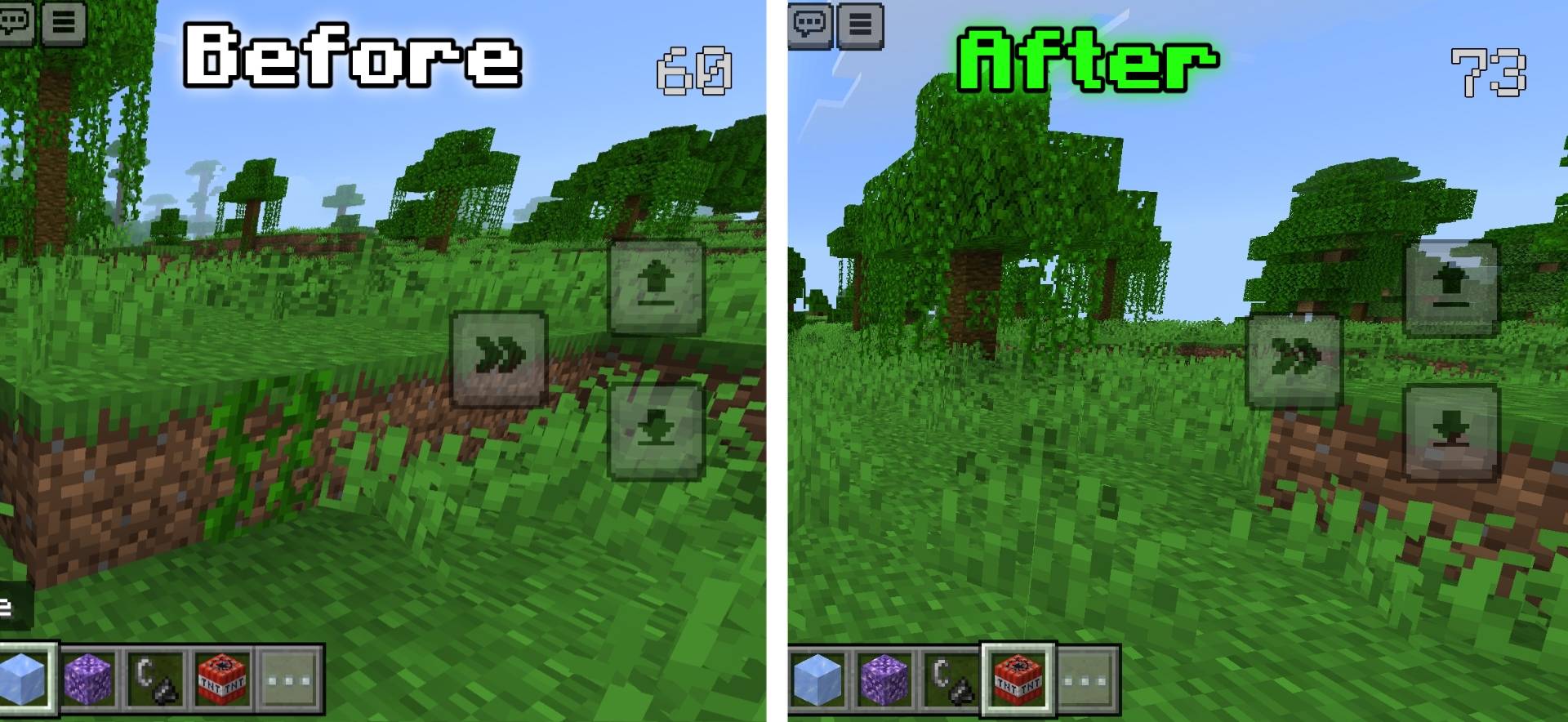
- FPS Optimization: Designed to improve performance and provide smoother gameplay.
- Particle Optimization: Disables selected particle effects to reduce unnecessary visual processing.
- Unnecessary Sound Removal: Removes selected sounds to reduce unwanted audio processing and resource usage.
- Texture Compression: Optimizes texture file sizes to help reduce pack storage requirements.
- Sound File Compression: Compresses audio assets to reduce overall resource pack size.
- Vibrant Visuals Optimization: Helps optimize the Minecraft Bedrock Vibrant Visuals experience by reducing selected resource-heavy effects.
- Smoother Gameplay: Aims to reduce performance overhead and improve the overall playing experience.
🎮 Compatibility
- Minecraft Bedrock Edition (MCPE)
- Minecraft Android devices
- Minecraft Bedrock's Vibrant Visuals graphics mode
- Players looking for FPS improvements and performance optimization
Recommended for: Players experiencing FPS drops, lag, or performance issues while using Vibrant Visuals, especially on low-end and mid-range devices.
📥 Installation
1. Download the Dark FPS Booster pack.
2. Import the ".mcpack" file into Minecraft Bedrock Edition.
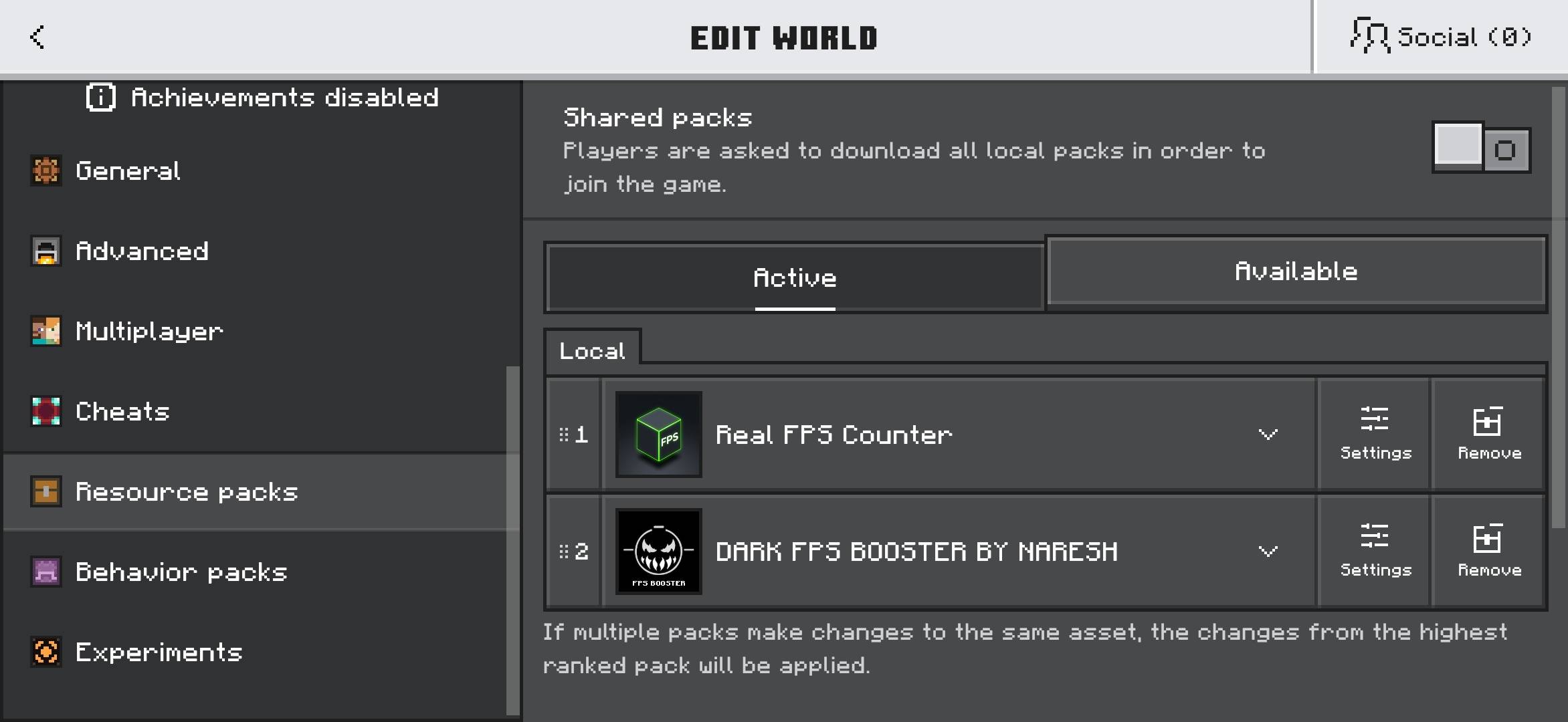
3. Open Settings → Global Resources or activate the pack in your world's resource packs, depending on the pack type.
4. Enable the pack and launch your world.
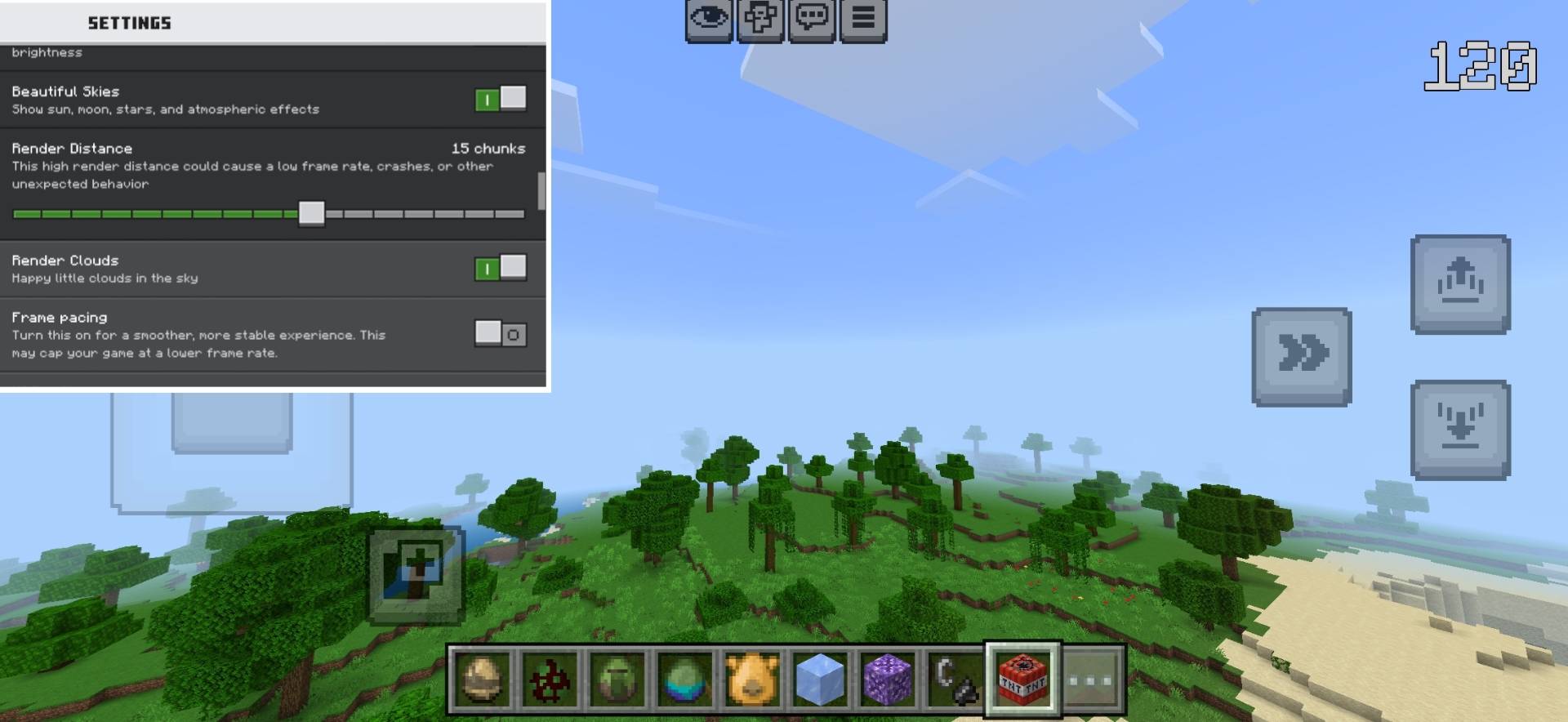
5. Test your gameplay and adjust your graphics settings for the best performance.
⚠️ Important Notes
Performance improvements may vary depending on your device, Minecraft version, graphics settings, and other active resource packs. Since this pack disables selected particles and removes or compresses certain sounds and textures, some visual or audio effects may be reduced or unavailable.
Dark FPS Booster is designed to optimize performance; it does not guarantee a specific FPS increase on every device.
Created by Naresh Gaming
If you enjoy the pack, share your feedback and let others know how it performs on your device!
- Edition: Minecraft Bedrock
- File type: .mcpack
- Minecraft versions listed: 26.0.02, 26.0, 26.3
- How to install: Download the .mcpack. → Open it — Minecraft imports it under Resource Packs. → Activate it in Global Resources, or for one world under Resource Packs → Available.
- Where to get it: Opens on CurseForge — not every file is mirrored on our own servers.
Install steps are the general flow for this file type — How to install Minecraft Bedrock texture packs walks through it step by step.
- Pack type: .mcpack — a single pack
- Manifest requires Minecraft 1.26.0 or newer
- Complete pack — everything it depends on is inside the file
- Download size: 1.8 MB
- Download link checked 13 Oct 2026 — working
These come from our own check of the pack file, not from the source page.