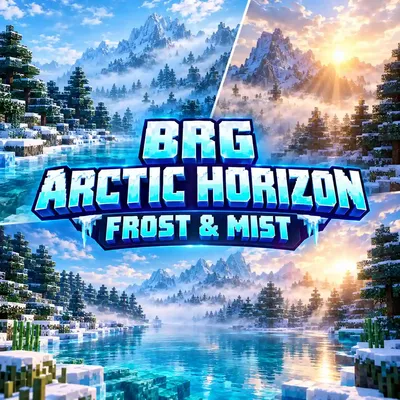
BRG Arctic Horizon: Frost & Mist
Bedrock texture pack listed for Minecraft 1.21–26.x. Installs from the MC Bedrock Mods app on Android.
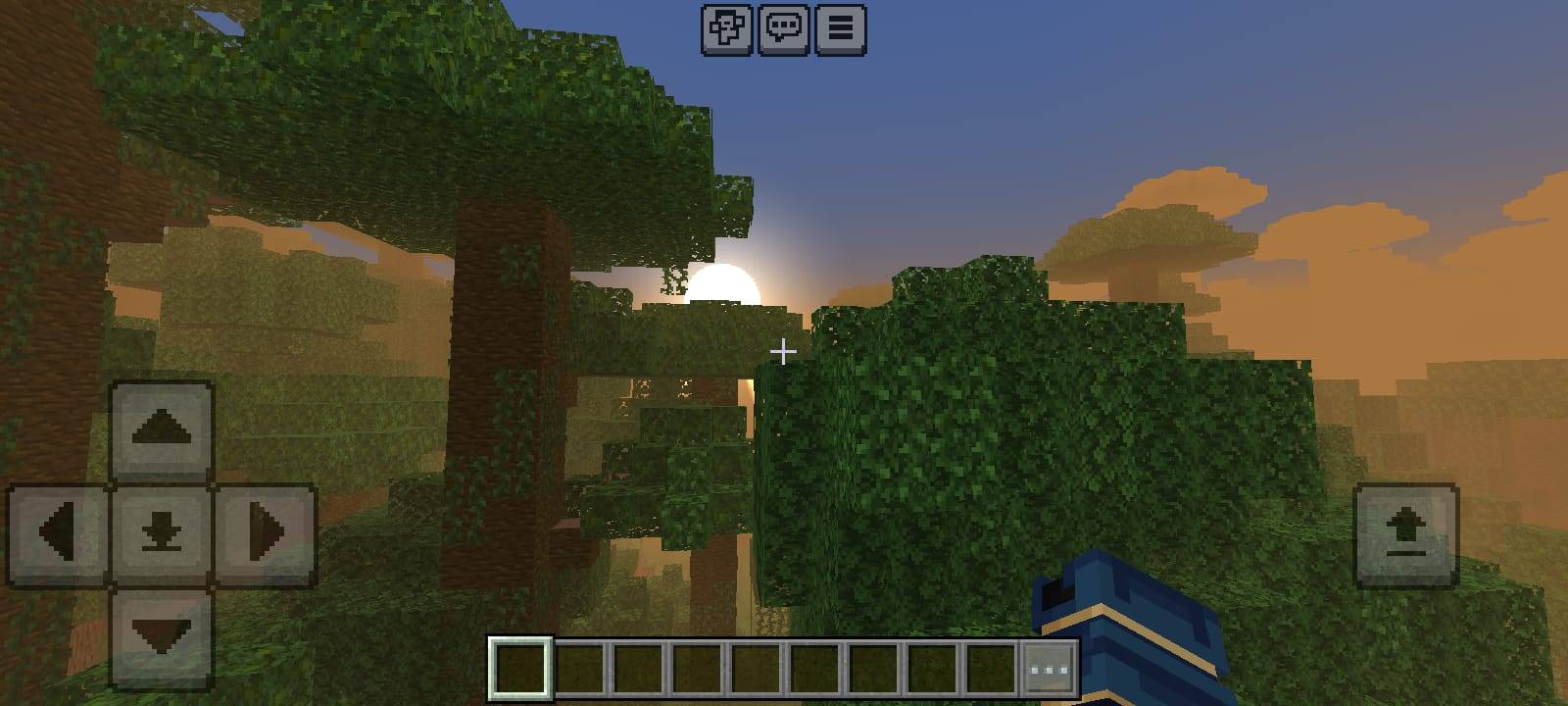
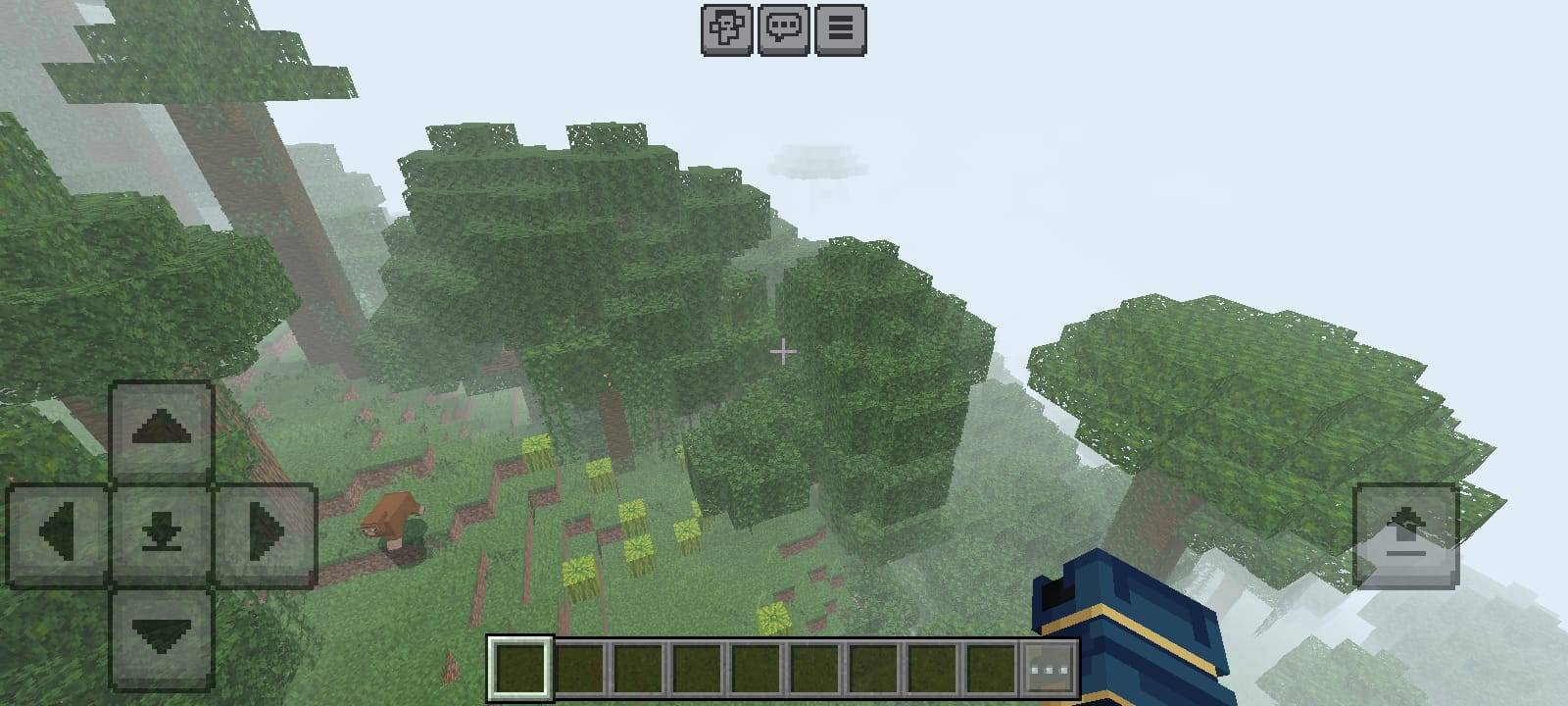
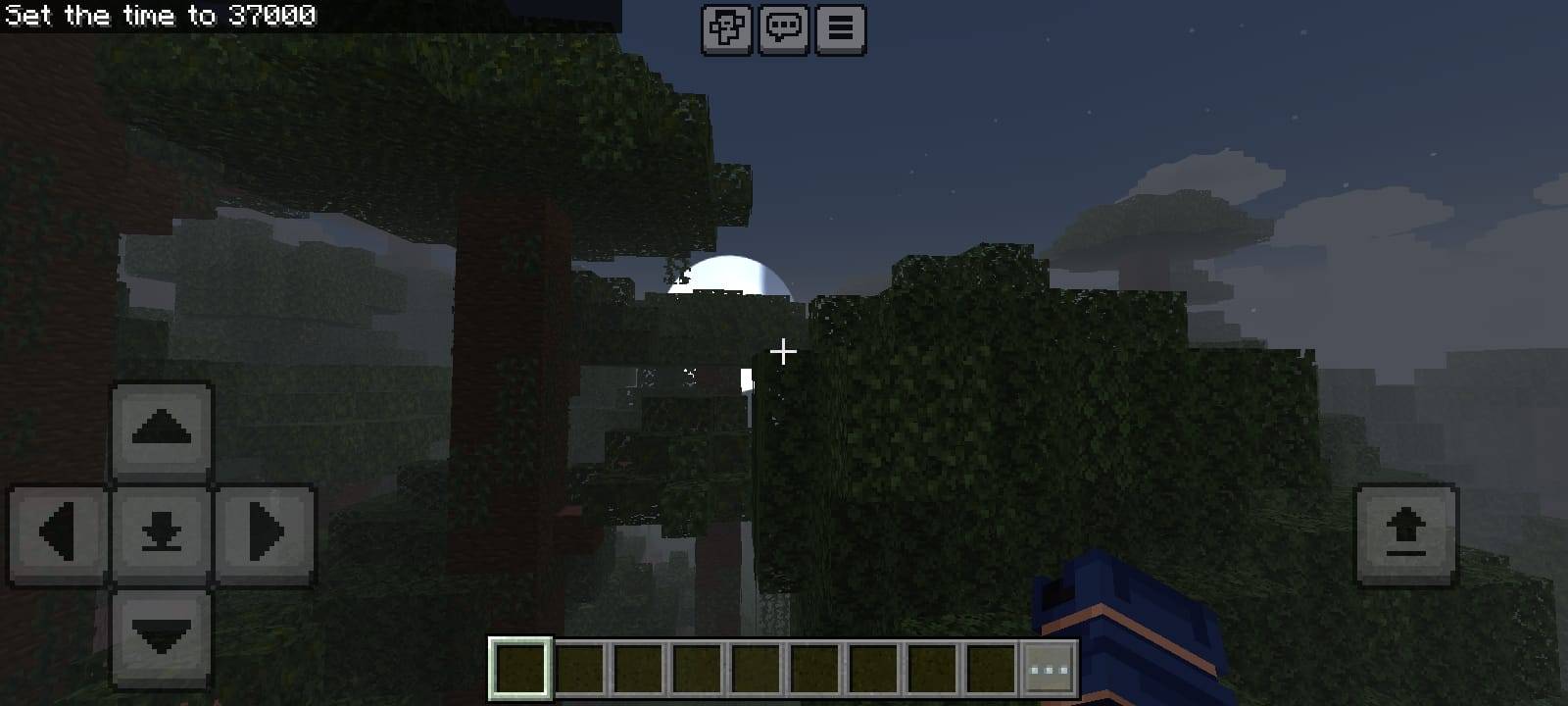
Lightweight Arctic-inspired atmosphere for Bedrock: cool blue skies, layered mist, aqua water, custom clouds, sun & moon. No shaders needed.
⬇ Download on CurseForge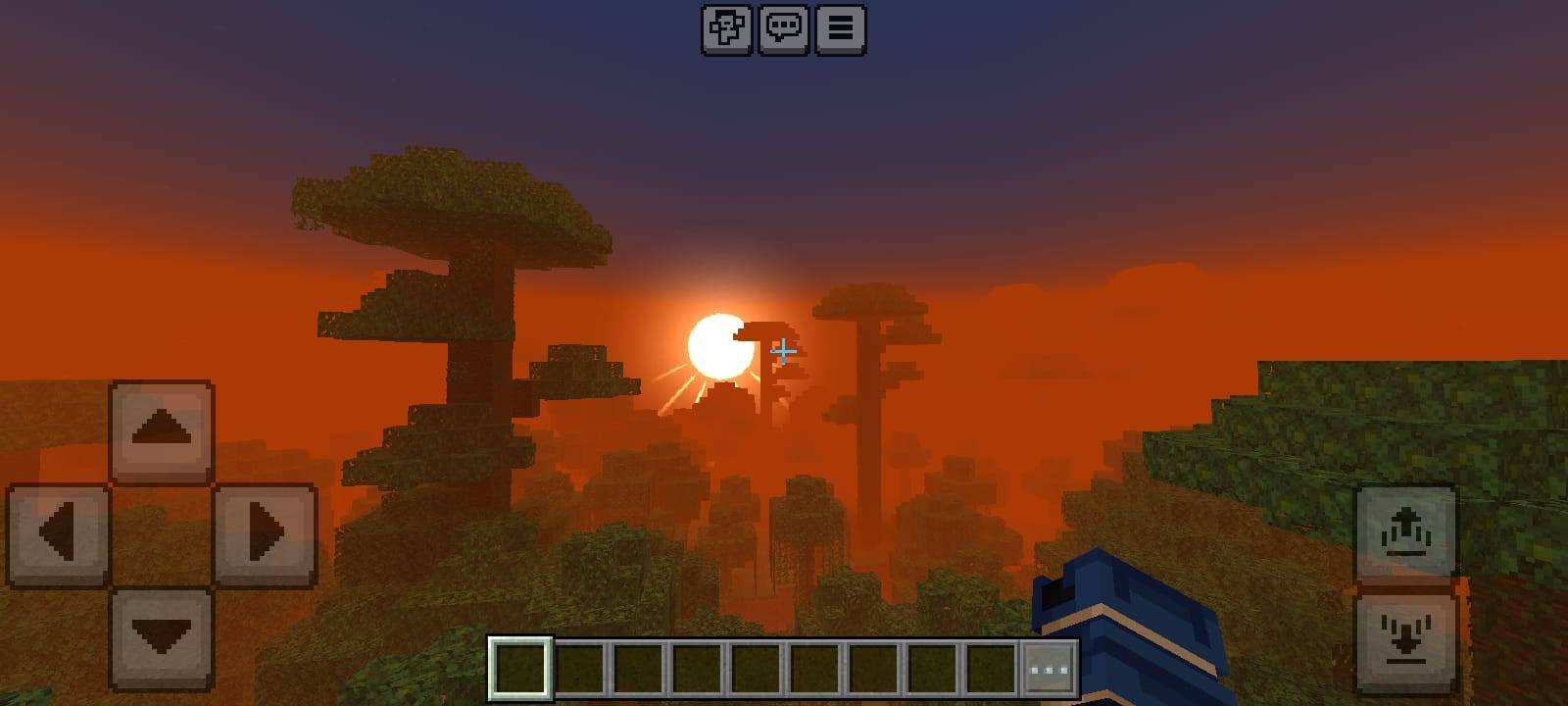
❄ BRG Arctic Horizon ☀
Cool blue skies. Drifting white mist. Clean aqua water. A world that feels calm, cold and cinematic, without a heavy shader.
❄ Welcome to Arctic Horizon
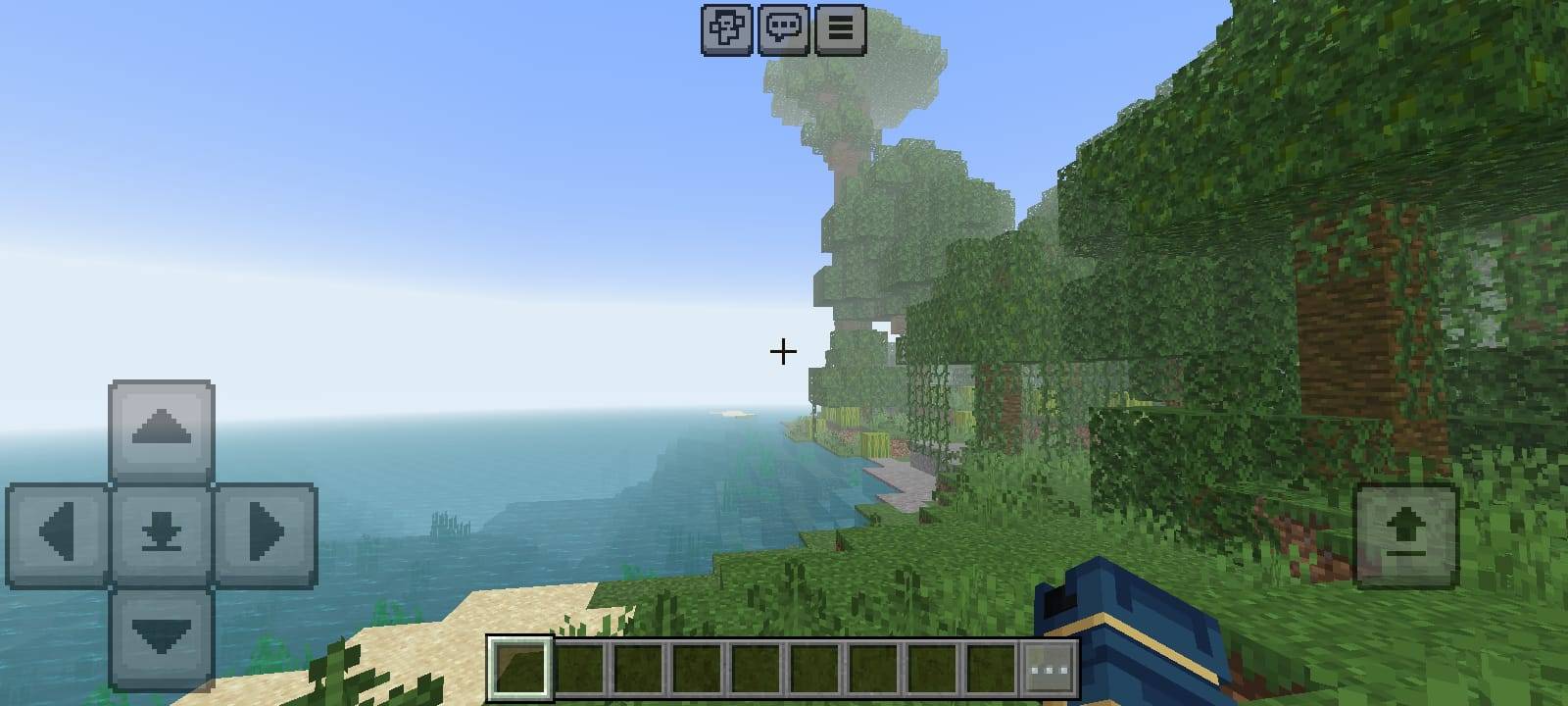
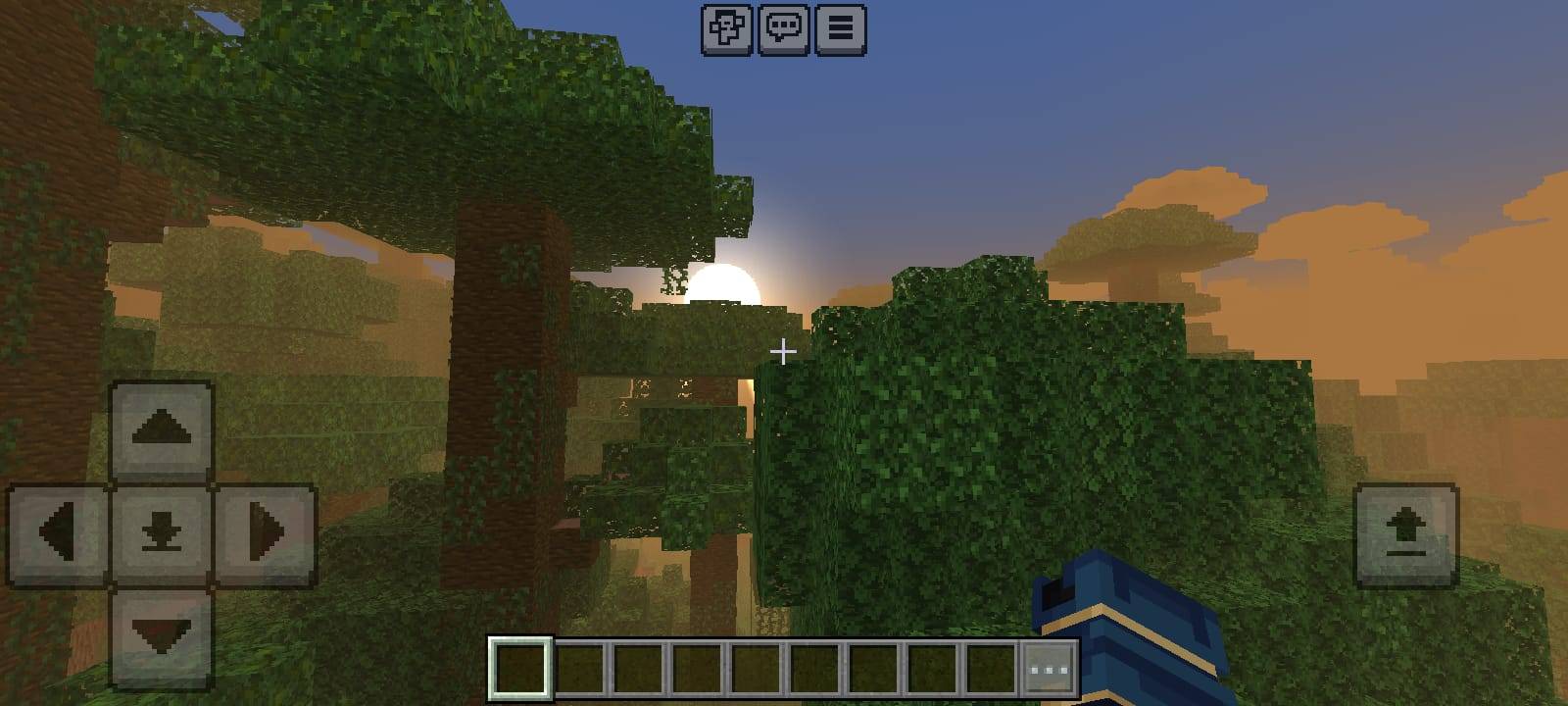
BRGamers Arctic Horizon is a lightweight, Arctic-inspired atmosphere pack for Minecraft Bedrock Edition. It keeps the classic blocky look you already love, then wraps your world in a cooler, mistier and more atmospheric mood. Distant mountains fade softly into a pale cyan haze, forests sit under drifting white mist, lakes turn a clean aqua blue, and the sky and moon get a fresh, polished look.
Everything in this pack was made from scratch by BRGamers. It does not copy any other creator's files, textures or code. The pack is only about 250 KB, so it installs in seconds and is gentle on phones and tablets.
✦ Why You Will Like It
- Lightweight: a tiny download, no shader loader and no heavy effects.
- Vanilla-friendly: block textures are untouched, so your builds still look like Minecraft.
- Atmospheric: layered fog, mist and cool tints give the whole world a calm mood.
- Easy to install: open the file, activate it and play.
- Customizable: one number in a text file makes the fog lighter or thicker.
🌫 Layered Fog and Mist
Fog is the heart of this pack. Instead of one flat fog for every biome, Arctic Horizon uses seven different fog styles, each tuned for the kind of place you are standing in. Fog starts far enough away that the terrain around you stays clear, then slowly thickens with distance so faraway hills and mountains melt into the horizon.
- White Mist: forests, birch forests, taiga, swamps, jungles, meadows and rivers get the thickest, softest mist. It starts close, so trees fade into a gentle white veil.
- Snow Haze: snowy plains, frozen rivers, groves and mountain peaks use a bright, pale-blue haze that feels crisp and cold.
- Open Sky Fog: plains, savannas and hills get a clean blue-white distance fade that keeps the view wide and open.
- Warm Haze: deserts and badlands use a slightly warmer pale haze, so they do not look unnaturally icy.
- Ocean Fog: oceans get a cool blue distance fade, and deep oceans use a darker, deeper tone with a longer view.
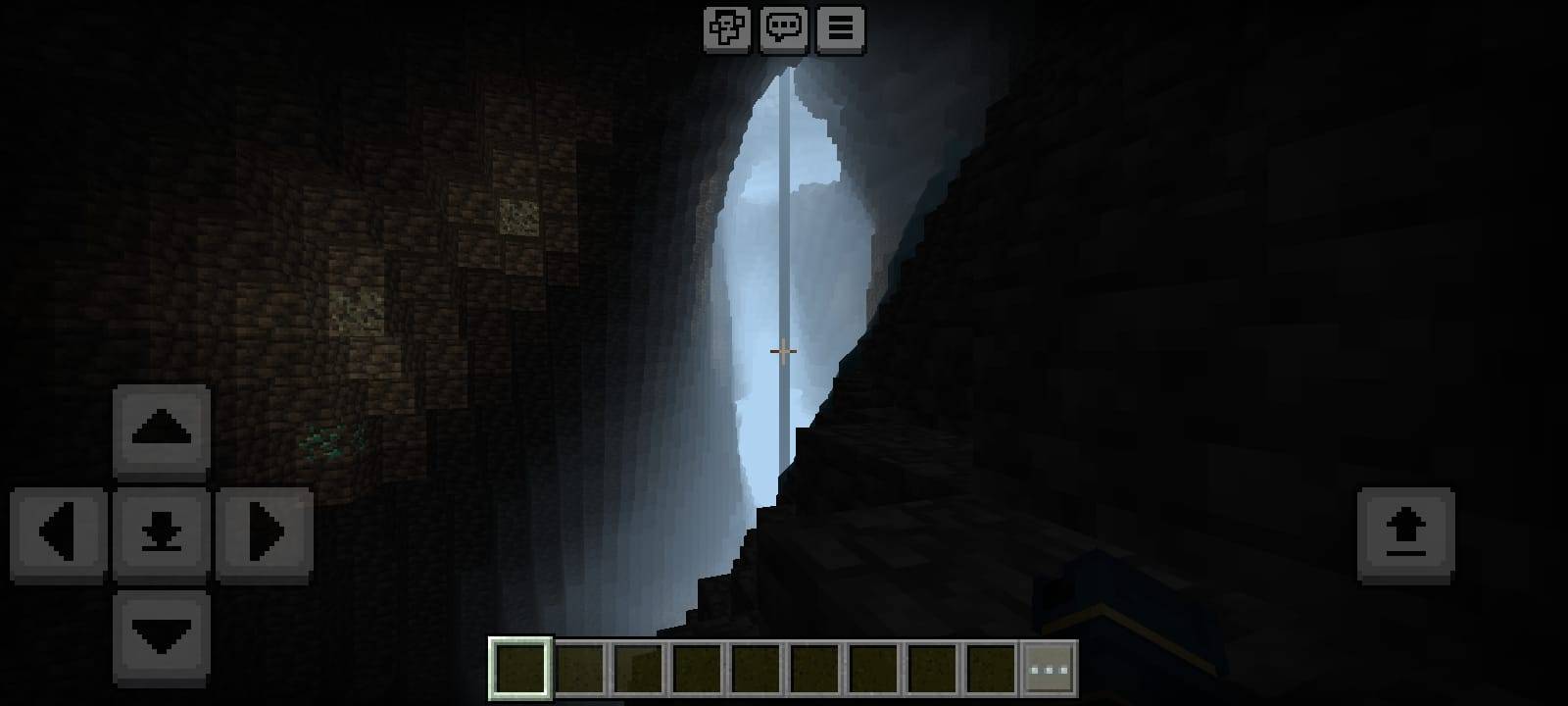
- Cave Fog: dripstone caves, lush caves and the deep dark get a cool, dark blue fog for a moody feeling underground.
🌊 Aqua Water
Water uses a clean aqua-blue surface color with a slightly more transparent look, so lakes and rivers feel fresh instead of flat. Shallow biomes lean light and turquoise, while deep oceans use a darker, deeper blue. Underwater fog colors are tuned to match, so diving feels calm and consistent with the rest of the world.
☁ Soft Custom Clouds
The clouds were redrawn as soft, tileable shapes with a faint cool tint. They sit nicely against the blue sky and fit the Arctic mood without looking harsh or noisy.
☀ Redrawn Sun with Light Rays
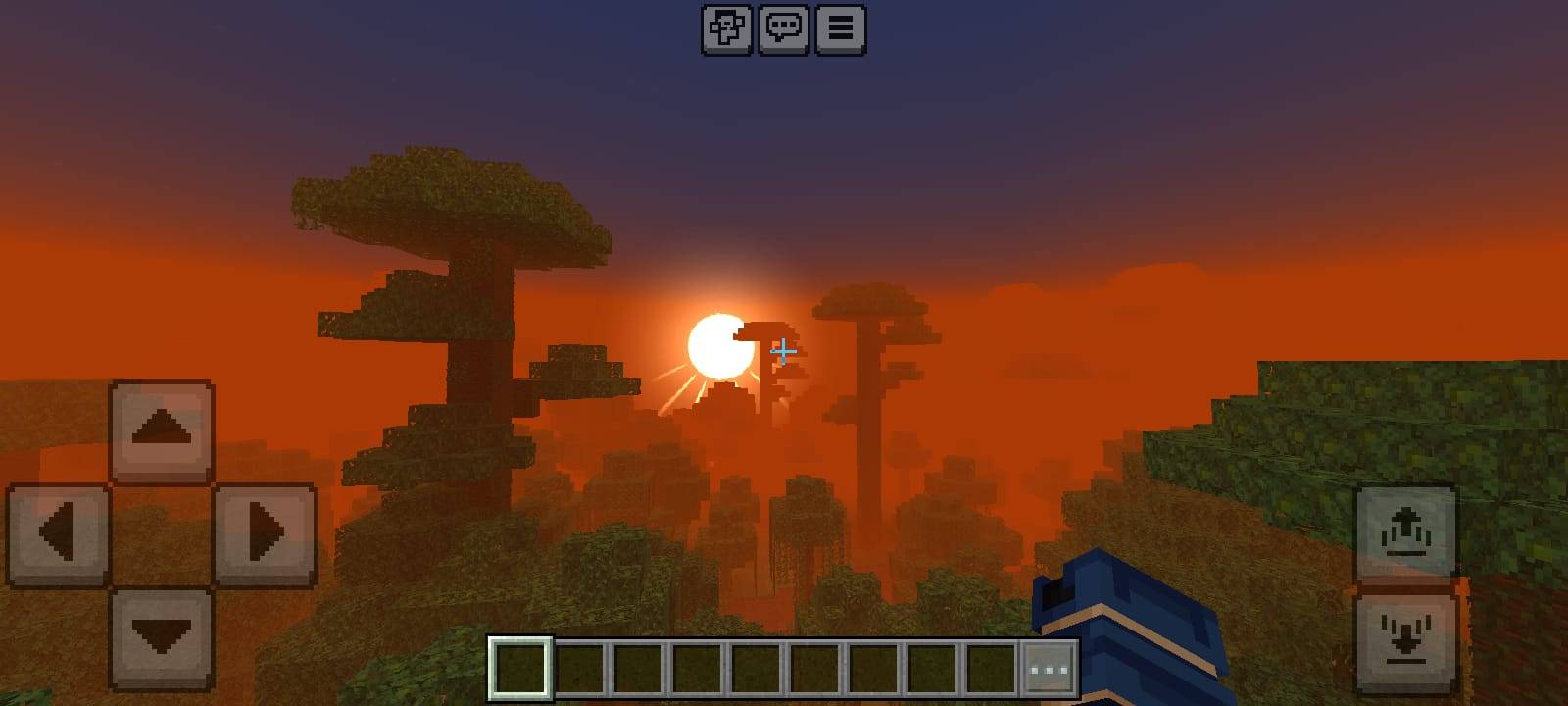
The sun has a warm white-gold glow with thin rays of light spreading out from it. The rays pointing downward are the longest and brightest, so the sun looks like it is shining down over the land. Look toward the sun at sunrise or sunset to enjoy it.
🌙 Moon with 8 Phases
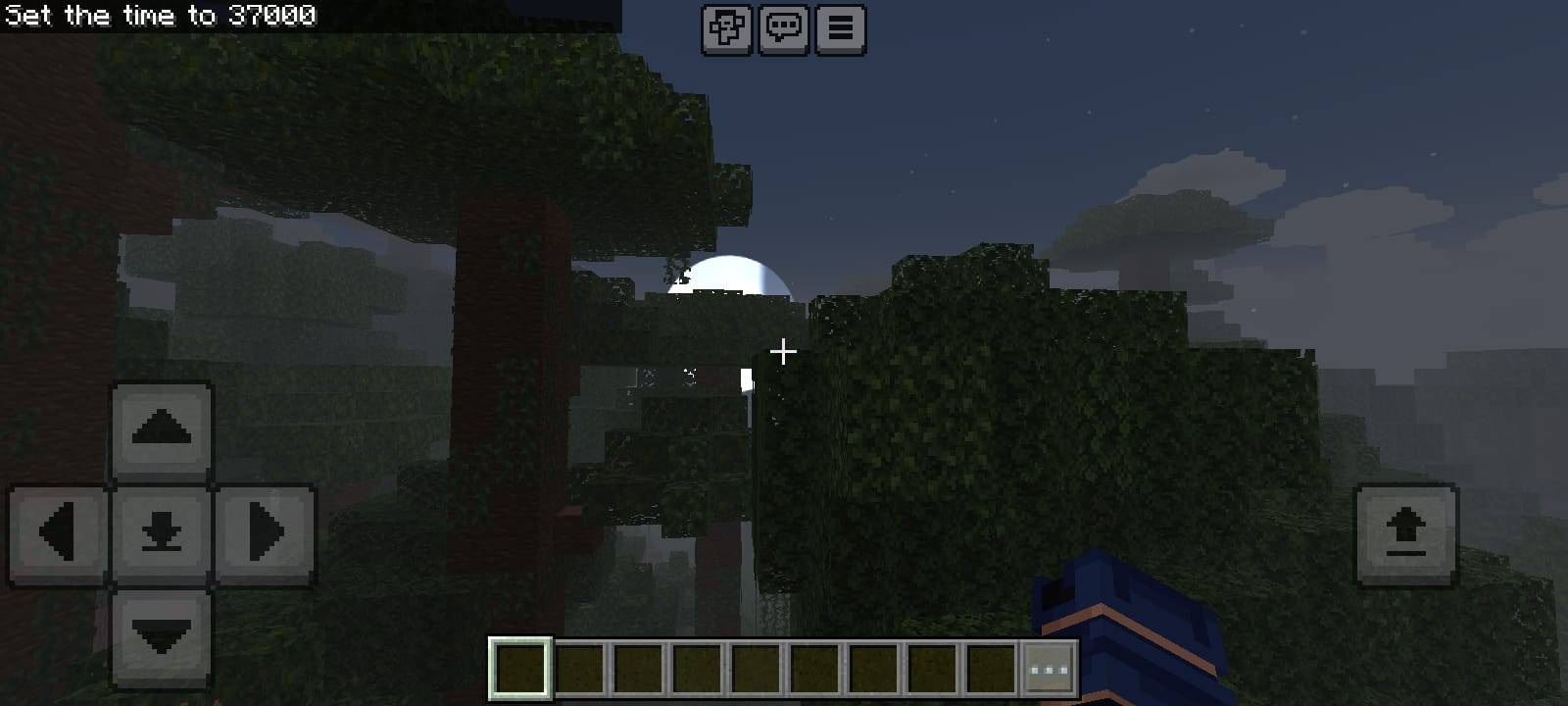
The moon has a cool blue-white tone, soft crater detail and all eight phases. Nights keep a calm, moonlit feeling, and the moon looks great against the deep blue night sky.
🌿 Cool Natural Foliage Tints
Grass, foliage, spruce and birch colormaps lean slightly cooler and fresher, so green areas match the blue sky and mist. The result is natural and balanced, with no neon colors. Cold biomes feel colder, and warm biomes stay green and healthy.
⚡ Performance
Arctic Horizon is a normal resource pack, so it does not need a shader loader or any special render pass. The download is tiny, and it keeps all the vanilla block textures, so it is a good choice for Android phones, tablets and older devices. Results depend on your device, so there are no FPS promises here, but because nothing heavy is added, the pack is designed to stay light.
📦 Compatibility
- Edition: Minecraft Bedrock Edition (Android, iOS, Windows)
- Version: 1.21 and newer
- Vibrant Visuals: not required. Keep it off for the intended look.
- Shader loader: not required.
- Other packs: if another pack changes fog, sky or clouds, move Arctic Horizon above it in the list.
🛠 How to Install
- Download the .mcpack file.
- Open the file. Minecraft will import it automatically.
- Go to Settings → Global Resources.
- Activate BRGamers Arctic Horizon and move it to the top.
- Create or open a world and enjoy.
Updating? Remove the old version first so the game does not load the cached one.
🎛 Customize It
Want less fog? Open the fogs folder inside the pack and find the fog file for the biome you want to change. Each file has a value called fog_start. Raise it (for example from 0.20 to 0.40) and the fog starts farther away, which gives you a clearer view. Lower it for thicker mist. If you want to change the sky or water color, edit the colors in biomes_client.json.
⚠ What This Pack Is Not
To keep things honest, here is exactly what to expect. Arctic Horizon is a standard resource pack, not a shader. That means it does not add real-time shadows, water reflections, wind-animated leaves, bloom or true volumetric god rays that pass through trees. The sun rays are part of the sun texture, so they are visible when you look at the sun. Fog and sky colors also stay the same through the day and night cycle. If you want those effects, they need a shader or Vibrant Visuals, and this pack does not claim to replace them. What it does give you is a clean, light and consistent Arctic atmosphere that works for everyone.
❓ FAQ
Is this a shader?
No. It is a lightweight atmosphere resource pack.
Does it need Vibrant Visuals?
No. Keep Vibrant Visuals off.
Will it lag my phone?
It is very small and adds no heavy effects, so it should be gentle on most devices.
Nothing changed after installing. What do I do?
Check that the pack is active in Global Resources, move it to the top, remove any older copy and disable other packs that change fog or sky.
Can I use it in a video or modpack?
Yes, please credit BRGamers and link back to this page.
💙 Credits and Support
Created by BRGamers. All assets are original. If you enjoy the pack, leave a rating, share a screenshot and tell your friends. Feedback helps the pack get better with every update.
Stay cool. Stay misty. Enjoy the horizon. ☀
- Edition: Minecraft Bedrock
- File type: .mcpack
- Minecraft versions listed: 1.21.81, 1.21.93, 1.21.90
- How to install: Download the .mcpack. → Open it — Minecraft imports it under Resource Packs. → Activate it in Global Resources, or for one world under Resource Packs → Available.
- Where to get it: Opens on CurseForge — not every file is mirrored on our own servers.
Install steps are the general flow for this file type — How to install Minecraft Bedrock texture packs walks through it step by step.
- Pack type: .mcpack — a single pack
- Manifest requires Minecraft 1.21.0 or newer
- Complete pack — everything it depends on is inside the file
- Download size: 246 KB
- Download link checked 13 Oct 2026 — working
These come from our own check of the pack file, not from the source page.