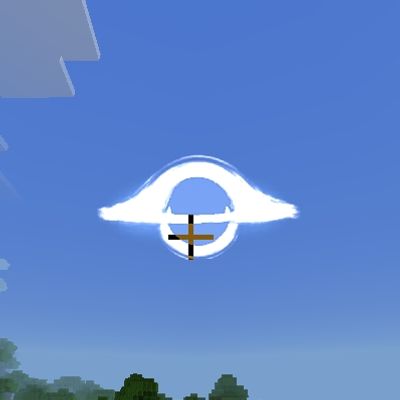
Atolokoss black hole
Bedrock texture pack listed for Minecraft 26.x. Download on the author's site.
⬇ Download on CurseForge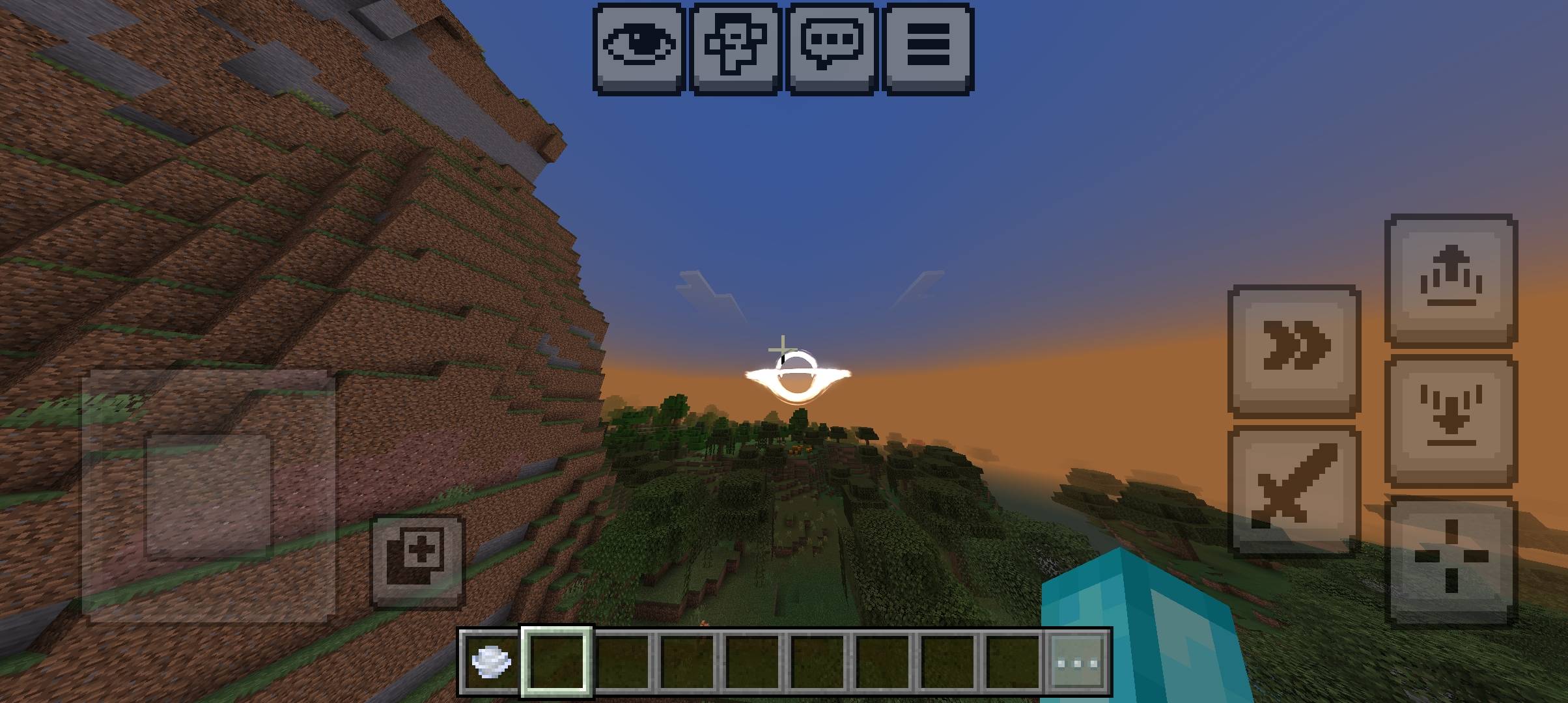
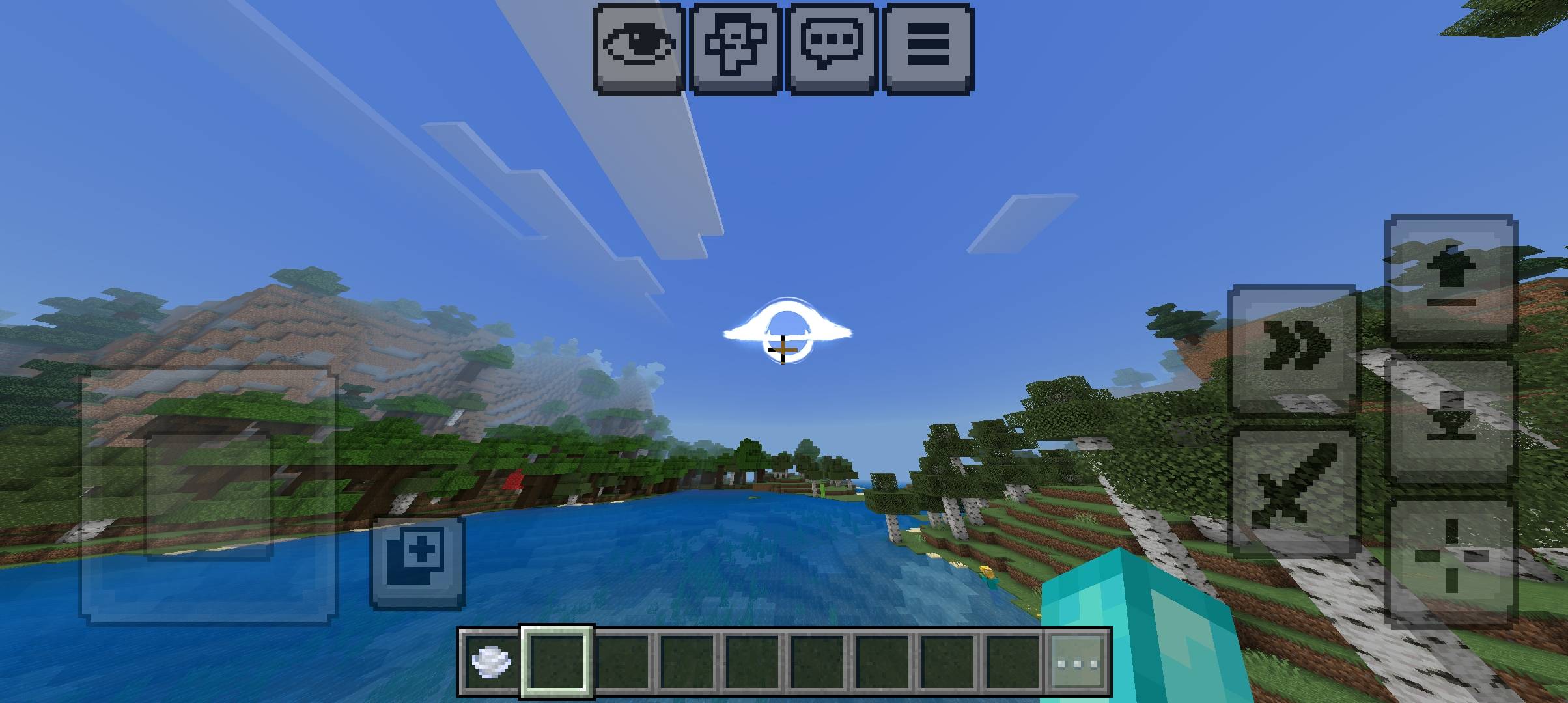
Atolokos Huge Sun
Tired of the same blocky sun every morning? This resource pack replaces it with a massive, Interstellar-style black hole hanging in your daytime sky.
Features
Replaces the vanilla sun with a huge black hole, with a glowing accretion disk and a dark event horizon
Transparent background, so it blends naturally with the sky color
Larger and more eye-catching than the default sun
The moon stays untouched
Texture-only: no behavior pack, no scripts, no performance impact
Installation
Download the .mcaddon file and open it. Minecraft Bedrock will import it automatically.
Open your world settings, go to Resource Packs, and activate Atolokos Huge Sun.
Wait for daybreak and look up.
Compatibility
Made for Minecraft Bedrock Edition (1.20+). It only changes the sun texture, so it should work alongside most other resource packs, though packs that also replace the sun will conflict with it.
Notes
The sun's size is fixed by the game, so the black hole is scaled to fill the entire sun area.
- Edition: Minecraft Bedrock
- File type: .mcpack
- Minecraft versions listed: 26.3, 26.10, 26.11
- How to install: Download the .mcpack. → Open it — Minecraft imports it under Resource Packs. → Activate it in Global Resources, or for one world under Resource Packs → Available.
- Where to get it: Opens on CurseForge — not every file is mirrored on our own servers.
Install steps are the general flow for this file type — How to install Minecraft Bedrock texture packs walks through it step by step.
Atolokoss black hole is a free Minecraft Bedrock texture pack. Compatible with Minecraft 26.3, 26.10, 26.11, 26.12 and newer. Downloaded 7 times (via CurseForge). Download it and open it directly in the game.