Texture packsBedrock
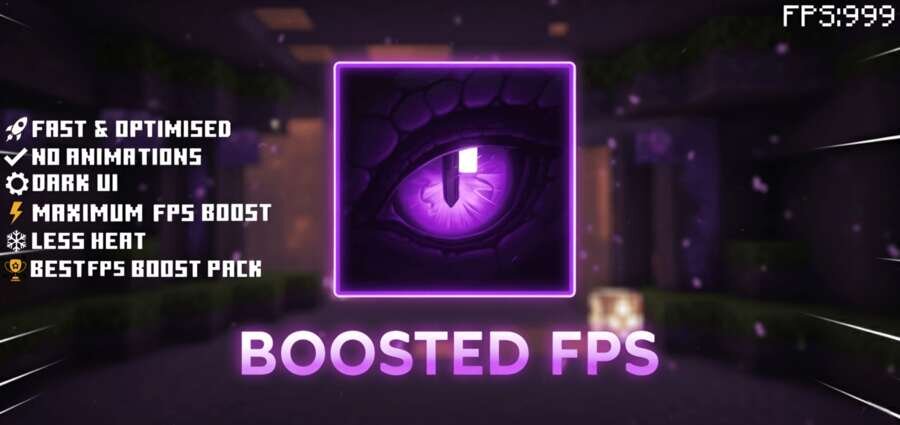
Boosted FPS Textures
Bedrock texture pack listed for Minecraft 1.18–26.x. File opened and checked on 14 Oct 2026; installs from the MC Bedrock Mods app on Android.
When Minecraft starts lagging on a weak device, reducing visual load can help achieve more stable performance. The Boosted FPS texture pack reduces the…
⬇ DownloadКогда Майнкрафт начинает тормозить на слабом устройстве, уменьшение визуальной нагрузки может помочь добиться более стабильной работы. Набор текстур Boosted FPS сокращает количество частиц, отключает часть анимаций и изменяет настройки тумана, сохраняя знакомый внешний вид игры.
Ты можешь выбрать разнообразные режимы для своей игры. Например, Pure FPS для максимальной производительности или PvP FPS с дополнительными элементами интерфейса. Отдельные эффекты также настраиваются через параметры набора.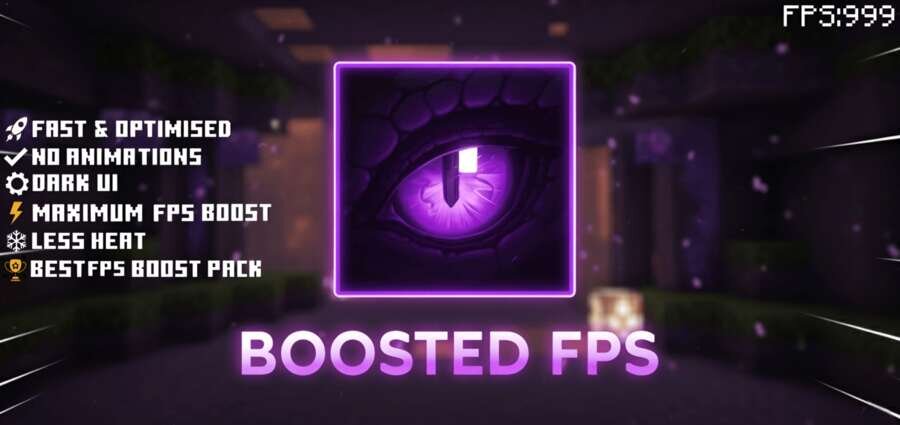
Ты можешь выбрать разнообразные режимы для своей игры. Например, Pure FPS для максимальной производительности или PvP FPS с дополнительными элементами интерфейса. Отдельные эффекты также настраиваются через параметры набора.
Quick facts
- Edition: Minecraft Bedrock
- File type: .mcpack
- Minecraft version listed: 1.18
- How to install: Download the .mcpack. → Open it — Minecraft imports it under Resource Packs. → Activate it in Global Resources, or for one world under Resource Packs → Available.
- Where to get it: In MCModsHub, or directly above on this page.
Install steps are the general flow for this file type — How to install Minecraft Bedrock texture packs walks through it step by step.
File checked by MCModsHub
- Pack type: .mcpack — a single pack
- Manifest requires Minecraft 1.26.40 or newer
- Complete pack — everything it depends on is inside the file
- Download size: 1.2 MB
- Download link checked 14 Oct 2026 — working
- Mirrored on our own servers — the download does not depend on the original host
These come from our own check of the pack file, not from the source page.