SkinsBedrock
Cat PVP Skin Pack (26.x, 1.21) – Combat-Ready Feline Outfits with Sharp Red
Bedrock skin pack listed for Minecraft 1.21. File opened and checked on 14 Oct 2026; installs from the MC Skins app on Android.
⬇ Download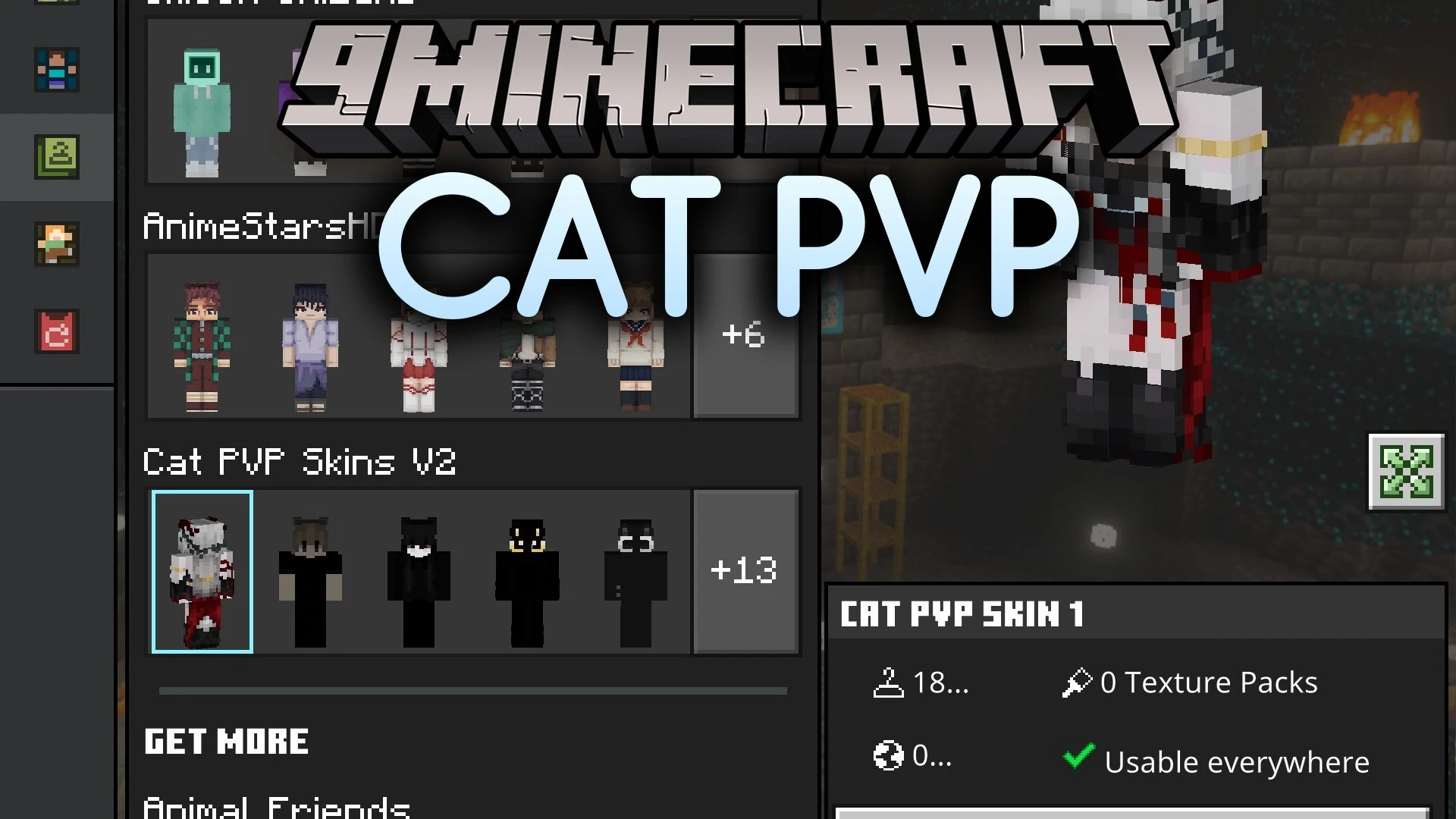
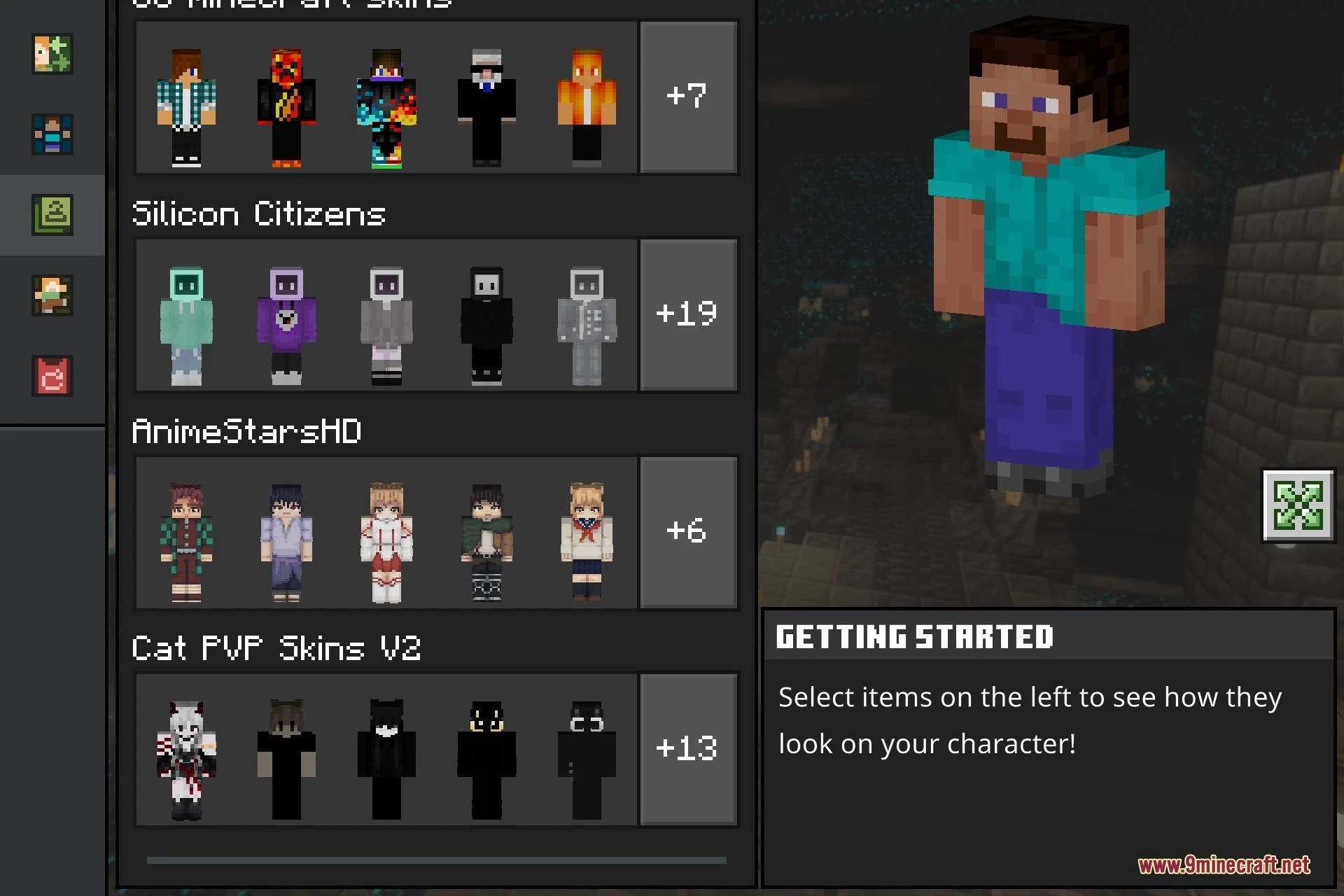
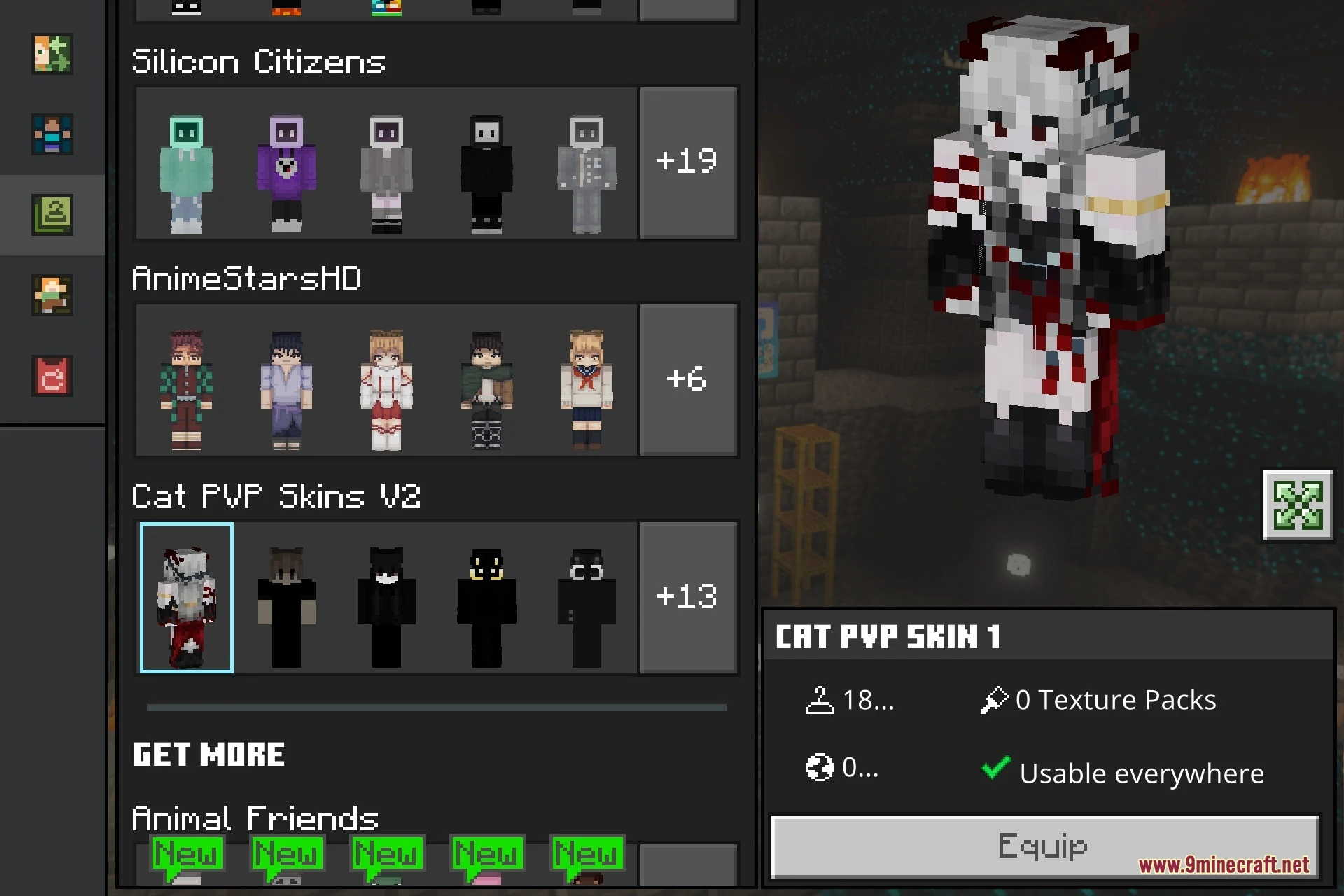
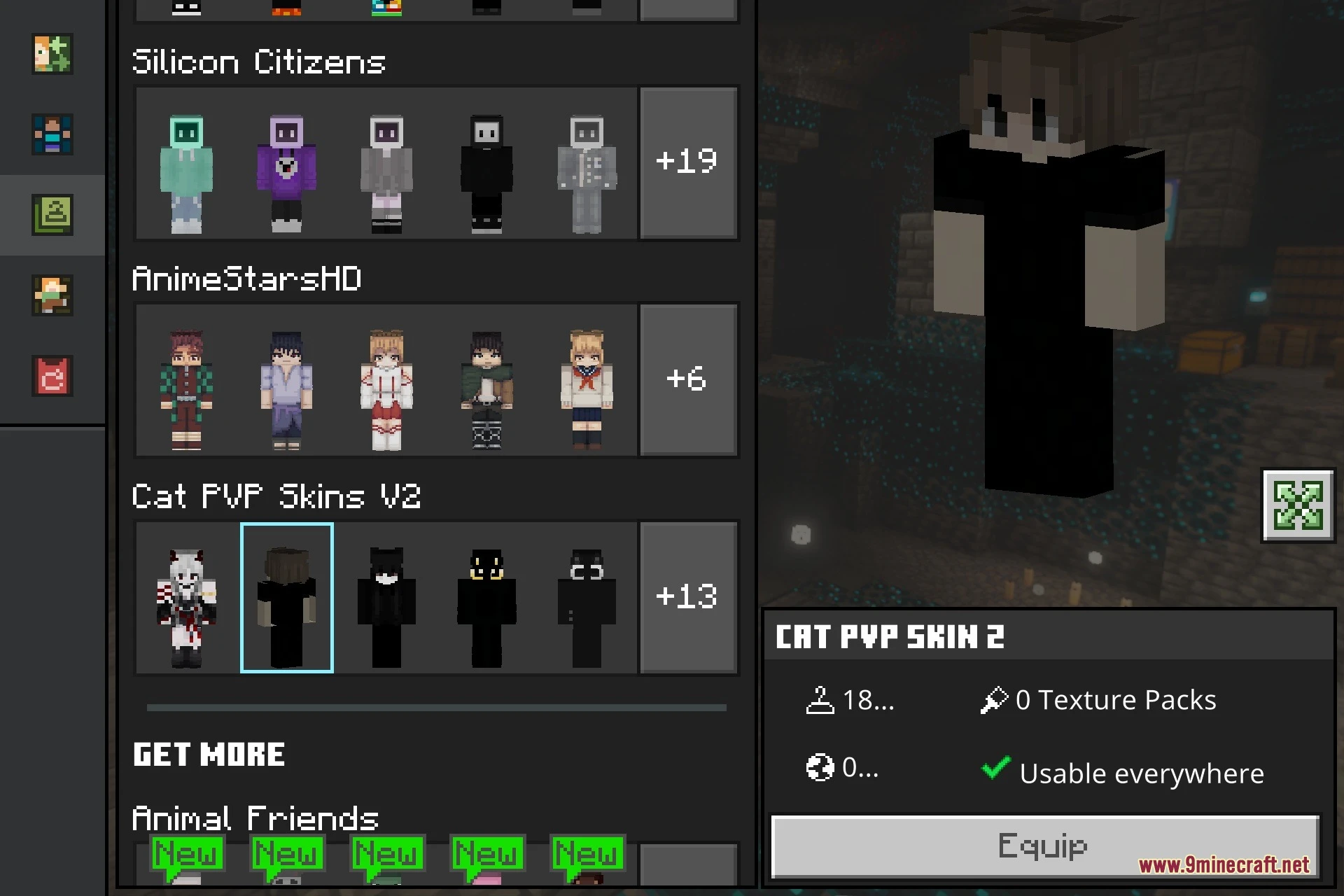
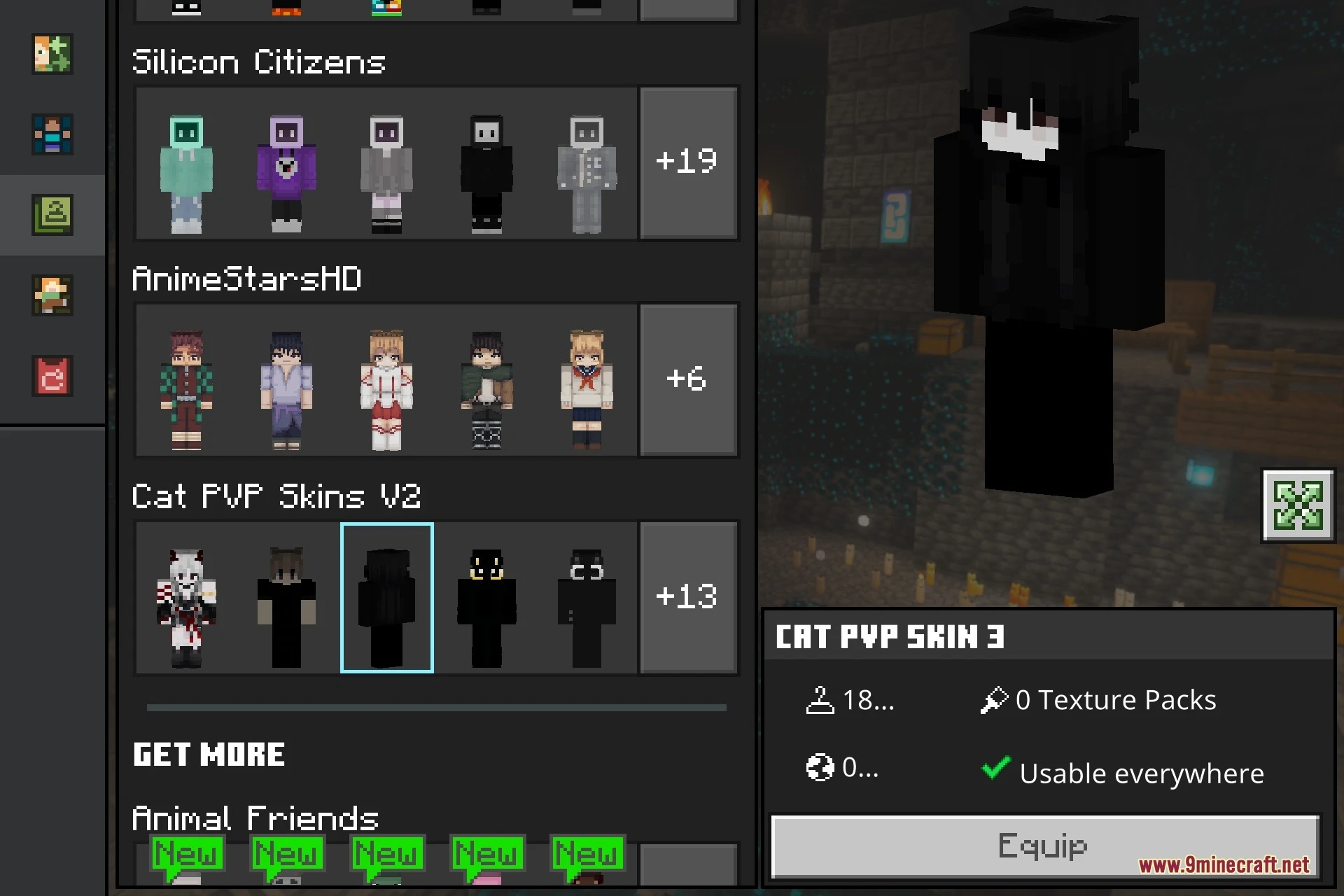
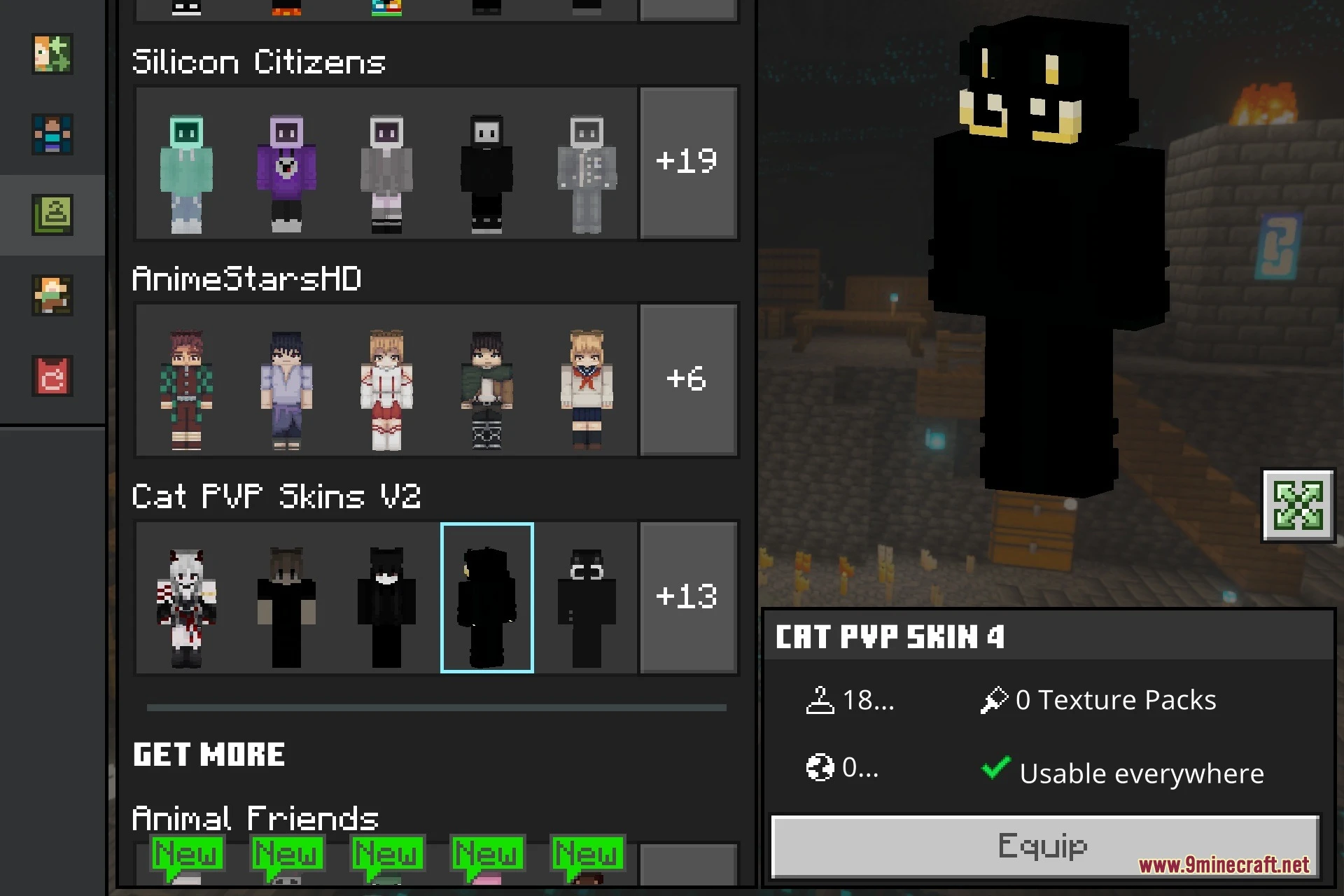
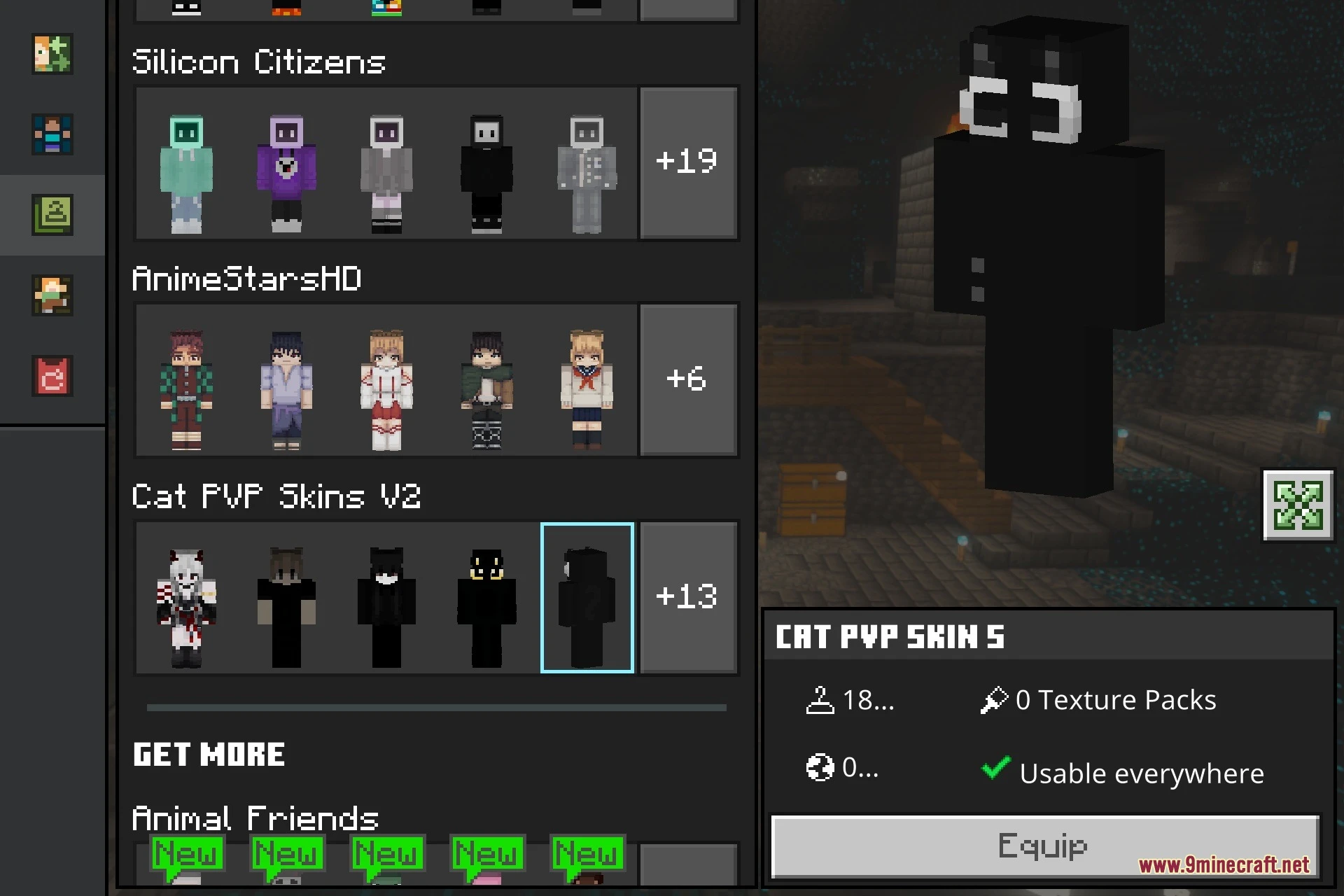
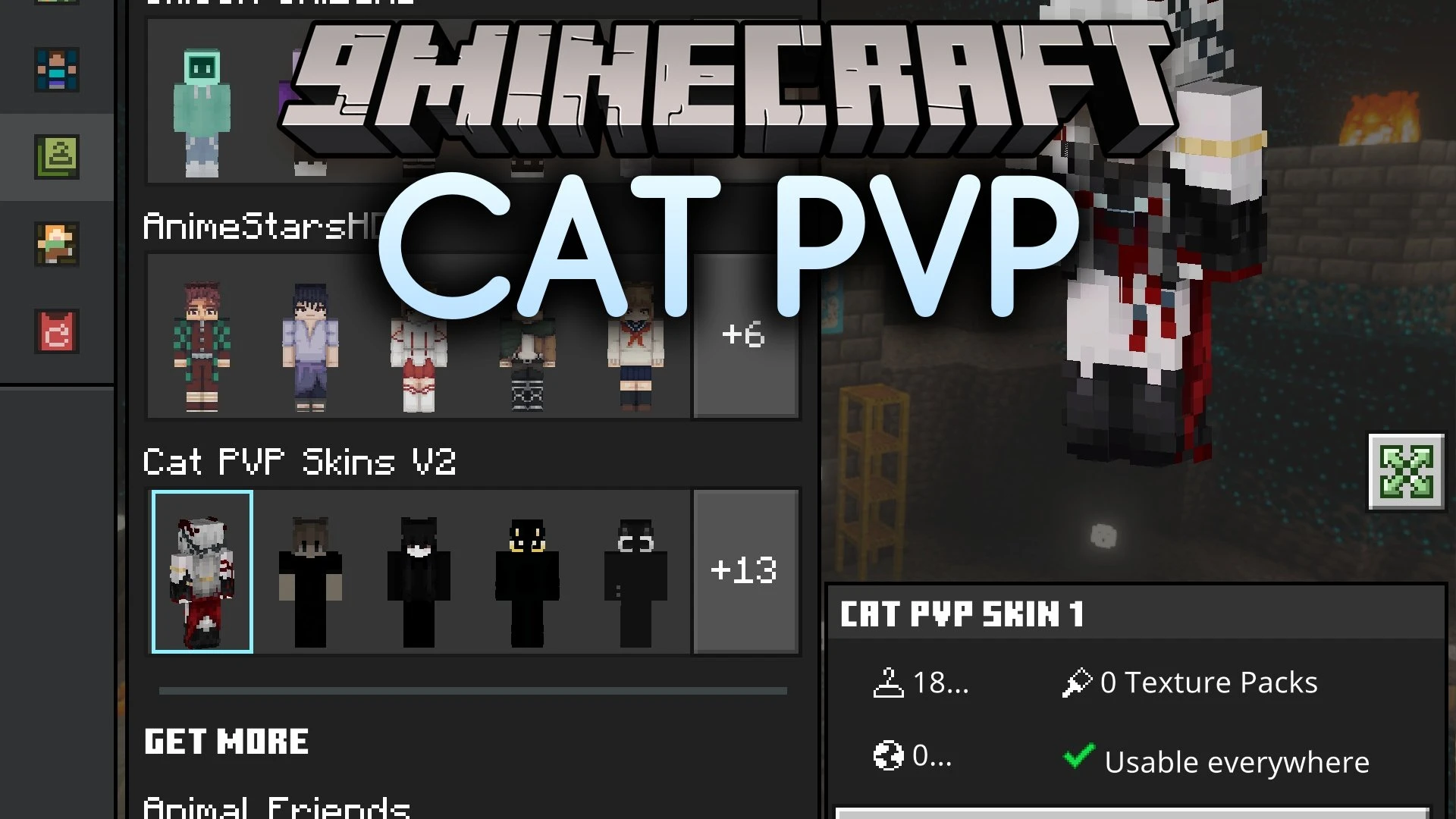
Cat PVP Skin Pack gives your character a sharp feline look ready for combat. It adds cat-themed warrior outfits with dark styles and bright red accents. You can wear these clean designs while fighting on multiplayer servers or exploring survival worlds.

Features:
- Includes fierce cat-themed skins made for PvP combat.
- Features dark outfits with sharp red details.
- Provides clean black-and-white designs that stand out.
- Uses standard 64x resolution textures.
- Works great for minigames, roleplay, and survival servers.
Screenshots:


Cat PVP Skin Pack Download Links
Quick facts
- Edition: Minecraft Bedrock
- File type: .mcpack
- Minecraft version listed: 1.21
- How to install: Download the .mcpack skin pack. → Open it — Minecraft imports it. → Open the Dressing Room and select the skin.
- Where to get it: In MC Skins, or directly above on this page.
Install steps are the general flow for this file type — How to apply a custom Minecraft skin walks through it step by step.
File checked by MCModsHub
- Pack type: .mcpack — a single pack
- Complete pack — everything it depends on is inside the file
- Download size: 40 KB
- Download link checked 14 Oct 2026 — working
- Mirrored on our own servers — the download does not depend on the original host
These come from our own check of the pack file, not from the source page.