Simple Glowing Ores
Bedrock texture pack listed for Minecraft 1.21–26.x. File opened and checked on 14 Oct 2026; installs from the MC Bedrock Mods app on Android.
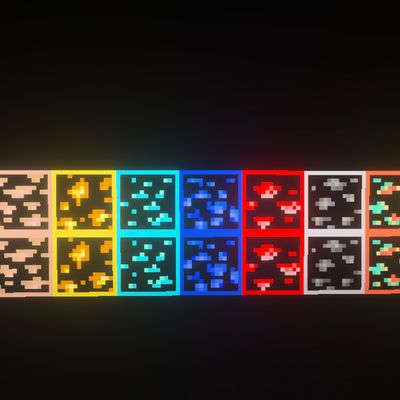
Glowing Ores is a Minecraft Bedrock resource pack that adds glowing outlines to ores, making them easier to spot with Vibrant Visuals.
⬇ Download on CurseForge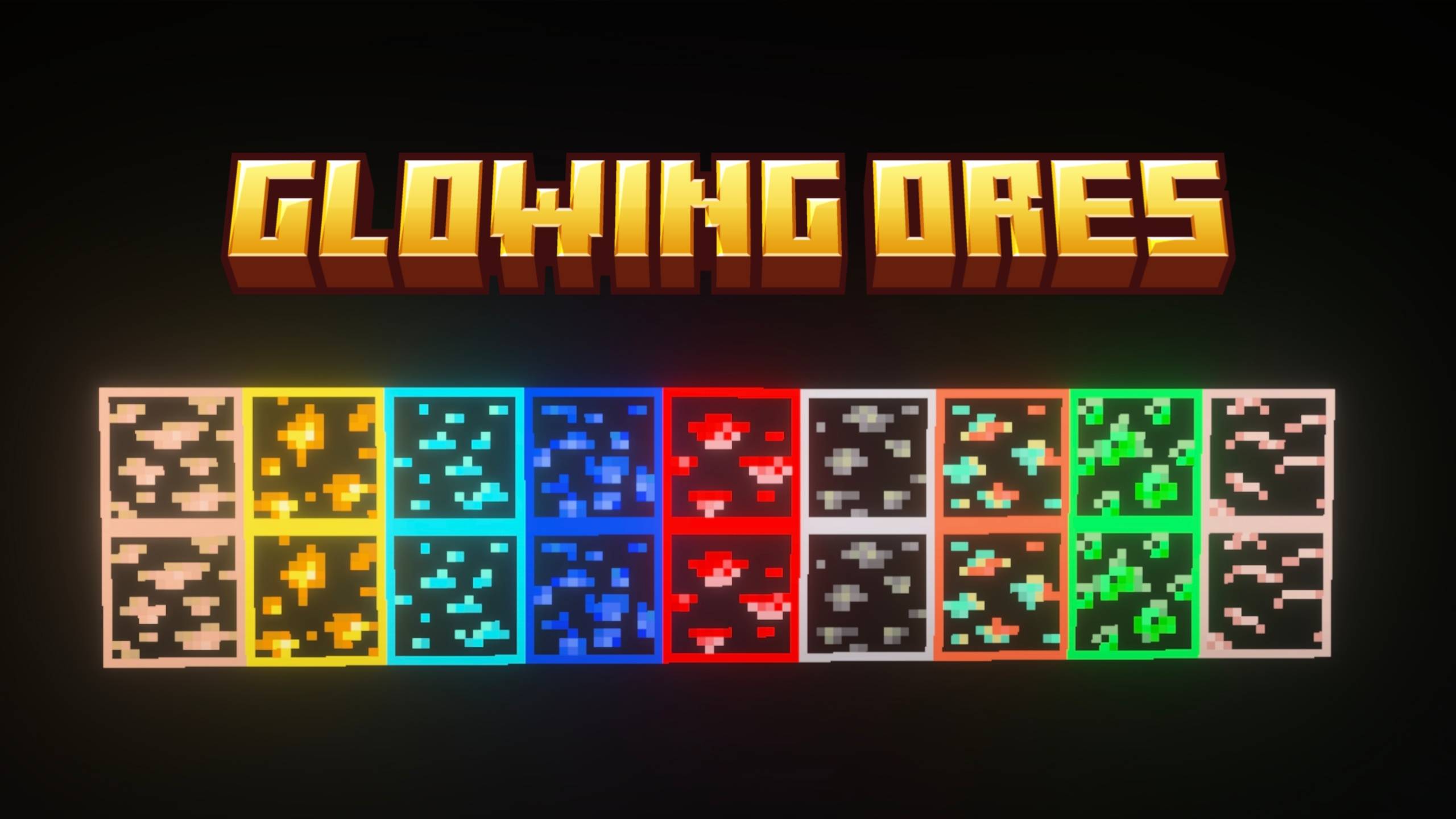
Glowing Ores
Make ores stand out with Glowing Ores by FleetMc Studio! This Minecraft Bedrock resource pack gives ores bright, glowing outlines that help them stand out against surrounding blocks, especially when using Vibrant Visuals.
✦ Glowing Ore Outlines
Ore textures feature distinct outlines that make them easier to recognize while exploring caves and mining underground. Find your favourite ores without losing their familiar Minecraft appearance.
✦ Supported Ores
- Coal Ore
- Iron Ore
- Copper Ore
- Gold Ore
- Redstone Ore
- Lapis Lazuli Ore
- Diamond Ore
- Emerald Ore
- Nether Quartz Ore
- Nether Gold Ore
- Ancient Debris
- Deepslate variants of supported ores
✦ Features
- Glowing-style outlines for ores.
- Includes Overworld and Nether ores.
- Supports deepslate ore textures.
- Designed to work with Vibrant Visuals.
- Preserves the familiar Minecraft ore designs.
- Resource pack - no additional gameplay mechanics.
Created by FleetMc Studio
✦ Support FleetMc Studio
If you enjoy this resource pack and would like to support future Minecraft Bedrock projects, consider supporting FleetMc Studio on Ko-fi. I'm currently saving for a new laptop so I can create bigger, higher-quality addons, maps, and texture packs with faster updates and more features. Every contribution helps bring future projects to life.

Also, give your rating by scrolling down 👇🏻
✦ Giveaway
- Edition: Minecraft Bedrock
- File type: .mcpack
- Minecraft versions listed: 26.30, 26.40, 26.50
- How to install: Download the .mcpack. → Open it — Minecraft imports it under Resource Packs. → Activate it in Global Resources, or for one world under Resource Packs → Available.
- Where to get it: Opens on CurseForge — not every file is mirrored on our own servers.
Install steps are the general flow for this file type — How to install Minecraft Bedrock texture packs walks through it step by step.
- Pack type: .mcpack — a single pack
- Manifest requires Minecraft 1.21.120 or newer
- Complete pack — everything it depends on is inside the file
- Download size: 31 KB
- Download link checked 14 Oct 2026 — working
These come from our own check of the pack file, not from the source page.