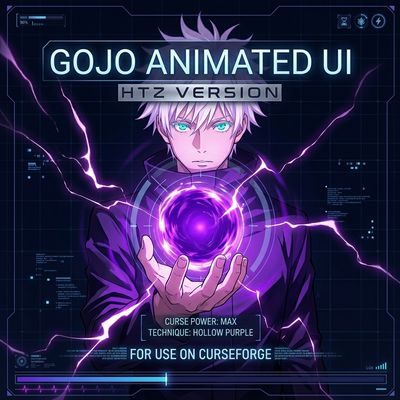
Gojo Animated UI HTZ Version
Bedrock texture pack listed for Minecraft 1.21–26.x. File opened and checked on 14 Oct 2026; installs from the MC Bedrock Mods app on Android.
⬇ Download on CurseForge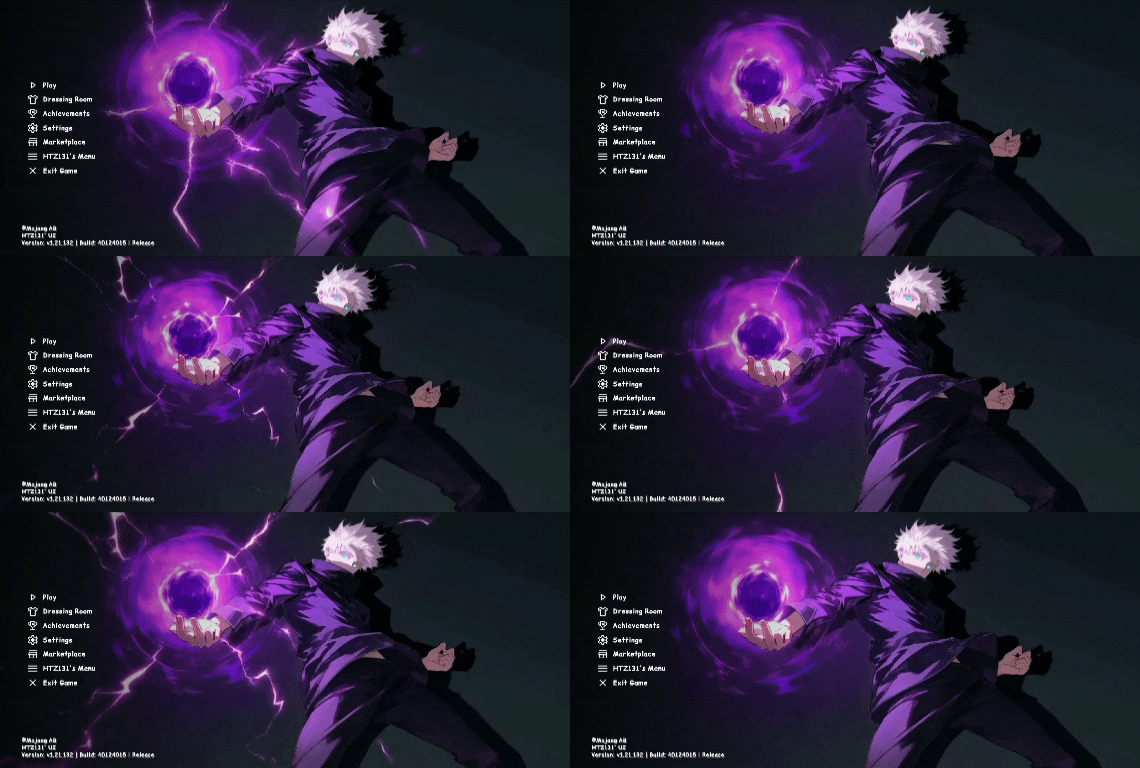
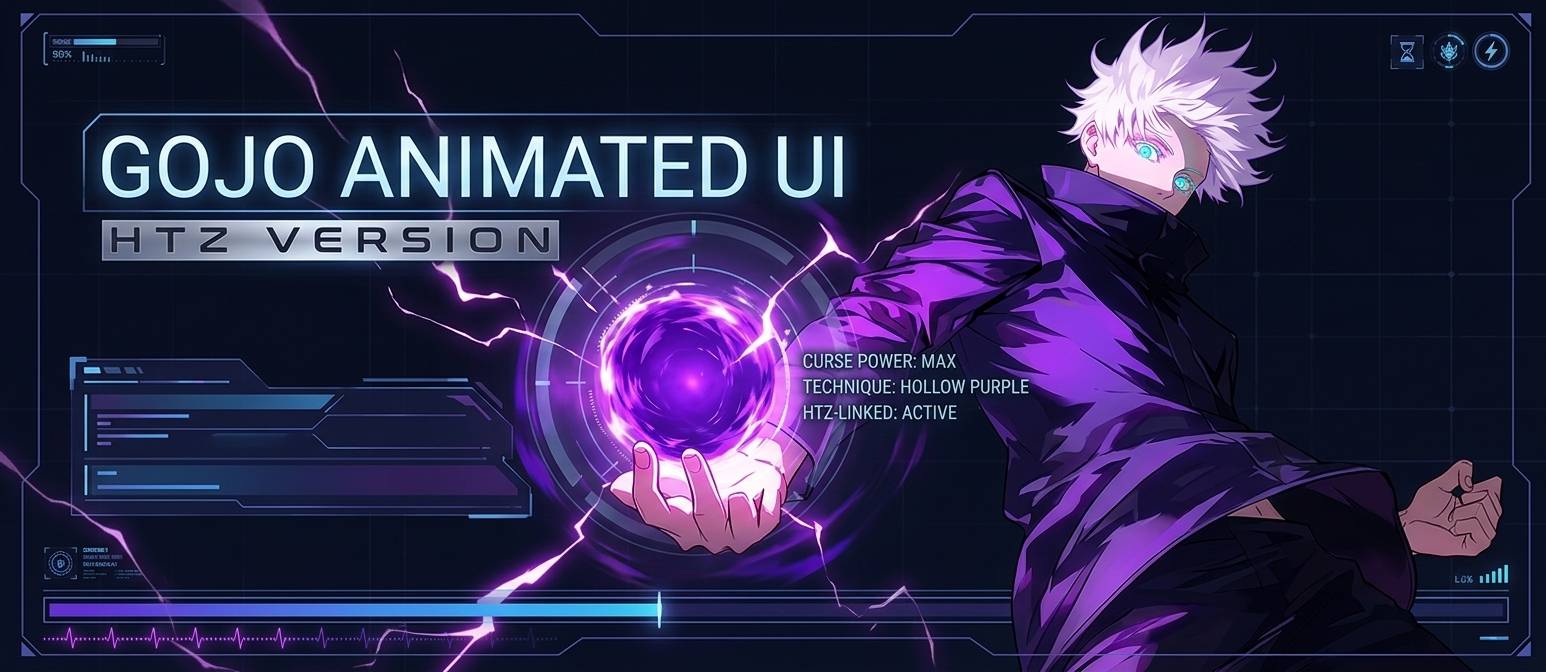
🔮Gojo Animated UI HTZ Version
Bring the power of the strongest Jujutsu Sorcerer straight to your game! The Jujutsu Kaisen UI completely overhauls your vanilla menus, replacing the default interface with a dark, stylized, and high-energy theme centered around Satoru Gojo unleashing his devastating Hollow Purple.
Designed with absolute precision by HyperTechnoZ131 (HTZ), this pack removes the boring, blocky textures of the standard interface and introduces a sleek, anime-inspired aesthetic that looks stunning on any display.
🔮 Key Features
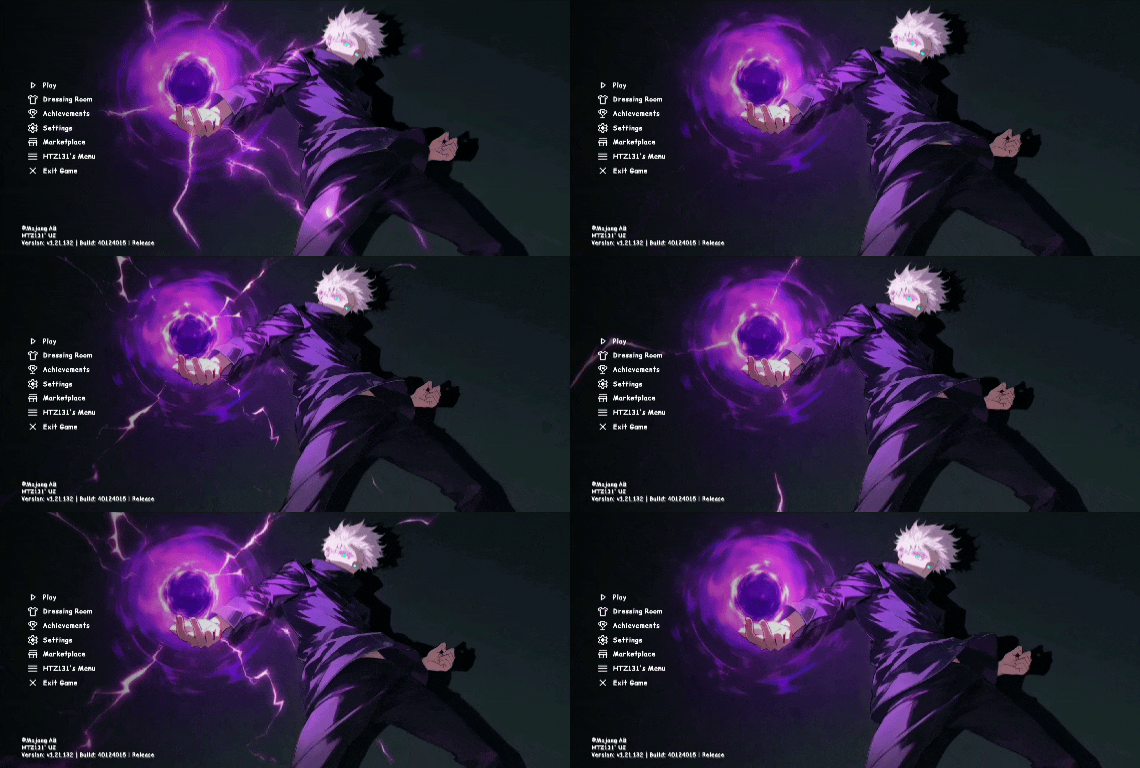
• Custom Panoramic Title Screen: A beautiful, high-quality main menu featuring Gojo Satoru charging up Hollow Purple with crackling cursed energy effects.
• Dark Mode Aesthetic: Say goodbye to bright, eye-straining menus. All major screens have been darkened for a clean, professional, and dark-mode aesthetic.
• Redesigned UI Elements: Customized buttons, alignment fixes, and tailored fonts that seamlessly fit the Jujutsu Kaisen universe.
• Fully Optimized: Lightweight textures ensure zero performance drops, keeping your FPS high and smooth during intense gameplay.
📜 What's Changed?
This resource pack overhauls major user interface screens to completely transform the game feel:
• Main Menu Layout: Reorganized options with a personalized, clean sidebar look.
• Dressing Room & Marketplace Pages: Reskinned to match the deep purple and dark gray color palette.
• Settings & Pause Screens: Streamlined interfaces that make navigation smooth while retaining the custom theme accents.
• HTZ Custom Integrations: Features specialized adjustments built directly into the UI layout for maximum stability.
📱 Version Compatibility
• Fully compatible with Minecraft Bedrock Edition / Pocket Edition and standard release builds.All versions can be used
• Works seamlessly across mobile devices, tablets, and platforms running Render Dragon engine environments.
⚙️ How to Install
1. Download the .mcpack file from the files tab above.
2. Open the downloaded file to automatically import it into your game.
3. Go to Settings > Global Resources.
4. Activate Jujutsu Kaisen UI (Gojo Edition).
5. Restart your game or return to the main menu to watch the domain expansion take over!
🛠️ Credits & Feedback
Created by HyperTechnoZ131 (HTZ).
"If you encounter any bugs, have layout suggestions, or want to see specific characters in future theme updates, please leave a comment down in the description section below. Don't forget to drop a follow if you enjoy the pack!"
- HyperTechnoZ131
- Edition: Minecraft Bedrock
- File type: .mcpack
- Minecraft versions listed: 26.13, 26.30, 26.50
- How to install: Download the .mcpack. → Open it — Minecraft imports it under Resource Packs. → Activate it in Global Resources, or for one world under Resource Packs → Available.
- Where to get it: Opens on CurseForge — not every file is mirrored on our own servers.
Install steps are the general flow for this file type — How to install Minecraft Bedrock texture packs walks through it step by step.
- Manifest requires Minecraft 1.21.0 or newer
- Complete pack — everything it depends on is inside the file
- Download size: 84.7 MB
- Download link checked 14 Oct 2026 — working
These come from our own check of the pack file, not from the source page.