
Animated Gojo Inventory
Bedrock texture pack listed for Minecraft 1.16–26.x. File opened and checked on 14 Oct 2026; installs from the MC Bedrock Mods app on Android.
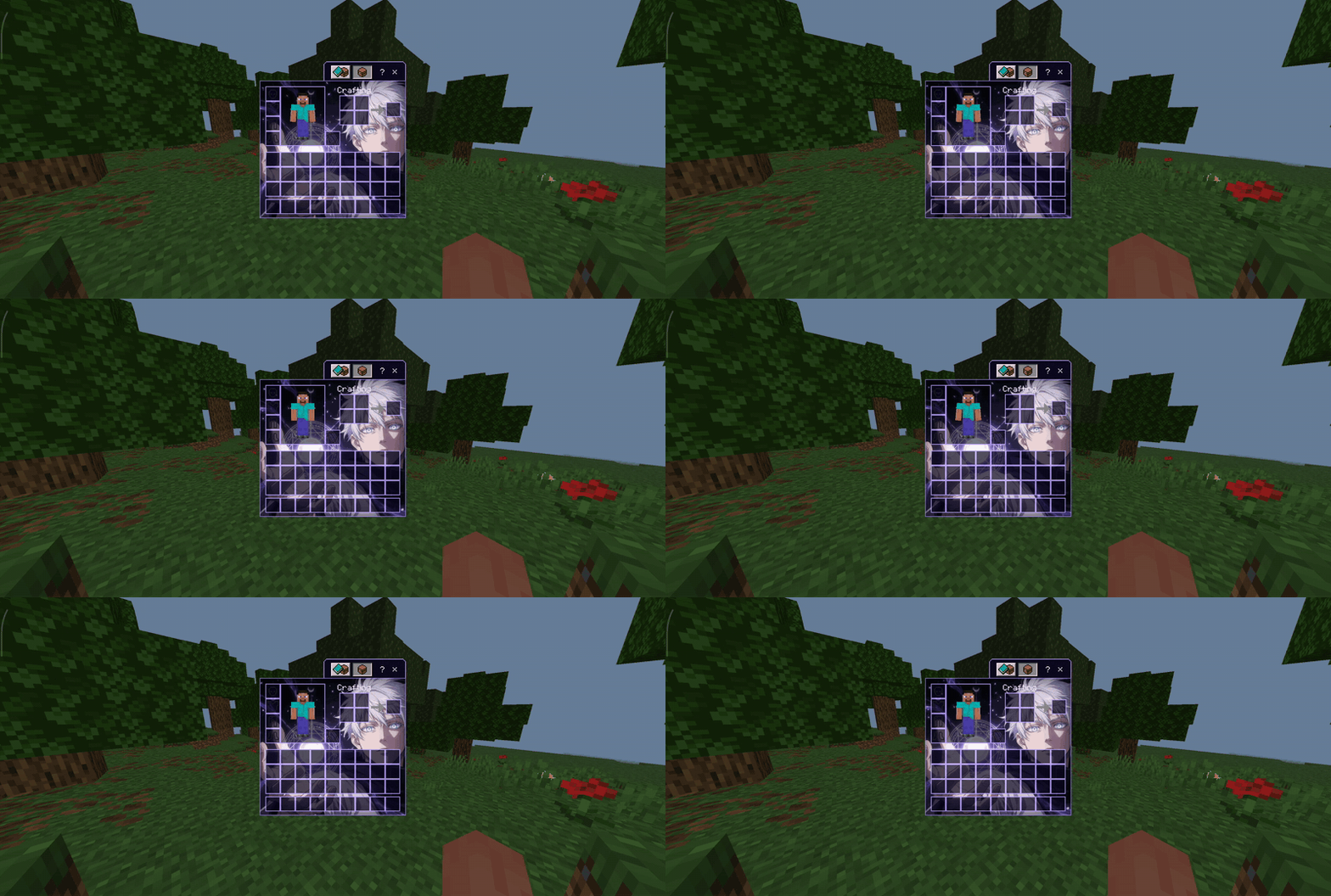
Animated Classic Inventory featuring Gojo Satoru in a seamless 48-frame Void-themed loop with glass-style slots.
⬇ Download on CurseForge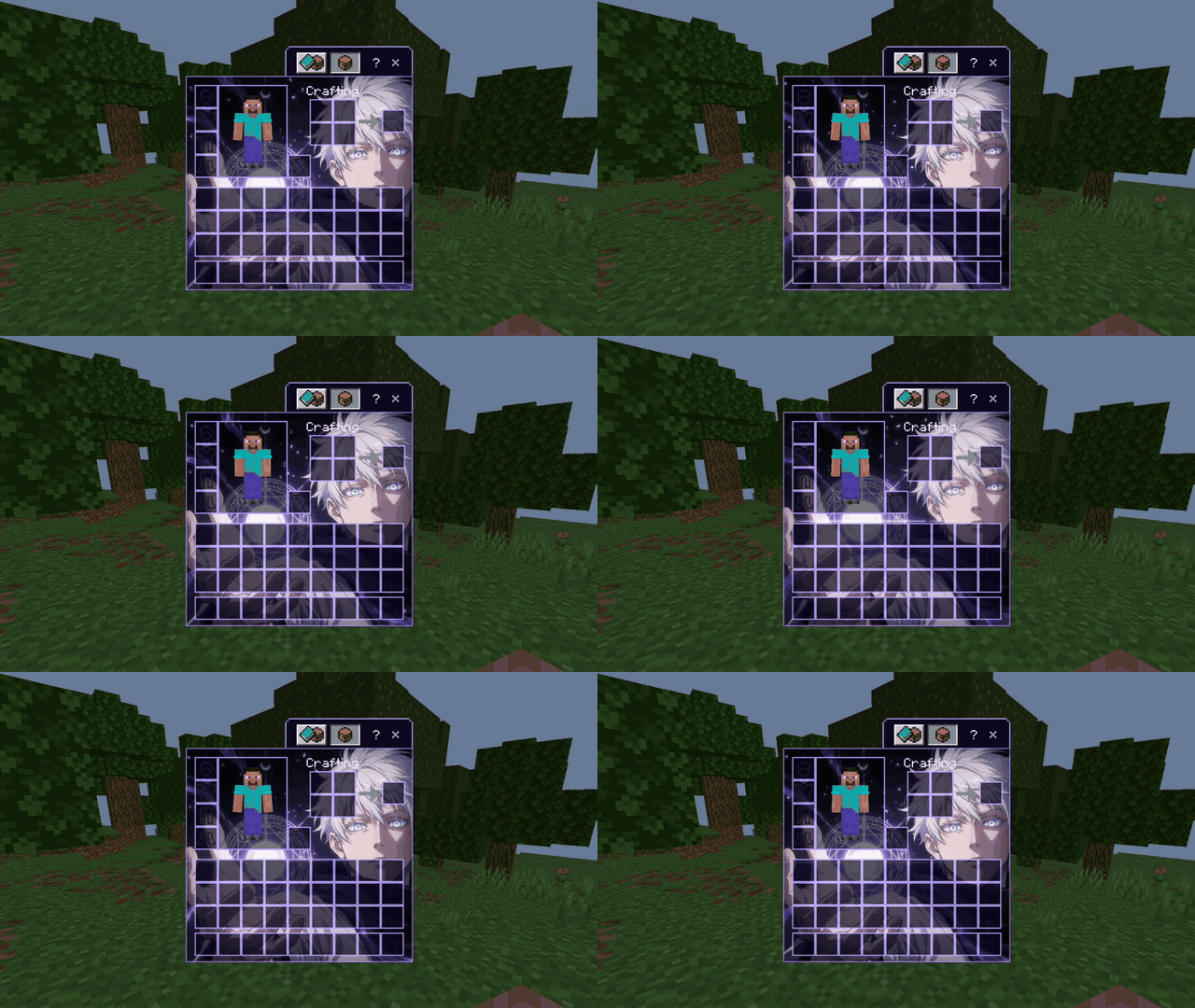
Gojo Void Edition – Animated Inventory
Transform your Minecraft Bedrock / Pocket Edition classic inventory into a stunning animated experience inspired by Gojo Satoru’s Void aesthetic.
This resource pack replaces the classic inventory background with a high-quality, seamless 48-frame animation of Gojo Satoru. The scene features his signature white hair, bright blue eyes, and a glowing purple magic circle with energy effects, stars, and crescent moons. The animation runs at approximately 12 FPS for a smooth ~4-second loop that feels alive without being distracting.
Features
48-frame seamless animated background (352×332 per frame)
Glass-style inventory slots for a clean, modern look that lets the background shine through
Custom-styled tabs, toolbar, and player preview border
Soft light-purple title text color
Designed exclusively for the Classic Inventory UI
Lightweight and optimized for performance
Compatibility
Minecraft Bedrock Edition / Pocket Edition
Requires version 1.20.0 or higher
Works on Windows 10/11, Android, iOS, and consoles that support resource packs
Installation
Download the .mcpack file.
Open it on your device (or place it in your resource packs folder).
Enable Gojo Void Edition - Animated Inventory in your world or global resource packs.
Make sure you are using the Classic inventory style (not the new inventory UI).
Notes
This pack only affects the inventory screen. It does not change the hotbar, crafting table, or other UI elements.
The animation is subtle and optimized so it doesn’t impact gameplay.
Created as a thematic resource pack celebrating the Gojo Void aesthetic.
Enjoy a more stylish and immersive inventory experience every time you open your inventory!
- Edition: Minecraft Bedrock
- File type: .mcpack
- Minecraft versions listed: 1.16, 1.18, 1.19
- How to install: Download the .mcpack. → Open it — Minecraft imports it under Resource Packs. → Activate it in Global Resources, or for one world under Resource Packs → Available.
- Where to get it: Opens on CurseForge — not every file is mirrored on our own servers.
Install steps are the general flow for this file type — How to install Minecraft Bedrock texture packs walks through it step by step.
- Pack type: .mcpack — a single pack
- Manifest requires Minecraft 1.20.0 or newer
- Complete pack — everything it depends on is inside the file
- Download size: 2.3 MB
- Download link checked 15 Oct 2026 — working
These come from our own check of the pack file, not from the source page.