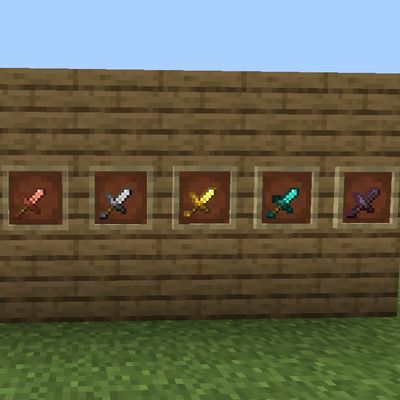
Just Short Sword
Bedrock texture pack listed for Minecraft 1.20–26.x. File opened and checked on 15 Oct 2026; installs from the MC Bedrock Mods app on Android.
⬇ Download on CurseForge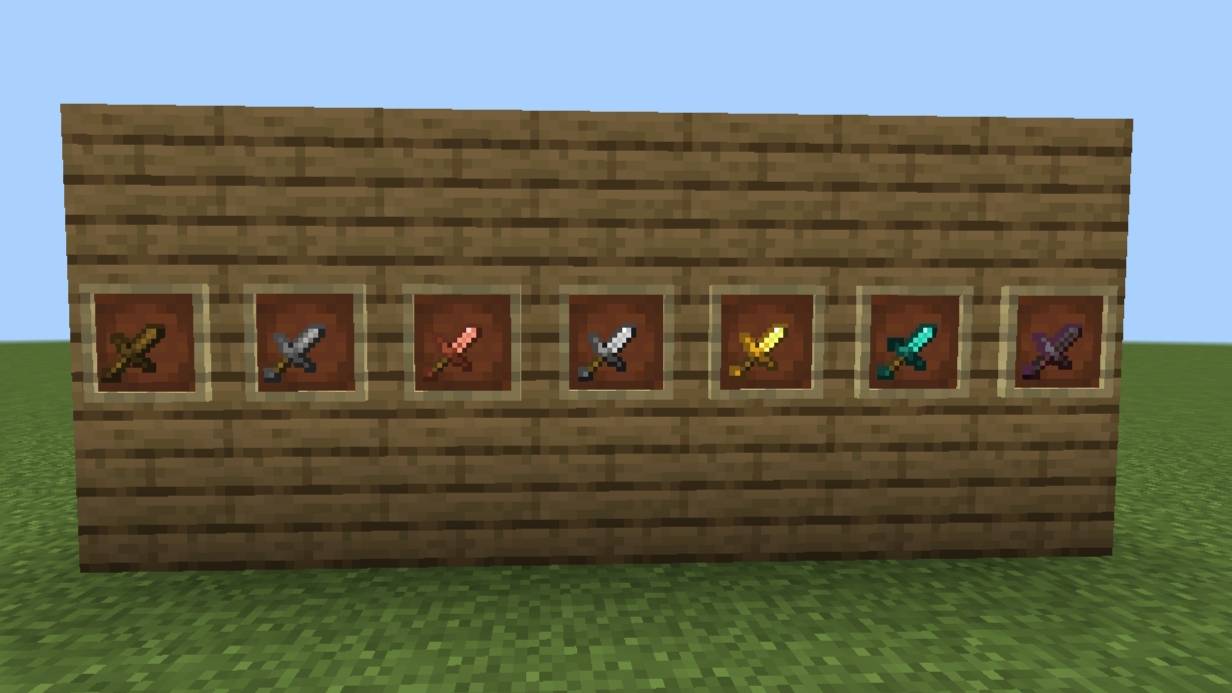
Short Swords PvP Resource Pack for Minecraft Bedrock (MCPE)
Are oversized default swords blocking your view during intense fights? The Short Swords PvP Resource Pack is designed specifically for Minecraft Pocket Edition (MCPE) and Bedrock Edition to clear your screen and give you a competitive edge in every duel.
By shrinking the item models of all swords, this pack ensures that your critical hit particles and enemy movements are always 100% visible. Whether you are rushing beds or bridging across islands, this pack helps you react faster and aim better
Key Features
- Maximum Visibility: Shorter sword models prevent screen crowding, allowing you to track your targets effortlessly during close-quarters combat.
- Performance Friendly: Fully optimized textures designed to maintain stable frame rates (FPS) on all mobile devices and low-end platforms.
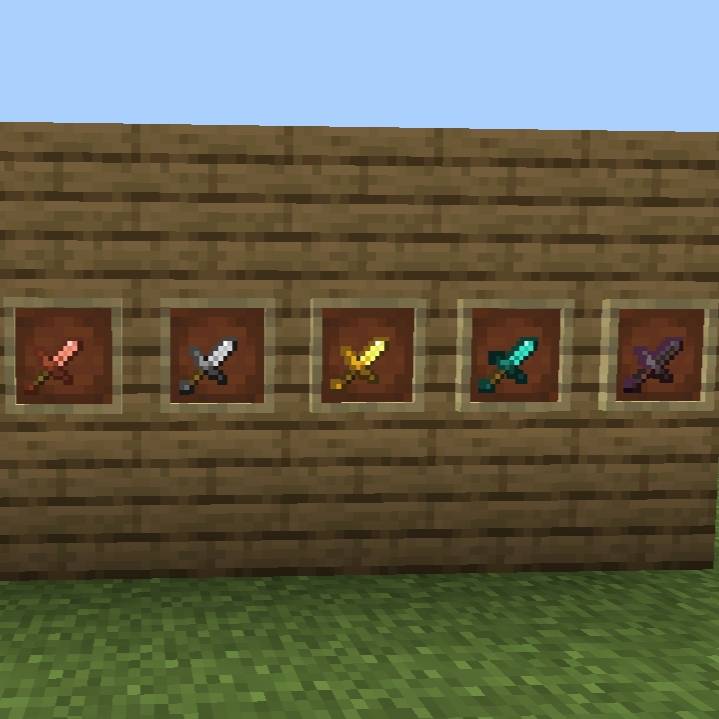
- Consistent Design: Features a clean, sharp, and lightweight aesthetic applied to all sword tiers—including Netherite, Diamond, Iron, Gold, Stone, and Wood.
- Bedrock Compatibility: Tailored specifically for Minecraft Pocket Edition (Android/iOS) and Windows 10/11 Bedrock Edition. Works smoothly on modern versions.
Recommended Game Modes
This resource pack is highly recommended for competitive multiplayer environments, including:
- Bedwars and Skywars
- Free-For-All (FFA) arenas
- Custom 1v1 Duels
- Popular Bedrock servers like The Hive, CubeCraft, and NetherGames
Installation Guide
1. Download the .mcpack file directly from the Files tab above.
2. Locate the downloaded file on your device and open it to automatically launch and import it into Minecraft.
3. Navigate to Settings > Global Resources > My Packs.
4. Select this pack, click Activate, and
join your favorite server!
- Edition: Minecraft Bedrock
- File type: .mcpack
- Minecraft versions listed: 26.3, 26.10, 26.11
- How to install: Download the .mcpack. → Open it — Minecraft imports it under Resource Packs. → Activate it in Global Resources, or for one world under Resource Packs → Available.
- Where to get it: Opens on CurseForge — not every file is mirrored on our own servers.
Install steps are the general flow for this file type — How to install Minecraft Bedrock texture packs walks through it step by step.
- Pack type: .mcaddon — behaviour and resource pack in one file
- Manifest requires Minecraft 1.20.30 or newer
- Complete pack — everything it depends on is inside the file
- Download size: 225 KB
- Download link checked 15 Oct 2026 — working
These come from our own check of the pack file, not from the source page.