Chest ESP With many esp
Bedrock texture pack listed for Minecraft 1.21–26.x. File opened and checked on 15 Oct 2026; installs from the MC Bedrock Mods app on Android.
Chest ESP is the ultimate utility resource pack designed to give you flawless X-ray vision specifically targeted at locating chests.
⬇ Download on CurseForge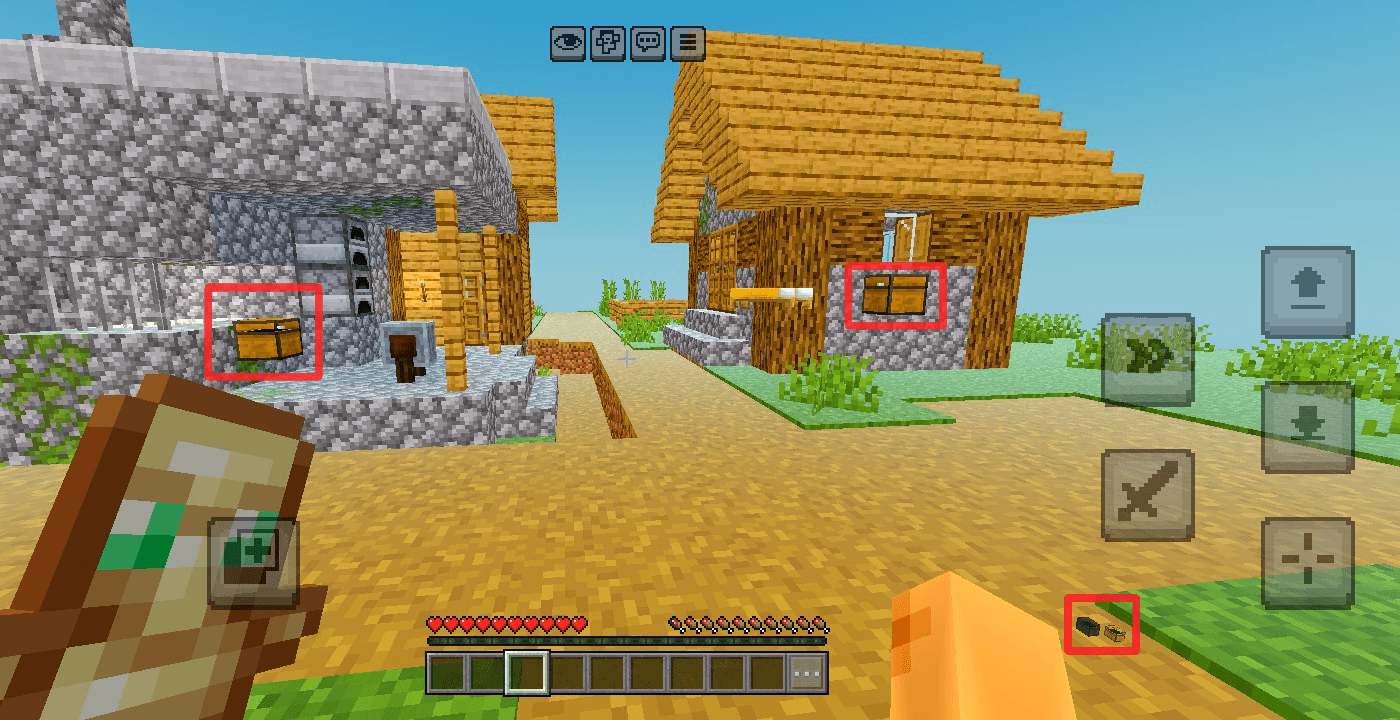
🔍Chest ESP – Ultimate Chest Finder🔍
Created by HyperTechnoZ131
Tired of spending hours mining, exploring caves, or searching through massive player bases only to miss hidden loot? Chest ESP is the ultimate utility resource pack designed to give you flawless X-ray vision specifically targeted at locating chests. Whether you are hunting for naturally generated structures or tracking down hidden stashes in multiplayer environments, this pack ensures no loot stays hidden.
🌟 Key Features
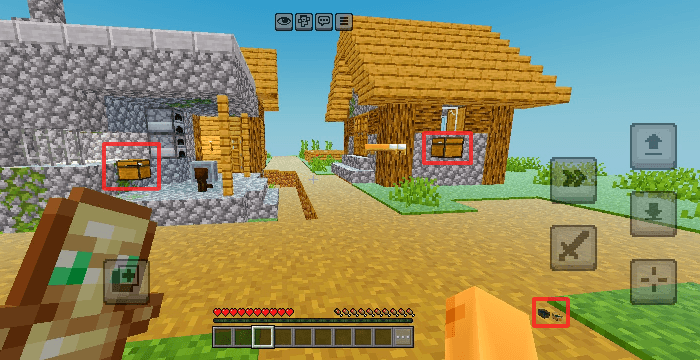
• X-Ray Chest Tracking: Automatically highlights and reveals the exact location of chests through solid blocks, walls, and terrain.
• High-Visibility Outlines: Features clear, bright glowing borders and indicators around chests so you can easily spot them even in pitch-black caves or dense deepslate layers.
• Optimized Performance: Built with clean code to ensure maximum performance and high FPS, keeping your gameplay smooth even on low-spec mobile devices.
• Multiplayer Utility: Perfect for quickly navigating survival servers, finding structural loot, or recovering your items after a tough fight.
📂 Supported Containers
Chest ESP doesn't just look for standard wooden chests. It is fine-tuned to help you visually track a wide variety of storage blocks, including:
• Standard & Large Chests
• Trapped Chests
• Ender Chests
• Minecarts with Chests
🛠️ Installation Guide
1. Download the Chest ESP pack from this page.
2. Open your game settings and navigate to Resource Packs / Global Resources.
3. Activate Chest ESP and ensure it is placed at the top of your active pack list to override default block rendering.
4. Apply changes and start exploring!
📌 Creator Notes
• Developer: HyperTechnoZ131
• Version: 1.0.0
• Disclaimer: Please ensure you check the rules of your preferred multiplayer servers before using utility packs, as some competitive networks restrict the use of ESP/X-Ray visuals.
- Edition: Minecraft Bedrock
- File type: .mcpack
- Minecraft versions listed: 1.21.101, 26.40, 26.50
- How to install: Download the .mcpack. → Open it — Minecraft imports it under Resource Packs. → Activate it in Global Resources, or for one world under Resource Packs → Available.
- Where to get it: Opens on CurseForge — not every file is mirrored on our own servers.
Install steps are the general flow for this file type — How to install Minecraft Bedrock texture packs walks through it step by step.
- Pack type: .mcpack — a single pack
- Manifest requires Minecraft 1.21.0 or newer
- Complete pack — everything it depends on is inside the file
- Download size: 657 KB
- Download link checked 15 Oct 2026 — working
These come from our own check of the pack file, not from the source page.