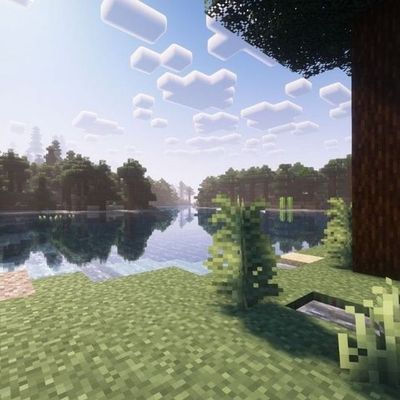
Kage's Visual Shaders
Bedrock texture pack listed for Minecraft 1.21–26.x. File opened and checked on 15 Oct 2026; installs from the MC Bedrock Mods app on Android.
⬇ Download on CurseForge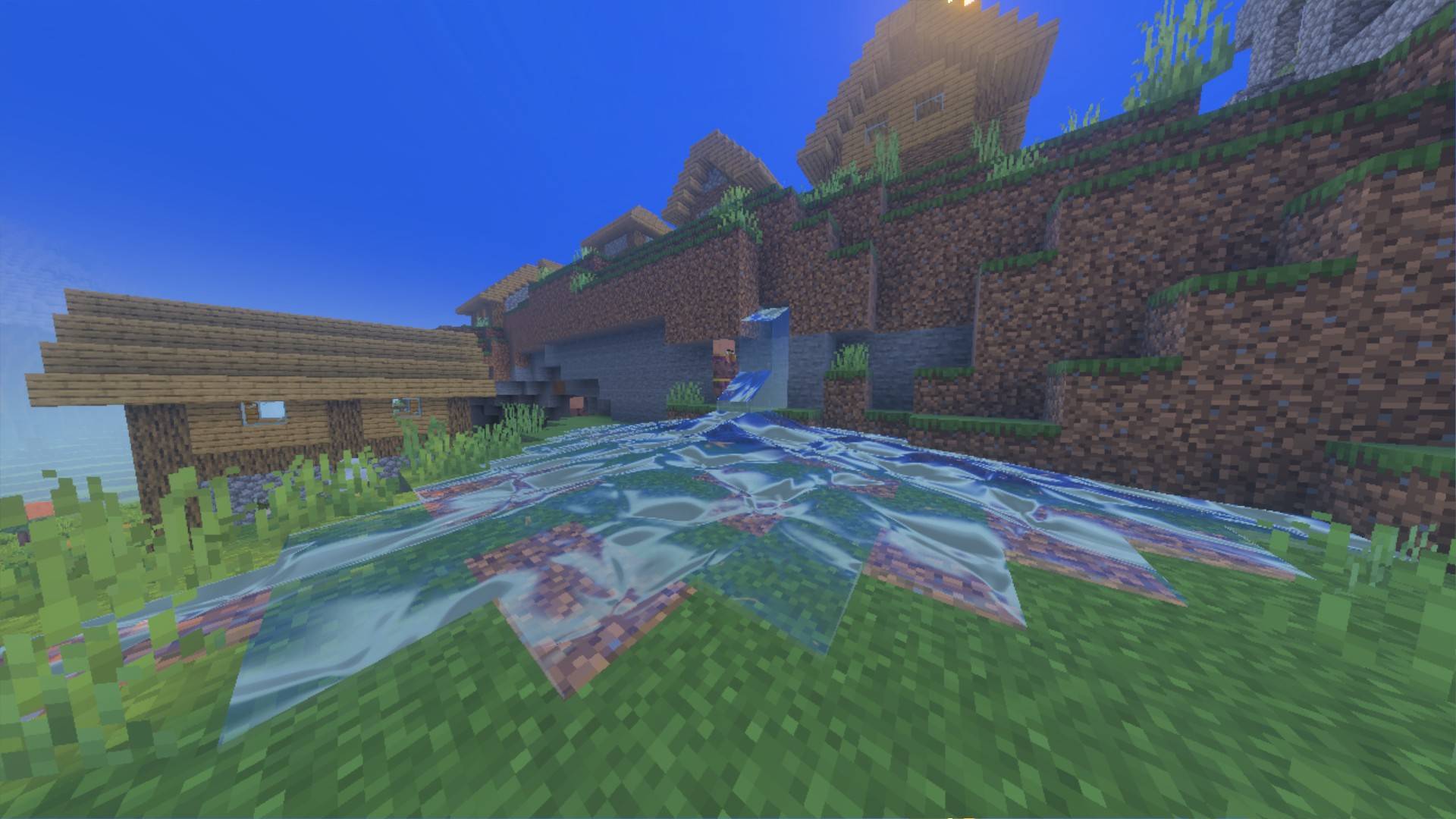
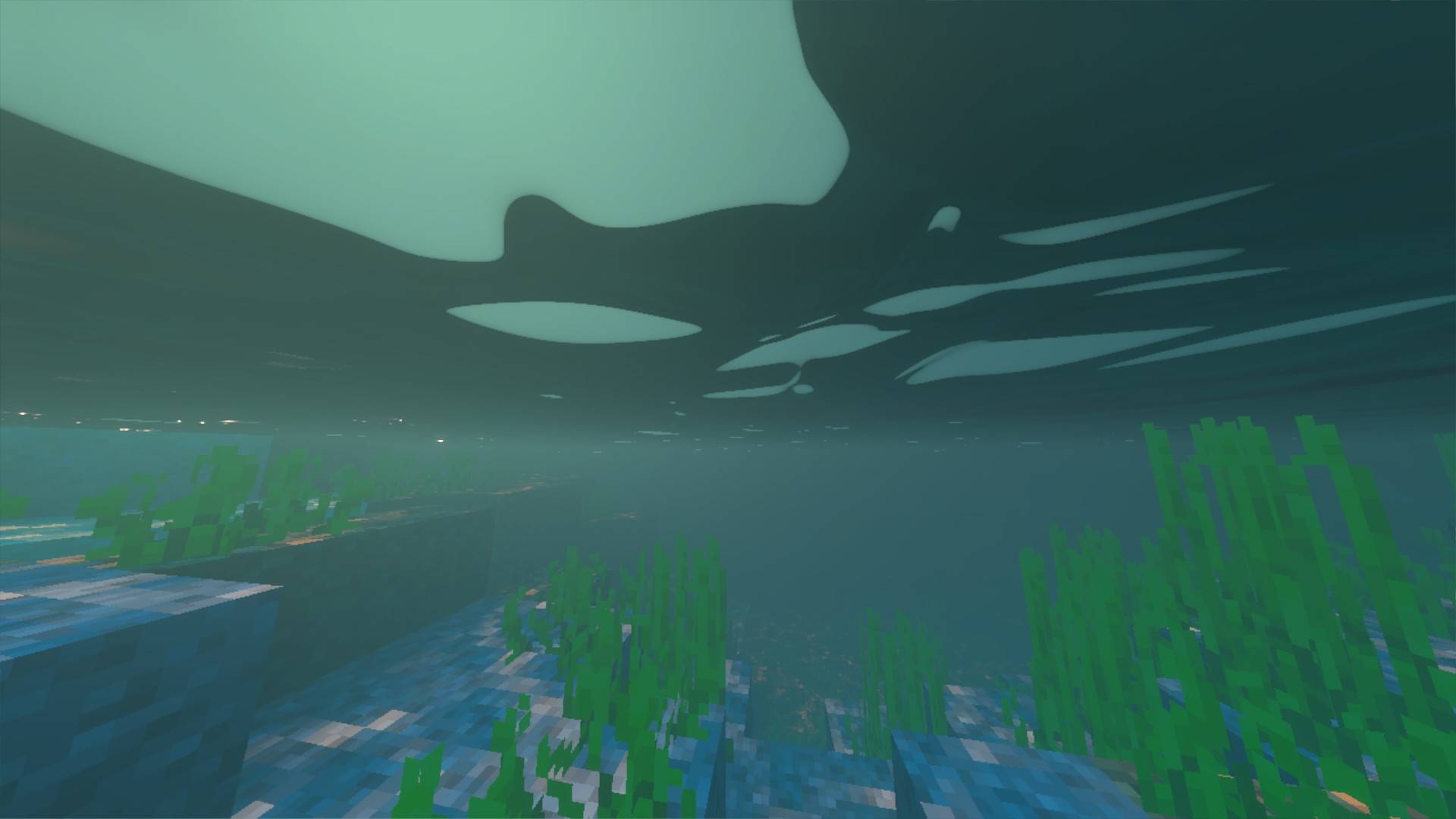
✨ Kage's Visuals Shaders [RenderDragon Deferred Lighting]
Transform your Minecraft Bedrock world with Kage's Visuals Shaders — a next-generation shader pack built specifically for Minecraft Bedrock's native RenderDragon Deferred Technical Preview / Vibrant Visuals engine.
Featuring dynamic soft shadows, volumetric god rays, fluid water with animated caustics, PBR materials, and a customizable color temperature slider ranging from cozy golden hour warmth to frosty sub-zero arctic chill!
🌟 Key Features
- ⛅ In-Game Warmth & Coolness Customization: Choose your aesthetic mood right from the resource pack gear icon — switch between 4 unique color temperature presets (5400K to 9200K).
- 🌑 Dynamic Soft Shadows (PCSS): Enjoy realistic, distance-scaled shadows with grounded contact-hardening at your feet and natural soft penumbrae in the distance.
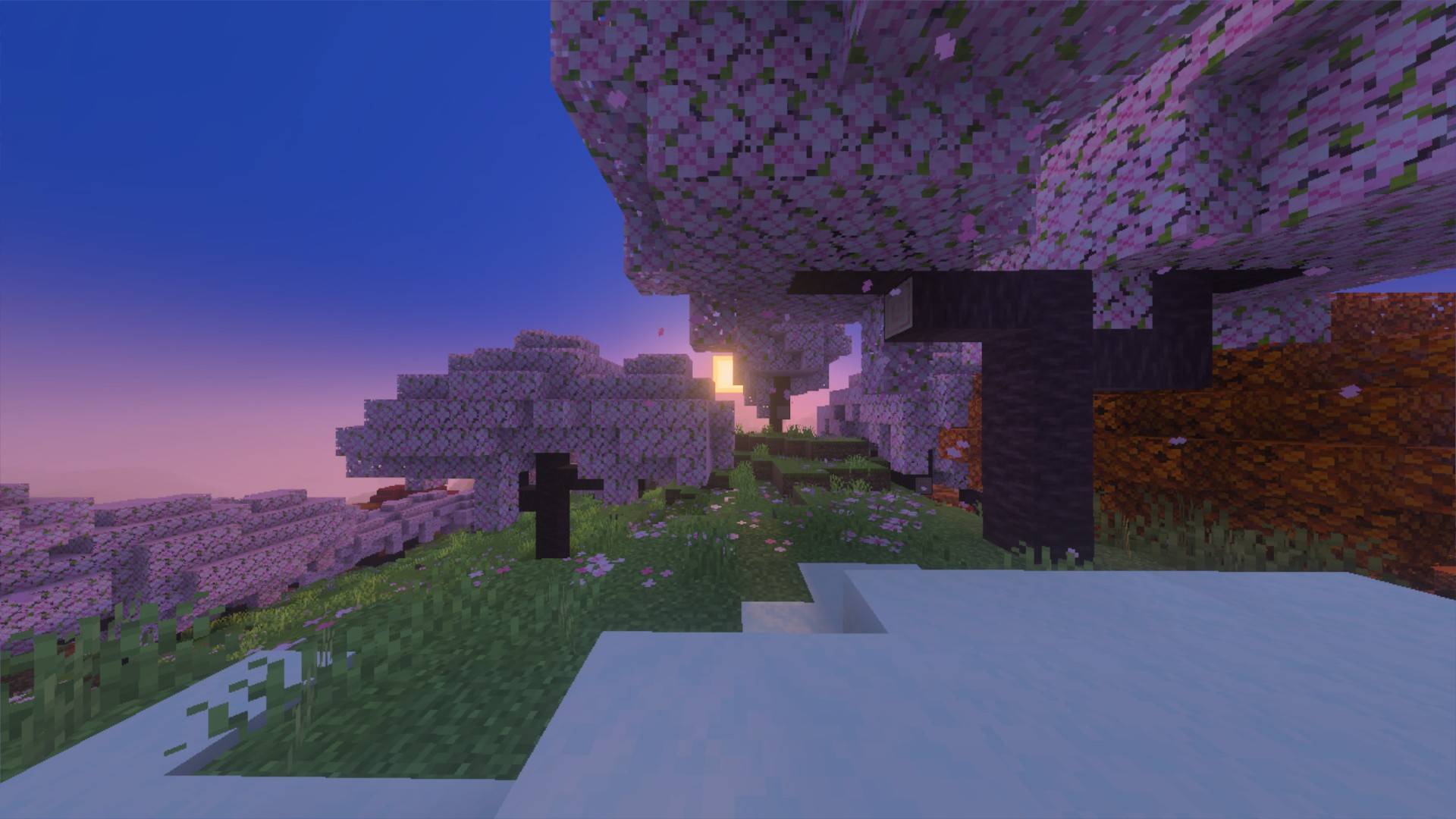
- 🌅 Volumetric God Rays (Crepuscular Rays): Radiant shafts of sunlight and moonlight pierce through tree canopies, mountain gaps, and morning valley fog.
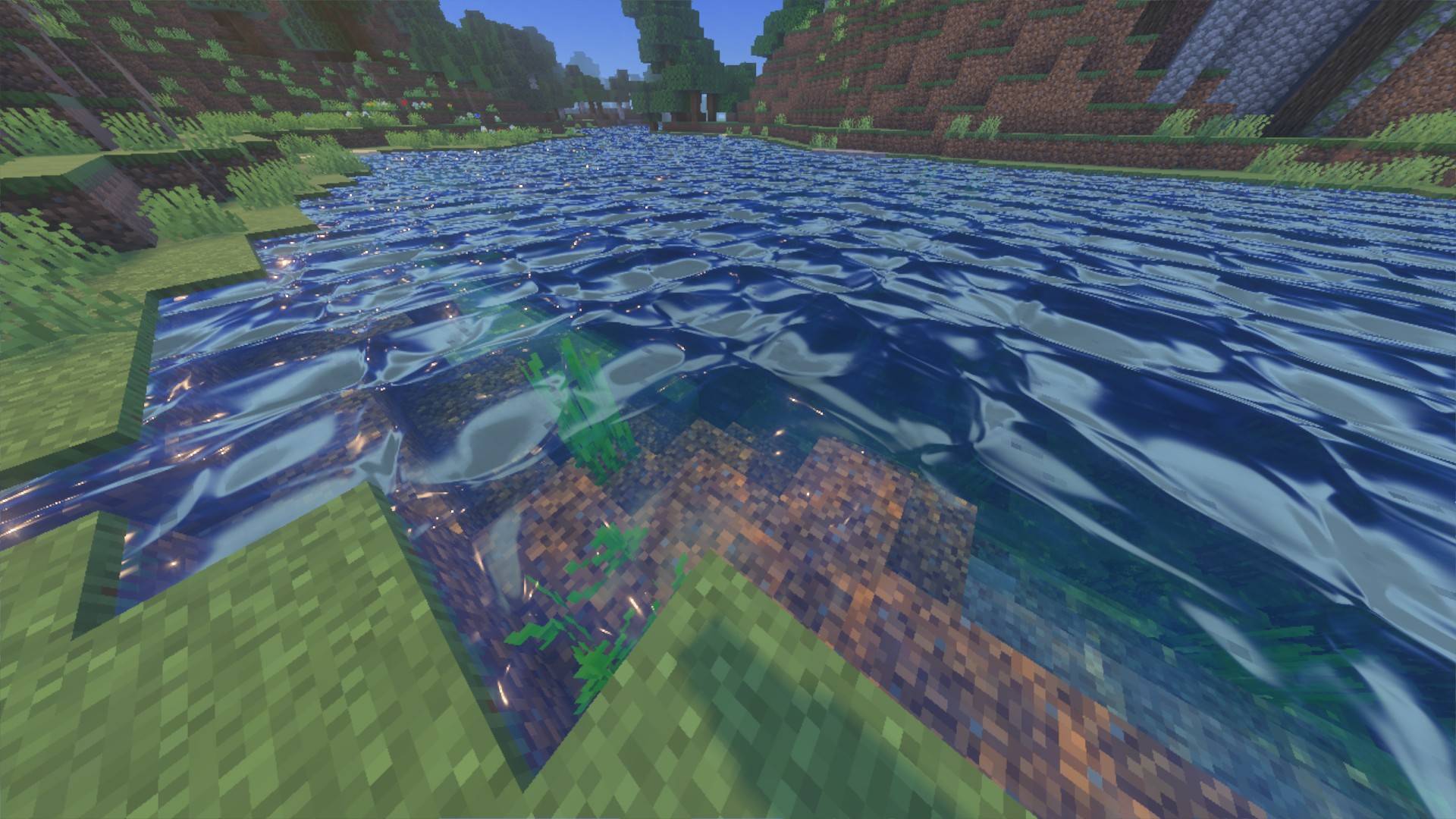
- 🌊 Fluid Water Physics & Caustics: Animated multi-octave water surface waves with crisp sun glints, realistic light absorption, and underwater dancing caustics.
- 💎 Physically Based Rendering (PBR): Blocks react realistically to light — metallic sheen on iron, gold, and copper, plus self-illuminated glowing emissive cores on torches, lanterns, and glowstone.
- 🎬 ACES Filmic Tonemapping: Hollywood-grade color science preserves rich dynamic range and prevents bright highlights from washing out into flat white.
- 🚫 Zero-Pop Horizon Fading: Distance-relative atmospheric fog smoothly blends distant terrain into the horizon, completely eliminating harsh shadow cascade cutoff lines.
🎨 4 Temperature Presets (Selectable via Gear Icon)
| Preset | Mood | Description |
|---|---|---|
| 🌿 Balanced Natural (6500K) | Default | Clean, natural daylight with crisp whites, vibrant foliage, and balanced ambient shadow bounce. |
| 🌇 Cinematic Warm (5400K) | Golden Hour | Rich honey sunlight, fiery tangerine sunsets, terracotta ambient light, and cozy glowing amber hearths. |
| ❄️ Nordic Cool (7800K) | Glacial Frost | Diamond Nordic sunlight, icy sapphire shadow lift bringing out crisp dark details, and ethereal cool light shafts. |
| 🌌 Arctic Ethereal (9200K) | Sub-Zero Chill | Polar cyan horizon, intense crystalline frost mist, diamond specular glints, and deep celestial indigo nights. |
📱 Supported Platforms
- Windows 10 / 11 (DirectX 11/12)
- Android & iOS (Devices supporting Deferred Shading / RenderDragon Preview)
- Xbox Series X / S
📥 How to Install & Use (3 Easy Steps)
- Install the Pack:
- Download and double-click
kages_visuals_shaders.mcpack. Minecraft Bedrock will open and import the pack automatically.
- Download and double-click
- Choose Your Warmth / Coolness Style:
- Go to Settings -> Global Resources -> Kage's Visuals Shaders -> Gear Icon (⚙️) and move the slider to your desired preset (Balanced, Warm, Cool, or Arctic).
- Turn ON Deferred Shading in World Settings:
- In your world's Experiments tab, enable RenderDragon Features for Creators (or Deferred Technical Preview).
- Activate Kage's Visuals Shaders in your world's Resource Packs.
- Load into the world, open Settings -> Video, and set Graphics Mode to Deferred Technical Preview!
🎮 Recommended Test Commands
/time set sunset       # Experience dramatic volumetric god rays and twilight colors
/time set noon         # Bright midday sun with crystal water reflections
/time set midnight     # Ethereal moonlight and warm torchlight contrast
/weather clear         # Crisp atmospheric visibility
/weather rain          # Moody volumetric rain mist
Note: This shader pack is built exclusively for Minecraft Bedrock Edition (v1.20.30 - v1.26+) using the official RenderDragon Deferred Lighting pipeline. No OptiFine, Iris, or Java mods required! mod icon for this page uses a non-real game taken image from this mod it's only for marketing
- Edition: Minecraft Bedrock
- File type: .mcpack
- Minecraft versions listed: 1.21.93, 1.21.90, 1.21.101
- How to install: Download the .mcpack. → Open it — Minecraft imports it under Resource Packs. → Activate it in Global Resources, or for one world under Resource Packs → Available.
- Where to get it: Opens on CurseForge — not every file is mirrored on our own servers.
Install steps are the general flow for this file type — How to install Minecraft Bedrock texture packs walks through it step by step.
- Pack type: .mcpack — a single pack
- Manifest requires Minecraft 1.21.70 or newer
- Complete pack — everything it depends on is inside the file
- Download size: 100 KB
- Download link checked 15 Oct 2026 — working
These come from our own check of the pack file, not from the source page.