Compatible
Bedrock texture pack listed for Minecraft 1.21–26.x. Installs from the MC Bedrock Mods app on Android.
Compatible Shader recolours Minecraft's Vibrant Visuals light, haze and colour grading for each biome: pink cherry groves, vivid emerald forests, golden…
⬇ Download on CurseForge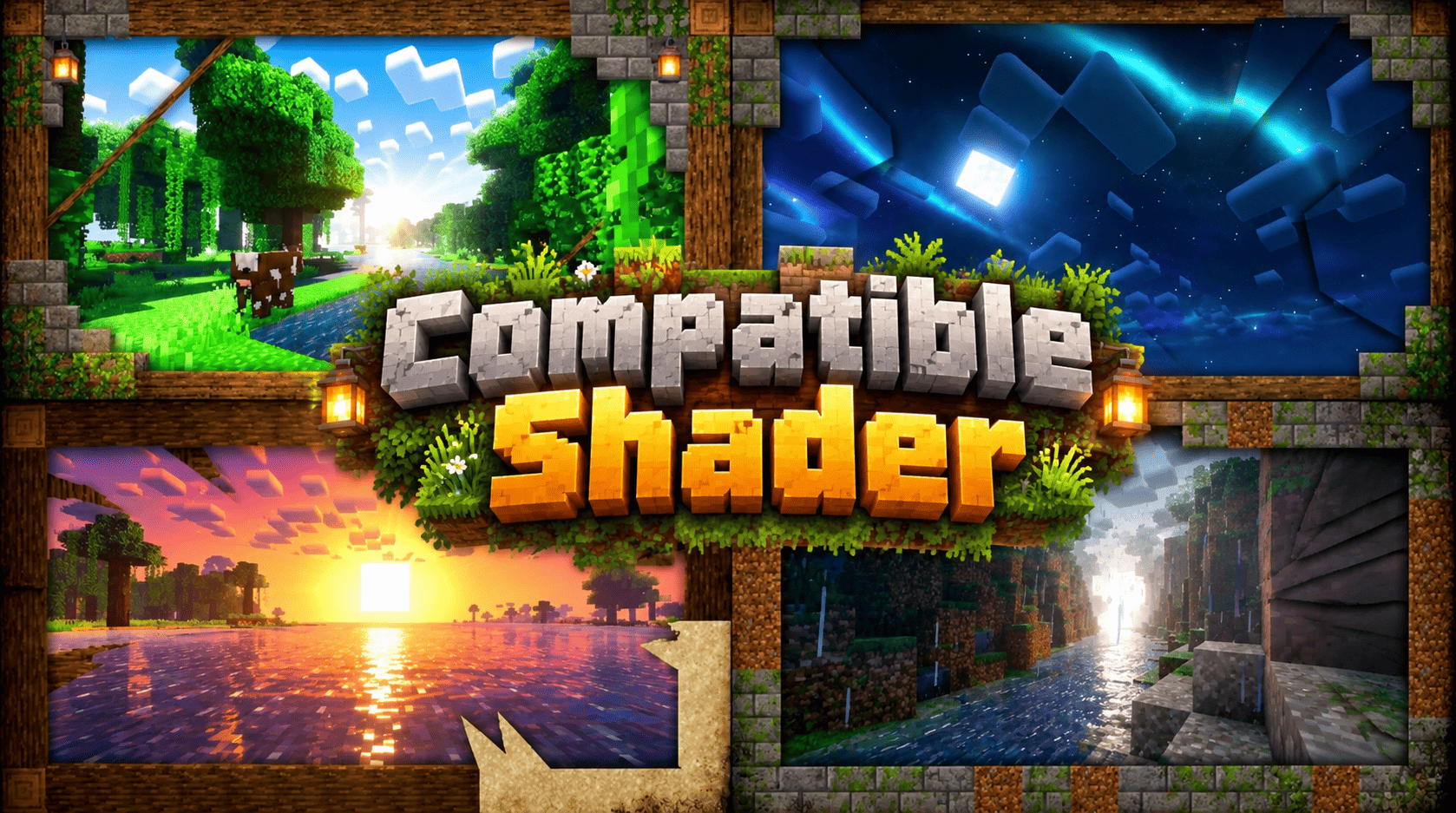
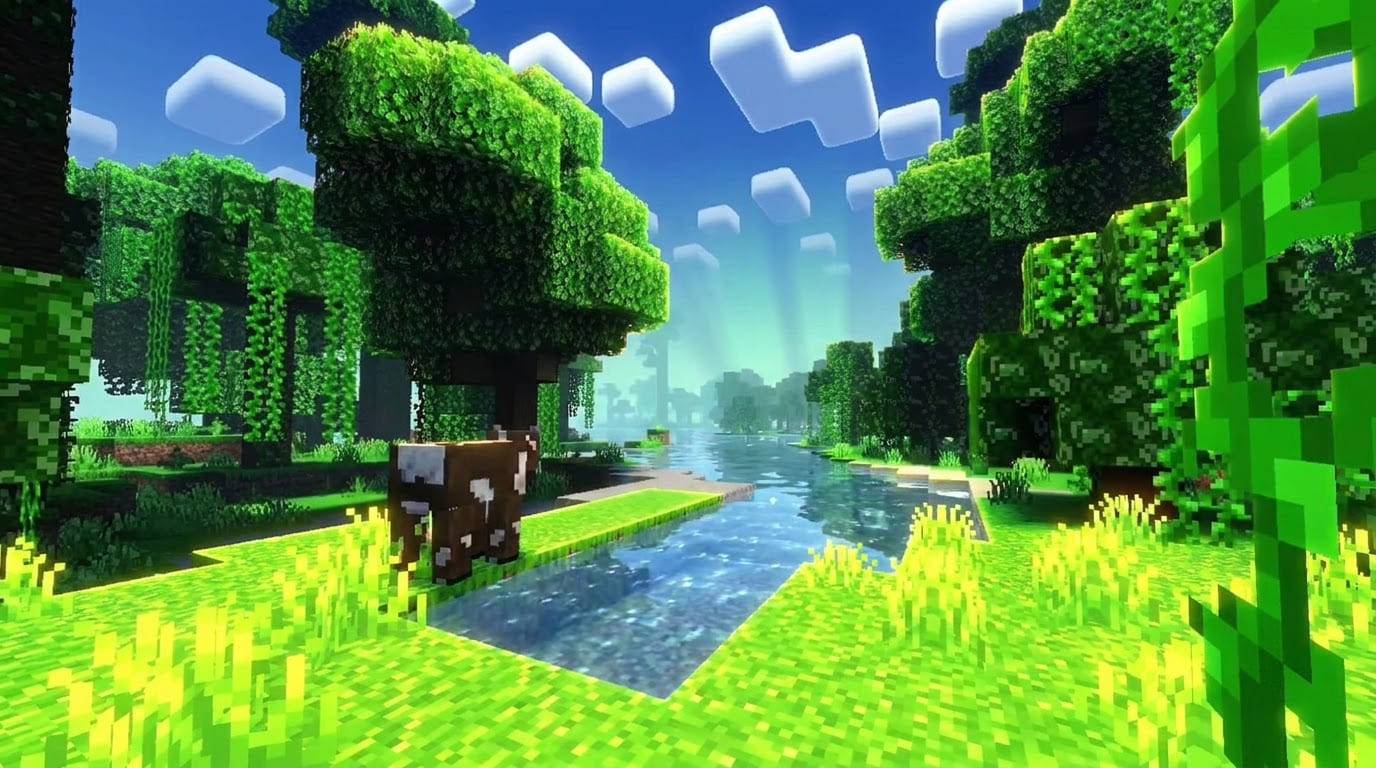
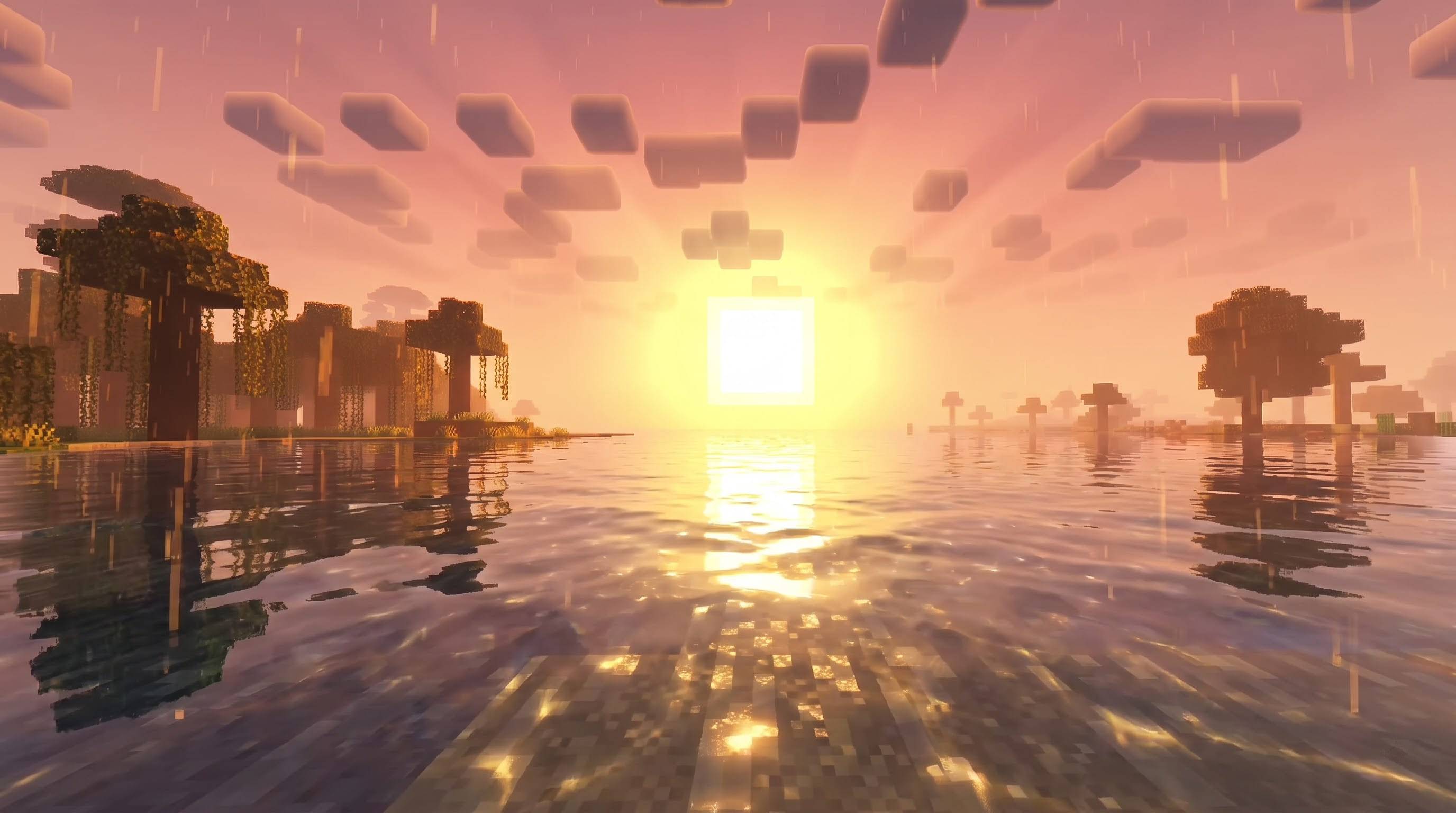
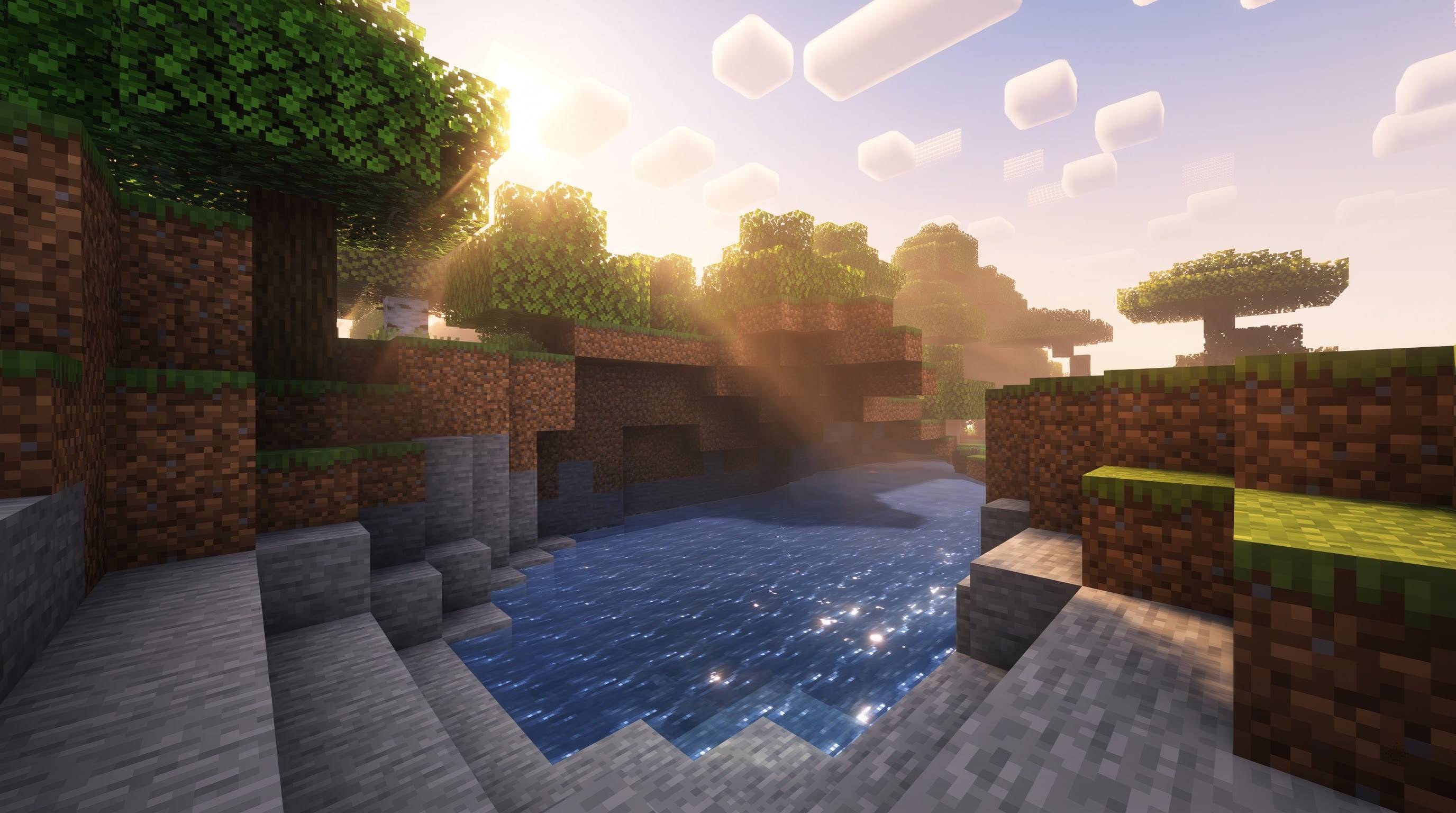
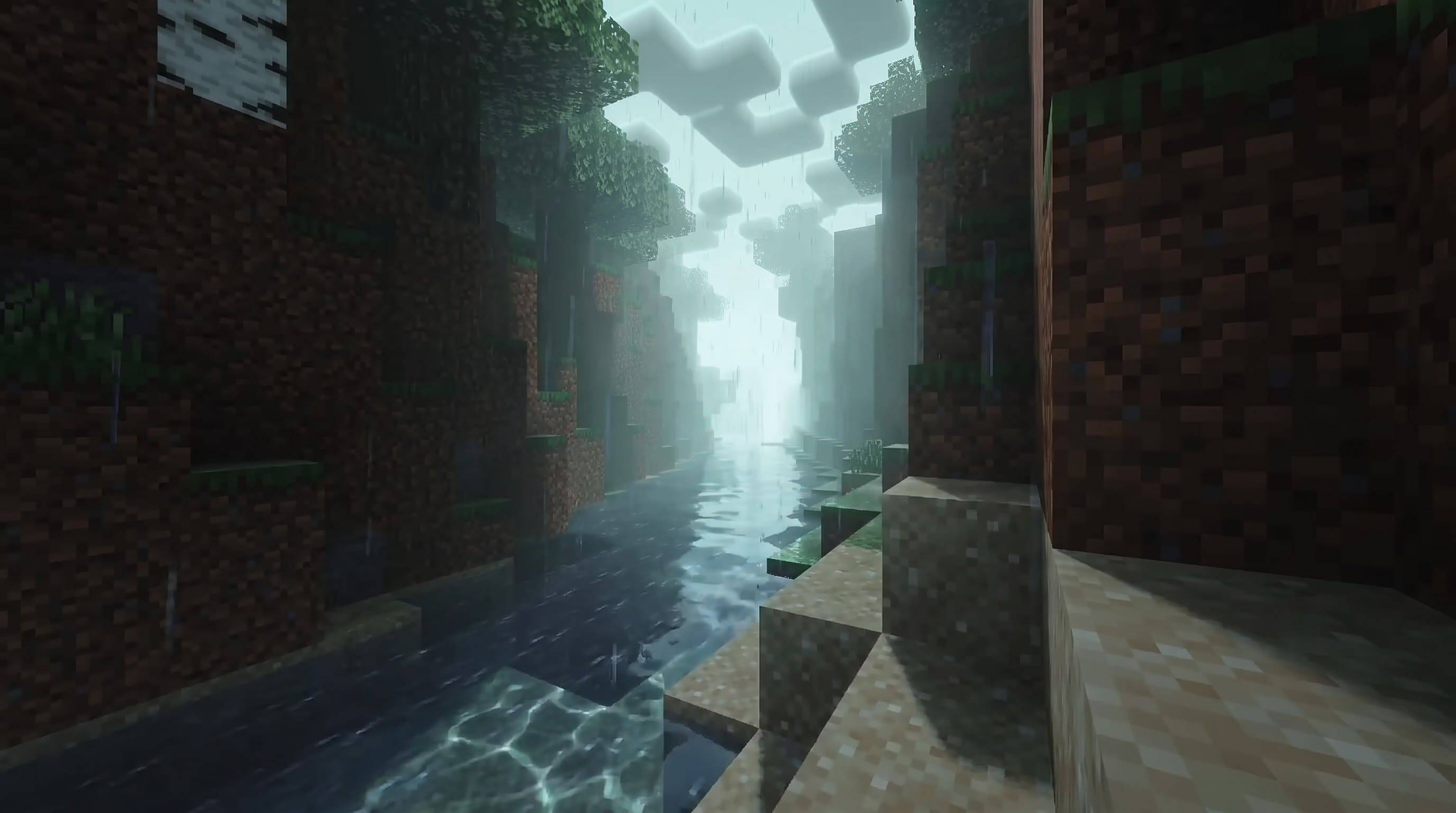

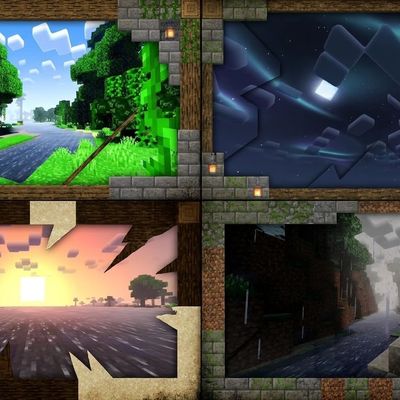
Compatible Shader is a bold colour-and-light add-on for Minecraft Bedrock Edition's Vibrant Visuals graphics mode. It does not replace textures or change gameplay. Instead it repaints the atmosphere: cherry groves glow pink, forests turn deep emerald, deserts blaze amber, snowy lands shine with golden light, and nights wash the world in cool teal moonlight. Each biome gets its own mood, so travelling across your world feels like walking through different paintings.
The pack is built from four ideas. First, directional lighting: the sun and moon carry biome-specific colours that reach blocks, leaves, water and sky. Second, coloured volumetric haze: featured biomes receive a tinted fog that catches sunlight and turns it into visible beams between tree trunks, hills and clouds. Third, colour grading: every featured biome has its own saturation, warmth and tint, which makes greens vivid and pinks rich while keeping detail. Fourth, teal night lighting: moonlight shifts toward a glowing aqua-teal, giving lakes, swamps and villages a dreamy midnight look. Water is tuned too: clearer, richer colours, livelier waves and brighter caustic light patterns on the bottom.
One single file is all you need. Compatible Shader is made to load on Minecraft Bedrock 1.21.100 and newer, including the 26.x releases, so you do not have to pick between several downloads. Because the pack has to work on every one of those versions, it keeps one steady colour tint through the day instead of changing colour at sunrise and sunset.
Featured biomes are Cherry Grove, Forest, Flower Forest, Birch Forest, Old Growth Birch Forest, Plains, Sunflower Plains, Taiga, Old Growth Pine and Spruce Taiga, Snowy Taiga, Snowy Plains, Windswept Hills, Jungle, Bamboo Jungle, Sparse Jungle, Savanna and Desert. Other Overworld biomes keep their familiar look, but their sunlight and moonlight are re-tinted: Ice Spikes receive a warm golden light, Mushroom Fields a soft pearly lilac, Swamps a misty green-teal, and Badlands a coral glow. The Nether and the End are left untouched.
Everything in the pack is original. It contains no copied shaders, textures or code. It is made entirely from official Vibrant Visuals data files that Minecraft already supports, namely lighting, fog, colour grading and client biome definitions, and every colour value was chosen by hand for this project. Light intensity follows the current vanilla scale, so exposure stays balanced. No mods, launchers, OptiFine or Iris are needed, and because the pack adds no heavy textures it asks for very little beyond what Vibrant Visuals already uses.
How to install: open the downloaded file with Minecraft so it imports itself, then go to Settings, Global Resources and activate Compatible Shader. Next open Settings, Video and set Graphics Mode to Vibrant Visuals. For the strongest glow, raise the Bloom slider to 100 percent. Load a world and look toward the sun through trees or hills at sunrise or sunset for the best first impression.
Please note what this pack cannot do. Resource packs cannot change cloud shapes, add lens flares, draw an aurora, alter rain shapes, or control the strength of bloom and blur. Those effects belong to Minecraft itself or to separate shader systems, so your game will show the colours and mood of the pack, not a copy of any particular shader. Vibrant Visuals must be turned on and supported by your device, or the pack will show no visible effect.
Credits: created and designed by GURJAR. Minecraft and Vibrant Visuals belong to Mojang Studios and Microsoft. This pack is an independent fan-made creation and is not affiliated with, endorsed by or supported by Mojang or Microsoft. You may share it, but please keep the credit to GURJAR.
Feature list Biome-specific sun and moon colours, with teal moonlight at night Coloured volumetric haze that turns sunlight into visible beams Per-biome colour grading (saturation, warmth, tint) for 18 featured biome types Tuned water: richer colours per biome, livelier waves and brighter caustics Re-tinted light for Ice Spikes, Mushroom Fields, Swamps and Badlands One single file for Bedrock 1.21.100 and newer, including 26.x Light intensity on the current vanilla scale Nether and End left untouched 100% original configuration, no copied shaders, textures or code No mods, launchers, OptiFine or Iris required Installation Download the file and open it with Minecraft so it imports itself. Settings > Global Resources > activate Compatible Shader. Settings > Video > Graphics Mode > Vibrant Visuals. Raise Bloom to 100% for the strongest glow. Load a world and look toward the sun at sunrise or sunset.
Do not unzip the file into a folder by hand; opening it with Minecraft is the supported method.
Recommended settings Graphics Mode: Vibrant Visuals Bloom: 100% (in the Vibrant Visuals options; names can vary slightly by version) Point Light Quality: High or Ultra if your device runs smoothly Clouds: Medium or higher Leave Gamma / brightness at default unless the image is too dark Known limitations Vibrant Visuals must be enabled and supported by your device. Water colour and waves are tuned for the featured biomes and the default water; special water such as warm oceans and swamps keeps its vanilla look. Resource packs cannot change cloud shapes, lens flares, aurora, rain shapes or the strength of bloom and blur. To work on every supported version, the pack keeps one colour tint all day (no separate sunrise/sunset colour). The pack replaces the client definition of its featured biome IDs. Those biomes keep default grass and foliage tint and default biome music. Early release: results can vary slightly by device and version. Credits and legal Created and designed by GURJAR. Minecraft and Vibrant Visuals are trademarks of Mojang Studios and Microsoft. This pack is an independent, fan-made creation and is not affiliated with, endorsed by or supported by Mojang or Microsoft. You may share the pack, but please keep the credit to GURJAR.
- Edition: Minecraft Bedrock
- File type: .mcpack
- Minecraft versions listed: 1.21.100, 26.0
- How to install: Download the .mcpack. → Open it — Minecraft imports it under Resource Packs. → Activate it in Global Resources, or for one world under Resource Packs → Available.
- Where to get it: Opens on CurseForge — not every file is mirrored on our own servers.
Install steps are the general flow for this file type — How to install Minecraft Bedrock texture packs walks through it step by step.
- Pack type: .mcpack — a single pack
- Manifest requires Minecraft 1.21.100 or newer
- Complete pack — everything it depends on is inside the file
- Download size: 56 KB
- Download link checked 16 Oct 2026 — working
These come from our own check of the pack file, not from the source page.