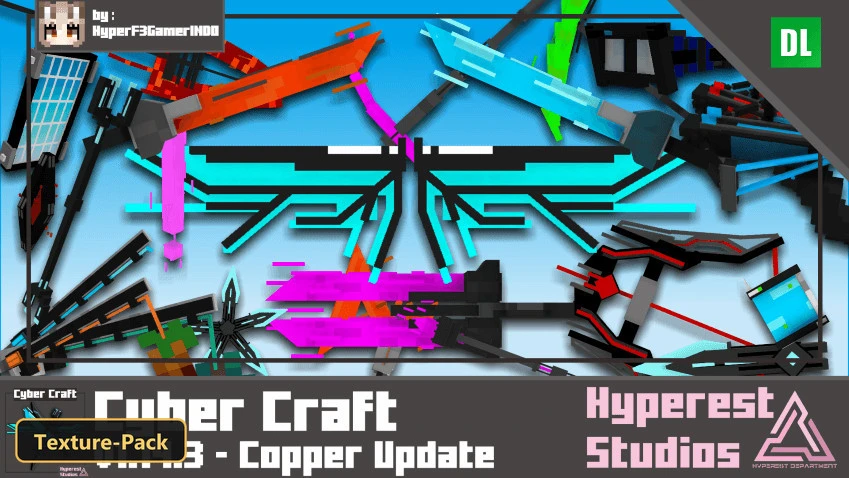
Cyber Craft (26+, 1.21) – MCPE/Bedrock Texture Pack
Bedrock texture pack listed for Minecraft 1.21. File opened and checked on 17 Oct 2026; installs from the MC Bedrock Mods app on Android.
⬇ Download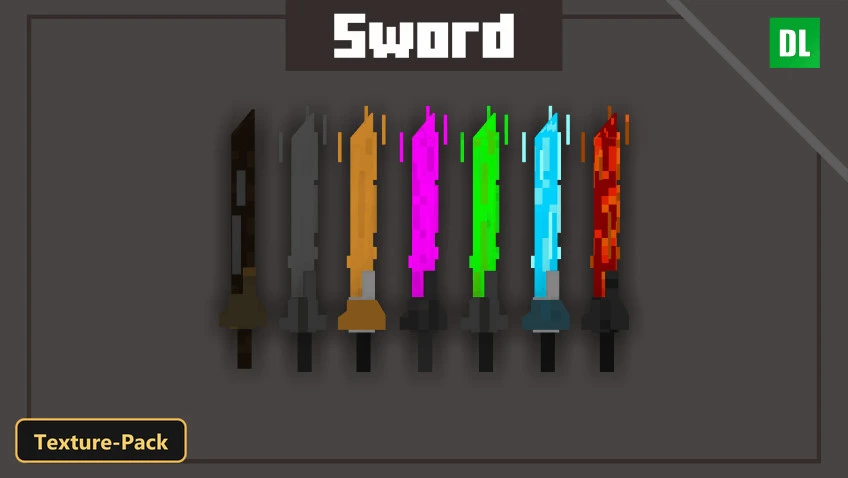
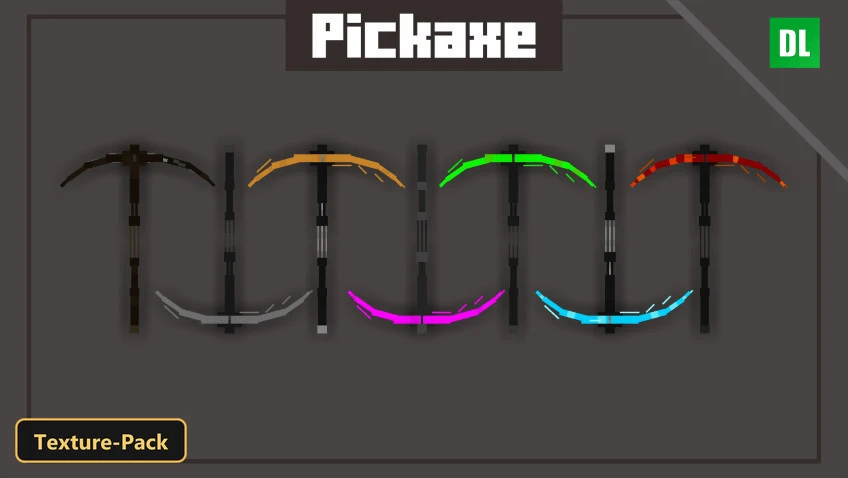
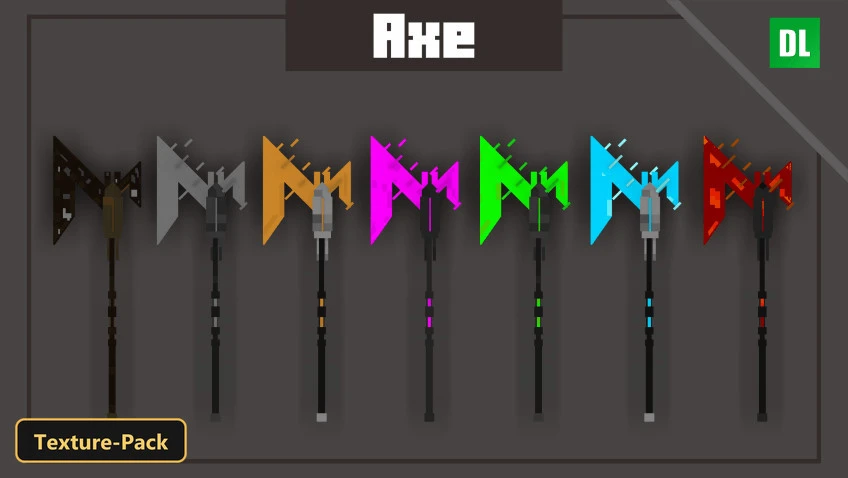
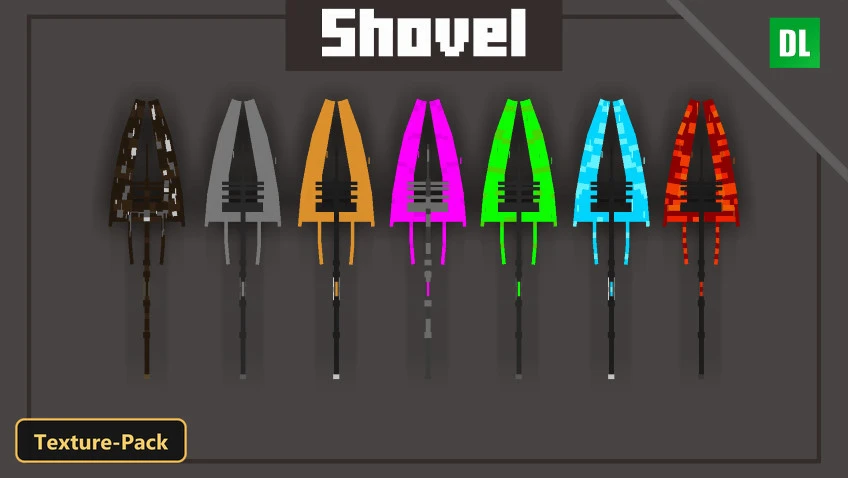
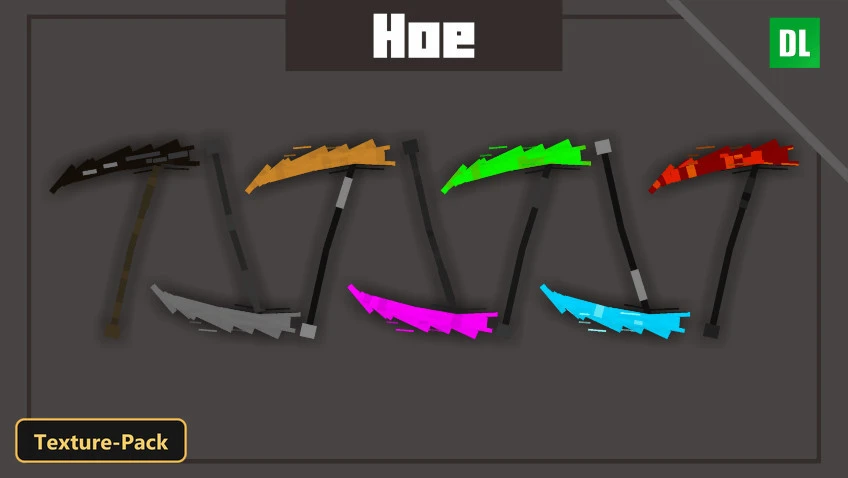
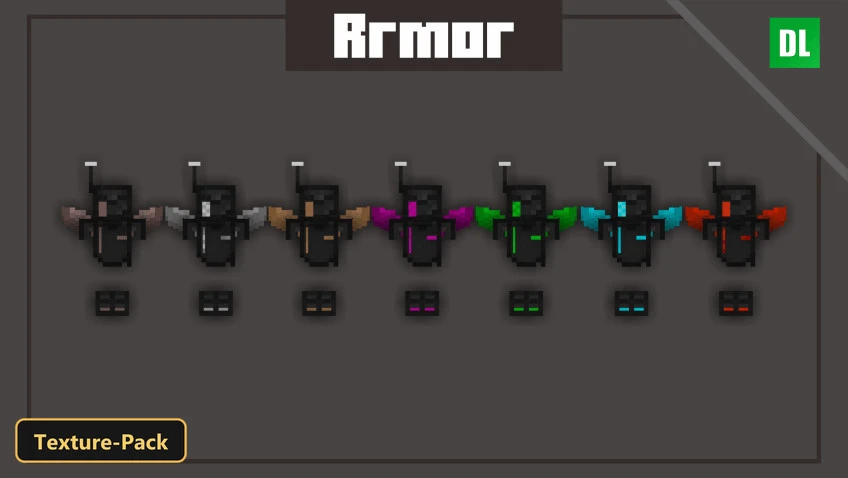
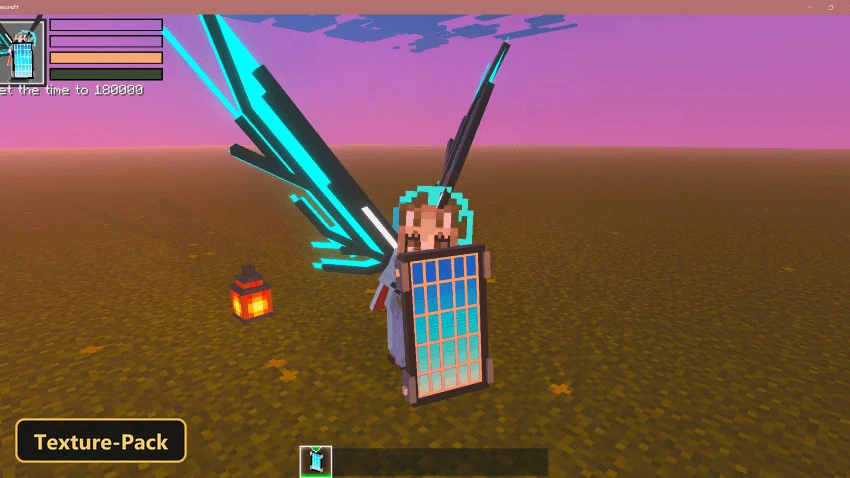
Cyber Craft gives tools, items, blocks and entities a futuristic metallic style, with PBR materials that show their full effect in Vibrant Visuals mode.
Textures are 16x. Wooden tools become Rusty, stone tools become Metal, copper tools Droug, iron tools Mythical purple, gold tools Drone, diamond tools Plasma blue laser swords and Netherite tools Magma. Other new designs include a solar shield, a cyber trident, a cyber crossbow, a cyber elytra and cyber shears. Three quality presets can be picked in-game: all features, vanilla tool colors, or only the 3D tool models. The extra material effects stay hidden without Vibrant Visuals in Minecraft Bedrock.
Requirements:
- MCPE/Bedrock 1.14 – 1.21.132
all 67 versions1.21.132, 1.21.131, 1.21.130, 1.21.124, 1.21.123, 1.21.122, 1.21.121, 1.21.120, 1.21.114, 1.21.111, 1.21.101, 1.21.100, 1.21.94, 1.21.93, 1.21.92, 1.21.90, 1.21.82, 1.21.81, 1.21.80, 1.21.73, 1.21.72, 1.21.71, 1.21.70, 1.21.61, 1.21.60, 1.21.51, 1.21.50, 1.21.44, 1.21.43, 1.21.41, 1.21.40, 1.21.30, 1.21.21, 1.21.20, 1.21.2, 1.21, 1.20.80, 1.20.70, 1.20.60, 1.20.50, 1.20.40, 1.20.1, 1.20, 1.19.23, 1.19.20, 1.19.10, 1.19, 1.18.31, 1.18.30, 1.18.12, 1.18.10, 1.18.2, 1.18.1, 1.18, 1.17.2, 1.17.1, 1.17, 1.16.22, 1.16.21, 1.16.2, 1.16.1, 1.16, 1.15, 1.14.3, 1.14.2, 1.14.1, 1.14
- Includes PBR materials for Minecraft Bedrock's Vibrant Visuals mode — the extra material effects show only with it enabled

Features:
- PBR texture pack for Minecraft Bedrock's Vibrant Visuals mode
- 3 quality presets to pick in-game: [Enable all Features] Turning On all feature in this pack (memory tier 1), [Change Tools colors to Vanilla] Turning on vanilla colors by NSPG911 (memory tier 2), [Only 3D Tools Active] Turning off Blocks and Items : Iron Ingots Iron Ore Iron Block Iron Nuggets Raw Iron Gold Block Gold Ingots Gold Ore Gold Nuggets Raw Gold (memory tier 3)
- PBR materials with metalness, emissive and roughness maps, normal maps
- Retextures items, blocks, entities, the UI at 16x resolution
Screenshots:


- Edition: Minecraft Bedrock
- File type: .mcpack
- Minecraft version listed: 1.21
- How to install: Download the .mcpack. → Open it — Minecraft imports it under Resource Packs. → Activate it in Global Resources, or for one world under Resource Packs → Available.
- Where to get it: In MCModsHub, or directly above on this page.
Install steps are the general flow for this file type — How to install Minecraft Bedrock texture packs walks through it step by step.
- Pack type: .mcpack — a single pack
- Complete pack — everything it depends on is inside the file
- Download size: 426 KB
- Download link checked 17 Oct 2026 — working
- Mirrored on our own servers — the download does not depend on the original host
These come from our own check of the pack file, not from the source page.