PandaMine's Invisible Item Frames & Glow Frames (26+) – MCPE/Bedrock Texture Pack
Minecraft Bedrock texture pack. File opened and checked on 17 Oct 2026; installs from the MC Bedrock Mods app on Android.
⬇ Download
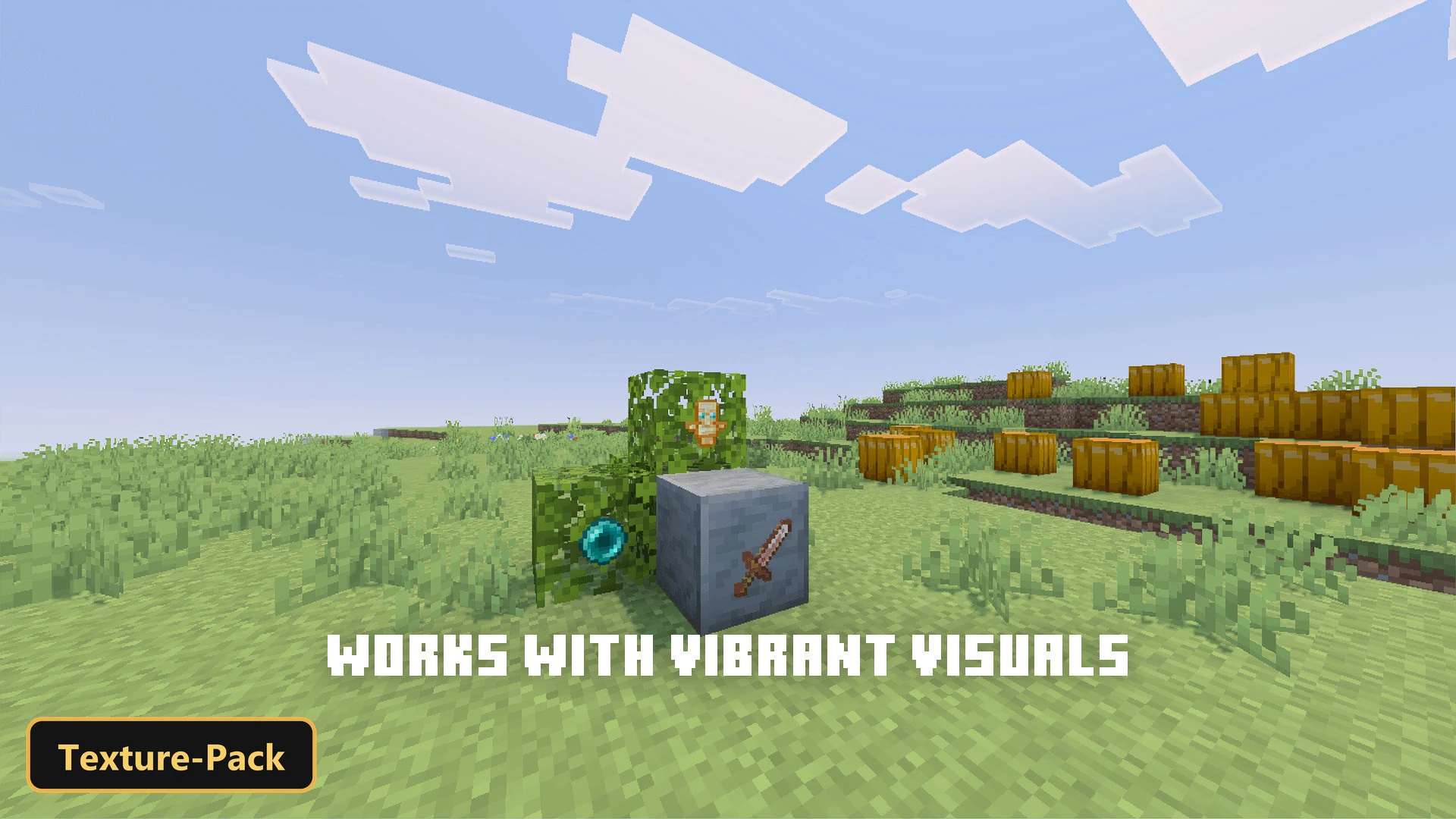
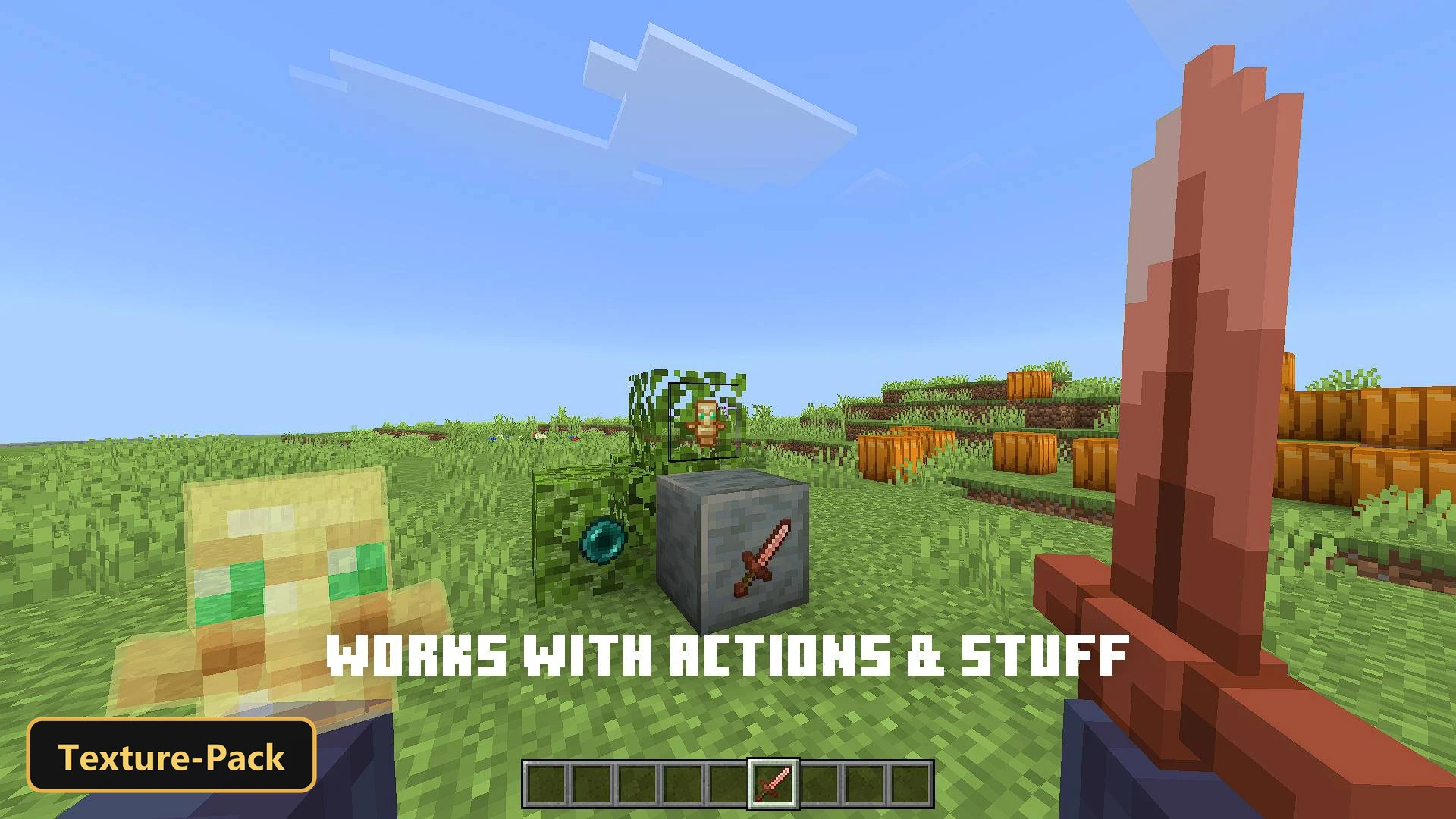
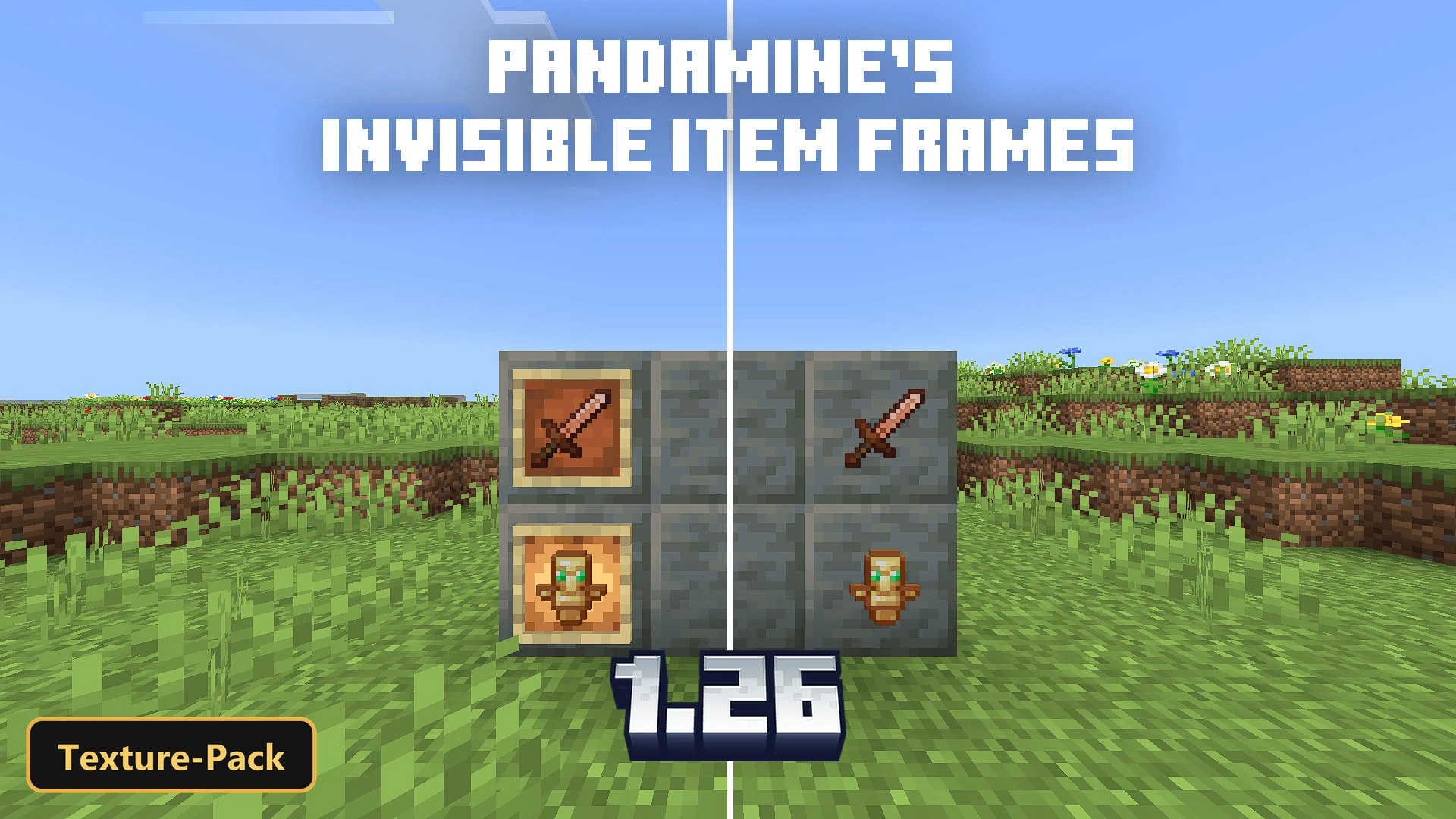
Item frames and glow frames disappear, leaving only the item behind, with PandaMine’s Invisible Item Frames & Glow Frames. It is a quality-of-life texture pack for large builds and map decorations, where items can look like they float or sit directly on a surface.
Three subpacks let you choose the effect: one hides both default and glow frames, one hides only standard item frames, and one hides only glow frames. The pack works with Vibrant Visuals enabled, and it is made for Minecraft Bedrock.
Requirements:
- MCPE/Bedrock 26.40

Features:
- 3 in-game options: Invisible Glow Frame 3/3, Invisible Item Frame 2/3, Invisible Item Frames (Default & Glow) 1/3
Screenshots:


- Edition: Minecraft Bedrock
- File type: .mcpack
- How to install: Download the .mcpack. → Open it — Minecraft imports it under Resource Packs. → Activate it in Global Resources, or for one world under Resource Packs → Available.
- Where to get it: In MCModsHub, or directly above on this page.
Install steps are the general flow for this file type — How to install Minecraft Bedrock texture packs walks through it step by step.
- Pack type: .mcpack — a single pack
- Complete pack — everything it depends on is inside the file
- Download size: 5 KB
- Download link checked 17 Oct 2026 — working
- Mirrored on our own servers — the download does not depend on the original host
These come from our own check of the pack file, not from the source page.