Strength 16x (26+, 1.21) – MCPE/Bedrock Texture Pack
Bedrock texture pack listed for Minecraft 1.20–1.21. File opened and checked on 17 Oct 2026; installs from the MC Bedrock Mods app on Android.
⬇ Download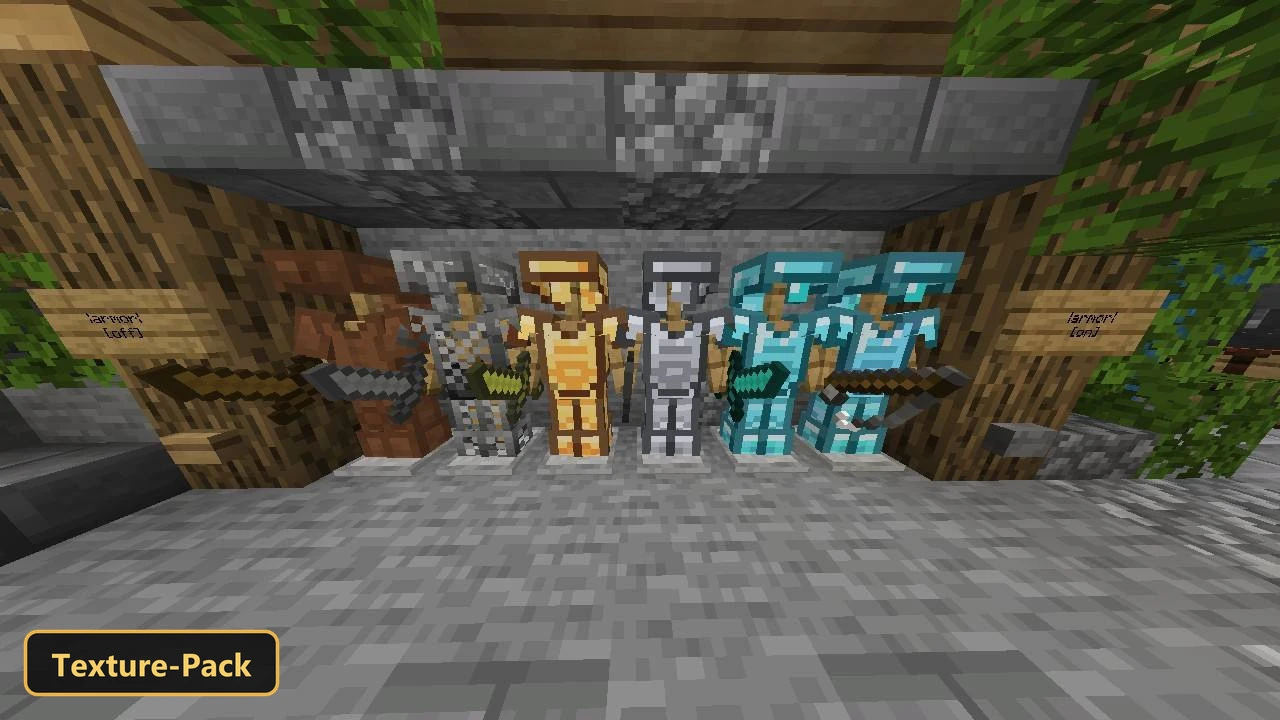
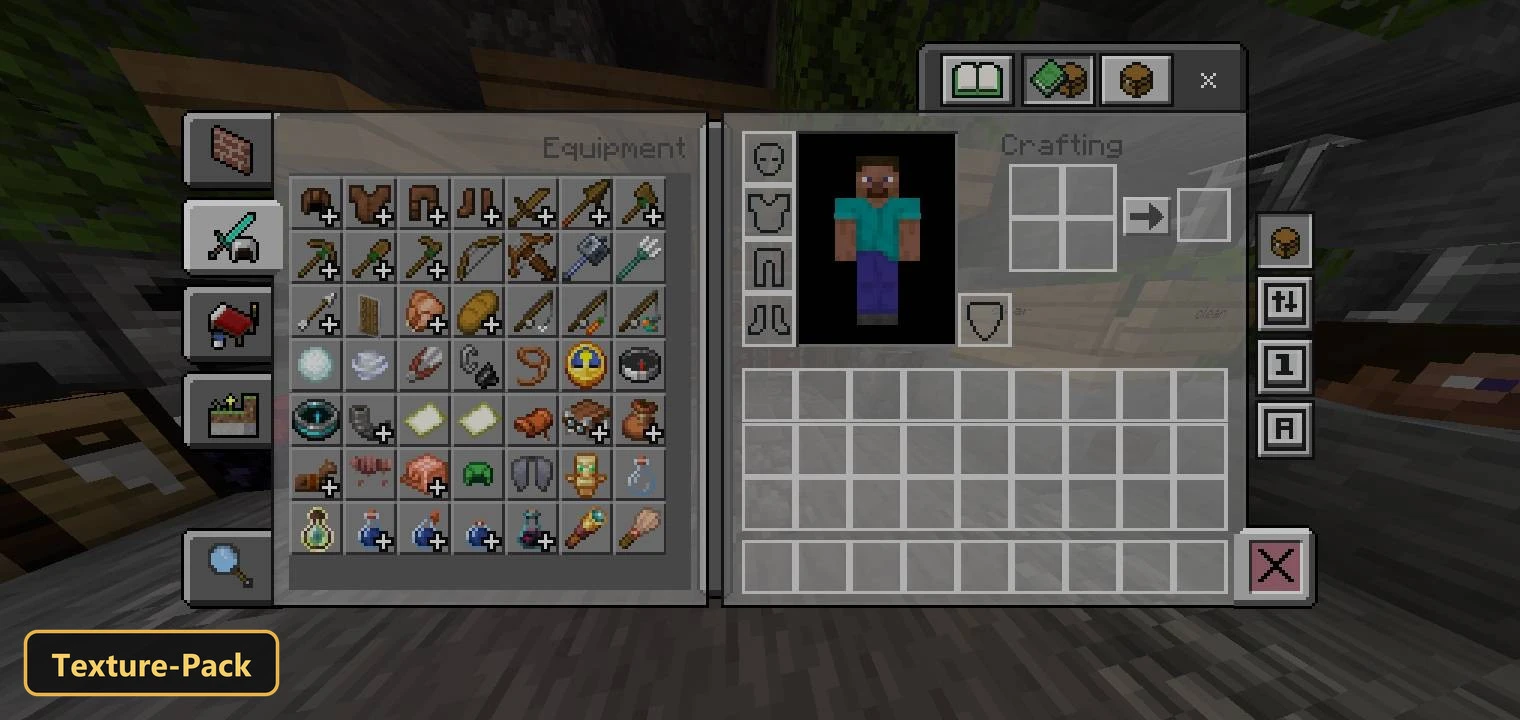
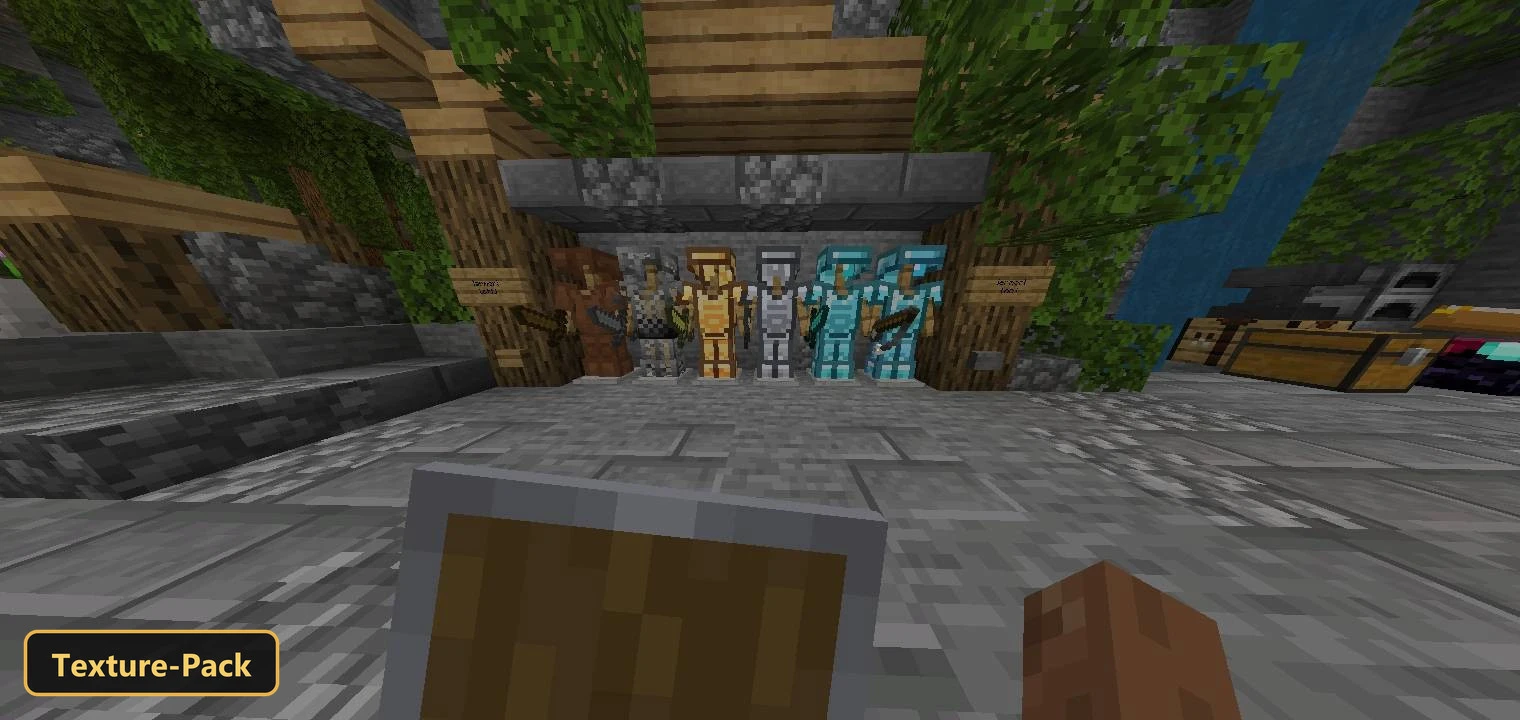
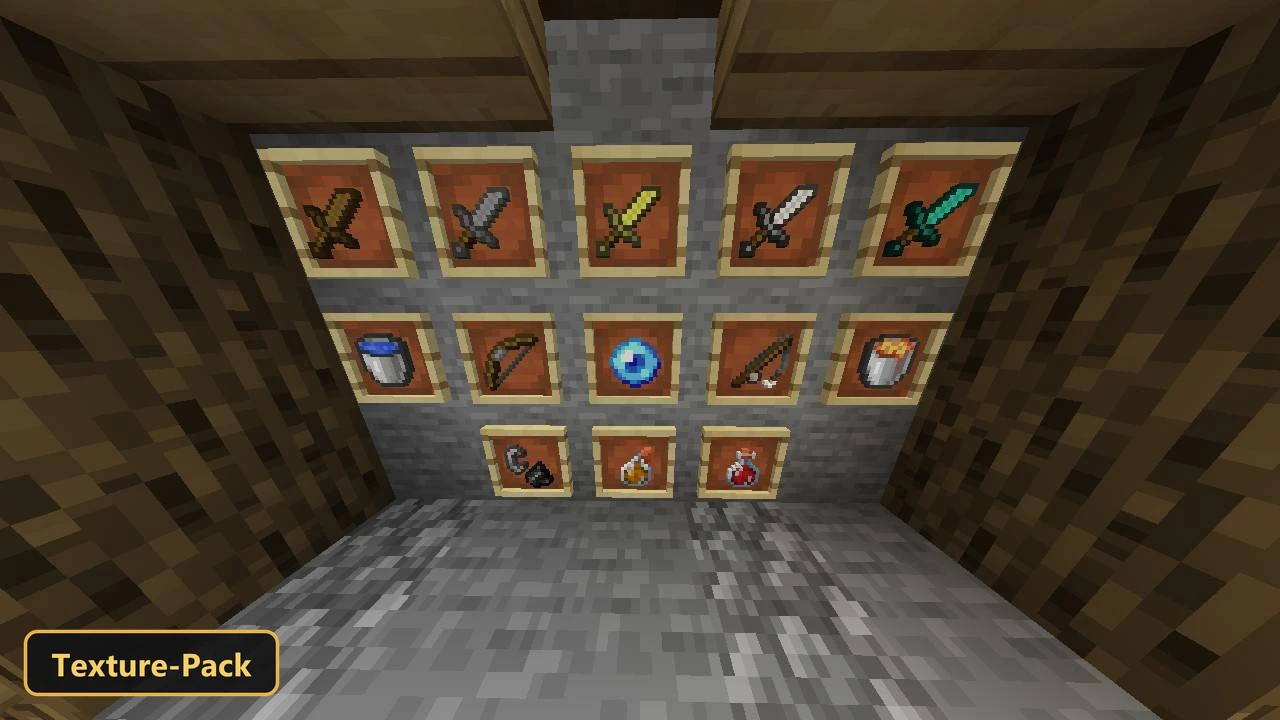
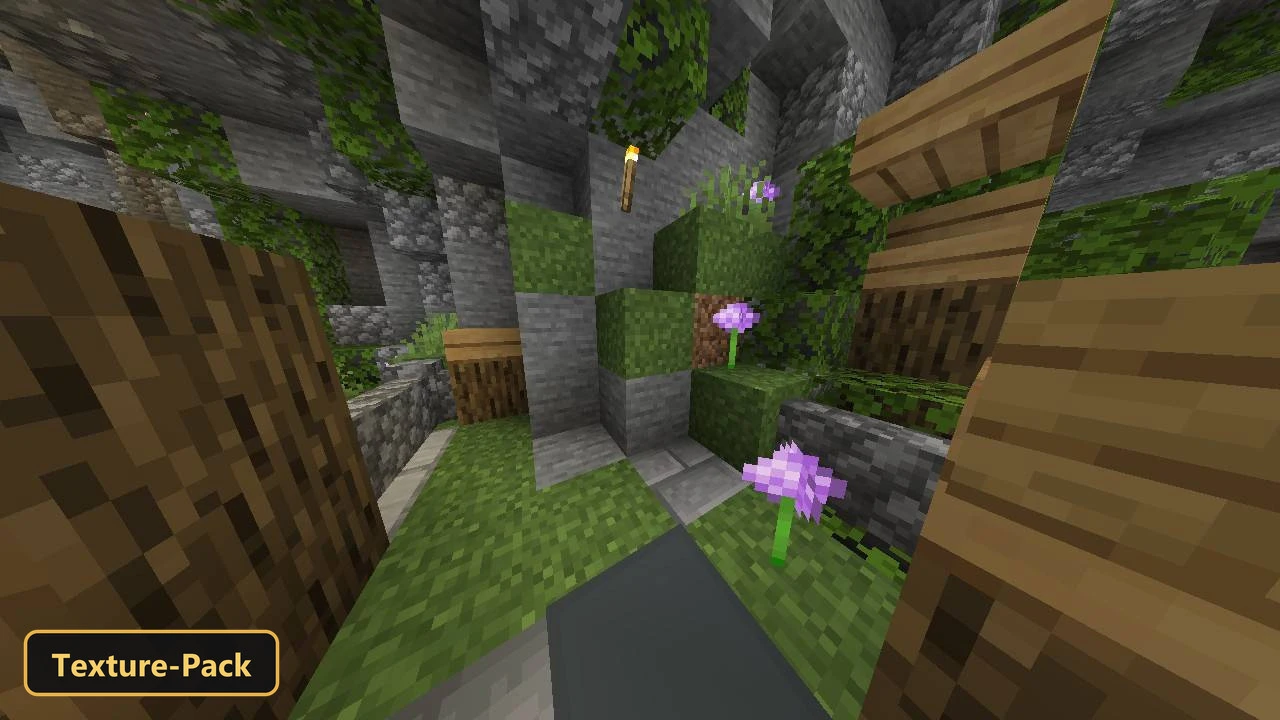
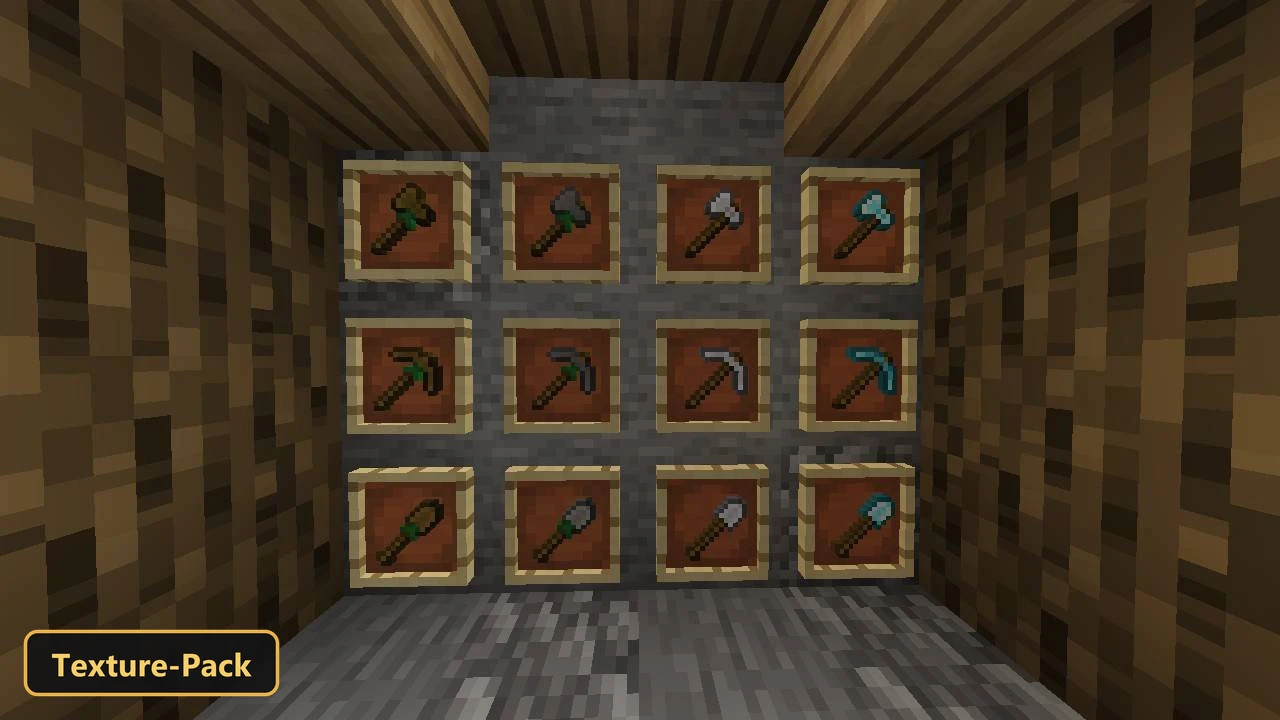
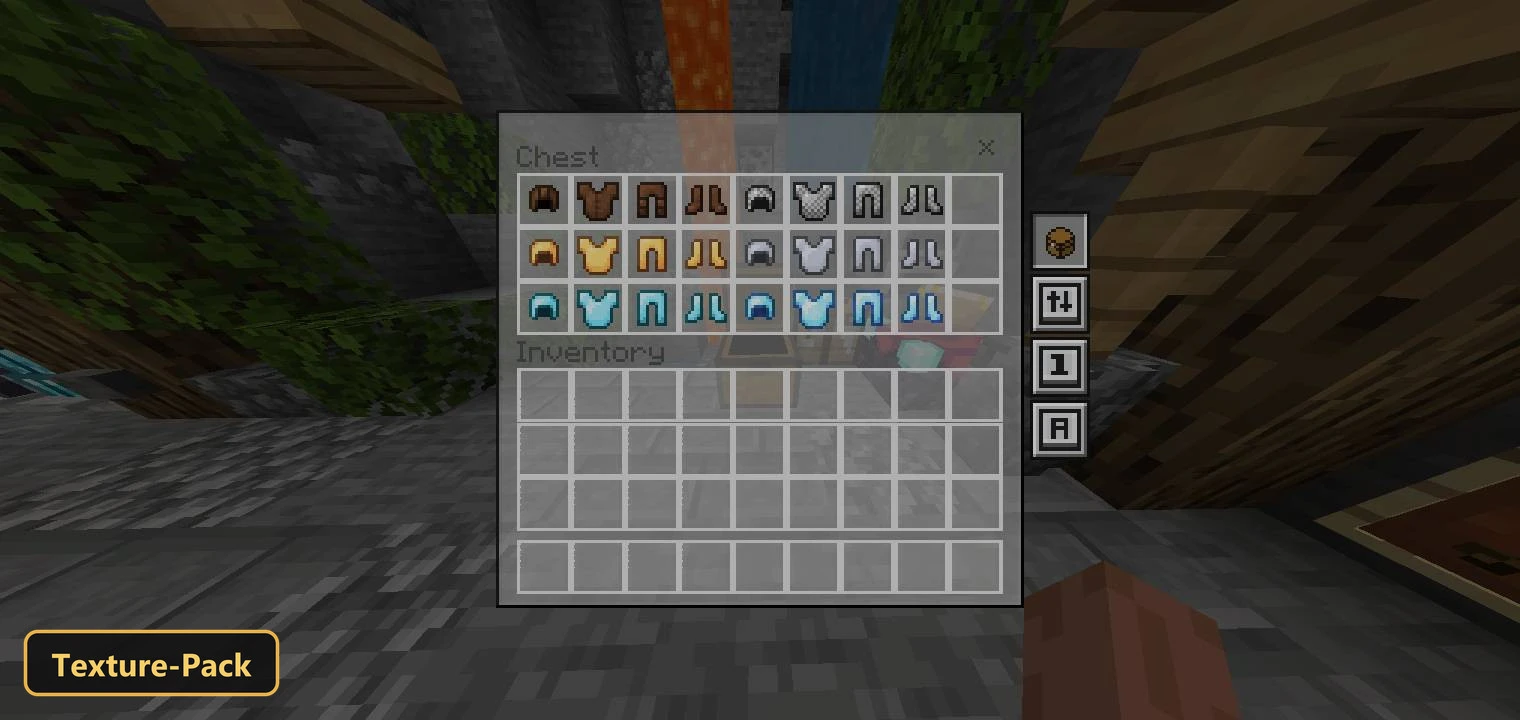
A lightweight setup aimed at better performance is the idea behind Strength 16x, a texture pack that retextures blocks, items, the UI and the sky at 16x. It targets a clean look, especially for players on mobile devices.
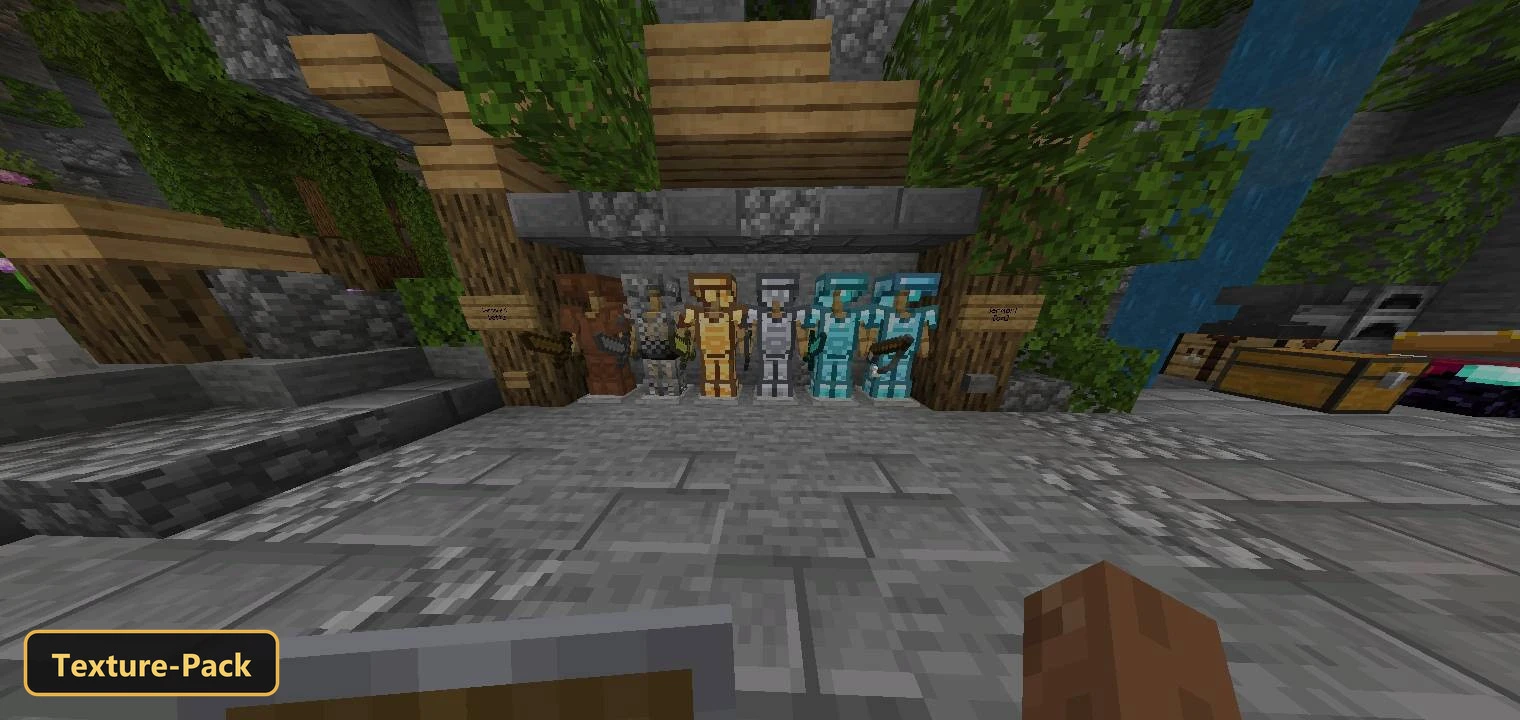
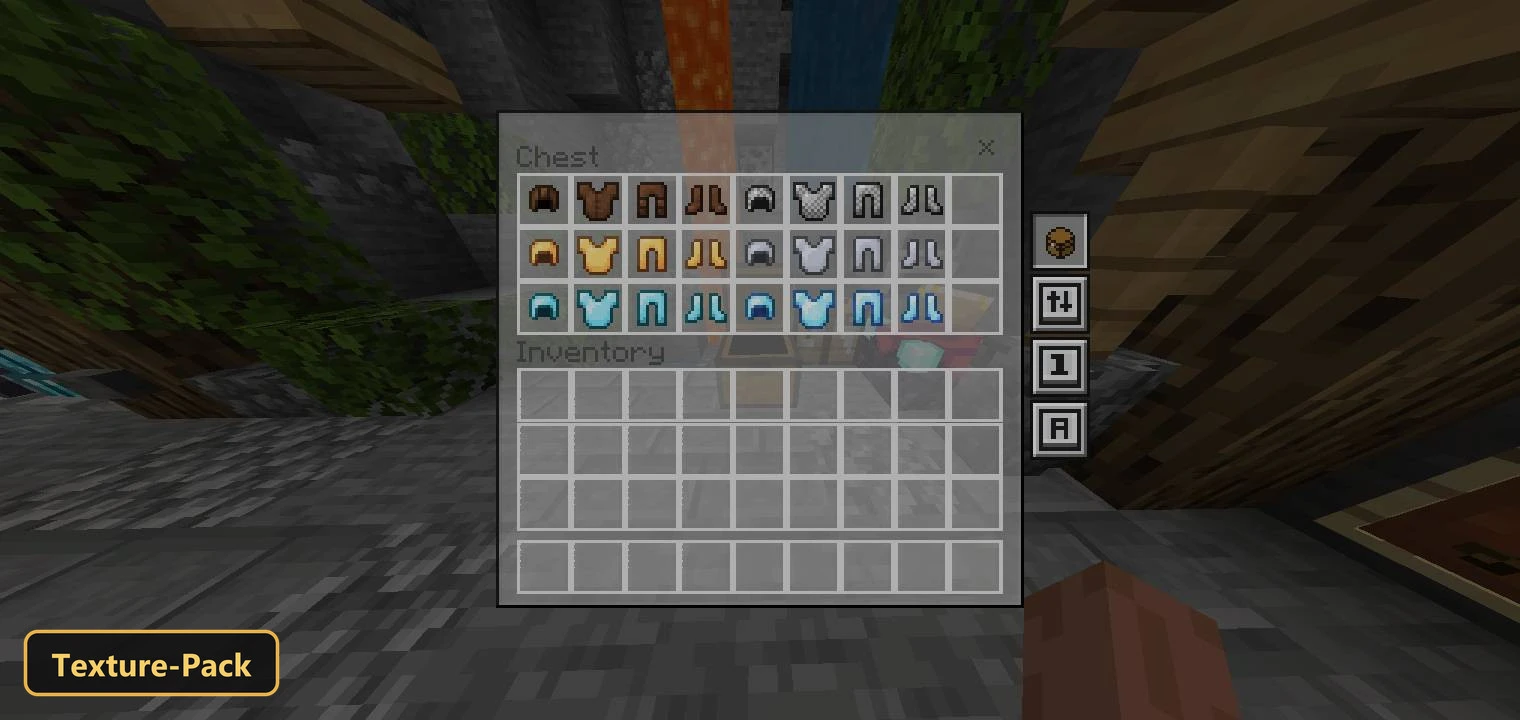
A Quick Move System speeds up inventory handling with faster ways to move items, drop one item or drop all. Swords are shortened, shields and fire are minimized, and the crosshair is smaller. Ores are outlined so diamonds and gold stand out in dark places, and the UI is transparent for a clearer view. Grass blocks are full blocks, armor textures are light, and the sun and moon look realistic.
Requirements:
- MCPE/Bedrock 1.20 – 26.30
all 52 versions26.30, 26.20, 26.13, 26.12, 26.11, 26.10, 26.3, 26.0.02, 26.0, 1.21.132, 1.21.131, 1.21.130, 1.21.124, 1.21.123, 1.21.122, 1.21.121, 1.21.120, 1.21.114, 1.21.111, 1.21.101, 1.21.100, 1.21.94, 1.21.93, 1.21.92, 1.21.90, 1.21.82, 1.21.81, 1.21.80, 1.21.73, 1.21.72, 1.21.71, 1.21.70, 1.21.61, 1.21.60, 1.21.51, 1.21.50, 1.21.44, 1.21.43, 1.21.41, 1.21.40, 1.21.30, 1.21.21, 1.21.20, 1.21.2, 1.21, 1.20.80, 1.20.70, 1.20.60, 1.20.50, 1.20.40, 1.20.1, 1.20
Features:
- Retextures blocks, items, the UI, the sky at 16x resolution
- Also includes custom UI tweaks
Screenshots:


- Edition: Minecraft Bedrock
- File type: .mcpack
- Minecraft version listed: 1.21
- How to install: Download the .mcpack. → Open it — Minecraft imports it under Resource Packs. → Activate it in Global Resources, or for one world under Resource Packs → Available.
- Where to get it: In MCModsHub, or directly above on this page.
Install steps are the general flow for this file type — How to install Minecraft Bedrock texture packs walks through it step by step.
- Pack type: .mcpack — a single pack
- Manifest requires Minecraft 1.20.1 or newer
- Complete pack — everything it depends on is inside the file
- Download size: 2.8 MB
- Download link checked 17 Oct 2026 — working
- Mirrored on our own servers — the download does not depend on the original host
These come from our own check of the pack file, not from the source page.