LithiumReverse (26+, 1.21) – MCPE/Bedrock Texture Pack
Bedrock texture pack listed for Minecraft 1.20–1.21. File opened and checked on 17 Oct 2026; installs from the MC Bedrock Mods app on Android.
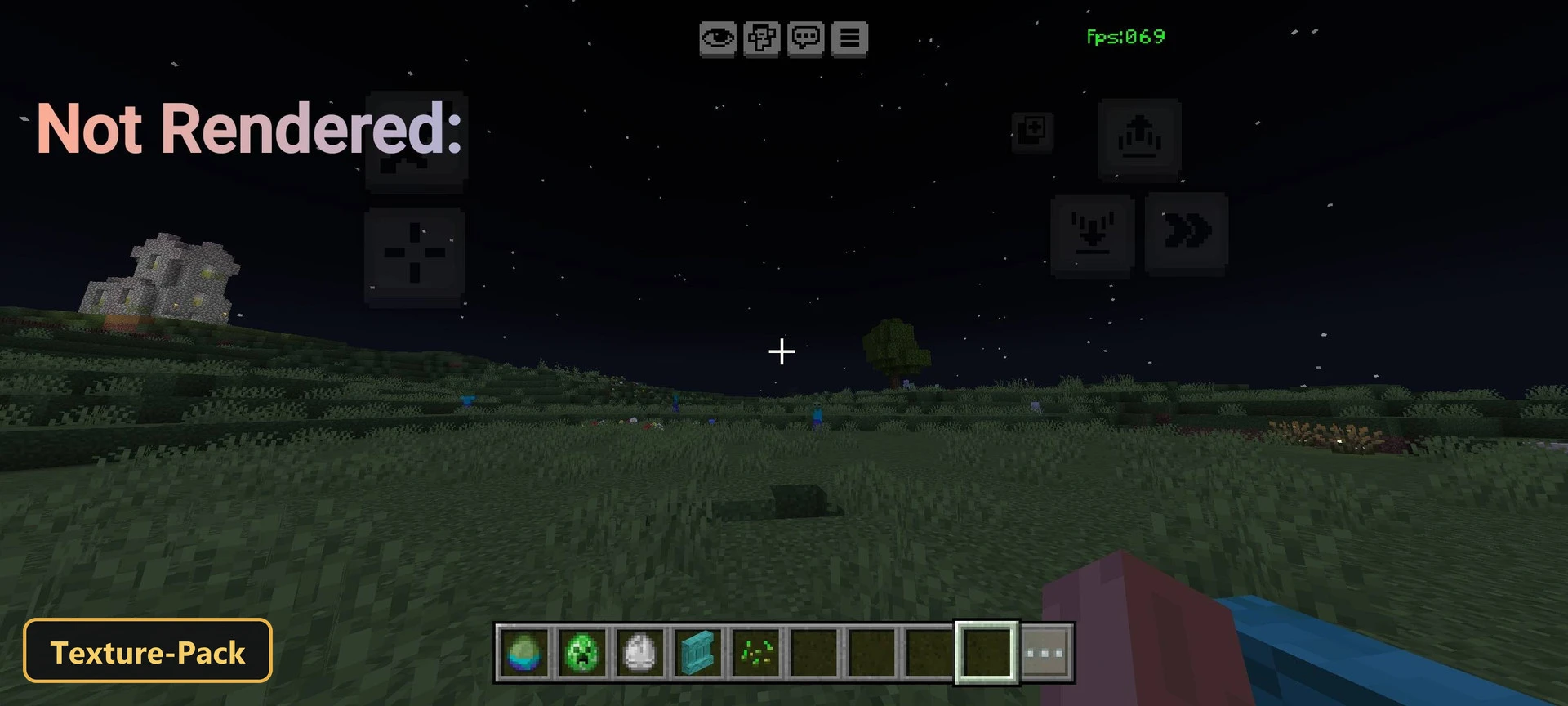
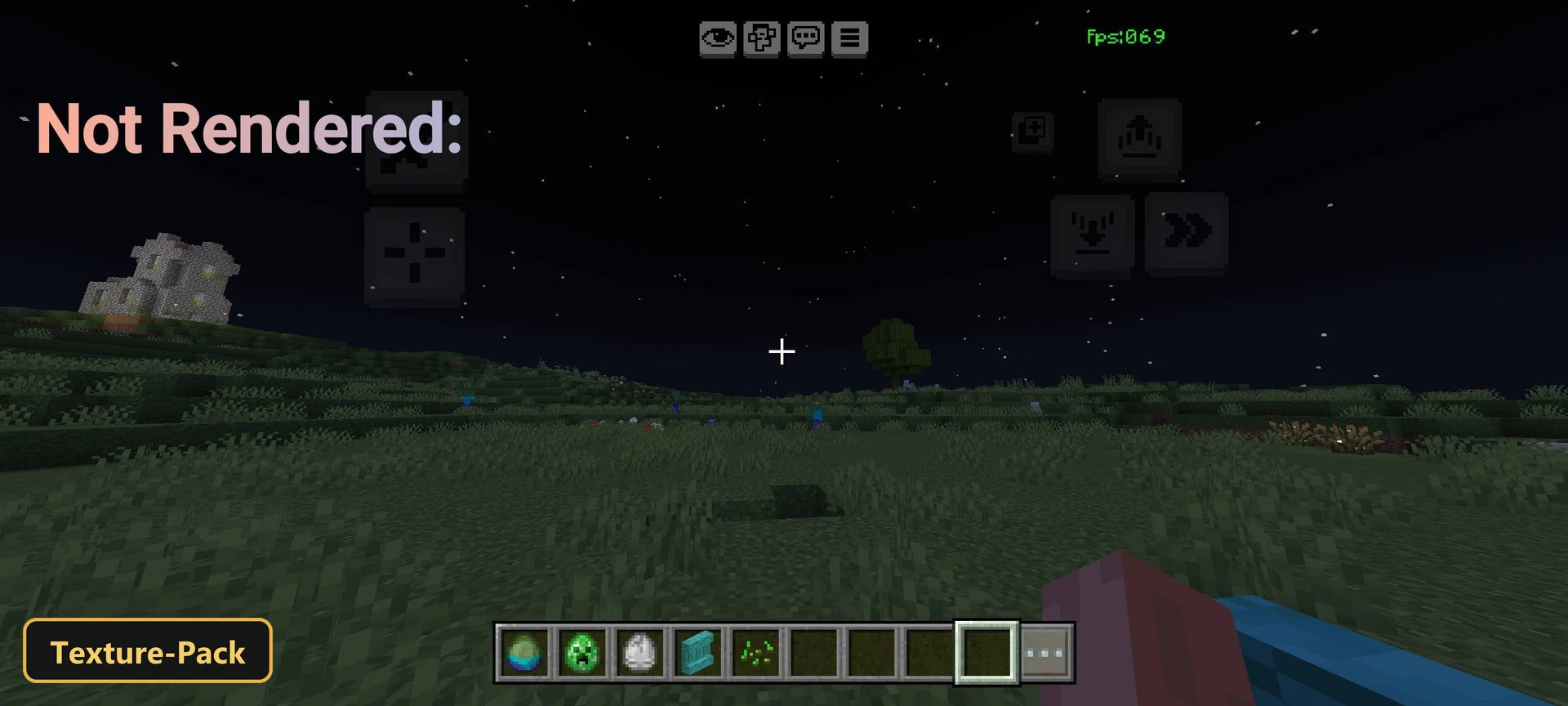
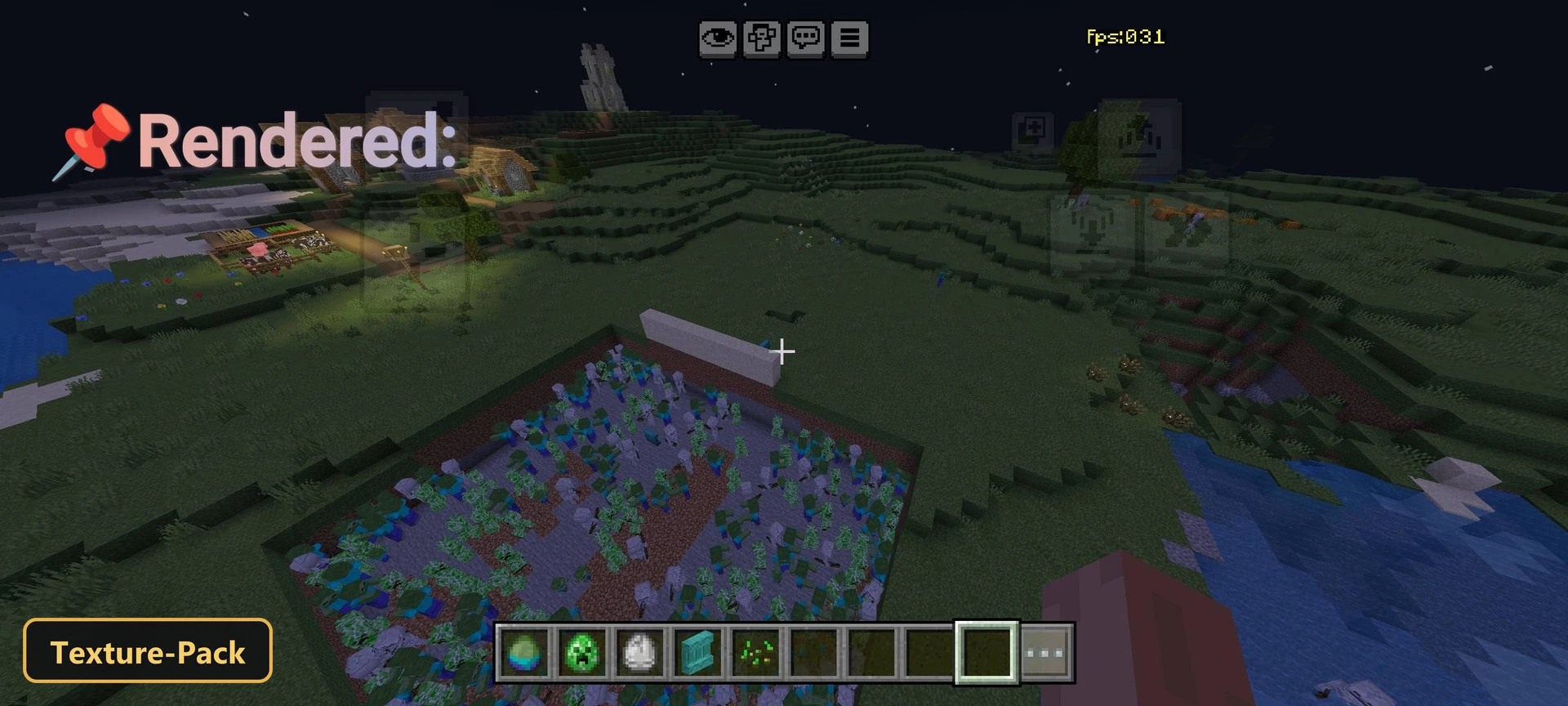
Frame rates go up with LithiumReverse, a texture pack that cuts rendering load on less powerful devices by tightening culling rules.
⬇ Download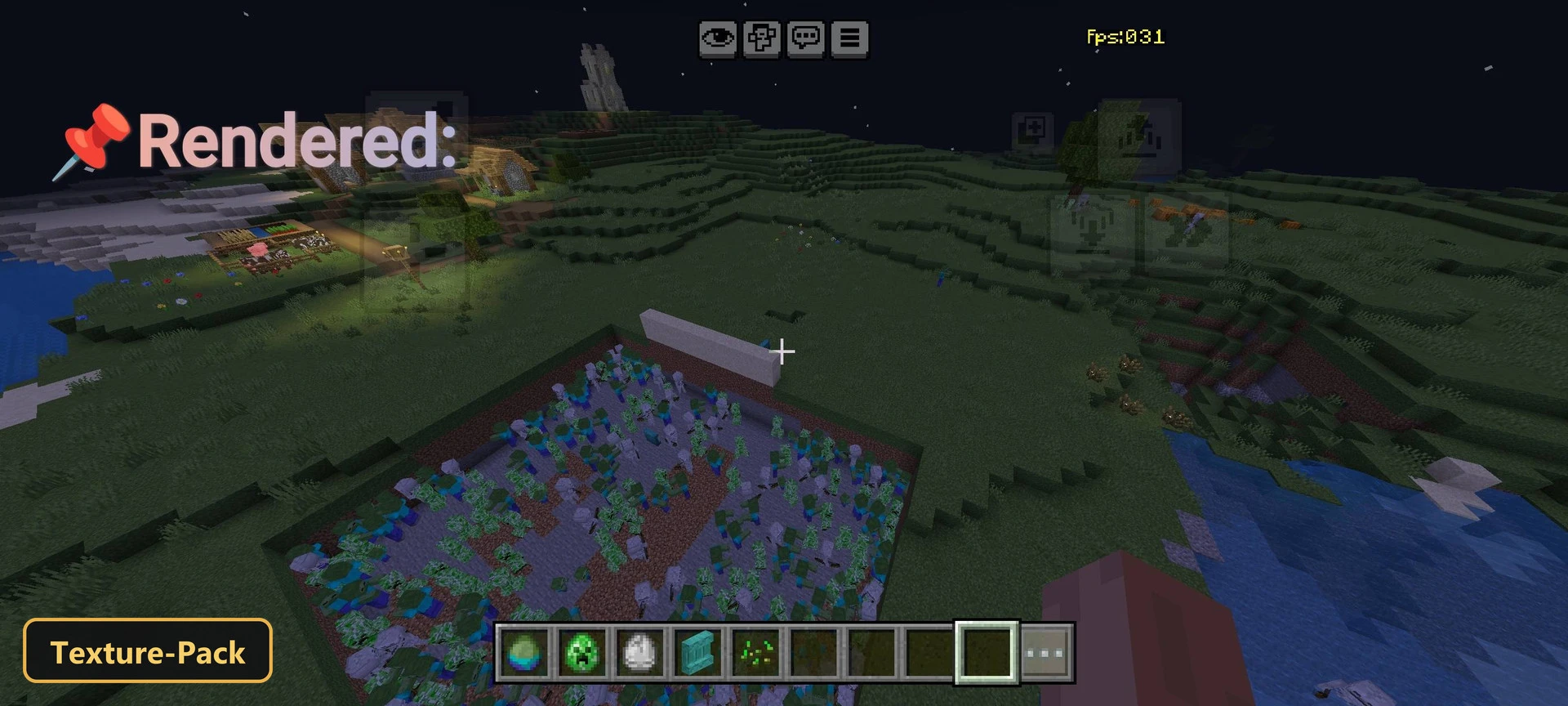
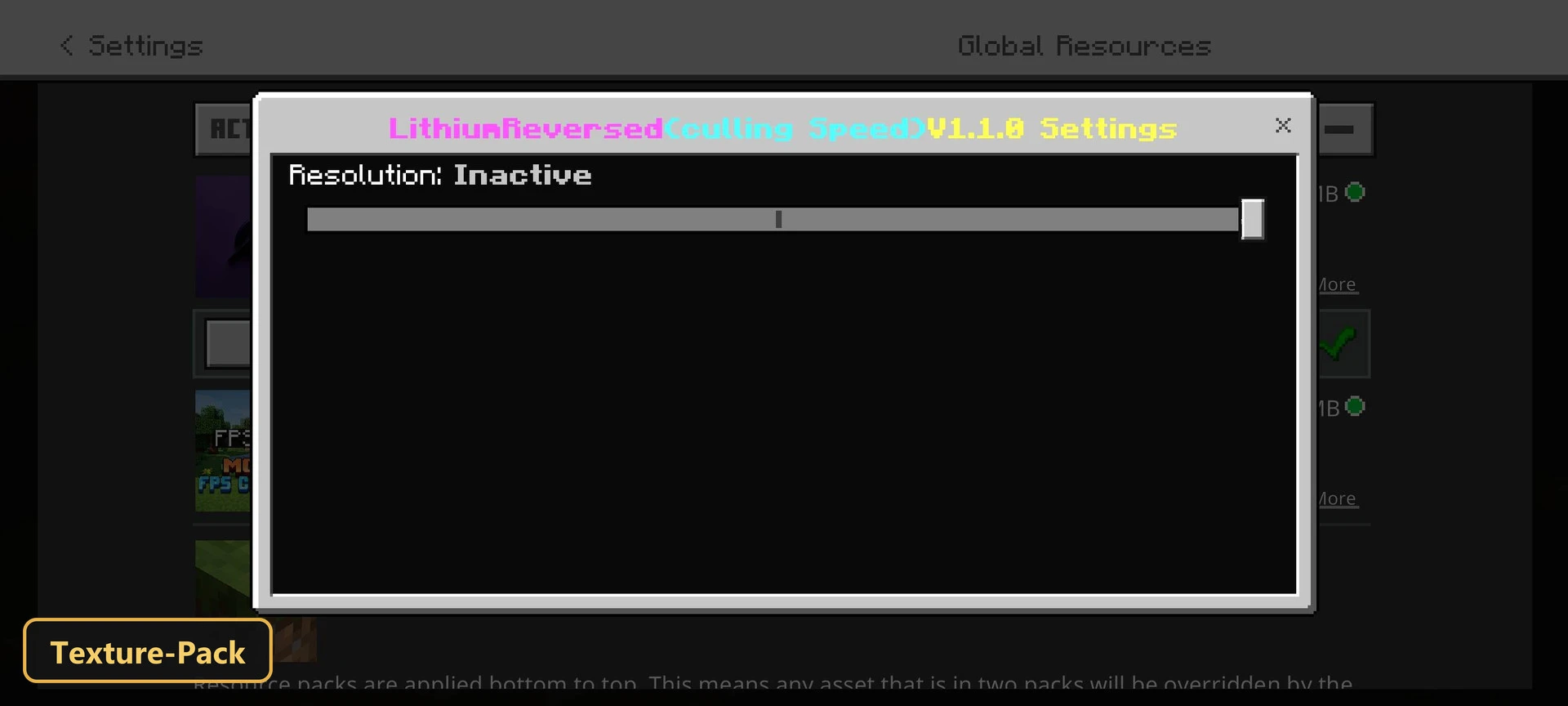
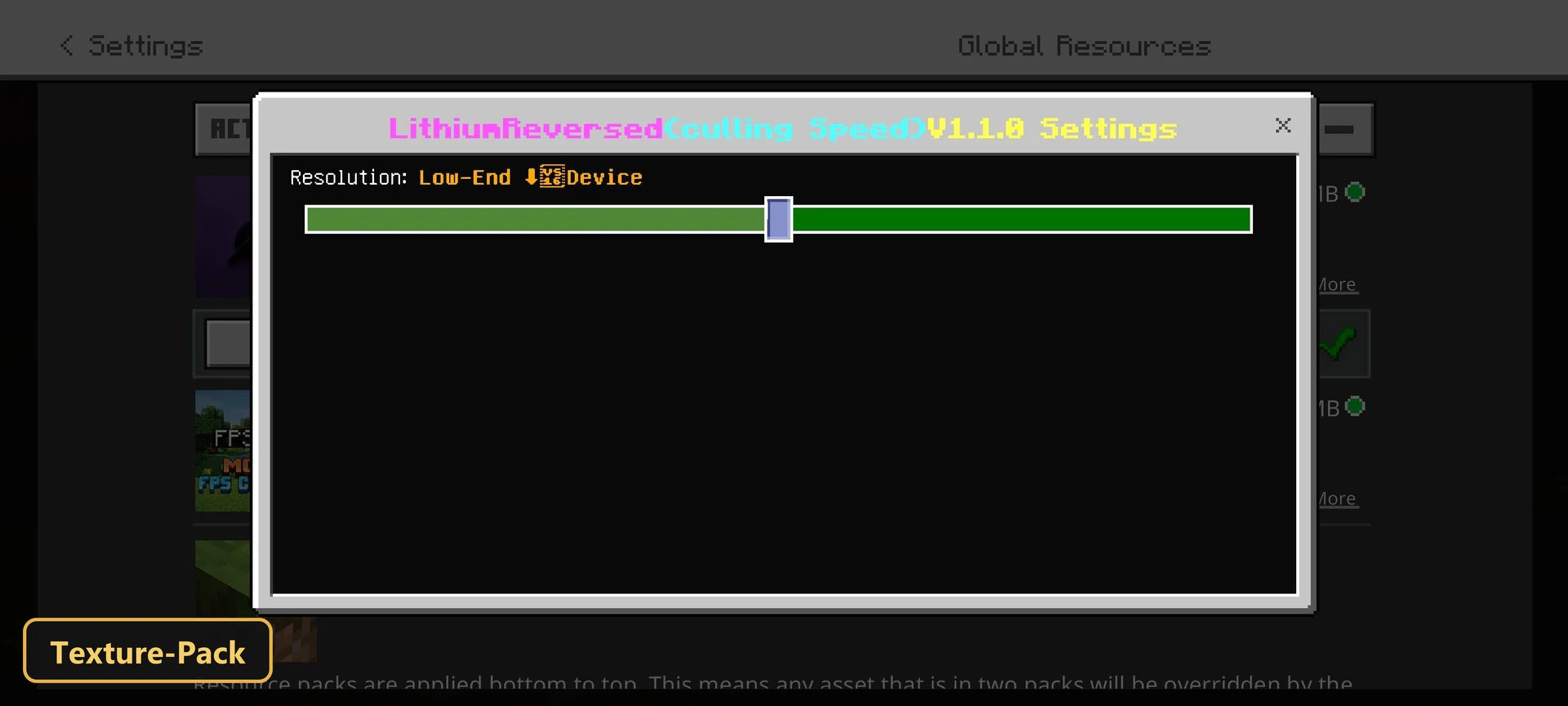
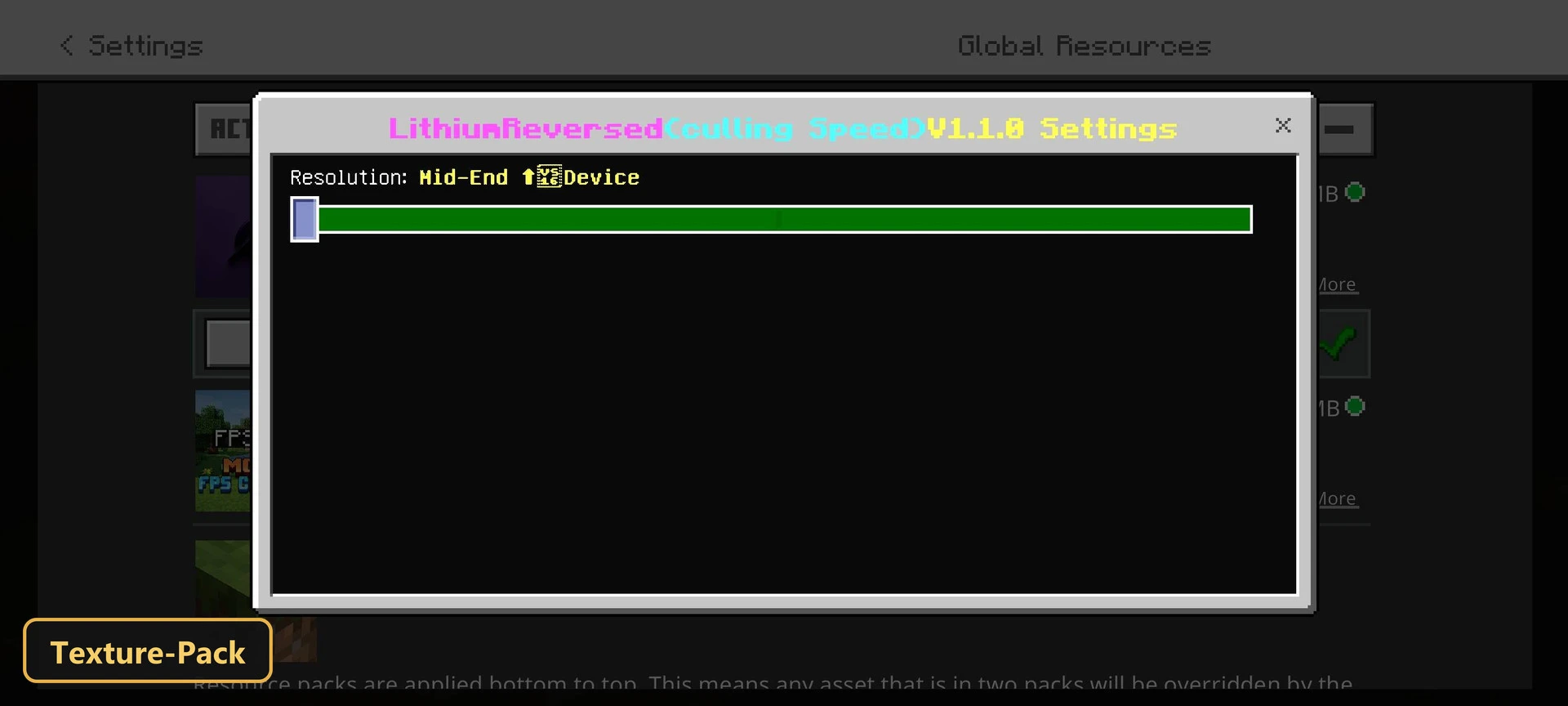
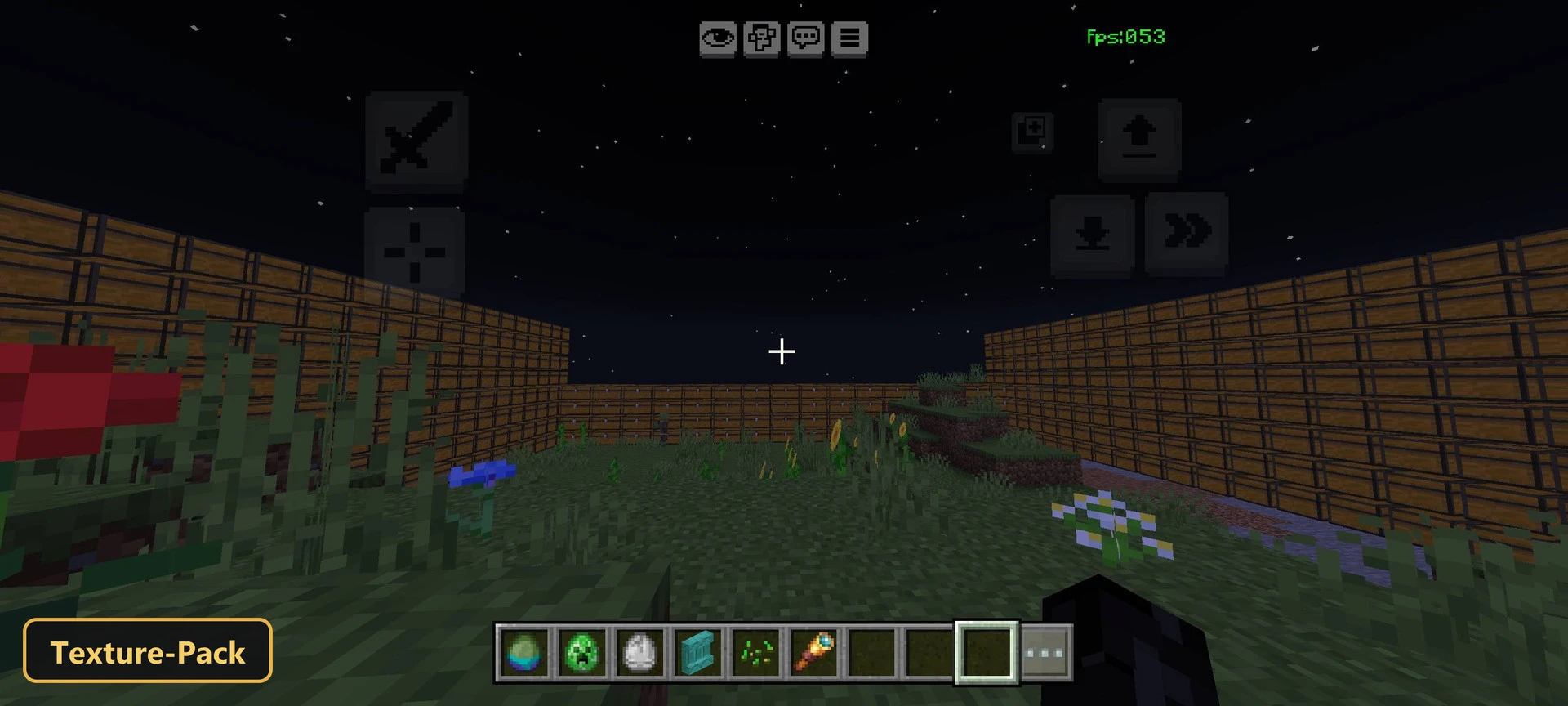
Frame rates go up with LithiumReverse, a texture pack that cuts rendering load on less powerful devices by tightening culling rules. Two presets can be chosen in-game: Mid-End [Optimized] and Low-End [Optimized].
Mobs completely hidden behind terrain are not drawn or processed, and blocks and chests out of sight are skipped, so rooms full of containers cause far less lag. The pack disables double-sided rendering and many block animations, and sound culling mutes mobs behind solid surfaces.
It also removes heavy shadows, limits the draw distance and uses face culling and dynamic batching. Low-End mode caps render distance at seven blocks for the highest frame rates, while Mid-End allows ten blocks. Tick stabilization smooths world updates and reduces stutter.
Requirements:
- MCPE/Bedrock 1.21.130 – 26.30
all 12 versions26.30, 26.20, 26.13, 26.12, 26.11, 26.10, 26.3, 26.0.02, 26.0, 1.21.132, 1.21.131, 1.21.130
Features:
- 2 quality presets to pick in-game: Mid-End ⬆️Device [Optimized] (memory tier 0), Low-End ⬇️Device [Optimized] (memory tier 1)
Screenshots:
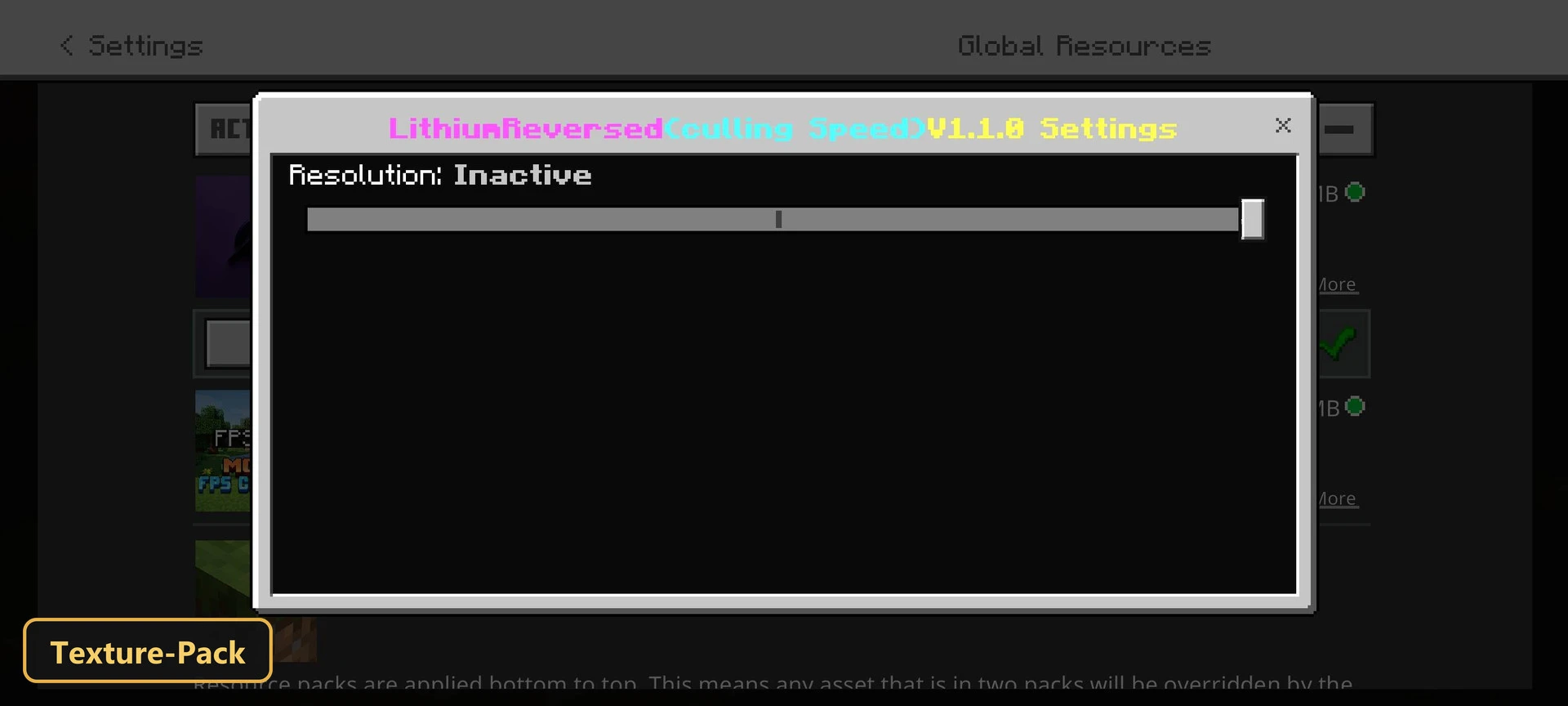
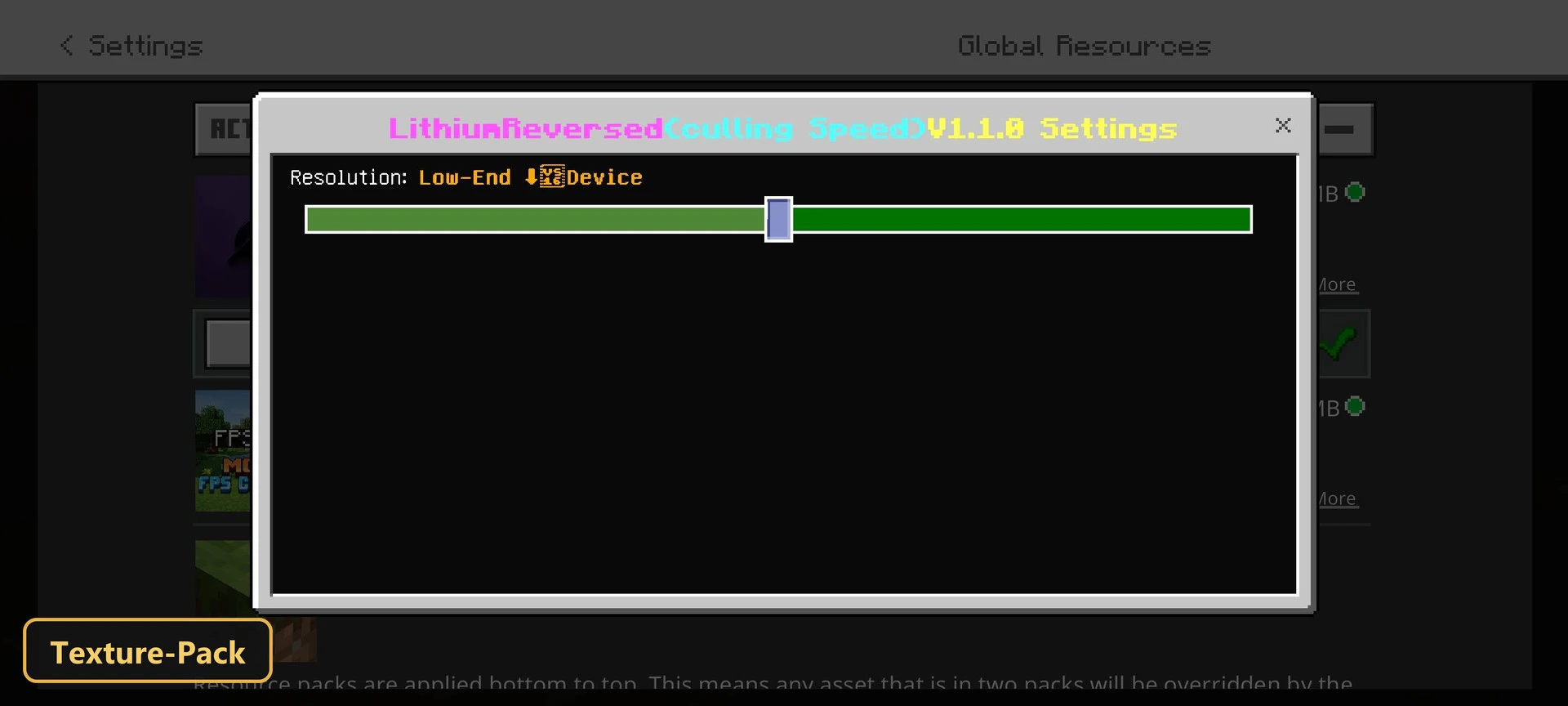
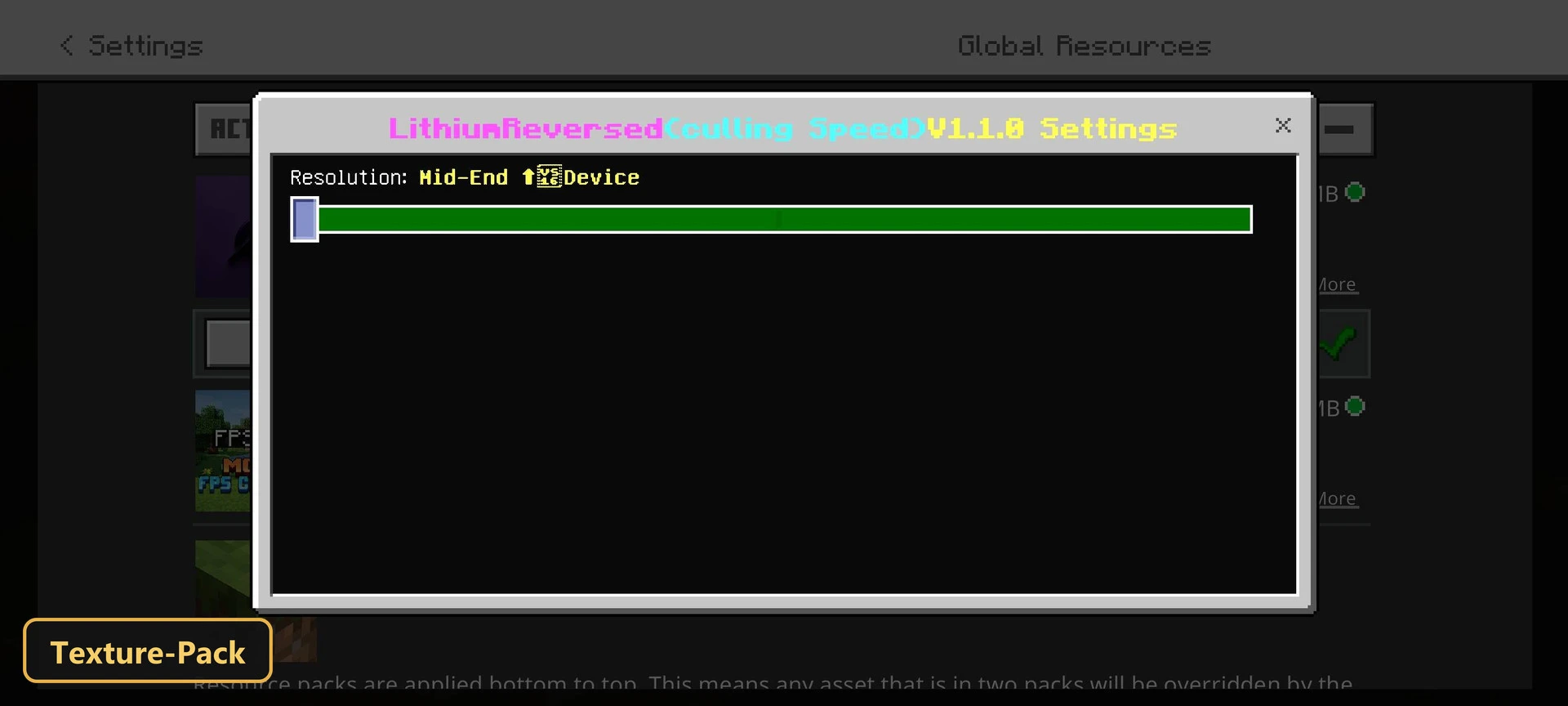
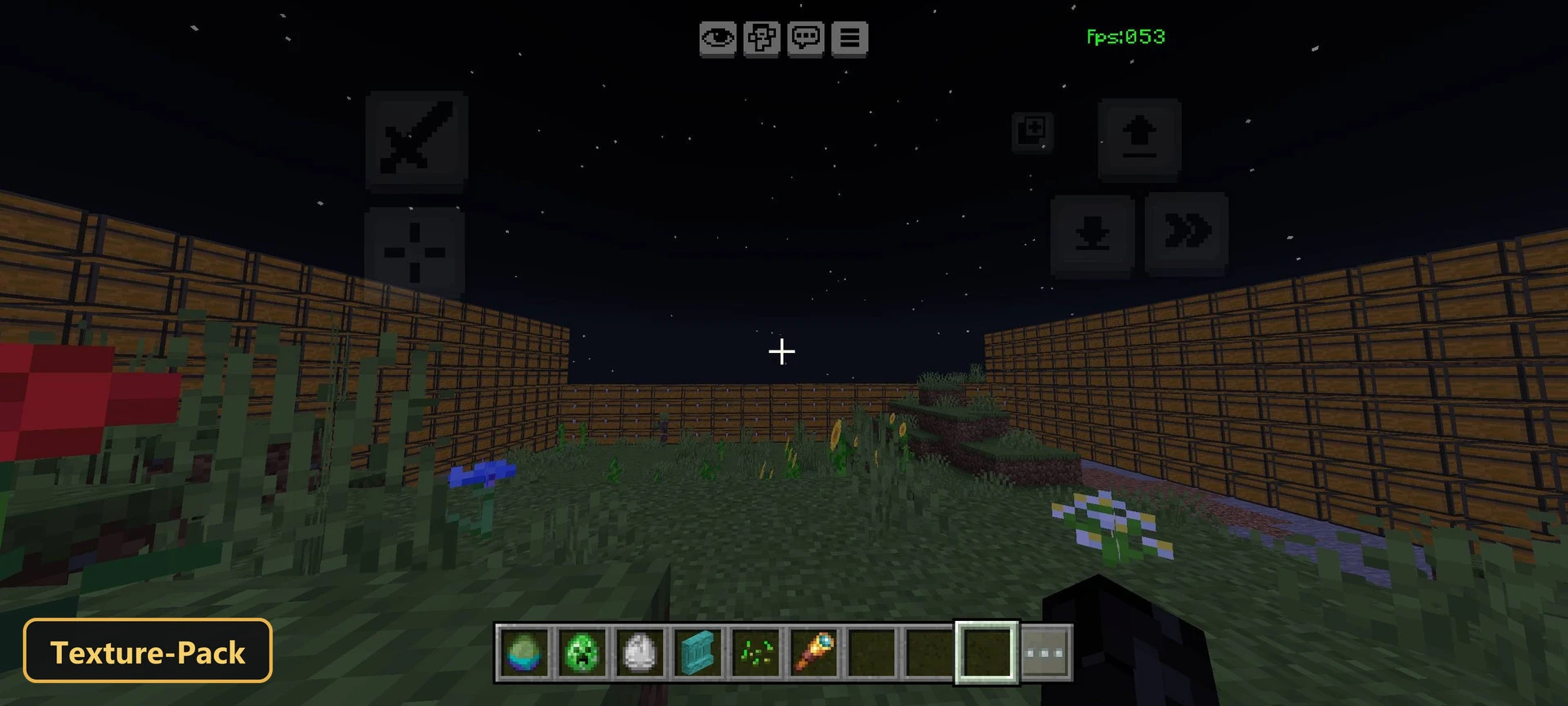
- Edition: Minecraft Bedrock
- File type: .mcpack
- Minecraft version listed: 1.21
- How to install: Download the .mcpack. → Open it — Minecraft imports it under Resource Packs. → Activate it in Global Resources, or for one world under Resource Packs → Available.
- Where to get it: In MCModsHub, or directly above on this page.
Install steps are the general flow for this file type — How to install Minecraft Bedrock texture packs walks through it step by step.
- Save it as 528188.mcaddon before opening — it downloads as .mcpack, but it is a .mcaddon pack
- Manifest requires Minecraft 1.20.0 or newer
- Complete pack — everything it depends on is inside the file
- Download size: 1.3 MB
- Download link checked 17 Oct 2026 — working
- Mirrored on our own servers — the download does not depend on the original host
These come from our own check of the pack file, not from the source page.