
Golden Visuals (26+) – MCPE/Bedrock Shader
Bedrock texture pack listed for Minecraft 1.21. File opened and checked on 17 Oct 2026; installs from the MC Bedrock Mods app on Android.
⬇ Download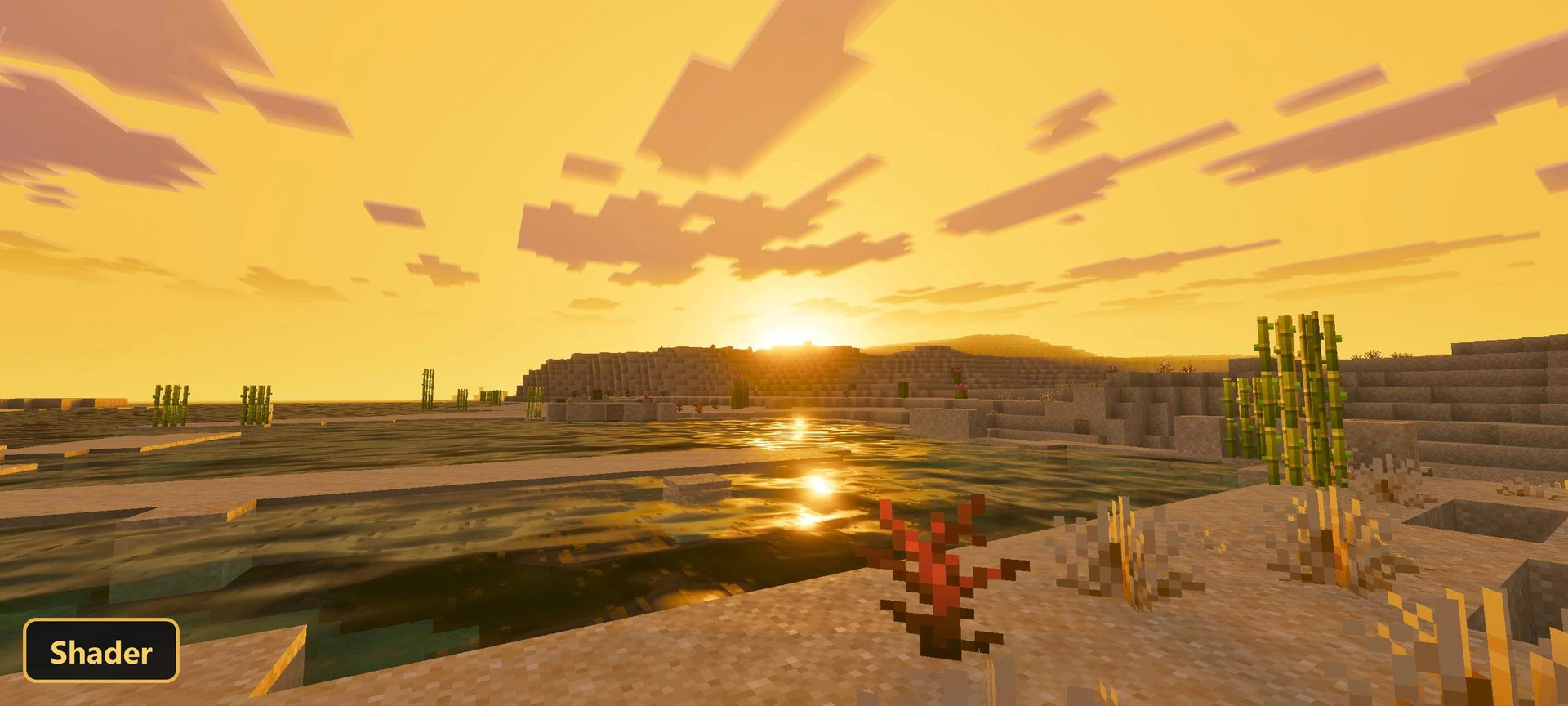
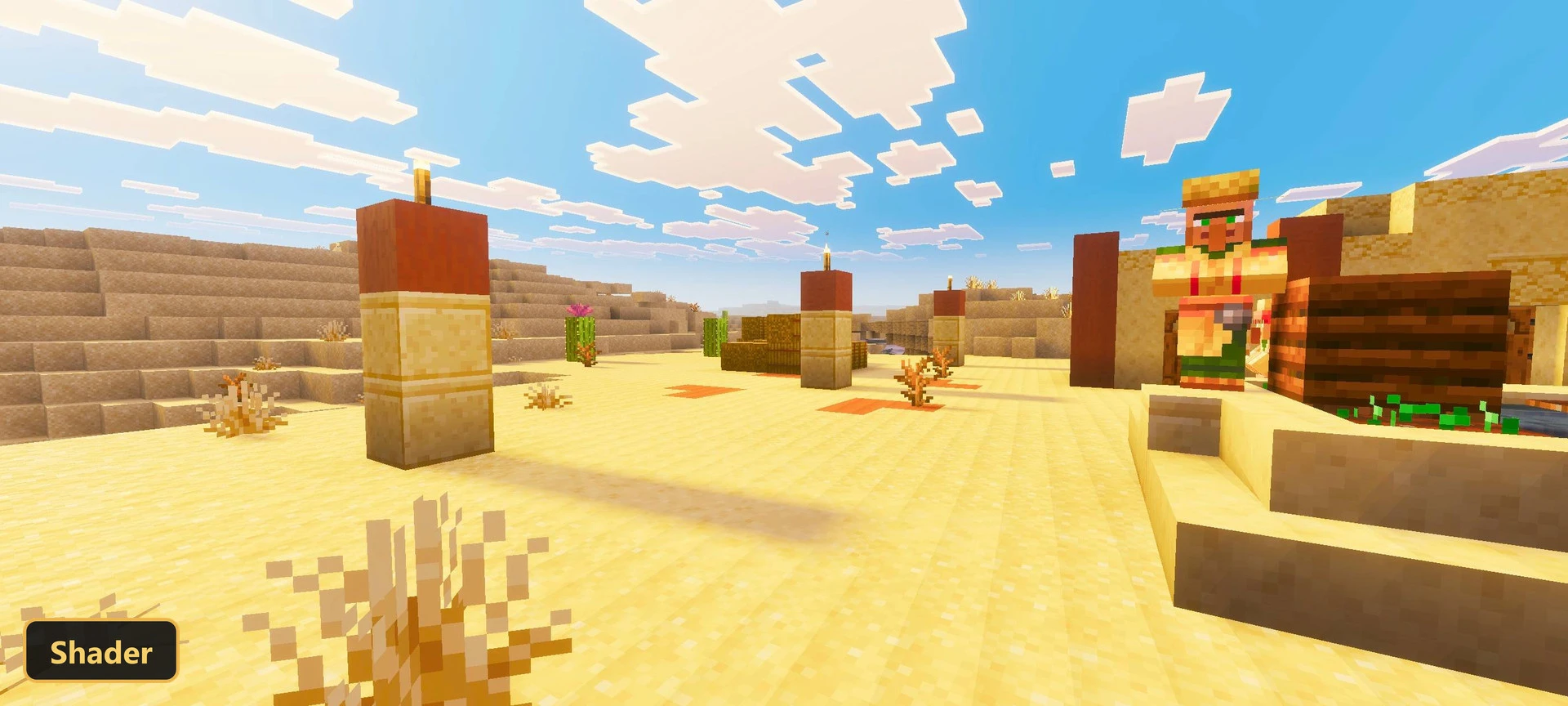
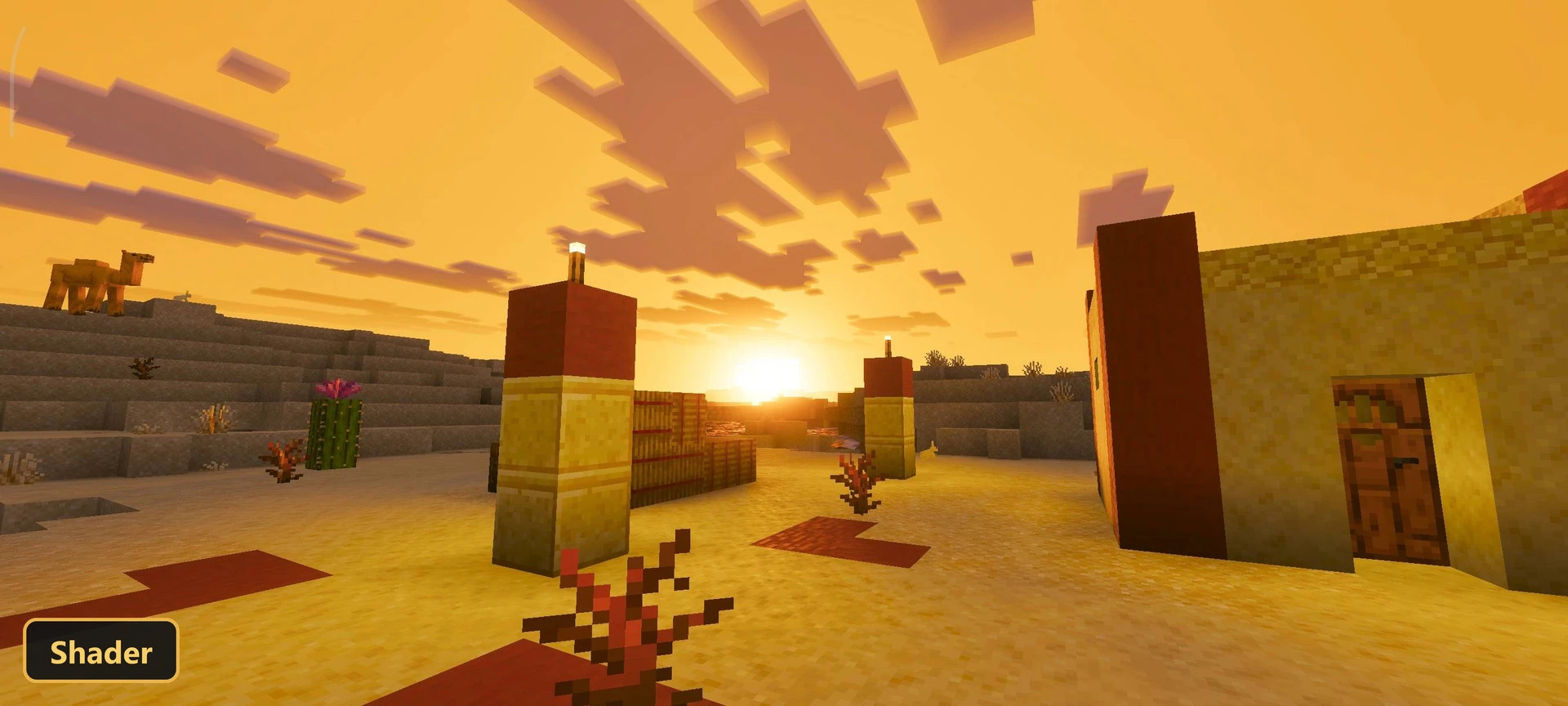
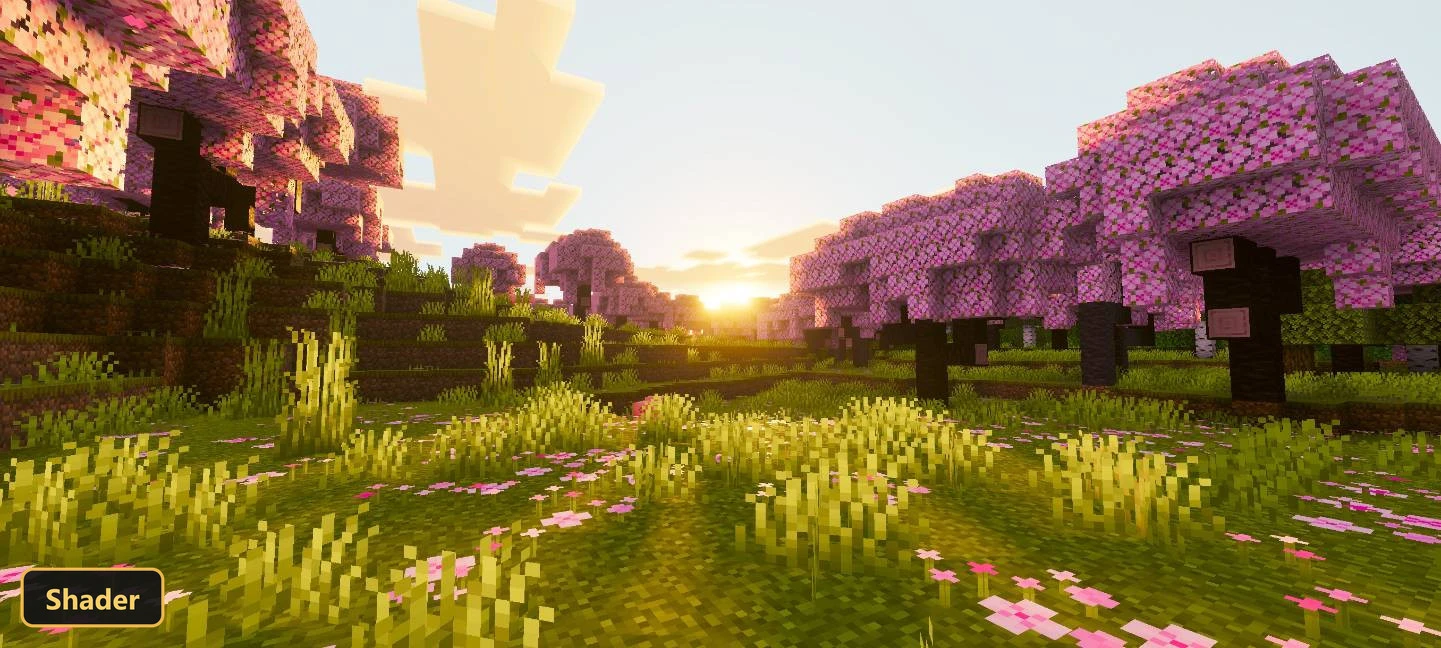
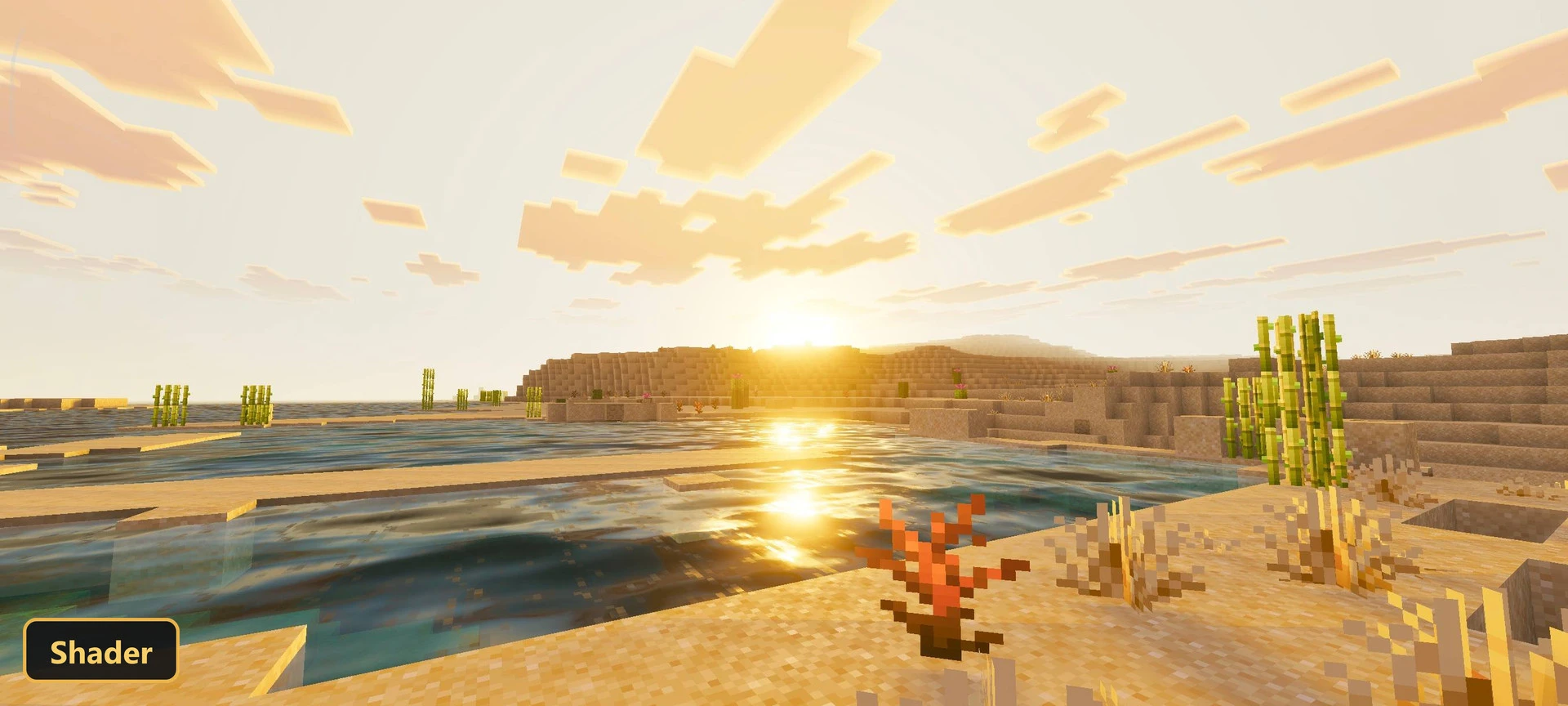
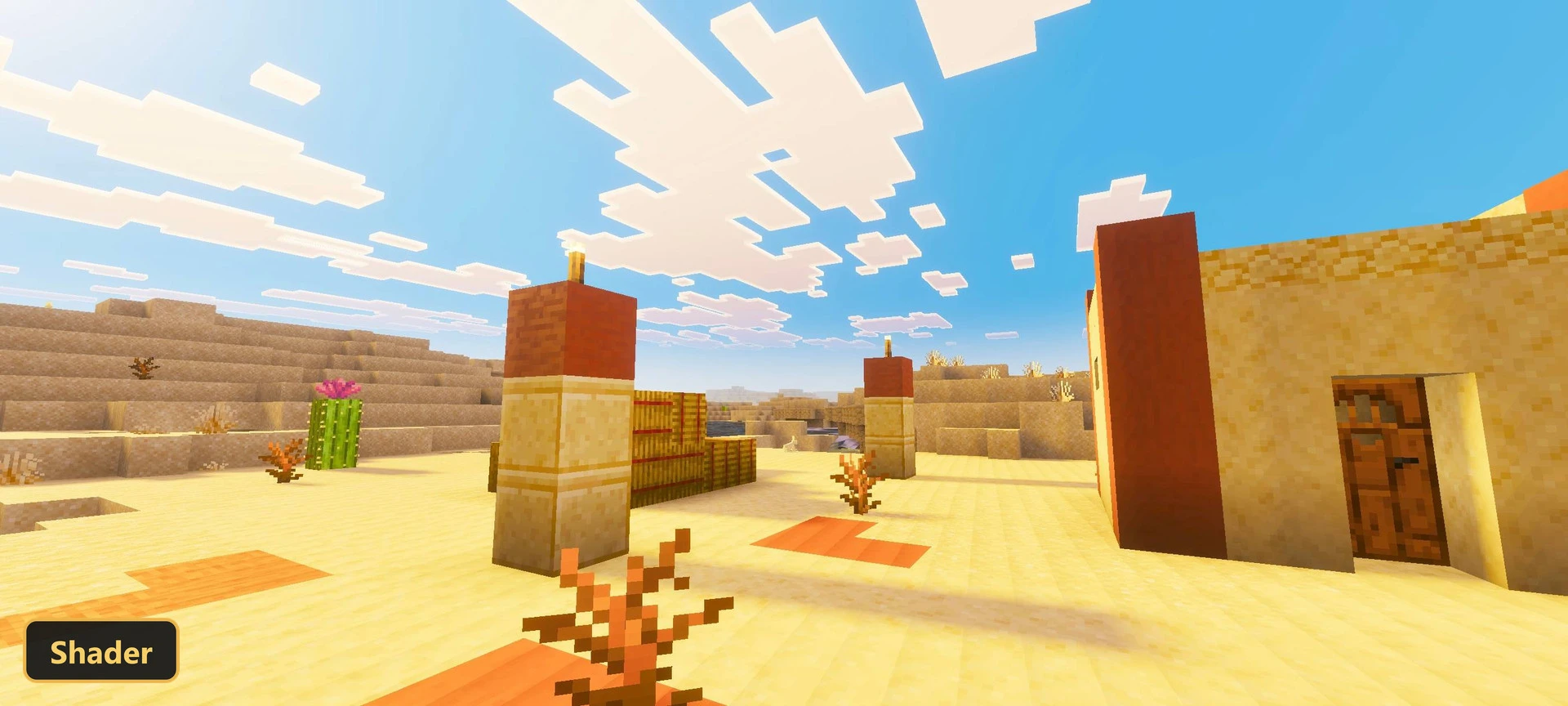
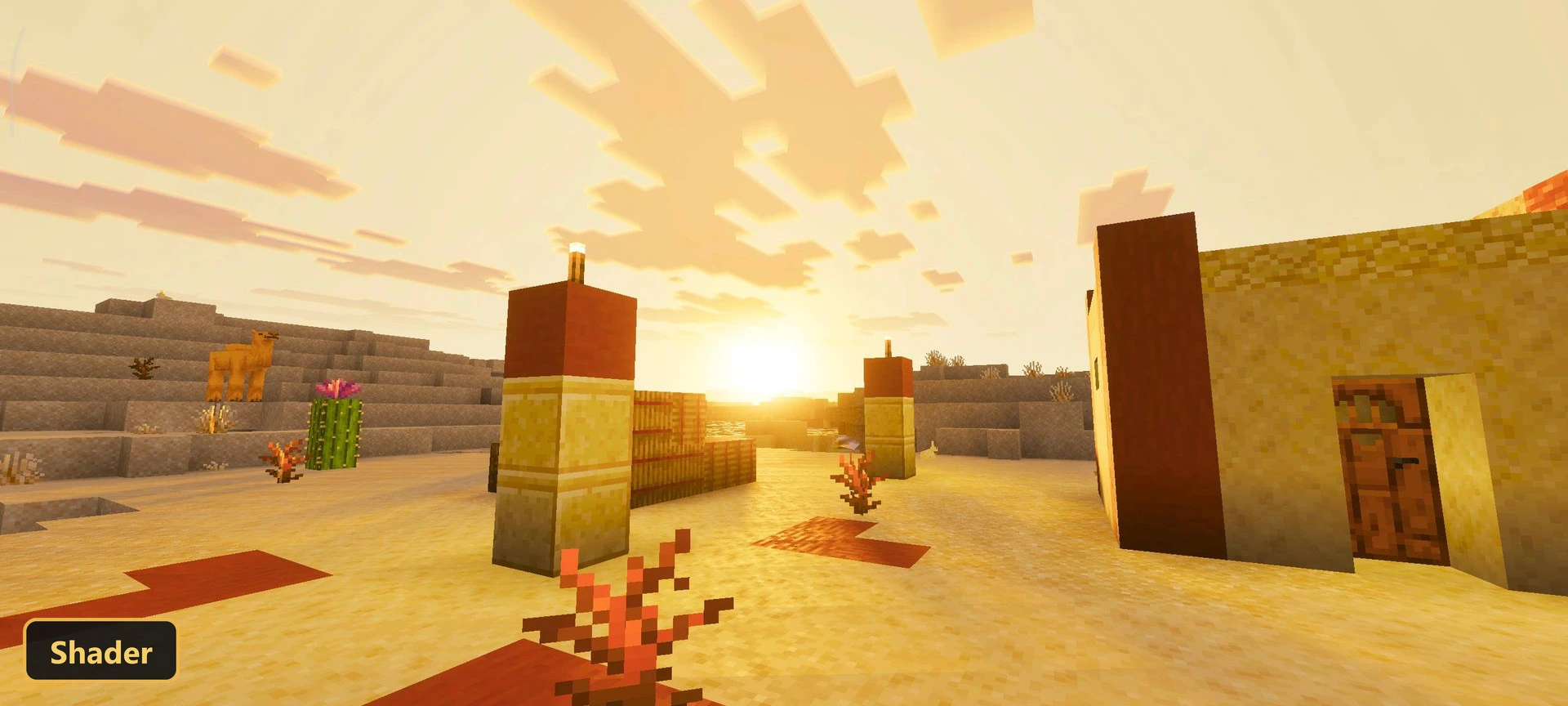
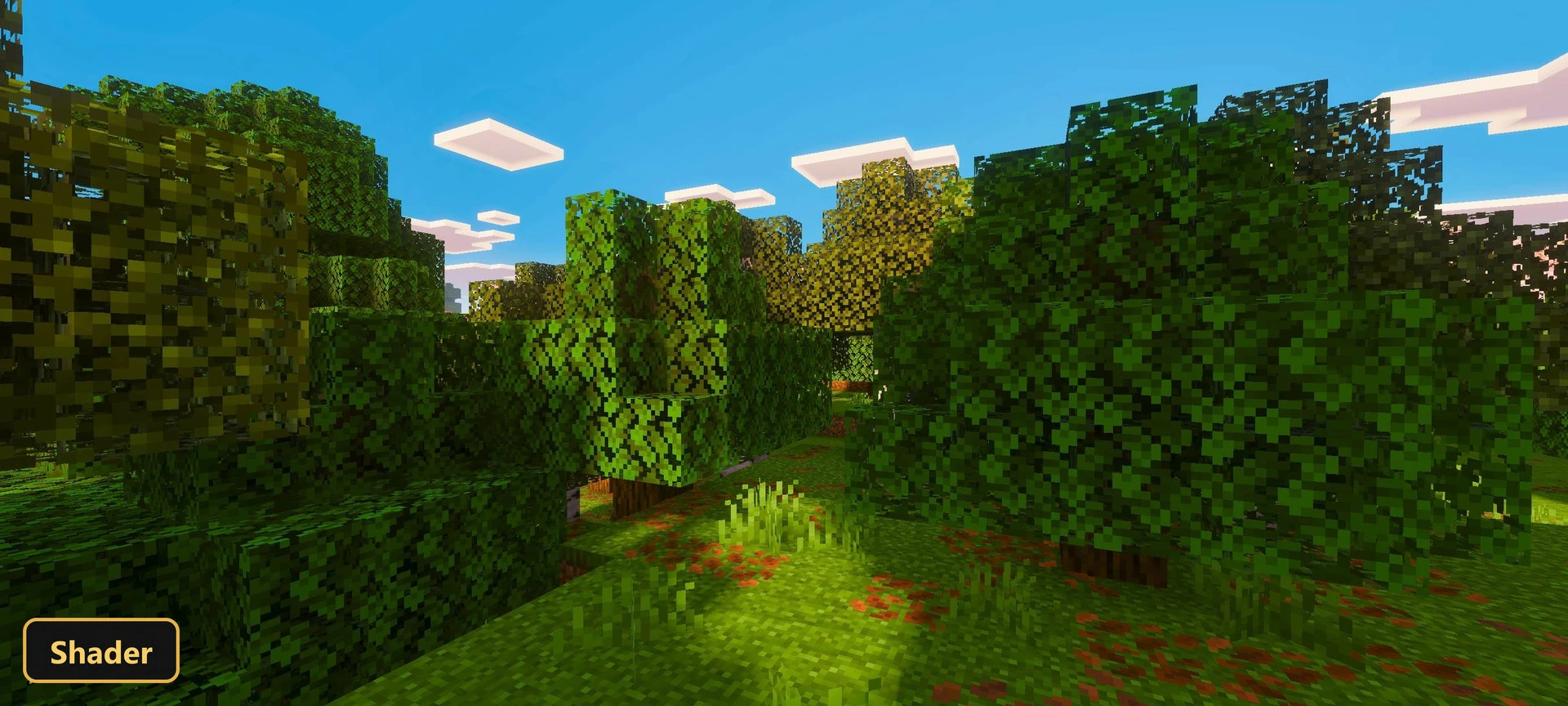
A warm glow, like a perpetual golden hour, spreads over the world with Golden Visuals, a shader that works through Vibrant Visuals. Players need to turn Vibrant Visuals on in the in-game settings to see it.
Sunlight looks more intense and radiant, while shadows are softer and more diffused. The color palette shifts toward warm hues in every biome, which keeps the scenery bright and luminous.
The overall look recalls the calm beauty of a sunset, and the change is noticeable as soon as light hits the landscape. Without Vibrant Visuals enabled, the shader will not show any of these effects.
Requirements:
- MCPE/Bedrock 26.20

Screenshots:


- Edition: Minecraft Bedrock
- File type: .mcpack
- How to install: Download the .mcpack. → Open it — Minecraft imports it under Resource Packs. → Activate it in Global Resources, or for one world under Resource Packs → Available.
- Where to get it: In MCModsHub, or directly above on this page.
Install steps are the general flow for this file type — How to install Minecraft Bedrock texture packs walks through it step by step.
- Save it as 528192.mcaddon before opening — it downloads as .mcpack, but it is a .mcaddon pack
- Manifest requires Minecraft 1.21.0 or newer
- Complete pack — everything it depends on is inside the file
- Download size: 2.2 MB
- Download link checked 17 Oct 2026 — working
- Mirrored on our own servers — the download does not depend on the original host
These come from our own check of the pack file, not from the source page.