Another UI (26+) – MCPE/Bedrock Texture Pack
Bedrock texture pack listed for Minecraft 26.x. File opened and checked on 17 Oct 2026; installs from the MC Bedrock Mods app on Android.
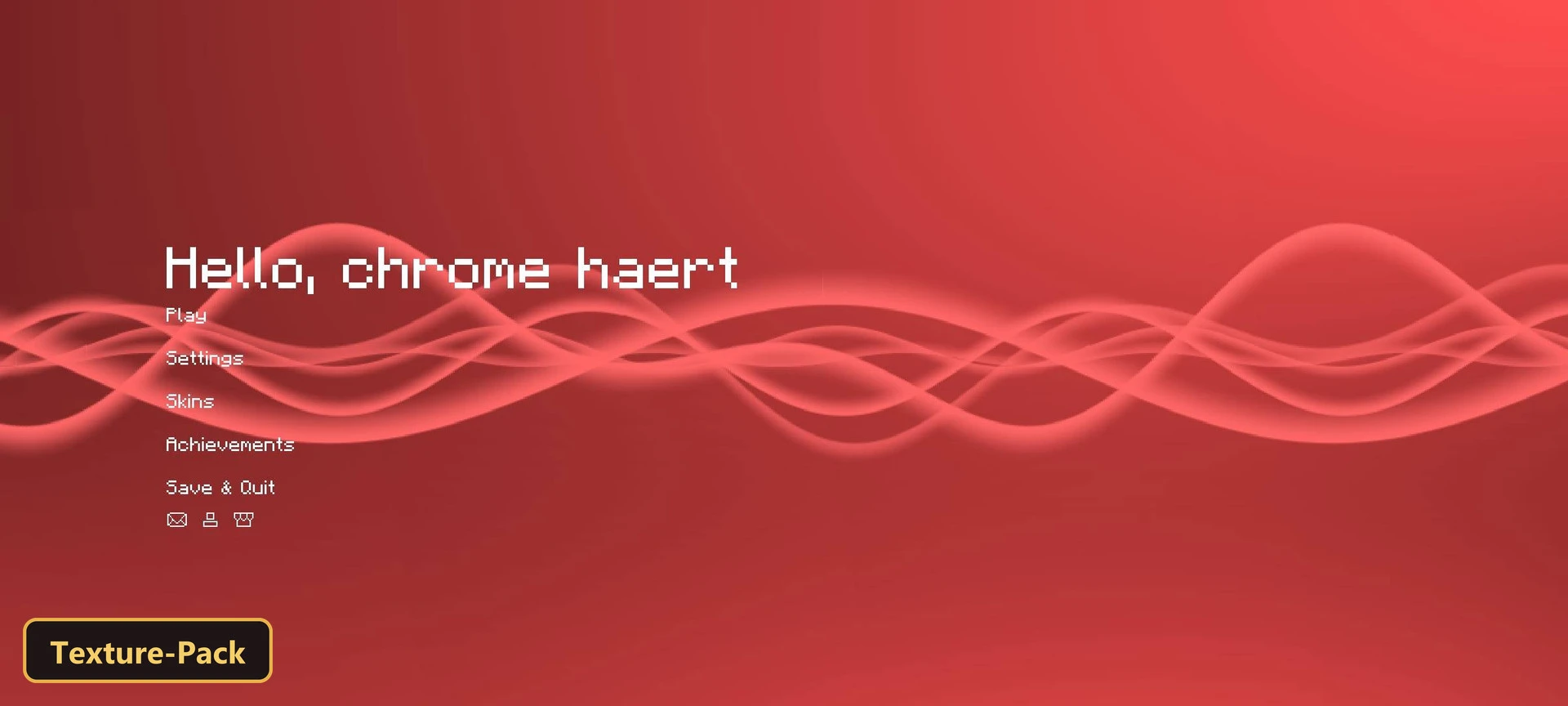
A simple interface restyle comes from Another UI, a texture pack with six in-game options: chross, self, circle, classic, blackspace and whitespace.
⬇ Download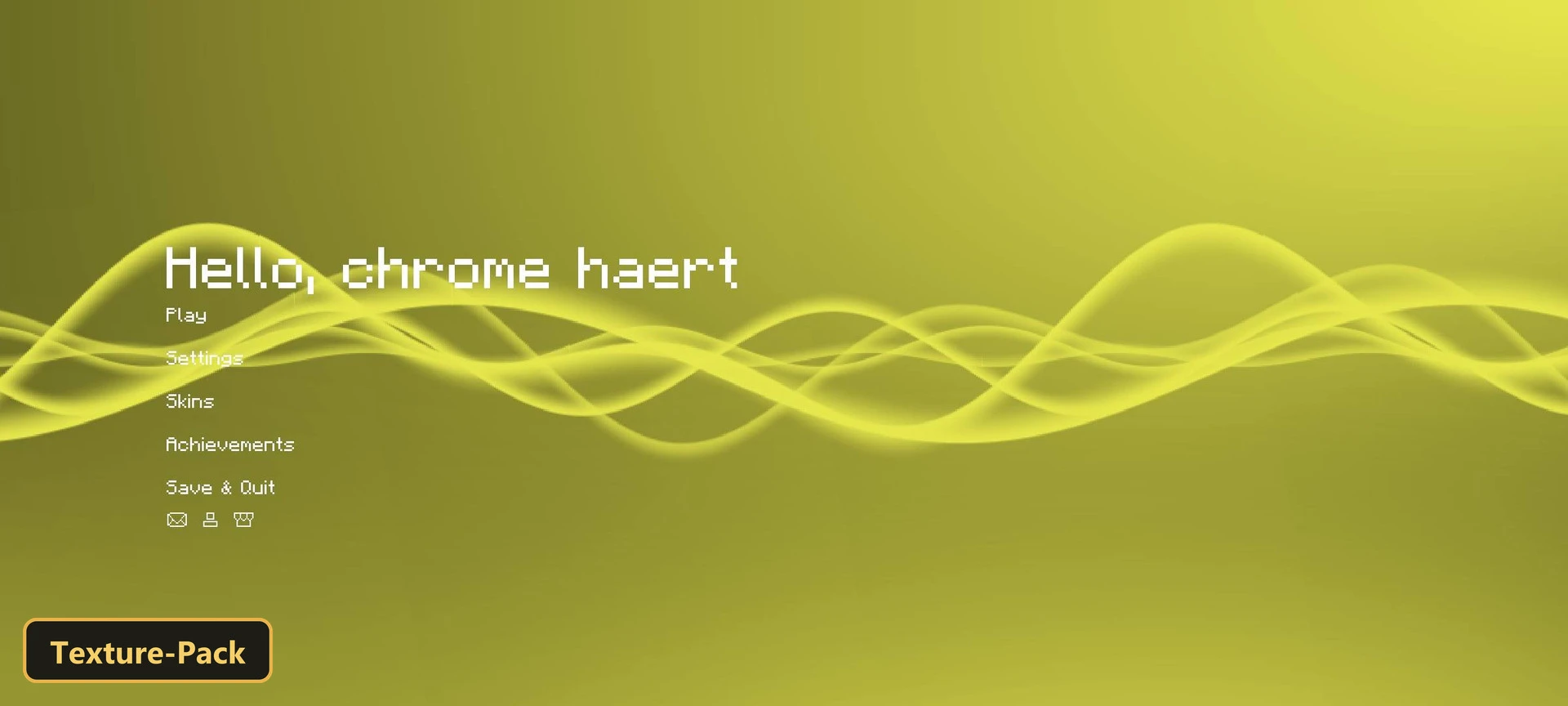
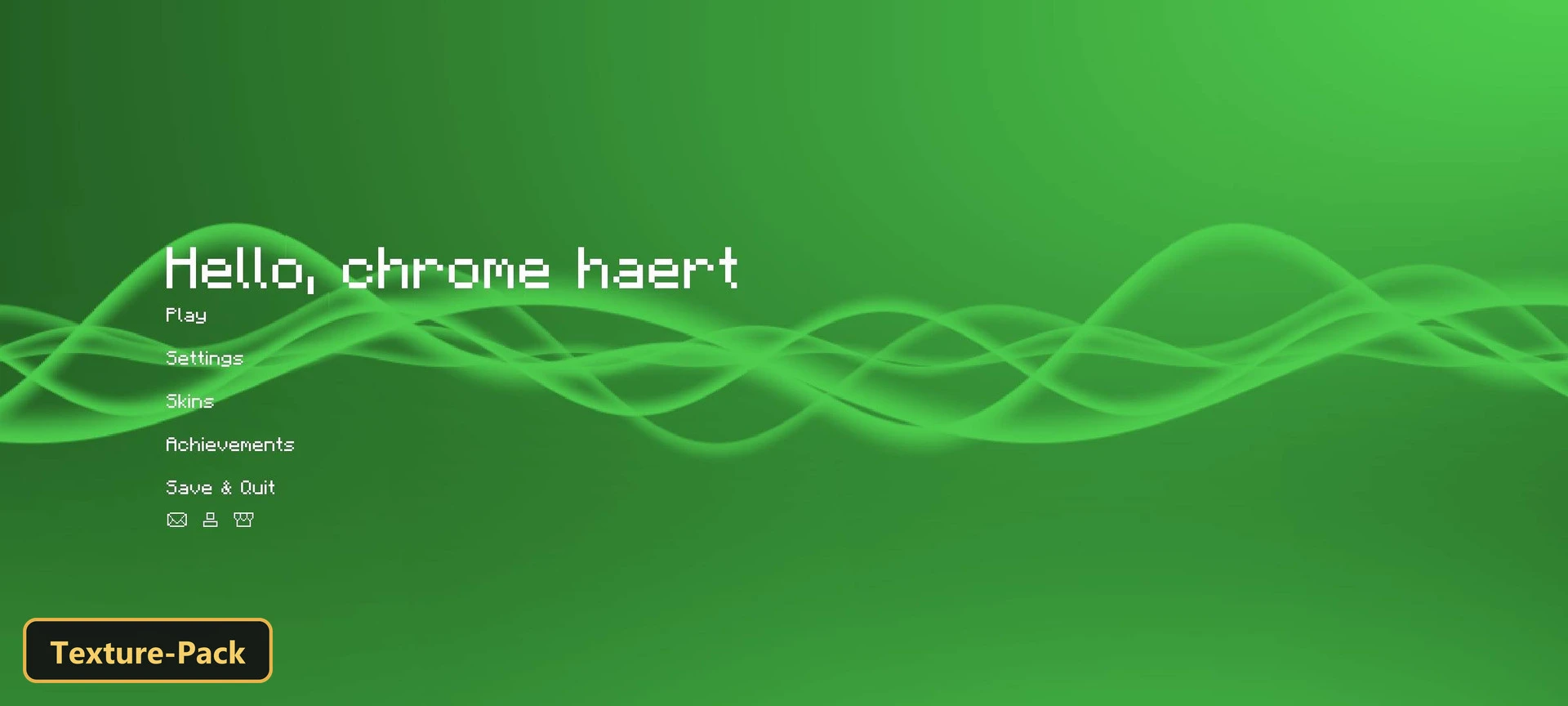
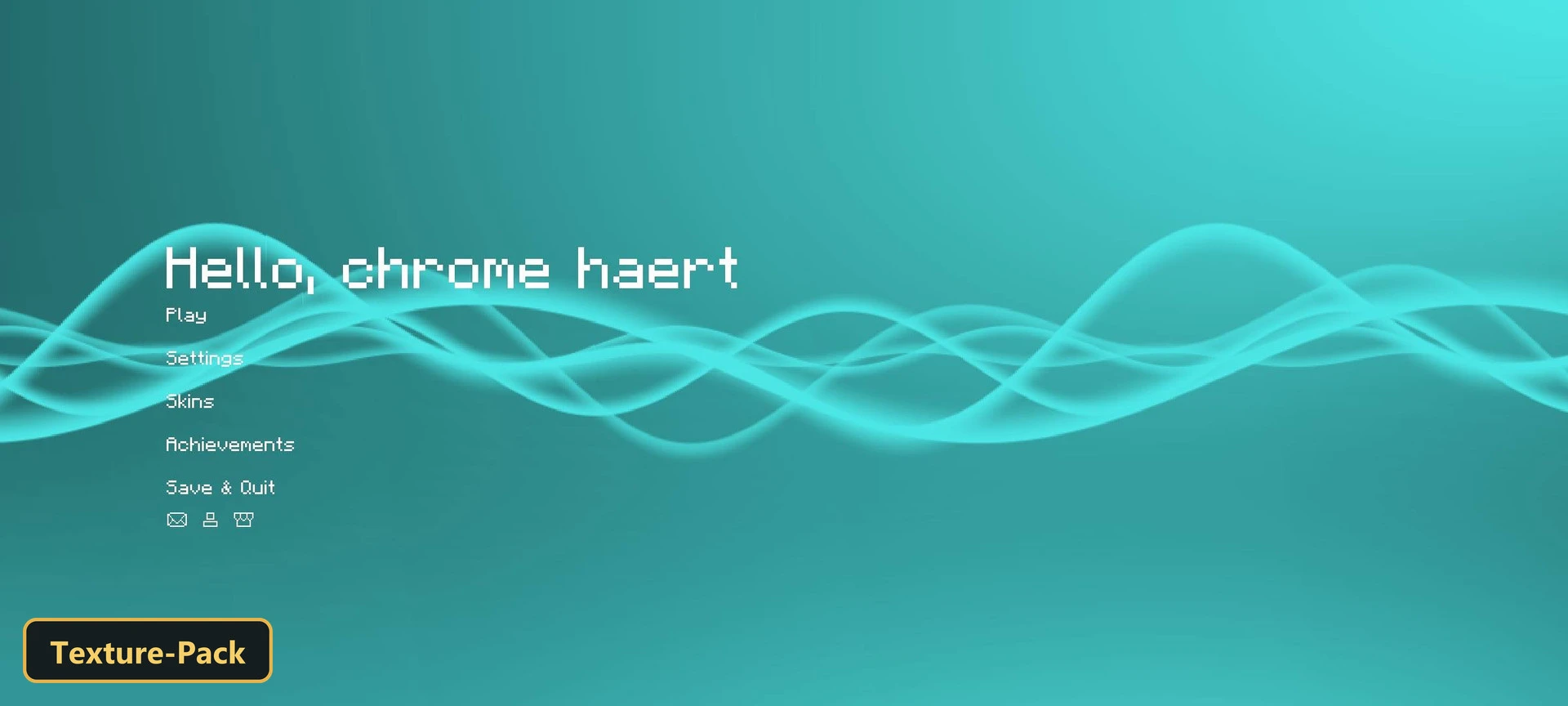
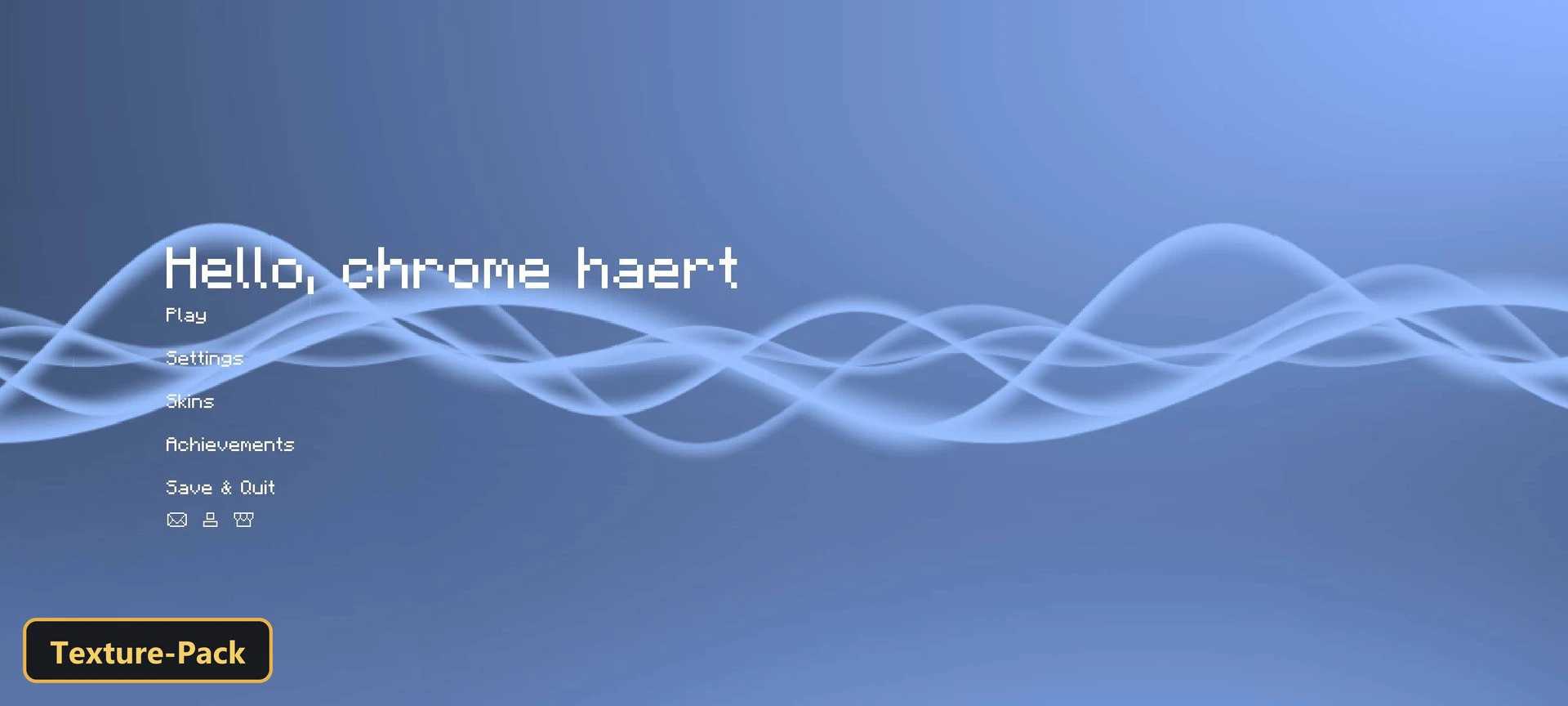
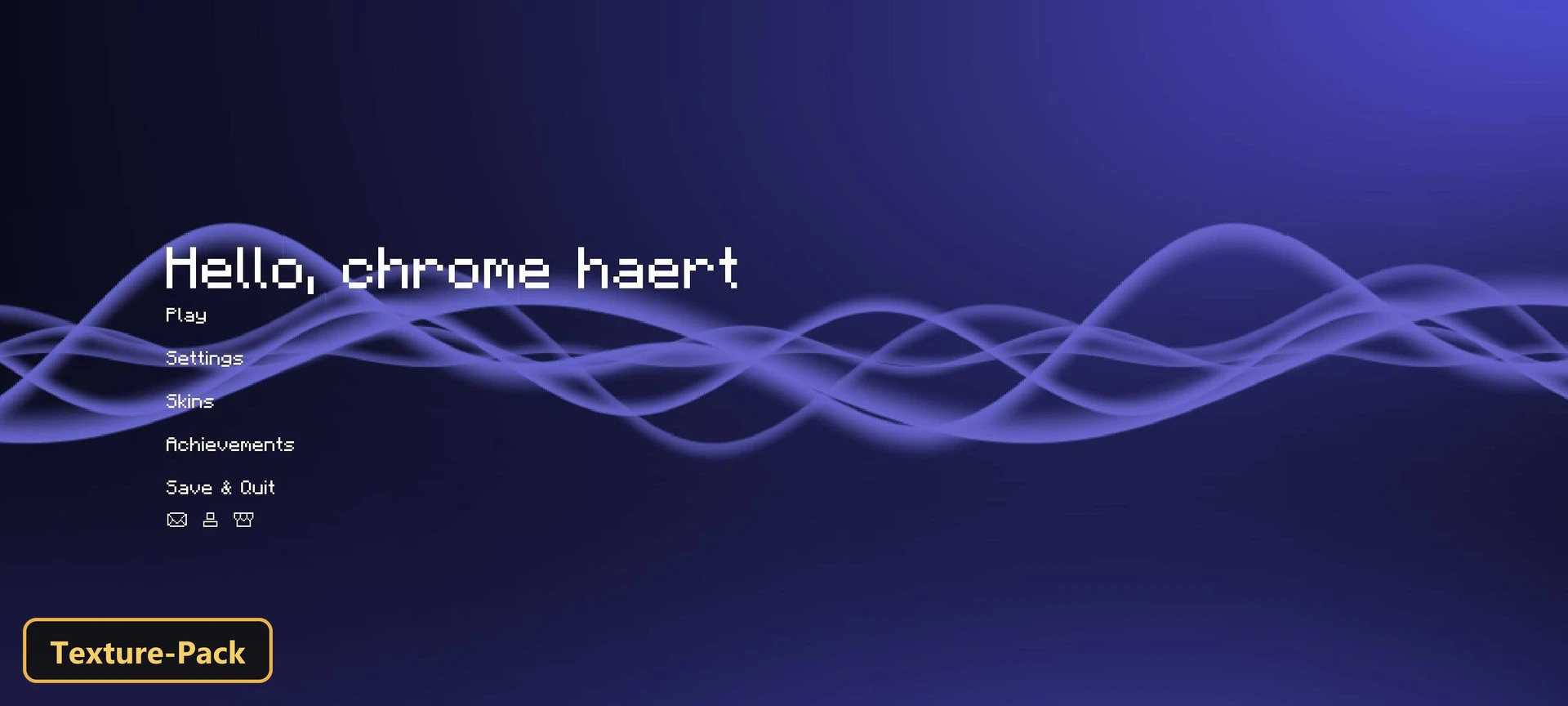
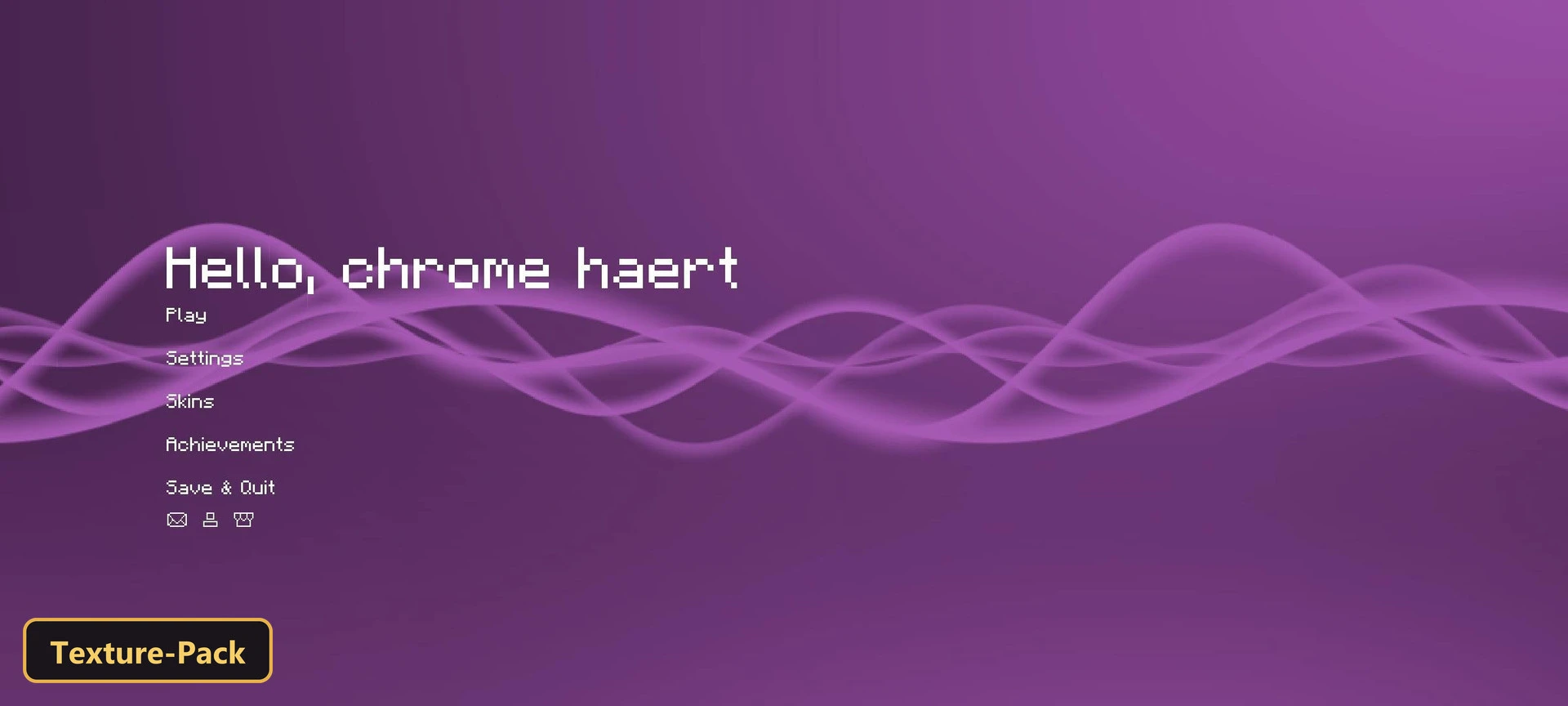
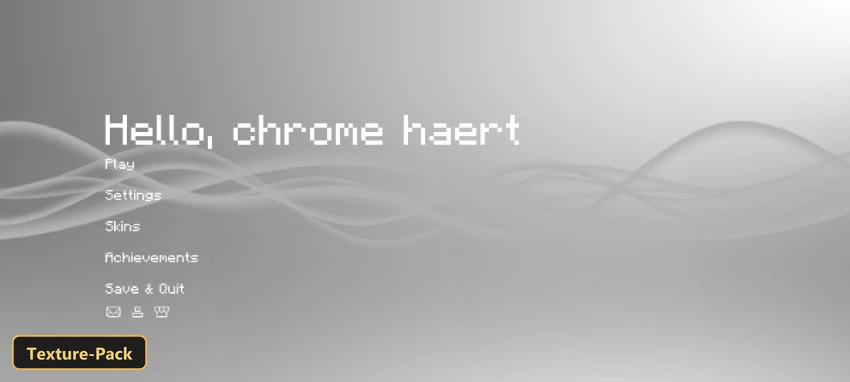
A simple interface restyle comes from Another UI, a texture pack with six in-game options: chross, self, circle, classic, blackspace and whitespace. These let players choose the look they prefer.
The experience bar is animated and the selected hotbar slot moves, a custom background changes the start menu, and chat messages animate more smoothly. The experience bar can be hidden when experience points are at zero for a less cluttered screen, and the crosshair stays visible even in third-person view as a steady aiming reference in Minecraft Bedrock. The pack retextures the UI and adds a few custom tweaks.
Requirements:
- MCPE/Bedrock 26.30

Features:
- 6 in-game options: chross, self, circle, classic, blackspace, whitespace
- Retextures the UI
- Also includes custom UI tweaks
Screenshots:


- Edition: Minecraft Bedrock
- File type: .mcpack
- How to install: Download the .mcpack. → Open it — Minecraft imports it under Resource Packs. → Activate it in Global Resources, or for one world under Resource Packs → Available.
- Where to get it: In MCModsHub, or directly above on this page.
Install steps are the general flow for this file type — How to install Minecraft Bedrock texture packs walks through it step by step.
- Pack type: .mcpack — a single pack
- Manifest requires Minecraft 1.26.0 or newer
- Complete pack — everything it depends on is inside the file
- Download size: 16 KB
- Download link checked 17 Oct 2026 — working
- Mirrored on our own servers — the download does not depend on the original host
These come from our own check of the pack file, not from the source page.