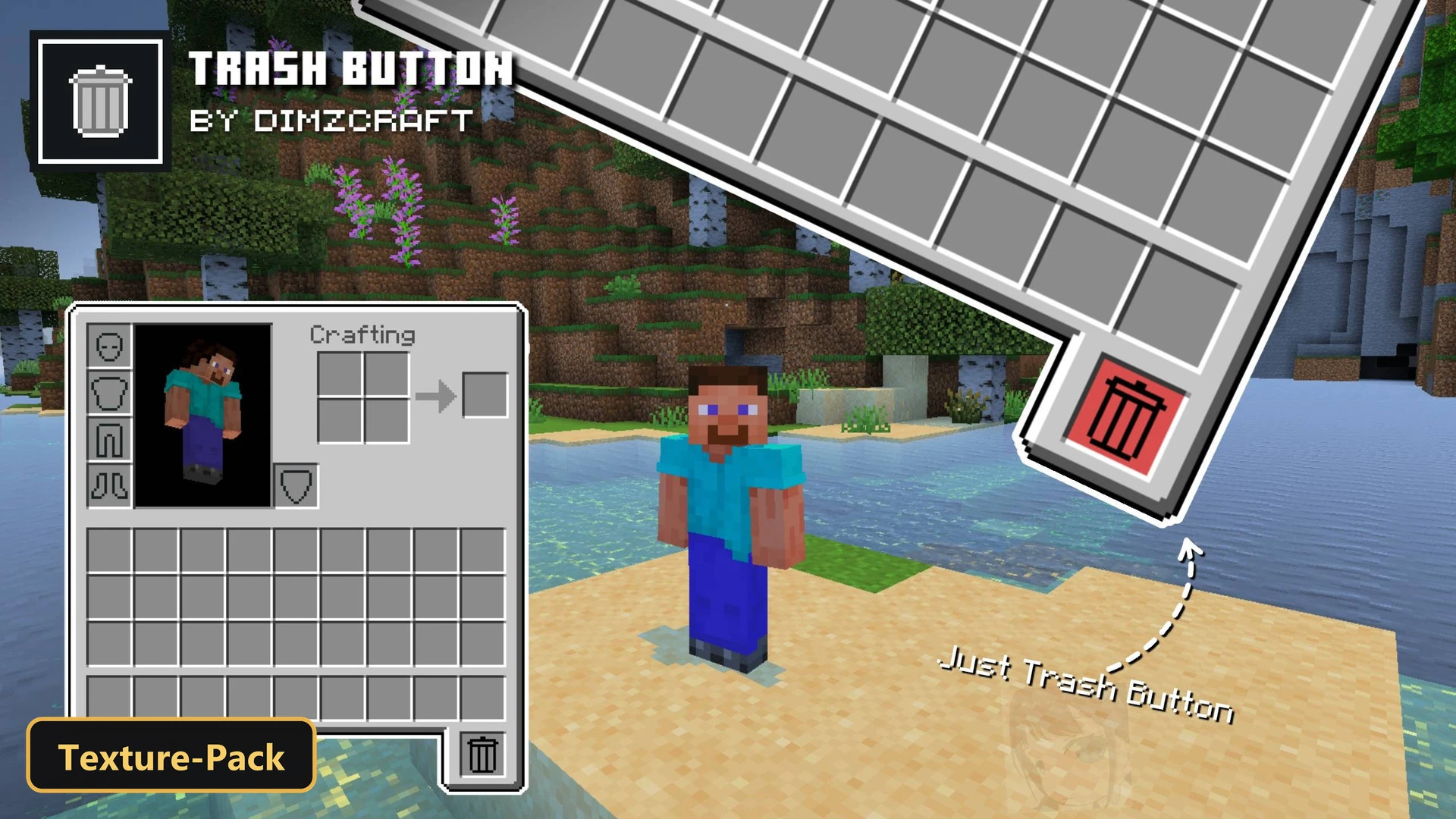
Trash Button (26+, 1.21) – MCPE/Bedrock Texture Pack
Bedrock texture pack listed for Minecraft 1.20–1.21. File opened and checked on 17 Oct 2026; installs from the MC Bedrock Mods app on Android.
⬇ Download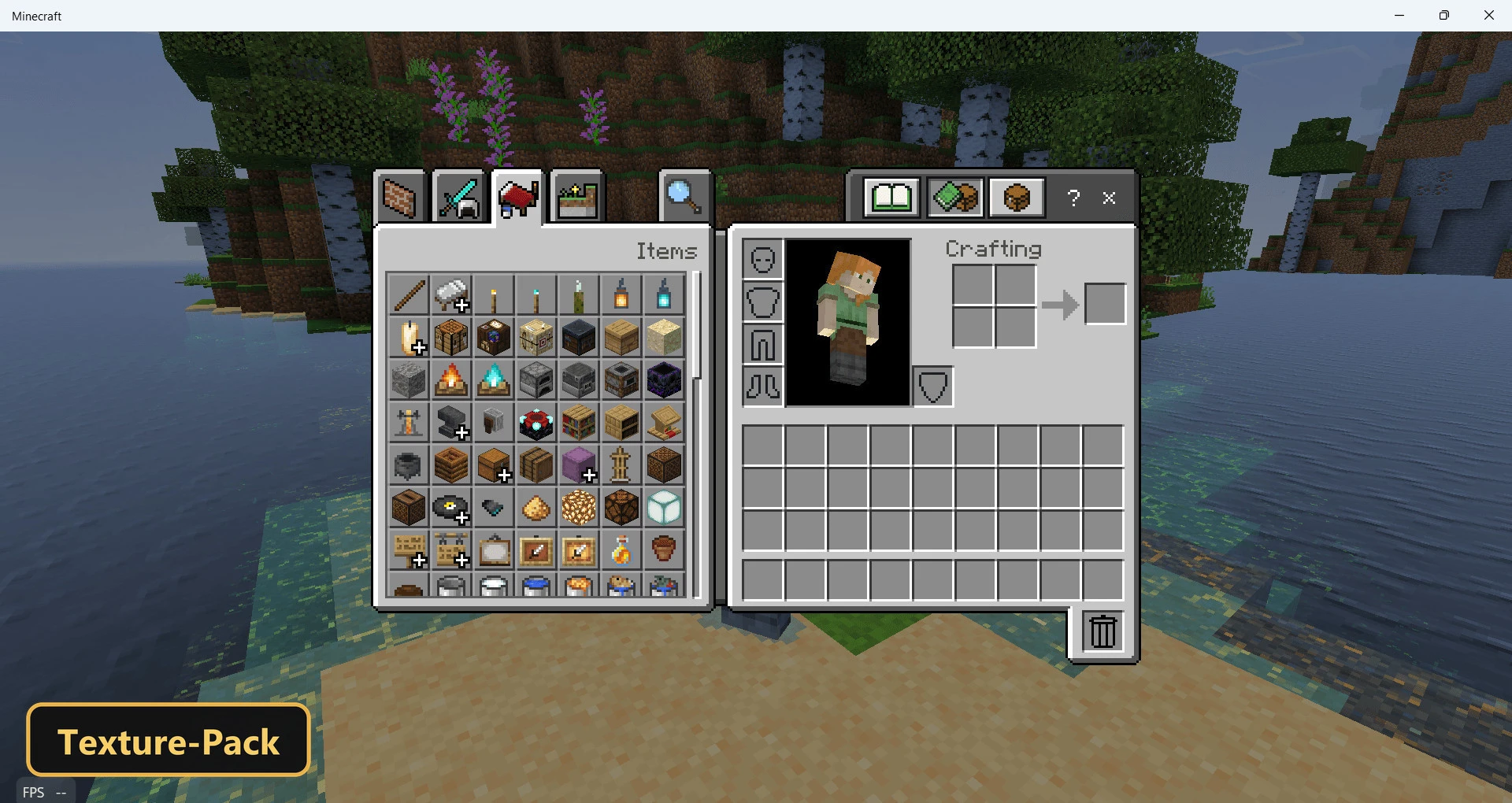
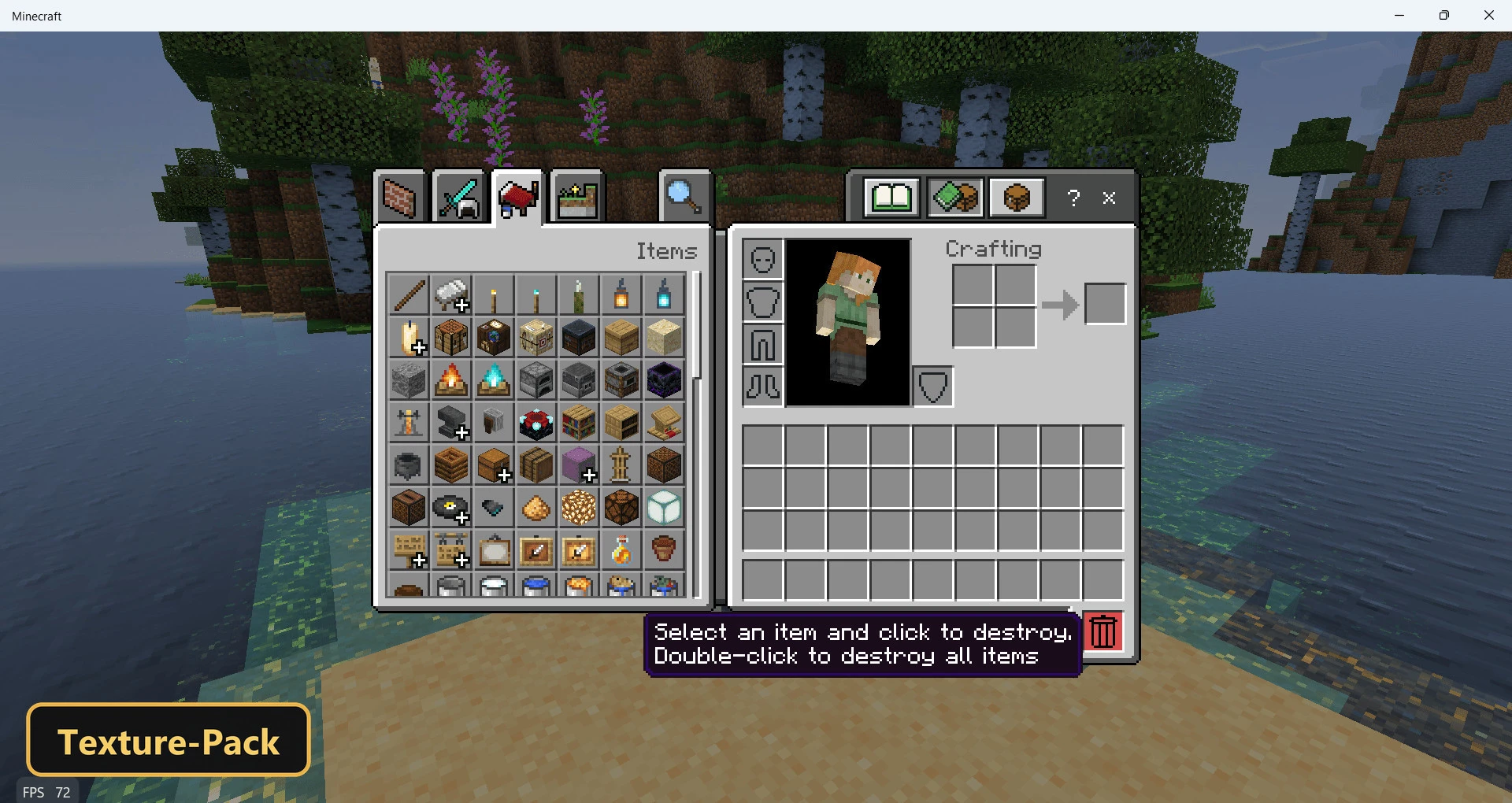
A new button on the inventory screen lets players dispose of items quickly with Trash Button, a texture pack that retextures the user interface. It only works with the Classic UI setting active.
In Creative mode, a single click destroys the selected item and a double click clears the entire inventory. In Survival mode the button drops items instead: one press drops the selected item and a double press drops everything held.
The pack also includes custom UI tweaks and 1 custom sound. It offers a fast alternative to removing or dropping items by hand.
Requirements:
- MCPE/Bedrock 1.21 – 1.21.101
all 26 versions1.21.101, 1.21.100, 1.21.94, 1.21.93, 1.21.92, 1.21.90, 1.21.82, 1.21.81, 1.21.80, 1.21.73, 1.21.72, 1.21.71, 1.21.70, 1.21.61, 1.21.60, 1.21.51, 1.21.50, 1.21.44, 1.21.43, 1.21.41, 1.21.40, 1.21.30, 1.21.21, 1.21.20, 1.21.2, 1.21

Features:
- Retextures the UI
- Also includes custom UI tweaks, 1 custom sounds
Screenshots:


- Edition: Minecraft Bedrock
- File type: .mcpack
- Minecraft version listed: 1.21
- How to install: Download the .mcpack. → Open it — Minecraft imports it under Resource Packs. → Activate it in Global Resources, or for one world under Resource Packs → Available.
- Where to get it: In MCModsHub, or directly above on this page.
Install steps are the general flow for this file type — How to install Minecraft Bedrock texture packs walks through it step by step.
- Save it as 528207.mcaddon before opening — it downloads as .mcpack, but it is a .mcaddon pack
- Manifest requires Minecraft 1.20.0 or newer
- Complete pack — everything it depends on is inside the file
- Download size: 56 KB
- Download link checked 17 Oct 2026 — working
- Mirrored on our own servers — the download does not depend on the original host
These come from our own check of the pack file, not from the source page.