Saturation Balanced (26+, 1.21) – MCPE/Bedrock Texture Pack
Bedrock texture pack listed for Minecraft 1.18–1.21. File opened and checked on 17 Oct 2026; installs from the MC Bedrock Mods app on Android.
⬇ Download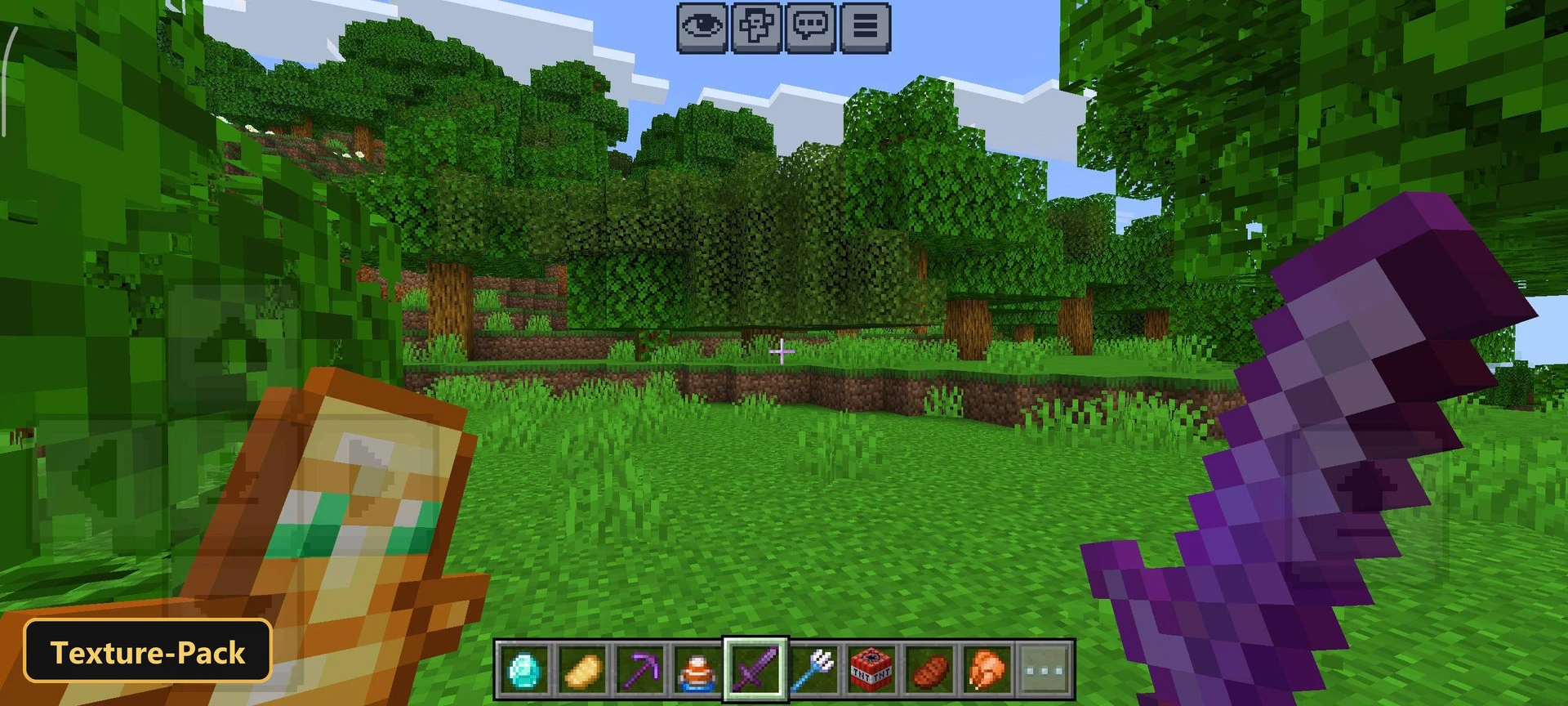
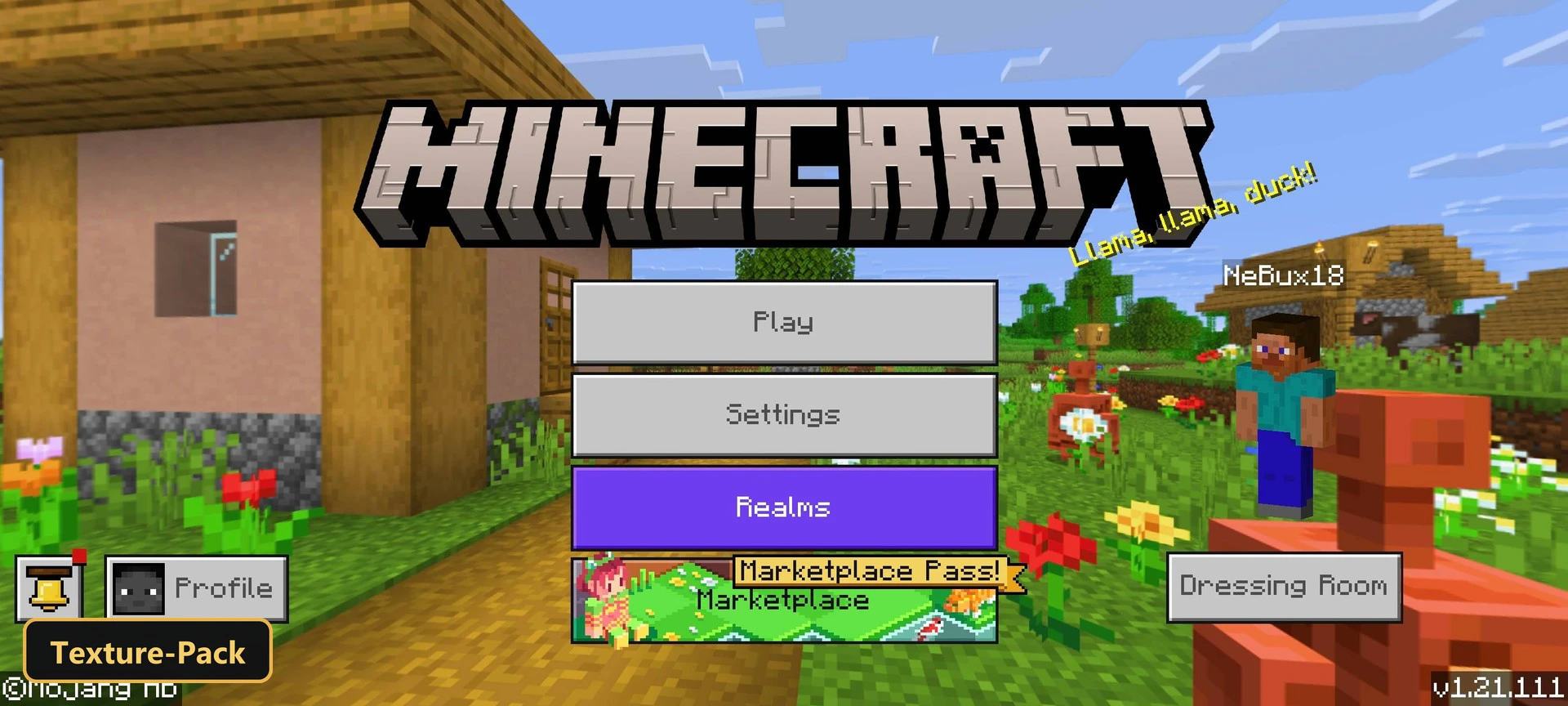
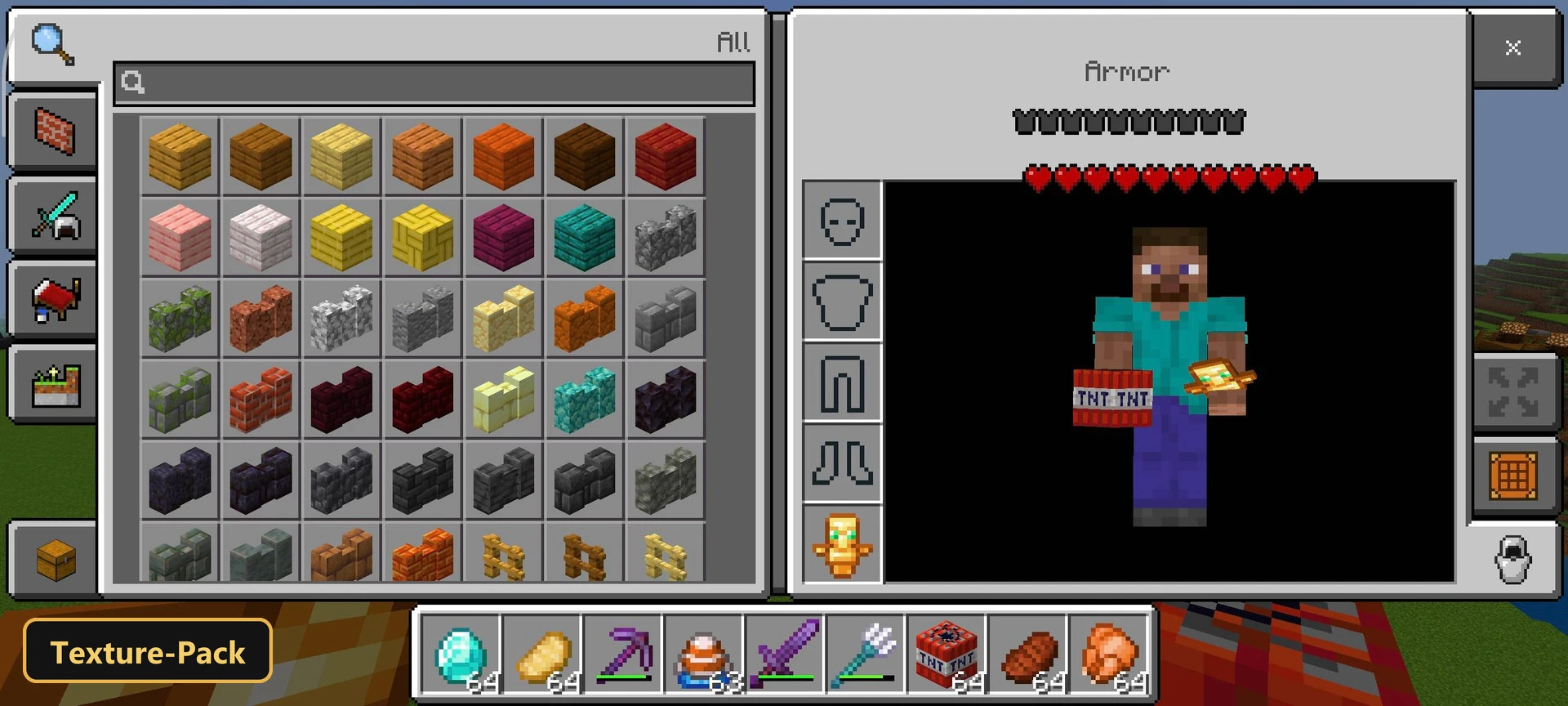
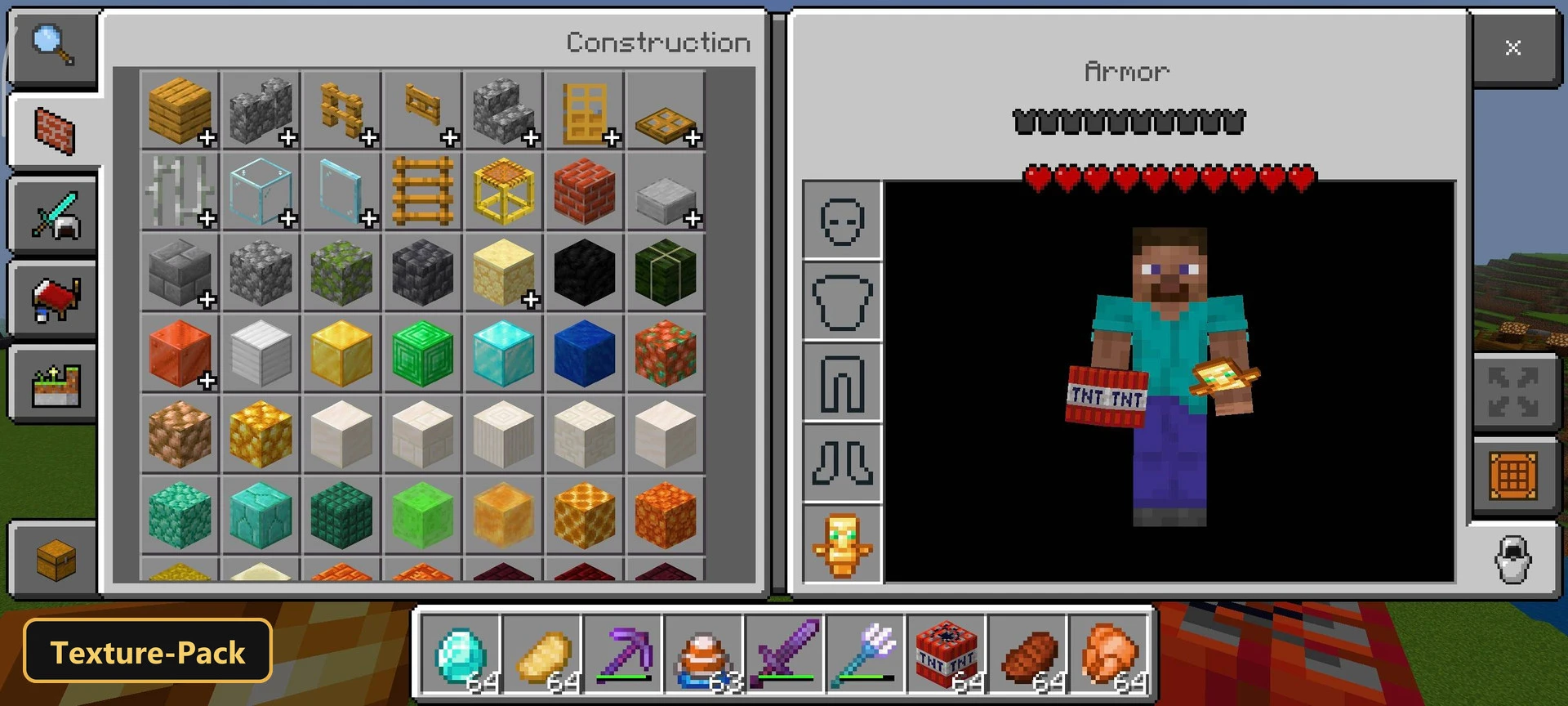
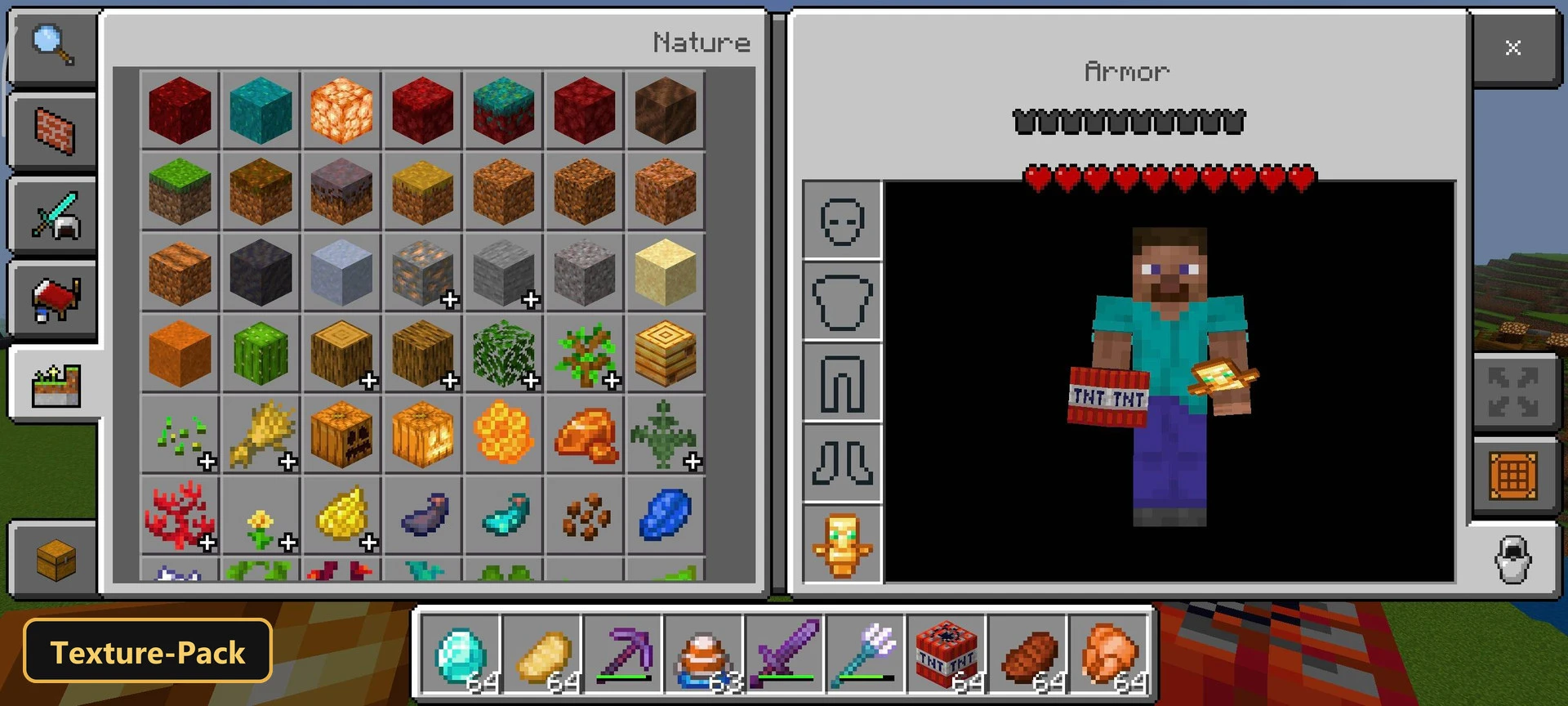
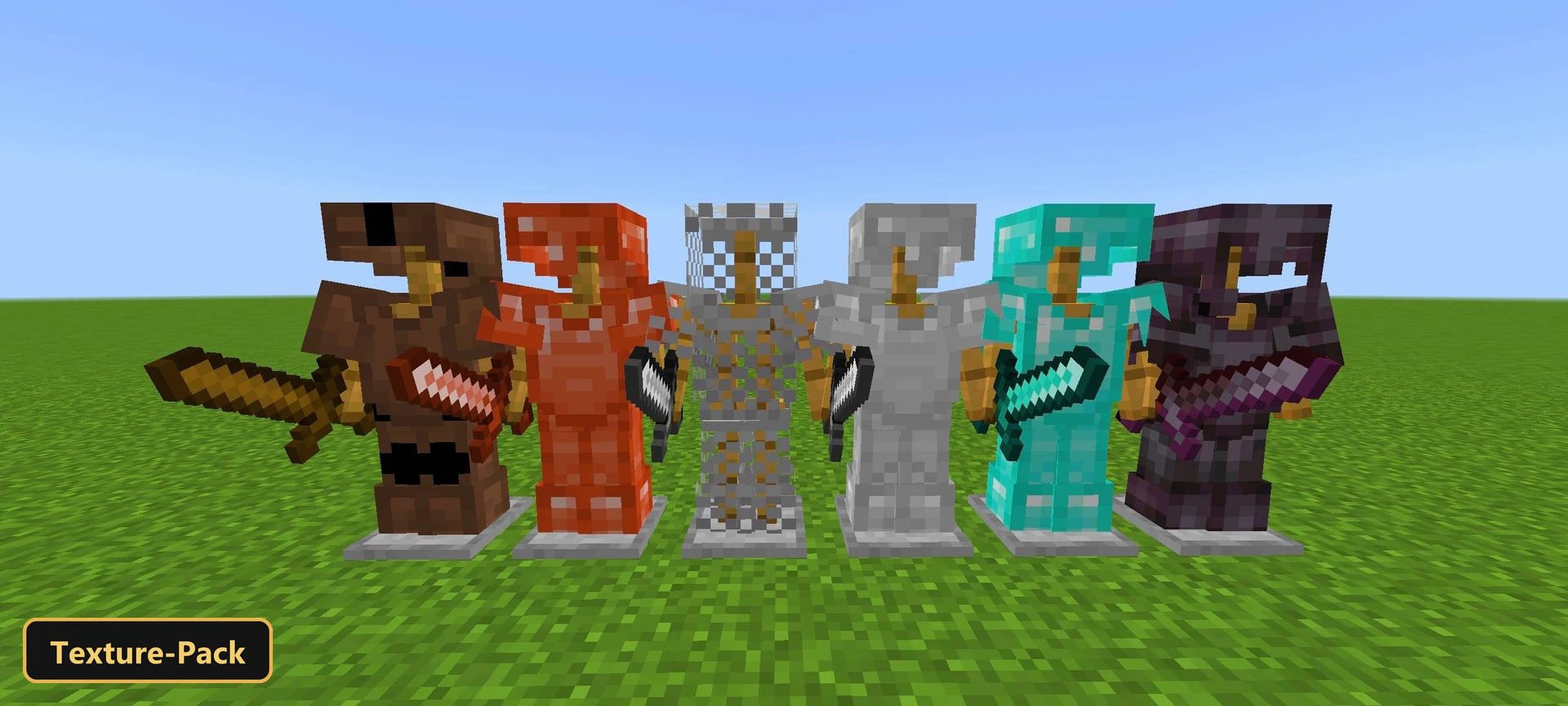
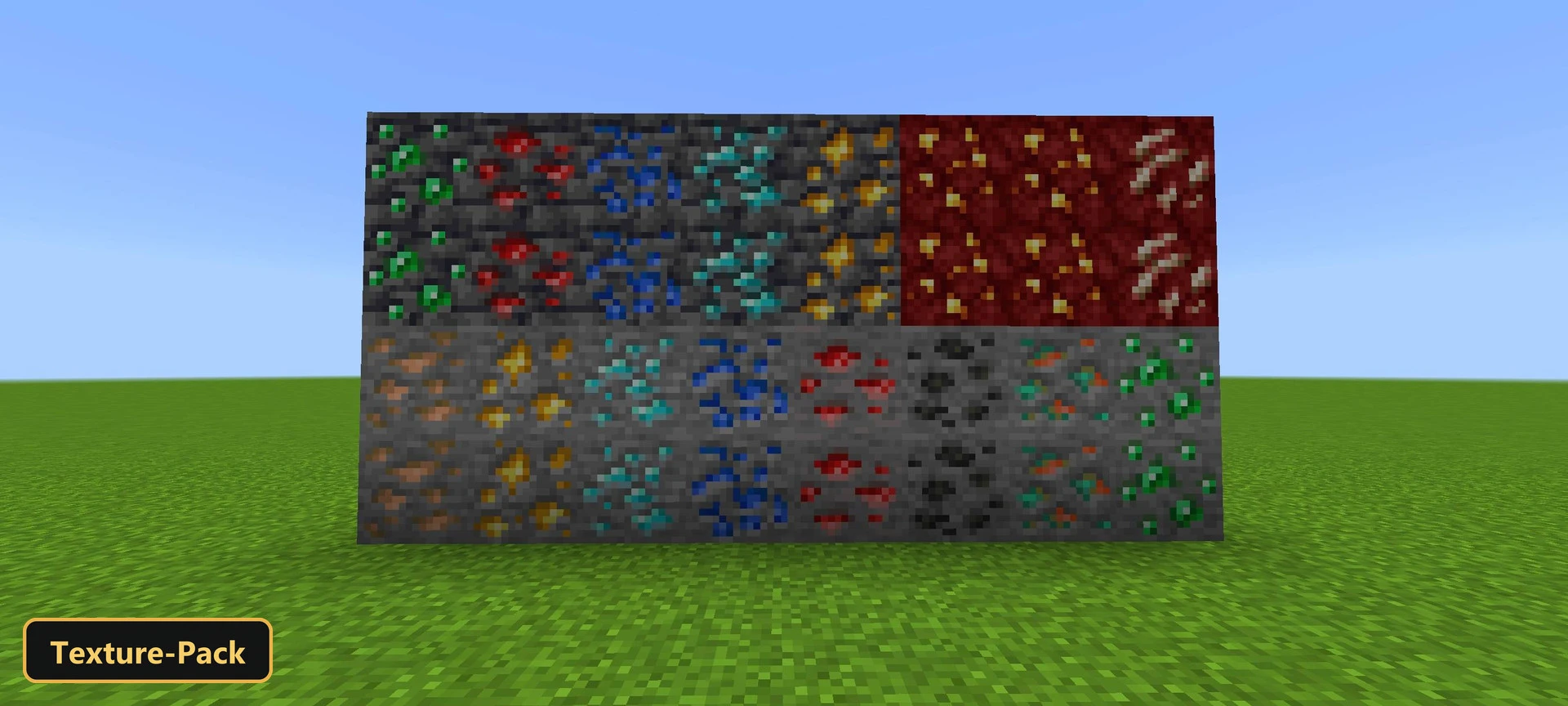
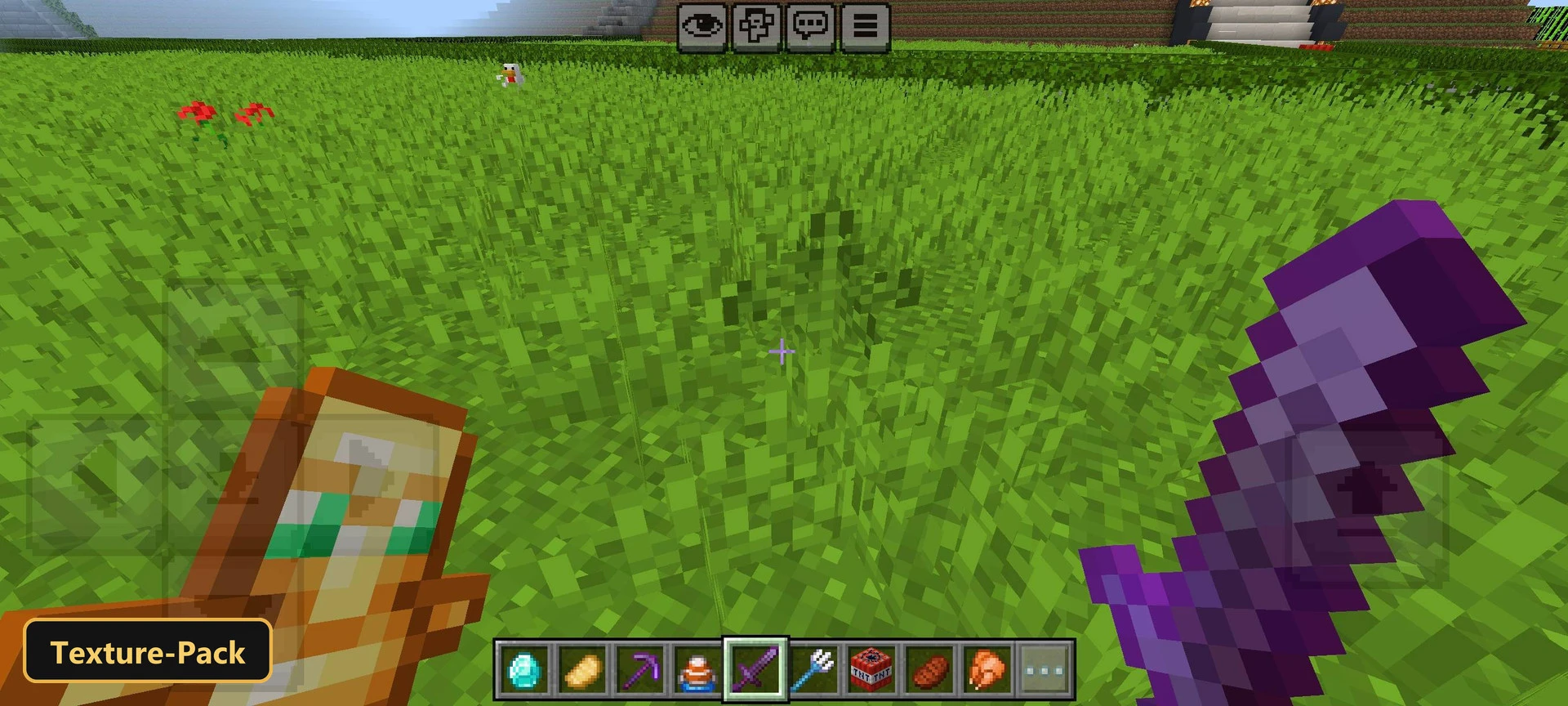
A softer, more natural color palette is the idea behind Saturation Balanced, a texture pack that retextures the user interface, blocks, items and entities at 16x resolution. It avoids pushing saturation to the limit, so the world looks slightly more colorful while staying grounded in realism.
The changes are gentle and give the environment a soft, realistic glow. Colors stay pleasant across all textures, which makes the pack comfortable for long play sessions in Minecraft Bedrock. It needs nothing beyond the base game to run.
Requirements:
- MCPE/Bedrock 1.21.111

Features:
- Retextures the UI, blocks, items, entities at 16x resolution
Screenshots:


- Edition: Minecraft Bedrock
- File type: .mcpack
- Minecraft version listed: 1.21
- How to install: Download the .mcpack. → Open it — Minecraft imports it under Resource Packs. → Activate it in Global Resources, or for one world under Resource Packs → Available.
- Where to get it: In MCModsHub, or directly above on this page.
Install steps are the general flow for this file type — How to install Minecraft Bedrock texture packs walks through it step by step.
- Pack type: .mcpack — a single pack
- Manifest requires Minecraft 1.18.0 or newer
- Complete pack — everything it depends on is inside the file
- Download size: 39.6 MB
- Download link checked 17 Oct 2026 — working
- Mirrored on our own servers — the download does not depend on the original host
These come from our own check of the pack file, not from the source page.