NeBux GUI (26+, 1.21) – MCPE/Bedrock Texture Pack
Bedrock texture pack listed for Minecraft 1.18–1.21. File opened and checked on 17 Oct 2026; installs from the MC Bedrock Mods app on Android.
⬇ Download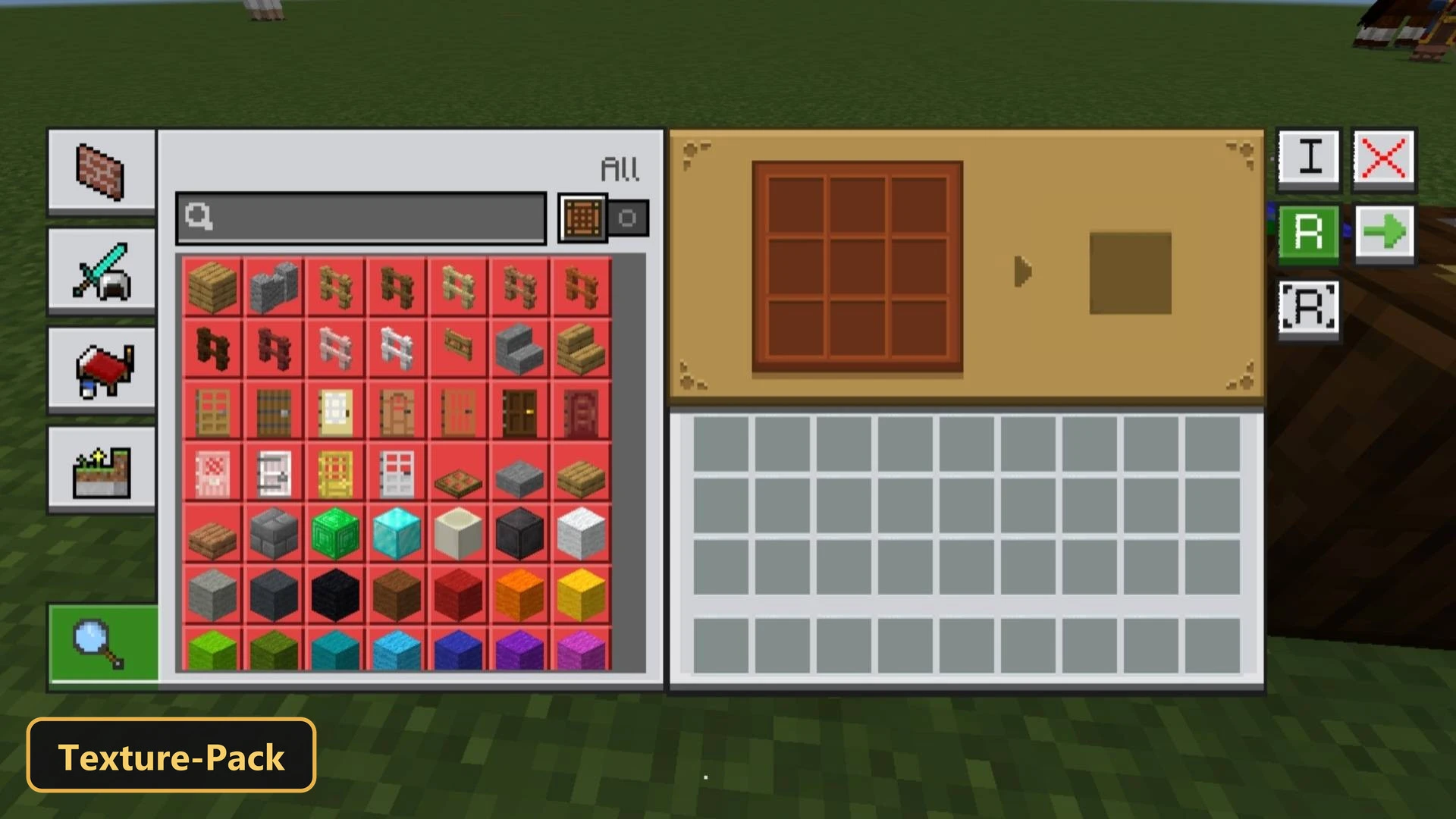
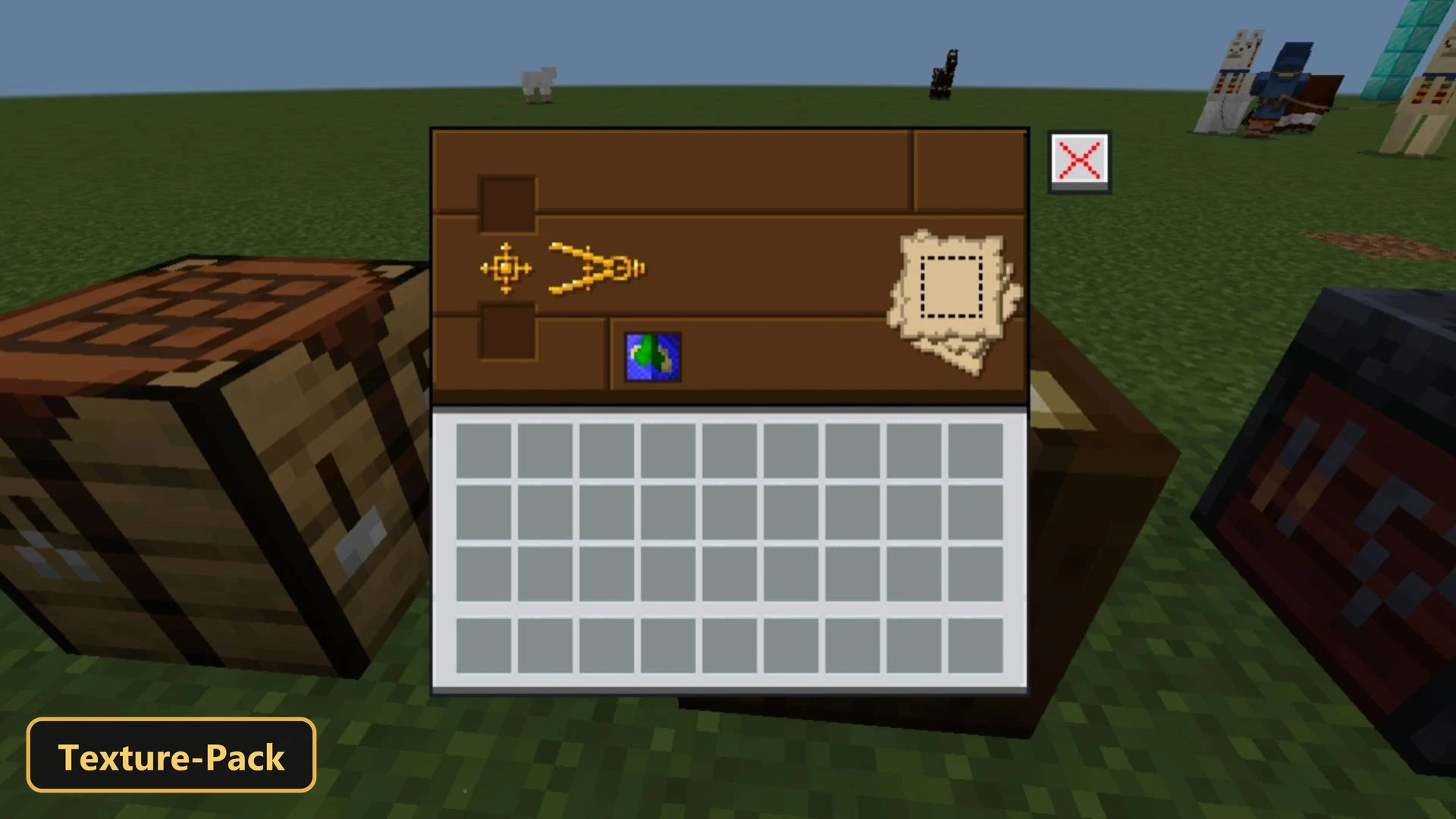
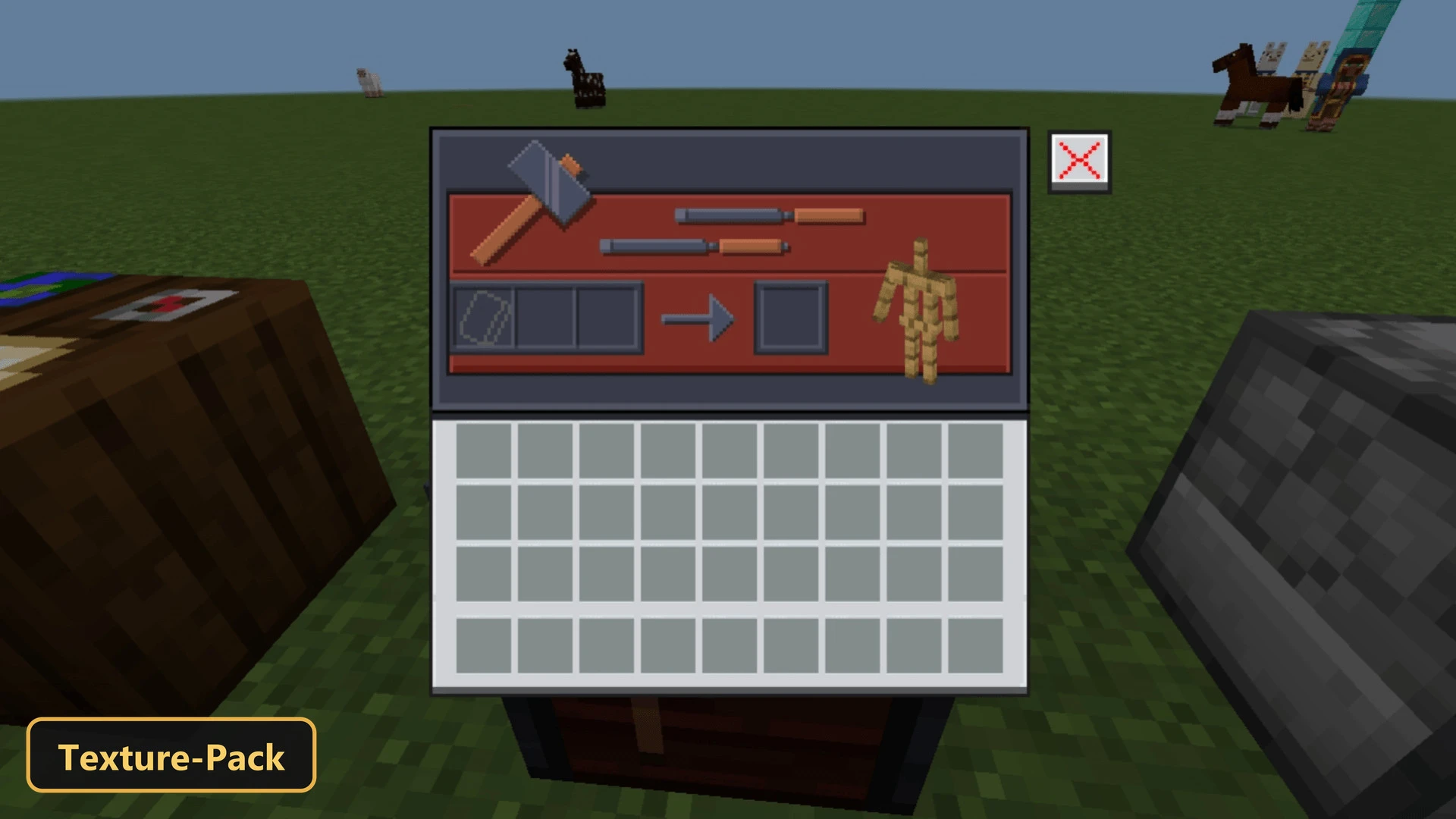
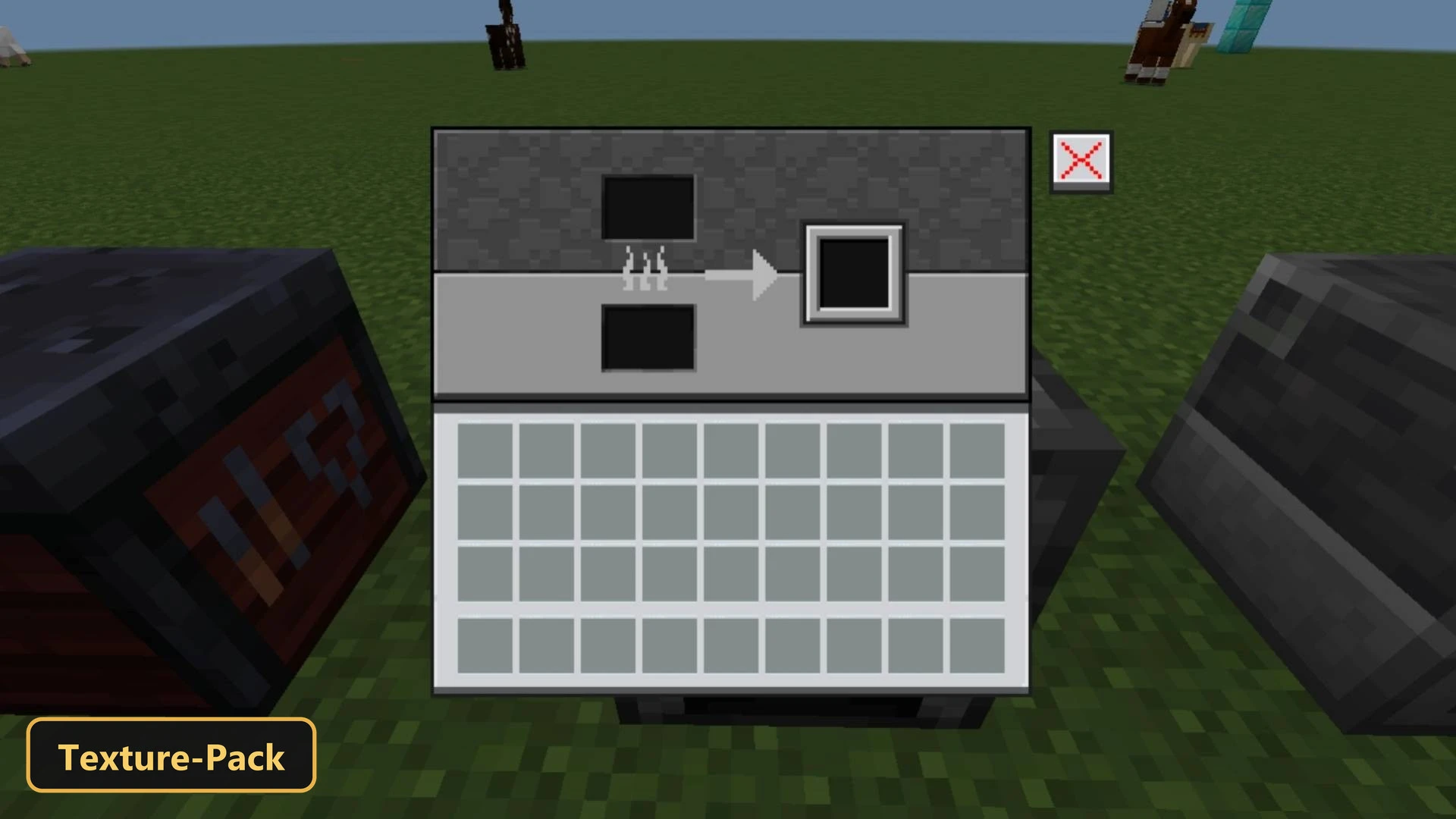
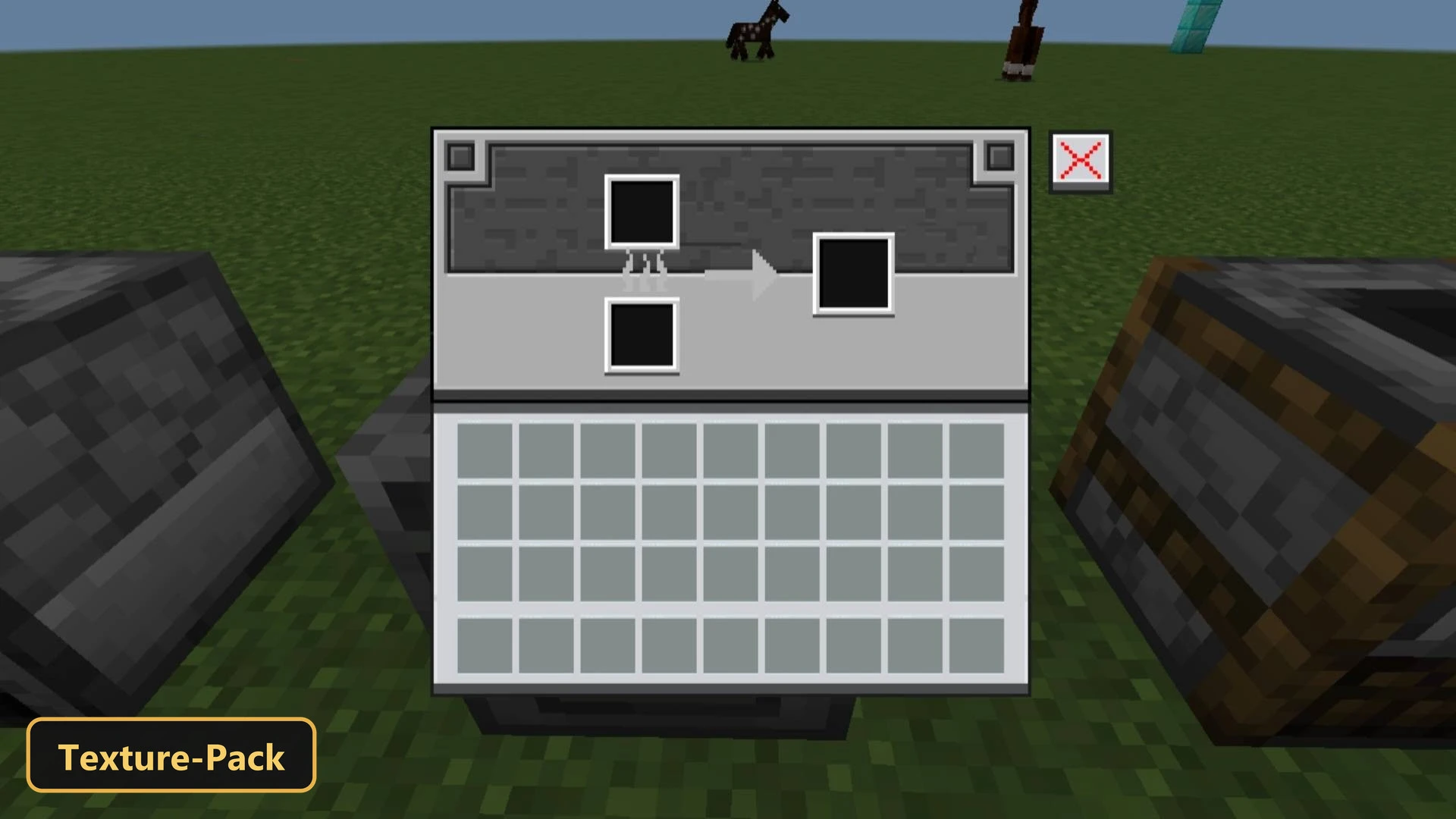
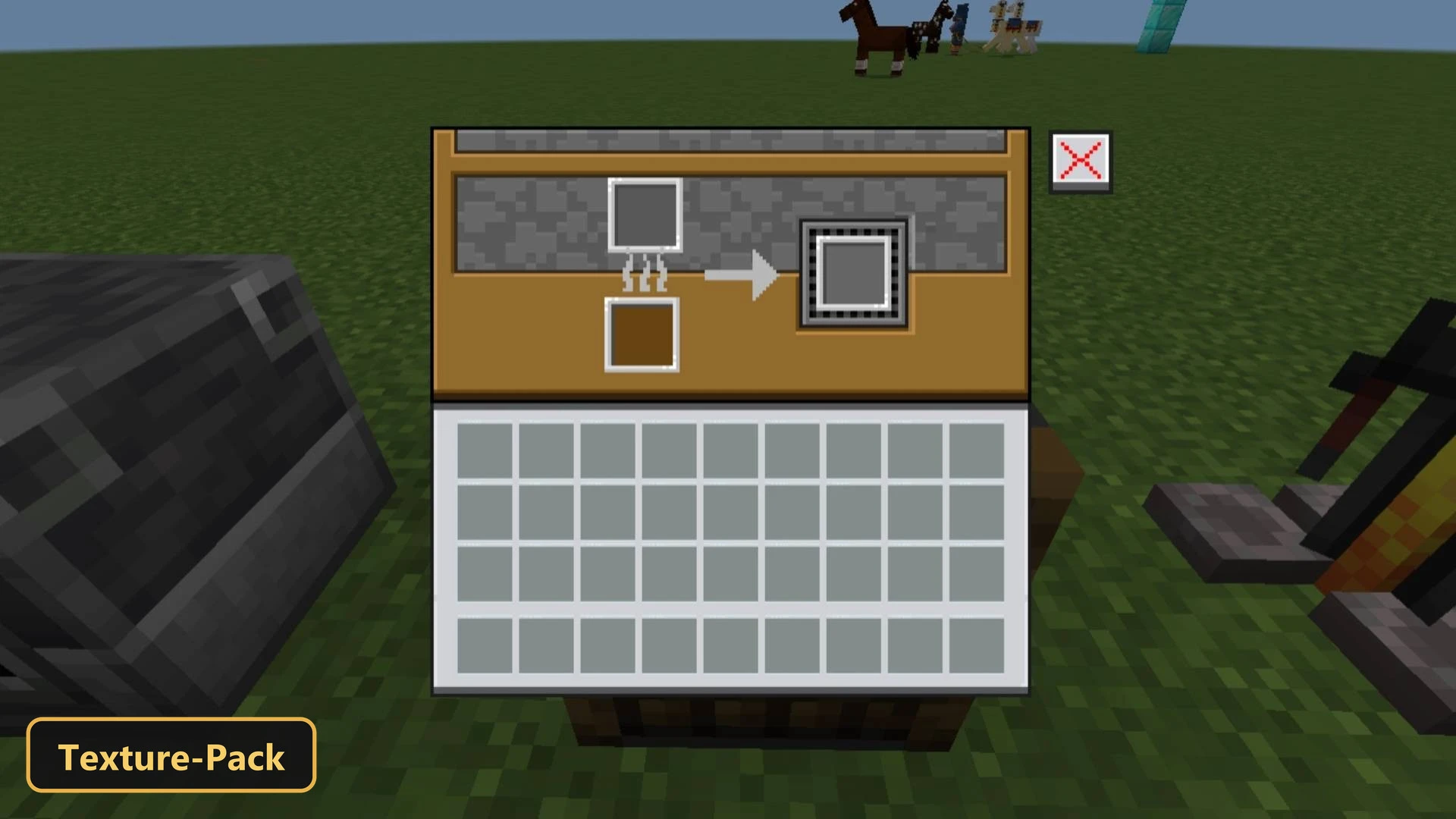
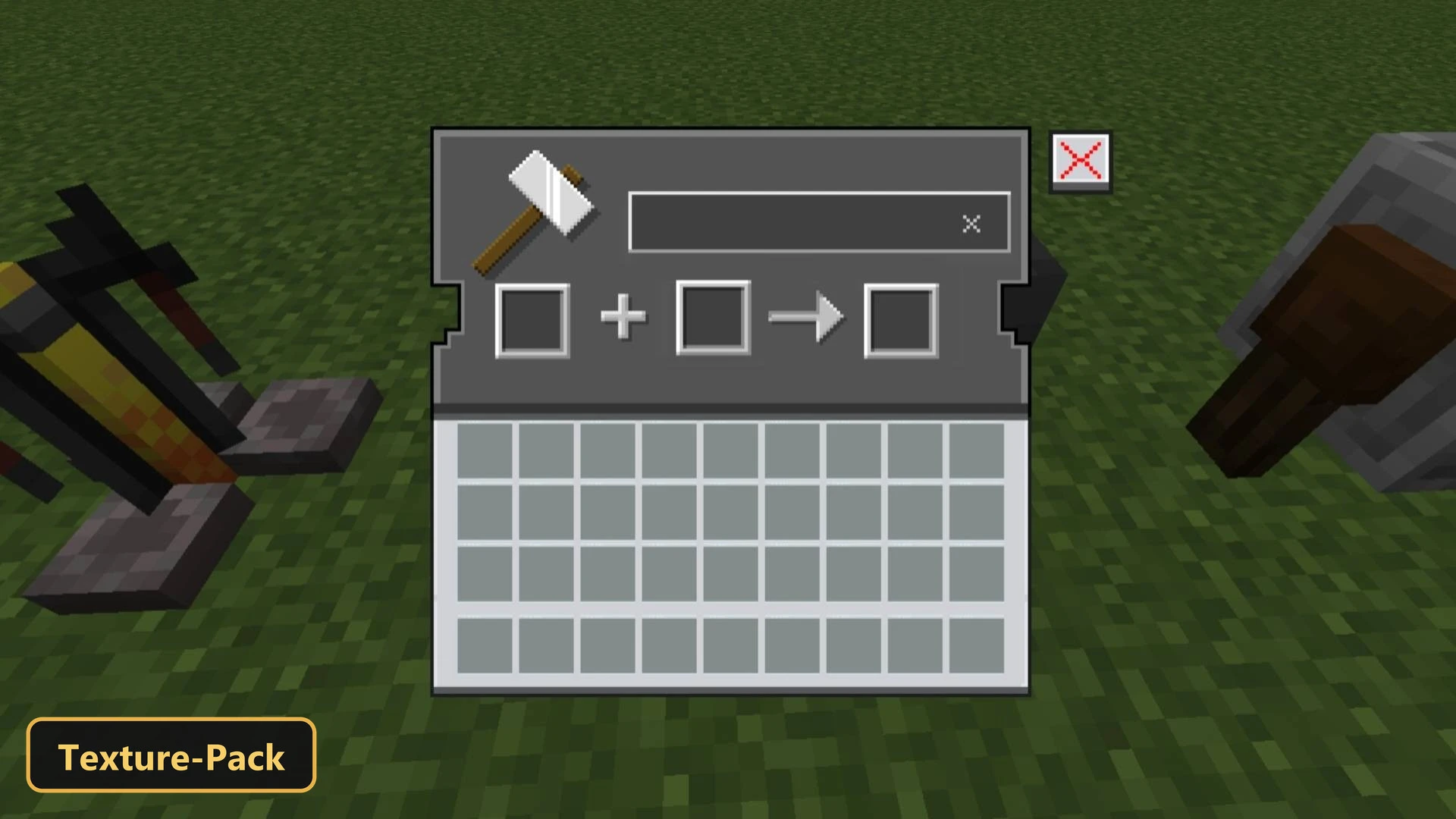
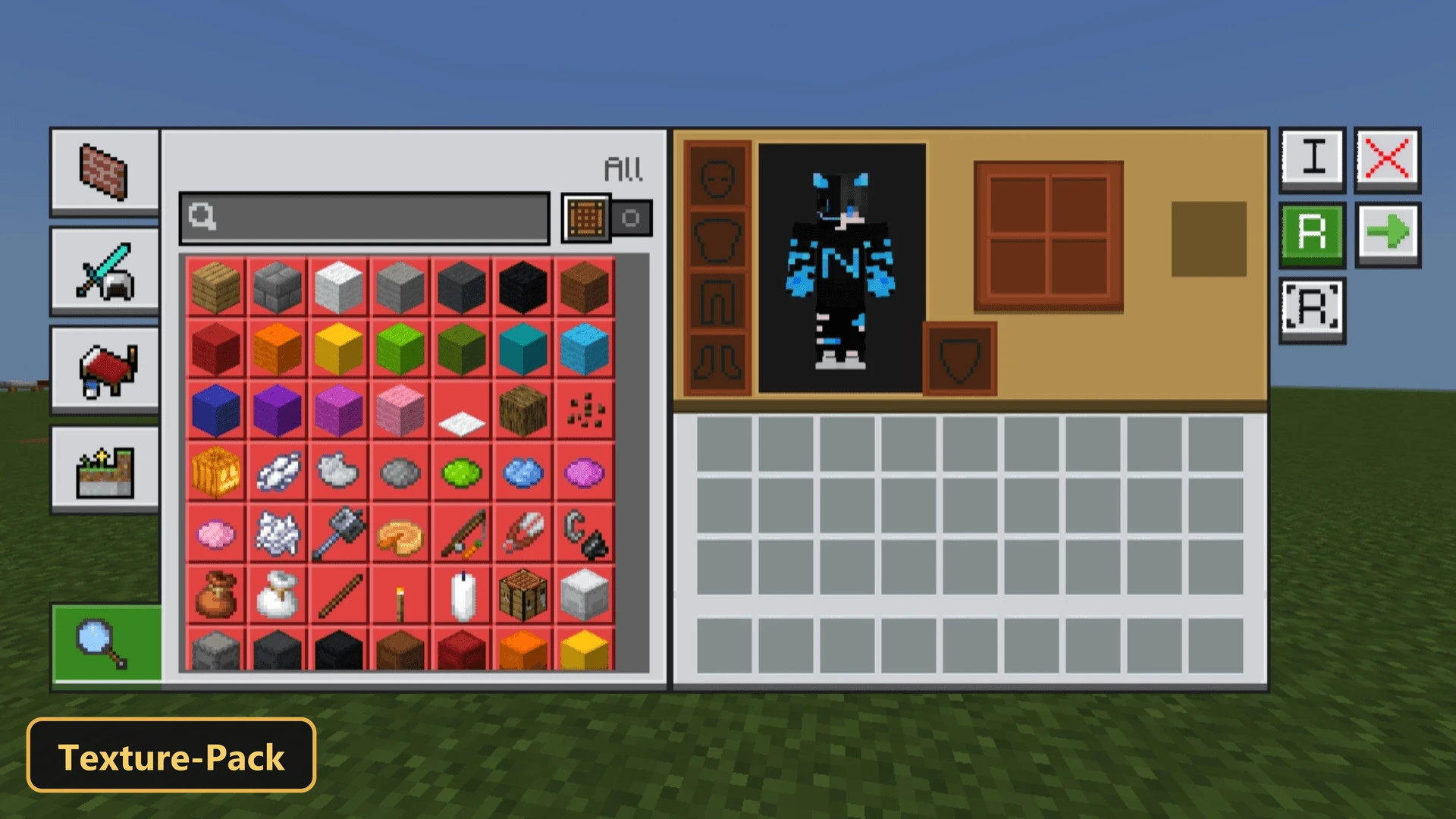
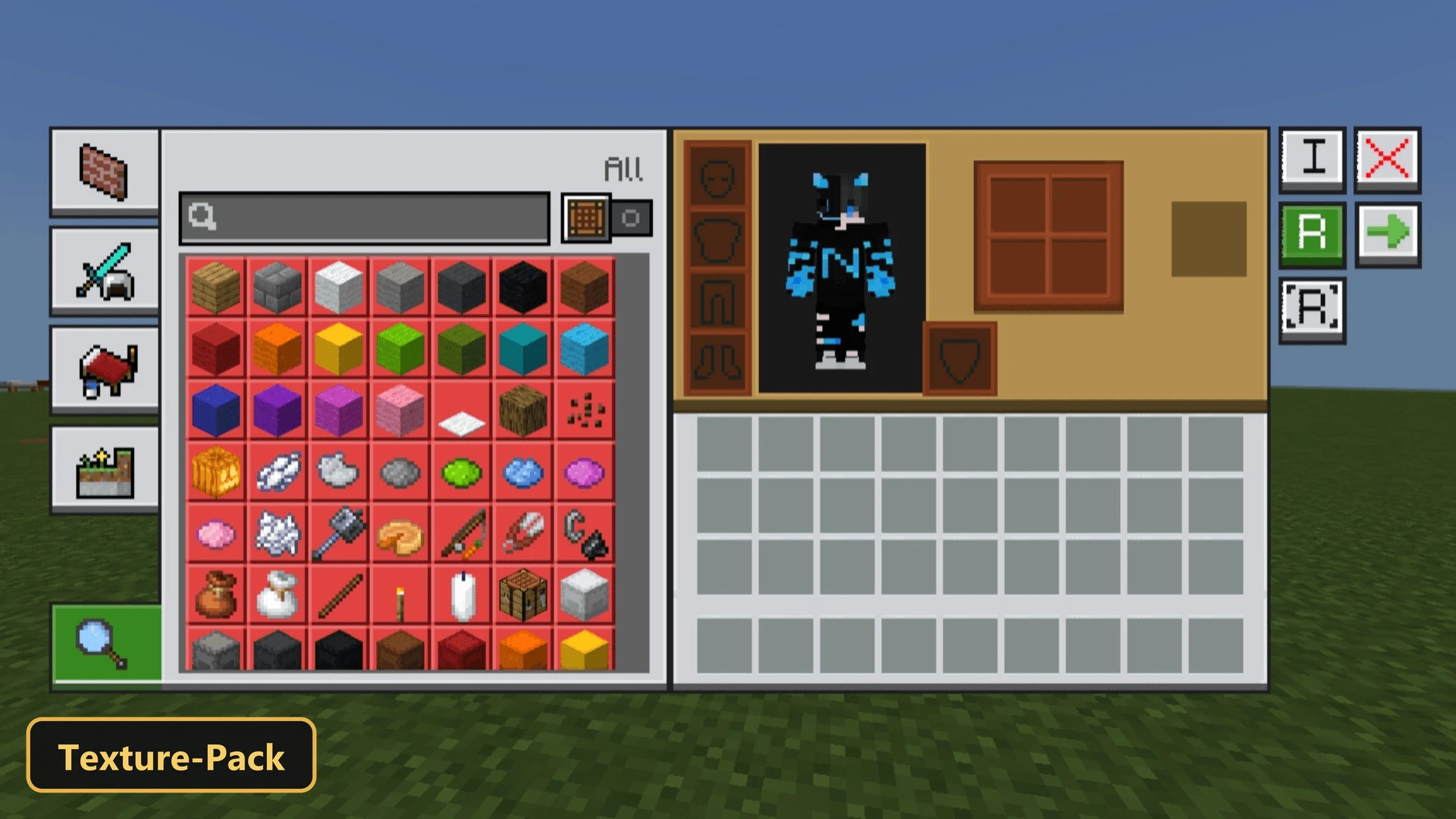
Every usable block gets its own themed interface in NeBux GUI, a texture pack that retextures the user interface and items.
Blocks such as the crafting table, furnace and anvil now show custom-themed GUIs that look clean and consistent. The pack is a standalone visual overhaul and focuses only on the game’s interactive elements, with custom UI tweaks included. Items are given a resolution of 48x, which keeps them clear and detailed inside the newly styled menus of Minecraft Bedrock.
Requirements:
- MCPE/Bedrock 1.21.130
Features:
- Retextures the UI, items at 48x resolution
- Also includes custom UI tweaks
Screenshots:


- Edition: Minecraft Bedrock
- File type: .mcpack
- Minecraft version listed: 1.21
- How to install: Download the .mcpack. → Open it — Minecraft imports it under Resource Packs. → Activate it in Global Resources, or for one world under Resource Packs → Available.
- Where to get it: In MCModsHub, or directly above on this page.
Install steps are the general flow for this file type — How to install Minecraft Bedrock texture packs walks through it step by step.
- Pack type: .mcpack — a single pack
- Manifest requires Minecraft 1.18.0 or newer
- Complete pack — everything it depends on is inside the file
- Download size: 1.8 MB
- Download link checked 17 Oct 2026 — working
- Mirrored on our own servers — the download does not depend on the original host
These come from our own check of the pack file, not from the source page.