HorizonUI: BE (26+) – MCPE/Bedrock Texture Pack
Bedrock texture pack listed for Minecraft 26.x. File opened and checked on 17 Oct 2026; installs from the MC Bedrock Mods app on Android.
⬇ Download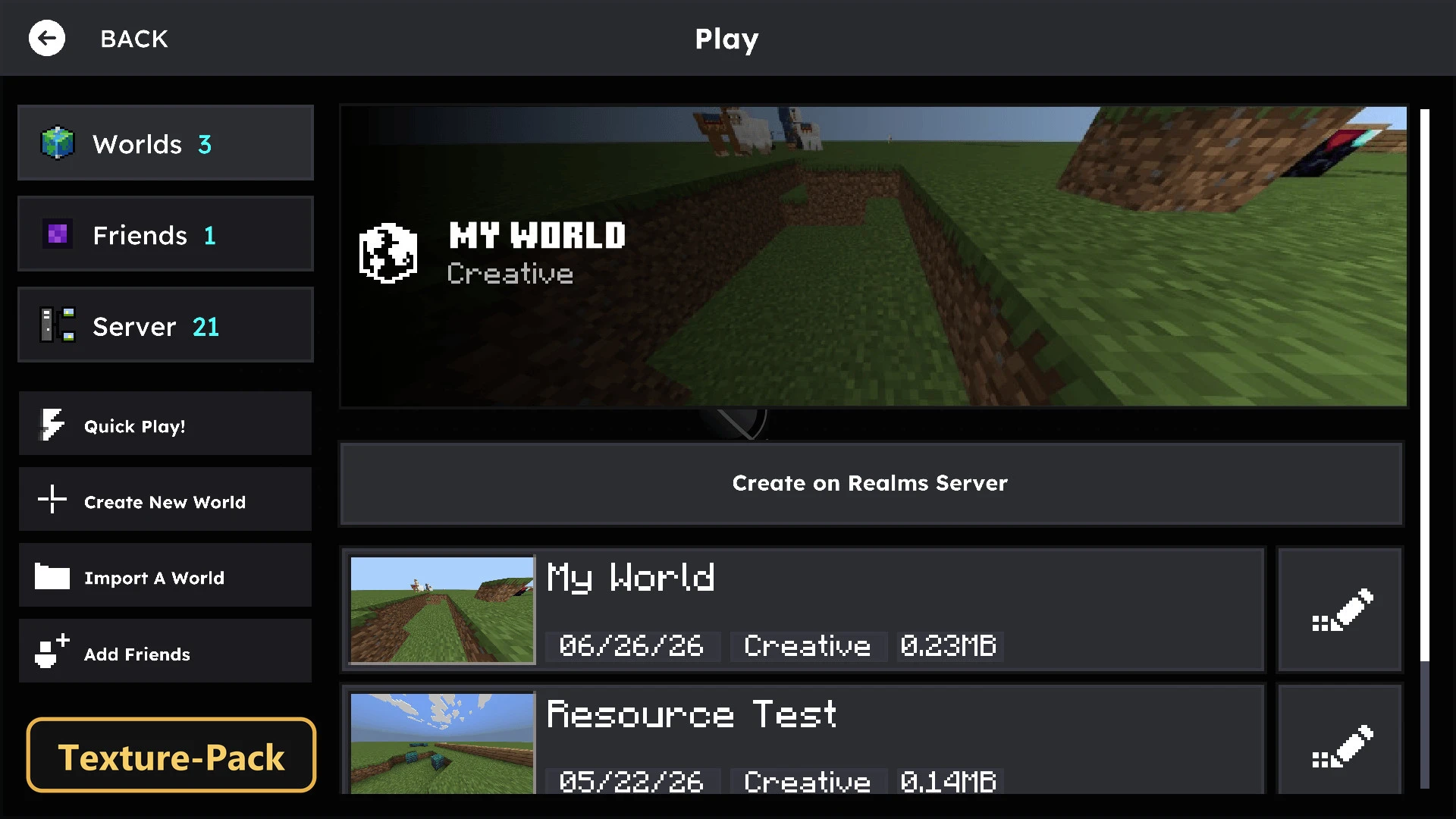
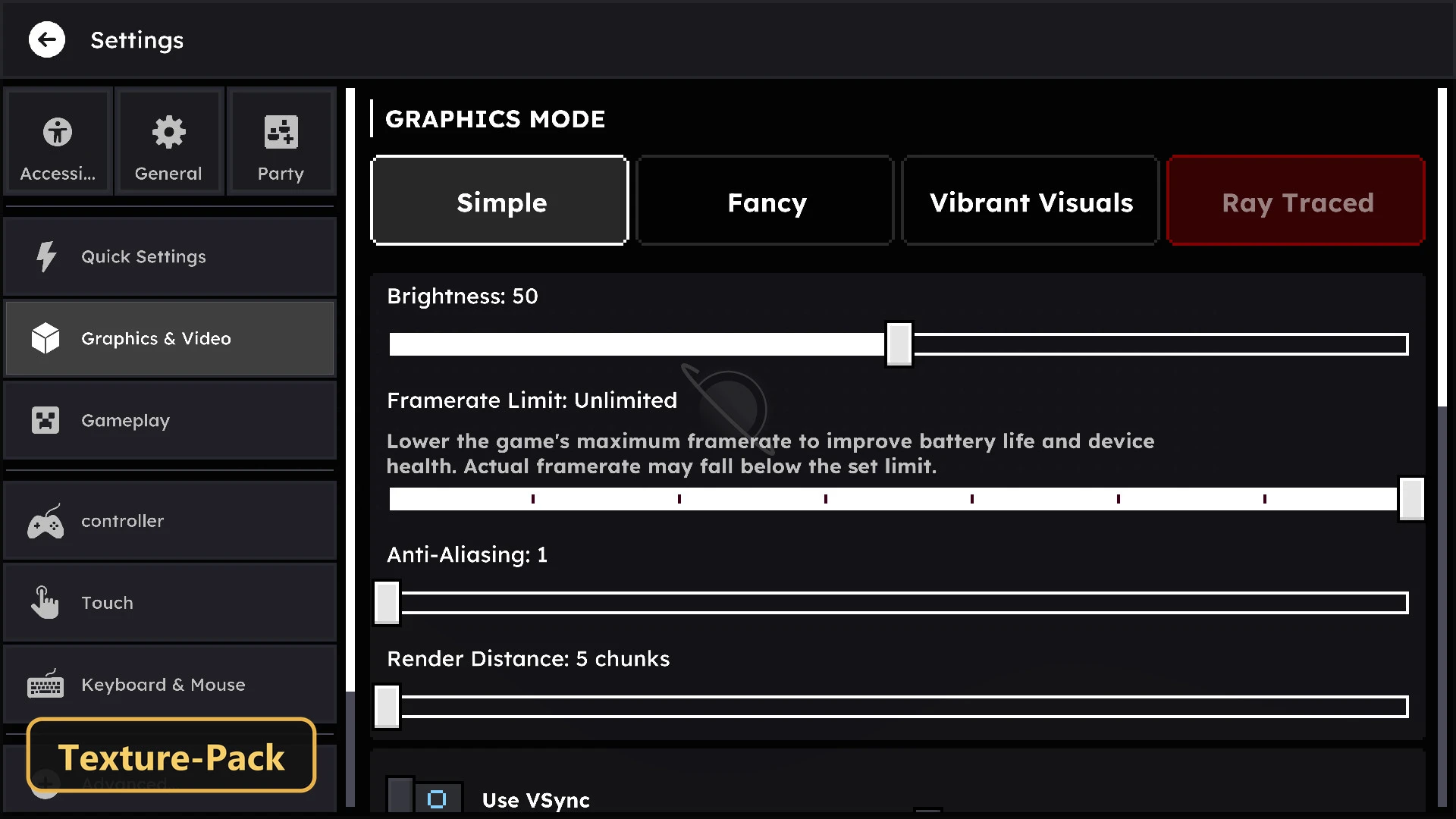
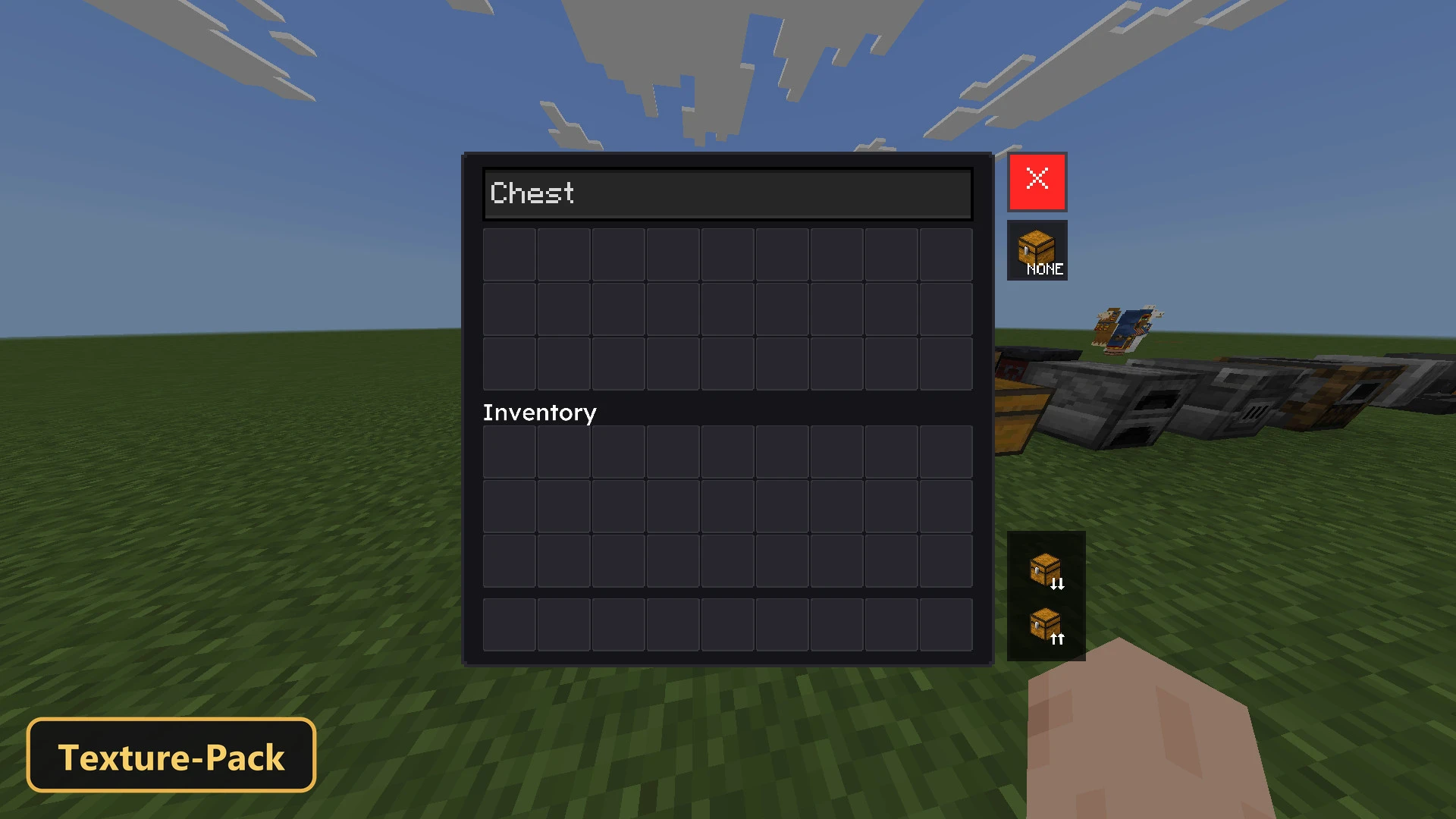
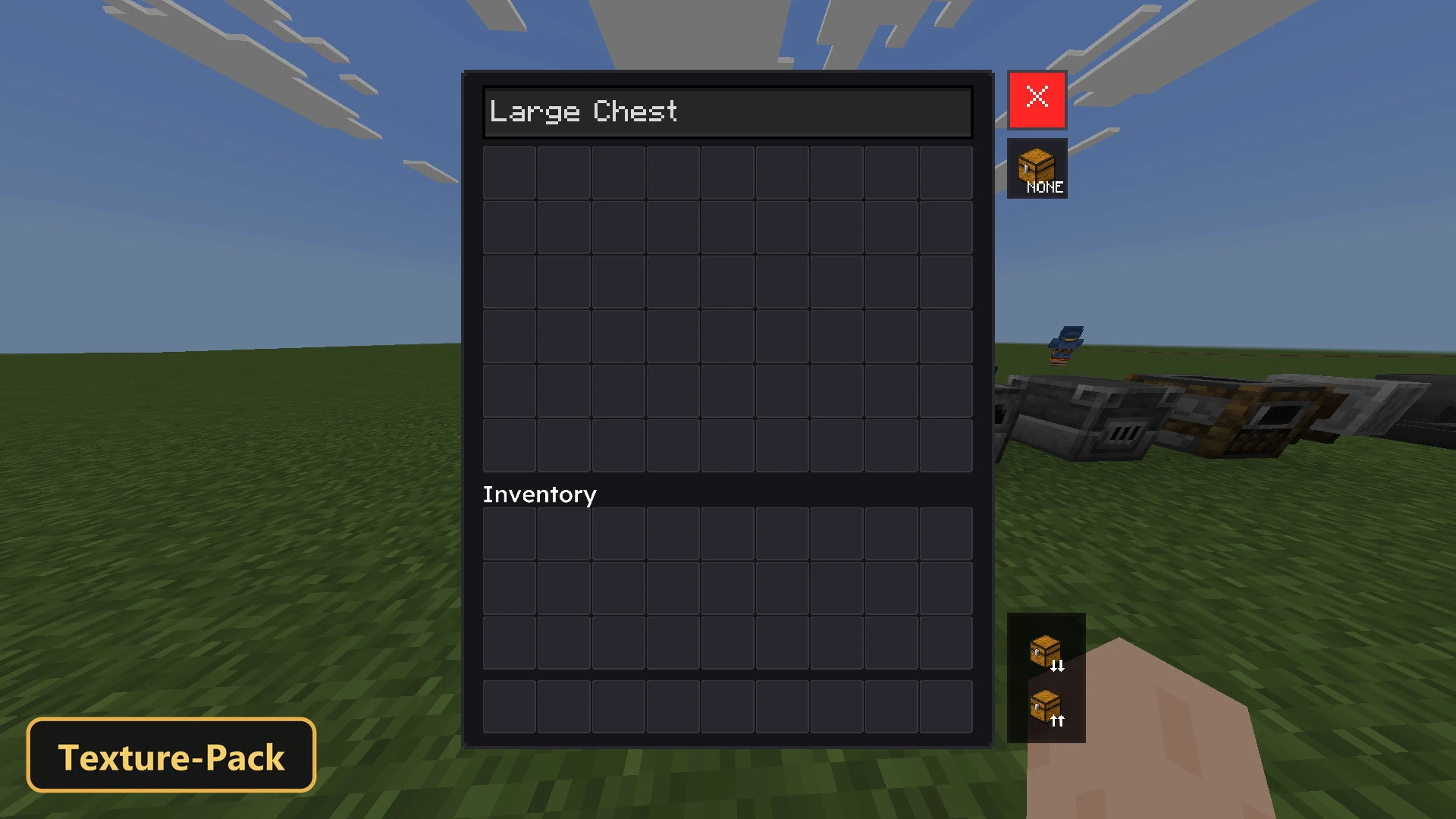
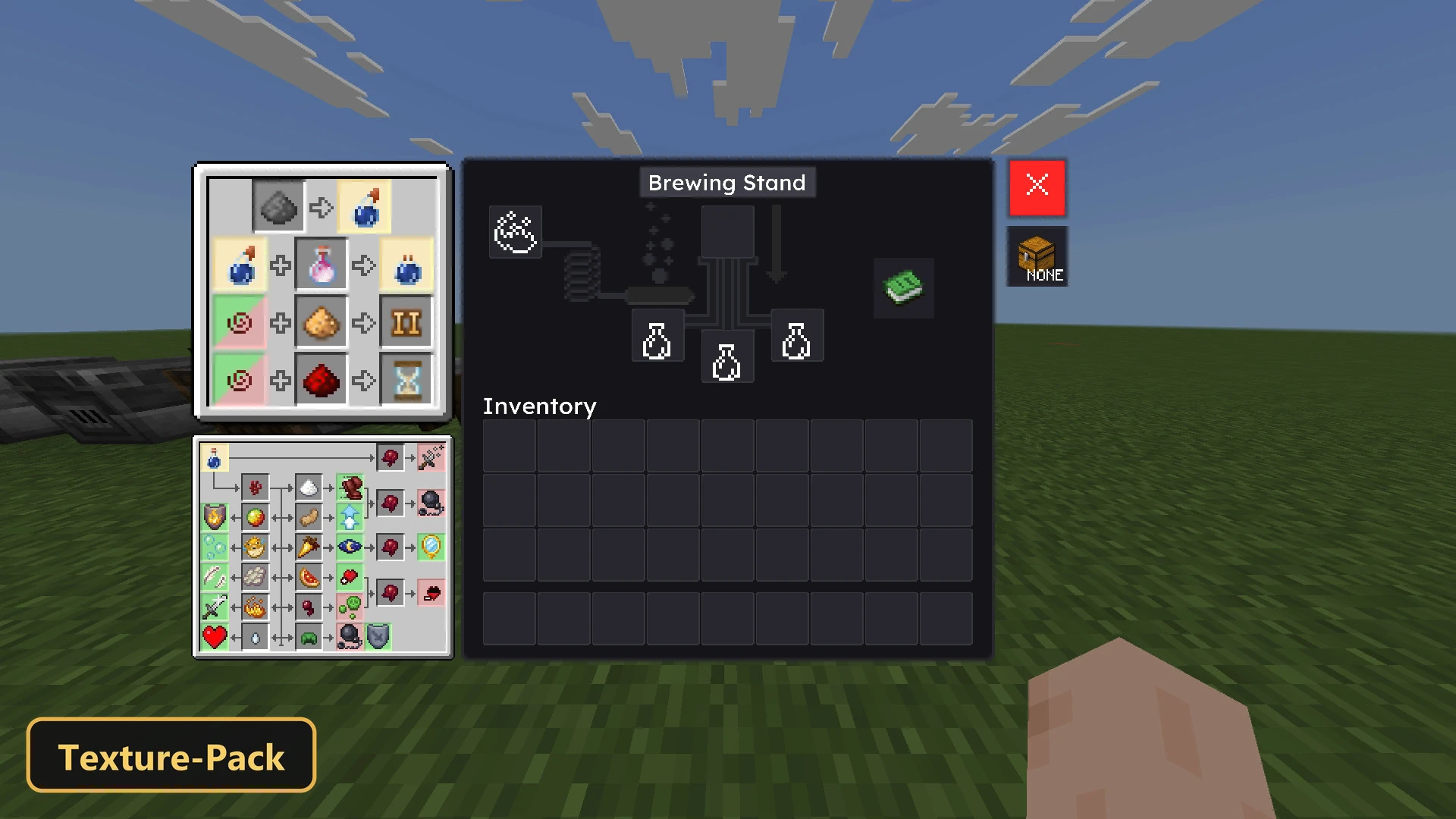
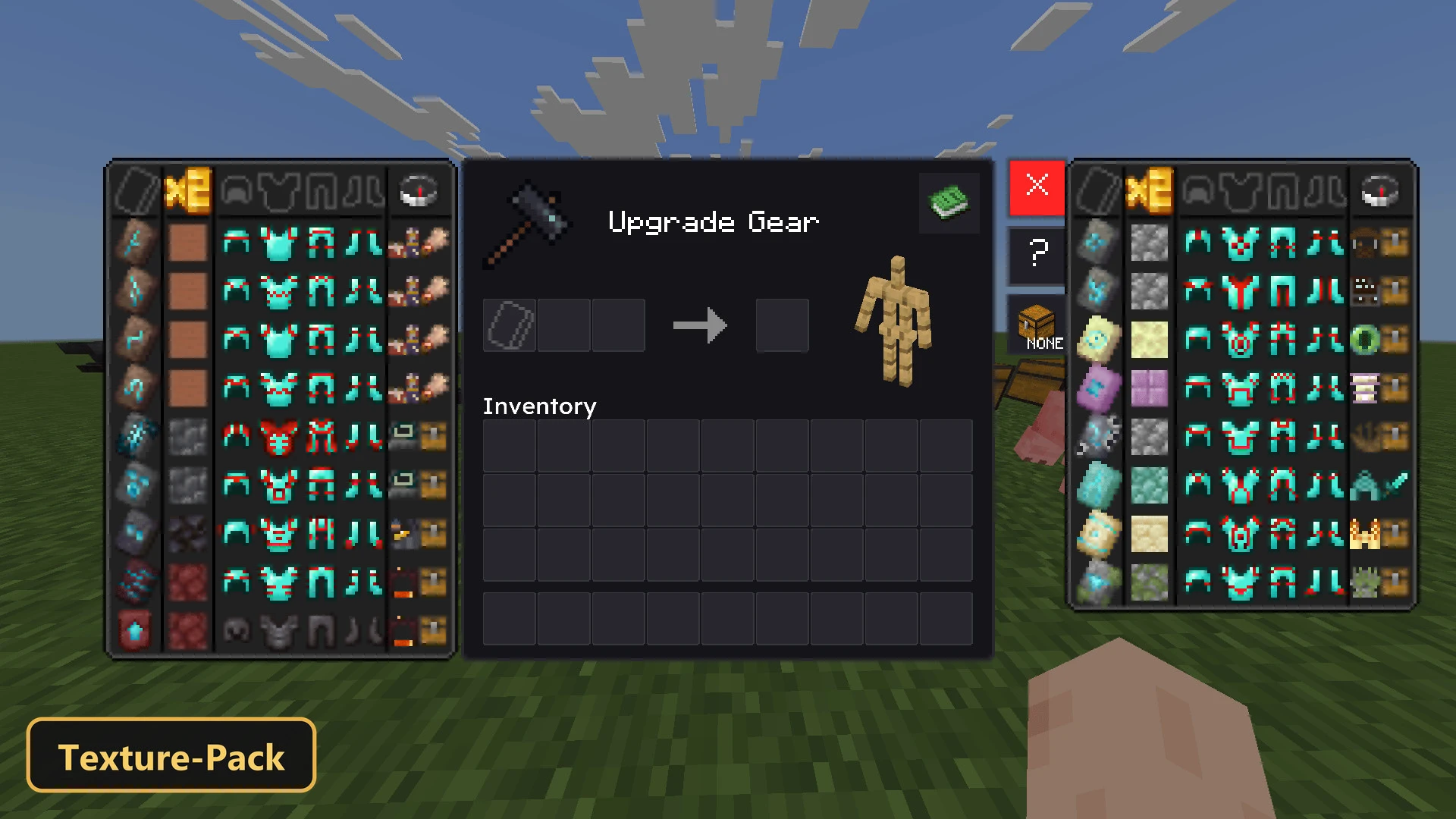
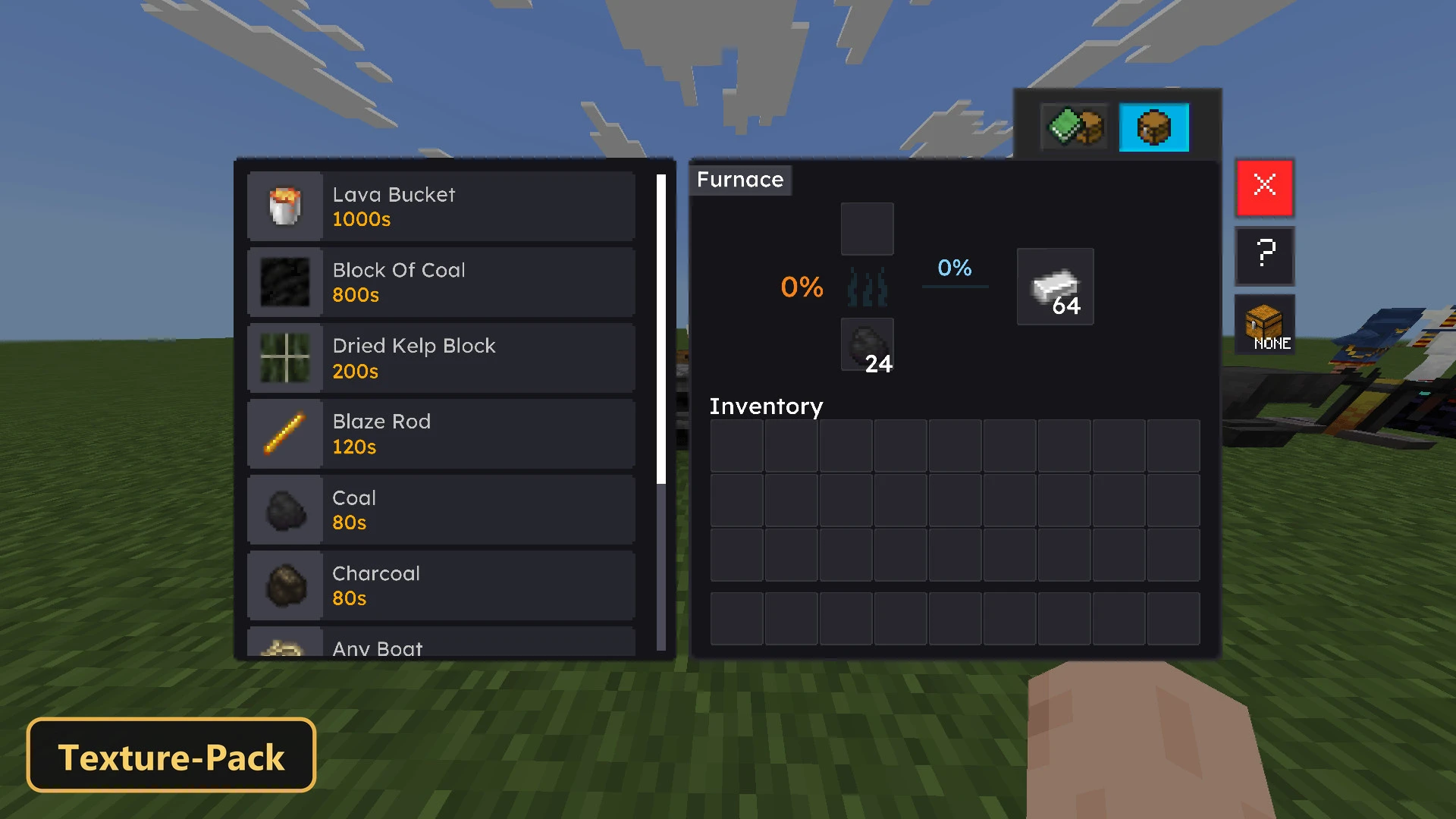
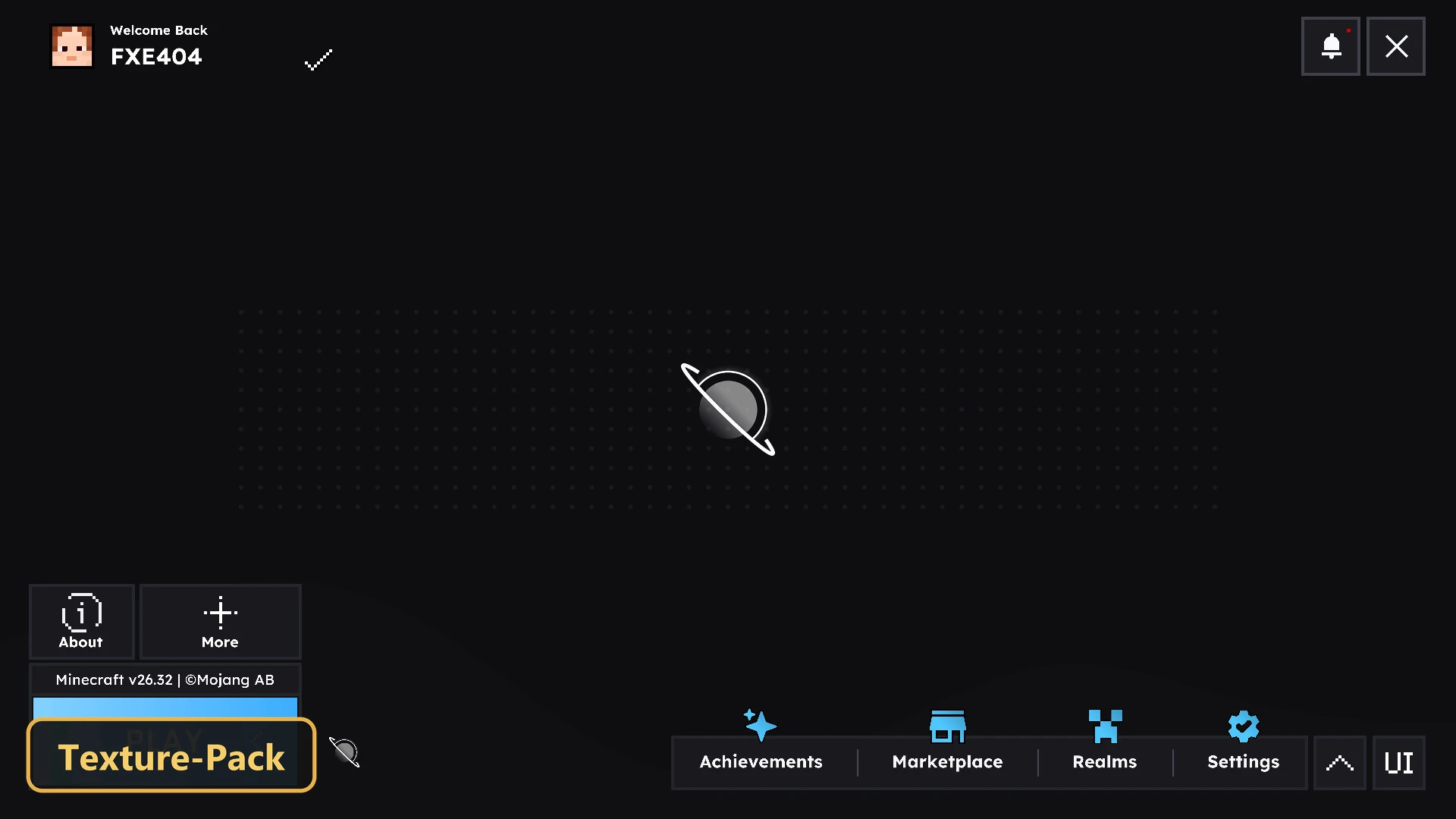
HorizonUI: BE gives the interface a clean, contemporary layout with animated backgrounds and a focus on clarity.
This texture pack offers four quality presets in-game. The animated backgrounds need the Animated Backgrounds preset and the HorizonUI Extension, and they can load up to 200 images at 60 FPS. Survival players get quick actions for looting, moving and dropping items, plus slot, item and stack counters and built-in brewing and smithing guides. The pack also adds atmosphere and 67 fog profiles that change from biome to biome, giving each area its own mood.
Requirements:
- MCPE/Bedrock 26.3 – 26.30
all 7 versions26.30, 26.20, 26.13, 26.12, 26.11, 26.10, 26.3

Features:
- 4 quality presets to pick in-game: Animated Backgrounds [ Enable + Night Vision ] Night Vision Created By T1M0THYYt Can load up to 200 images and runs at 60 FPS, but requires more RAM. This is only compatible with the HorizonUI Extension v1.8 and above. You can find the collection of backgrounds and extensions on the Hans Community Discord server. Requirements: Android: 8 GB RAM (100-150 frames) Android: 12 GB RAM (151-200 frames) iOS: 6 GB RAM (100-150 frames) iOS: 8 GB RAM (151-200 frames) Notes: – You'll need to restart the game to load the Animated Background system (to avoid bugs) – The game will crash if you use HIGH mode but don't have enough RAM (memory tier 9), Animated Backgrounds [ Enable ] Can load up to 200 images and runs at 60 FPS, but requires more RAM. This is only compatible with the HorizonUI Extension v1.8 and above. You can find the collection of backgrounds and extensions on the Hans Community Discord server. Requirements: Android: 8 GB RAM (100-150 frames) Android: 12 GB RAM (151-200 frames) iOS: 6 GB RAM (100-150 frames) iOS: 8 GB RAM (151-200 frames) Notes: – You'll need to restart the game to load the Animated Background system (to avoid bugs) – The game will crash if you use HIGH mode but don't have enough RAM (memory tier 9), Animated Backgrounds: [ Disable + Night Vision ] Night Vision Created By T1M0THYYt Notes: – You'll need to restart the game to load the Animated Background system (to avoid bugs) – The game will crash if you use HIGH mode but don't have enough RAM (memory tier 1), Animated Backgrounds: [ Disable ] Notes: – You'll need to restart the game to load the Animated Background system (to avoid bugs) – The game will crash if you use HIGH mode but don't have enough RAM (memory tier 1)
- 67 fog profiles covering biomes and dimensions
- Retextures the UI
- Also includes custom UI tweaks
Screenshots:


- Edition: Minecraft Bedrock
- File type: .mcpack
- How to install: Download the .mcpack. → Open it — Minecraft imports it under Resource Packs. → Activate it in Global Resources, or for one world under Resource Packs → Available.
- Where to get it: In MCModsHub, or directly above on this page.
Install steps are the general flow for this file type — How to install Minecraft Bedrock texture packs walks through it step by step.
- Pack type: .mcpack — a single pack
- Manifest requires Minecraft 1.26.33 or newer
- Complete pack — everything it depends on is inside the file
- Download size: 24.2 MB
- Download link checked 17 Oct 2026 — working
- Mirrored on our own servers — the download does not depend on the original host
These come from our own check of the pack file, not from the source page.