GUI Revision Expanded (26+) – MCPE/Bedrock Texture Pack
Bedrock texture pack listed for Minecraft 26.x. File opened and checked on 17 Oct 2026; installs from the MC Bedrock Mods app on Android.
⬇ Download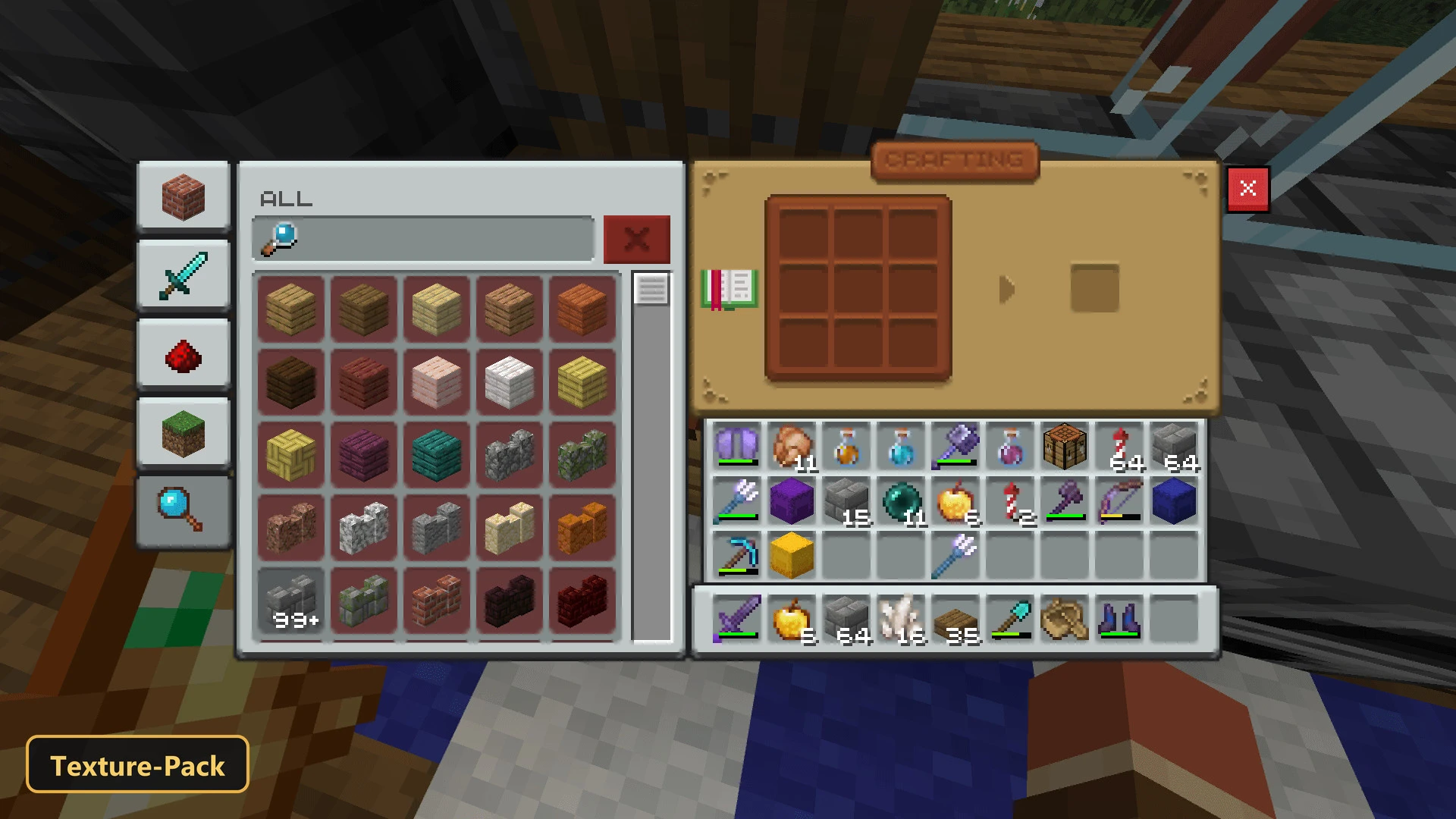
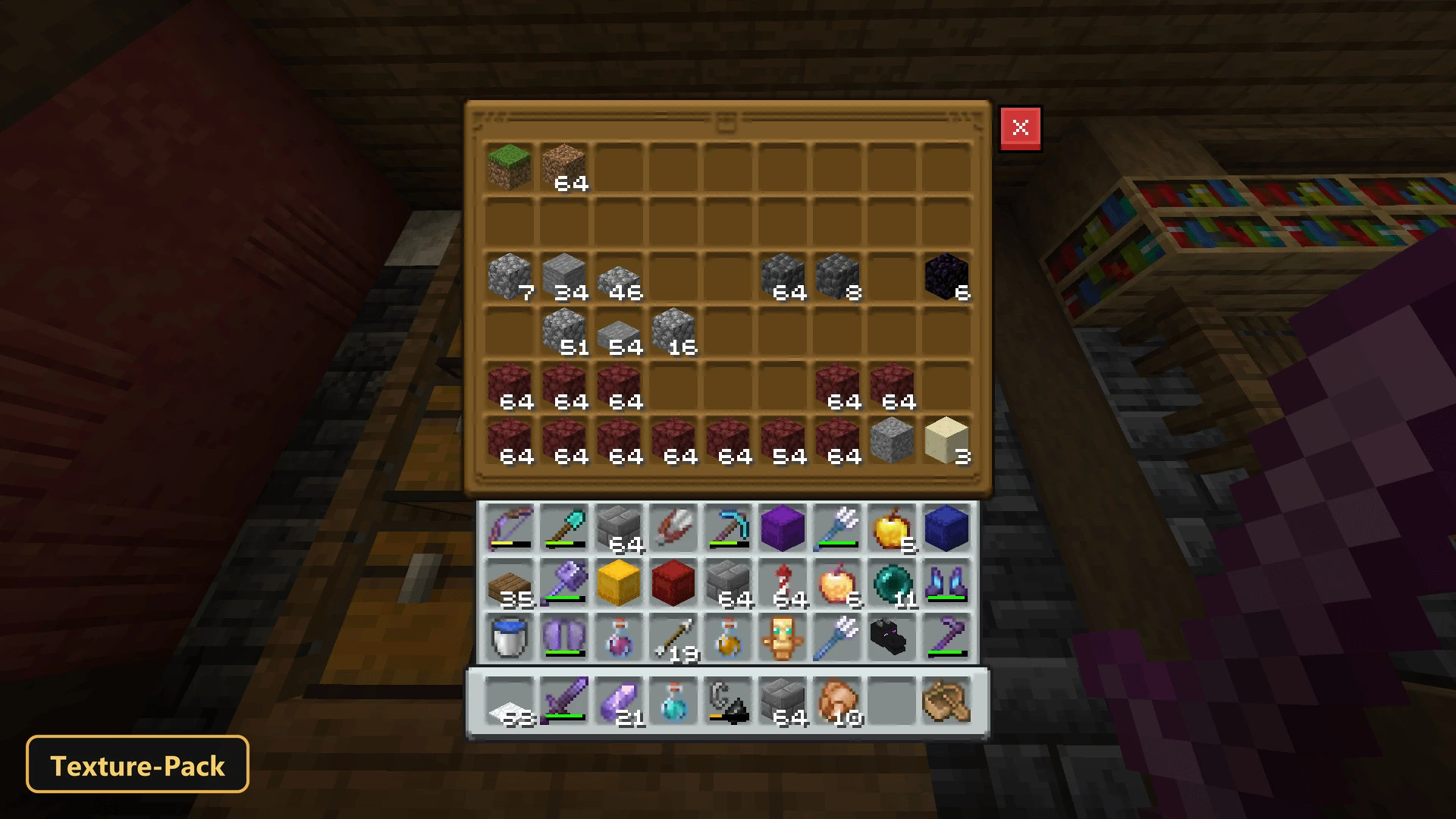
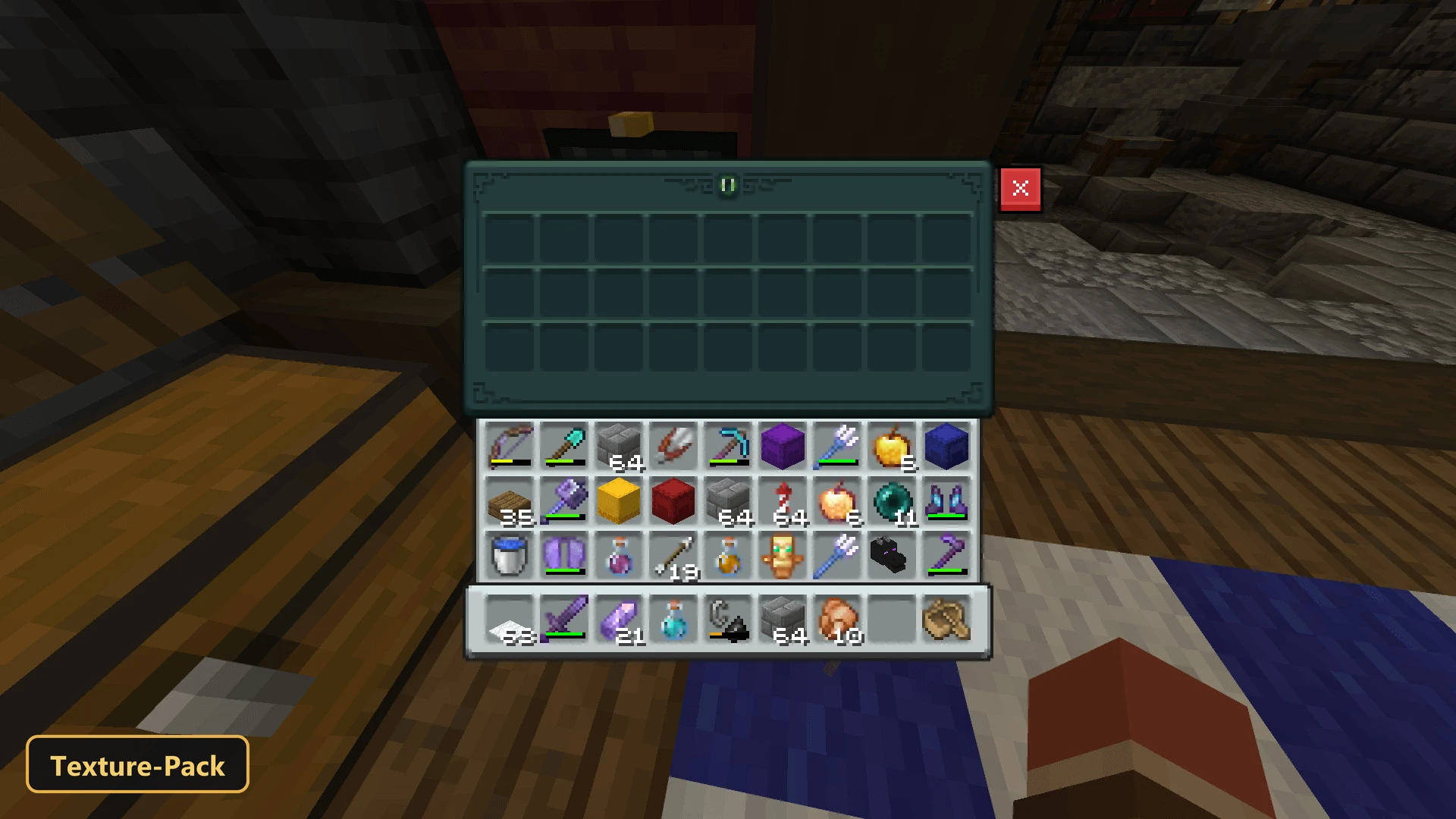
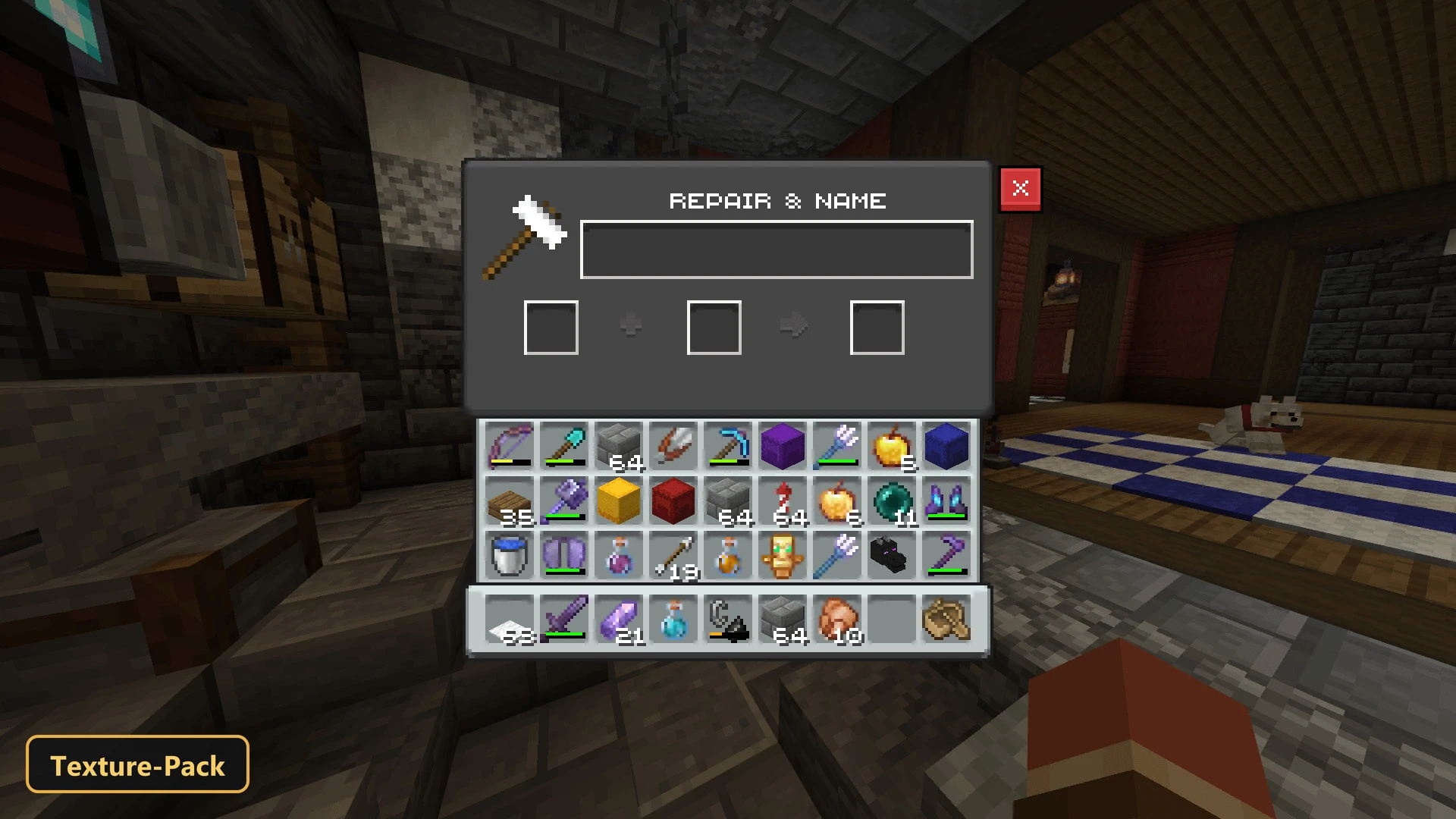
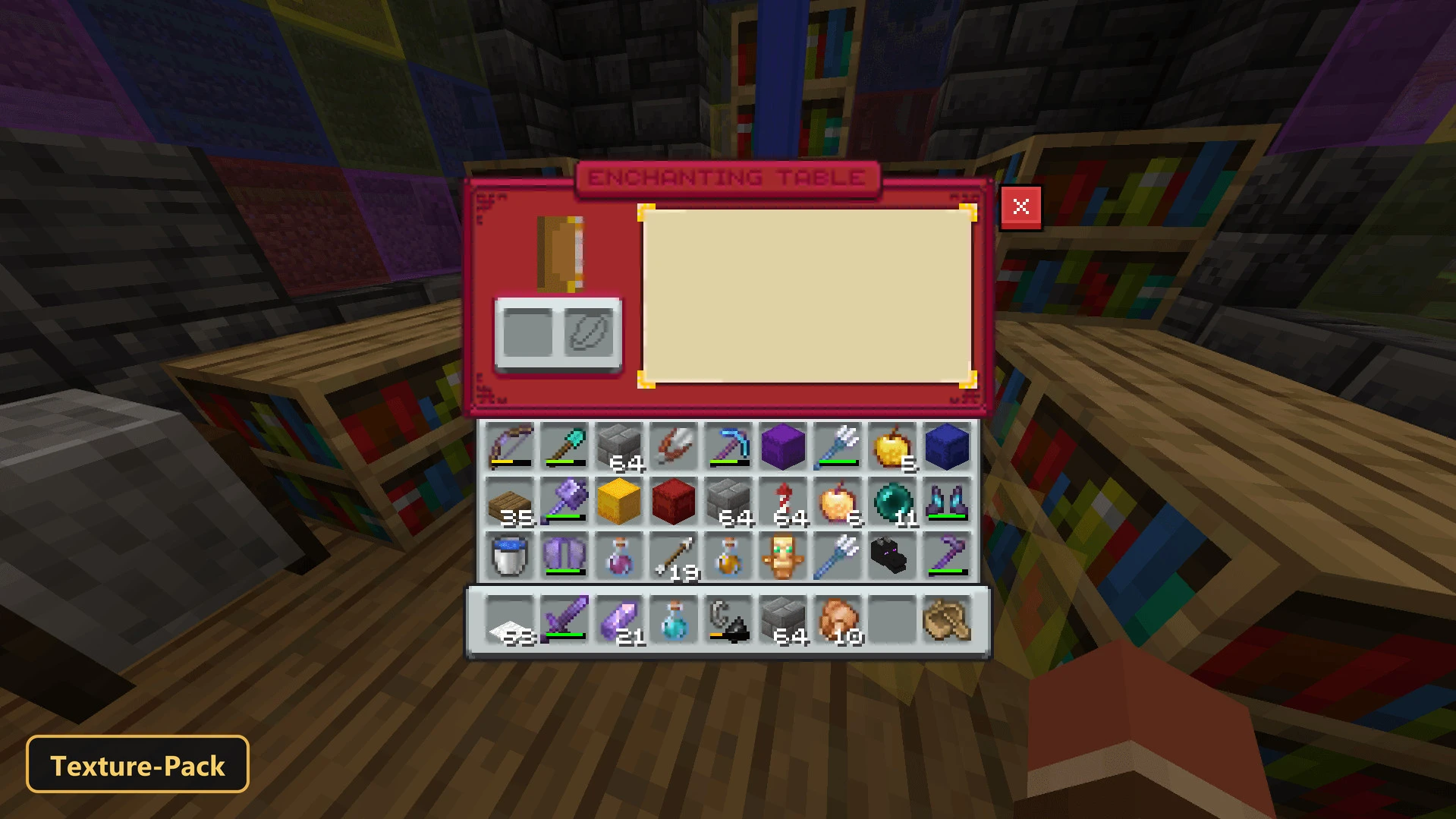
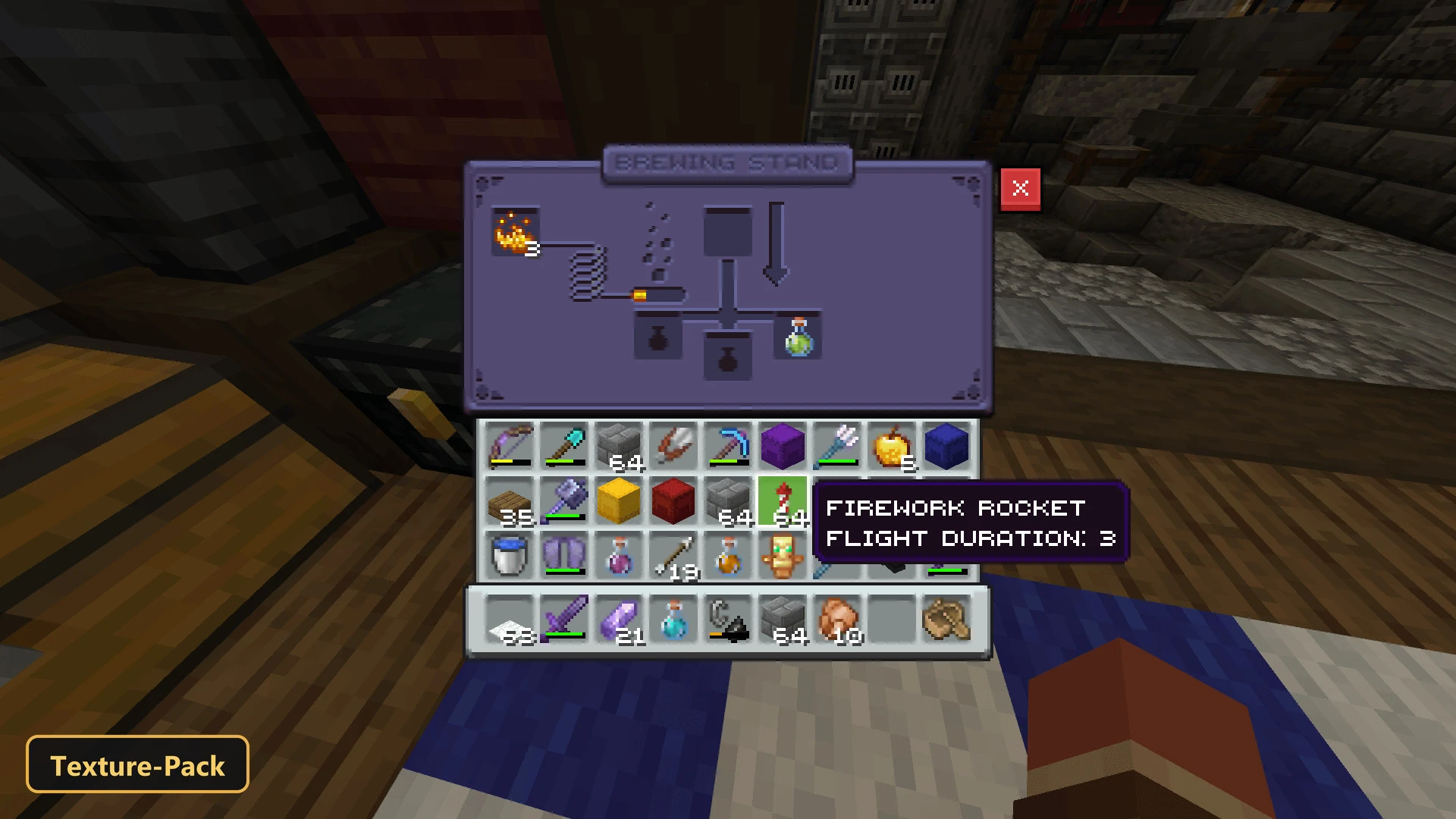
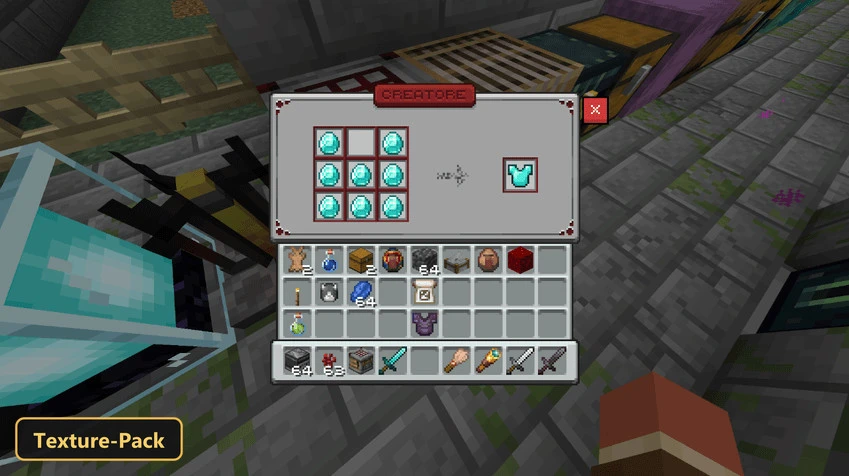
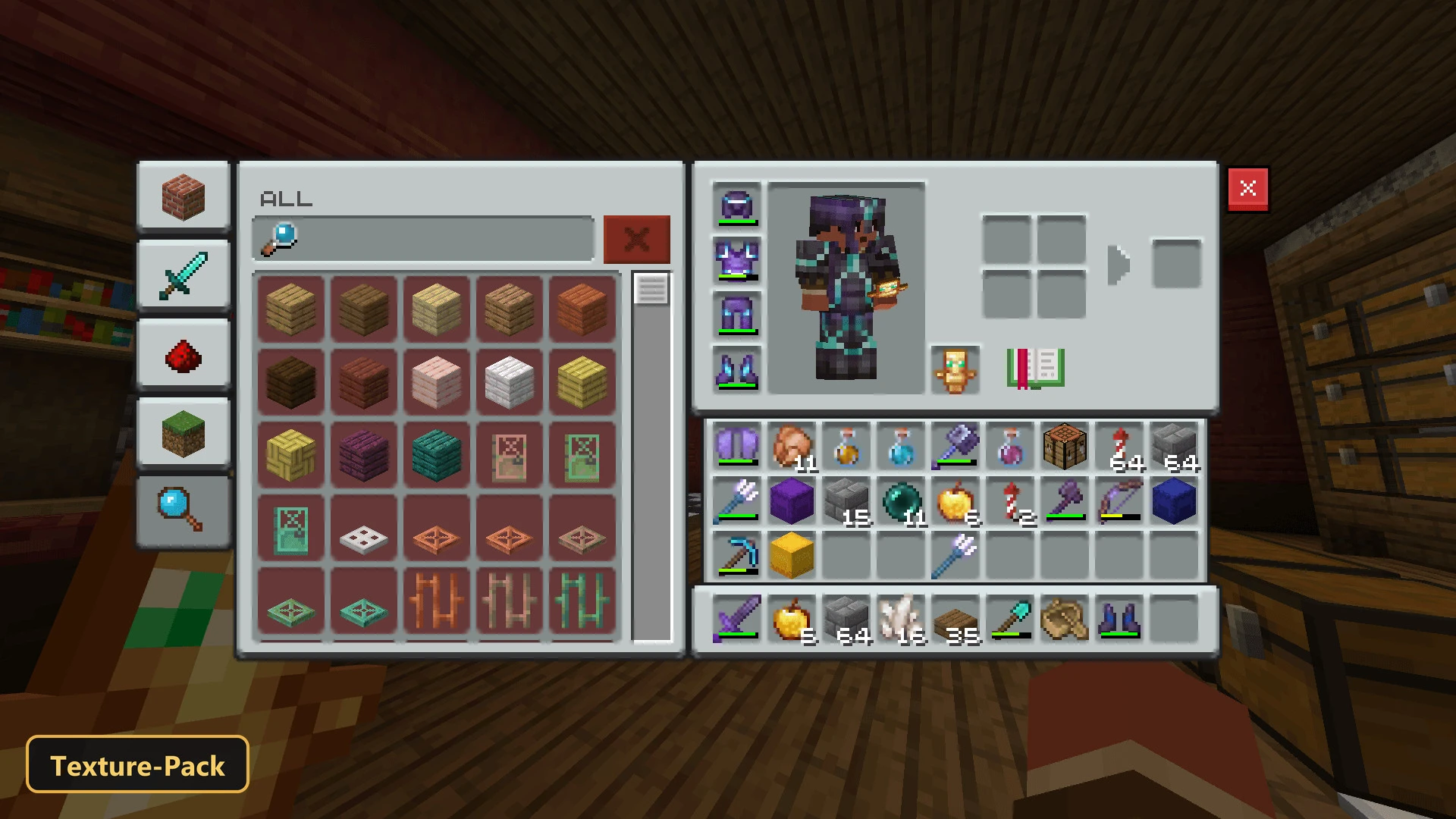
GUI Revision Expanded redraws a long list of in-game menus, drawing on leaked Ore UI concepts for a sleek, modern look. Both Dark Mode and Light Mode are offered as in-game options.
Crafting table, chest, ender chest and shulker box screens get a refreshed design, and so do the enchanting table, grindstone, stonecutter, hopper, furnace, brewing stand, barrel and other utility blocks. The ender chest screen shows an animated ender eye, the cartography table screen an animated compass, and text backgrounds resize to fit their content. Shulker boxes can show different colors based on prefixes added to their names, and a special prefix keeps copper chests in their own theme after a rename. This texture pack is made for Minecraft Bedrock.
Requirements:
- MCPE/Bedrock 26.40

Features:
- 2 in-game options: Dark Mode, Light Mode
- Retextures the UI
- Also includes custom UI tweaks
Screenshots:


- Edition: Minecraft Bedrock
- File type: .mcpack
- How to install: Download the .mcpack. → Open it — Minecraft imports it under Resource Packs. → Activate it in Global Resources, or for one world under Resource Packs → Available.
- Where to get it: In MCModsHub, or directly above on this page.
Install steps are the general flow for this file type — How to install Minecraft Bedrock texture packs walks through it step by step.
- Save it as 528231.mcaddon before opening — it downloads as .mcpack, but it is a .mcaddon pack
- Manifest requires Minecraft 1.26.40 or newer
- Complete pack — everything it depends on is inside the file
- Download size: 574 KB
- Download link checked 17 Oct 2026 — working
- Mirrored on our own servers — the download does not depend on the original host
These come from our own check of the pack file, not from the source page.