X-RAY + Glowing Ores | Texture Pack
Bedrock texture pack listed for Minecraft 1.21–26.x. File opened and checked on 17 Oct 2026; installs from the MC Bedrock Mods app on Android.
X-Ray + Glowing Ores is a lightweight Minecraft Bedrock resource pack that hides common blocks across all three dimensions and adds glowing ore outlines…
⬇ Download on CurseForge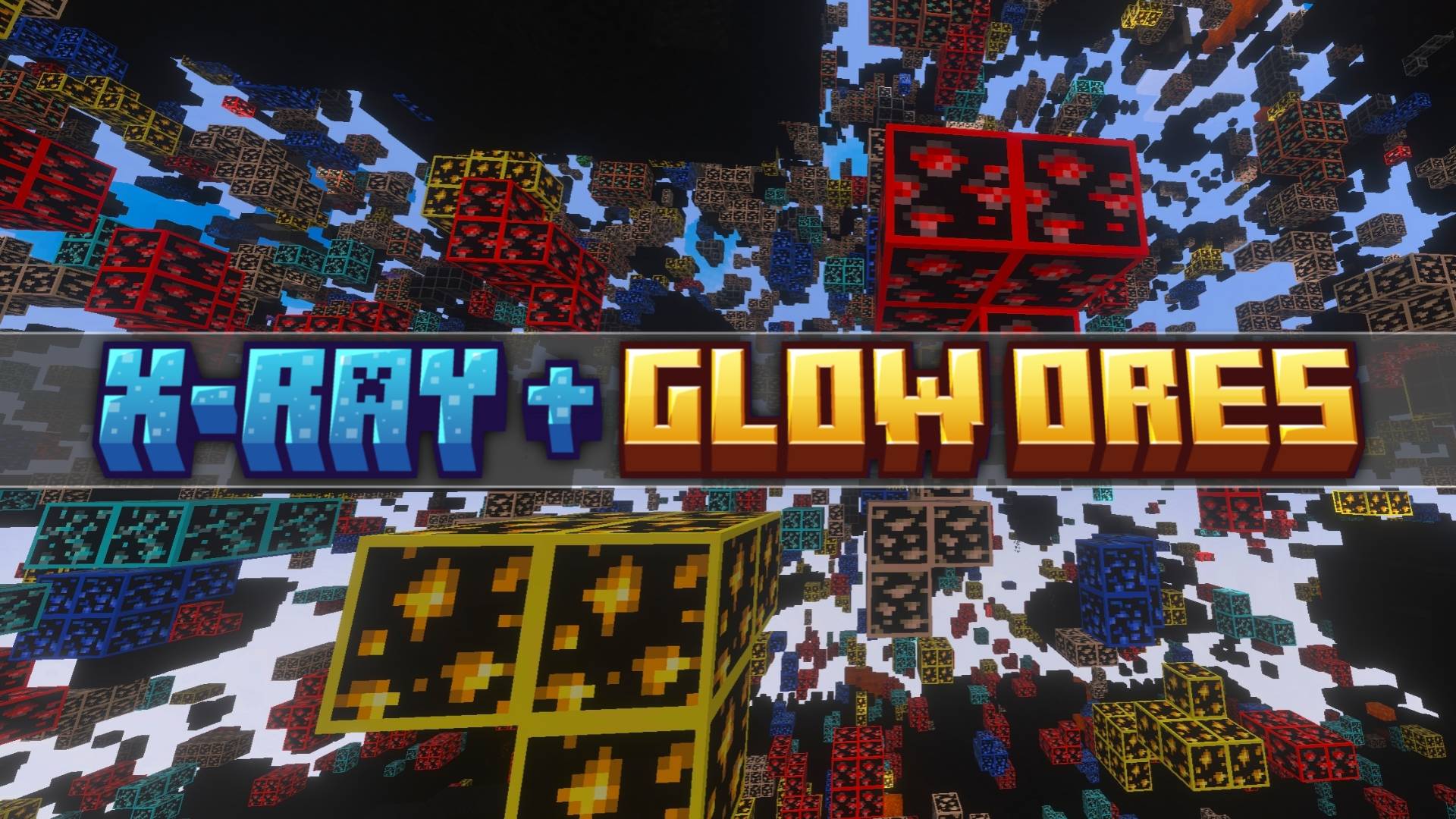
X-Ray + Glowing Ores
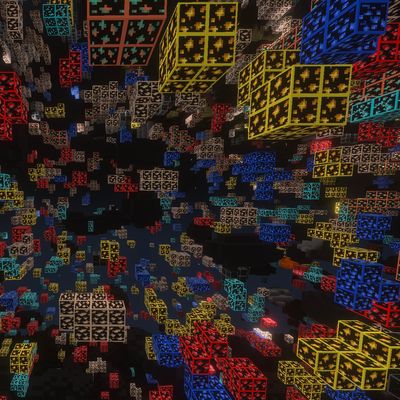
Make mining easier with X-Ray + Glowing Ores by FleetMc Studio! This lightweight Minecraft Bedrock resource pack makes common blocks invisible, helping you spot valuable ores throughout the Overworld, Nether, and End. It also features outlined ores designed to glow with Vibrant Visuals.
✦ X-Ray Vision
Common underground blocks become invisible, giving you a clearer view of caves, terrain, and hidden resources. Spend less time digging through stone and more time searching for valuable ores.
✦ Glowing Ore Outlines
Ores feature outlined textures that can glow with Vibrant Visuals, making them easier to recognize against surrounding blocks.
✦ Supported Dimensions
- Overworld: Find ores through invisible stone, deepslate, dirt, and other common blocks.
- Nether: Spot resources through invisible netherrack, basalt, blackstone, and other blocks.
- End: See through End Stone to explore the terrain more easily.
✦ Recommended Settings
- Turn off Smooth Lighting in your video settings for a clearer X-Ray view.
- Use a Night Vision Potion to improve visibility in dark areas.
- Alternatively, try my Night Vision++ resource pack for better visibility.
- Vibrant Visuals is optional and can enhance the glowing ore appearance.
✦ Features
- Lightweight X-Ray resource pack.
- Hides common blocks across all three dimensions.
- Glowing-style outlined ore textures.
- Designed to enhance ore visibility.
- Includes regular and deepslate ore textures.
- Helps locate valuable resources more easily.
- Resource pack with no additional gameplay mechanics.
✦ How to Install
- Download the X-Ray + Glowing Ores resource pack.
- Open the downloaded
.mcpackfile with Minecraft to import it. - For a world, open World Settings → Resource Packs → My Packs and activate it.
- For global use, open Settings → Global Resources → My Packs and activate it.
- Adjust your video settings as recommended above for the best viewing experience.
✦ Compatibility
- Minecraft Bedrock Edition 1.21.120+
Created by FleetMc Studio
✦ Support FleetMc Studio
If you enjoy this resource pack and would like to support future Minecraft Bedrock projects, consider supporting FleetMc Studio on Ko-fi. I'm currently saving for a new laptop so I can create bigger, higher-quality addons, maps, and texture packs with faster updates and more features. Every contribution helps bring future projects to life.

Also, give your rating by scrolling down 👇🏻
✦ Giveaway
- Edition: Minecraft Bedrock
- File type: .mcpack
- Minecraft versions listed: 26.30, 26.40, 26.50
- How to install: Download the .mcpack. → Open it — Minecraft imports it under Resource Packs. → Activate it in Global Resources, or for one world under Resource Packs → Available.
- Where to get it: Opens on CurseForge — not every file is mirrored on our own servers.
Install steps are the general flow for this file type — How to install Minecraft Bedrock texture packs walks through it step by step.
- Pack type: .mcpack — a single pack
- Manifest requires Minecraft 1.21.120 or newer
- Complete pack — everything it depends on is inside the file
- Download size: 33 KB
- Download link checked 17 Oct 2026 — working
These come from our own check of the pack file, not from the source page.