Texture packsBedrock
Cyanora Shader
Bedrock texture pack listed for Minecraft 1.21–26.x. File opened and checked on 17 Oct 2026; installs from the MC Bedrock Mods app on Android.
Cyanora Shader is a Minecraft Bedrock Vibrant Visuals shader with bright cyan skies, glowing orange and pink sunsets, and soft light.
⬇ Download on CurseForge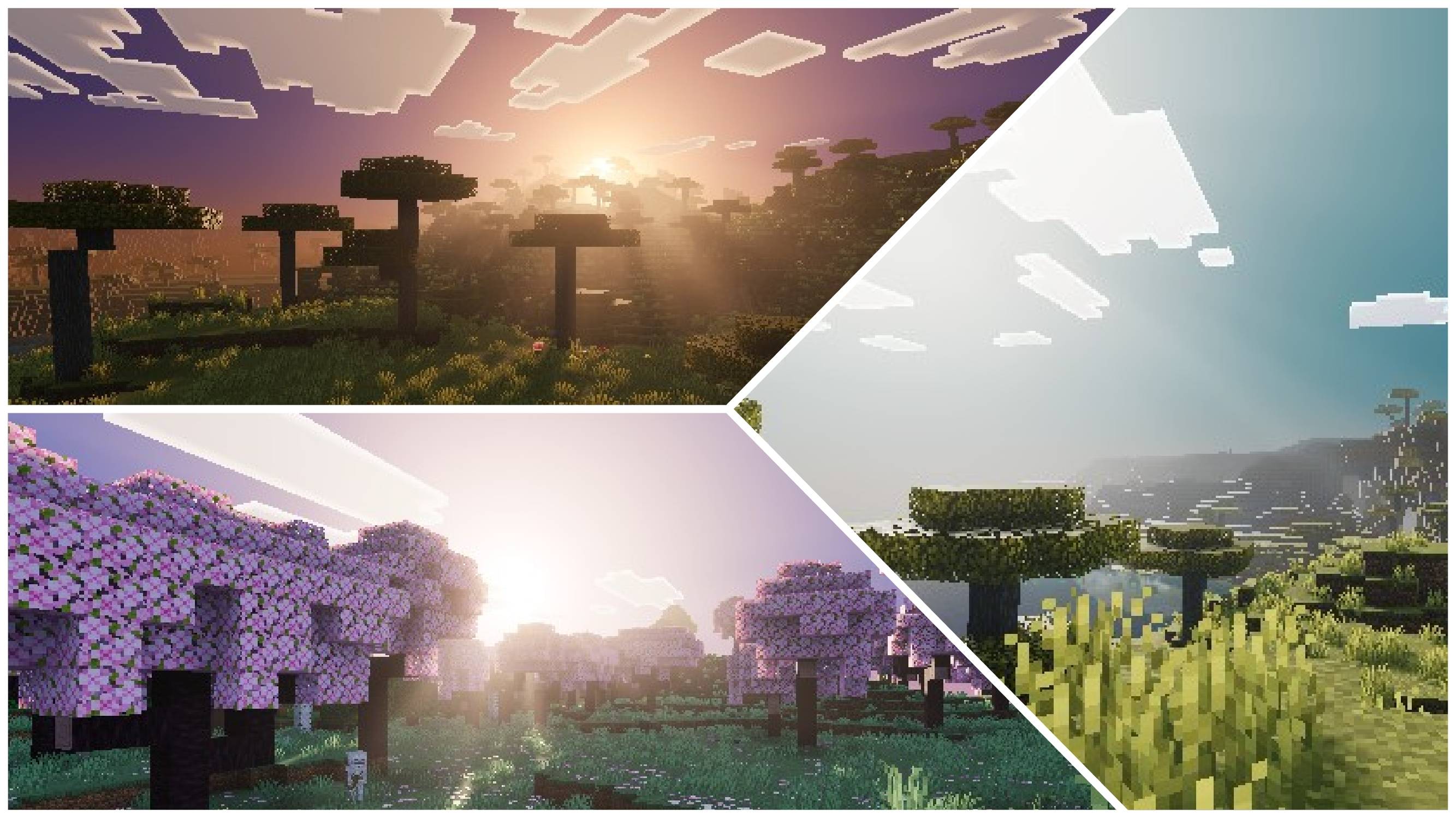
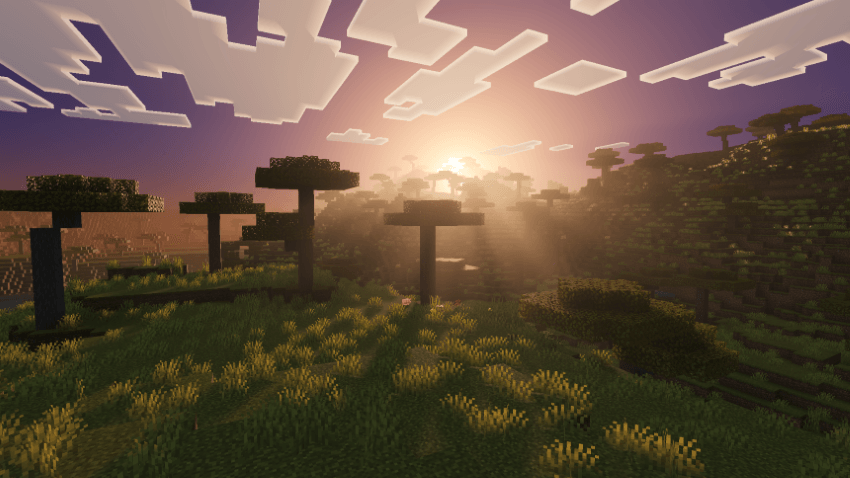
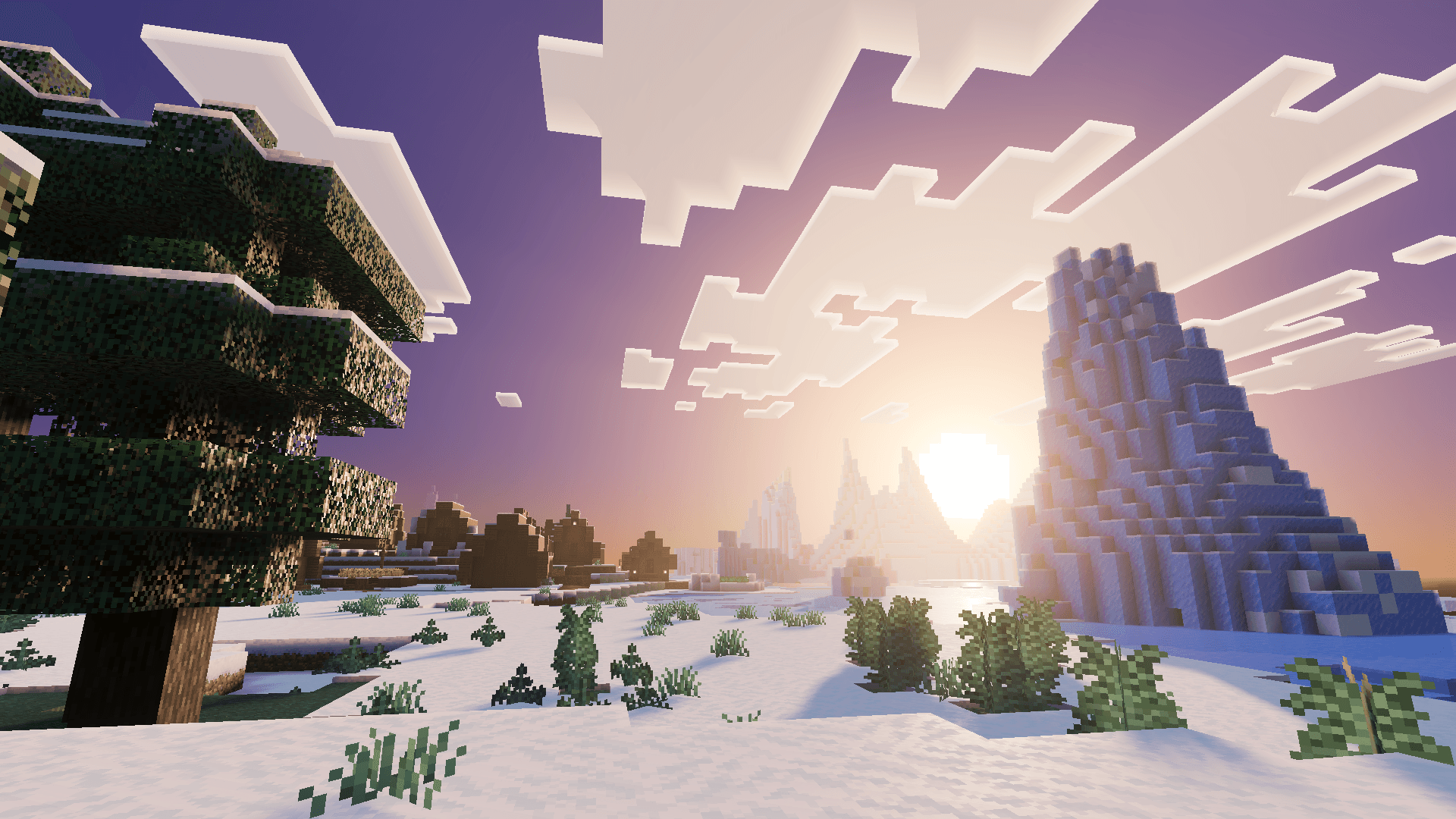
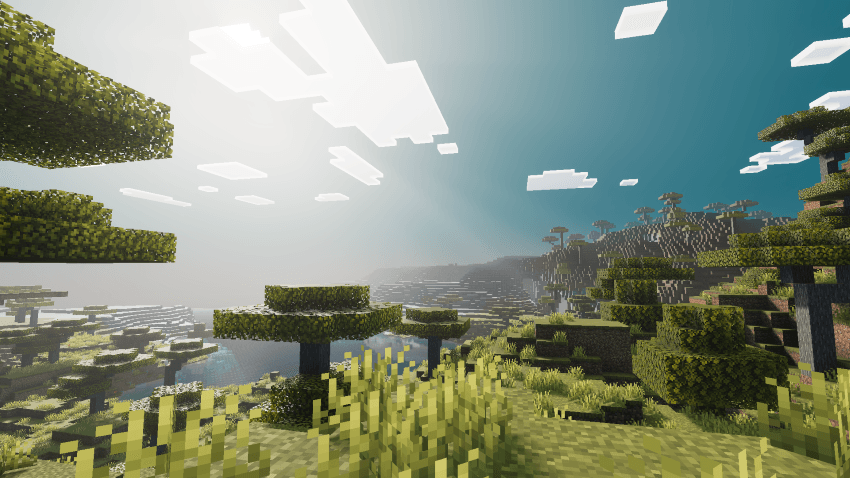
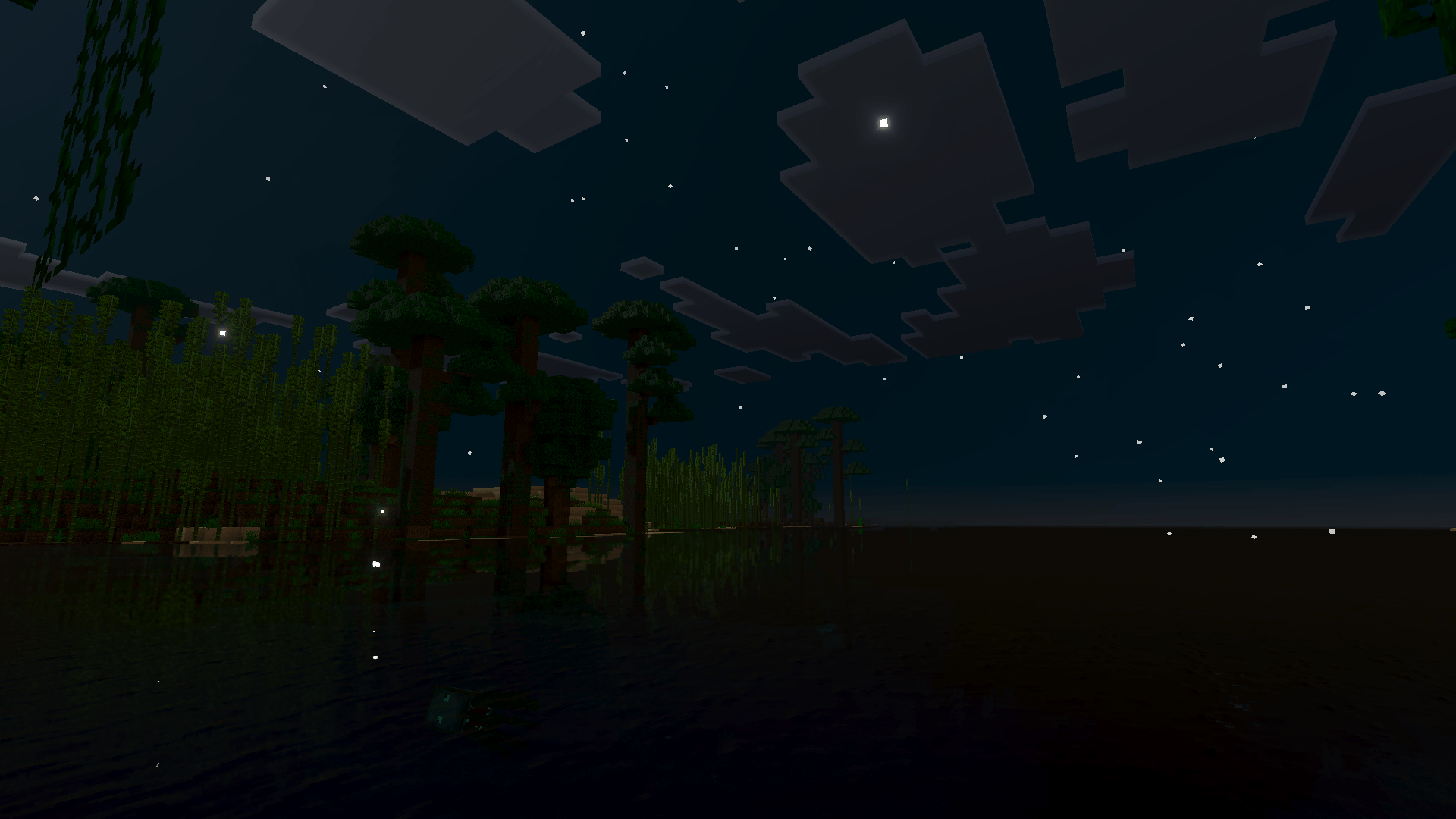
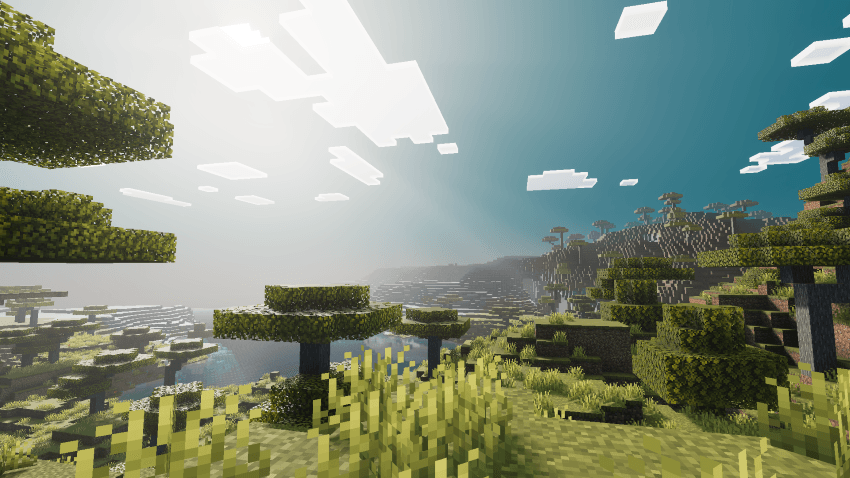
Cyanora Shader brings bright cyan skies and soft, glowing light to Minecraft Bedrock Vibrant Visuals.
Clean cyan days with a crisp white horizon, warm orange sunrises, pink-violet sunsets, and a softly glowing moon at night.
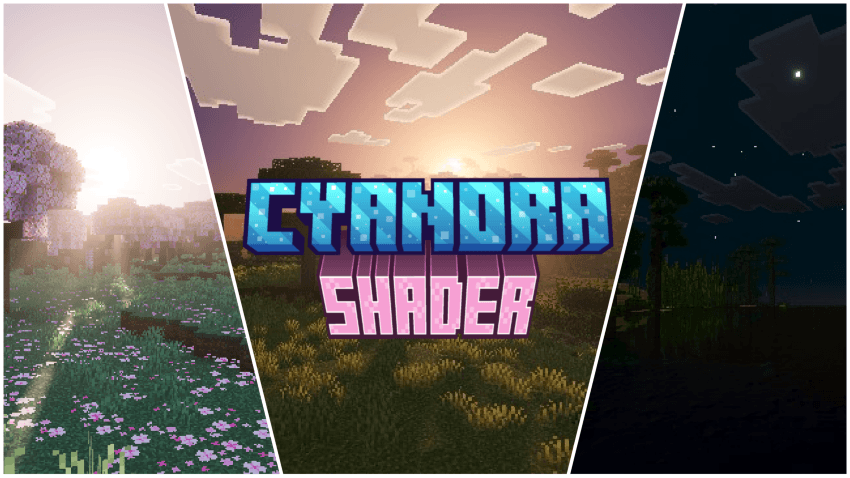
Features
- Bright cyan and bright blue sky with a white horizon
- Warm orange sunrise and pink-violet sunset with glowing sun glare
- Soft shadows for natural, gentle lighting
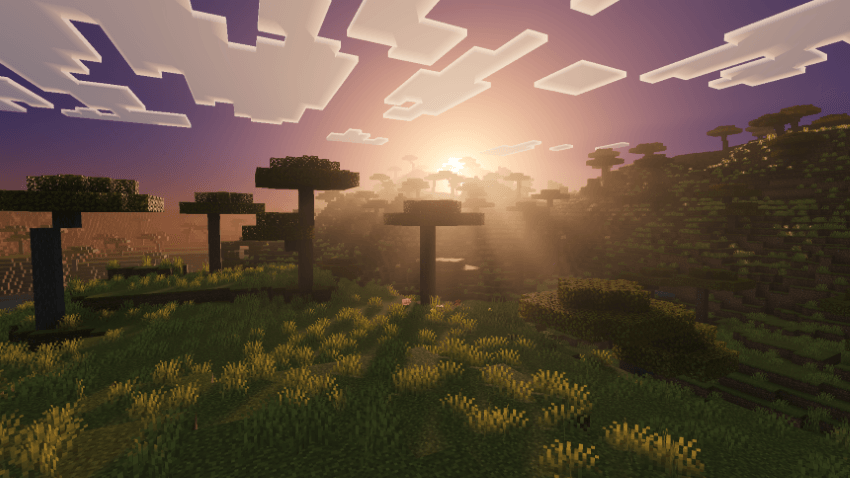
- Volumetric fog that adds depth and atmosphere
- Darker nights with a soft, gentle moon glow
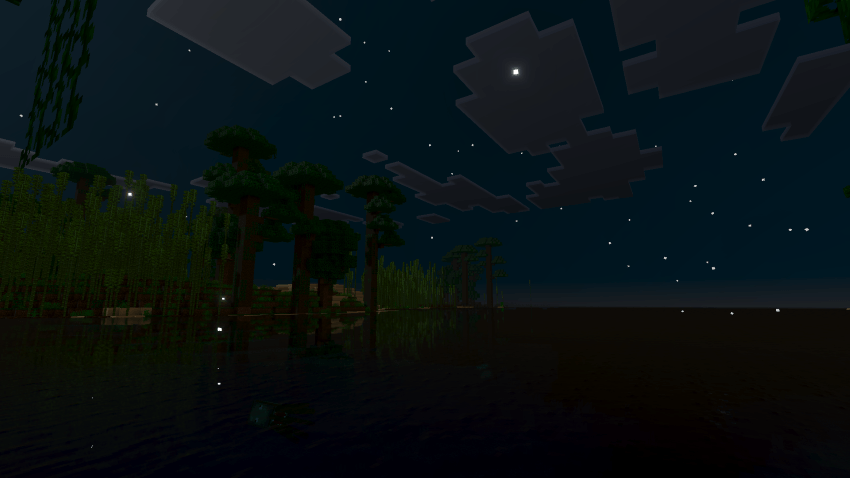
- Water with animated waves and caustics
- ACES tone mapping with boosted contrast and saturation
Installation
- Open the downloaded
.mcpackfile to import it into Minecraft. - Activate Cyanora Shader under Settings → Global Resources.
- Turn on Vibrant Visuals in Settings → Video and load into your world.
Compatibility
- Minecraft Bedrock Edition 1.21.80 or later
Quick facts
- Edition: Minecraft Bedrock
- File type: .mcpack
- Minecraft versions listed: 1.21.93, 1.21.101, 1.21.94
- How to install: Download the .mcpack. → Open it — Minecraft imports it under Resource Packs. → Activate it in Global Resources, or for one world under Resource Packs → Available.
- Where to get it: Opens on CurseForge — not every file is mirrored on our own servers.
Install steps are the general flow for this file type — How to install Minecraft Bedrock texture packs walks through it step by step.
File checked by MCModsHub
- Pack type: .mcpack — a single pack
- Manifest requires Minecraft 1.21.80 or newer
- Complete pack — everything it depends on is inside the file
- Download size: 1.1 MB
- Download link checked 17 Oct 2026 — working
These come from our own check of the pack file, not from the source page.