
Shaders_with_panoroma
Bedrock texture pack listed for Minecraft 1.16–26.x. File opened and checked on 17 Oct 2026; installs from the MC Bedrock Mods app on Android.
Panorama Shaders is a resource pack that customizes the Minecraft main menu background using custom panorama images
⬇ Download on CurseForge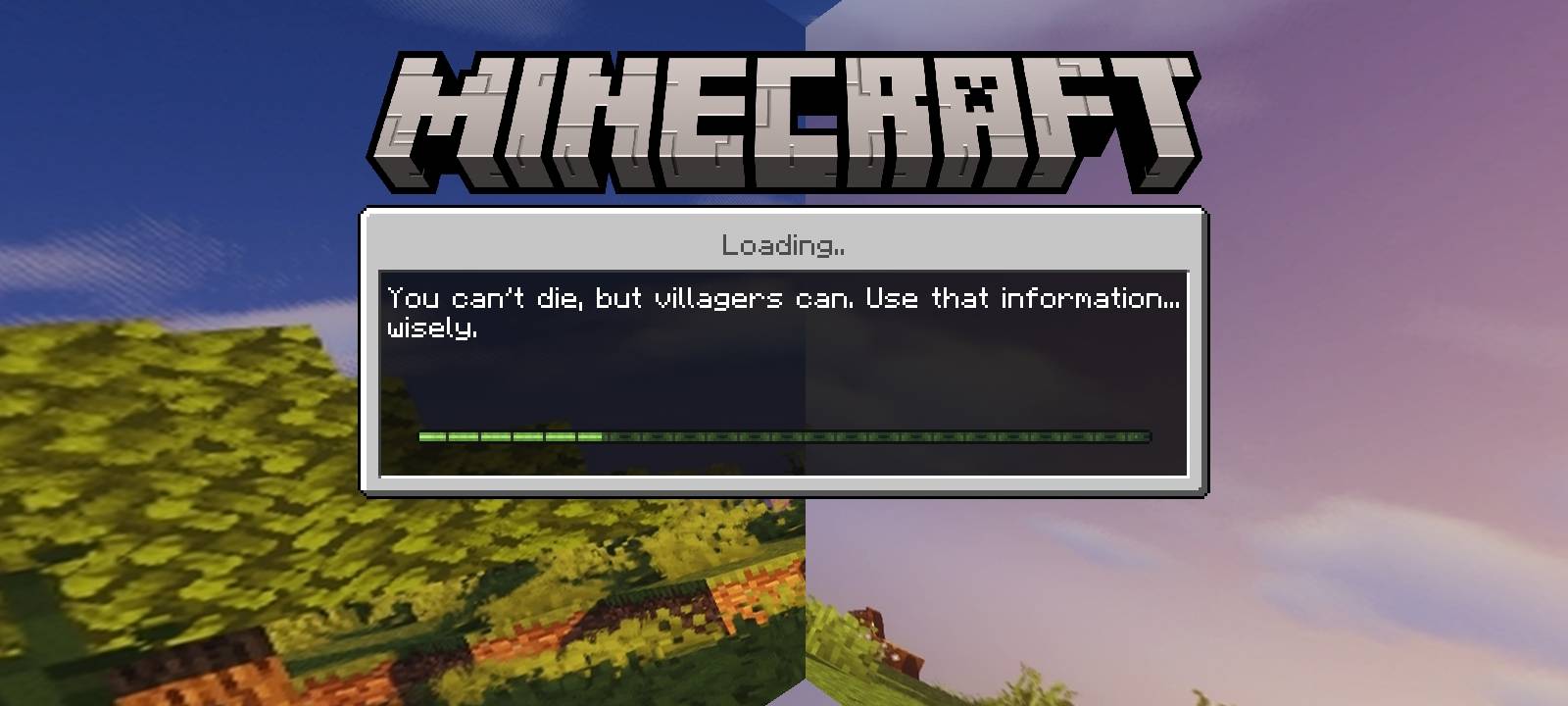
🌄 Panorama Shaders – Minecraft Bedrock Edition
Transform your Minecraft menu with Panorama Shaders, a resource pack designed to give the main menu a custom visual style.
✨ Features
- Custom Panorama: Replaces the default menu background with custom panorama textures.
- Six Panorama Images: Includes six images used to create the menu's panoramic background.
- Lightweight Resource Pack: Focuses on menu visuals rather than gameplay changes.
- Easy to Import: Provided in ".mcpack" format for Minecraft Bedrock Edition.
🎮 What Does This Pack Change?
Panorama Shaders changes the visual appearance of the Minecraft main menu. It does not add new gameplay mechanics, blocks, items, mobs, or actual in-game shader effects.
📦 Installation
1. Download the "Panorama_Shaders.mcpack" file.
2. Open the file using Minecraft Bedrock Edition.
3. Wait for the import to complete.
4. Open Settings → Global Resources.
5. Activate the pack if it is supported by your Minecraft version.
Note: This pack's manifest identifies it as a custom menu panorama resource pack. Its appearance and compatibility may vary depending on your Minecraft version and menu implementation.
- Edition: Minecraft Bedrock
- File type: .mcpack
- Minecraft versions listed: 26.20, 26.30, 26.40
- How to install: Download the .mcpack. → Open it — Minecraft imports it under Resource Packs. → Activate it in Global Resources, or for one world under Resource Packs → Available.
- Where to get it: Opens on CurseForge — not every file is mirrored on our own servers.
Install steps are the general flow for this file type — How to install Minecraft Bedrock texture packs walks through it step by step.
- Pack type: .mcpack — a single pack
- Manifest requires Minecraft 1.16.0 or newer
- Complete pack — everything it depends on is inside the file
- Download size: 5.4 MB
- Download link checked 18 Oct 2026 — working
These come from our own check of the pack file, not from the source page.