Prismora visuals
Bedrock texture pack listed for Minecraft 1.21–26.x. File opened and checked on 17 Oct 2026; installs from the MC Bedrock Mods app on Android.
Prismora Visuals transforms your Minecraft world with vibrant skies, immersive lighting, atmospheric landscapes, and enhanced water effects. Explore…
⬇ Download on CurseForge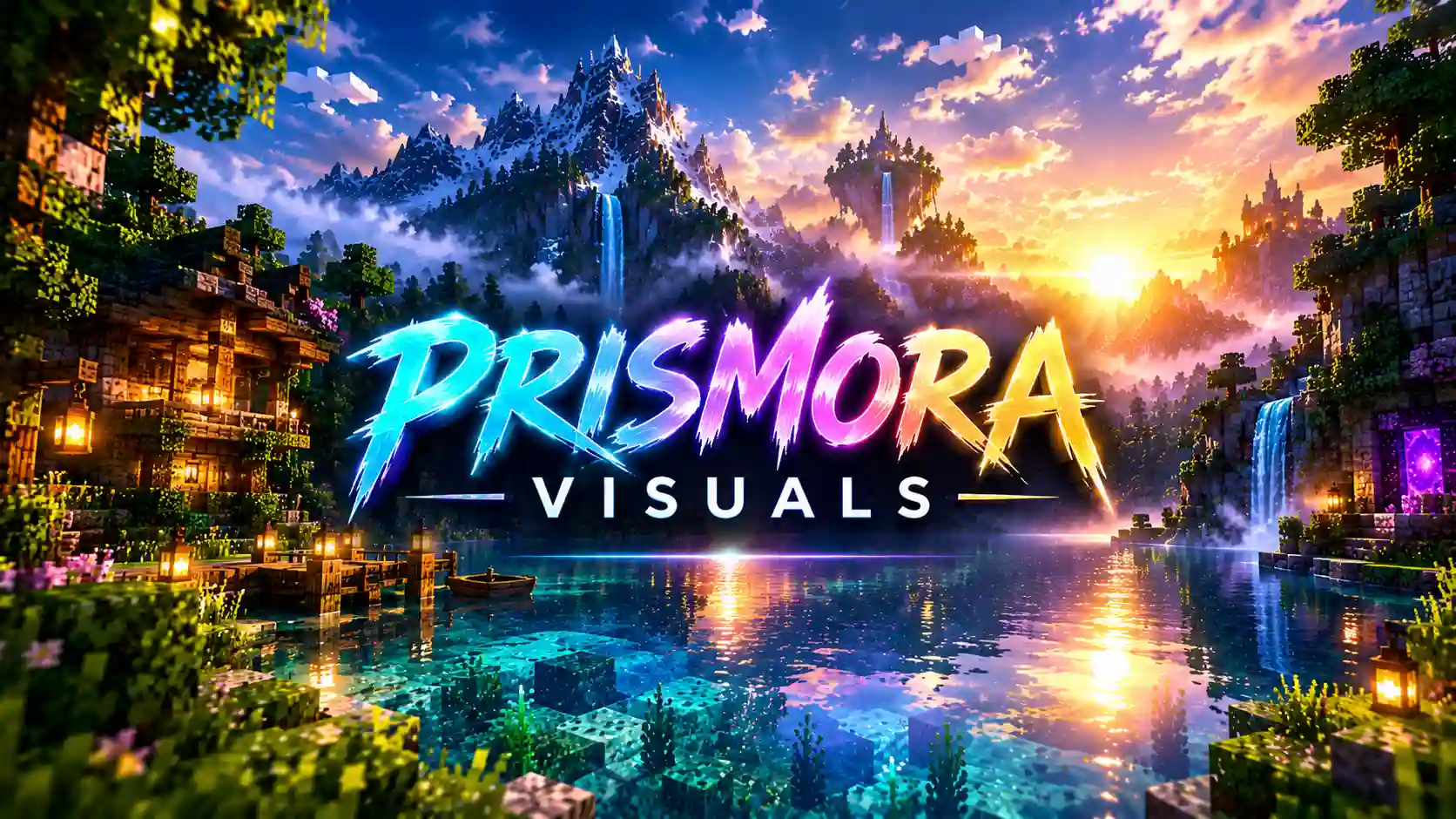
Prismora Visuals – A New Look for Minecraft World (vibrant visuals necessary )
Welcome to Prismora Visuals, a visual enhancement project designed to give your Minecraft world a fresh and beautiful atmosphere. Whether you enjoy exploring mountains, building houses, travelling through forests, or watching sunsets beside the water, Prismora Visuals aims to make your adventures feel more immersive.
The pack focuses on atmospheric skies, customized lighting, and enhanced water effects to create a distinctive visual experience. Its goal is to bring together beautiful colors, natural-looking scenery, and a cinematic atmosphere while keeping the familiar Minecraft world you love.
Features
Beautiful Sky Atmosphere
Enjoy customized sky colors and horizon blending designed to create a more appealing atmosphere throughout your world.
Customized Lighting
The lighting settings aim to create a balanced visual mood, helping landscapes feel more vibrant and immersive.
Enhanced Water Effects
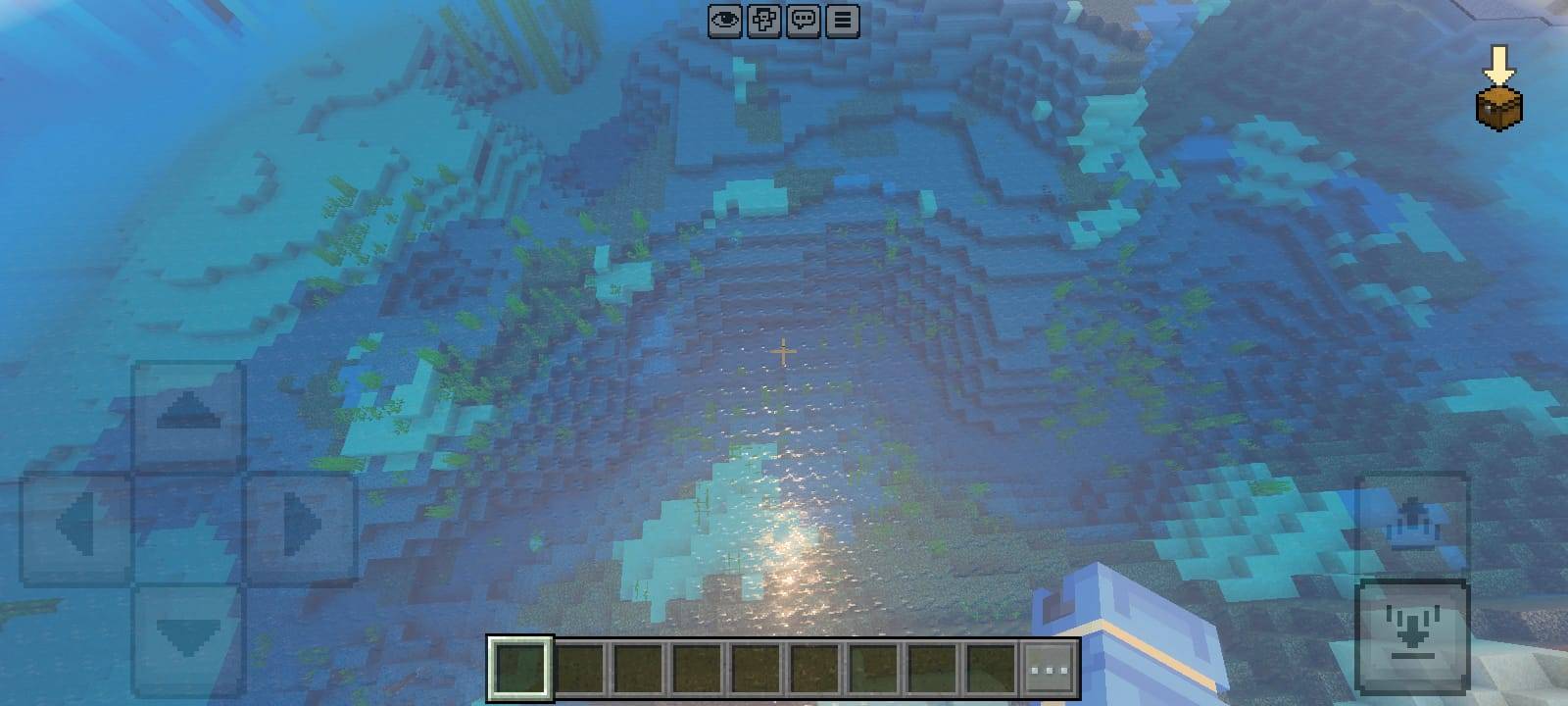
Water customization includes wave effects and caustics settings designed to add more visual detail to suitable environments.
Immersive Landscapes
Explore Minecraft with a visual style inspired by colorful sunsets, atmospheric mountains, peaceful lakes, and beautiful natural scenery.
Made for Minecraft Bedrock
Prismora Visuals is intended for compatible Minecraft Bedrock rendering features. The available effects depend on your Minecraft version, device, and supported graphics mode.
Installation
Download the Prismora Visuals .mcpack file and open it with Minecraft Bedrock Edition. Once the import is complete, activate the pack through the Resource Packs menu in your world settings or global resource settings. If the pack requires a specific rendering mode, make sure your device and game version support it.
Experience Prismora Visuals
Prismora Visuals is for players who want to give their Minecraft world a fresh visual identity. From peaceful exploration to creative building, the project aims to make everyday scenery more enjoyable through atmospheric customization.
Discover new views, explore your favorite biomes, and experience your world in a different way with Prismora Visuals.
Created by BRGamers.
- Edition: Minecraft Bedrock
- File type: .mcpack
- Minecraft versions listed: 1.21.93, 1.21.90, 1.21.94
- How to install: Download the .mcpack. → Open it — Minecraft imports it under Resource Packs. → Activate it in Global Resources, or for one world under Resource Packs → Available.
- Where to get it: Opens on CurseForge — not every file is mirrored on our own servers.
Install steps are the general flow for this file type — How to install Minecraft Bedrock texture packs walks through it step by step.
- Pack type: .mcpack — a single pack
- Manifest requires Minecraft 1.21.0 or newer
- Complete pack — everything it depends on is inside the file
- Download size: 26 KB
- Download link checked 18 Oct 2026 — working
These come from our own check of the pack file, not from the source page.