ShadersBedrock
Newb Classic Shader (1.26.0) – Soft Vanilla Lighting on Any Mobile Device
Bedrock RenderDragon shader pack listed for Minecraft 26.x. File opened and checked on 20 Oct 2026; installs from the MC Bedrock Mods app on Android.
⬇ Download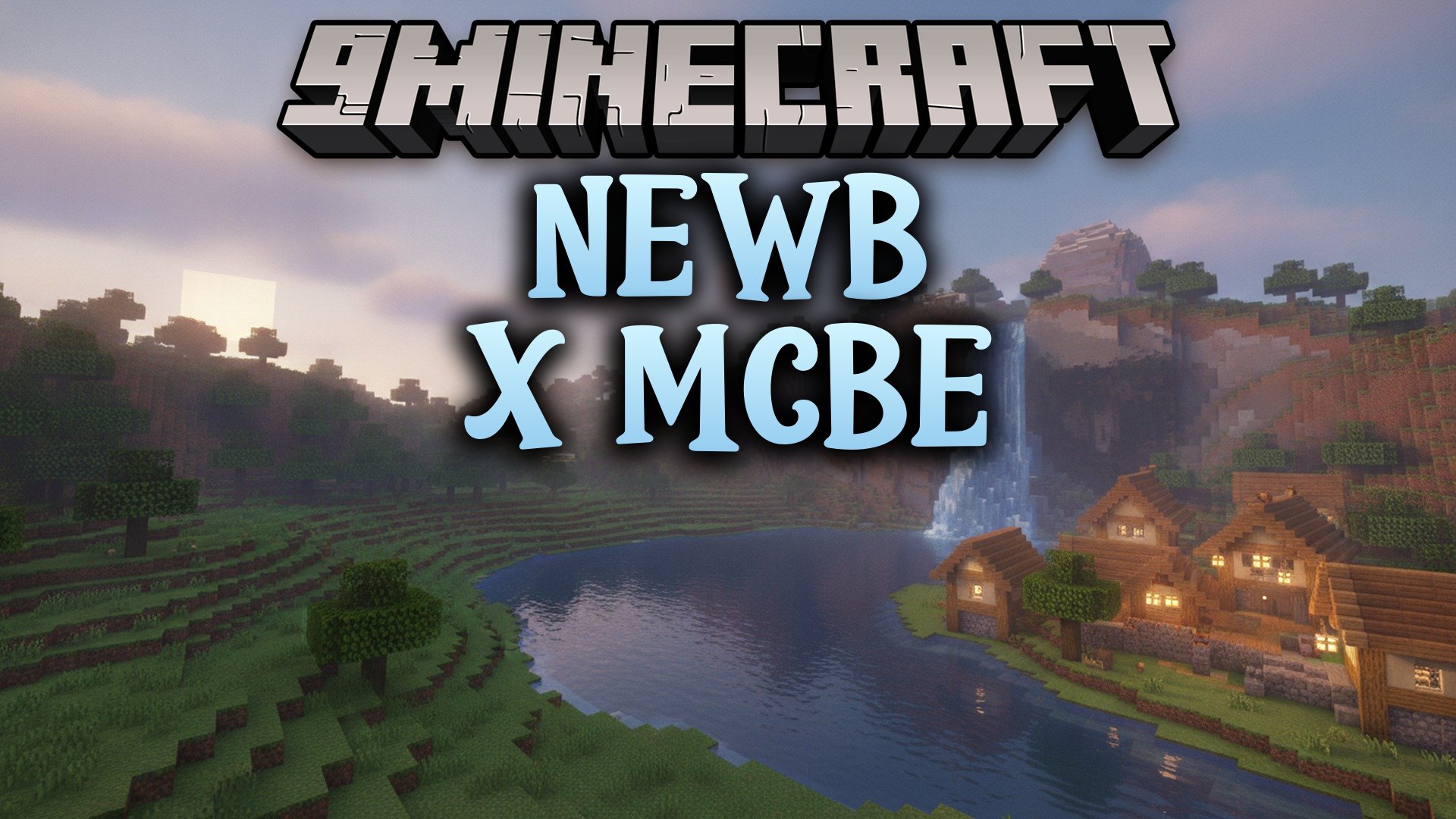
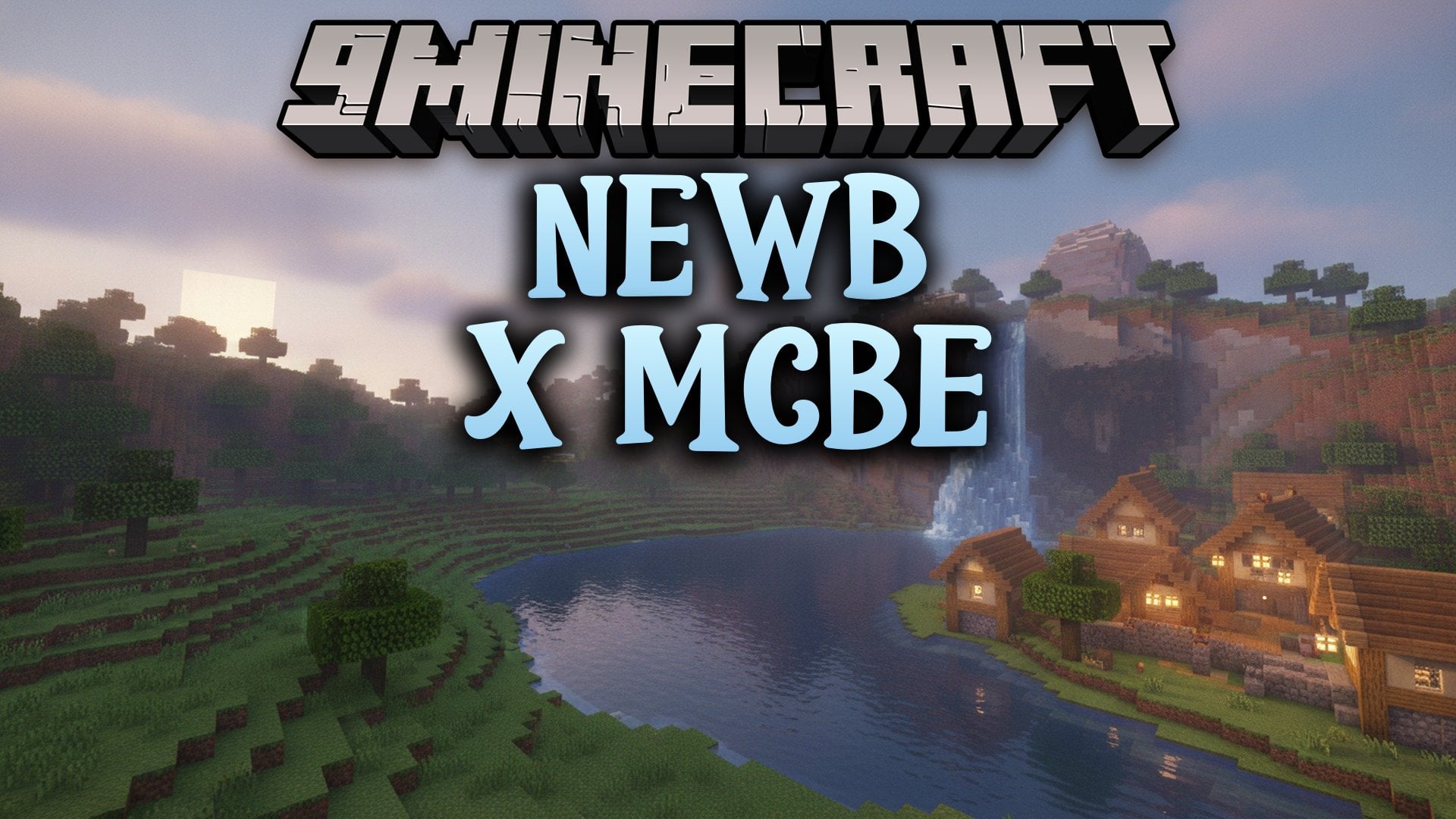
Newb Classic Shader brings soft lighting and clean visuals to Minecraft Bedrock Edition without altering the classic blocky look. It acts as the modern RenderDragon successor to the older GLSL release, keeping game performance fast on phones and computers. You get gentle visual upgrades while keeping your frame rates high during regular survival play.

Features:
- Vanilla Look: Keeps original block textures while adding soft lighting tweaks.
- Low Performance Cost: Runs smooth on mobile devices without dropping frames.
- Broad Platform Reach: Works across Android, iOS, and Windows setups.
- Runs on modern RenderDragon graphics across recent Bedrock releases.
- Works alongside popular tools like MB Loader, Wyvern, and MaterialBinLoader.
- Loads straight through the in-game Global Resources menu after import.
Newb Classic Shader Download Links
Quick facts
- Edition: Minecraft Bedrock
- File type: .mcpack
- Minecraft version listed: 1.26.0
- How to install: Download the .mcpack. → Open it — Minecraft imports it under Resource Packs. → Activate it in Global Resources, or for one world under Resource Packs → Available.
- Where to get it: In MCModsHub, or directly above on this page.
Install steps are the general flow for this file type — How to install Minecraft Bedrock texture packs walks through it step by step.
File checked by MCModsHub
- Pack type: .mcpack — a single pack
- Manifest requires Minecraft 1.26.0 or newer
- Complete pack — everything it depends on is inside the file
- Download size: 1.3 MB
- Download link checked 21 Oct 2026 — working
- Mirrored on our own servers — the download does not depend on the original host
These come from our own check of the pack file, not from the source page.