Lunar Client | FPS Boost Optimizer
Bedrock texture pack listed for Minecraft 1.20–26.x. File opened and checked on 21 Oct 2026; installs from the MC Bedrock Mods app on Android.
The ultimate Lunar Client experience for Minecraft Bedrock & MCPE! Custom esports UI, 100% original crystalline PvP textures, low shield, low fire, clean…
⬇ Download on CurseForge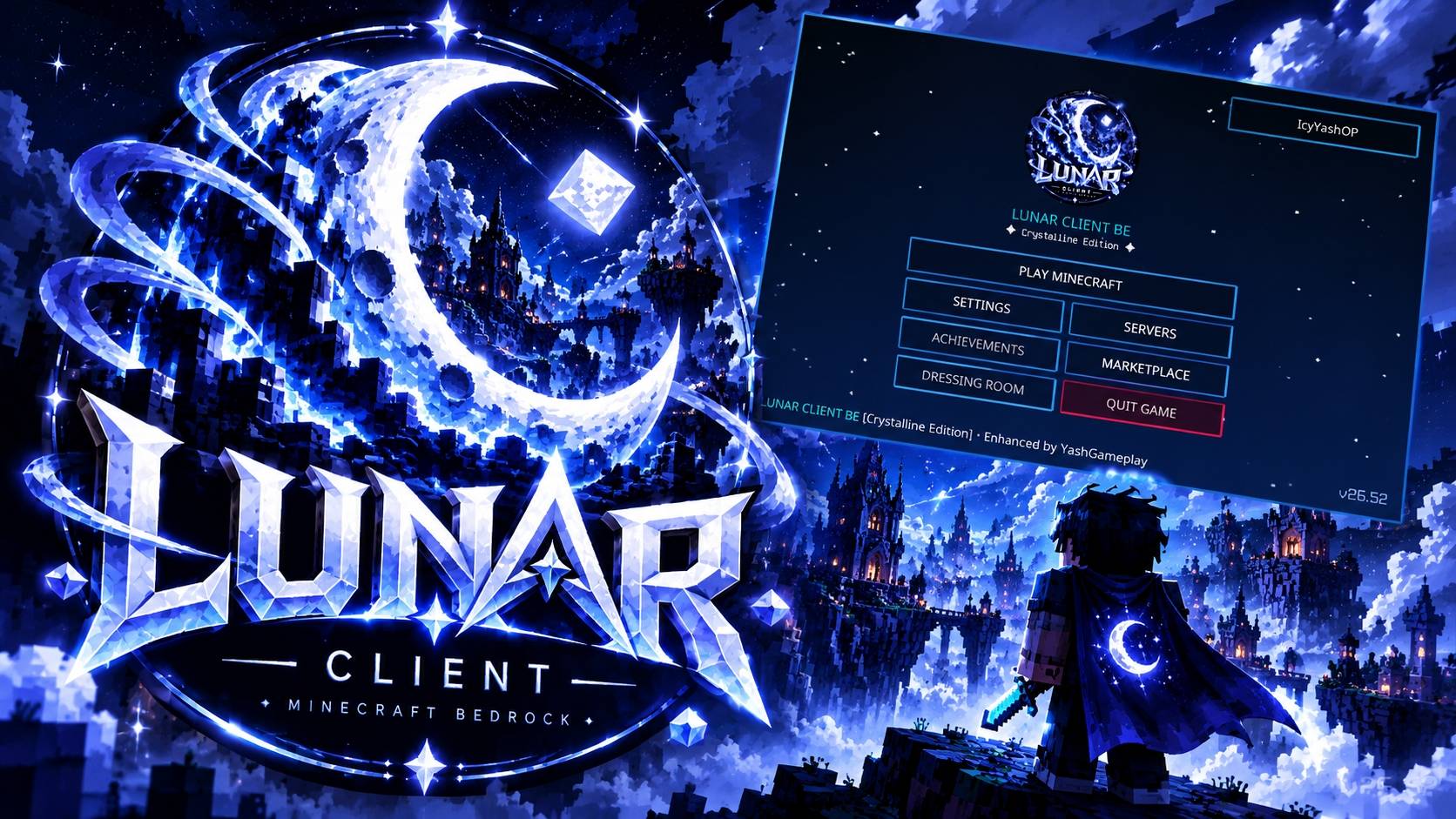
🌙 Lunar Client BE [MCPE / PC] — Crystalline Edition
The Definitive Esports PvP & Aesthetic Client for Minecraft Bedrock Edition (1.20 - 1.21+)
Welcome to Lunar Client BE [Crystalline Edition] — an all-in-one competitive PvP client and visual overhaul built 100% natively from scratch for Minecraft Bedrock Edition (Windows 10/11 PC, Android/MCPE, iOS, and Consoles).
Forget sloppy Java ports and recycled textures. Lunar Client BE delivers a unified, high-performance aesthetic: deep obsidian bases, razor-sharp crystalline geometry, and luminous ice-blue accents designed specifically for competitive combat and seamless FPS.
⚡ Key Highlights at a Glance
- ⚔️ 100% Original Crystalline PvP Combat Items — No copied assets; completely bespoke weapons, tools, and gear.
- 🛡️ Low-Profile Lunar Shield & Low-Fire Overlay — Maximize combat screen clearance and peripheral vision.
- 🌌 Celestial Moon Spirit Totem — Custom idol with glowing cyan eyes and crystalline star burst effects.
- 🖥️ Modern Centered Esports Hub — Sleek main menu, dark glass containers, and responsive UI controls.
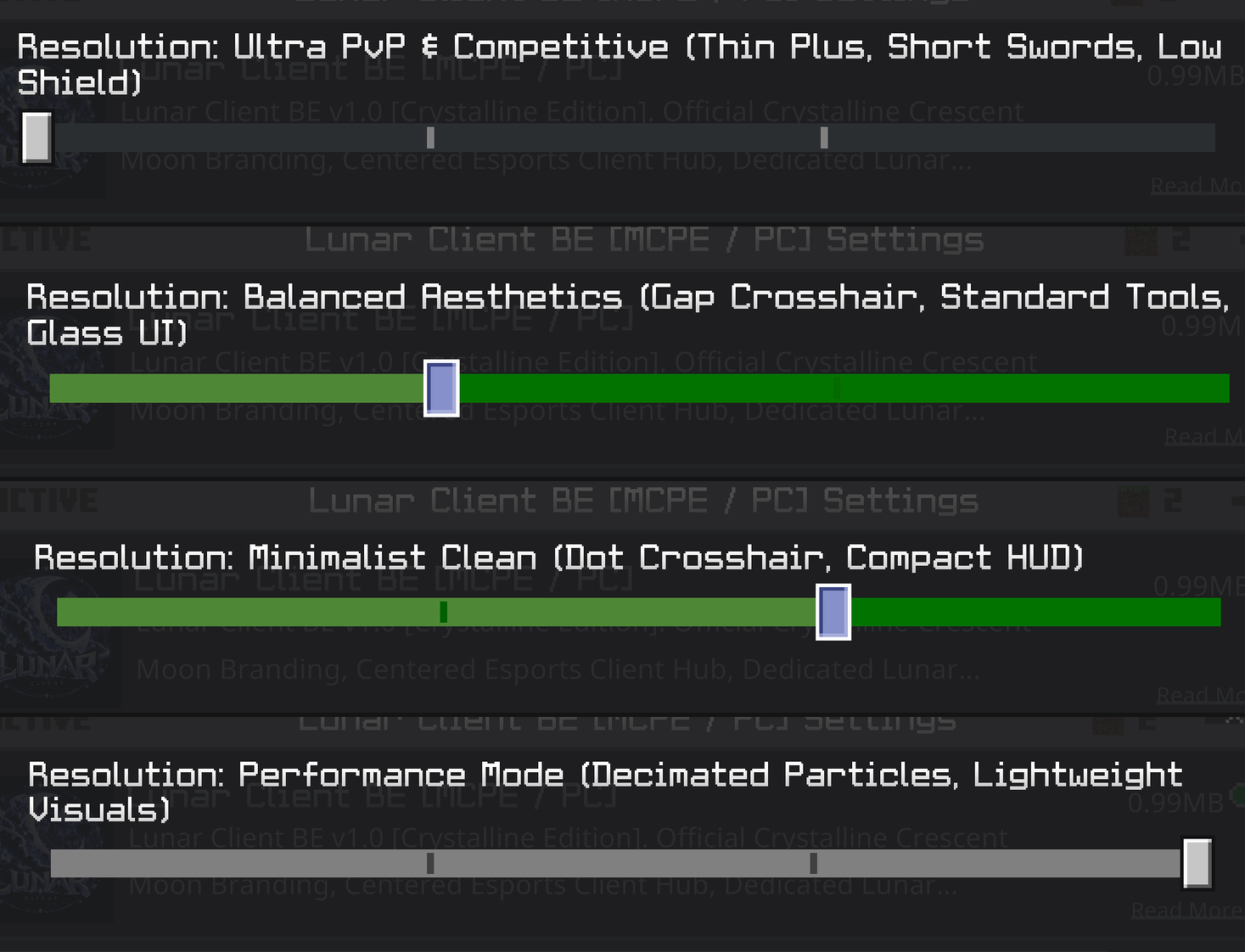
- 🎛️ 4 Built-in Subpacks — Switch between Competitive, Balanced, Minimalist, and Performance modes with a single click.
- 🚀 Zero Lag & Server Safe — 100% compatible with The Hive, CubeCraft, NetherGames, and Zeqa.
⚔️ 1. Complete Combat & Item Overhaul
Every single combat item has been re-engineered for maximum competitive clarity and elegance:
🗡️ Bespoke Diagonal PvP Swords
- Shorter, cleaner PvP silhouette designed for fluid combo tracking and fast target acquisition.
- Unique material identity:
- Wood: Sleek carved timber blade with dark grip.
- Stone: Rugged, honed slate edges with chipped accents.
- Iron: Polished mirror-silver geometry with clean glint.
- Gold: Regal warm gold blade with subtle crystalline luster.
- Diamond: Signature Lunar cyan crystal blade with ice-blue guard.
- Netherite: Dark graphite core with silver-forged edge lines.
- Star-gem quillons, octagonal pommels, and razor apex tips on every blade.
🪓 24 Crystalline Tools & Mace
- Axes, Pickaxes, Shovels, and Hoes featuring forged pommel caps, silver ferrules, and reinforced hafts.
- 1.21 Heavy Core Crystalline Mace with devastating visual weight and ice-blue impact accents.
🛡️ Custom Crystalline Lunar Shield
- Dark obsidian face framed by a 1px glowing ice-blue rim and centered crescent moon emblem.
- Low-Profile Combat Model: Repositioned in first-person view to eliminate the obstructive vanilla shield block while preserving 100% blocking clarity.
🗿 Celestial Moon Spirit Totem
- Unique celestial idol featuring glowing cyan eyes, crescent chest motif, and ethereal crystalline wings.
- Elegant cyan-white particle burst on activation instead of screen-blinding yellow clutter.
🔥 Clean Low-Fire Overlay
- Combat-focused low-fire design: upper 60% of the screen remains completely crystal clear.
- Low corner flame lick with deep orange/red base and subtle blue-hot highlights. Full soul fire support included.
🍎 High-Readability Utility & Projectiles
- Golden Apple & Enchanted Apple: 3D faceted gold gloss with crystalline cyan leaf.
- Ender Pearl: Dark cosmic core with luminous cyan refraction ring.
- Fishing Rod: Graphite and silver cast rod with ultra-clean line visibility.
- Projectiles: Aerodynamic faceted snowballs, polished eggs, and clean arrow indicators.
- Potion Flasks: Hexagonal crystal vials with instant color-coded identification.
- Armor Icons: 20 polished, uniform armor icons across Leather, Iron, Gold, Diamond, and Netherite.
- Crit & Hit Particles: 4-point ice-blue star sparks for crisp hit confirmation.
🖥️ 2. Esports Client Interface & Translucent HUD
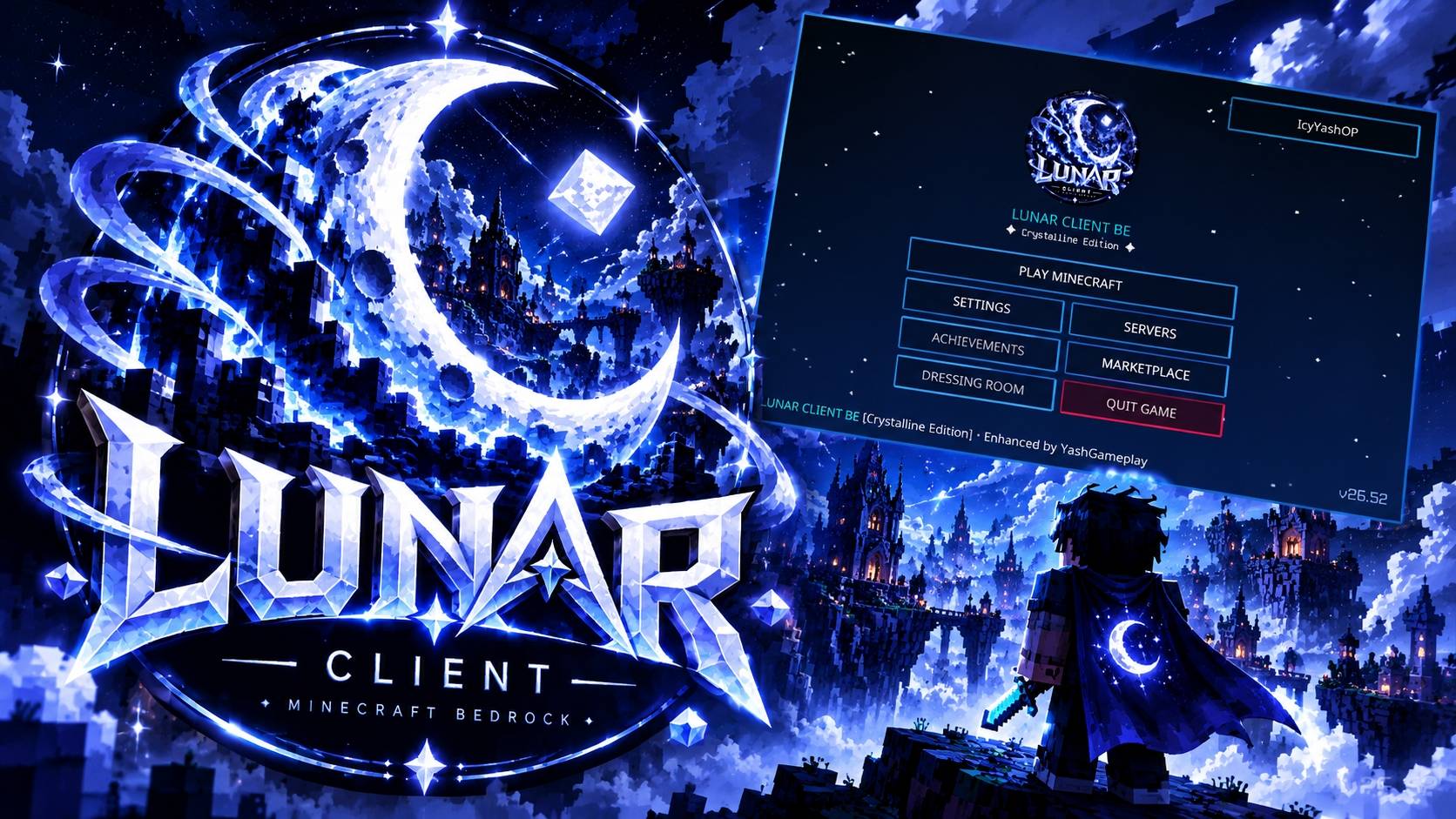
- Centered Esports Main Menu: Modernized start screen featuring the prominent circular crescent moon emblem, Play Game hero button, and direct access to vanilla Settings.
- Midnight Glass Containers: Translucent inventory, crafting table, chest, furnace, and brewing stand interfaces so you never get snuck up on while looting.
- Clean Crosshair Options: Pixel-perfect crosshairs tailored for accurate bow aiming and fast sword tracking.
🎛️ 3. Built-in Subpacks (Choose Your Playstyle)
Access the gear/wrench icon in Settings > Global Resources > Lunar Client BE to choose your preferred mode:
| Subpack Mode | Focus | Features Included |
|---|---|---|
| 1. Ultra PvP & Competitive (Default) | Maximum Combat Advantage | Thin Plus Crosshair, Short Swords, Low Shield, Low Fire, Full Particle Feedback |
| 2. Balanced Aesthetics | Visuals + Performance | Gap Crosshair, Standard Pro Tools, Translucent Midnight Glass UI |
| 3. Minimalist Clean | Pure Simplicity | Dot Crosshair, Compact HUD, Streamlined Hotbar |
| 4. Performance Mode | Ultra FPS Boost | Decimated Particles, Lightweight Visual Assets, Zero Lag on low-end mobile devices |
🌐 4. Compatibility & Server Rules
- Bedrock Versions: Minecraft Bedrock 1.20, 1.20.80, 1.21.0, 1.21.20+ and all upcoming retail releases.
- Platforms: Windows 10/11 PC, Android (MCPE), iOS / iPadOS, Xbox, PlayStation, Nintendo Switch.
- Multiplayer Safe: 100% cosmetic resource pack. Contains no unfair exploits, fly hacks, or unapproved features. Fully allowed on:
- The Hive
- CubeCraft Games
- NetherGames Network
- Zeqa Network
- Galaxite
- Private SMPs & Realms
📥 5. Installation Instructions
Windows 10 / 11 (PC):
- Download
Lunar_Client_BE.mcpack. - Double-click the downloaded file — Minecraft will open and automatically import the pack.
- In Minecraft, navigate to Settings > Global Resources > My Packs.
- Click Lunar Client BE [MCPE / PC] and select Activate.
- (Optional) Click the Wrench (⚙️) icon to pick your preferred subpack mode.
Android & iOS (MCPE):
- Download
Lunar_Client_BE.mcpack. - Tap the file in your file manager and choose Open with Minecraft.
- Activate the pack under Settings > Global Resources.
📜 Credits & Notice
- Designed & Developed by: YashGameplay
- Theme & Inspiration: Inspired by competitive client design and the iconic Lunar aesthetic.
- Disclaimer: Lunar Client BE is an independent, fan-made resource pack created for the Minecraft Bedrock community. It is not an official product of Moonsworth LLC or Mojang AB.
- Edition: Minecraft Bedrock
- File type: .mcpack
- Minecraft versions listed: 1.21.114, 1.21.120, 1.21.122
- How to install: Download the .mcpack. → Open it — Minecraft imports it under Resource Packs. → Activate it in Global Resources, or for one world under Resource Packs → Available.
- Where to get it: Opens on CurseForge — not every file is mirrored on our own servers.
Install steps are the general flow for this file type — How to install Minecraft Bedrock texture packs walks through it step by step.
- Pack type: .mcpack — a single pack
- Manifest requires Minecraft 1.20.0 or newer
- Complete pack — everything it depends on is inside the file
- Download size: 821 KB
- Download link checked 21 Oct 2026 — working
These come from our own check of the pack file, not from the source page.