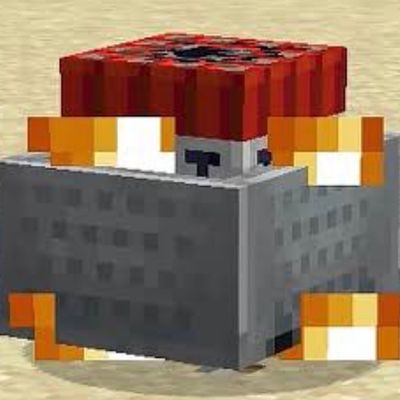
Cart PvP 11 subpacks
Bedrock texture pack listed for Minecraft 1.21–26.x. File opened and checked on 21 Oct 2026; installs from the MC Bedrock Mods app on Android.
⬇ Download on CurseForge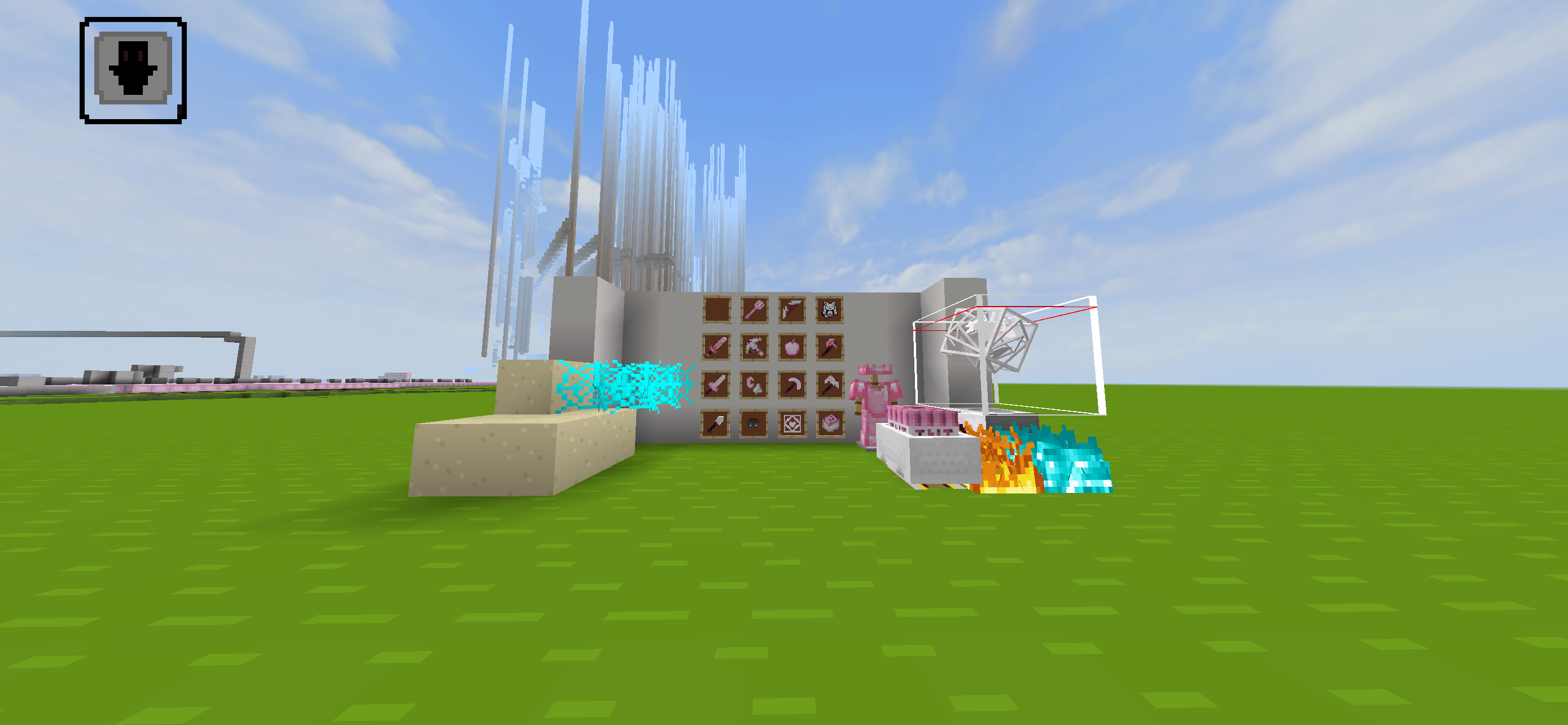
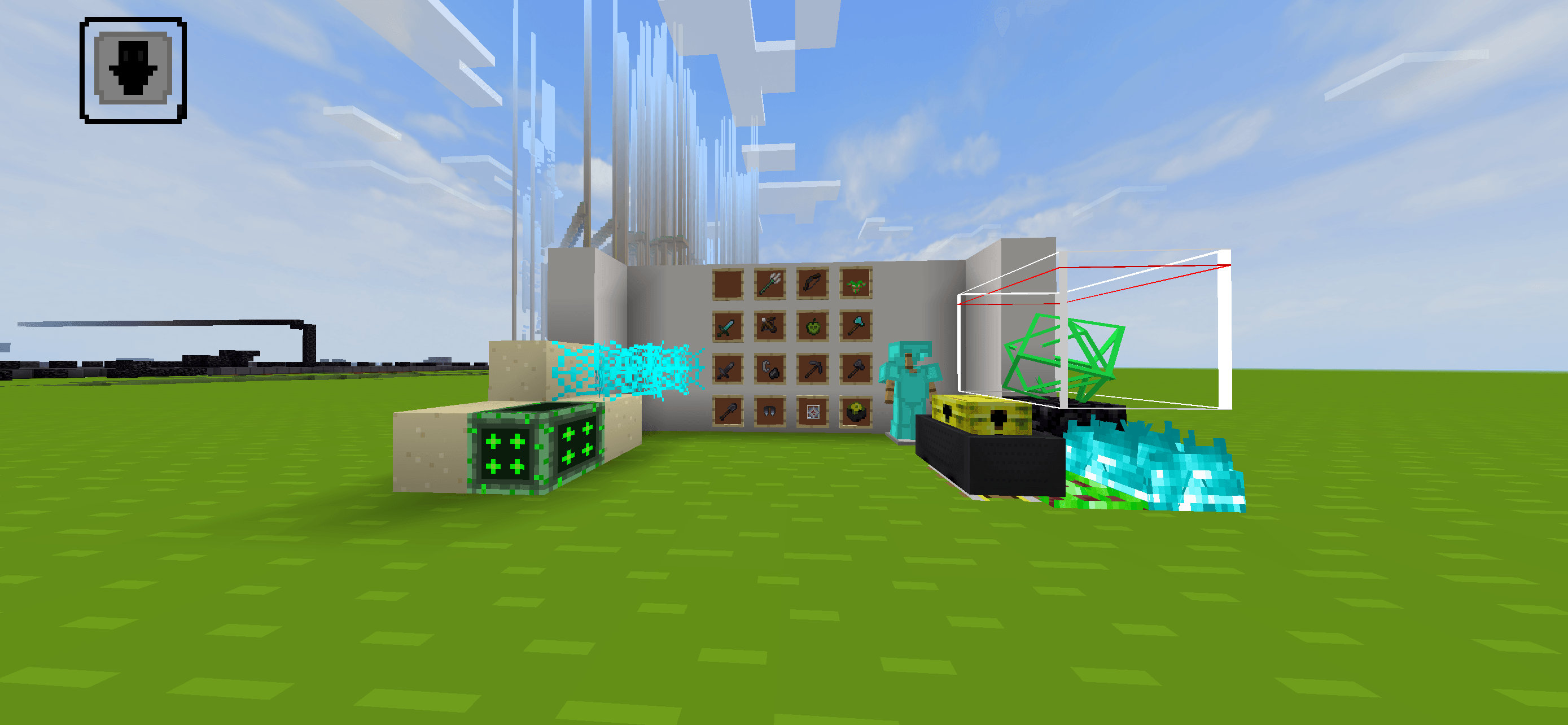
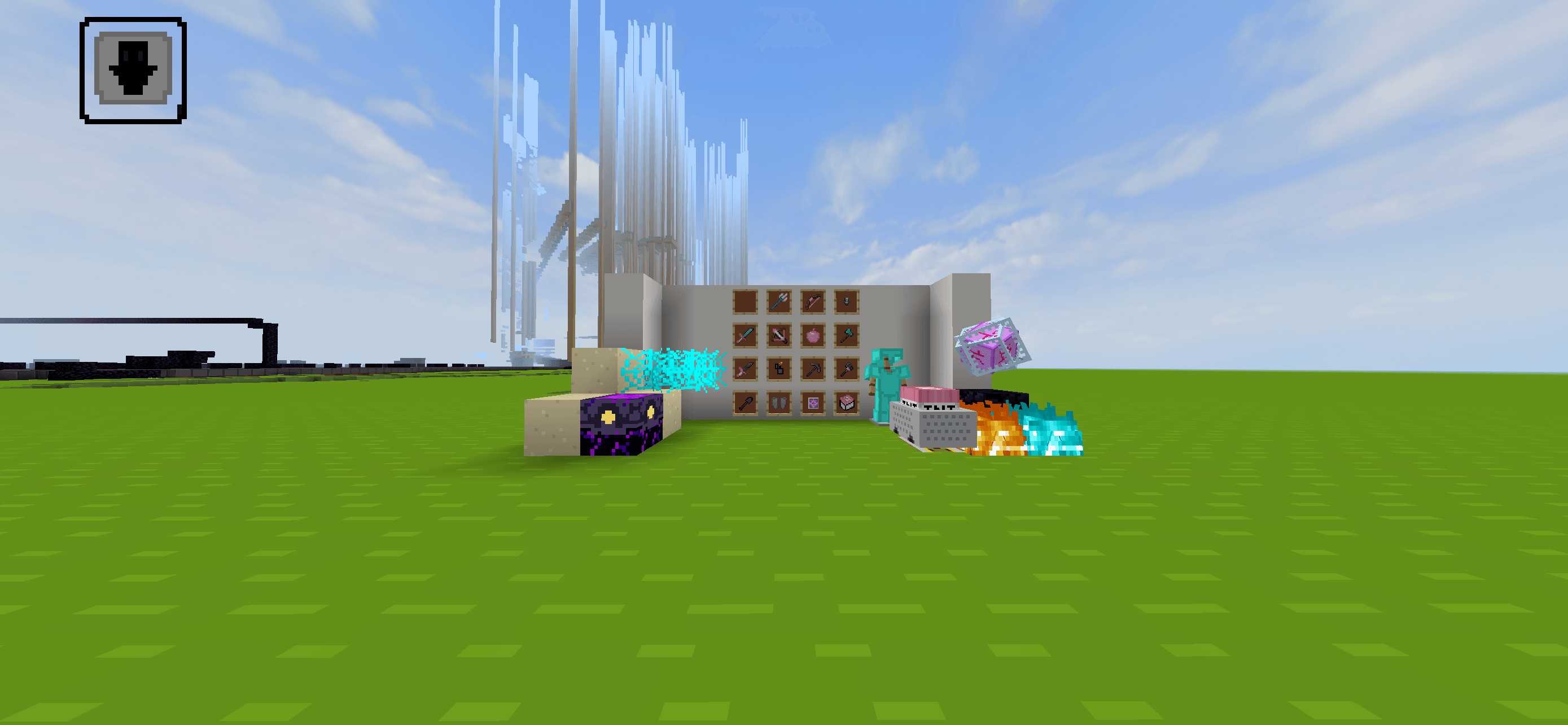
Cart PvP Texture Pack (11 Subpacks in one)
Welcome to the ultimate Cart PvP Texture Pack for Minecraft Bedrock Edition! Specially designed for competitive PvP, cart combat, and fast-paced duels, this pack optimizes your visuals and gives you full control over your playstyle.
Instead of downloading multiple resource packs, this pack features 11 built-in subpacks, allowing you to switch styles instantly through the subpack settings slider in game!
⚡ Key Features
-
11 Subpack Variants: Choose from 11 distinct styles and custom themes without reloading multiple packs.
-
Enhanced Cart & TNT Visuals: Custom high-detail models and textures for TNT minecarts, rails, and explosive utilities.
CurseForge -
Clean PvP Visibility: Low fire, compact shields, shortened tools, and clear cobwebs for maximum combat awareness.
CurseForge -
FPS Boost: Optimized textures designed to maintain maximum performance during intense fights.
-
Cross-Platform Compatible: Works smoothly on Mobile (iOS/Android), Windows 10/11, and Consoles.
CurseForge
⚙️ How to Change Subpacks in Bedrock
-
Download and import the
.mcpackfile.CurseForge -
Go to Settings > Global Resources (or World Resource Packs).
CurseForge -
Click on Cart PvP Pack and hit Activate.
CurseForge -
Click the Gear / Wrench Icon on the active pack.
-
Drag the Subpack Slider to your preferred theme out of the 11 options!
📩 Feedback & Support
If you find any bugs, have suggestions, or want to share feedback, feel free to leave a comment below. Don't forget to leave a rating if you enjoy the pack!
- Edition: Minecraft Bedrock
- File type: .mcpack
- Minecraft versions listed: 26.10, 26.11, 26.12
- How to install: Download the .mcpack. → Open it — Minecraft imports it under Resource Packs. → Activate it in Global Resources, or for one world under Resource Packs → Available.
- Where to get it: Opens on CurseForge — not every file is mirrored on our own servers.
Install steps are the general flow for this file type — How to install Minecraft Bedrock texture packs walks through it step by step.
- Save it as Cart pvp 11 texture pack.mcaddon before opening — it downloads as .mcpack, but it is a .mcaddon pack
- Manifest requires Minecraft 1.21.0 or newer
- Complete pack — everything it depends on is inside the file
- Download size: 4.3 MB
- Download link checked 21 Oct 2026 — working
These come from our own check of the pack file, not from the source page.