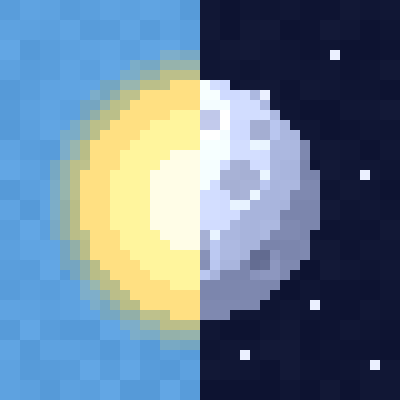
Sun & Moon Pack: 30 Styles
Bedrock texture pack listed for Minecraft 1.20–26.x. File opened and checked on 21 Oct 2026; installs from the MC Bedrock Mods app on Android.
30 sun and moon designs in one pack: planets, eclipse, Halloween, Earth, black hole, cute faces and more. Moon phases included. Pick one in the pack…
⬇ Download on CurseForge
Sun & Moon Pack: 30 Styles
30 new looks for the sun and the moon in one pack. Each style has a matching sun and moon. Choose one in the pack settings and change it any time.
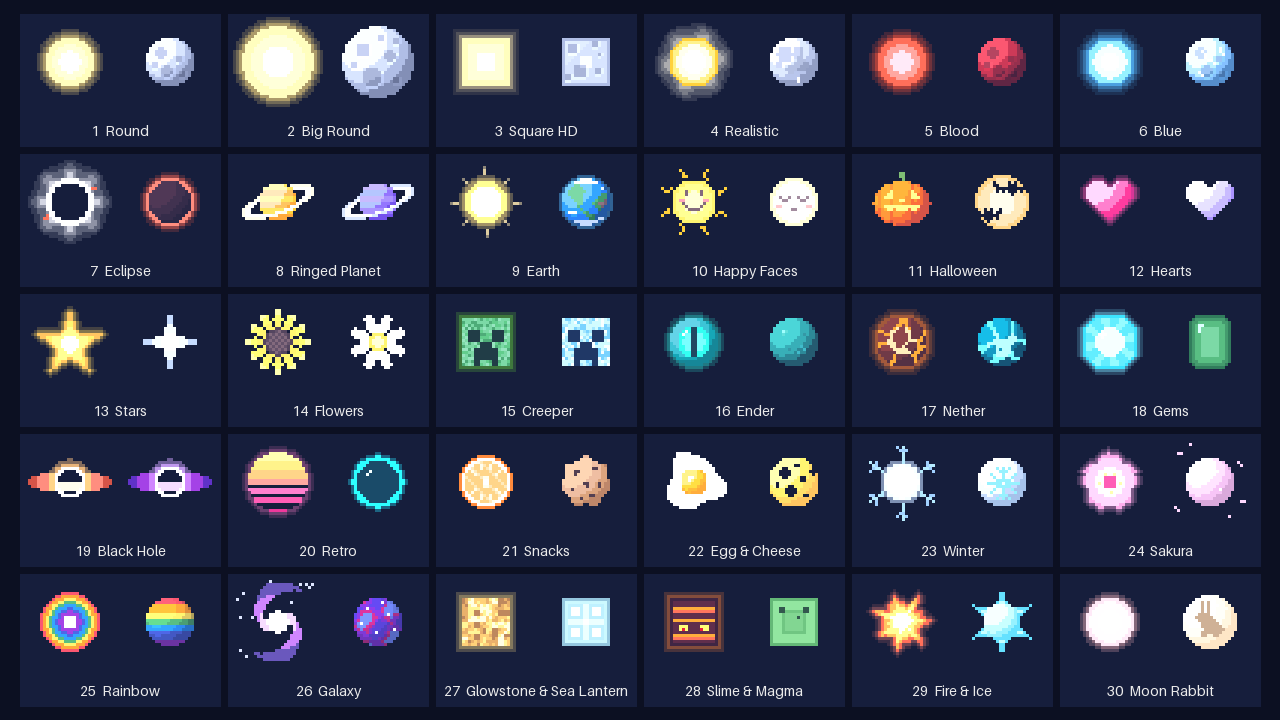
Round and realistic suns, blood and blue moons, eclipse, ringed planets, Earth, black hole, galaxy, Halloween, cute faces, snacks and many more.
How to use
- Activate the pack in your world or in global resources.
- Click the gear icon on the pack.
- Move the slider to the style you want. The numbers match the image above.
Details
- Every moon has all 8 moon phases, from full moon to new moon.
- The dark side of the moon stays faintly visible.
- Only replaces the sun and moon textures. Works with other resource packs.
- If another pack also changes the sun or moon, put this pack above it in the list.
- No experimental toggles. Works on Realms and servers.
Supported versions
Minecraft Bedrock 1.20 and newer, including the latest 2026 versions. Works on Windows, Android, iOS, Xbox, PlayStation and Switch.
By Devtay
- Edition: Minecraft Bedrock
- File type: .mcpack
- Minecraft versions listed: 1.20, 1.21, 26.0.02
- How to install: Download the .mcpack. → Open it — Minecraft imports it under Resource Packs. → Activate it in Global Resources, or for one world under Resource Packs → Available.
- Where to get it: Opens on CurseForge — not every file is mirrored on our own servers.
Install steps are the general flow for this file type — How to install Minecraft Bedrock texture packs walks through it step by step.
- Pack type: .mcpack — a single pack
- Manifest requires Minecraft 1.20.0 or newer
- Complete pack — everything it depends on is inside the file
- Download size: 62 KB
- Download link checked 21 Oct 2026 — working
These come from our own check of the pack file, not from the source page.