Newb X Storm
Bedrock texture pack listed for Minecraft 26.x. Download on the author's site.
⬇ Download on CurseForge
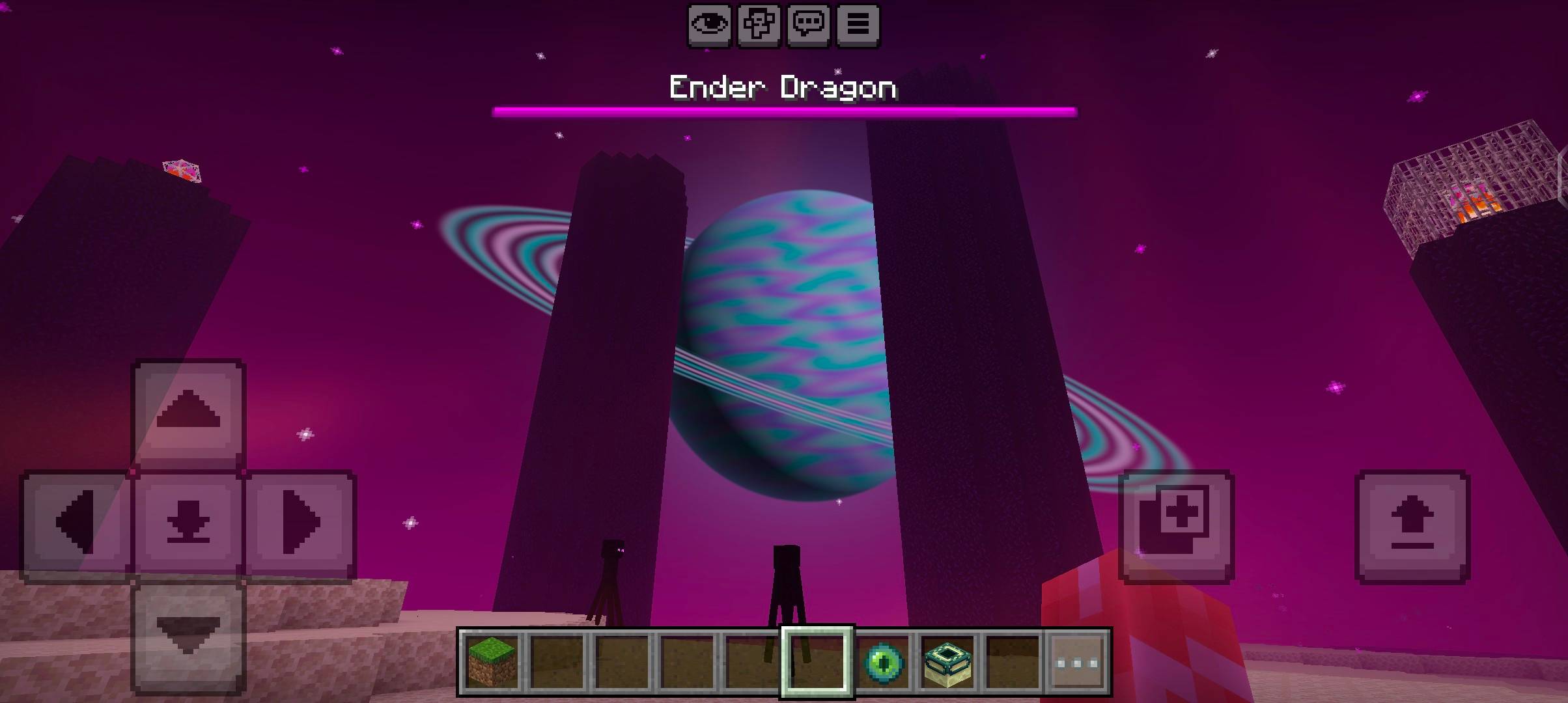
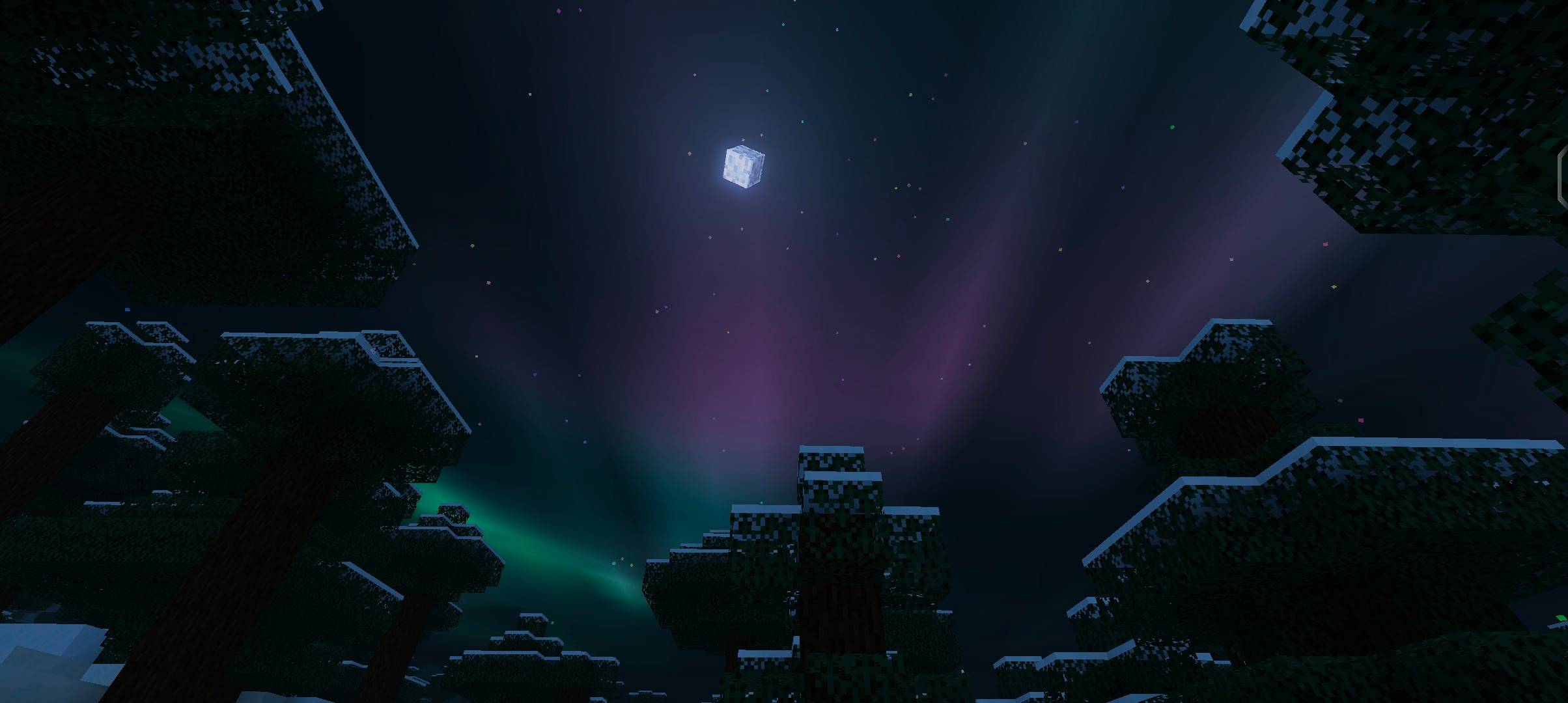
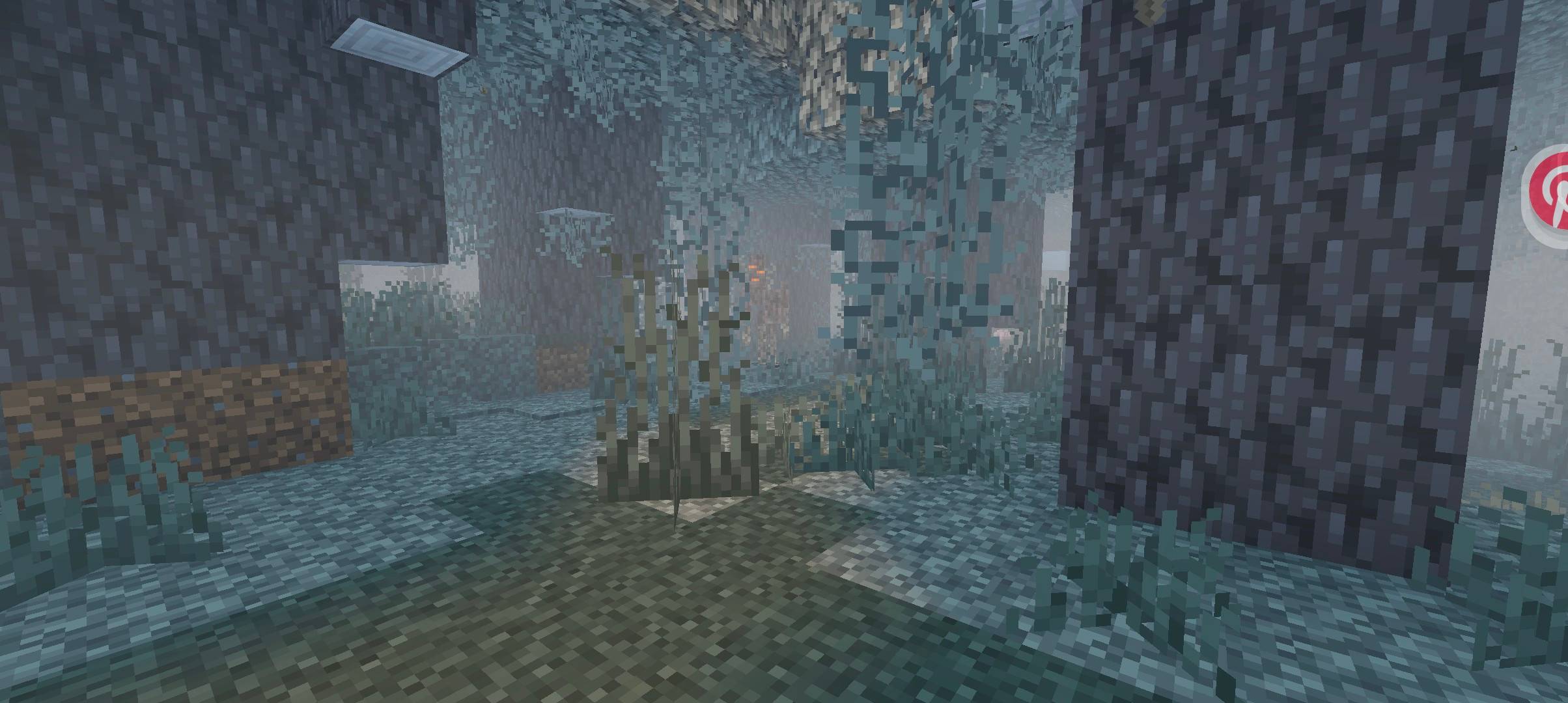
Features Sky Richer northern lights: two drifting curtains, a green > violet > teal palette with a crimson-pink fringe, slow pulsing and moving ray shimmer Aurora ground glow: at night the aurora colours softly light the world Sun and moon sway slightly so the sky feels alive Soft clouds by default (cheap and pretty) Weather Gloomy rain: outdoor scenes darken while it rains so the rain stands out Clearer rain streaks and a bright splash where rain meets the ground Snowflakes dissolve softly just above the ground Storm wind: plants, leaves and lanterns sway harder as rain increases Storm waves: water gets rougher during rain Quality of life Twilight mist: a soft golden mist at sunrise and sunset Slightly more vivid colours by default (NL_SATURATION) Light Warm glow around torches and other light sources, plus a soft warm haze in the fog around them Biome ambience (experimental) Biome Effect Desert Warm orange/yellow tint with sandy dust in the air Swamp / Mangrove swamp Thick greenish mist Birch forest Extremely sunny: brighter, warmer light and clearer air Pale garden White-out fog; glowing mob eyes stay visible in it Deep dark Darker, colder fog and lighting Snowy biomes Cold, crisp bluish air Jungle / bamboo jungle Humid green haze Badlands (mesa) Red dust and warm light Cherry grove Dreamy pink haze Mushroom fields Purple spore haze Other dimensions Nether: warm ember haze in the fog The End: deeper purple void haze and a big ringed planet in the sky with glowing atmosphere and slowly moving cloud bands Performance Lighter defaults: shorter wave range, and the extra cloud layer is off Lite subpack for low-end phones: turns off waves, shimmer, rainbow, shooting stars, cloud shadow, extra fog effects, rain splash, snow dissolve, torch haze and more Biome detection uses a cheap colour comparison (no square roots) Install (Android) Install MB Loader (Minecraft Bedrock Loader) and open Minecraft through MB Loader. Open the .mcpack file to import it. Go to Settings > Global Resources and activate Newb Aurora Storm. Open the pack's settings to choose a subpack: Default: full effects Lite: best for low-end phones Biome Debug: tints blocks per detected biome (see Troubleshooting)
- Edition: Minecraft Bedrock
- File type: .mcpack
- Minecraft versions listed: 26.40, 26.50
- How to install: Download the .mcpack. → Open it — Minecraft imports it under Resource Packs. → Activate it in Global Resources, or for one world under Resource Packs → Available.
- Where to get it: Opens on CurseForge — not every file is mirrored on our own servers.
Install steps are the general flow for this file type — How to install Minecraft Bedrock texture packs walks through it step by step.
Newb X Storm is a free Minecraft Bedrock texture pack. Compatible with Minecraft 26.40, 26.50. Downloaded 62 times (via CurseForge). Download it and open it directly in the game.