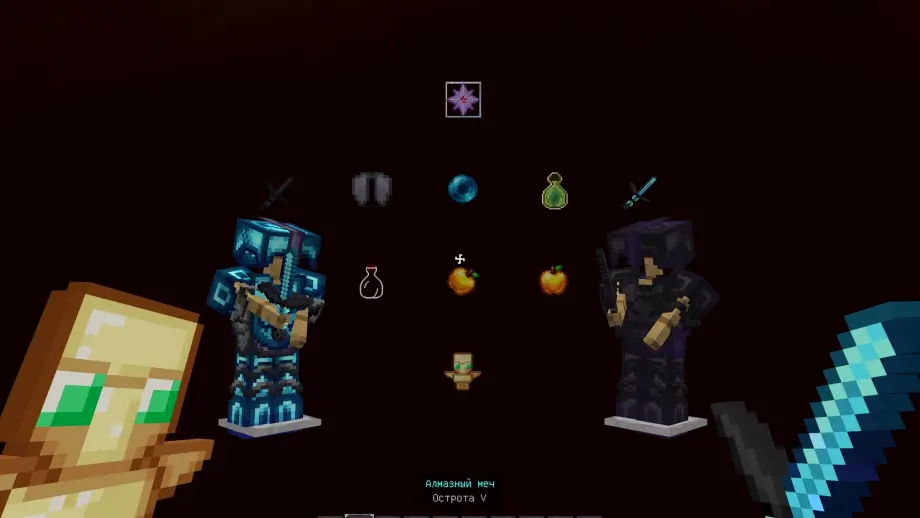
EndNear Texture Pack for Minecraft
Bedrock texture pack listed for Minecraft 1.20. File opened and checked on 23 Oct 2026; installs from the MC Bedrock Mods app on Android.
Clean, dark PvP visuals with redesigned weapons, armor, HUD, and a minimal UI for clearer combat and faster item recognition.
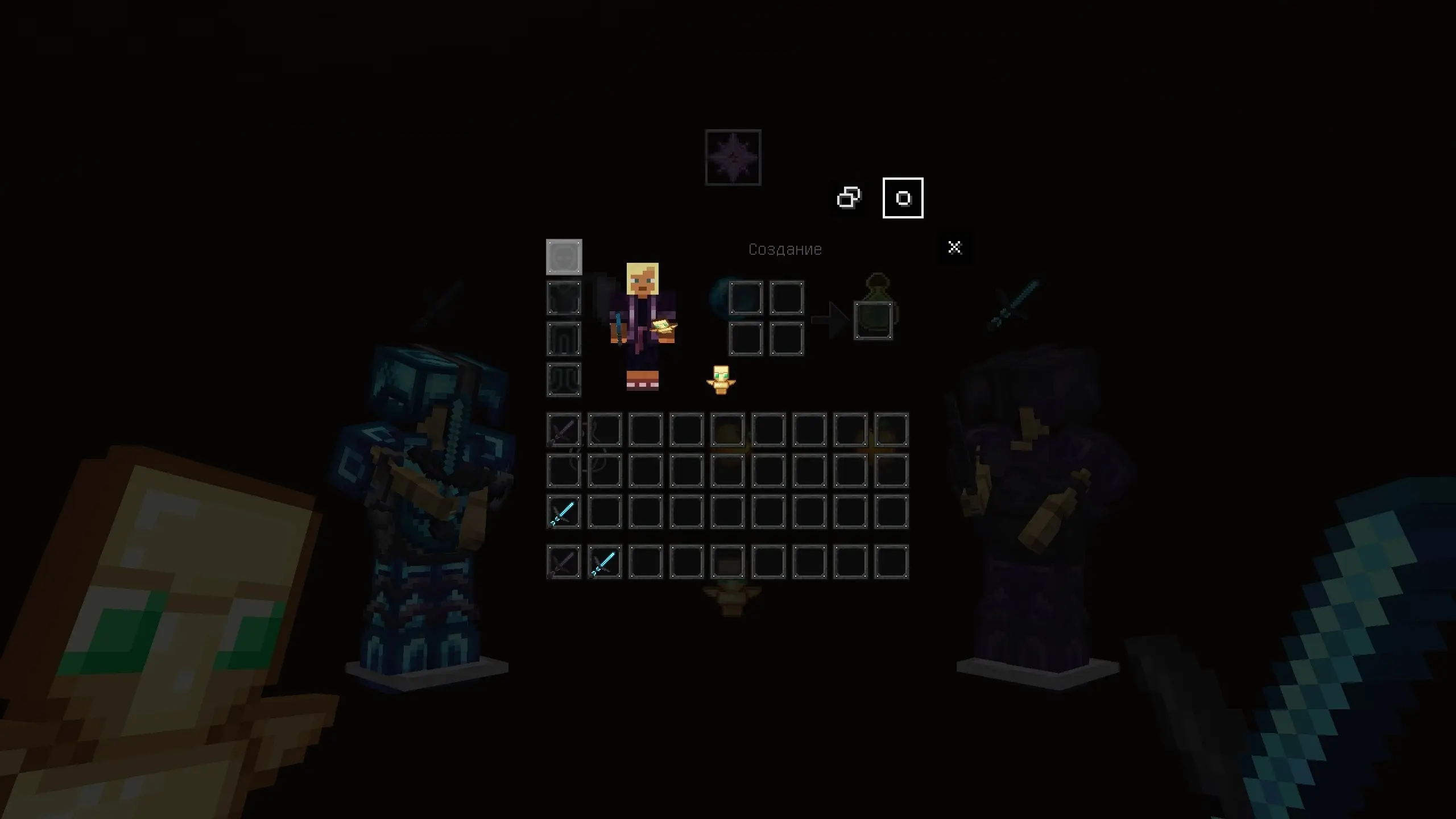
⬇ DownloadEndNear Pack is a PvP-focused Minecraft Bedrock resource pack with a dark and clean visual style. It features redesigned weapons, armor, potions, golden apples, totems, and other important PvP items. The pack also includes a custom inventory and HUD interface designed to keep the screen clear while making useful items easy to recognize.
Features
- Redesigned weapons, armor, potions, golden apples, totems, and other PvP essentials
- Dark, minimalist art style to reduce visual clutter during combat
- Custom inventory and HUD icons for quick identification of items
- Optimized icons suited for competitive PvP servers and ranked play
Installation
- Download the resource pack file and import it into Minecraft Bedrock.
- Enable EndNear Pack in Settings → Global Resources (or World Resources for single-world use).
- Restart the game or reload the world to ensure all assets are applied correctly.
- Edition: Minecraft Bedrock
- File type: .mcpack
- How to install: Download the .mcpack. → Open it — Minecraft imports it under Resource Packs. → Activate it in Global Resources, or for one world under Resource Packs → Available.
- Where to get it: In MCModsHub, or directly above on this page.
Install steps are the general flow for this file type — How to install Minecraft Bedrock texture packs walks through it step by step.
- Pack type: .mcpack — a single pack
- Manifest requires Minecraft 1.20.0 or newer
- Complete pack — everything it depends on is inside the file
- Download size: 10.4 MB
- Download link checked 23 Oct 2026 — working
- Mirrored on our own servers — the download does not depend on the original host
These come from our own check of the pack file, not from the source page.