
Mirai HDR Remake
Bedrock texture pack listed for Minecraft 26.x. File opened and checked on 23 Oct 2026; installs from the MC Bedrock Mods app on Android.
⬇ Download on CurseForgeMirai HDR v1 Remake
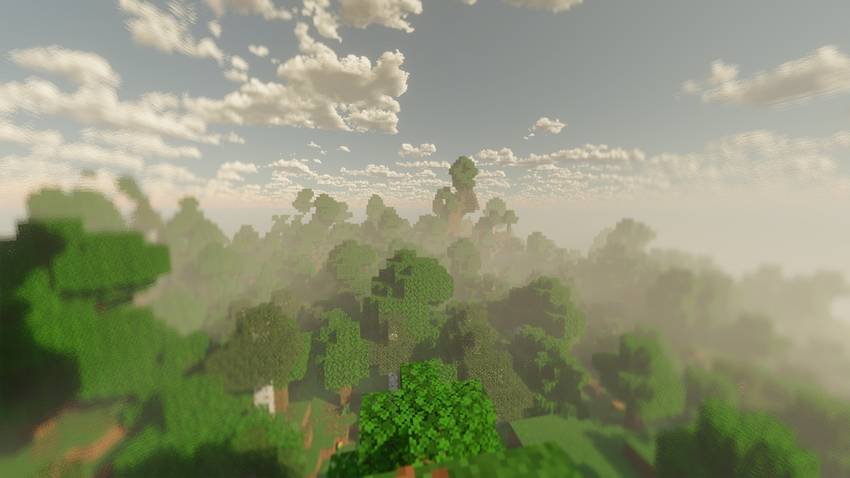
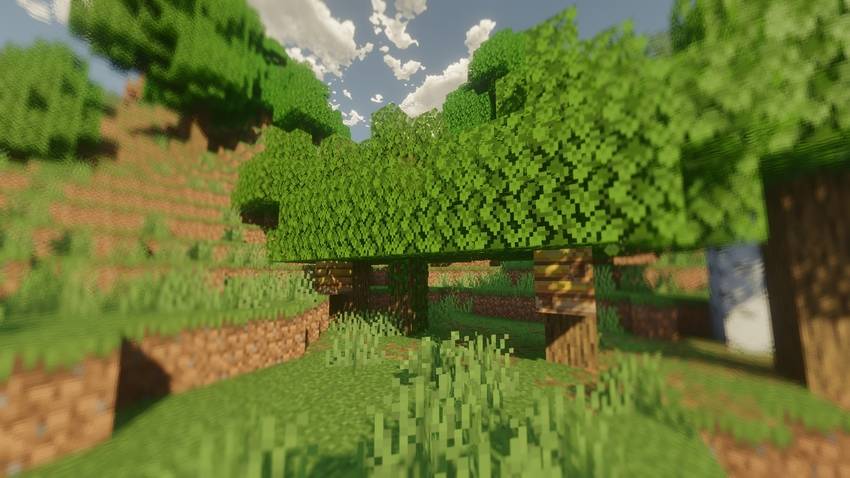
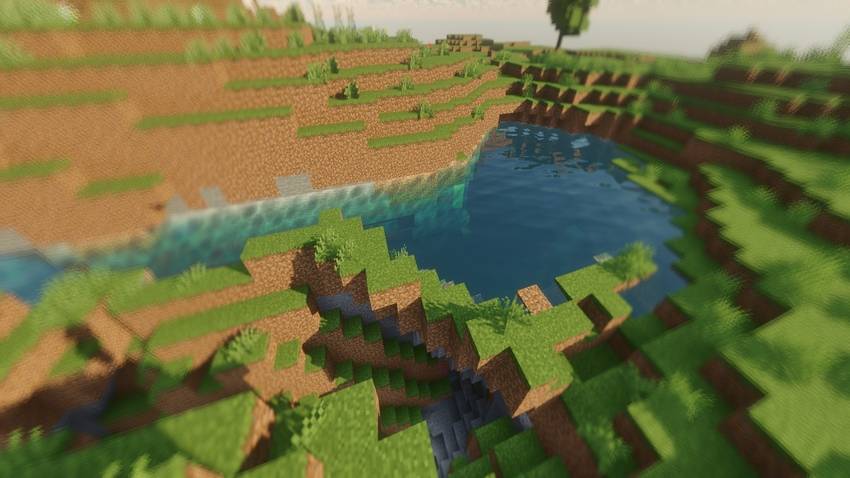
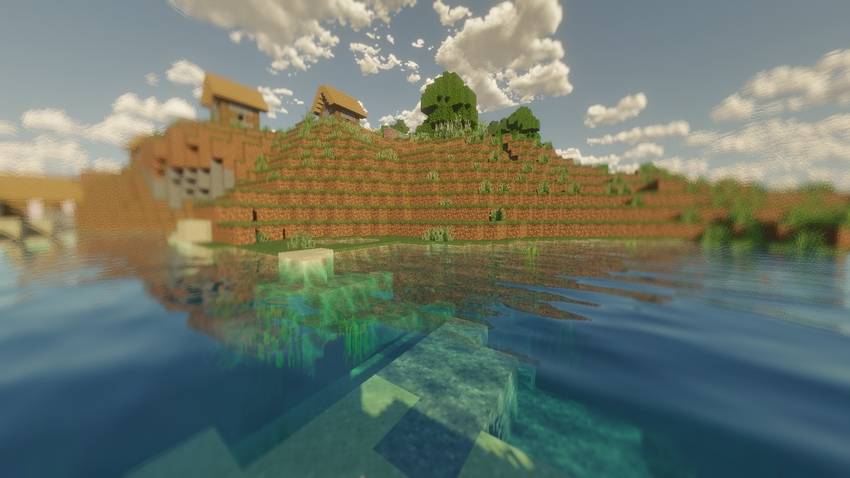
This is a fan-remake / HDR remaster based on Mirai 2.1.1, focused on making Bedrock visuals more realistic on Vibrant Visuals, even on mobile.
**This is NOT my original shader. This is a remake.**
Base & Compatibility
- Based on: Mirai by Bambosan
- Version Support: 1.26.11 to 1.26.13 only
- Requires: MB Loader / BetterRenderDragon
- Vibrant Visuals must be ON
What makes this remake different?
This version focuses on more realistic atmosphere, not just brighter colors:
- HDR Tonemapping & Improved Bloom - More balanced light with a soft glowing bloom effect
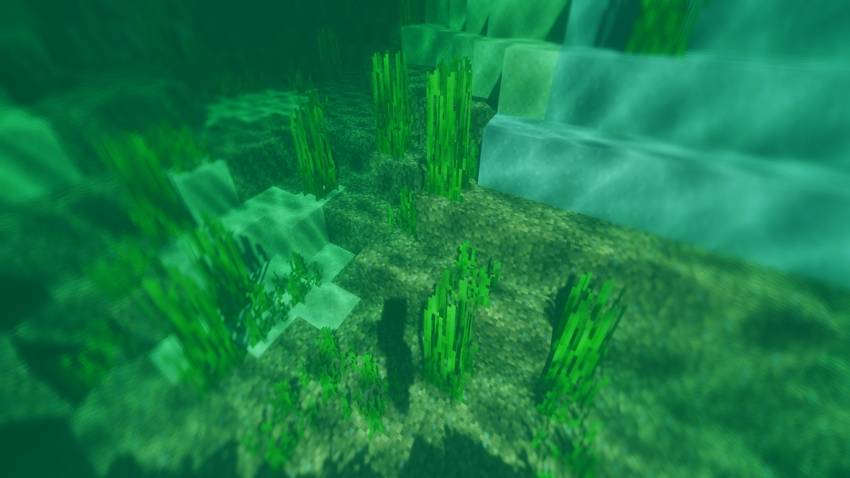
- Realistic Water - Clear water with reflections
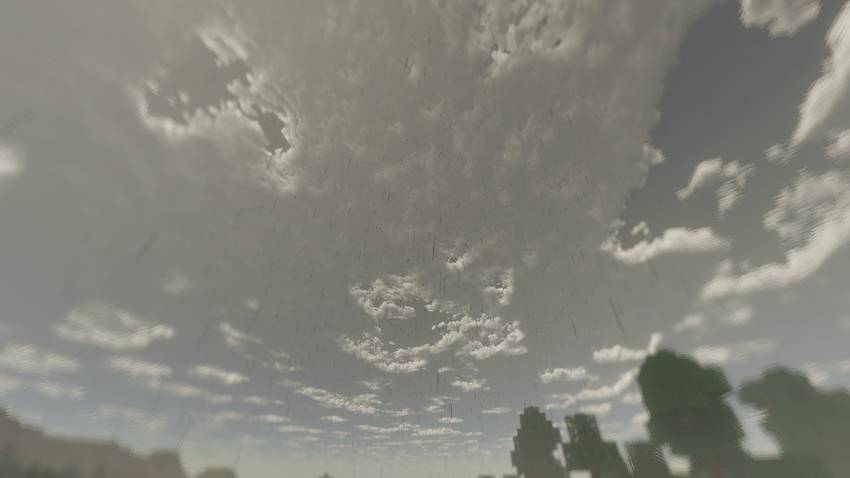
- Volumetric-like Clouds - Boxy -style clouds with soft shading
- Cinematic Fog - Slightly warm yellowish fog for a more natural morning/evening vibe
- Fake DOF Blur - Soft blur on screen edges for depth feeling
- Weather Animation - Clouds slowly gather before rain and fade after rain
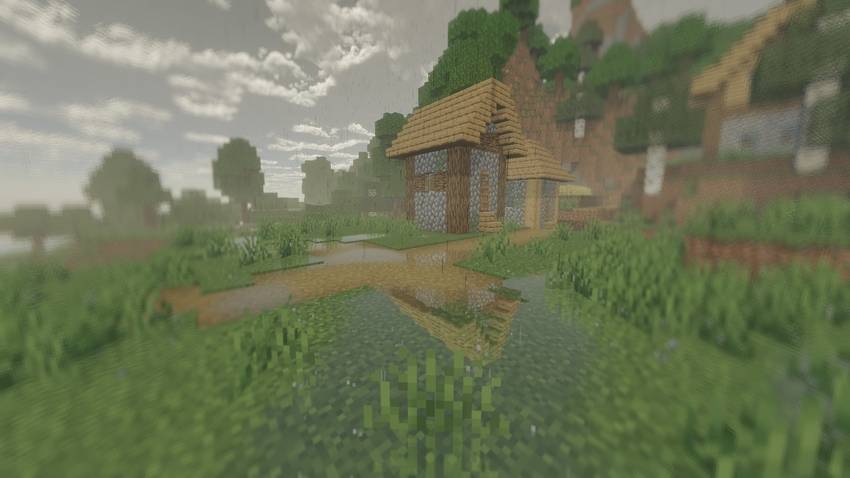
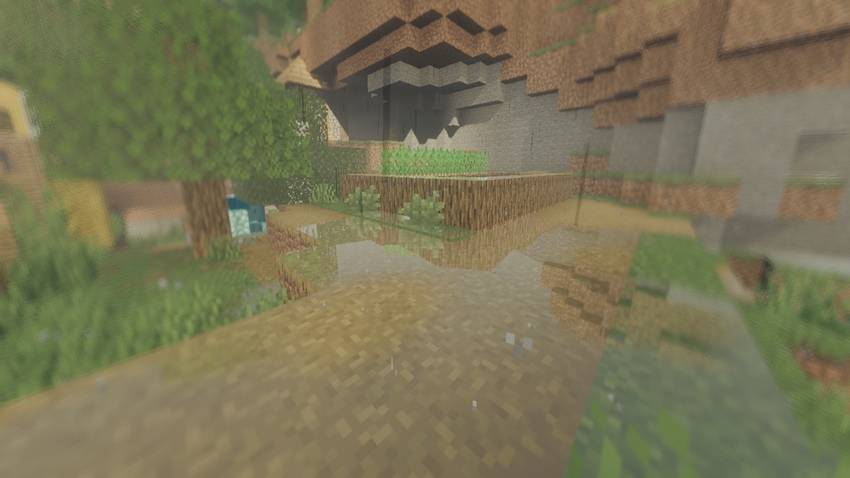
- Rain Puddles - Ground reflections and small puddles when raining
Image
Subpacks / Quality Presets:
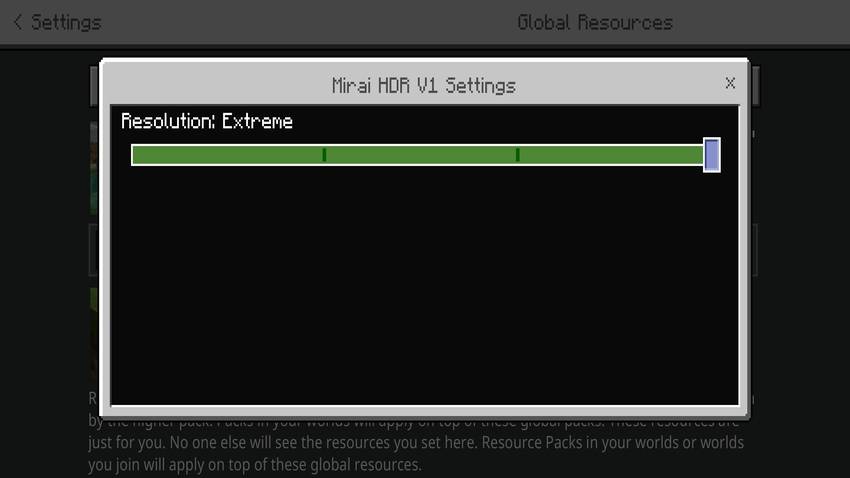
Choose your performance in-game: Settings > Global Resources > Mirai HDR Remake > Gear icon
[LOW]
- Clouds: OFF
- Fake DOF Blur: OFF
- Fog: OFF
- Bloom: OFF
- Wet Effect / Rain Puddles: OFF
- Rain Cloud Animation: OFF
[MEDIUM] - Balanced
- Clouds: ON
- Fake DOF Blur: OFF
- Fog: OFF
- Bloom: OFF
- Wet Effect / Rain Puddles: OFF
- Rain Cloud Animation: OFF
[HIGH] - Recommended for Most Devices
- Clouds: ON
- Fake DOF Blur: ON
- Fog: ON (Cinematic warm fog)
- Bloom: ON (Soft glowing)
- Wet Effect / Rain Puddles: OFF
- Rain Cloud Animation: OFF
> Full visual upgrade, no rain effects. Best for mid to high-end mobile / PC.
[EXTREME]
- Clouds: ON
- Fake DOF Blur: ON
- Fog: ON
- Bloom: ON
- Wet Effect / Rain Puddles: ON
- Rain Cloud Animation: ON (Clouds gather before rain)
> ALL features ON. Most realistic atmosphere, requires good device.
Installation
For full detailed installation on Android / iOS / Windows / Linux, please check the official guide by Faizul (creator of MB Loader):
https://faizul726.github.io/blog/how-to-use-renderdragon-shaders/
Guide licensed under CC BY 4.0 by Faizul.
Original Credit
- Original Mirai v2.1.1 Shader by bambosan
- Original Source: https://github.com/bambosan/Mirai-Shader
- Official Site: https://bambosan.github.io/mirai/
- Logo "M" and Mirai name belong to original creator.
# License & Permission
This is a non-profit fan remake / fork of an open-source project.
Original shader belongs to bambosan. I do not claim it as my own.
All original rights remain with bambosan.
If the original author wants it removed, I will comply immediately.
Free for everyone.
TikTok: @vannxd09
CurseForge: VannXD_73
Thanks for downloading!
- Edition: Minecraft Bedrock
- File type: .mcpack
- Minecraft versions listed: 26.11, 26.12, 26.13
- How to install: Download the .mcpack. → Open it — Minecraft imports it under Resource Packs. → Activate it in Global Resources, or for one world under Resource Packs → Available.
- Where to get it: Opens on CurseForge — not every file is mirrored on our own servers.
Install steps are the general flow for this file type — How to install Minecraft Bedrock texture packs walks through it step by step.
- Save it as mirai-HDR.mcaddon before opening — it downloads as .mcpack, but it is a .mcaddon pack
- Manifest requires Minecraft 1.26.10 or newer
- Complete pack — everything it depends on is inside the file
- Download size: 22.7 MB
- Download link checked 23 Oct 2026 — working
These come from our own check of the pack file, not from the source page.