GodBlue — Divine PvP
Bedrock texture pack listed for Minecraft 1.20–26.x. File opened and checked on 23 Oct 2026; installs from the MC Bedrock Mods app on Android.
A Super Saiyan Blue-inspired PvP texture pack featuring cyan weapons, a custom sky, particles, and a sleek HUD for Minecraft Bedrock.
⬇ Download on CurseForge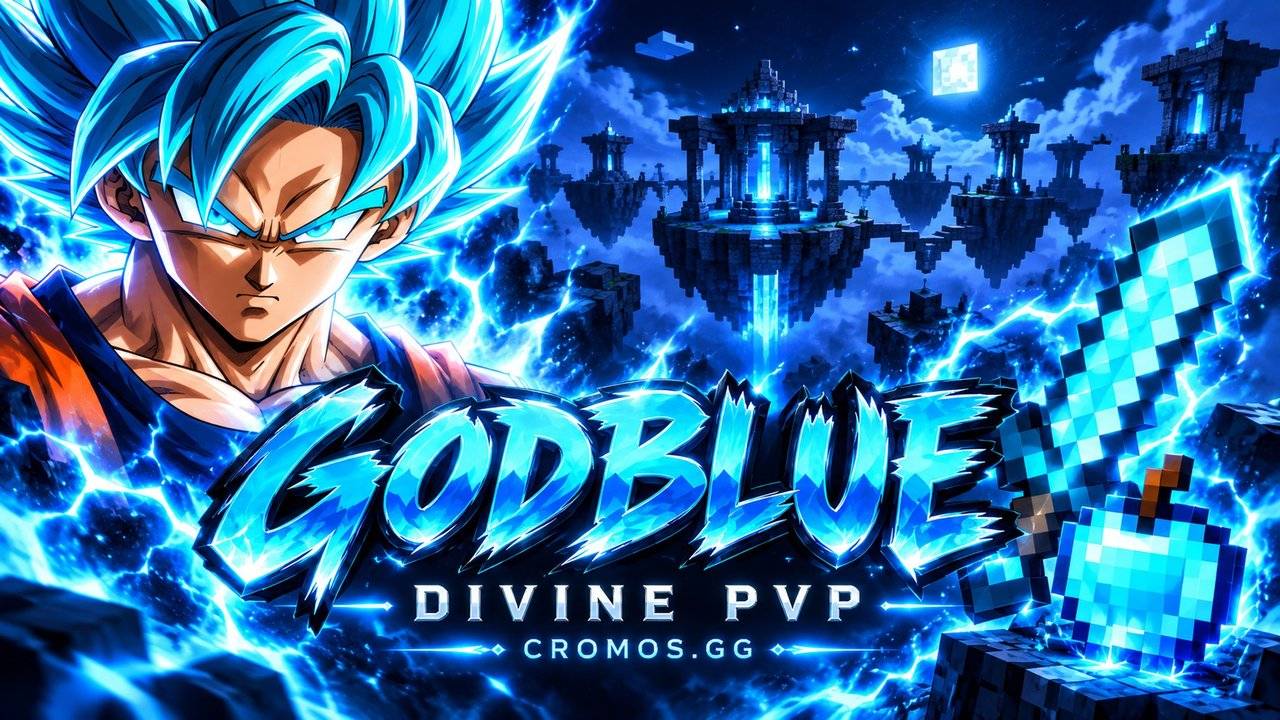
GodBlue — Divine PvP
Bring divine blue energy to your next fight.
GodBlue is a Super Saiyan Blue-inspired PvP resource pack for Minecraft Bedrock Edition, created by CROMOS.GG. Electric cyan accents, a custom blue sky, redesigned particles and a dark PvP hotbar give your battles a coordinated new look.

Divine Blue Style
- Blue weapon accents: customized swords and equipment details built around the GodBlue palette.
- Divine apple: a custom cyan-blue apple with a bright energy-inspired finish.
- Cyan particles: themed visual effects to complement your equipment.
- Goku Blue pack icon: a matching identity inspired by Super Saiyan Blue.

A Cleaner View
Enjoy a softer blue sky with smoother clouds and less visual noise, alongside a matching menu panorama. The redesigned hotbar uses dark slots, subtle cyan details and a bright selection outline to keep your held items easy to spot.
The pack also includes themed HUD and interface textures. Coverage may vary with the interface and graphics mode used by your version of Bedrock.

Recognizable Items
Gold equipment and materials retain their familiar golden appearance. Water and lava buckets remain visually distinct, with blue water and orange lava. Default water textures are used for the underwater experience.
This is a visual resource pack. It does not change weapon damage, reach, attack speed or item behavior.

Installation
- Download the .mcpack file.
- Open it with Minecraft Bedrock and wait for the import to finish.
- Activate GodBlue — Divine PvP in your resource pack settings.
- Place it above other visual packs so its textures take priority.
Edition: Minecraft Bedrock / Pocket Edition. Custom sky and interface appearance can vary by game version, graphics mode and other active packs.
Created by CROMOS.GG. Based on the Cromos Halloween resource pack. Inherited base credits: Java — EndRP; Bedrock — DinoLagger; legacy UI credit — @CrizArtEX.
Unofficial fan-made resource pack. Goku and Dragon Ball belong to their respective rights holders. This project is not affiliated with or endorsed by them, Mojang or Microsoft.
- Edition: Minecraft Bedrock
- File type: .mcpack
- Minecraft versions listed: 26.0.02, 26.0, 26.3
- How to install: Download the .mcpack. → Open it — Minecraft imports it under Resource Packs. → Activate it in Global Resources, or for one world under Resource Packs → Available.
- Where to get it: Opens on CurseForge — not every file is mirrored on our own servers.
Install steps are the general flow for this file type — How to install Minecraft Bedrock texture packs walks through it step by step.
- Pack type: .mcpack — a single pack
- Manifest requires Minecraft 1.20.0 or newer
- Complete pack — everything it depends on is inside the file
- Download size: 3.6 MB
- Download link checked 24 Oct 2026 — working
These come from our own check of the pack file, not from the source page.