Redstone Guide (26+, 1.21) – MCPE/Bedrock Texture Pack
Bedrock texture pack listed for Minecraft 1.21. Download on the author's site.
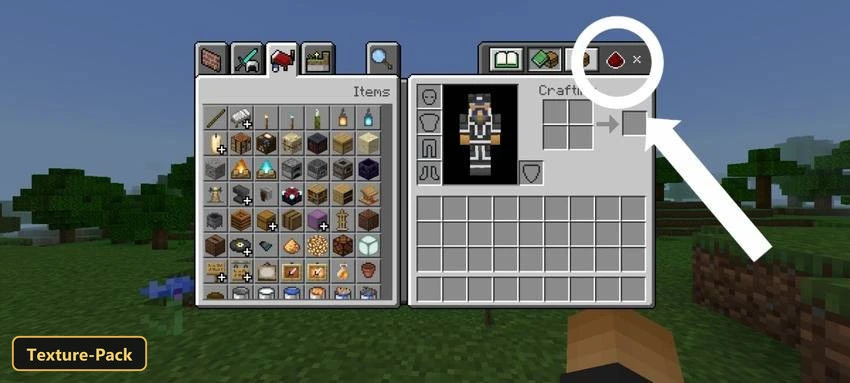
⬇ DownloadA full redstone reference sits inside the game settings with Redstone Guide, a texture pack that replaces the standard How To Play section with a dedicated Redstone Guide.
It explains individual redstone components, their functions and practical uses, and offers step-by-step tutorials with images for building redstone mechanisms and contraptions. A set of tips and tricks and definitions of terms such as stackable and flush round it out. It suits players at any level, from novices to those refining their skills. The pack retextures the UI and is built for Minecraft Bedrock.
Requirements:
- MCPE/Bedrock 1.19 – 1.21
all 3 versions1.21, 1.20, 1.19

Features:
- Retextures the UI
- Also includes custom UI tweaks
- Edition: Minecraft Bedrock
- File type: .mcpack
- Minecraft version listed: 1.21
- How to install: Download the .mcpack. → Open it — Minecraft imports it under Resource Packs. → Activate it in Global Resources, or for one world under Resource Packs → Available.
- Where to get it: Opens on the file's original source — not every file is mirrored on our own servers.
Install steps are the general flow for this file type — How to install Minecraft Bedrock texture packs walks through it step by step.
Redstone Guide (26+, 1.21) – MCPE/Bedrock Texture Pack is a free Minecraft Bedrock texture pack. Compatible with Minecraft 1.21. Download it and open it directly in the game.