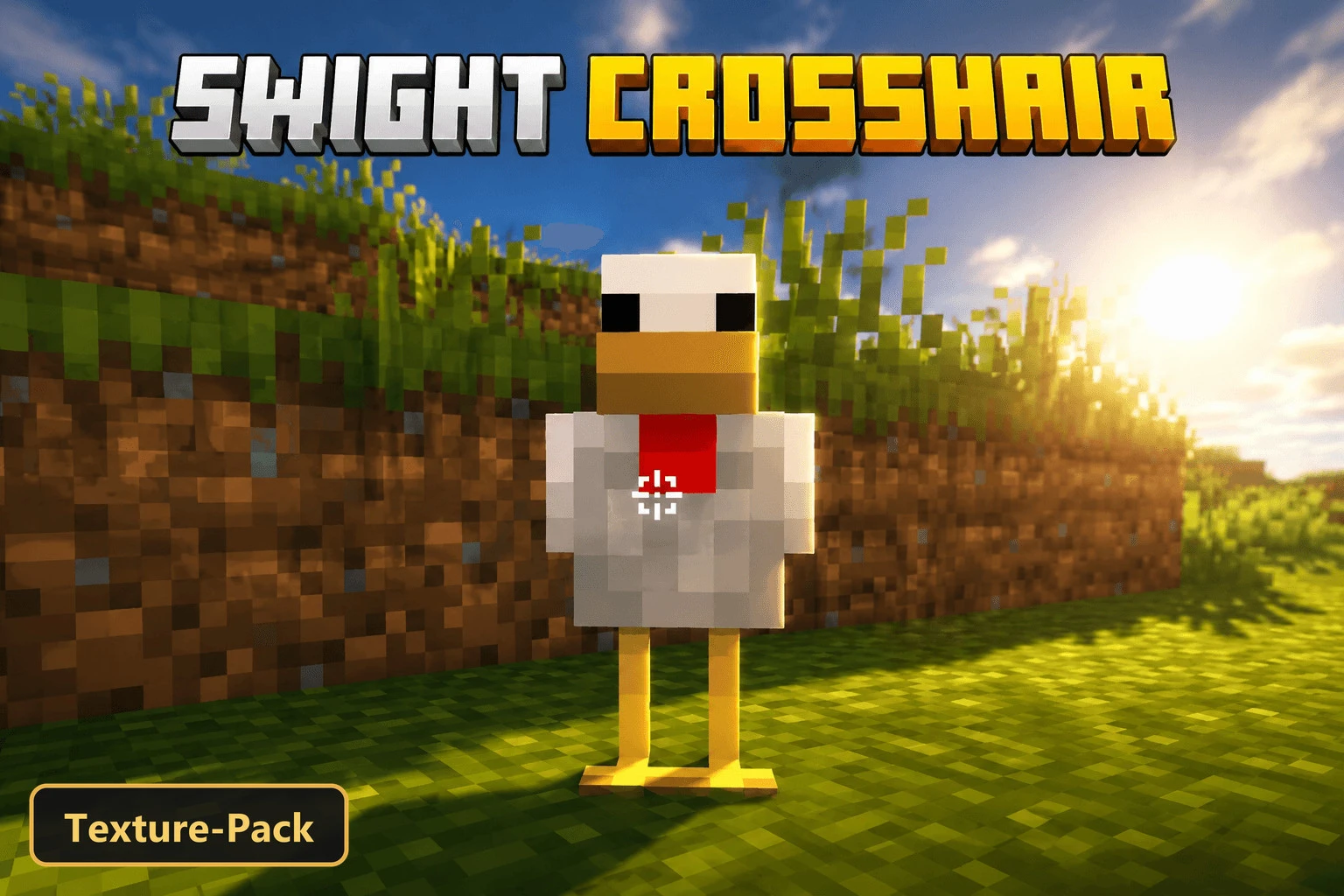
SWIGHT CROSSHAIR (26+) – MCPE/Bedrock Texture Pack
Bedrock texture pack listed for Minecraft 1.20. File opened and checked on 24 Oct 2026; installs from the MC Bedrock Mods app on Android.
⬇ Download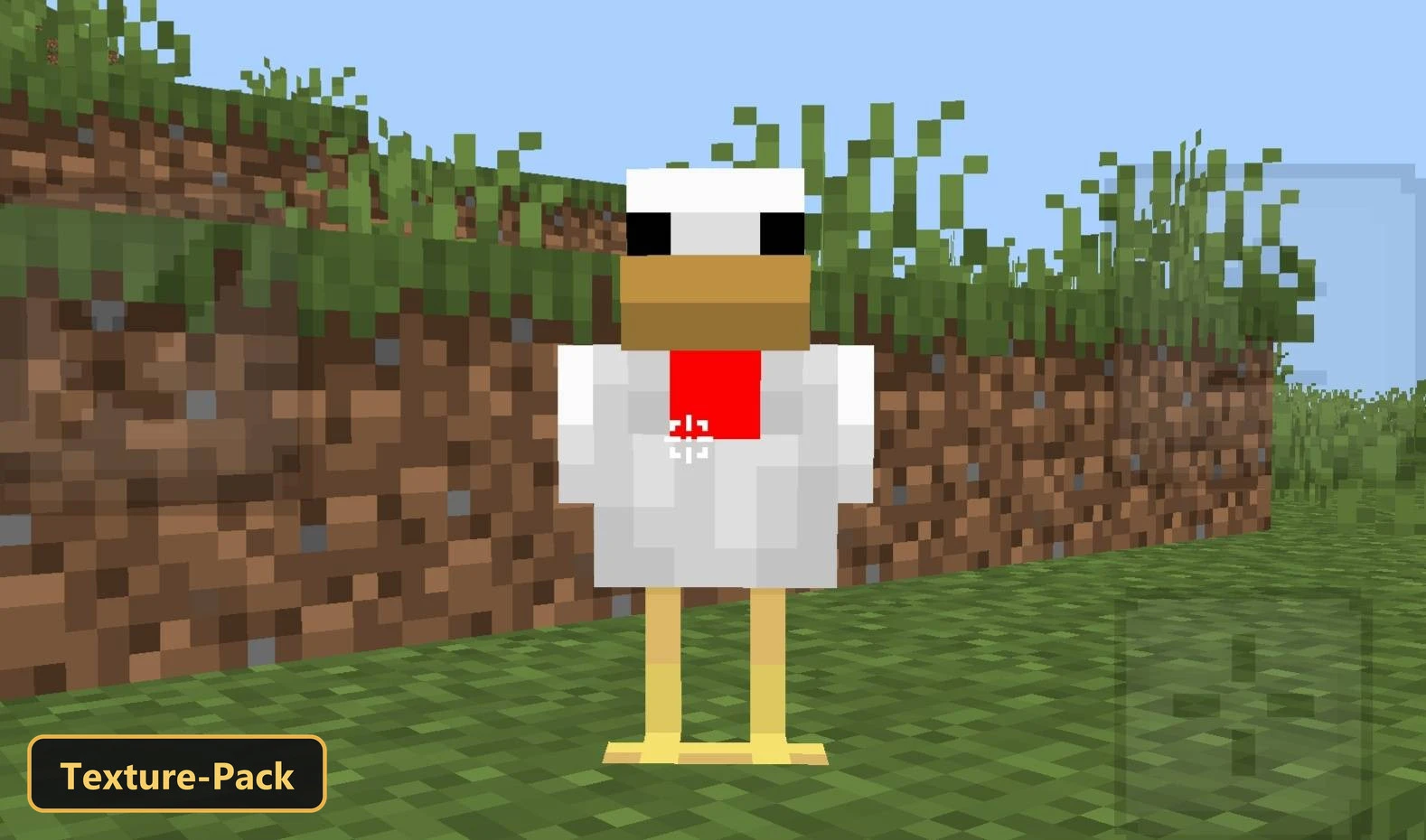
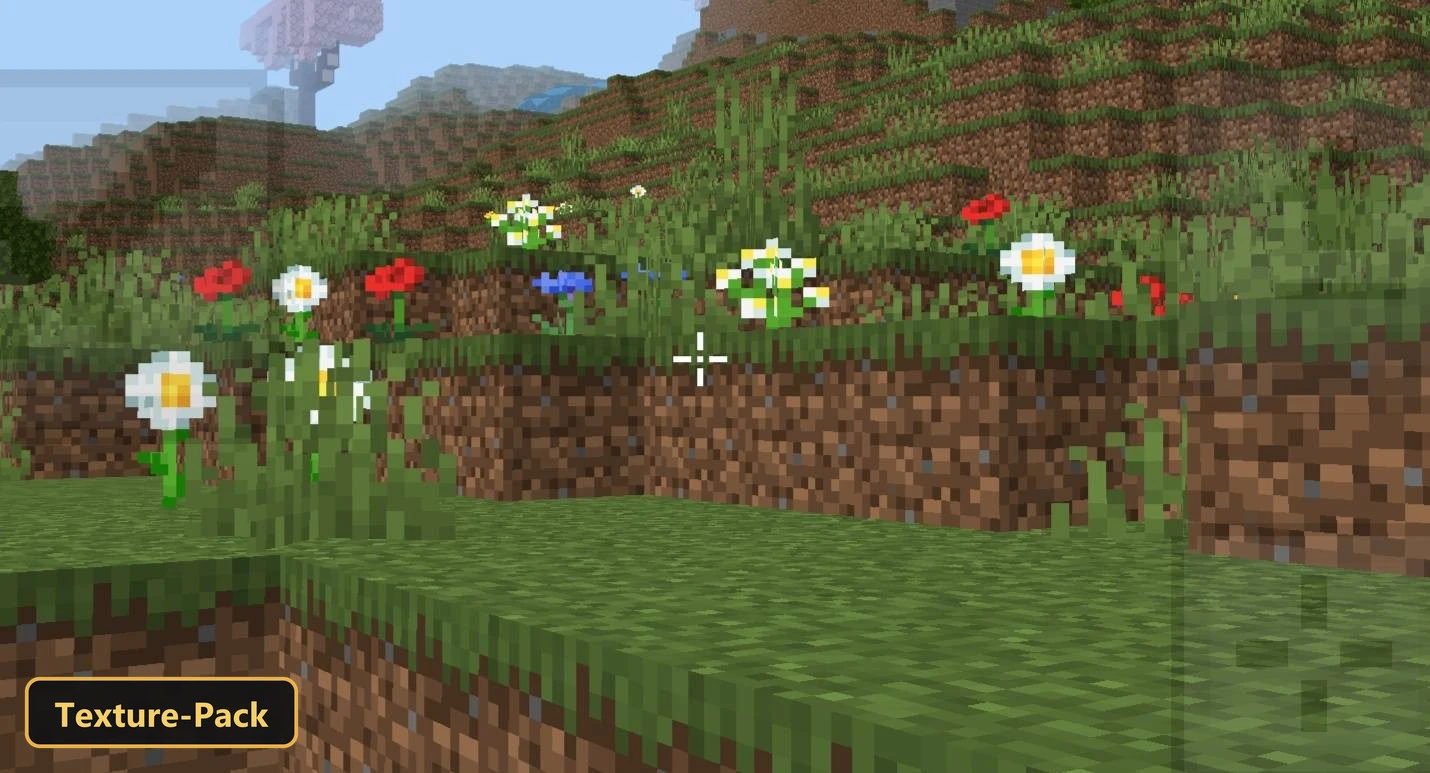
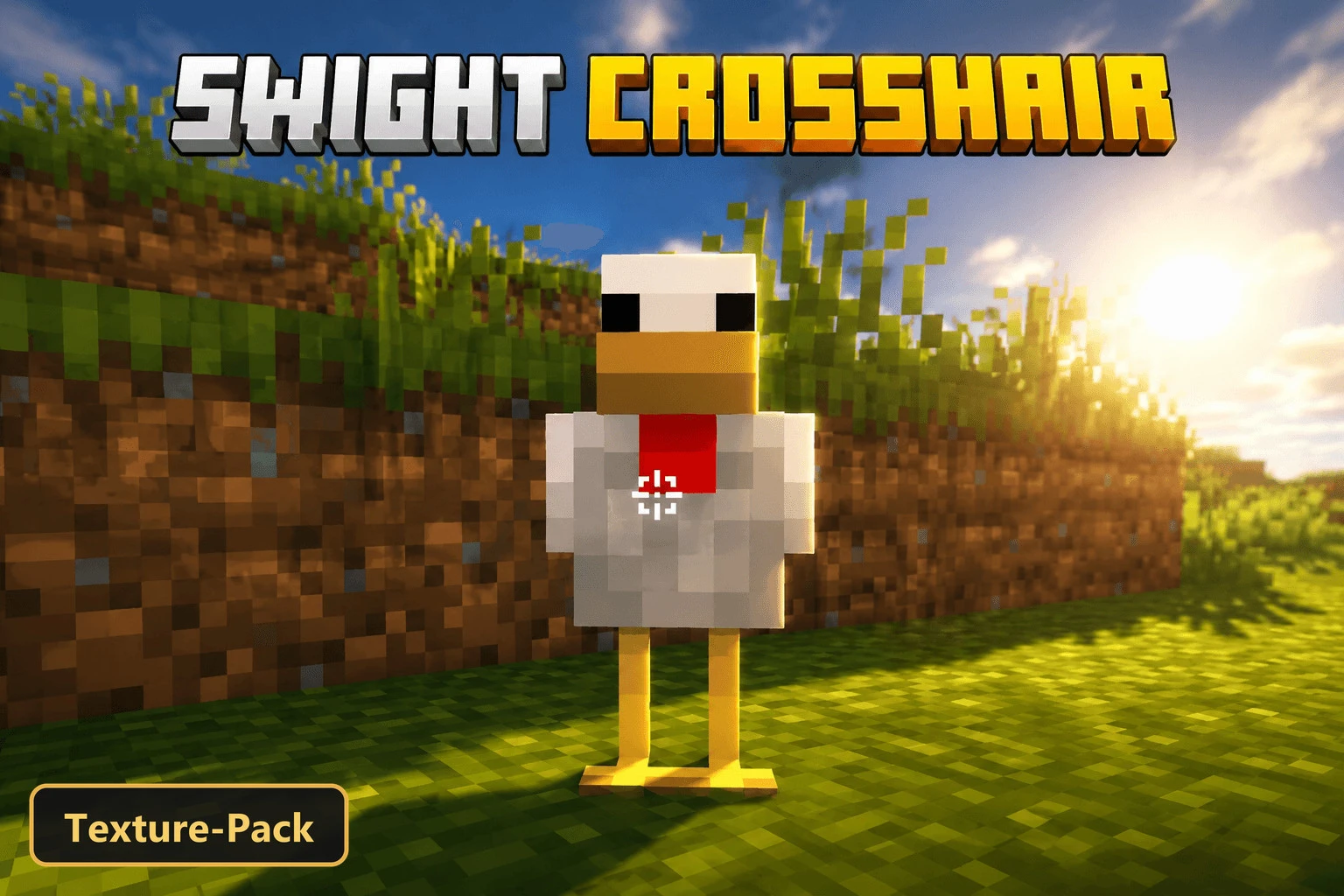
SWIGHT CROSSHAIR gives the screen a clean, modern PvP interface with a stylish hotbar and a custom crosshair. The crosshair is normally white and turns red when the player aims at an entity.
It is a texture pack that retextures the UI and adds custom UI tweaks. The color change gives clear feedback on a target, and the refined interface is meant for combat in Minecraft Bedrock. The hotbar and the rest of the HUD share the same polished style, so the whole screen looks consistent during PvP.
Requirements:
- MCPE/Bedrock 26.0.02 – 26.30
all 8 versions26.30, 26.20, 26.13, 26.12, 26.11, 26.10, 26.3, 26.0.02
Features:
- Retextures the UI
- Also includes custom UI tweaks
Screenshots:


- Edition: Minecraft Bedrock
- File type: .mcpack
- How to install: Download the .mcpack. → Open it — Minecraft imports it under Resource Packs. → Activate it in Global Resources, or for one world under Resource Packs → Available.
- Where to get it: In MCModsHub, or directly above on this page.
Install steps are the general flow for this file type — How to install Minecraft Bedrock texture packs walks through it step by step.
- Pack type: .mcpack — a single pack
- Manifest requires Minecraft 1.20.0 or newer
- Complete pack — everything it depends on is inside the file
- Download size: 6 KB
- Download link checked 24 Oct 2026 — working
- Mirrored on our own servers — the download does not depend on the original host
These come from our own check of the pack file, not from the source page.