Redmoon Edition PvP
Bedrock texture pack listed for Minecraft 1.16–26.x. File opened and checked on 24 Oct 2026; installs from the MC Bedrock Mods app on Android.
A crimson PvP texture pack featuring red equipment, a custom sky, themed menus, a transparent inventory and a matching HUD.
⬇ Download on CurseForge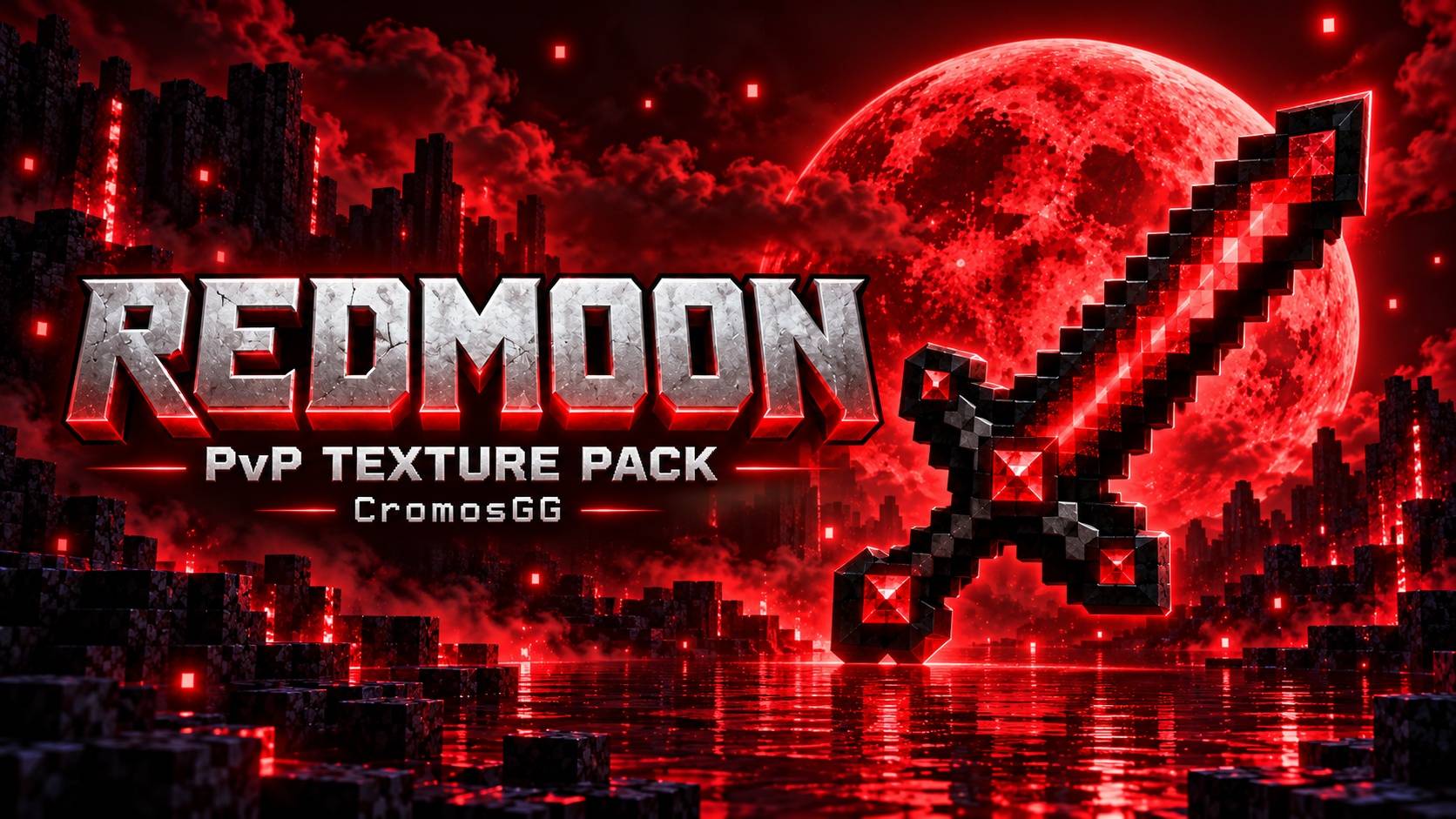
🔴🌙 Redmoon PvP [Bedrock]
Bring a crimson atmosphere to your next fight. Redmoon gives Minecraft Bedrock a red PvP theme, combining recolored equipment, a custom sky and matching interface details.
From your sword to your hotbar, enjoy a coordinated look with transparent inventory panels and a custom font.
⚔️ Red PvP Equipment
Blue accents on swords, tools and armor have been transformed into shades of red while preserving their original shapes and shading. The Ender Pearl also joins the crimson theme.
🌙 A Redmoon Atmosphere
A red custom sky and themed moon complete the pack's visual identity, bringing the theme beyond your equipment.
🎮 Matching HUD & Menus
- Red details across the hotbar and HUD.
- Themed menu buttons, tabs and controls.
- Distinct button states for selection and clicks.
- Transparent inventory panels with red borders and visible item slots.
- A custom font, matching the one used in the Halloween pack.
📸 In-Game Screenshots
Explore the Redmoon look in the screenshots below.


🖼️ Fresh Pack Icon
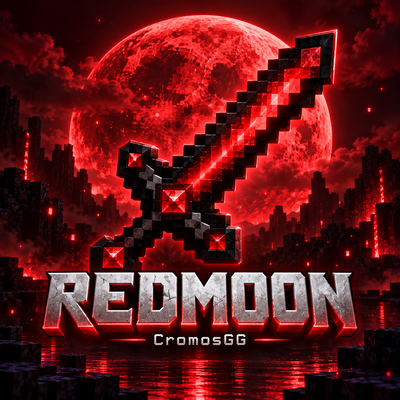
A new Redmoon icon pairs the crimson moon with a red PvP sword and the CromosGG signature.
📦 Installation
- Download the .mcpack file from this project's Files section.
- Open the file with Minecraft Bedrock to import it.
- Go to Settings → Global Resources → My Packs and activate Redmoon to apply the main-menu theme as well.
- Restart Minecraft if the interface changes do not appear immediately.
Pack conflicts: Other packs that change the HUD, menus, font or sky may override parts of Redmoon. Place Redmoon above conflicting packs in your active resource list.
Edition: Minecraft Bedrock Edition. This download is a resource pack.
Redmoon • CromosGG
Crimson equipment. Transparent inventory. A new atmosphere for your PvP sessions.
- Edition: Minecraft Bedrock
- File type: .mcpack
- Minecraft versions listed: 1.21.122, 1.21.123, 1.21.124
- How to install: Download the .mcpack. → Open it — Minecraft imports it under Resource Packs. → Activate it in Global Resources, or for one world under Resource Packs → Available.
- Where to get it: Opens on CurseForge — not every file is mirrored on our own servers.
Install steps are the general flow for this file type — How to install Minecraft Bedrock texture packs walks through it step by step.
- Pack type: .mcpack — a single pack
- Manifest requires Minecraft 1.16.0 or newer
- Complete pack — everything it depends on is inside the file
- Download size: 9.2 MB
- Download link checked 25 Oct 2026 — working
These come from our own check of the pack file, not from the source page.