
Verity 4D
Bedrock skin pack listed for Minecraft 1.21–26.x. File opened and checked on 25 Oct 2026; installs from the MC Skins app on Android.
⬇ Download on CurseForge
Verity 4D
Ever wanted to play as Verity? With this skinpack you can!
(Unnoficial Skinpack)
Images
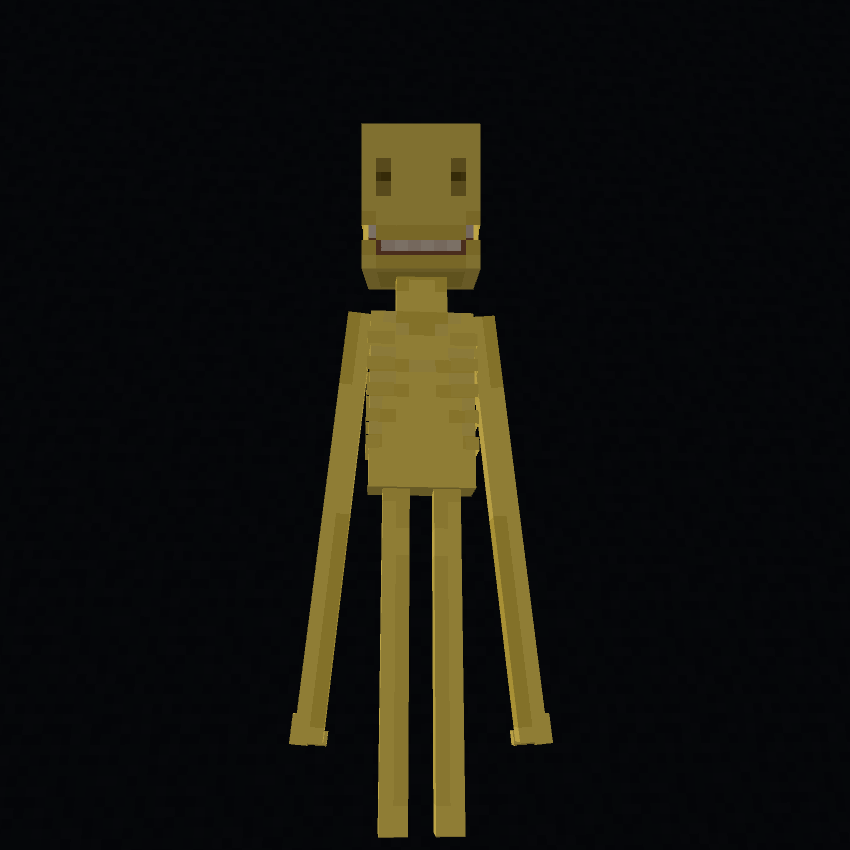
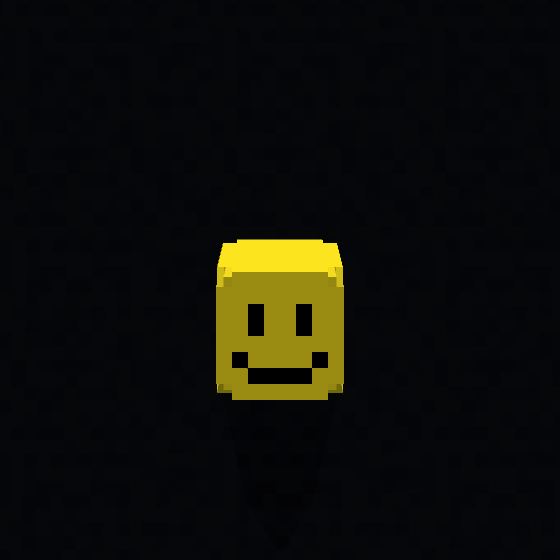
How To Import
IMPORTANT!
For Both iOS & Windows You MUST Have The Free Crafty Costumes Skinpack Or This Will Not Work!
Windows 11
1) Download The PC+iOS Version Of The Skinpack
2) Rename The File From A .mcpack To .zip And Extract The Zip File
3) Press Win + R On Your Keyboard And Paste This Directory:
%AppData%\Minecraft Bedrock\premium_cache\skin_packs
4) Delete Everything Inside of the skin_packs Folder
5) Move Your Extracted Zip File To The skin_packs Directory
6) Start Minecraft And You Will Have The Skins
iOS & iPadOS
1) Download The PC+iOS Version Of The Skinpack
2) Rename The File From A .mcpack To .zip And Extract The Zip File
3) Go To On My iPhone (Or iPad)/Minecraft/internal/premium_cache/skin_packs
4) Delete Everything Inside Of The skin_packs Folder
5) Move The Extracted Zip Folder To On My iPhone (Or iPad)/Minecraft/internal/premium_cache/skin_packs
6) Start Minecraft And You Will Have The Skins
Android
1) Download The ANDROID Version Of The Skinpack
2) Rename The File From .mcpack To .zip And Extract The Zip File
3) Follow This Tutorial: https://youtu.be/QiWm9PL4Lgg?si=rZuVOBBgq32p3hXu
Credits
All Credits Go To @ThatMob For Anything Verity Related!
- Edition: Minecraft Bedrock
- File type: .mcpack
- Minecraft versions listed: 1.21, 26.0, 26.3
- How to install: Download the .mcpack skin pack. → Open it — Minecraft imports it. → Open the Dressing Room and select the skin.
- Where to get it: Opens on CurseForge — not every file is mirrored on our own servers.
Install steps are the general flow for this file type — How to apply a custom Minecraft skin walks through it step by step.
- Save it as Verity (ANDROID).mcaddon before opening — it downloads as .mcpack, but it is a .mcaddon pack
- Complete pack — everything it depends on is inside the file
- Download size: 9 KB
- Download link checked 25 Oct 2026 — working
These come from our own check of the pack file, not from the source page.