
SkinsBedrock
Macintosh Skin Pack (26.x, 1.21) – Play As the 1984 Apple Macintosh
Bedrock skin pack listed for Minecraft 1.21. Installs from the MC Skins app on Android.
⬇ Download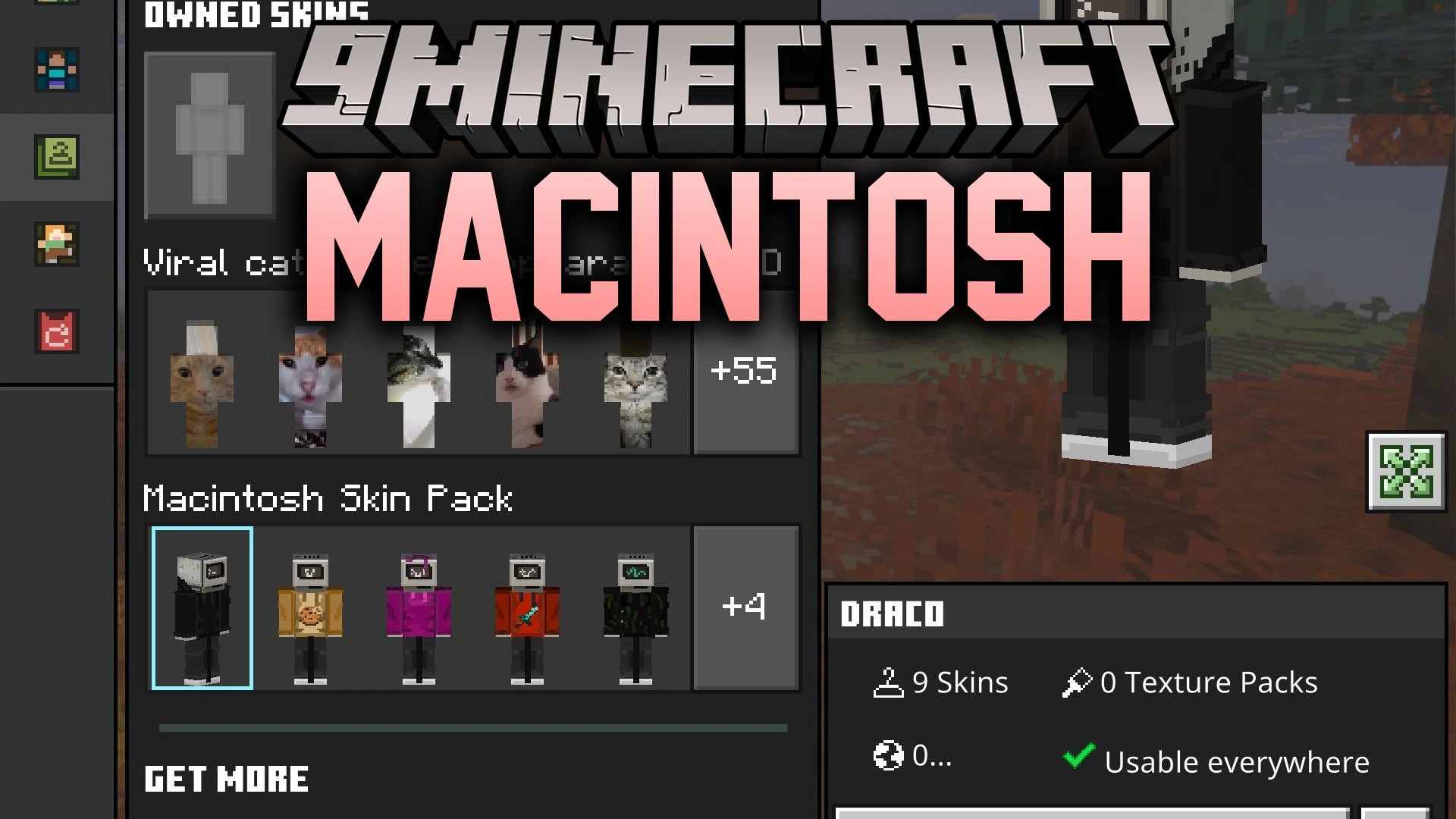


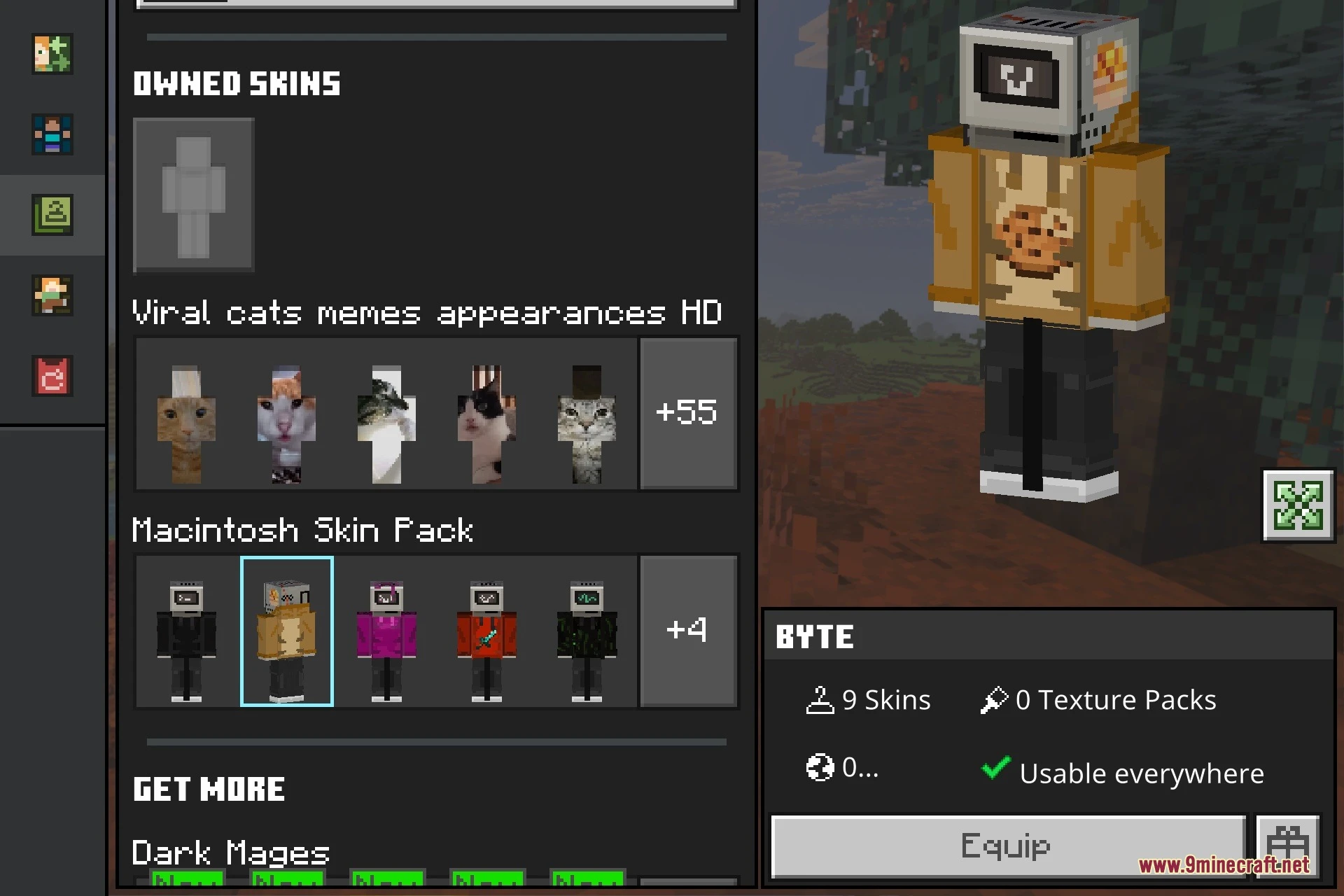


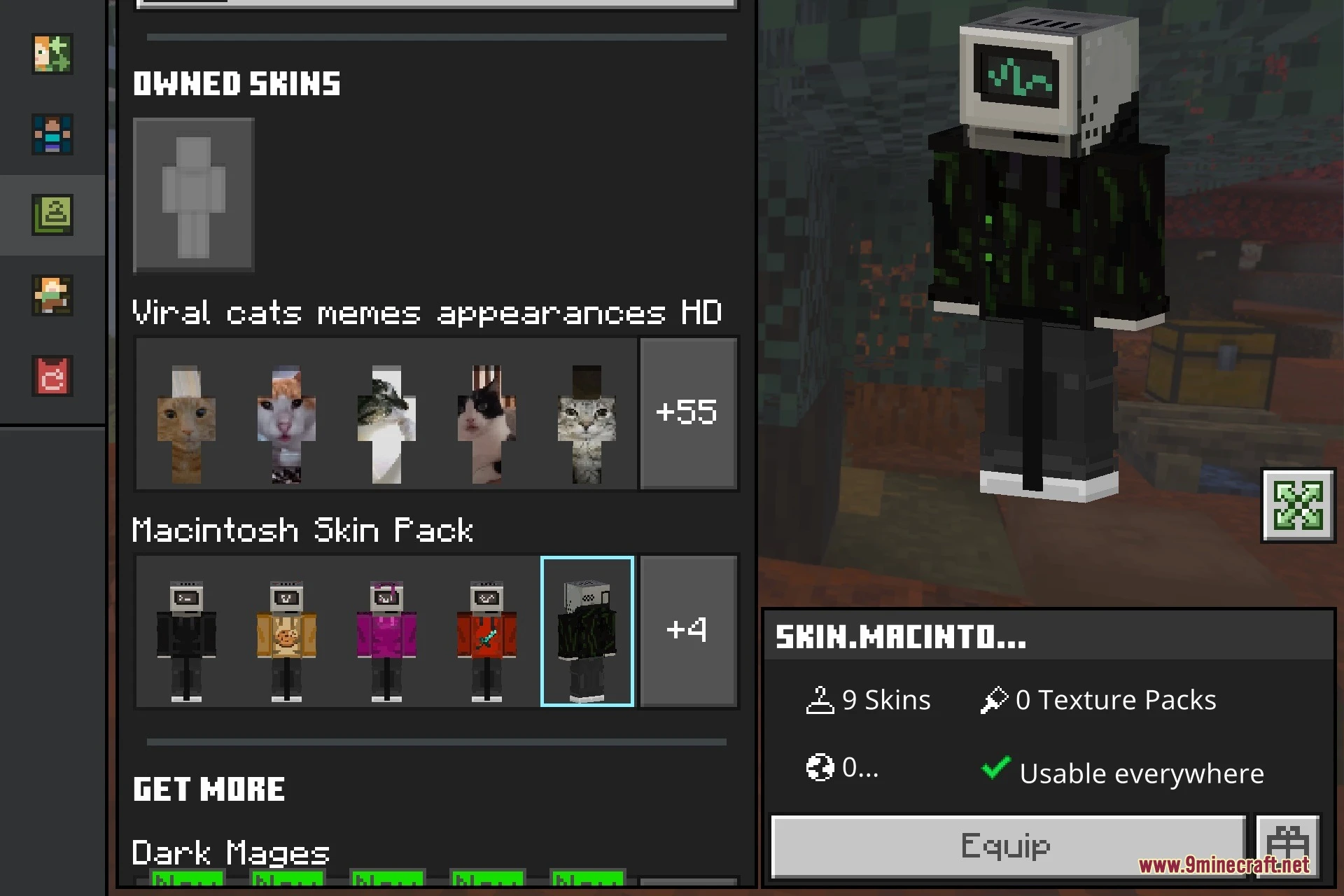
Macintosh Skin Pack lets you play Minecraft Bedrock as Apple’s iconic Macintosh computer from 1984. It adds a set of skins that turn your character into this retro machine. You can pick the variant you like best.

Features:
- Brings the 1984 Apple Macintosh to Minecraft Bedrock as skins.
- Includes the variants Byte, Draco, Elyse, Sierra, and Vesper.
- Also includes the variants Macro, Hex, Vance, and Flint.
- Skins use a 128x texture resolution.
- The creator may add more variants in the future.
Screenshots:


Macintosh Skin Pack Download Links
Quick facts
- Edition: Minecraft Bedrock
- File type: .mcpack
- Minecraft version listed: 1.21
- How to install: Download the .mcpack skin pack. → Open it — Minecraft imports it. → Open the Dressing Room and select the skin.
- Where to get it: In MC Skins, or directly above on this page.
Install steps are the general flow for this file type — How to apply a custom Minecraft skin walks through it step by step.
File checked by MCModsHub
- Pack type: .mcpack — a single pack
- Manifest requires Minecraft 1.21.120 or newer
- Ships one half — this pack asks for another pack that is not included
- Download size: 78 KB
- Download link checked 1 Nov 2026 — working
- Mirrored on our own servers — the download does not depend on the original host
These come from our own check of the pack file, not from the source page.