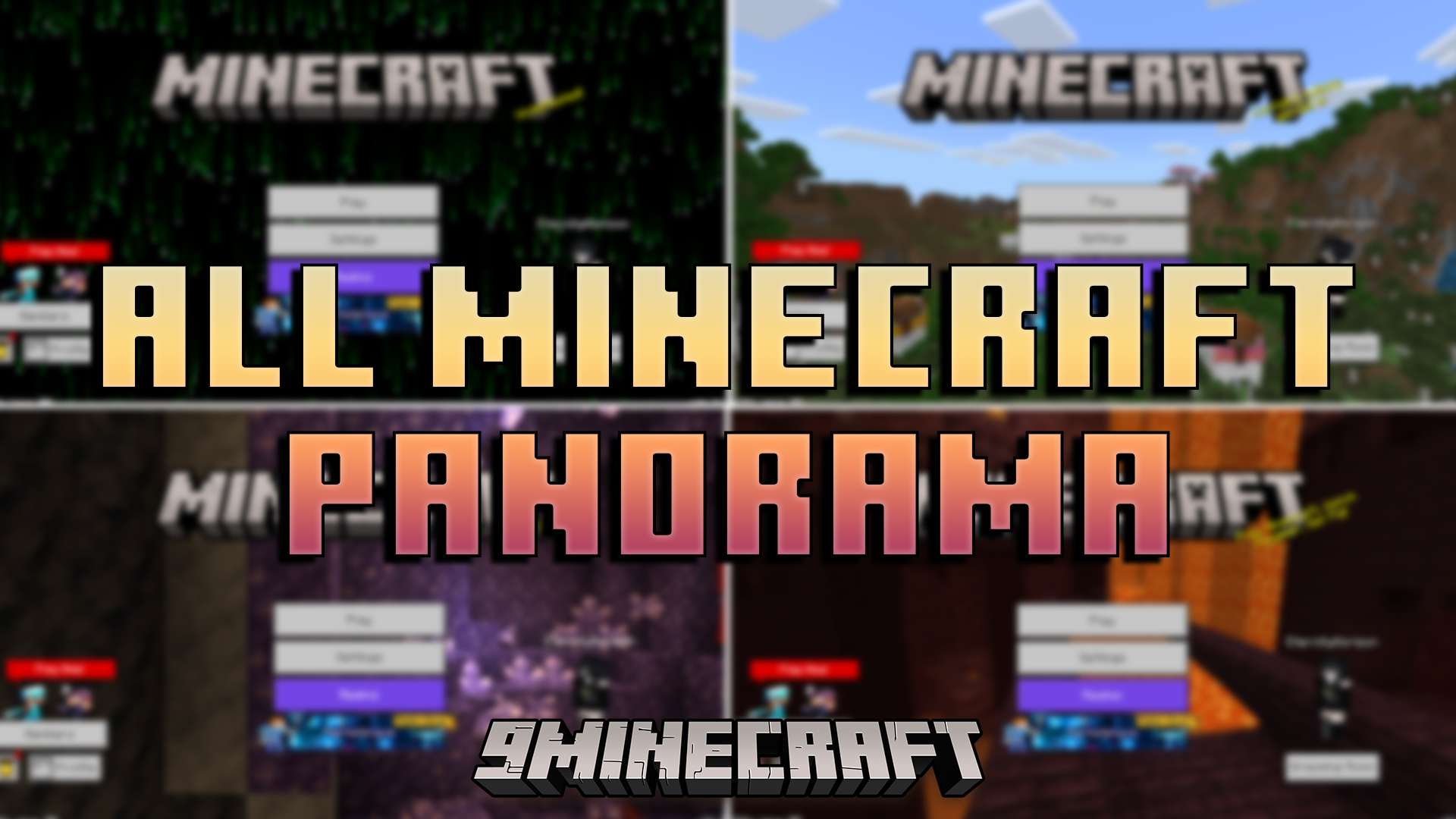
All Minecraft Panorama Texture Pack (26.x, 1.21) – Unlock 54 Classic Menu Backgrounds
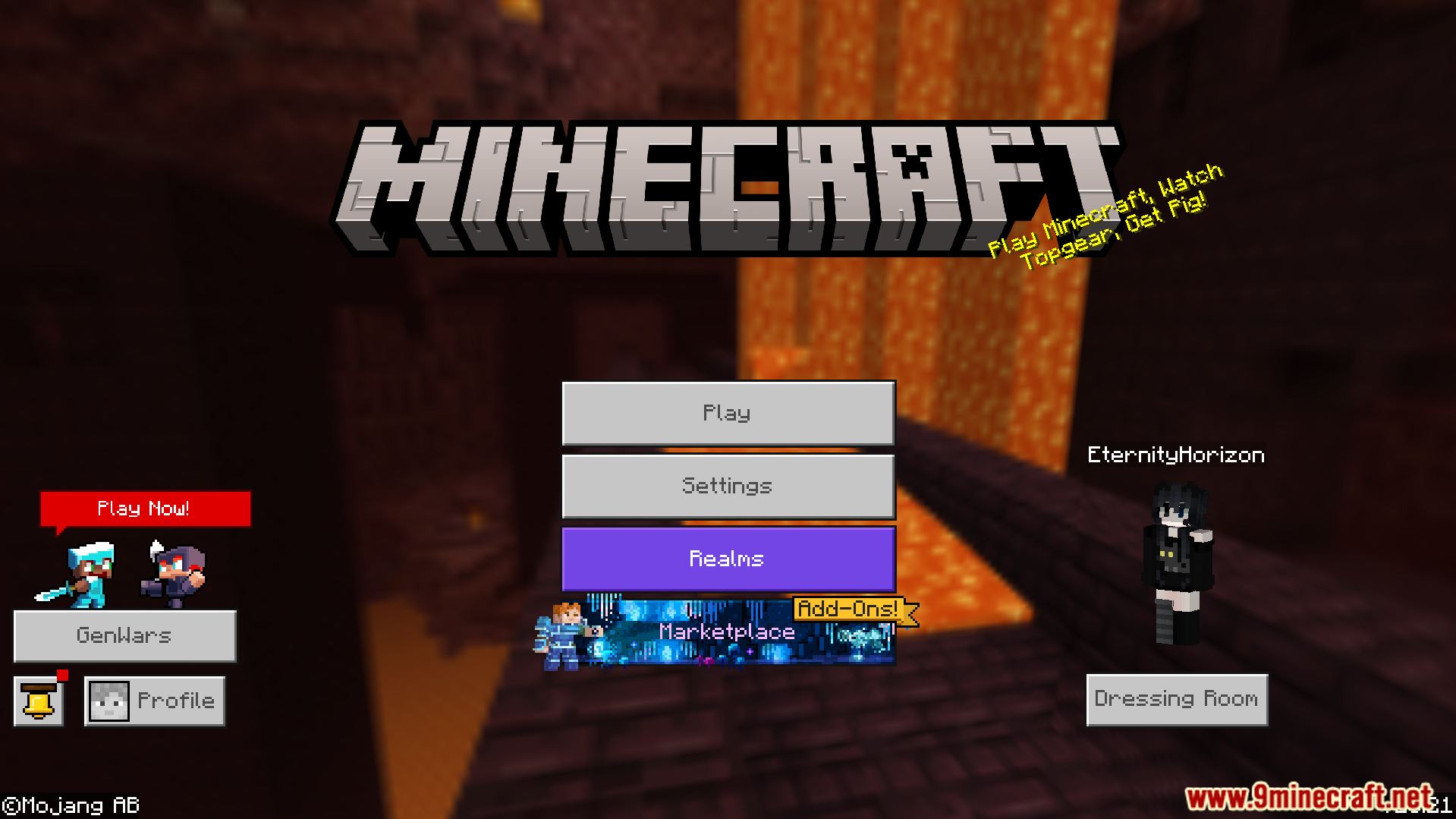
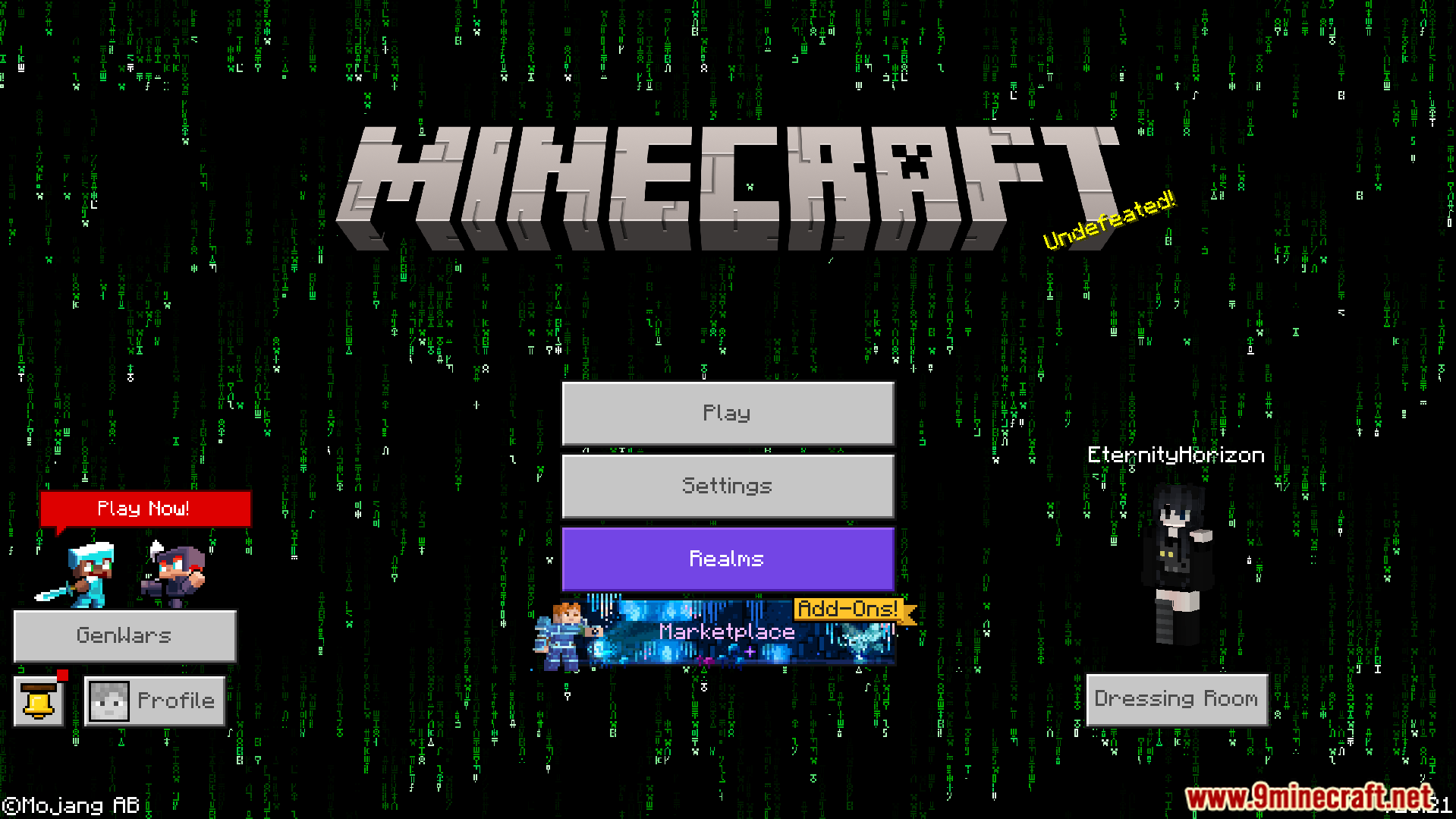
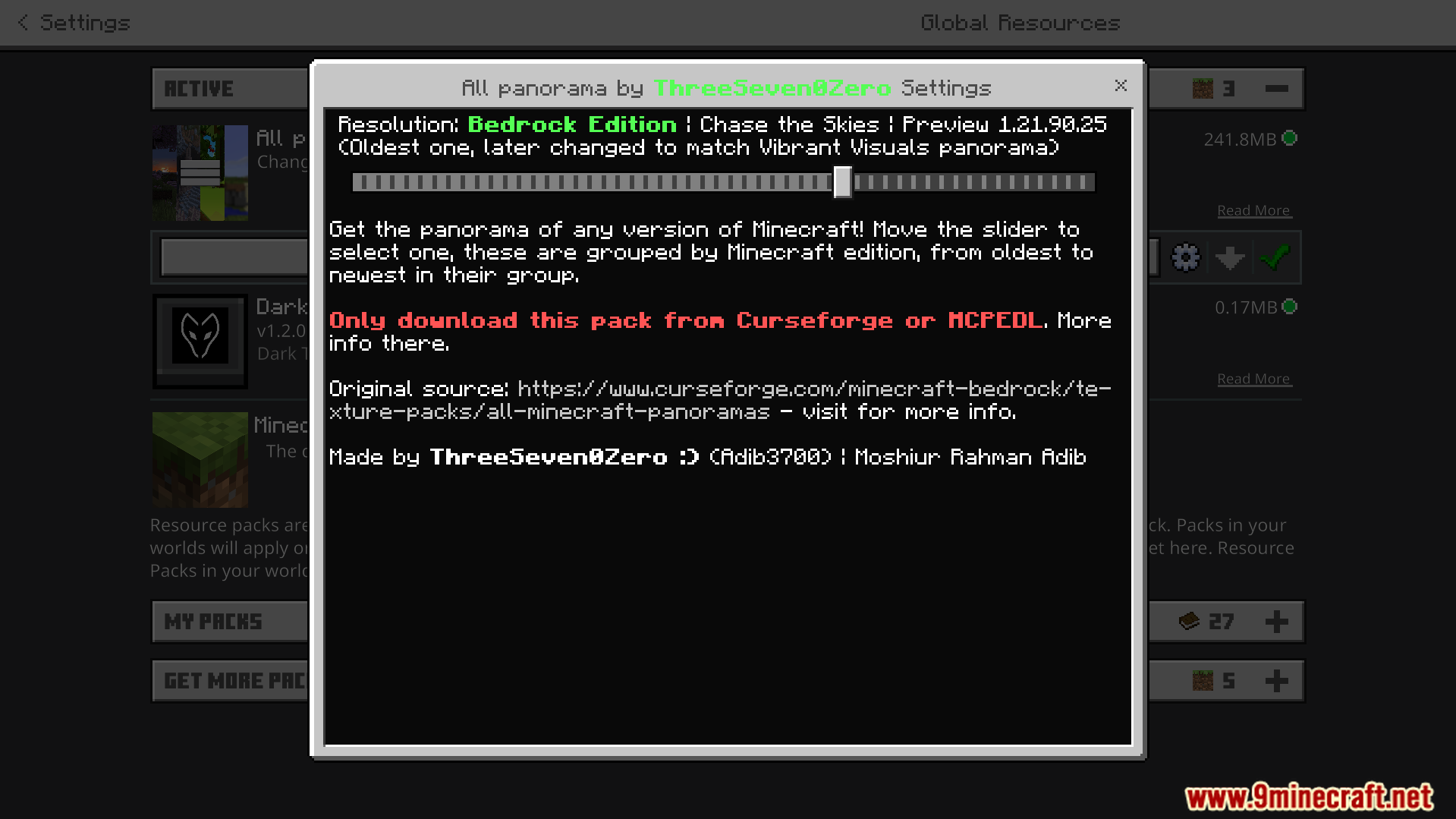
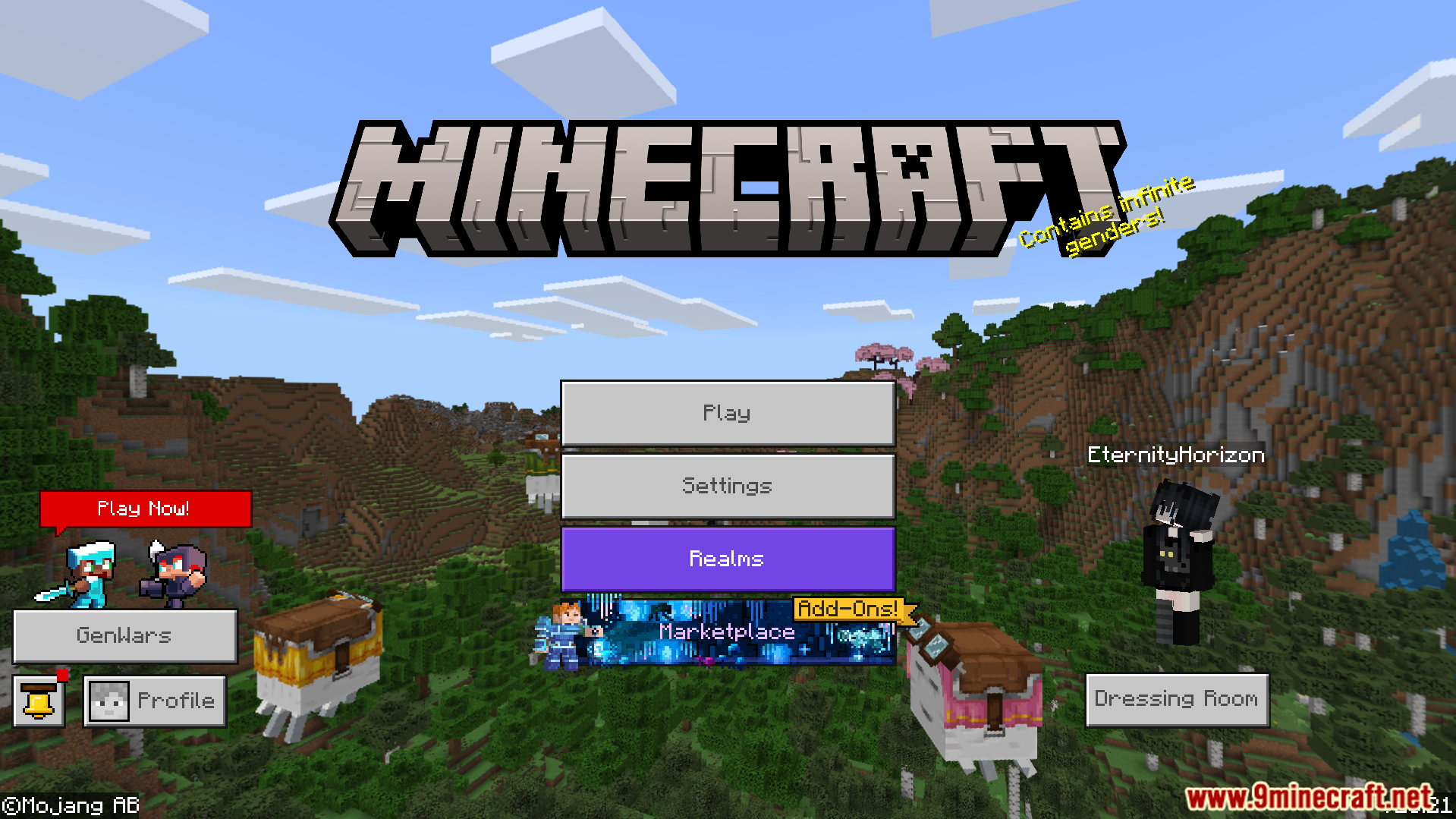
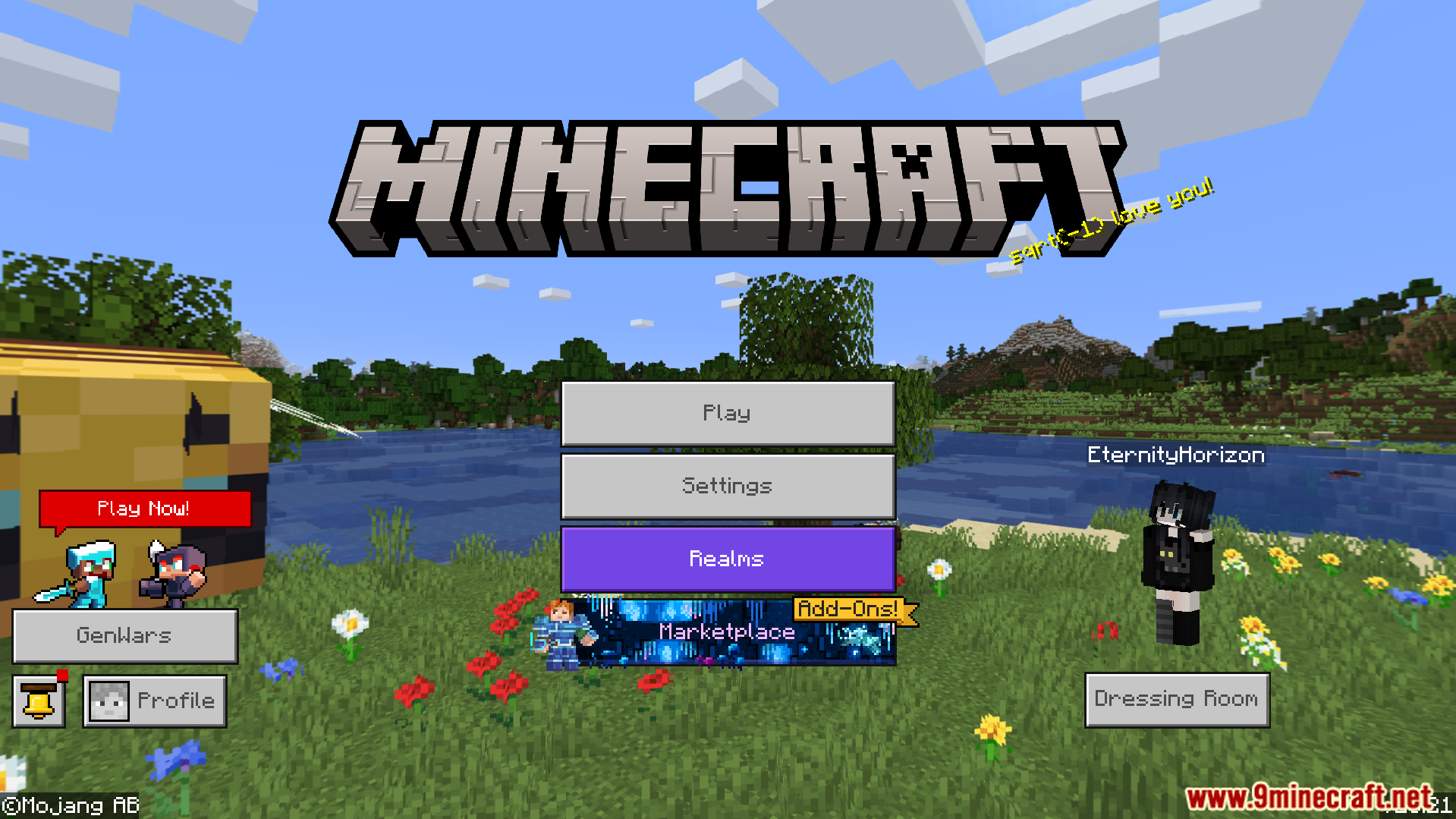
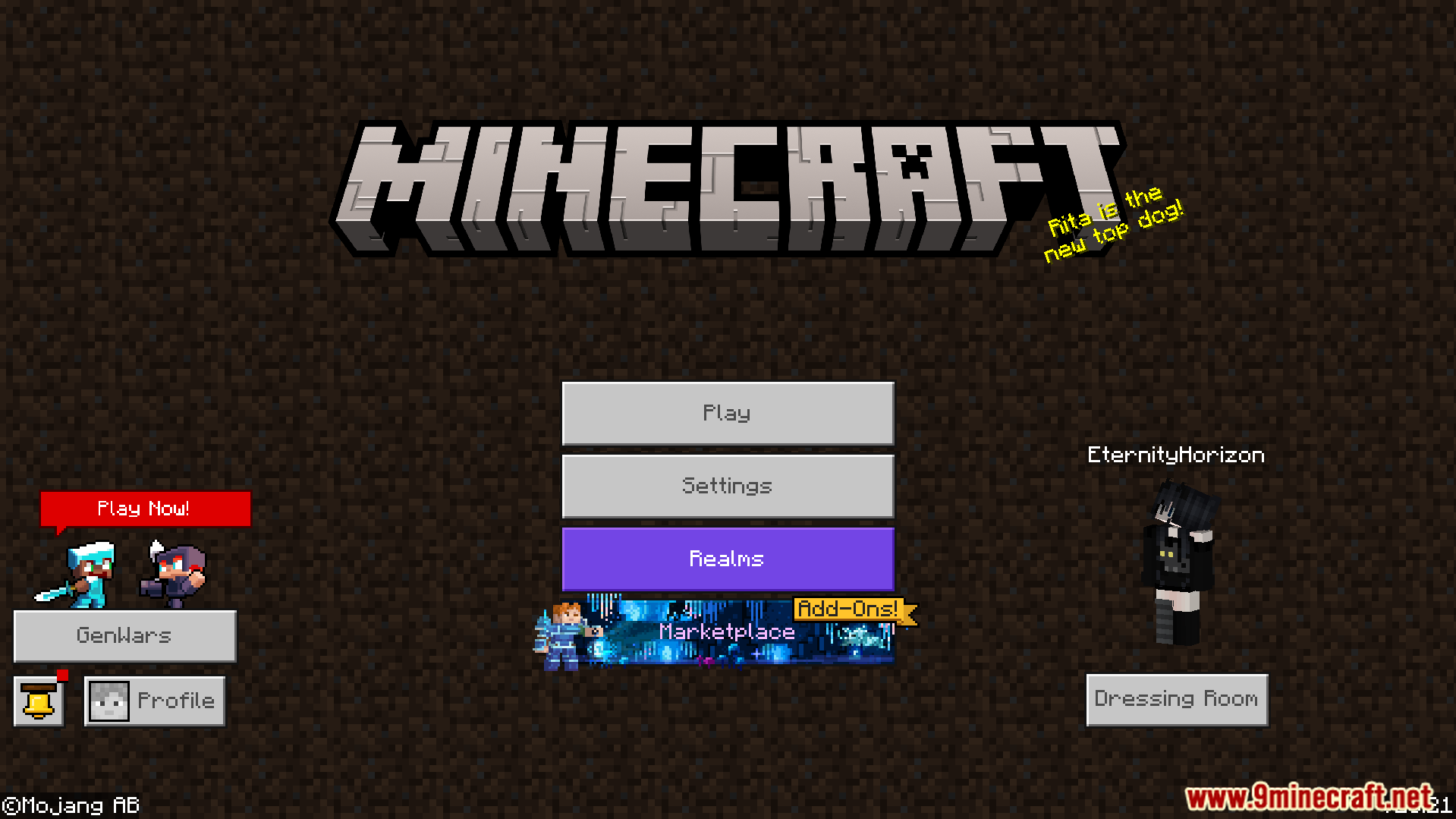
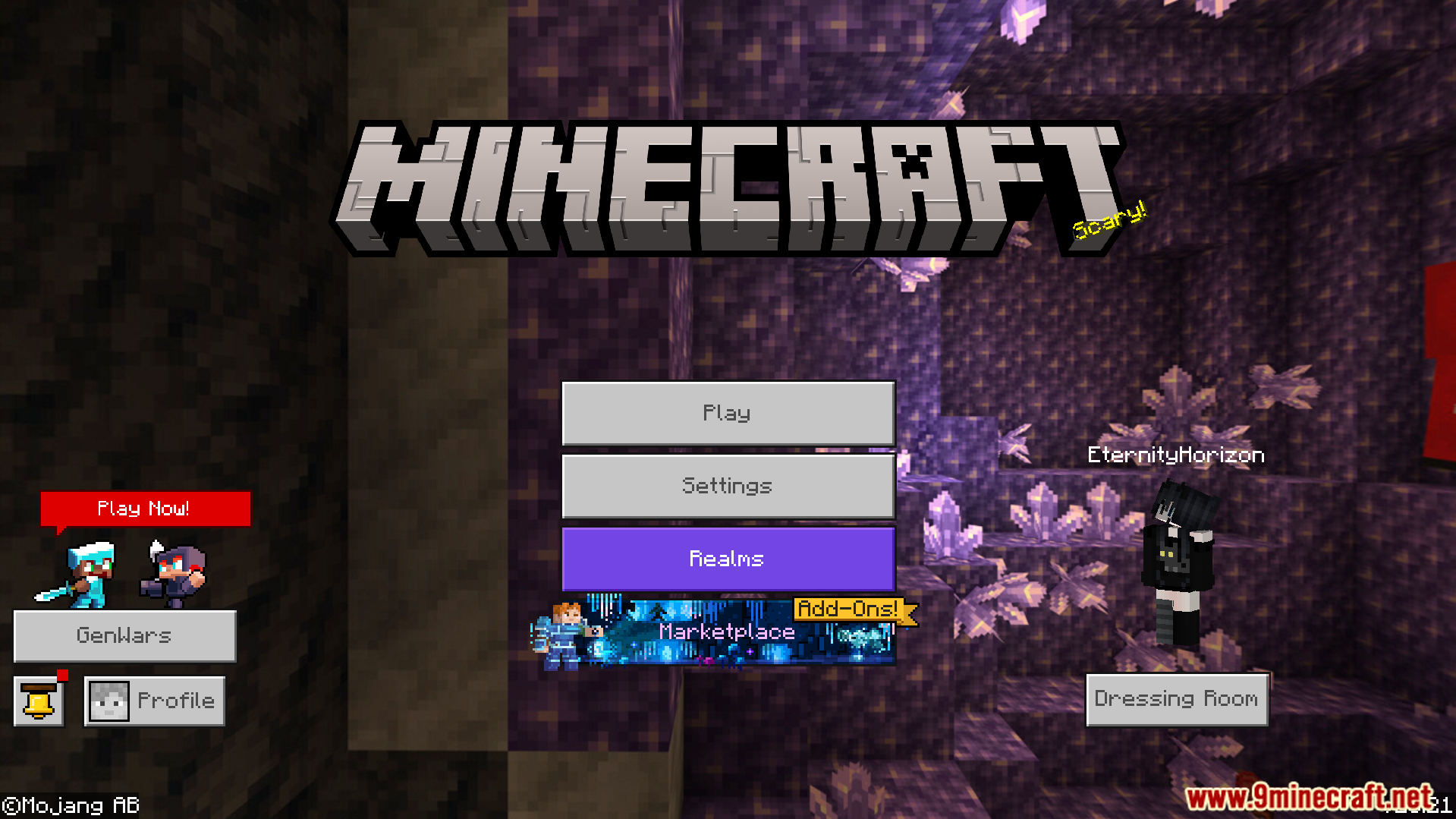
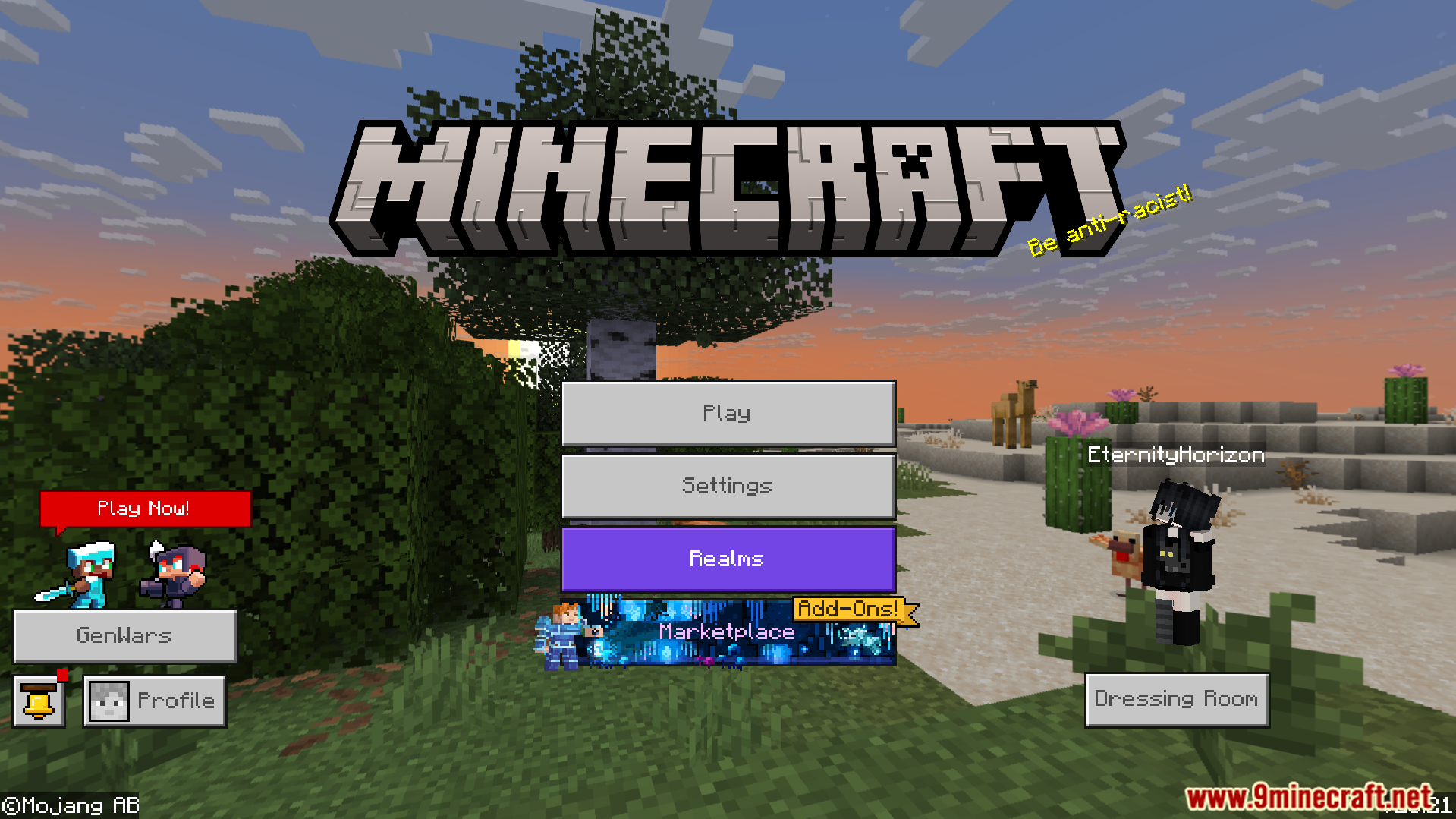
All Minecraft Panorama Texture Pack lets you change your main menu background to any classic design. This pack adds 54 different options from older versions and special events. It allows you to pick your favorite look from different game editions easily.
Features:
- Features 54 different menu backgrounds to choose from.
- Includes backgrounds from older game versions and events.
- Brings menus from the Education and 3DS editions.
- Keeps all images in their highest original quality.
- Adds special options for Vibrant Visuals users.
Configuration:
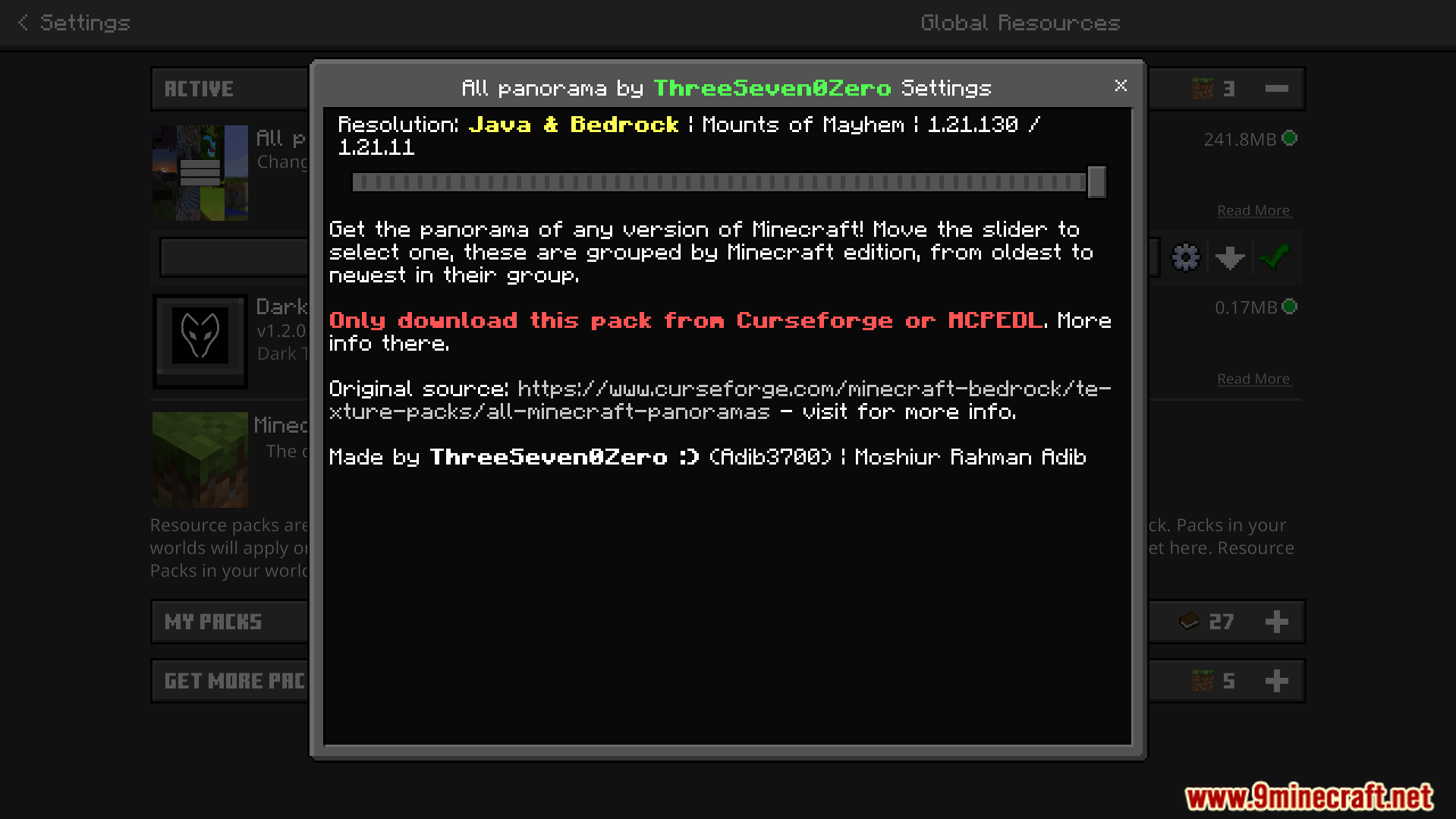
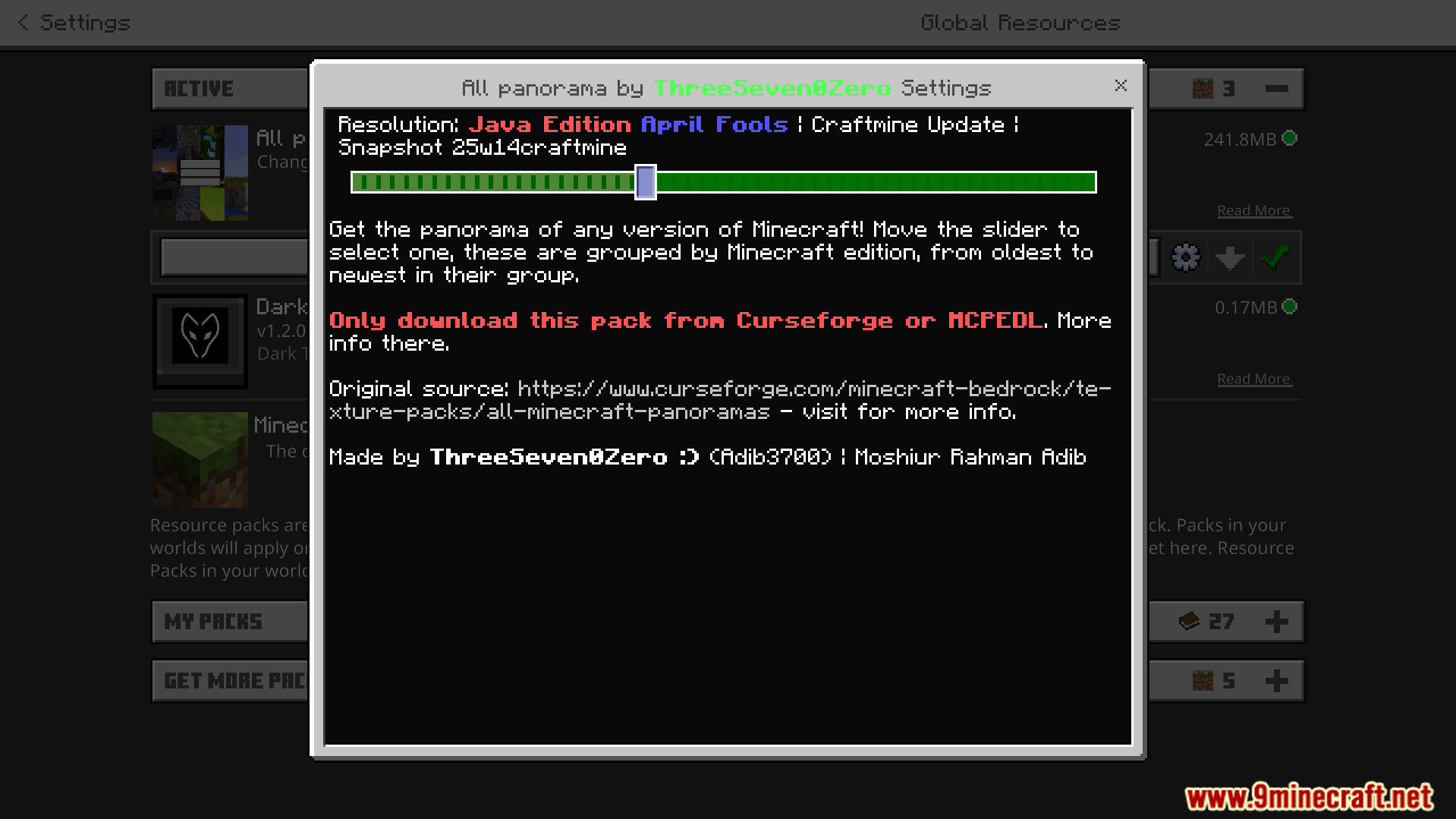
You can change your active background directly in the pack settings menu. Players must select the specific Vibrant Visuals options if they have that feature enabled.
Screenshots:
All Minecraft Panorama Texture Pack Download Links
- Edition: Minecraft Bedrock
- File type: .mcpack
- Minecraft version listed: 1.21
- How to install: Download the .mcpack. → Open it — Minecraft imports it under Resource Packs. → Activate it in Global Resources, or for one world under Resource Packs → Available.
- Where to get it: Opens on the file's original source — not every file is mirrored on our own servers.
Install steps are the general flow for this file type — How to install Minecraft Bedrock texture packs walks through it step by step.
All Minecraft Panorama Texture Pack (26.x, 1.21) – Unlock 54 Classic Menu Backgrounds is a free Minecraft Bedrock texture pack. Compatible with Minecraft 1.21. Download it and open it directly in the game.