Home›Bedrock›Texture packs›Crosshair Indicator Texture Pack (26.x, 1.21) – Red Crosshair For Perfect Combat Timing
Texture packsBedrock
Crosshair Indicator Texture Pack (26.x, 1.21) – Red Crosshair For Perfect Combat Timing
Bedrock texture pack listed for Minecraft 1.21. File opened and checked on 22 Sep 2026; installs from the MC Bedrock Mods app on Android.
⬇ Download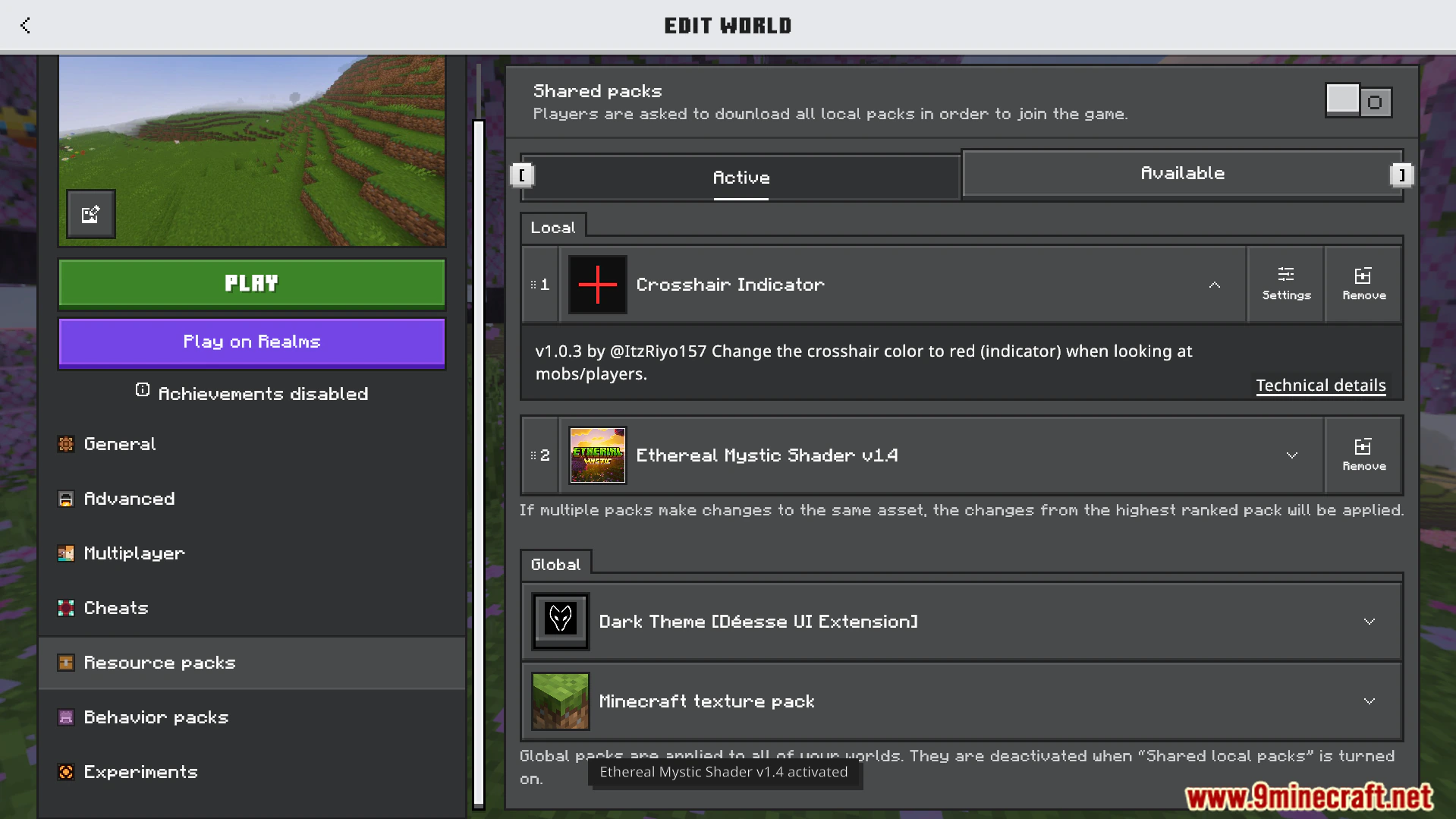
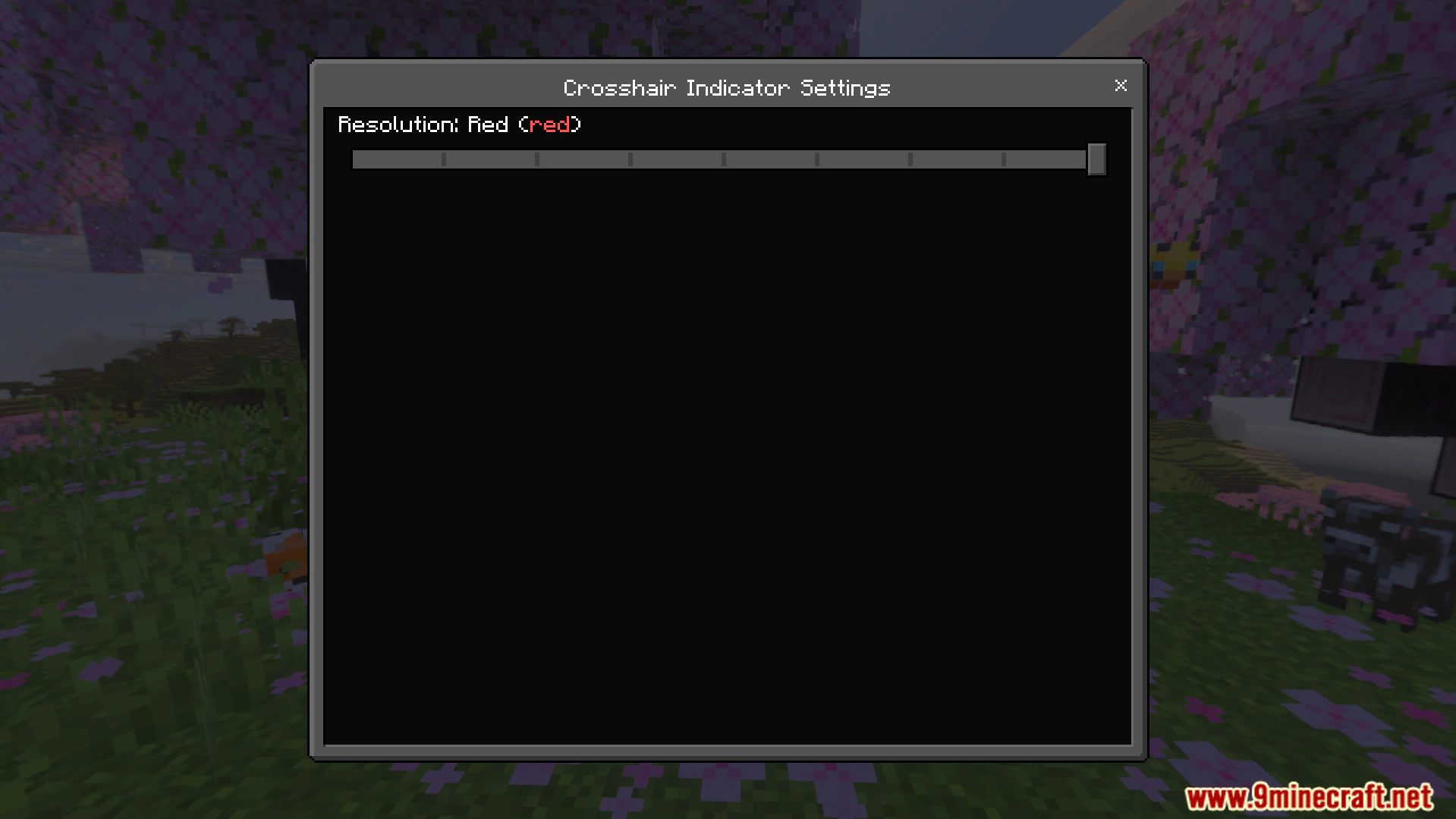
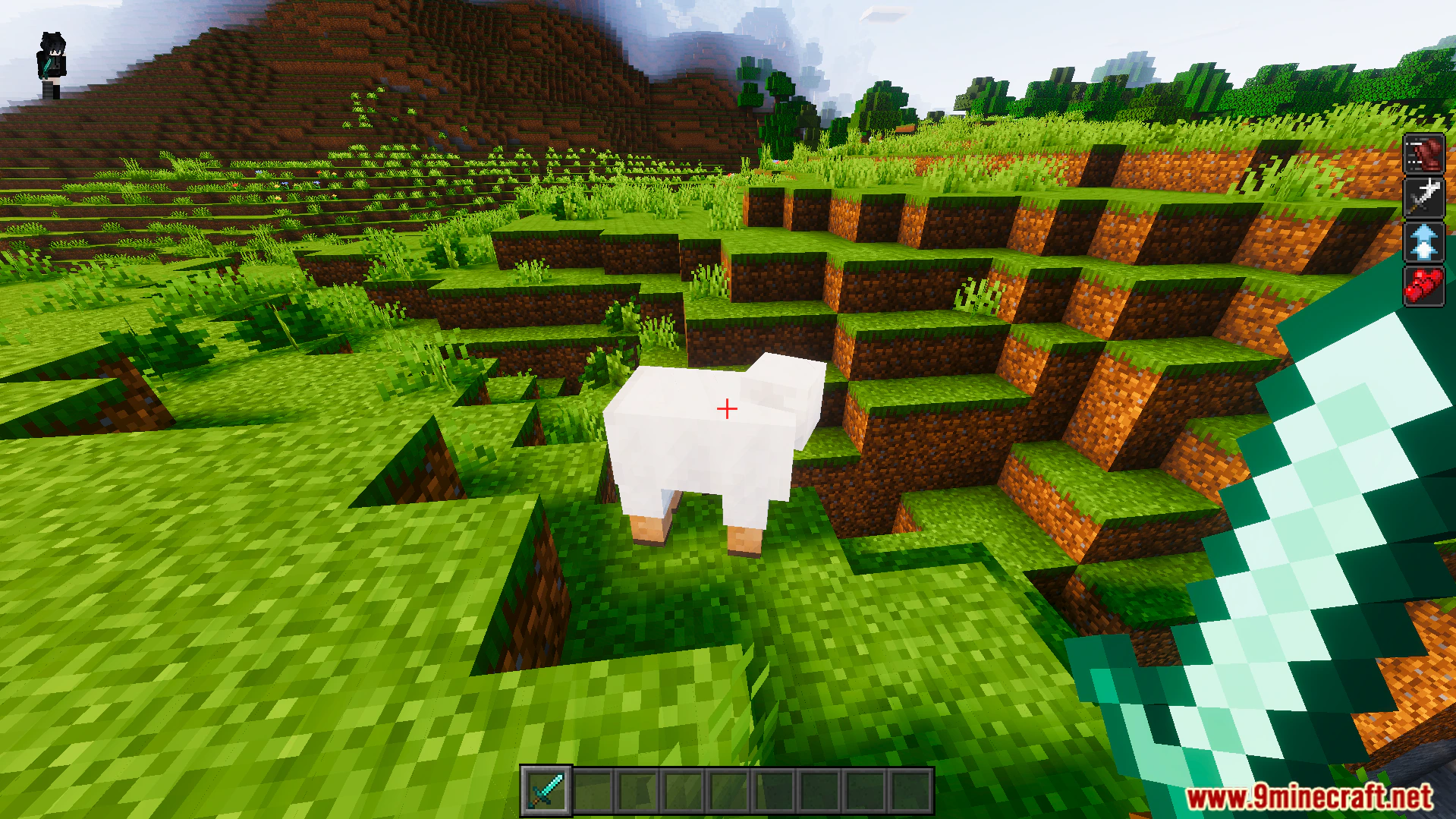
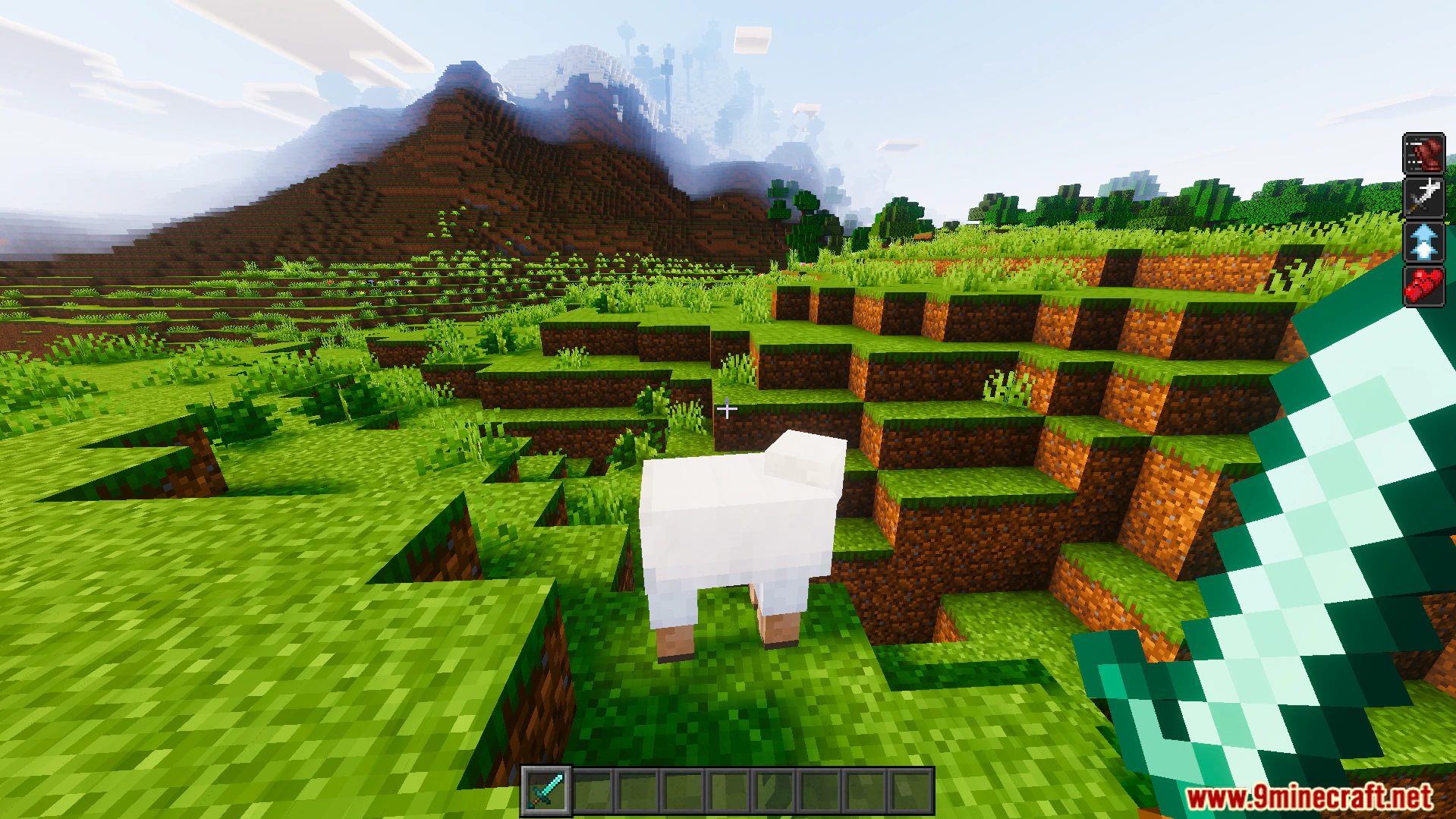
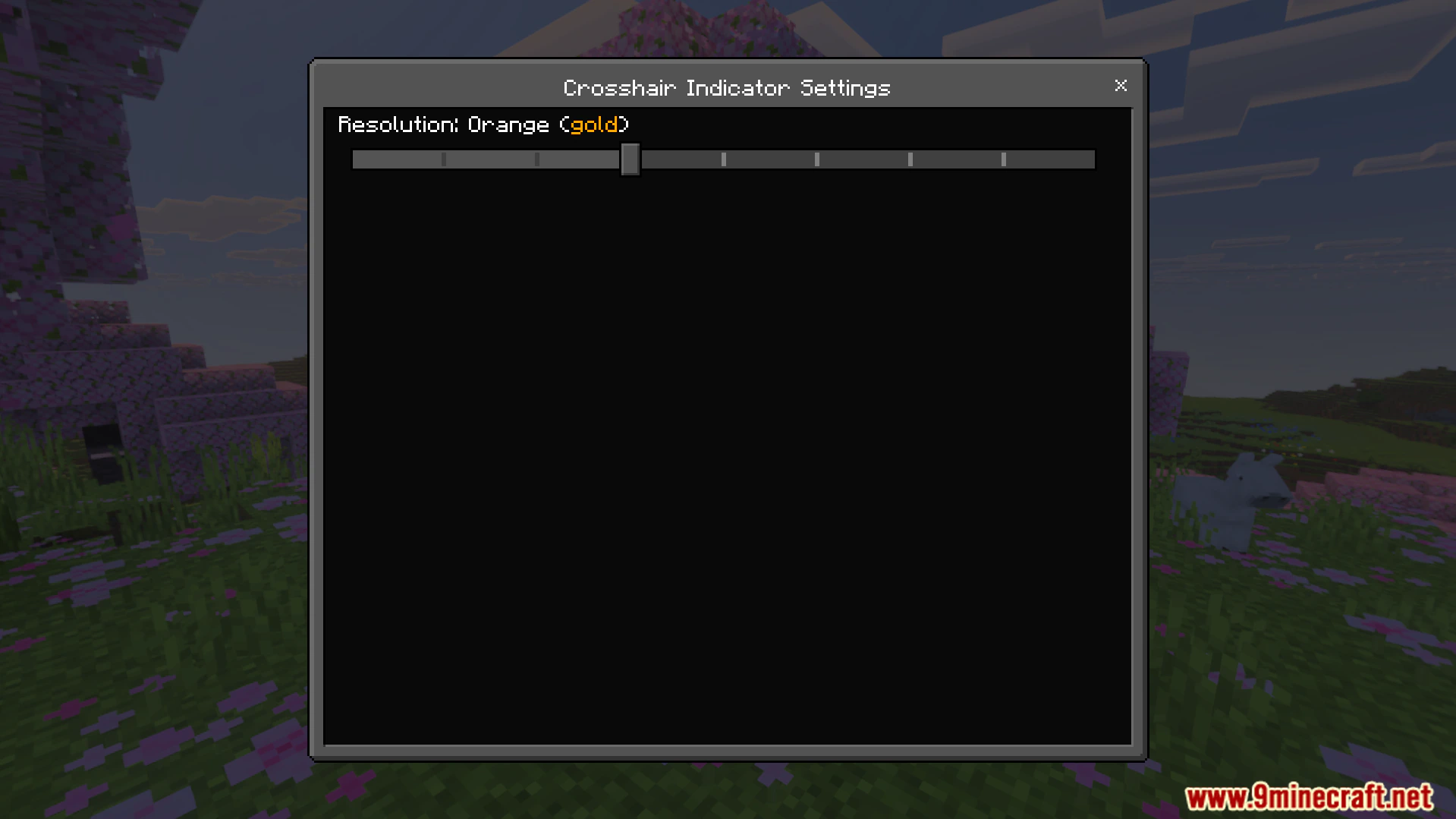
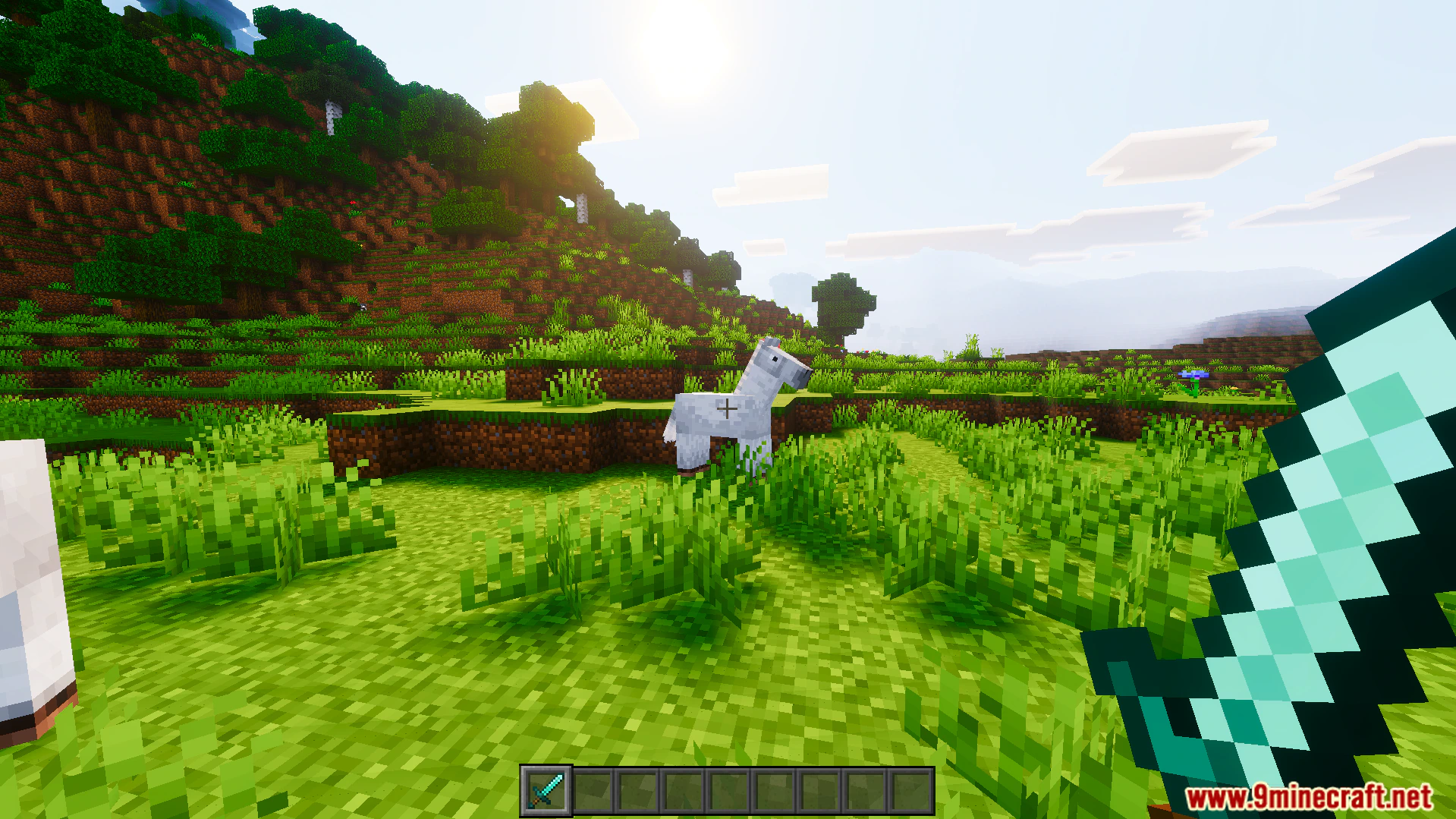
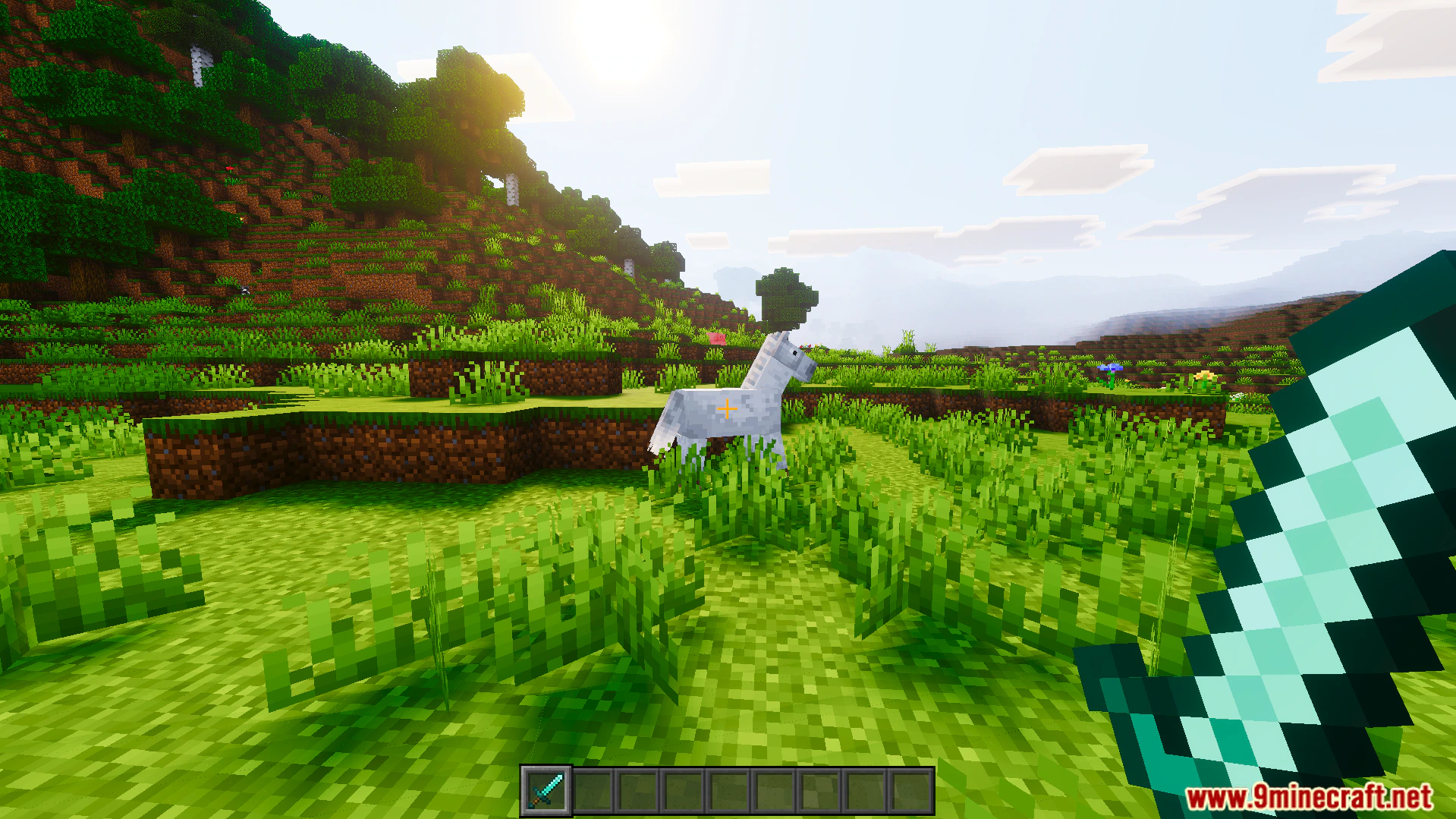
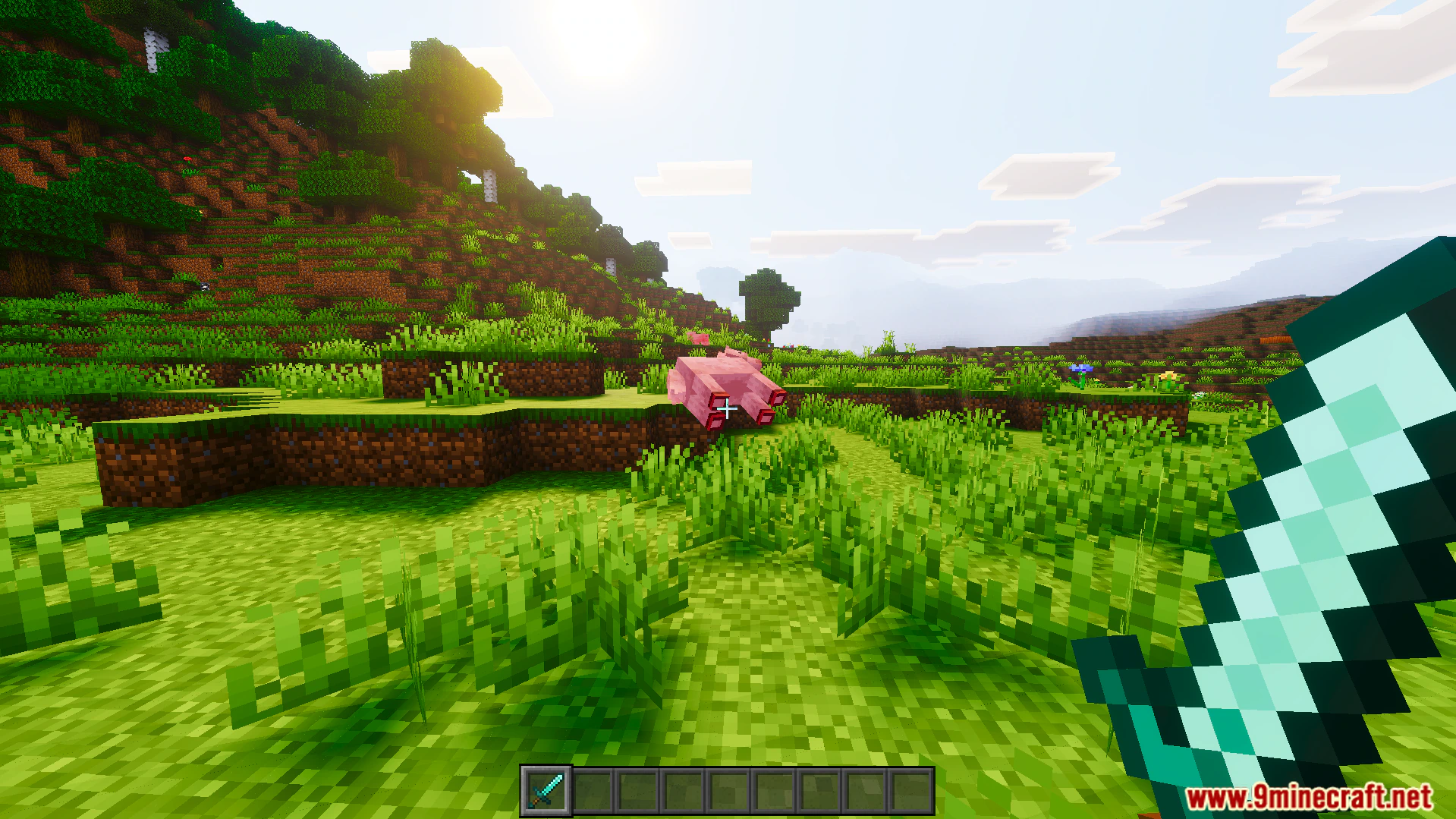
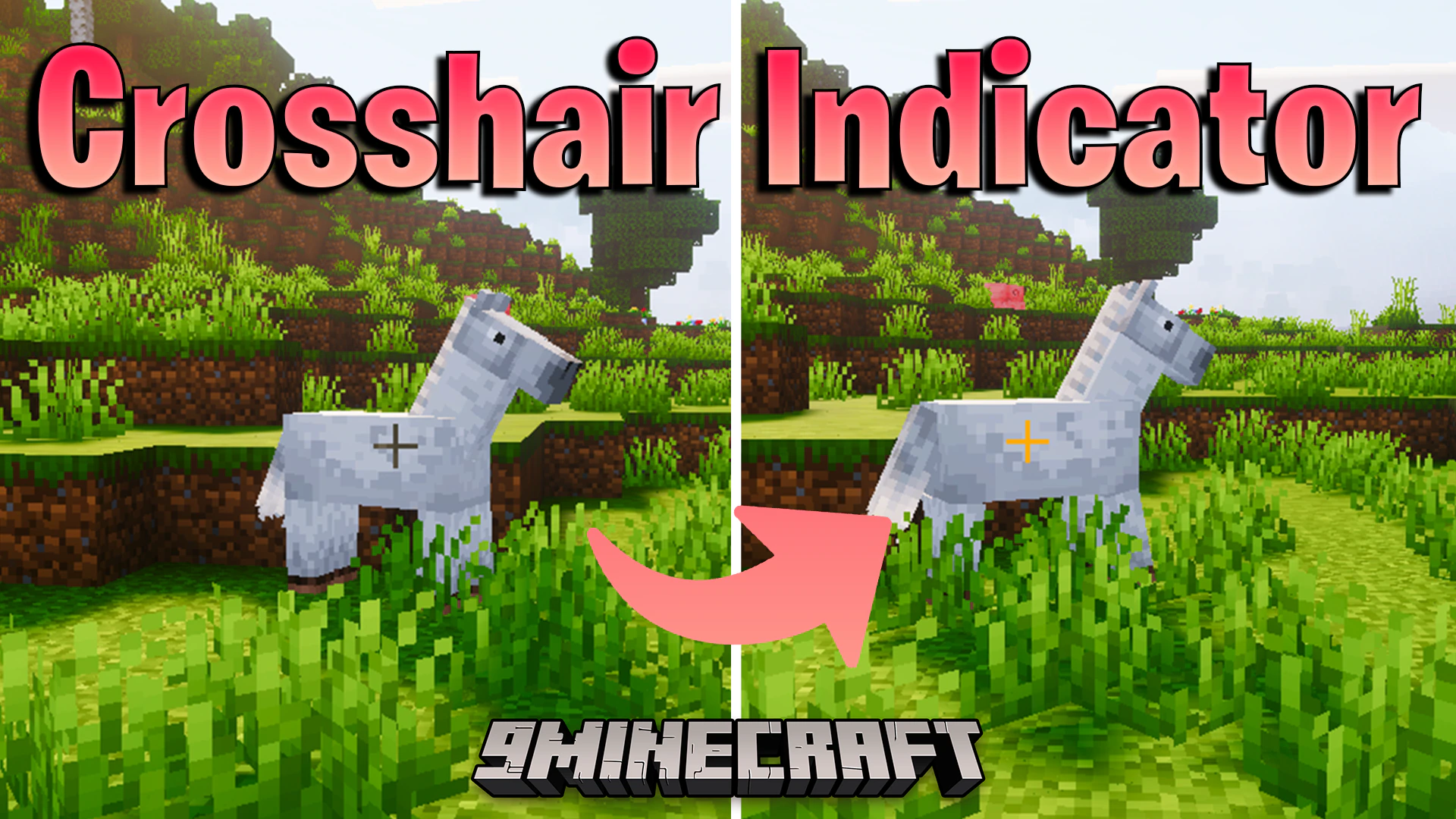
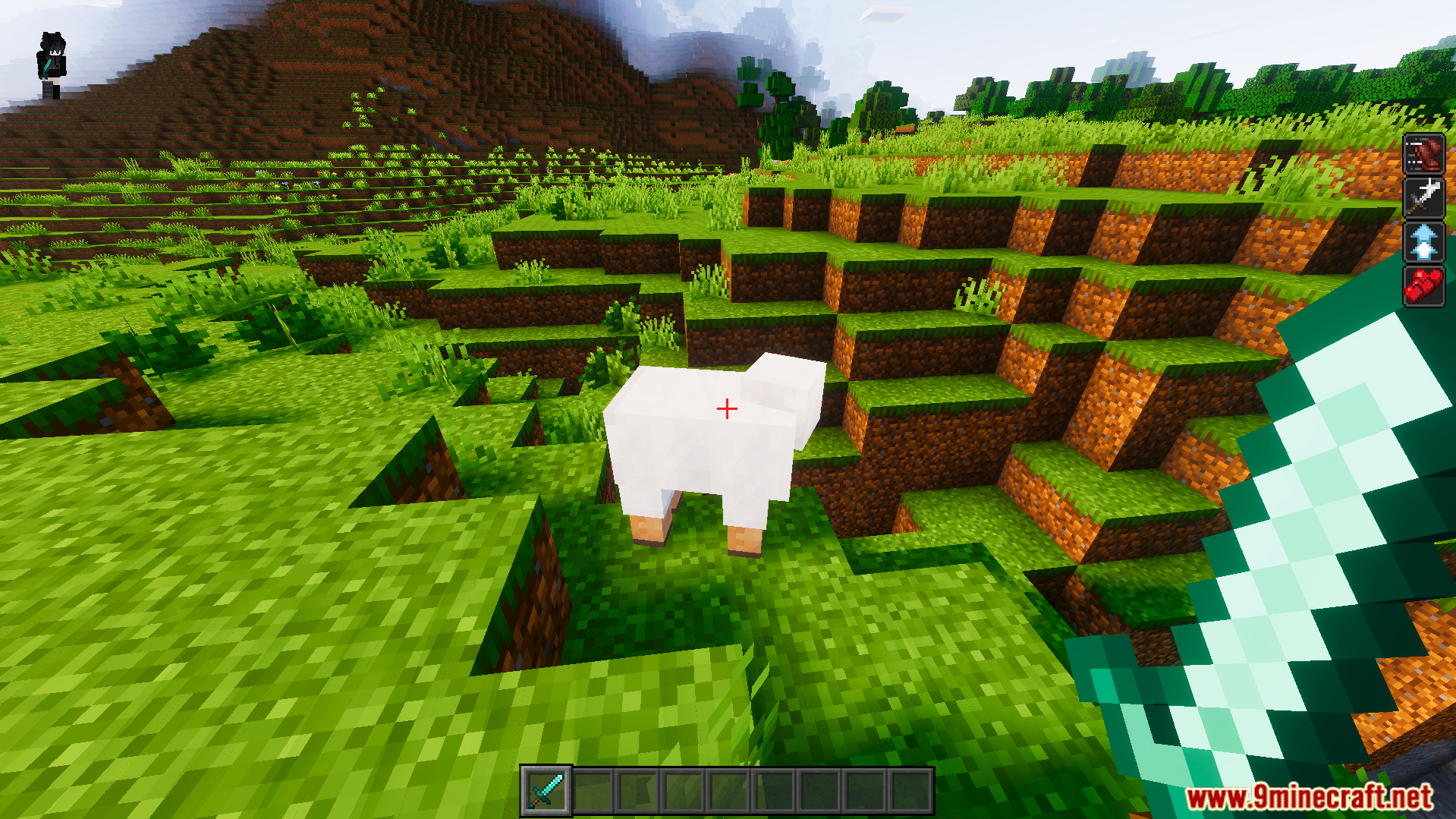
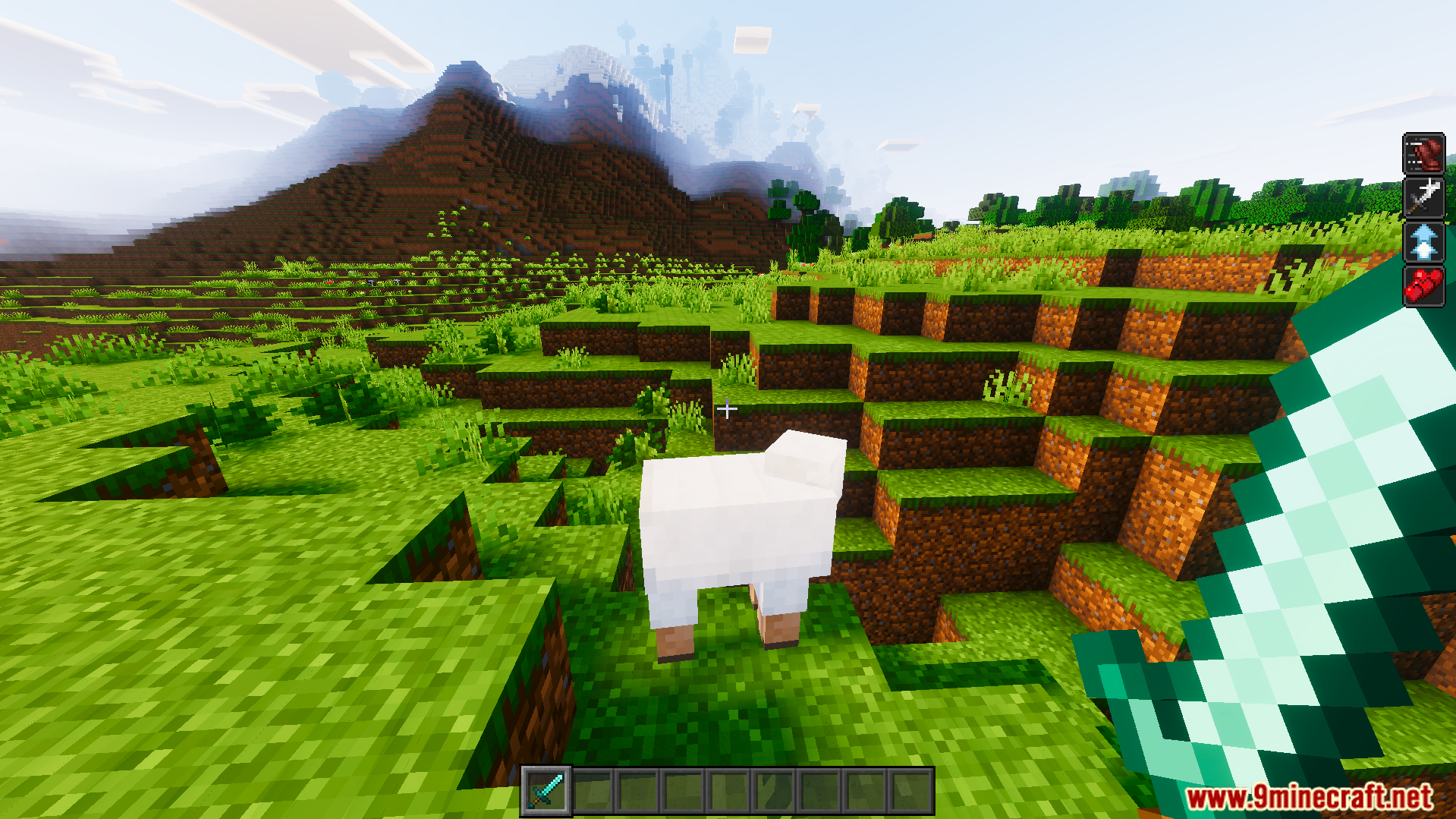
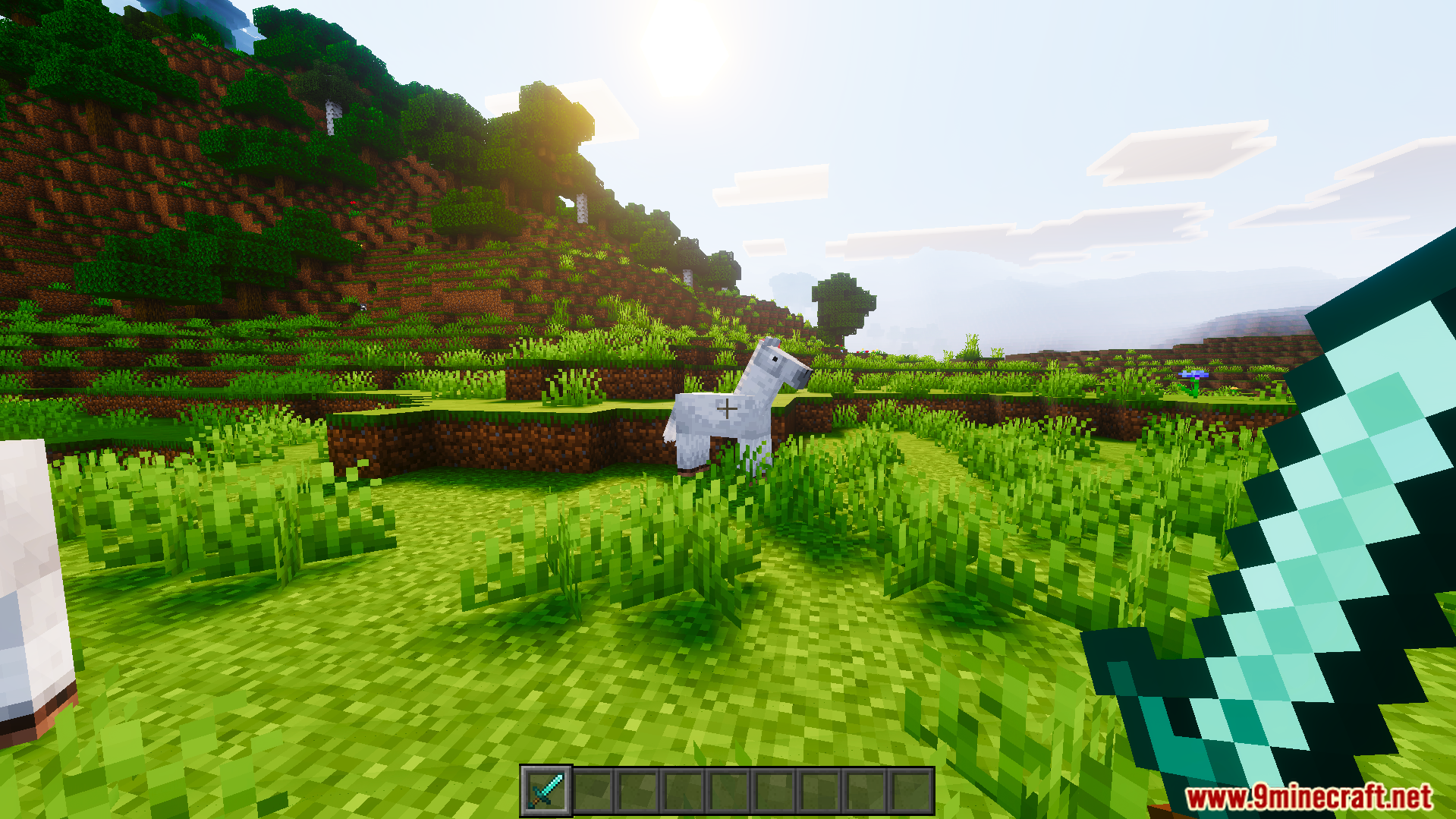
Crosshair Indicator Texture Pack lets you know exactly when you can hit your target in combat. This pack changes your screen crosshair to a bright red color whenever a mob or player is close enough to attack. It helps you time your hits perfectly during exciting battles.
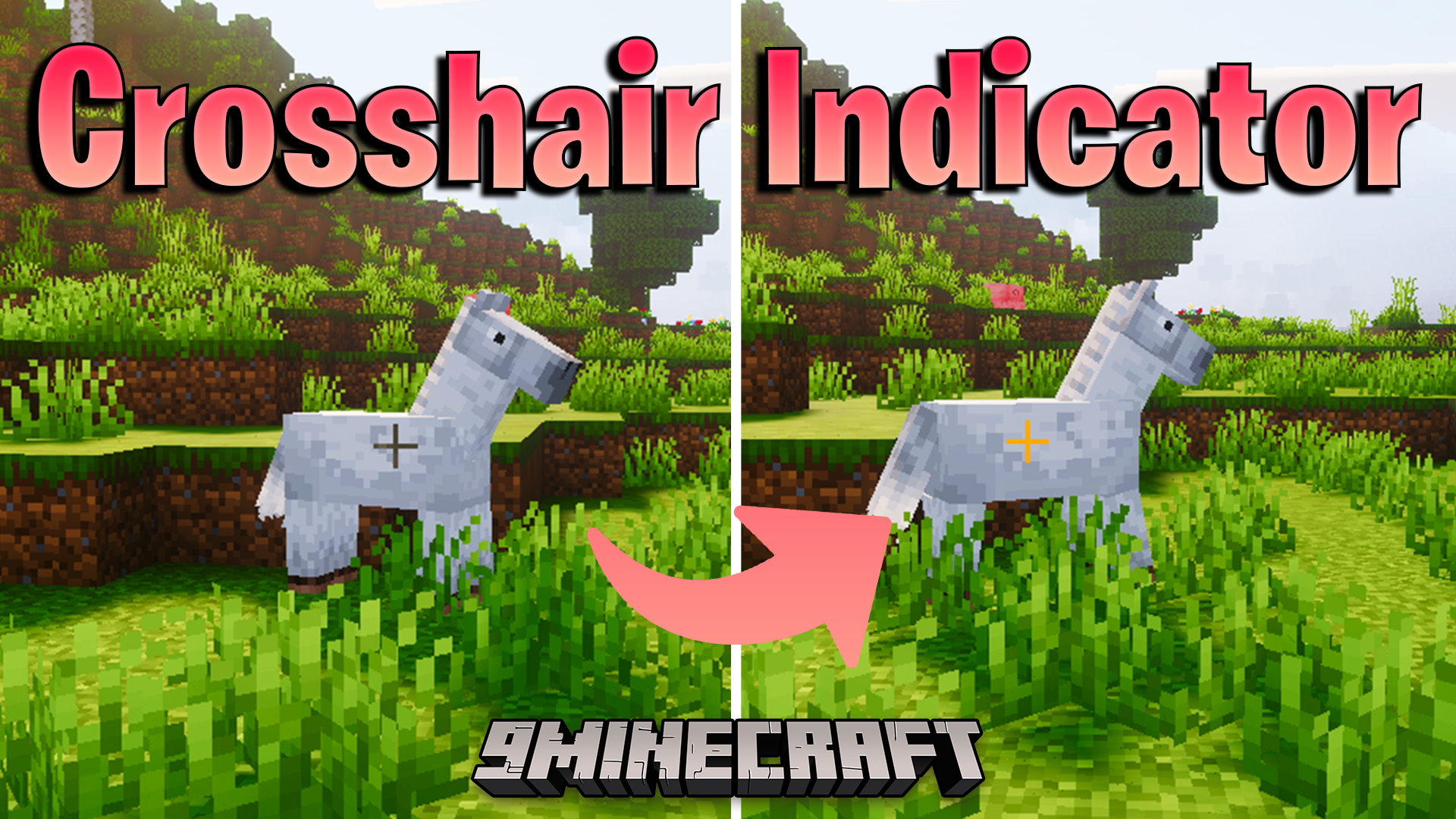
Features:
- Turns your crosshair red when looking at targets.
- Helps you know the exact moment to attack enemies.
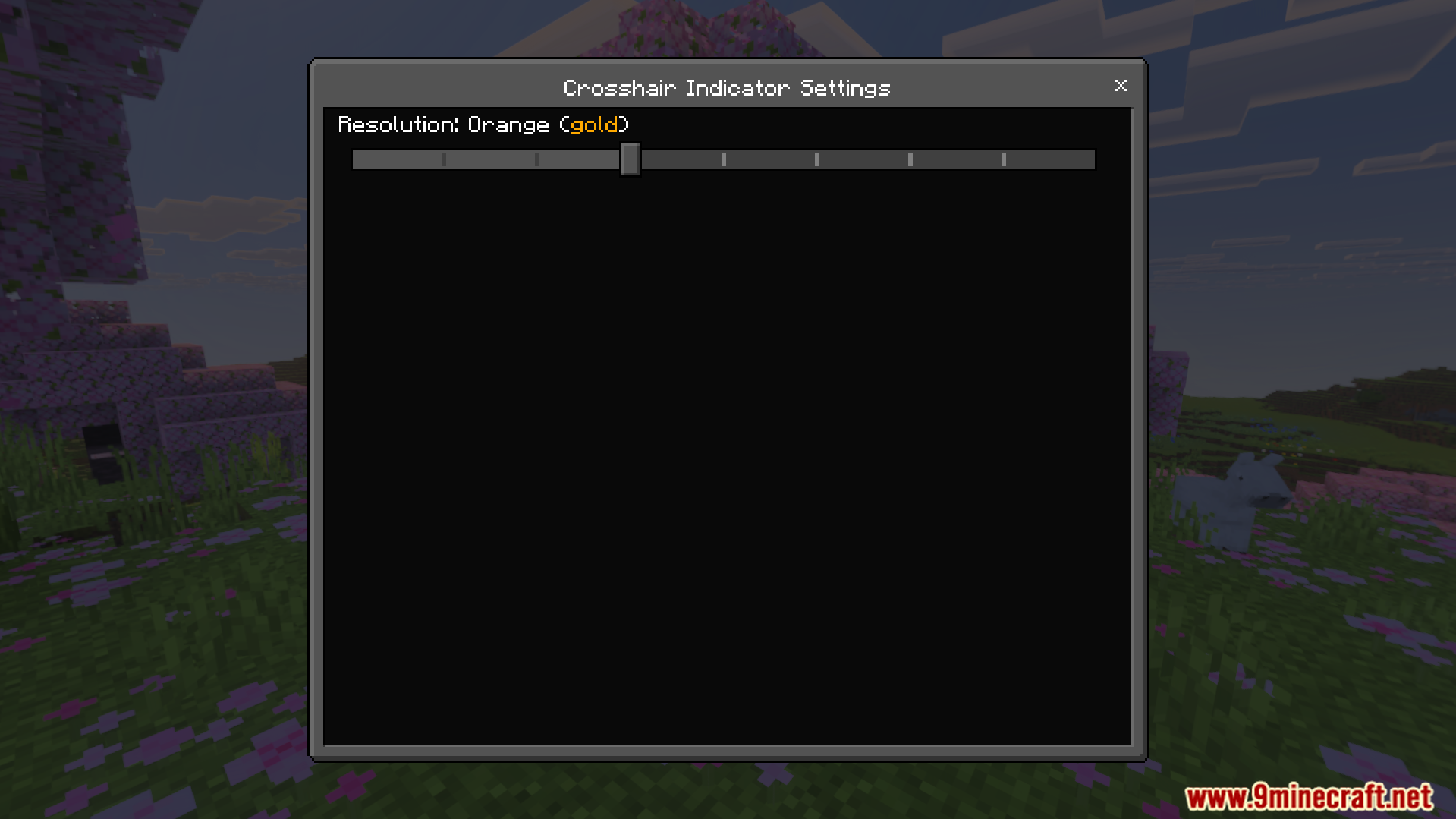
- Works perfectly with your own custom crosshairs automatically.
- Stays highly compatible with your other favorite texture packs.
- Improves your combat timing for better fights.
Screenshots:
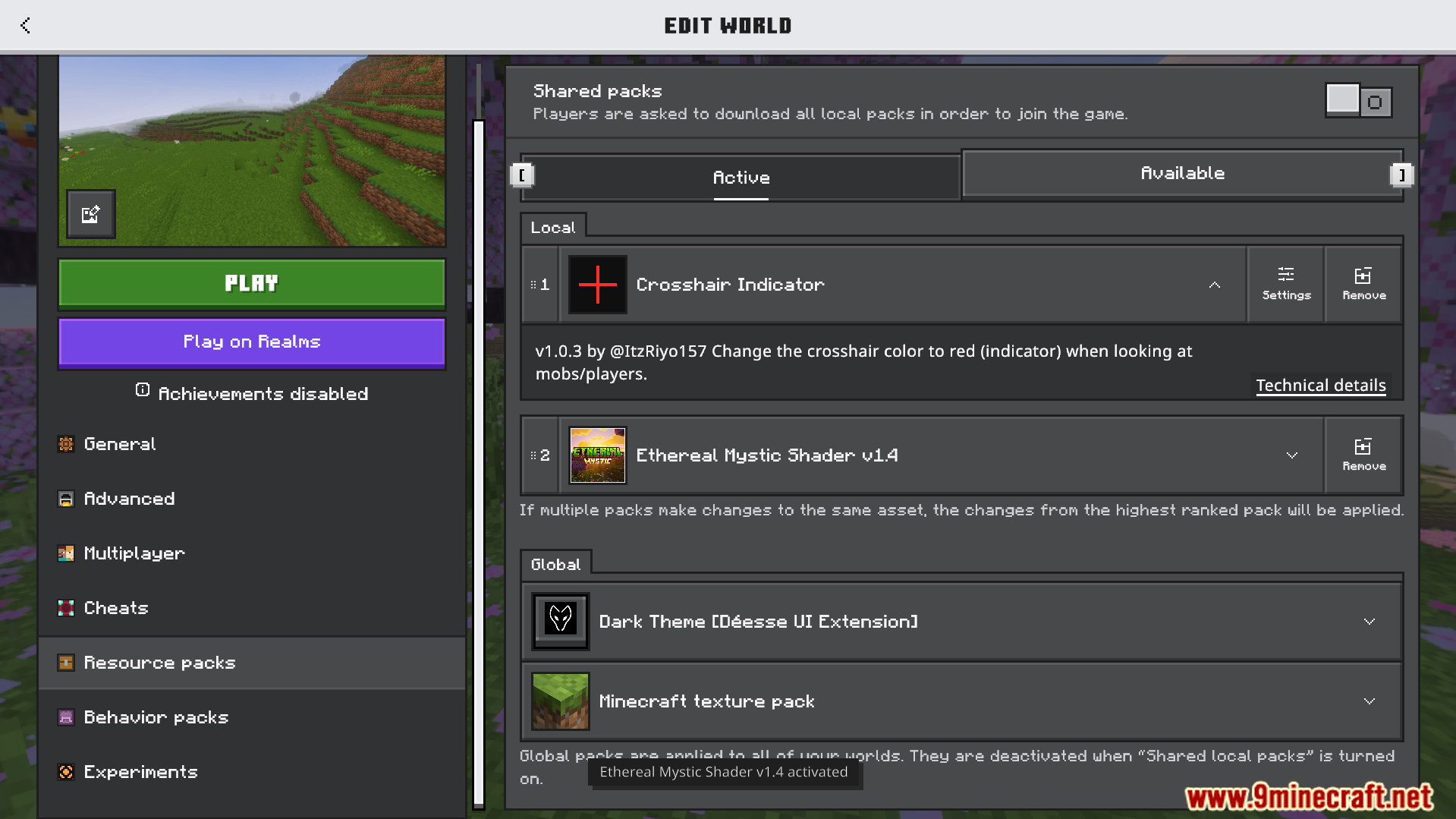
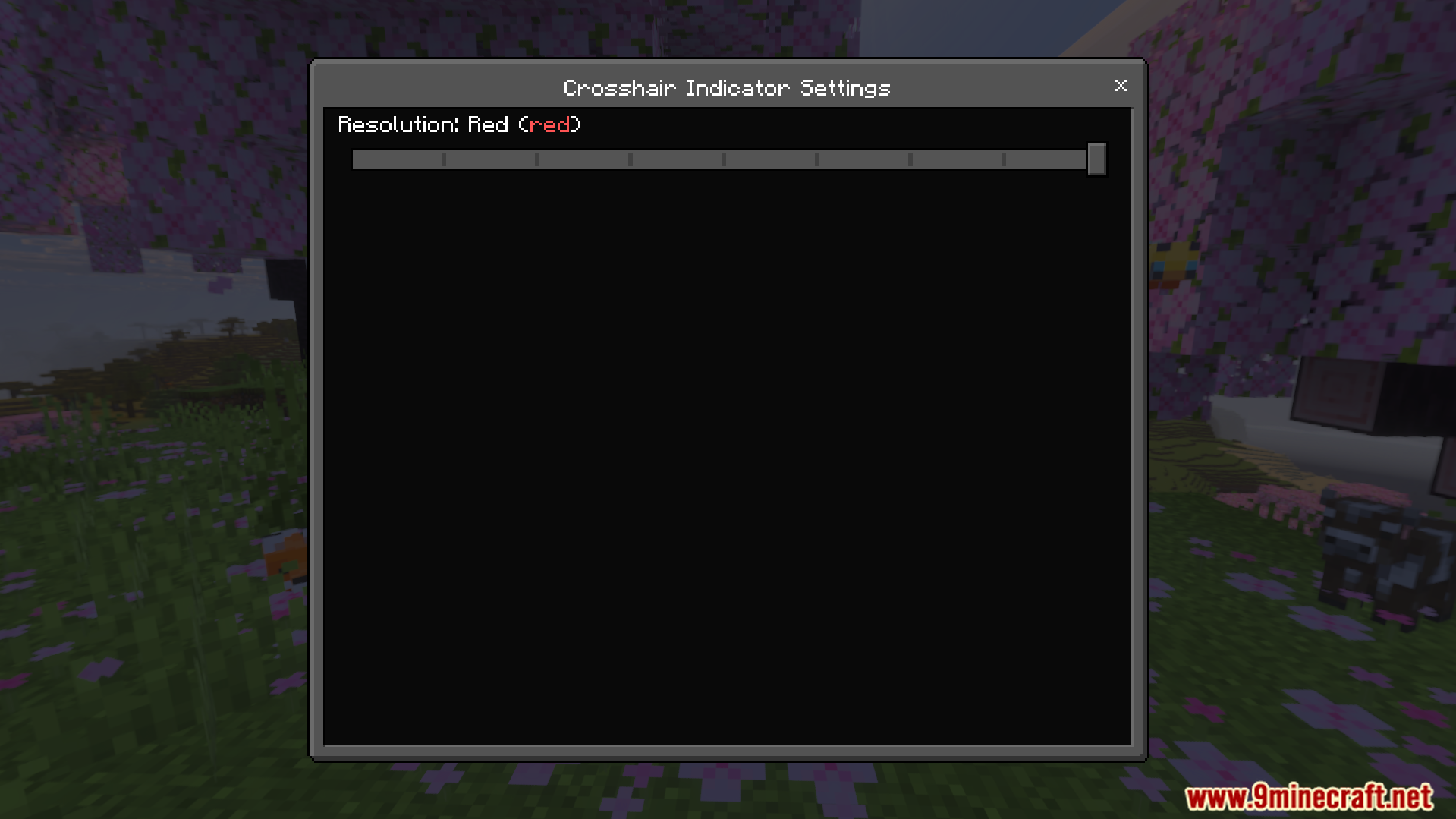
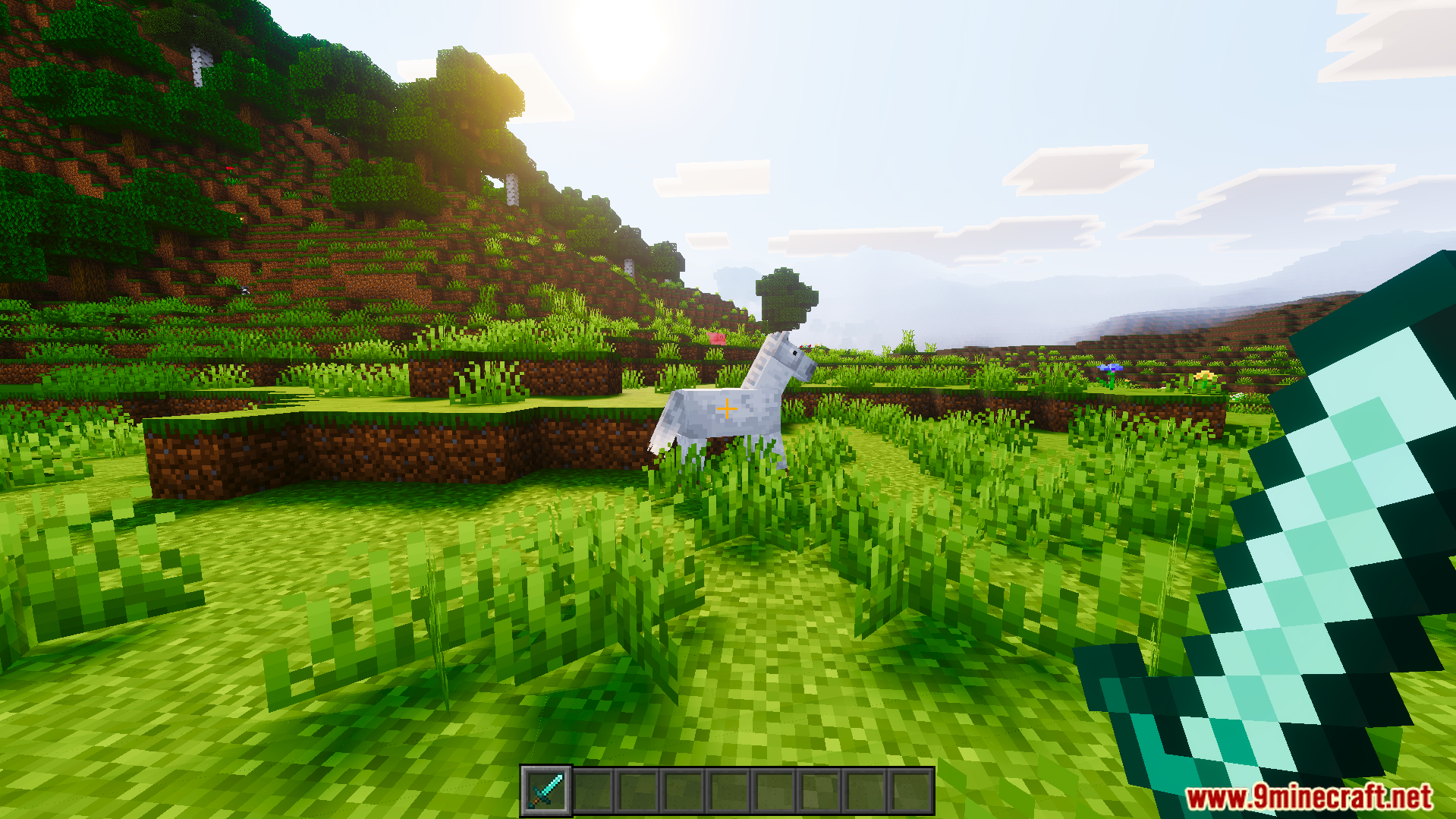
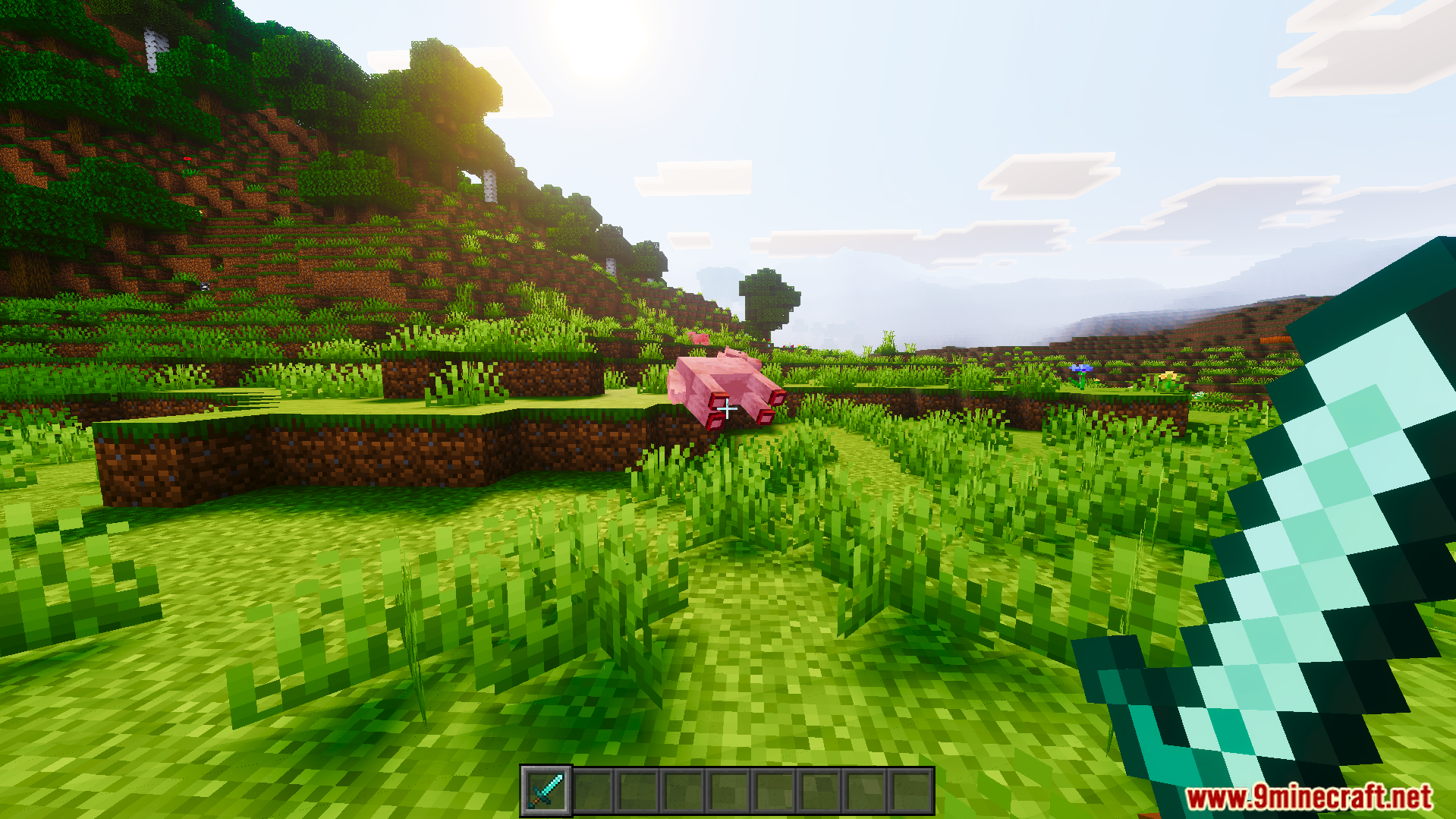
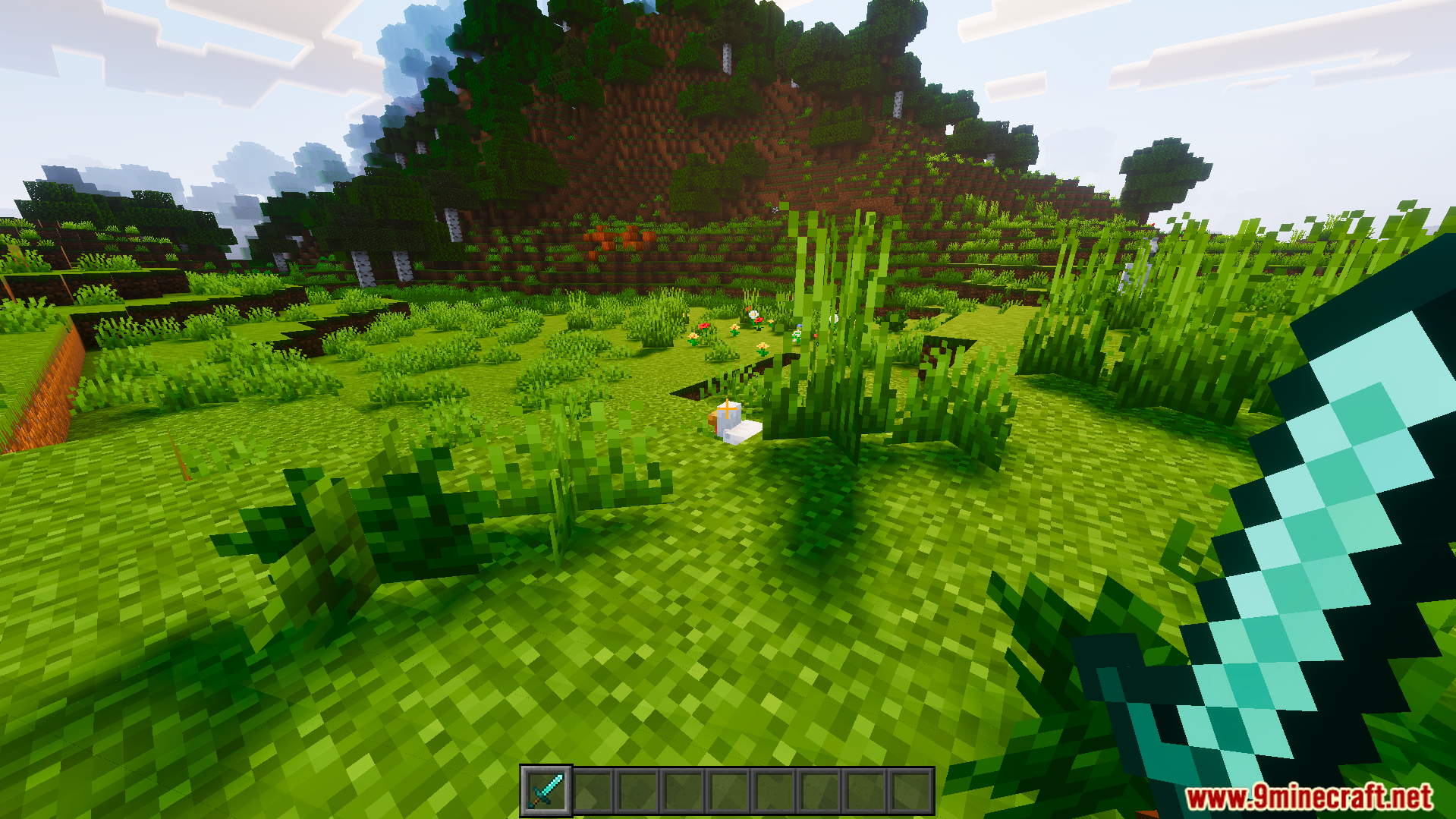
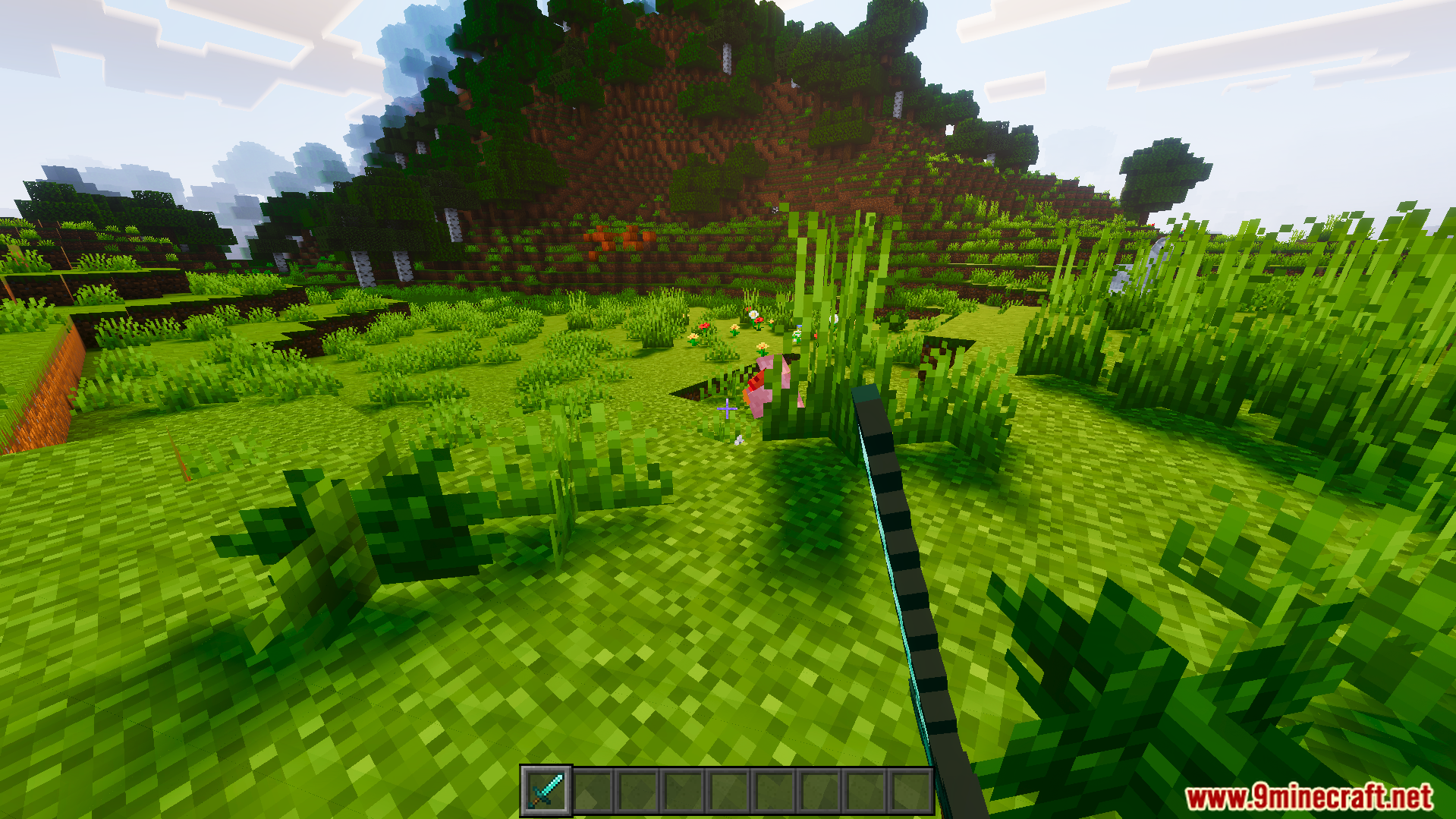
Crosshair Indicator Texture Pack Download Links
Quick facts
- Edition: Minecraft Bedrock
- File type: .mcpack
- Minecraft version listed: 1.21
- How to install: Download the .mcpack. → Open it — Minecraft imports it under Resource Packs. → Activate it in Global Resources, or for one world under Resource Packs → Available.
- Where to get it: In MCModsHub, or directly above on this page.
Install steps are the general flow for this file type — How to install Minecraft Bedrock texture packs walks through it step by step.
File checked by MCModsHub
- Pack type: .mcpack — a single pack
- Manifest requires Minecraft 1.21.0 or newer
- Complete pack — everything it depends on is inside the file
- Download size: 48 KB
- Download link checked 22 Jul 2026 — working
- Mirrored on our own servers — the download does not depend on the original host
These come from our own check of the pack file, not from the source page.