Home›Bedrock›Texture packs›Rainbow Outline Glint Texture Pack (26.x, 1.21) – Colorful Rainbow Enchantment Outlines
Texture packsBedrock
Rainbow Outline Glint Texture Pack (26.x, 1.21) – Colorful Rainbow Enchantment Outlines
Bedrock texture pack listed for Minecraft 1.21. File opened and checked on 19 Sep 2026; installs from the MC Bedrock Mods app on Android.
⬇ Download
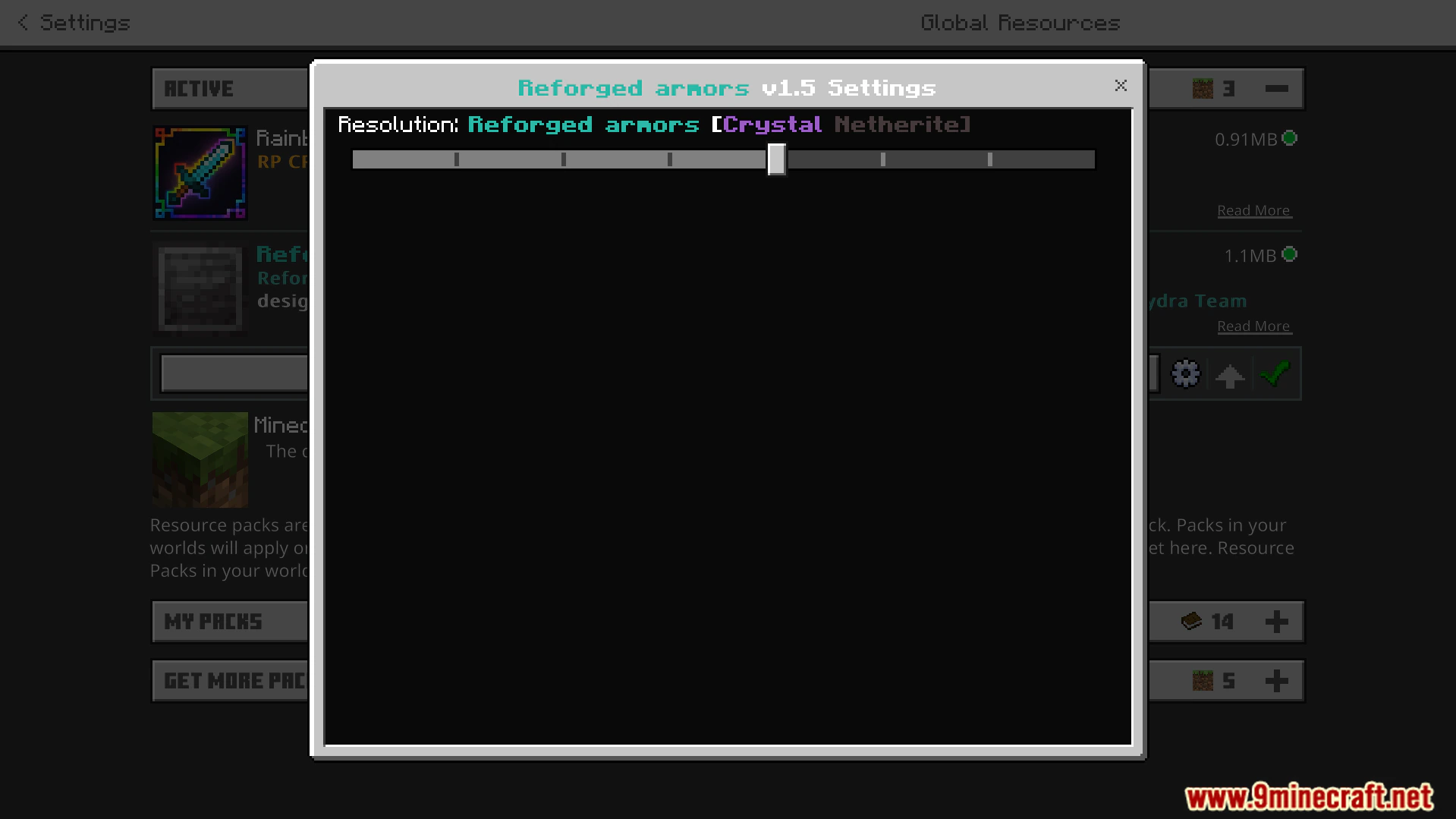
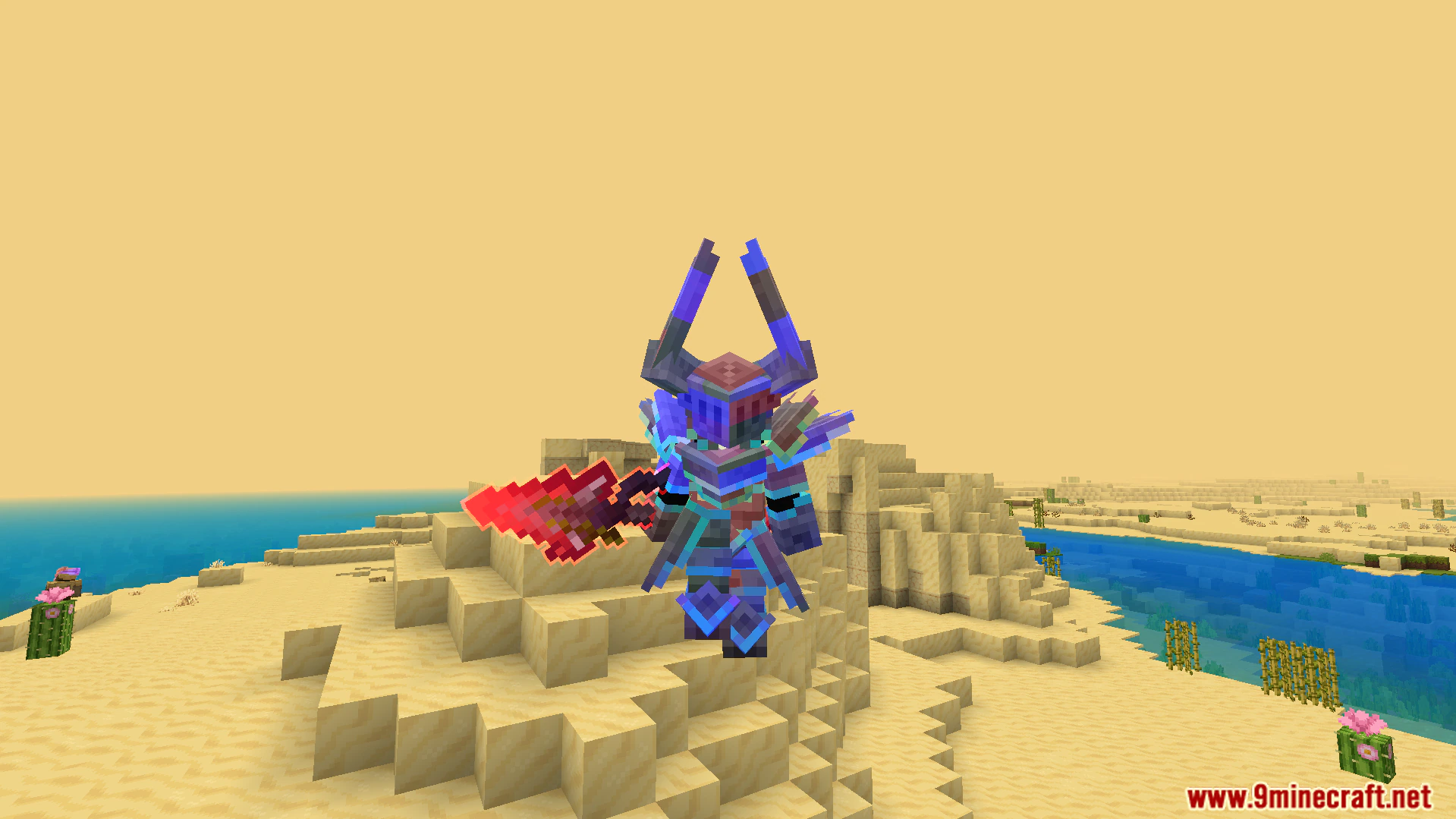

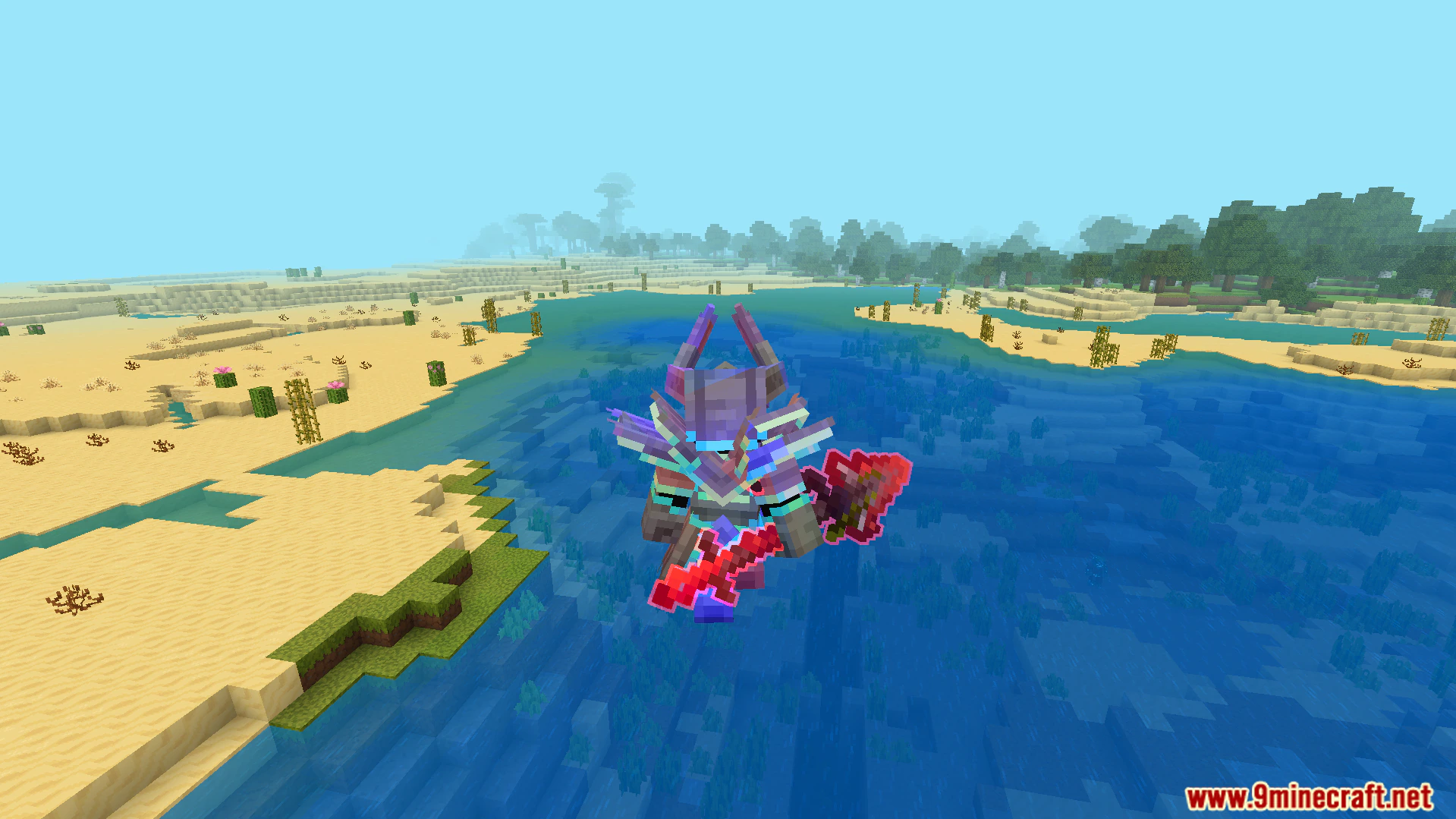
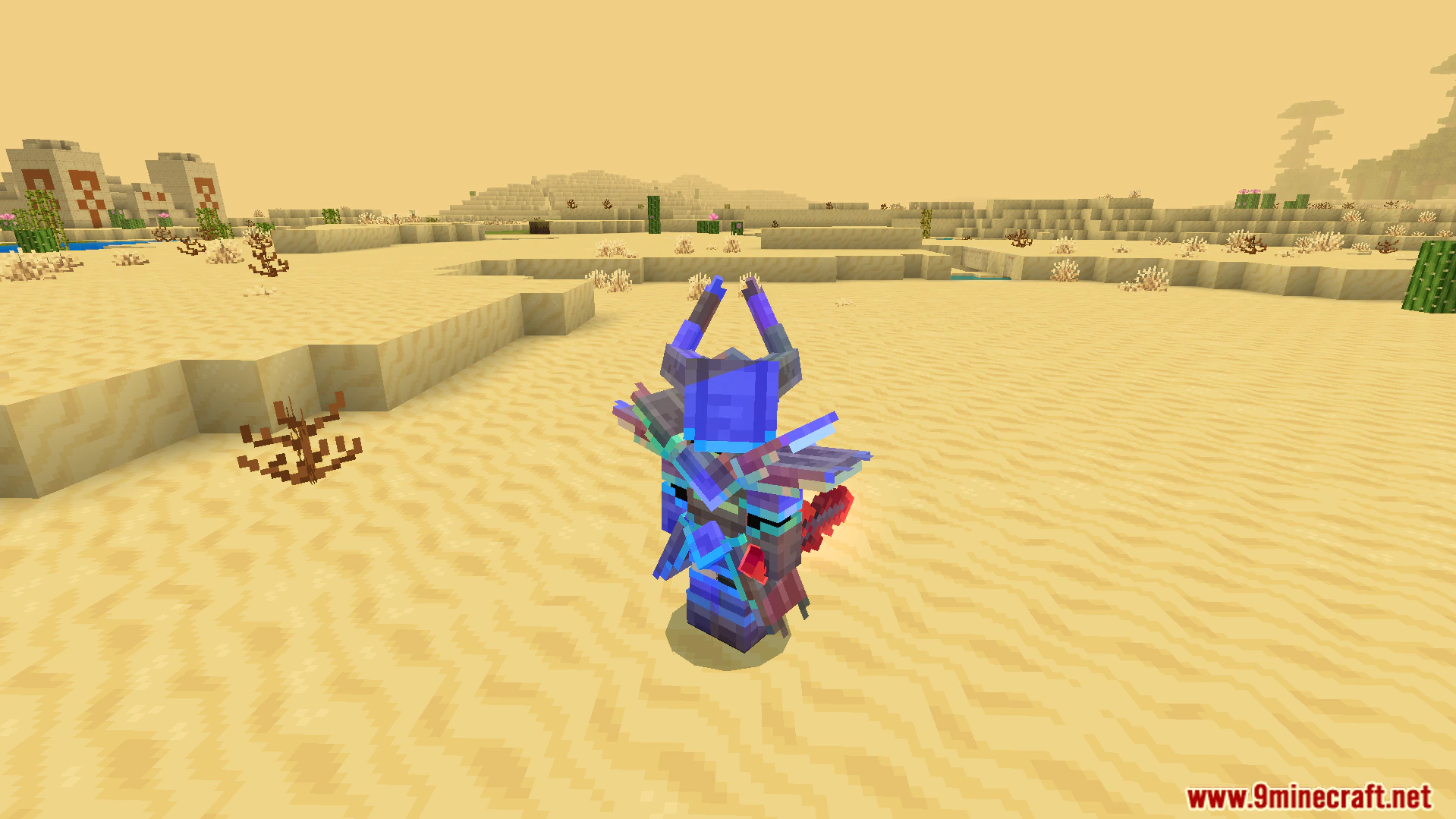
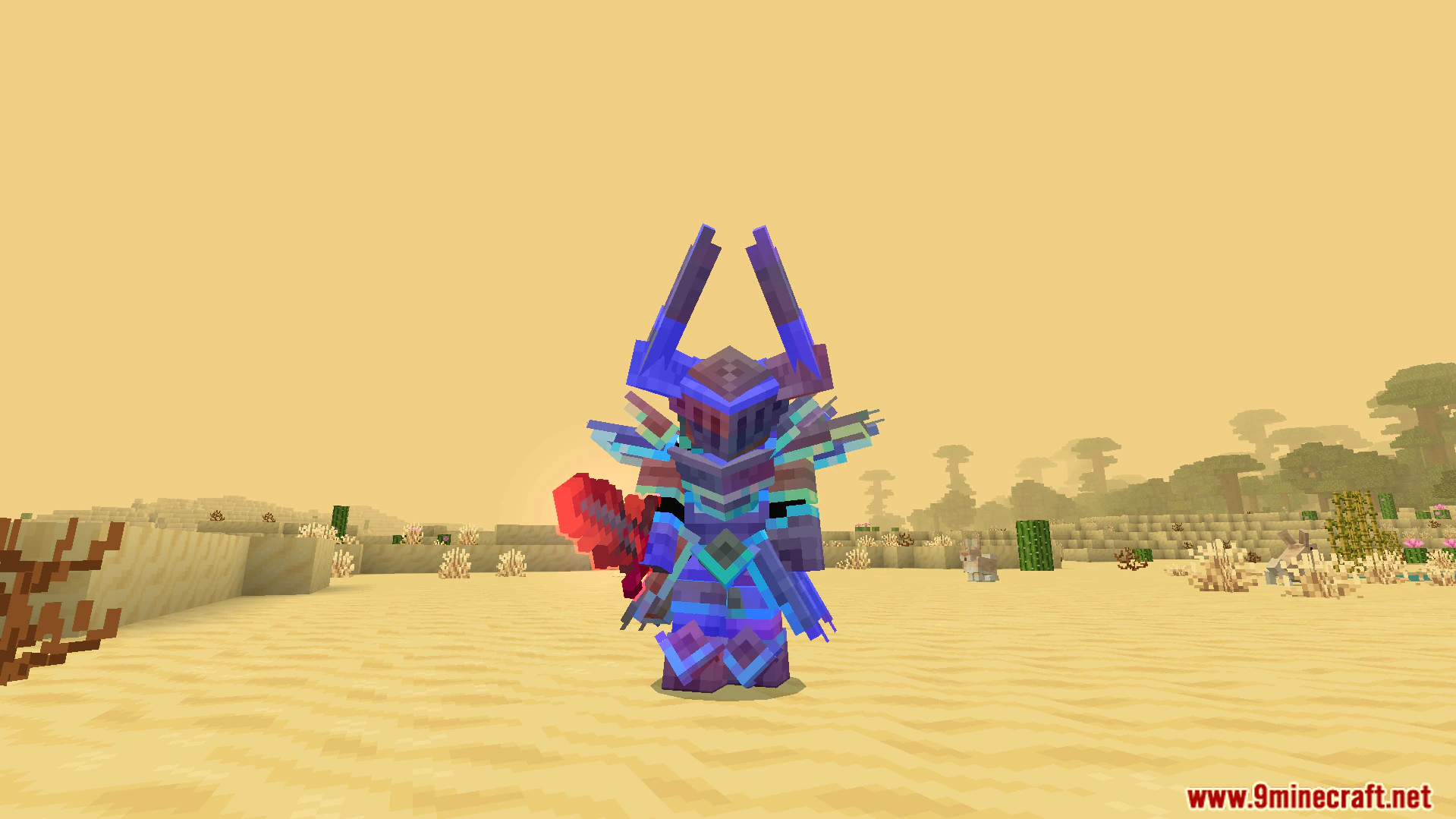
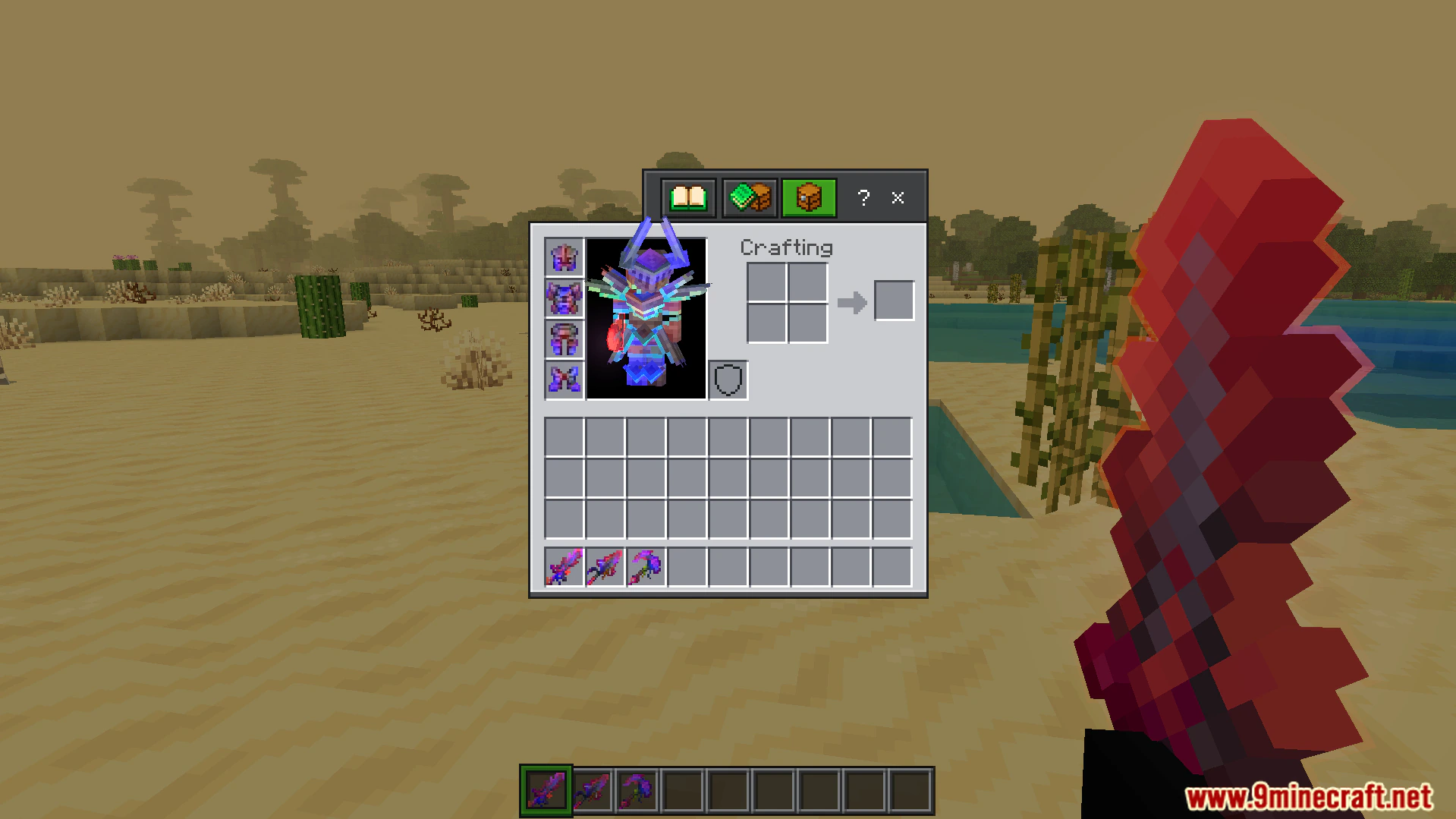
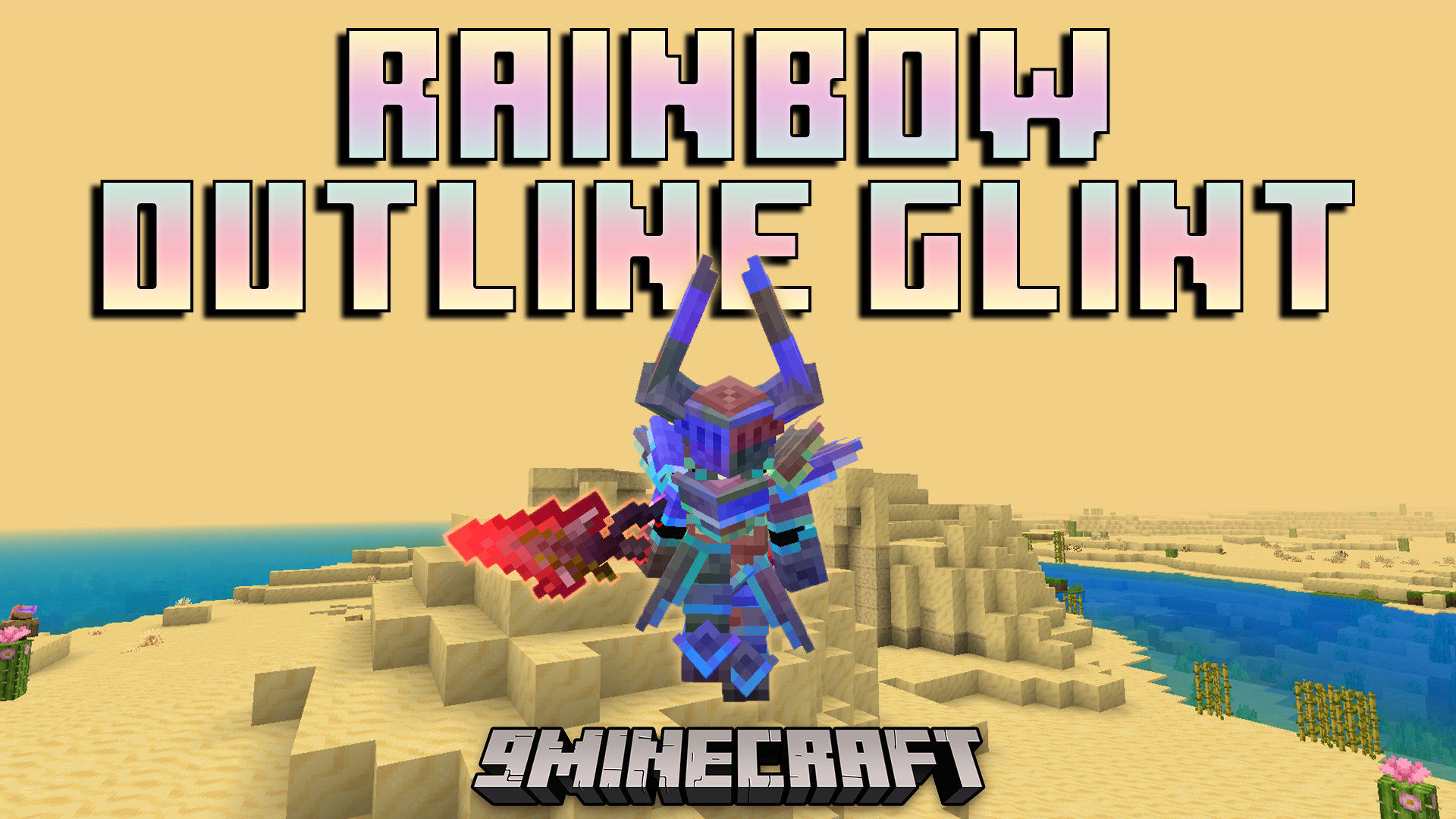
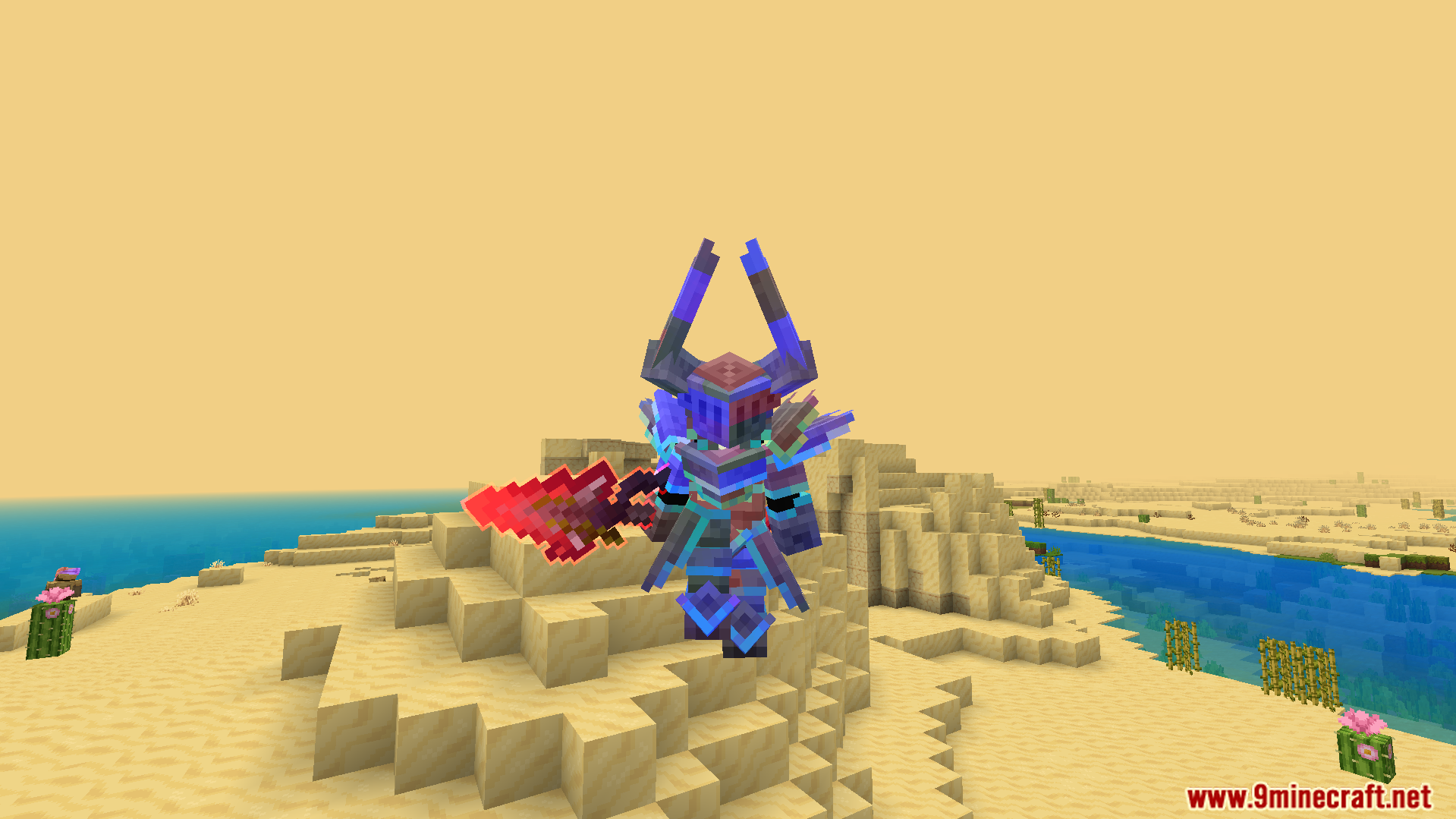
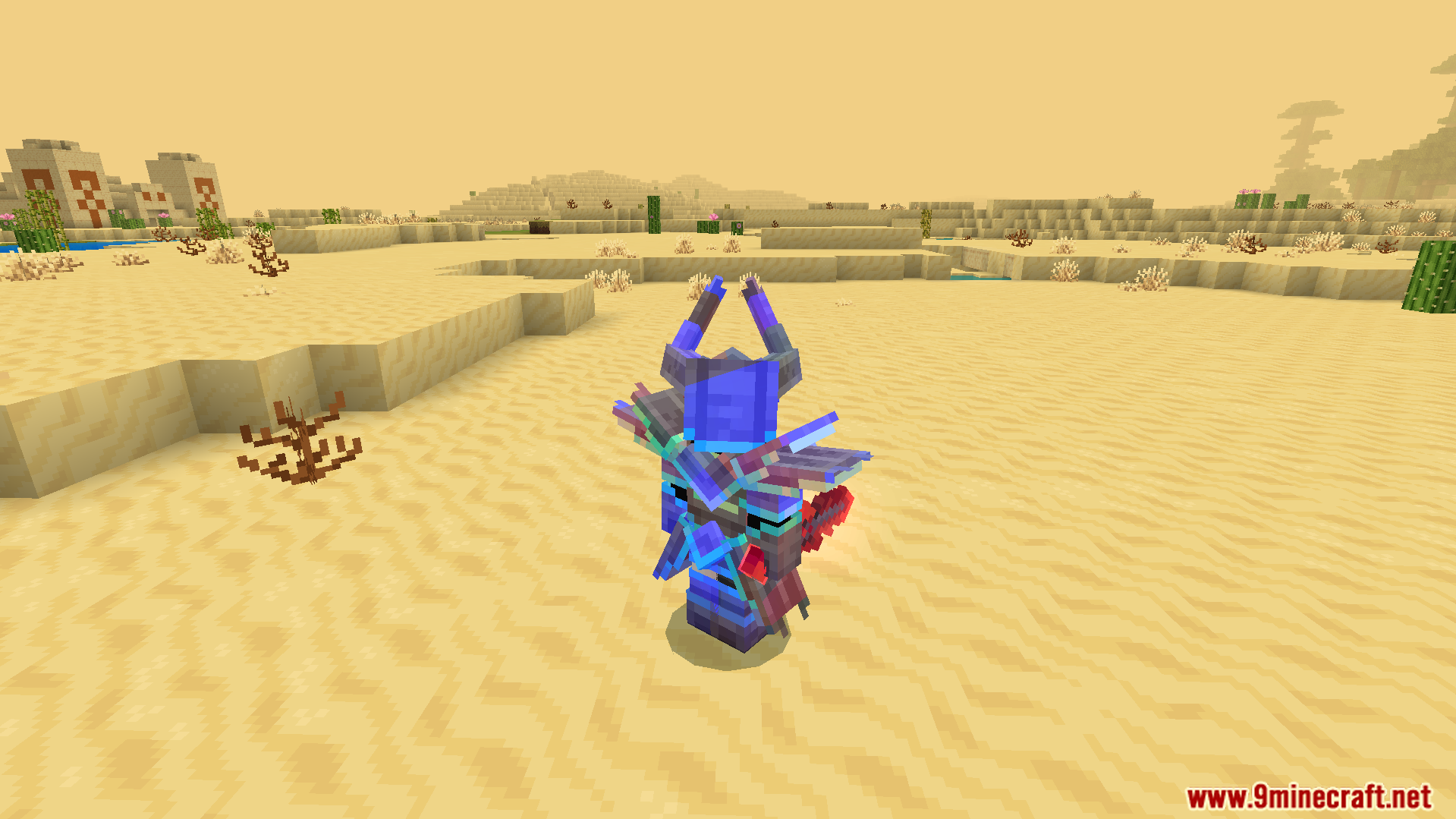
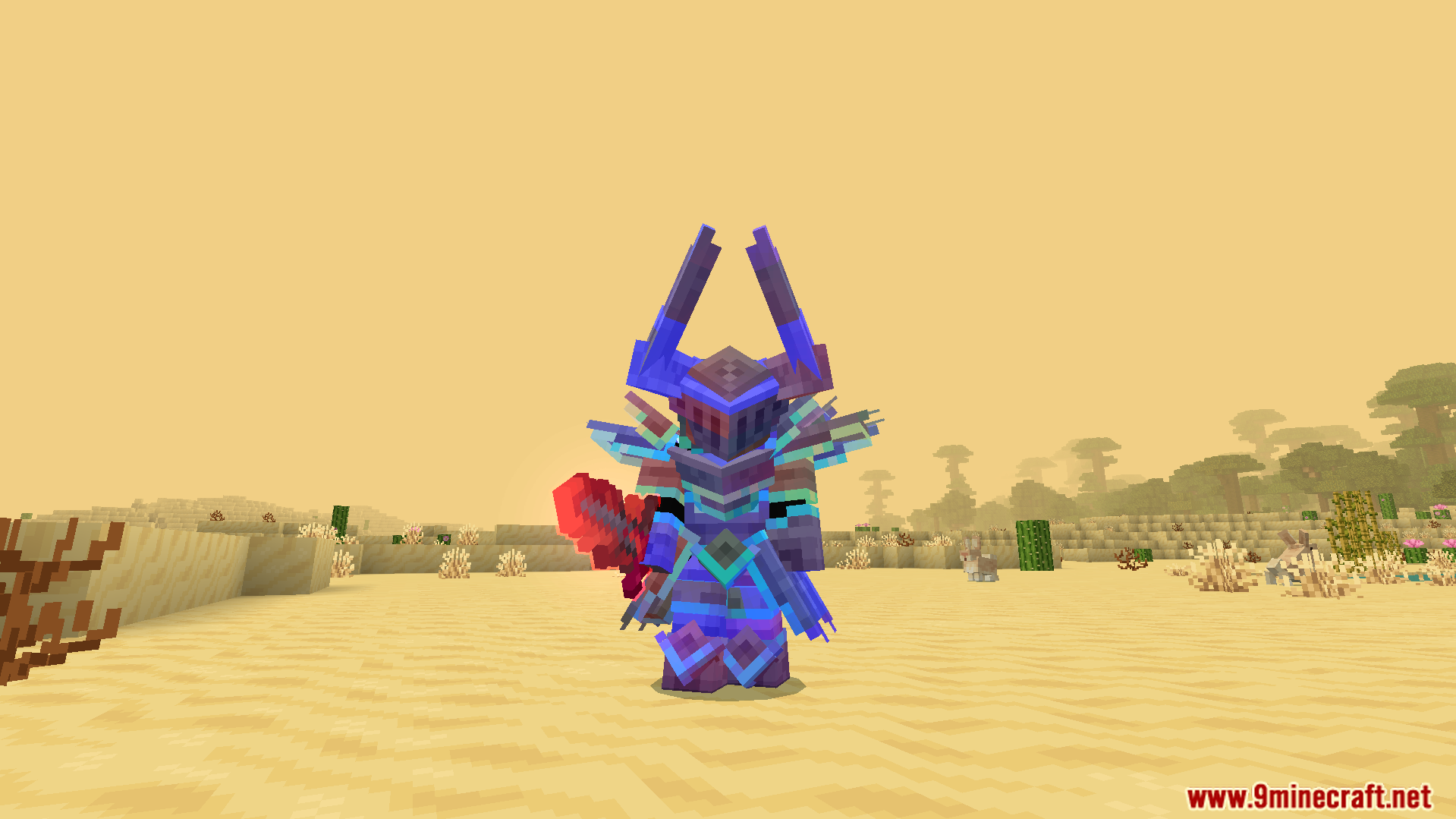
Rainbow Outline Glint Texture Pack transforms the look of enchanted items in your Bedrock world. It replaces the normal purple shine with a bright, colorful outline that wraps around your gear. You get custom armor designs with cool horns and glowing red swords. The pack gives your enchanted weapons and armor a fresh, flashy style. To see the new colors, you just need to enchant your items.
Features:
- Replaces the standard purple enchantment shine with a bright rainbow outline.
- Adds custom armor models featuring unique shapes like horned helmets.
- Changes the look of swords into glowing red blades.
- Shows the colorful glint clearly on both tools and armor pieces.
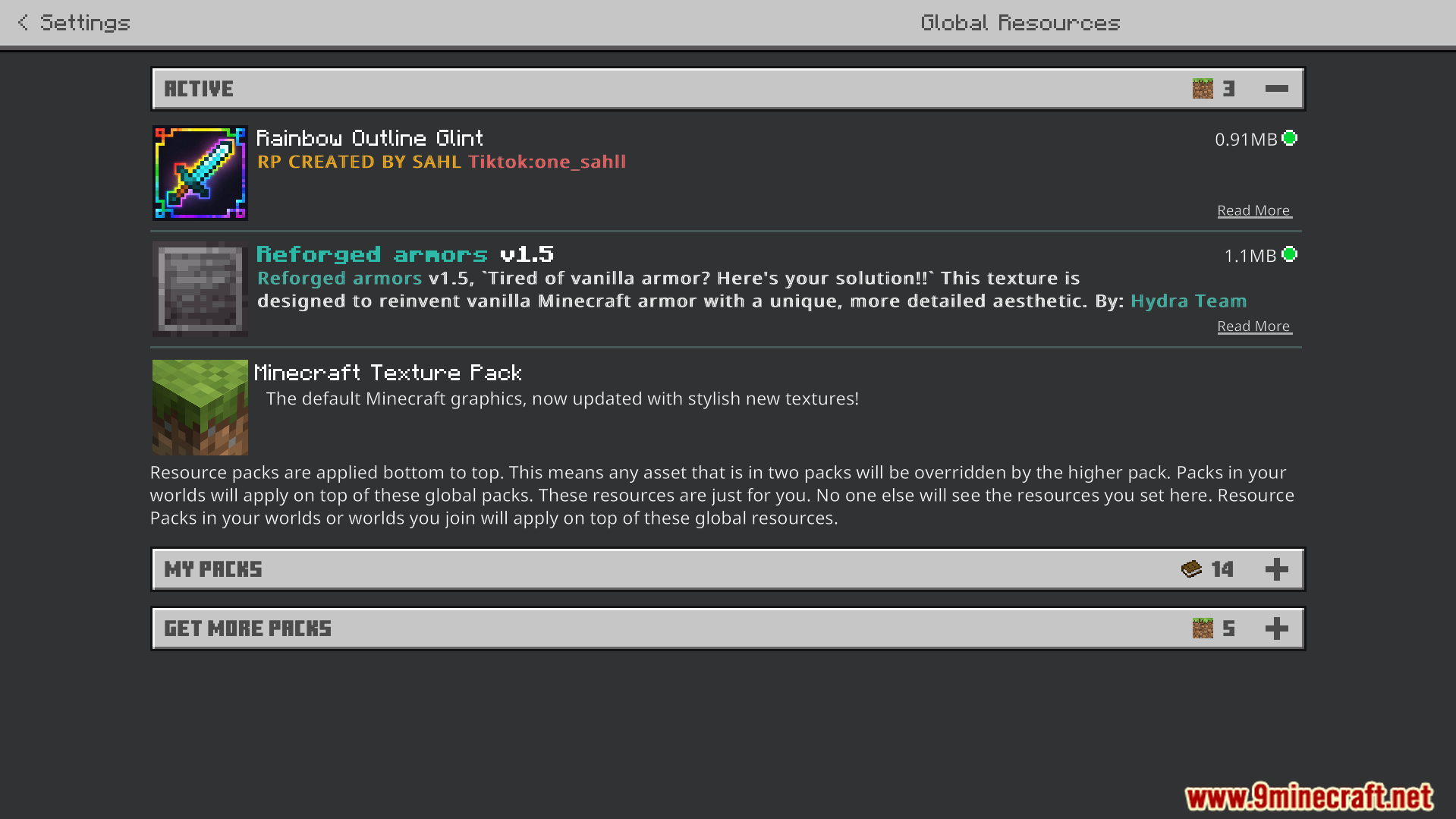
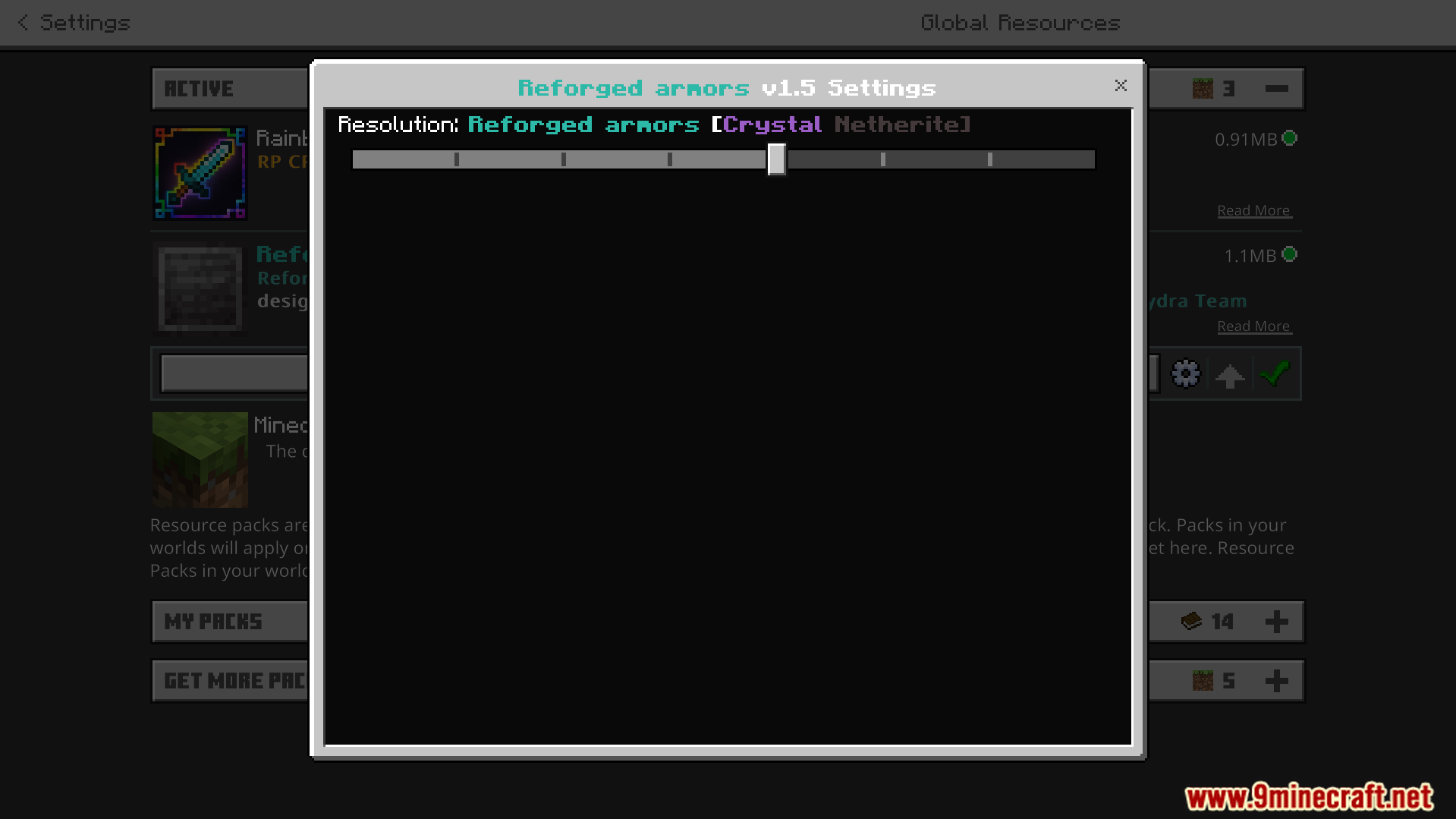
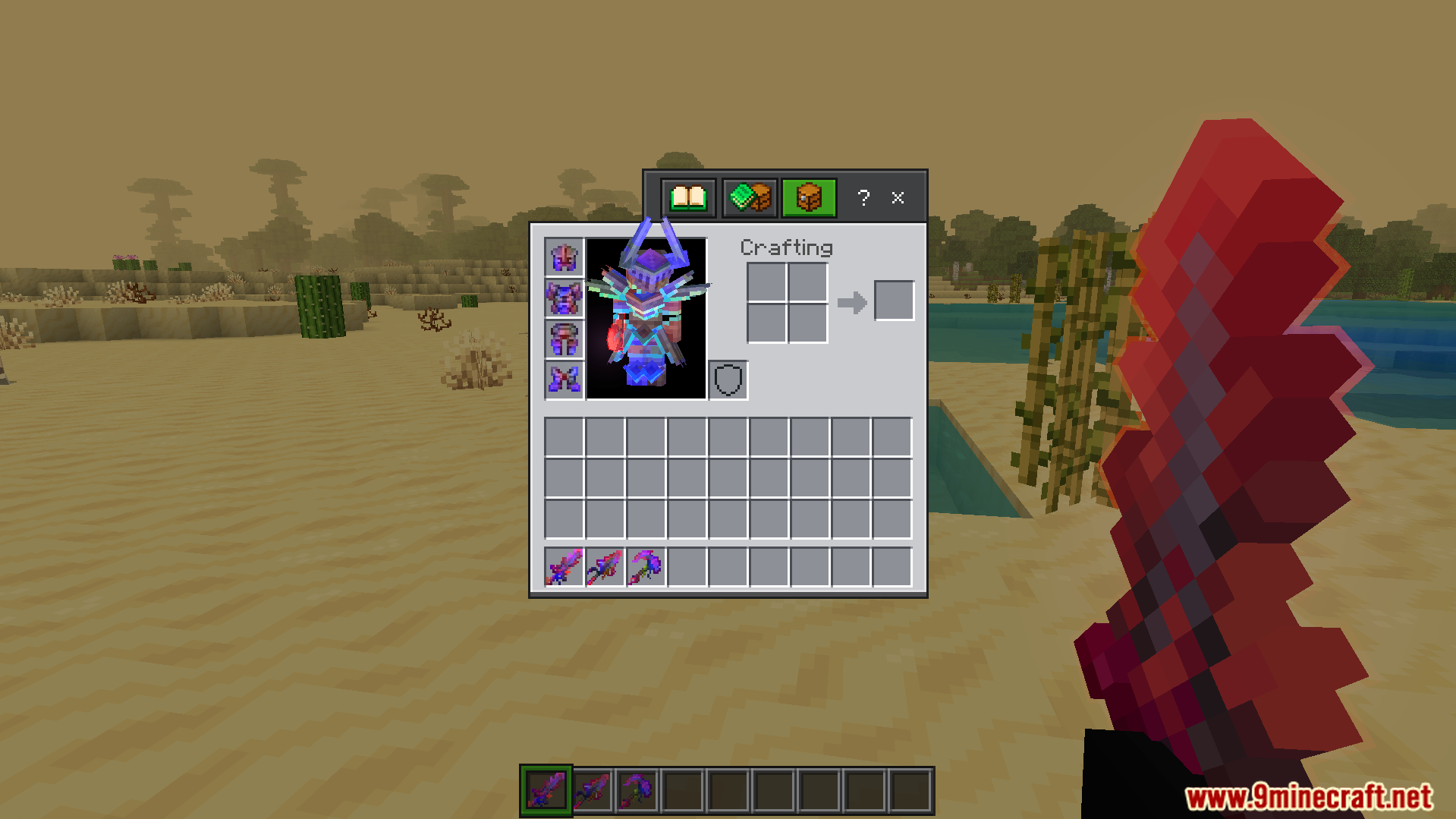
- Includes a settings slider in the resource pack menu to adjust how the armor looks.
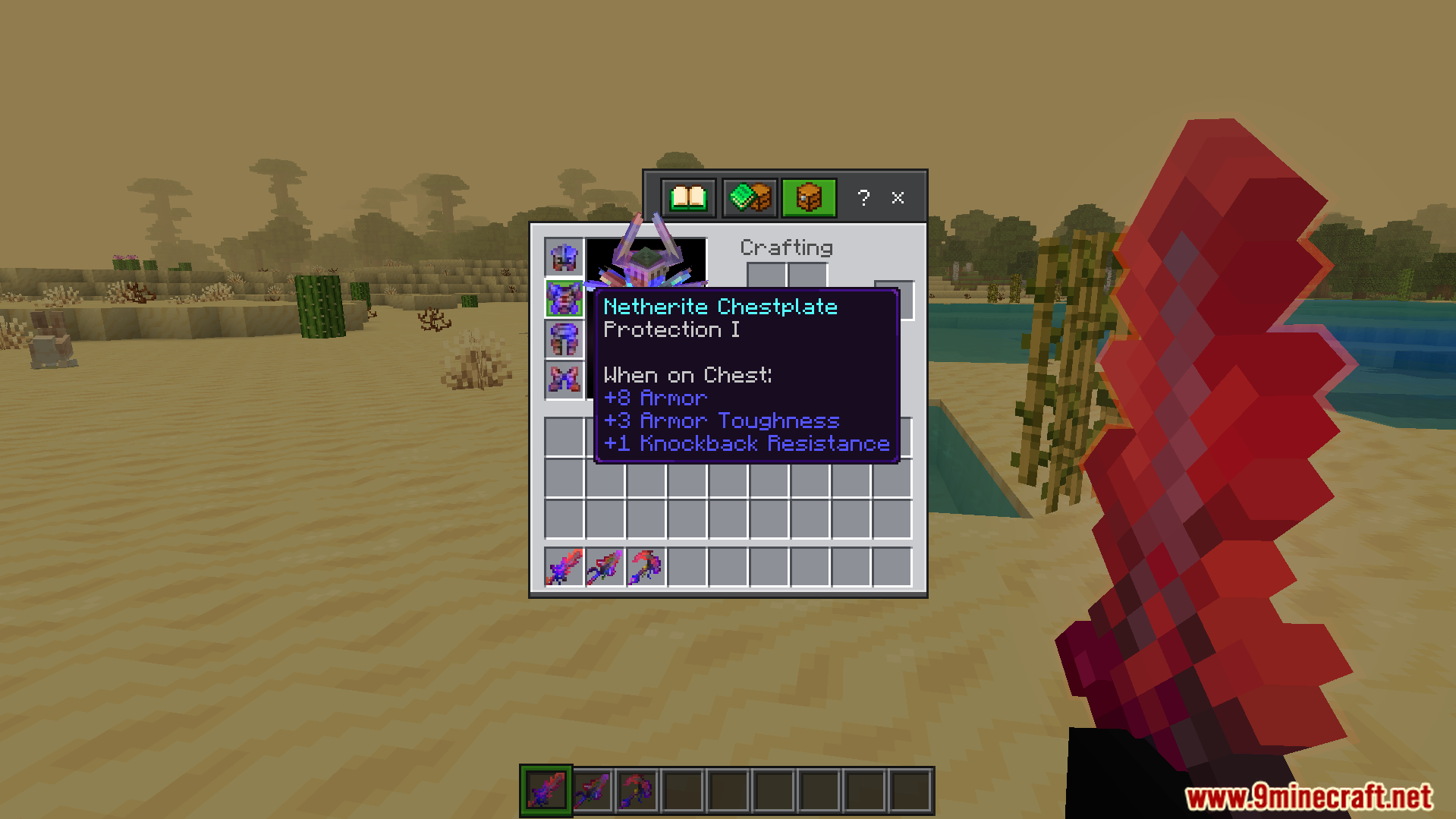
- Requires items to have an enchantment before the new colors show up.
- Works well alongside custom player animation addons.
- Updates the inventory icons to match your new glowing gear.
Screenshots:


Rainbow Outline Glint Texture Pack Download Links
Quick facts
- Edition: Minecraft Bedrock
- File type: .mcpack
- Minecraft version listed: 1.21
- How to install: Download the .mcpack. → Open it — Minecraft imports it under Resource Packs. → Activate it in Global Resources, or for one world under Resource Packs → Available.
- Where to get it: In MCModsHub, or directly above on this page.
Install steps are the general flow for this file type — How to install Minecraft Bedrock texture packs walks through it step by step.
File checked by MCModsHub
- Pack type: .mcaddon — behaviour and resource pack in one file
- Manifest requires Minecraft 1.21.120 or newer
- Complete pack — everything it depends on is inside the file
- Download size: 781 KB
- Download link checked 22 Jul 2026 — working
- Mirrored on our own servers — the download does not depend on the original host
These come from our own check of the pack file, not from the source page.
Related Bedrock mods

Blessed Guns Addon - 3D Survival Gun Mod
![Batman mod [Mask addon]](https://files.mcmodshub.com/thumb/mcpeaddons/770.webp)
Batman mod [Mask addon]
1.21
Ultimate Vein Miner Addon (26.x, 1.21) – MCPE/Bedrock Mod
1.21
Castle in the Sky Guardian Iron Golems Texture Pack (26.x, 1.21) – MCPE/Bedrock
1.21
Iron Golem to Heavy Weapons Guy Texture Pack (1.21, 1.20) – MCPE/Bedrock
1.21