CraftStudios Better FPS Texture Pack (26.x, 1.21) – Increase FPS And Reduce Animation Lag
Bedrock texture pack listed for Minecraft 1.21. File opened and checked on 8 Sep 2026; installs from the MC Bedrock Mods app on Android.
⬇ Download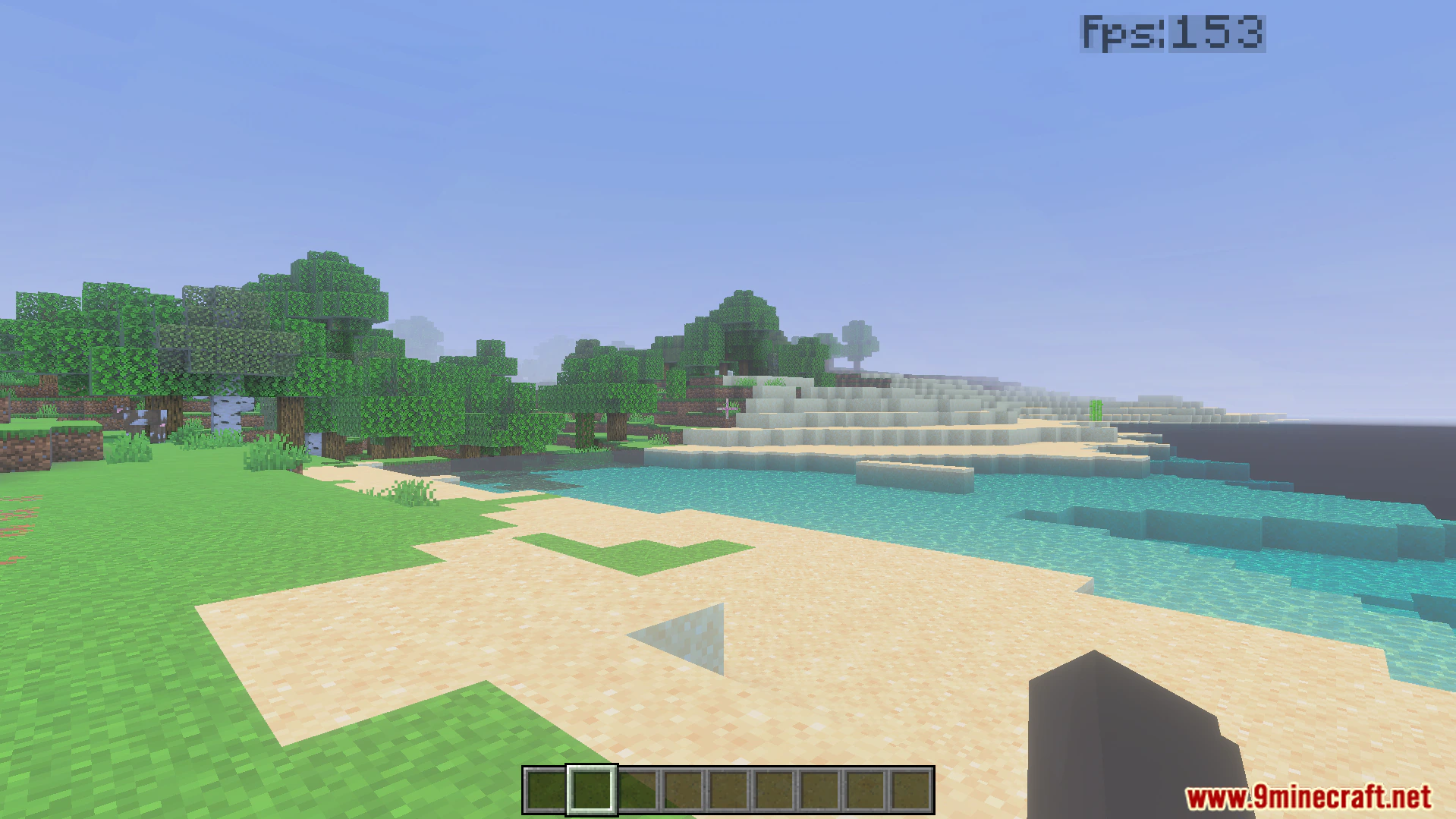
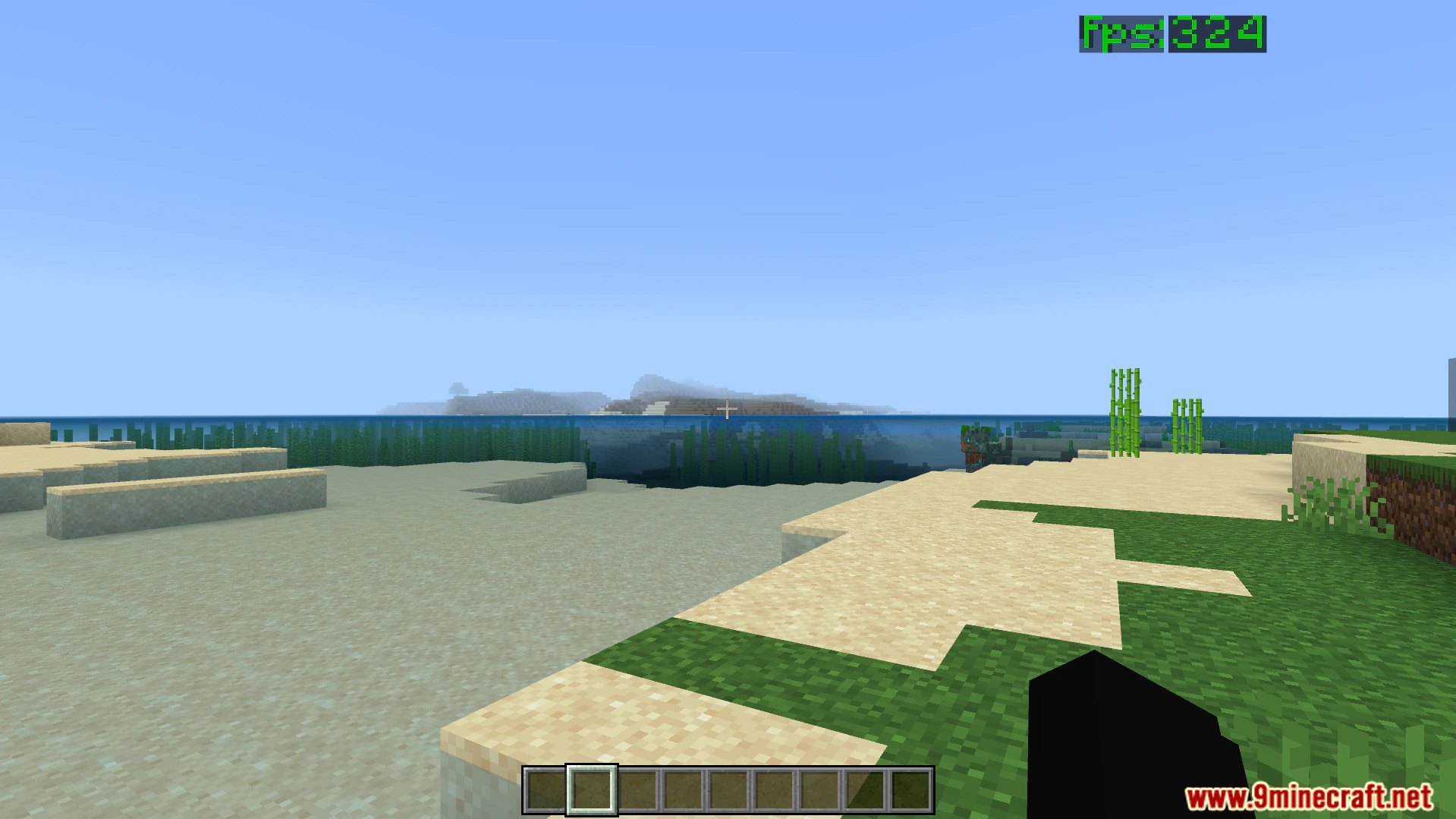
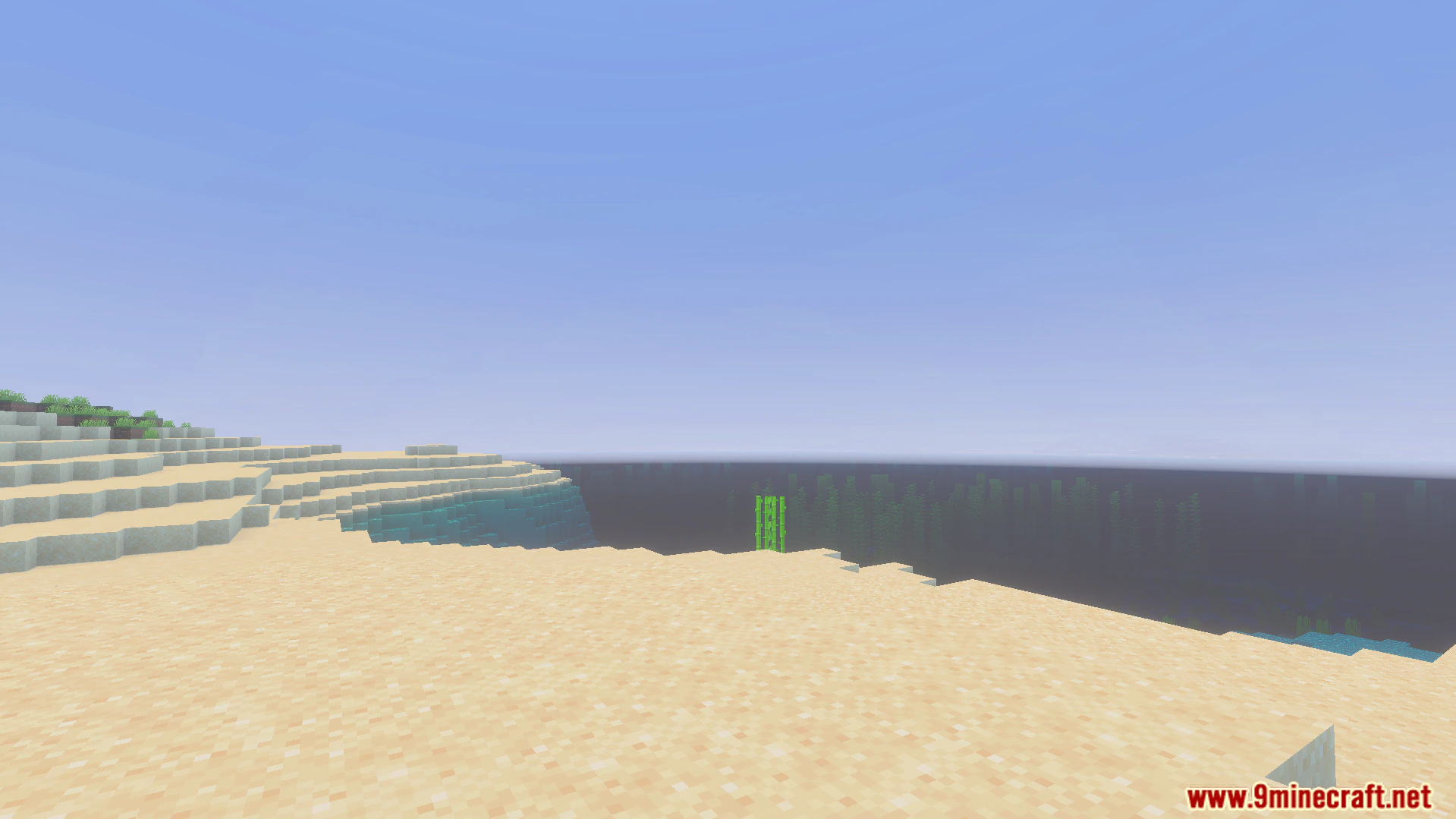
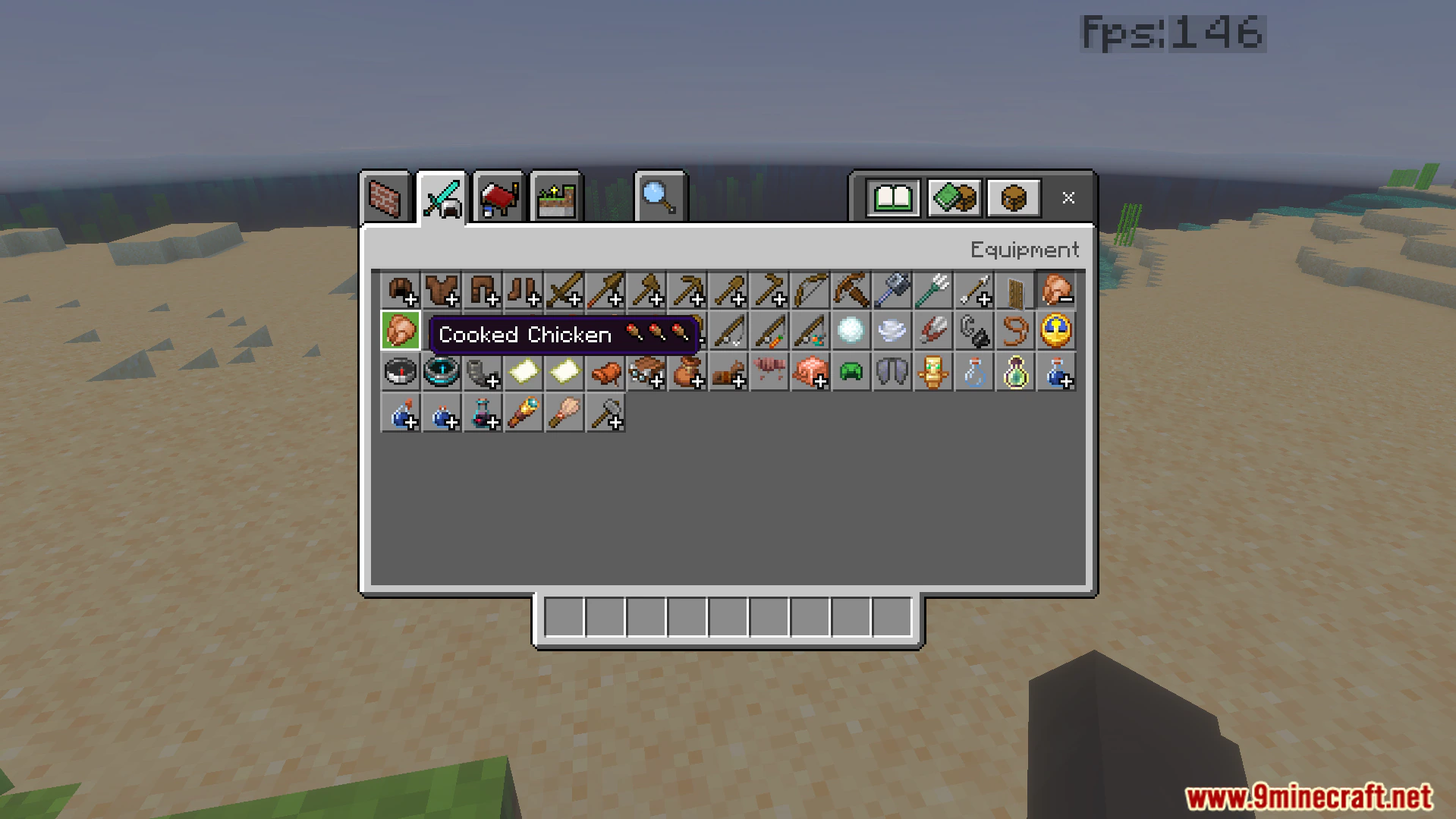
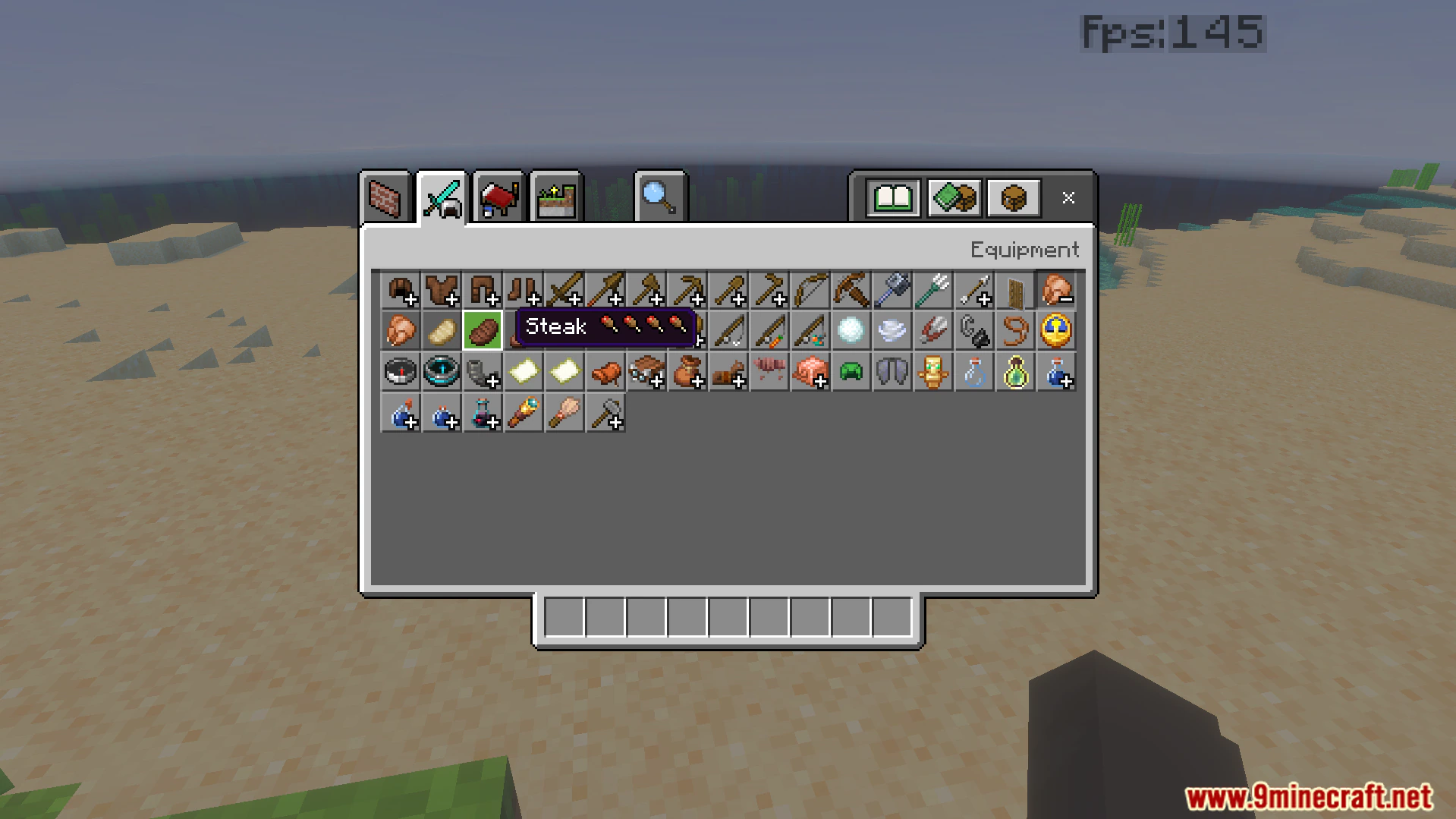
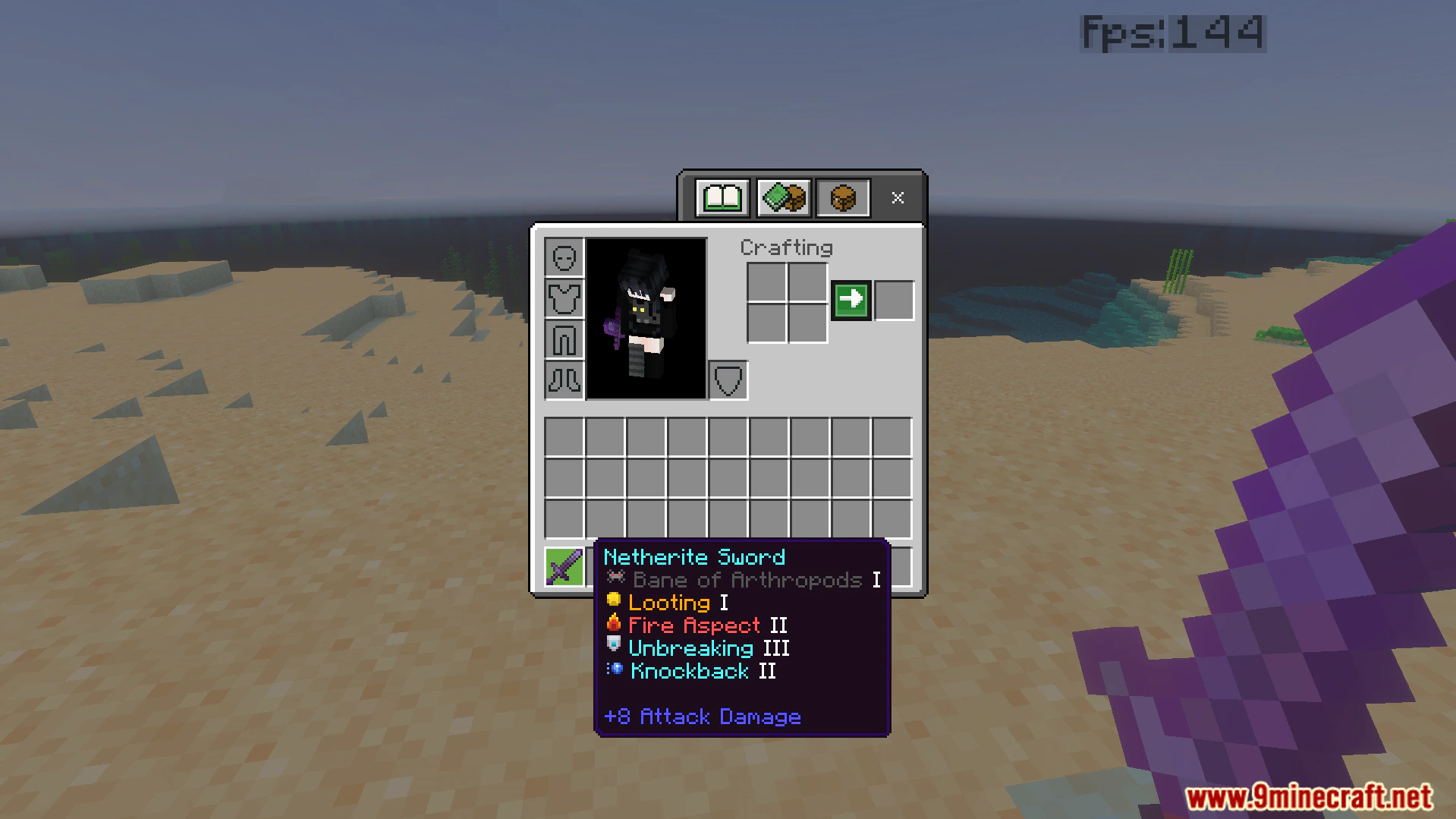
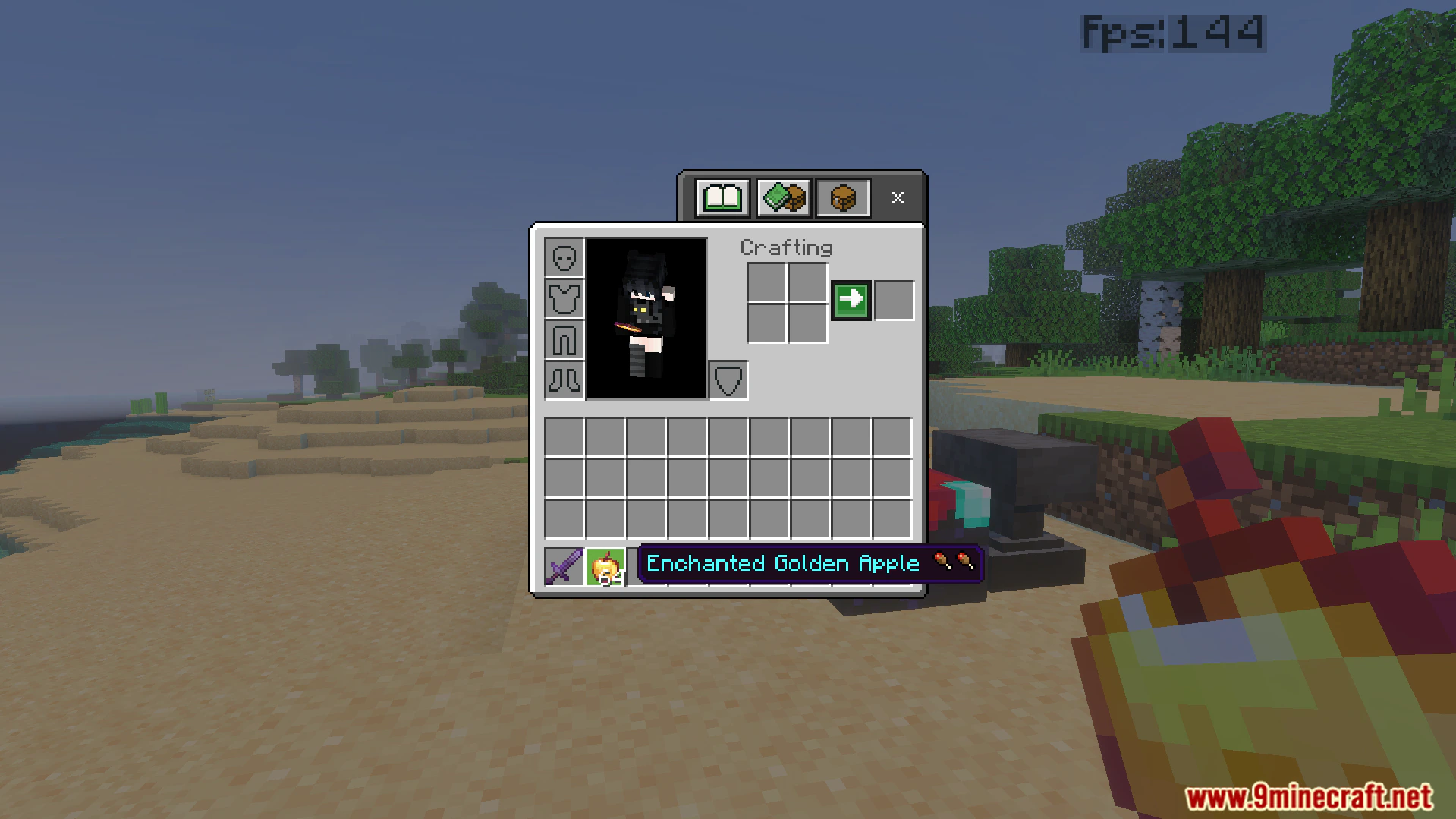
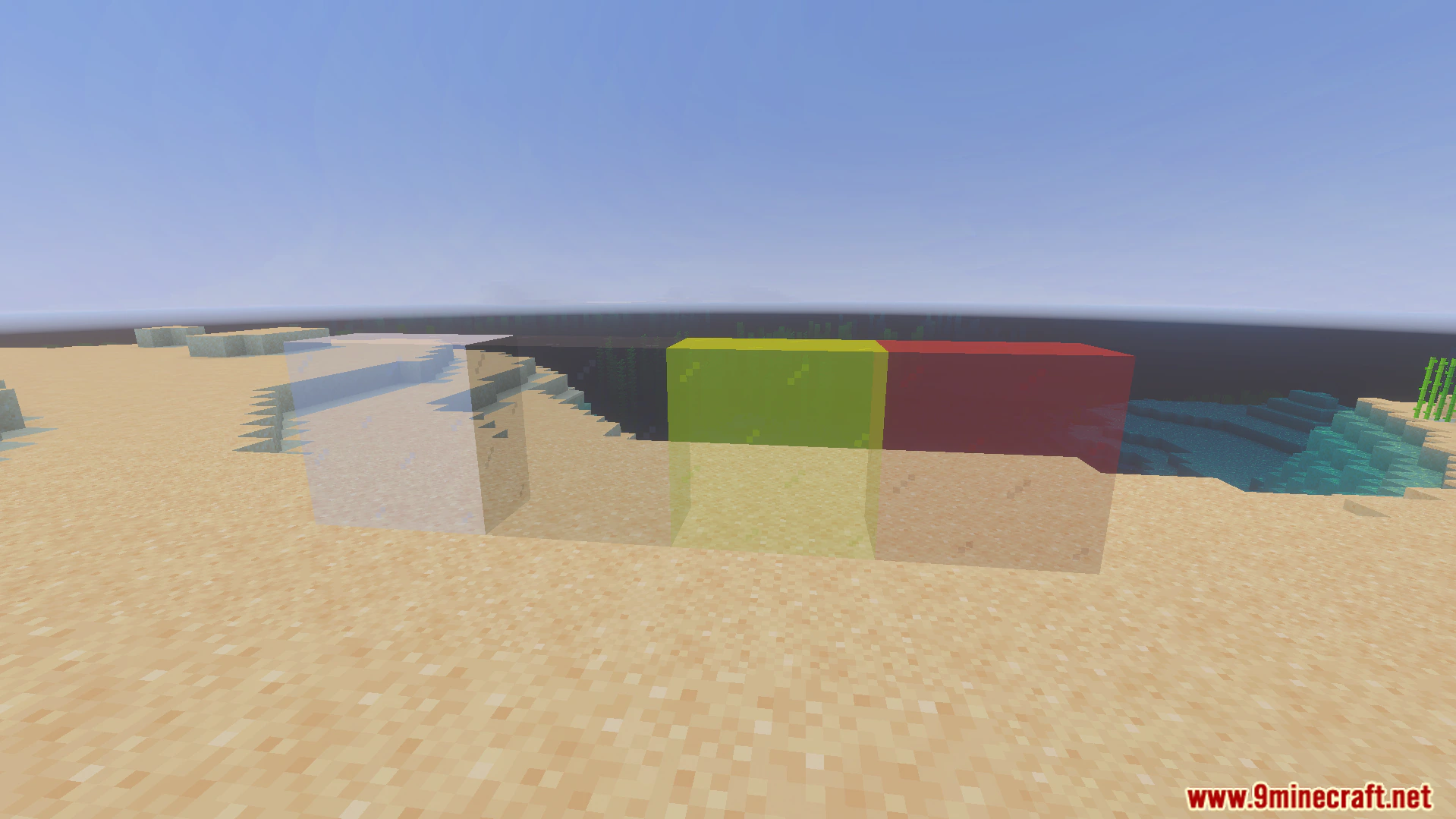
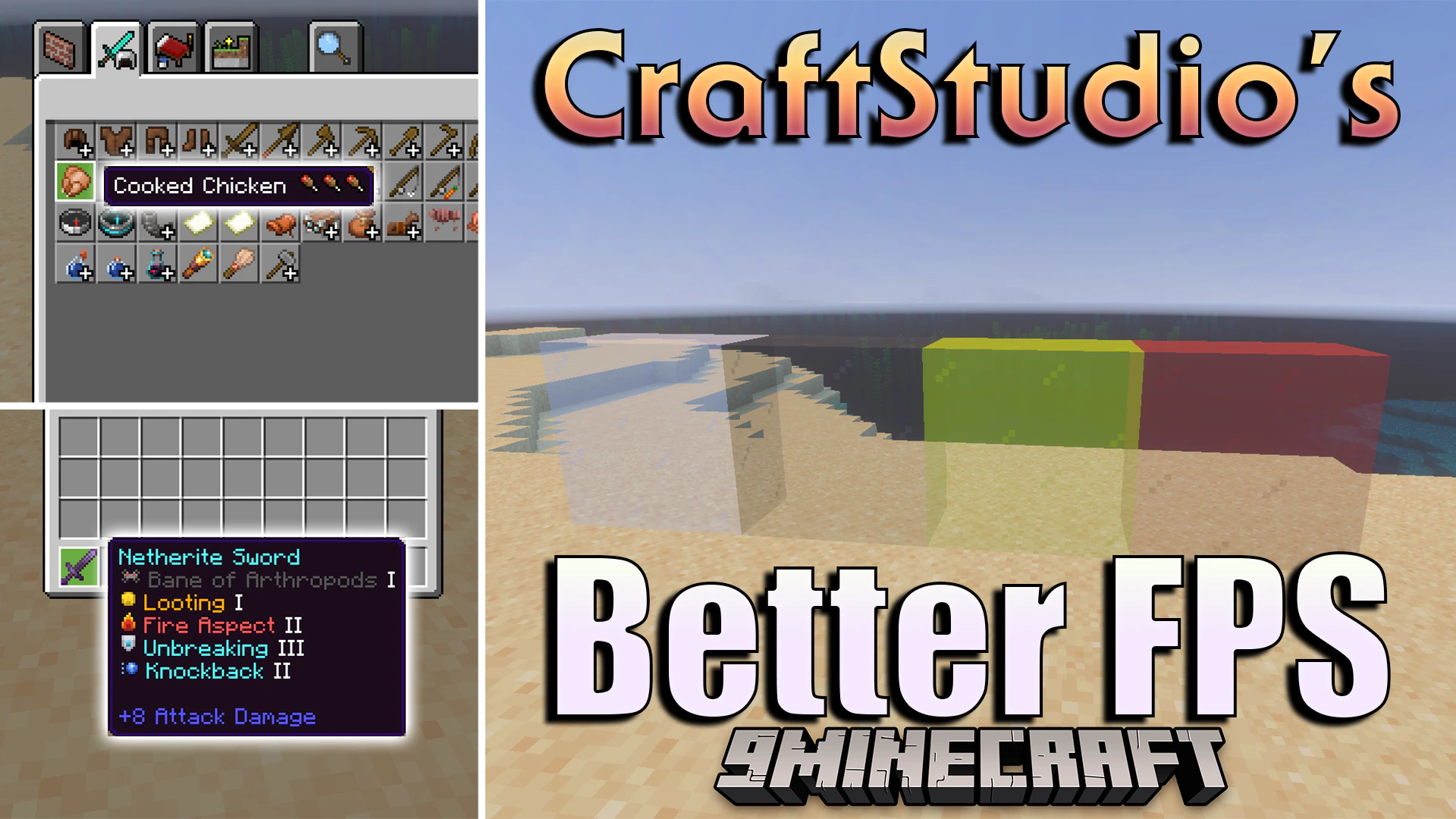
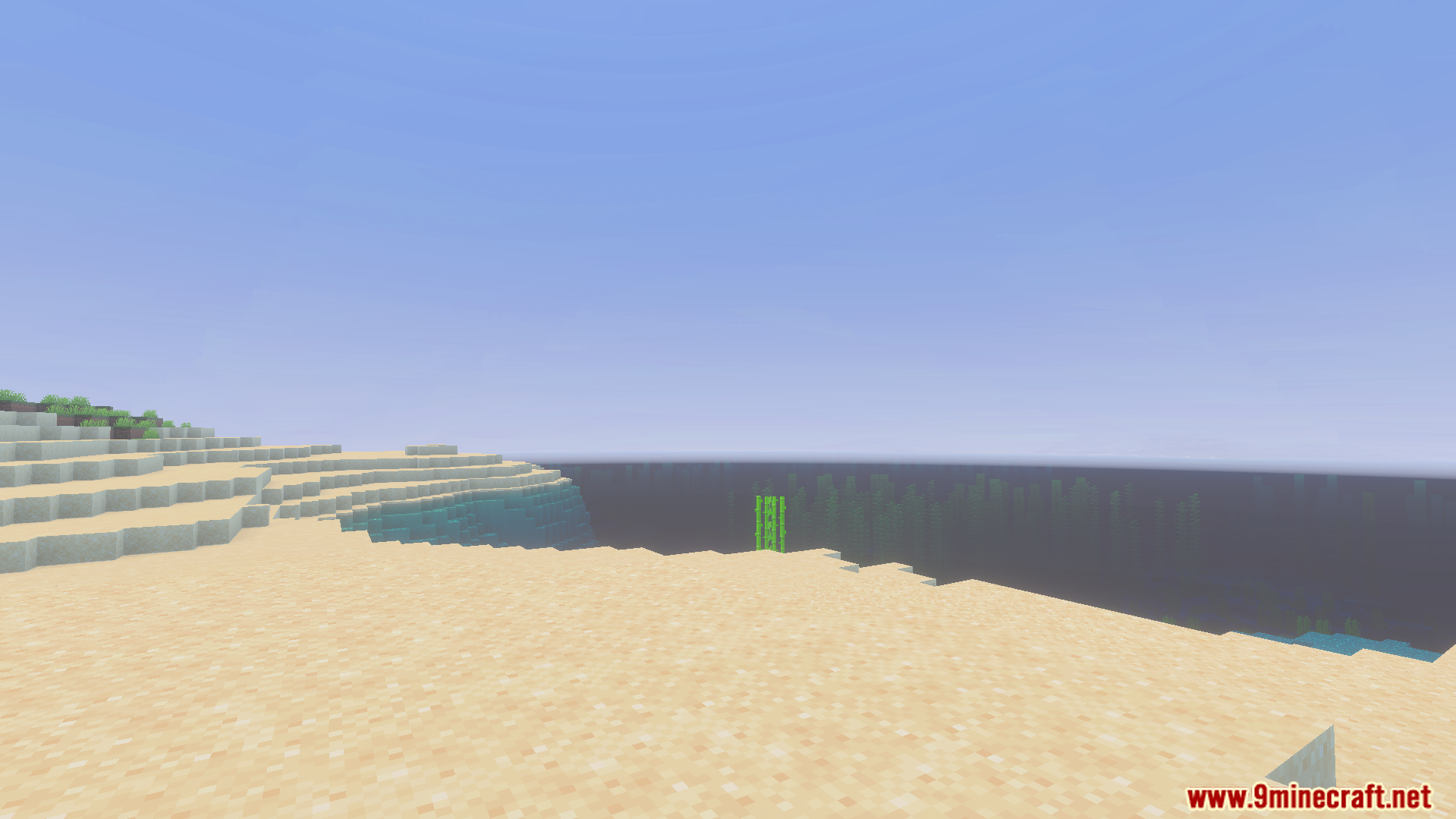
CraftStudios Better FPS Texture Pack improves your game performance while keeping the normal vanilla style. It removes unnecessary animations from blocks like water and lava to reduce lag. The pack also adds helpful icons for food items and enchantments to make gameplay easier.
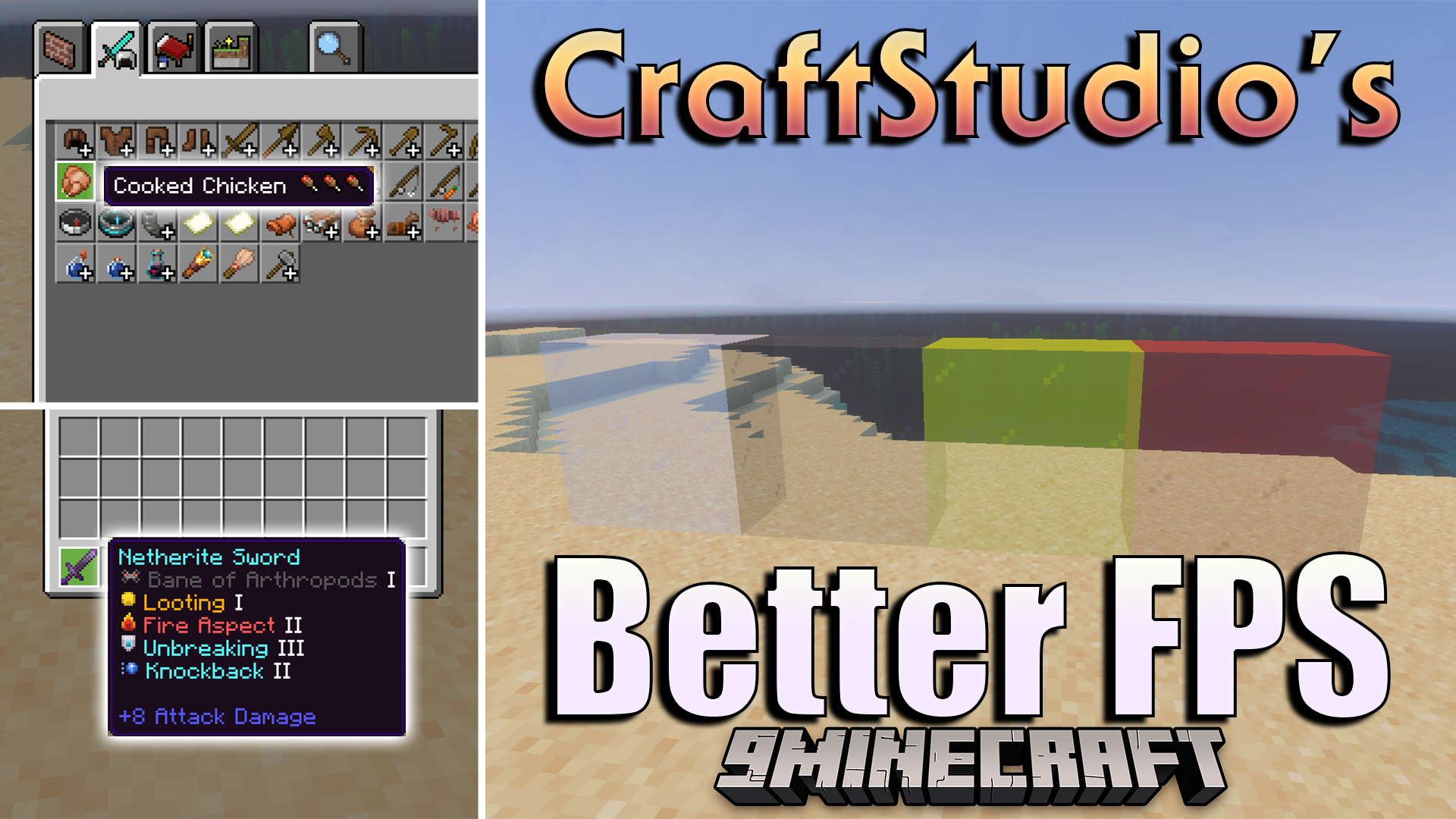
Features:
- Removes animations from water and lava blocks.
- Freezes campfire and nether portal textures completely.
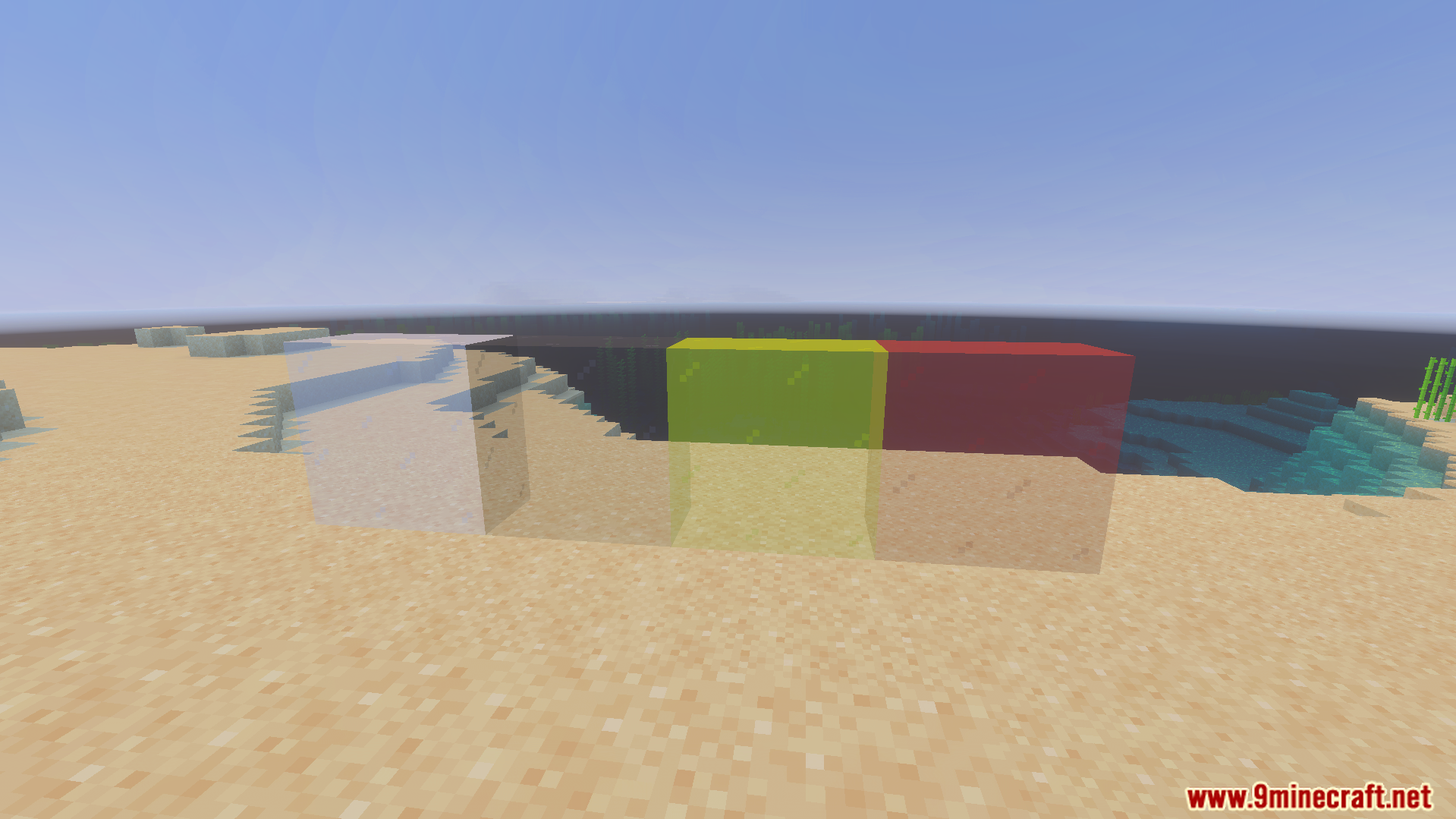
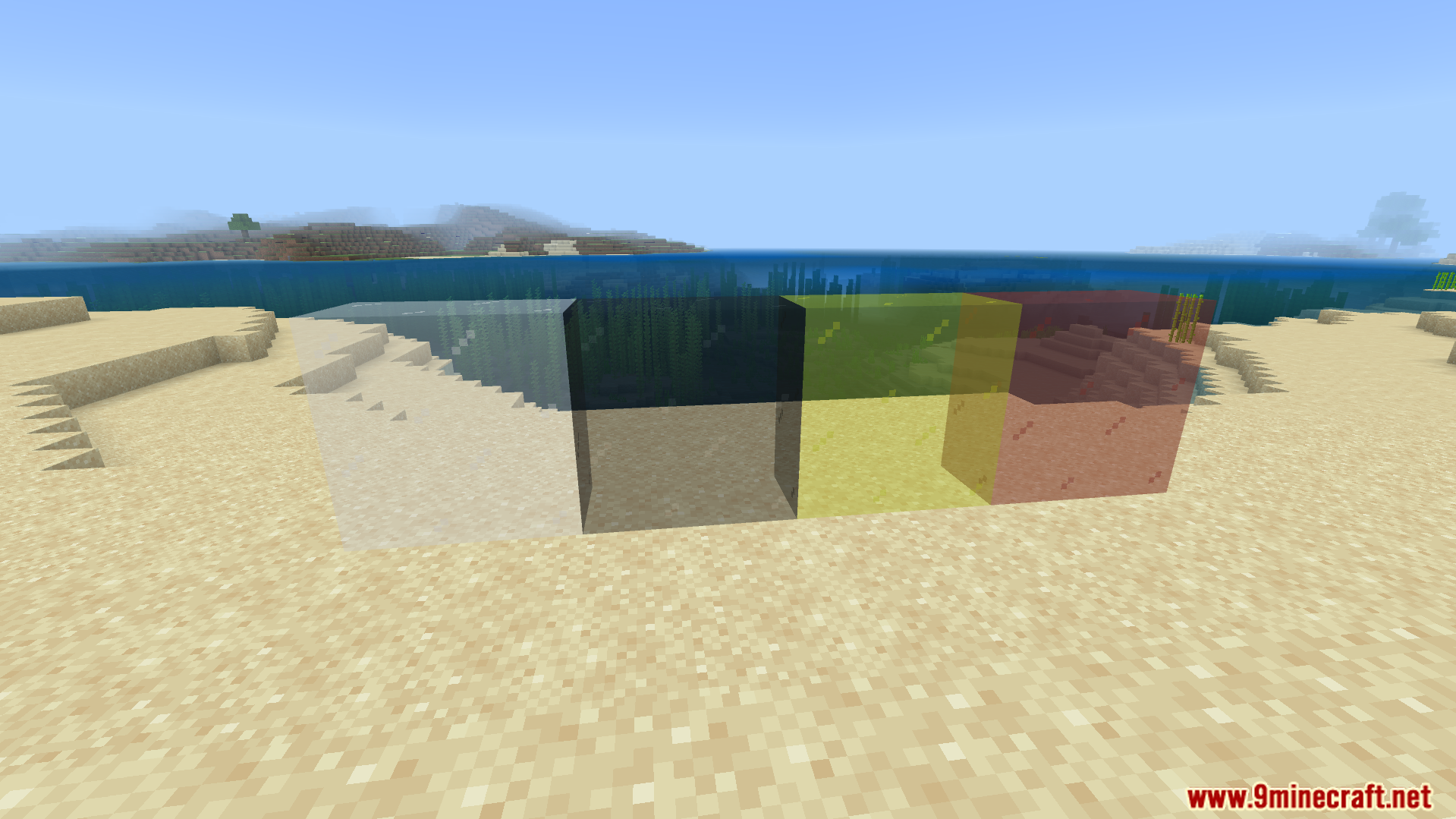
- Cleans up glass blocks by removing their borders.
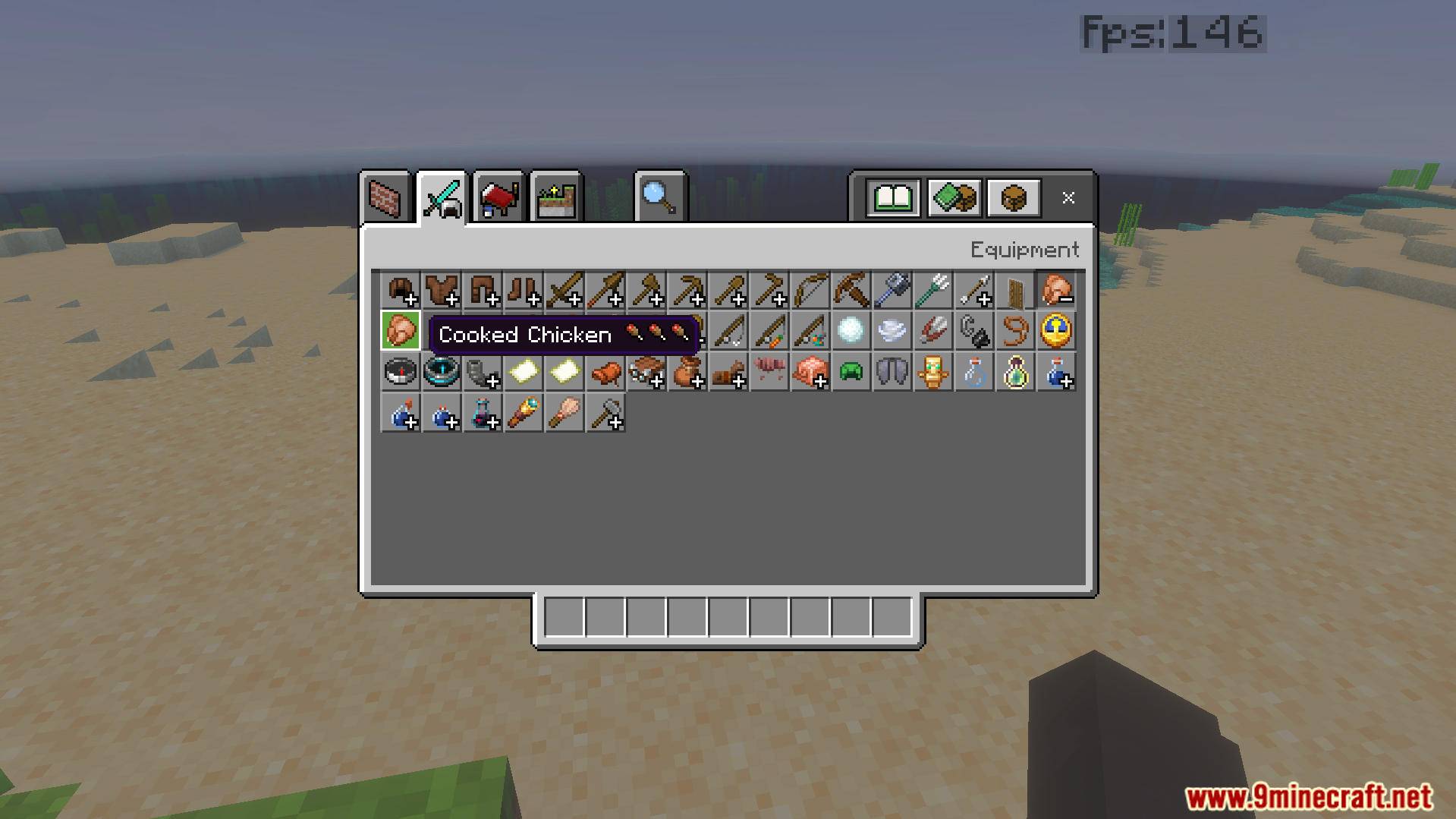
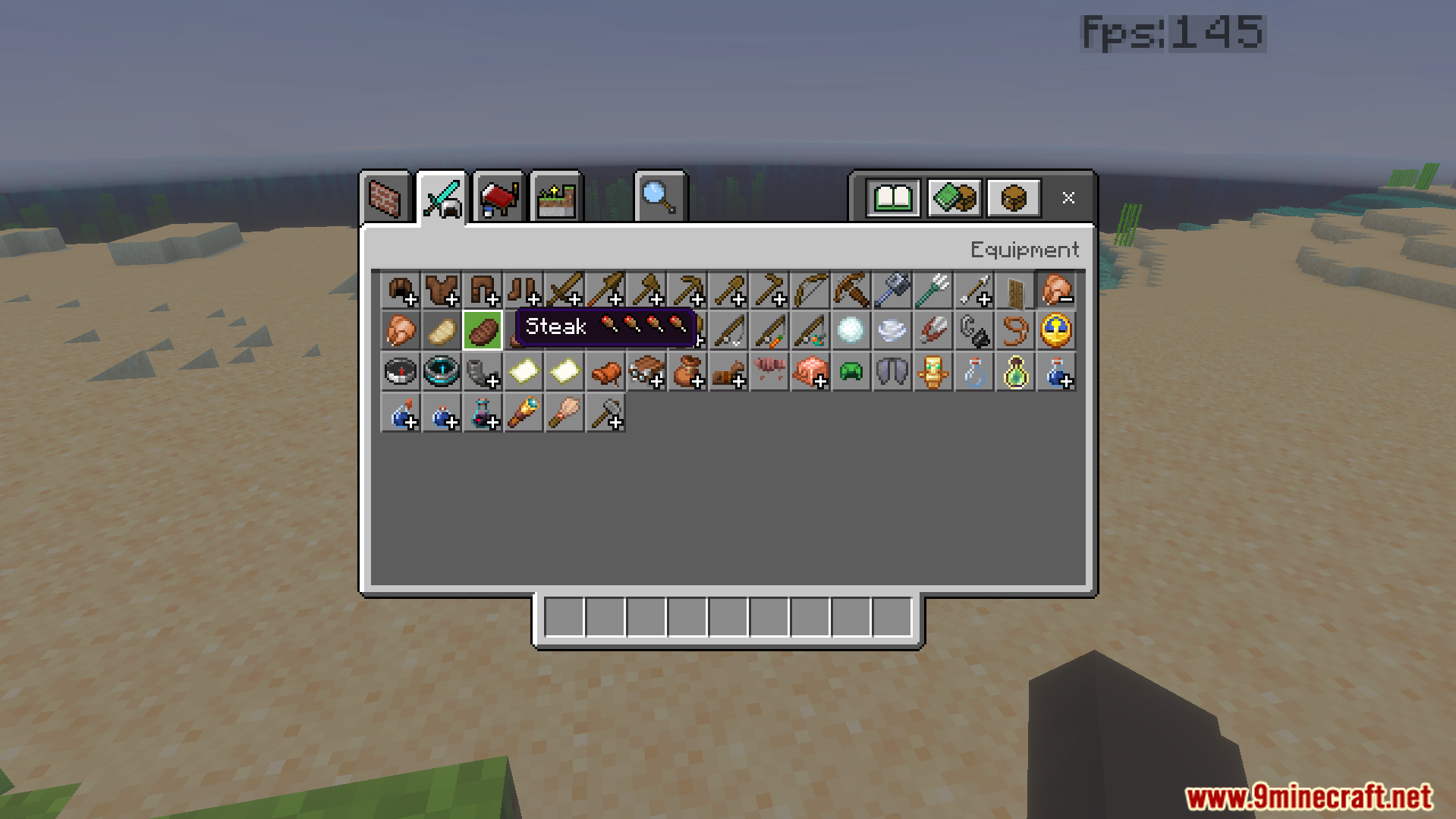
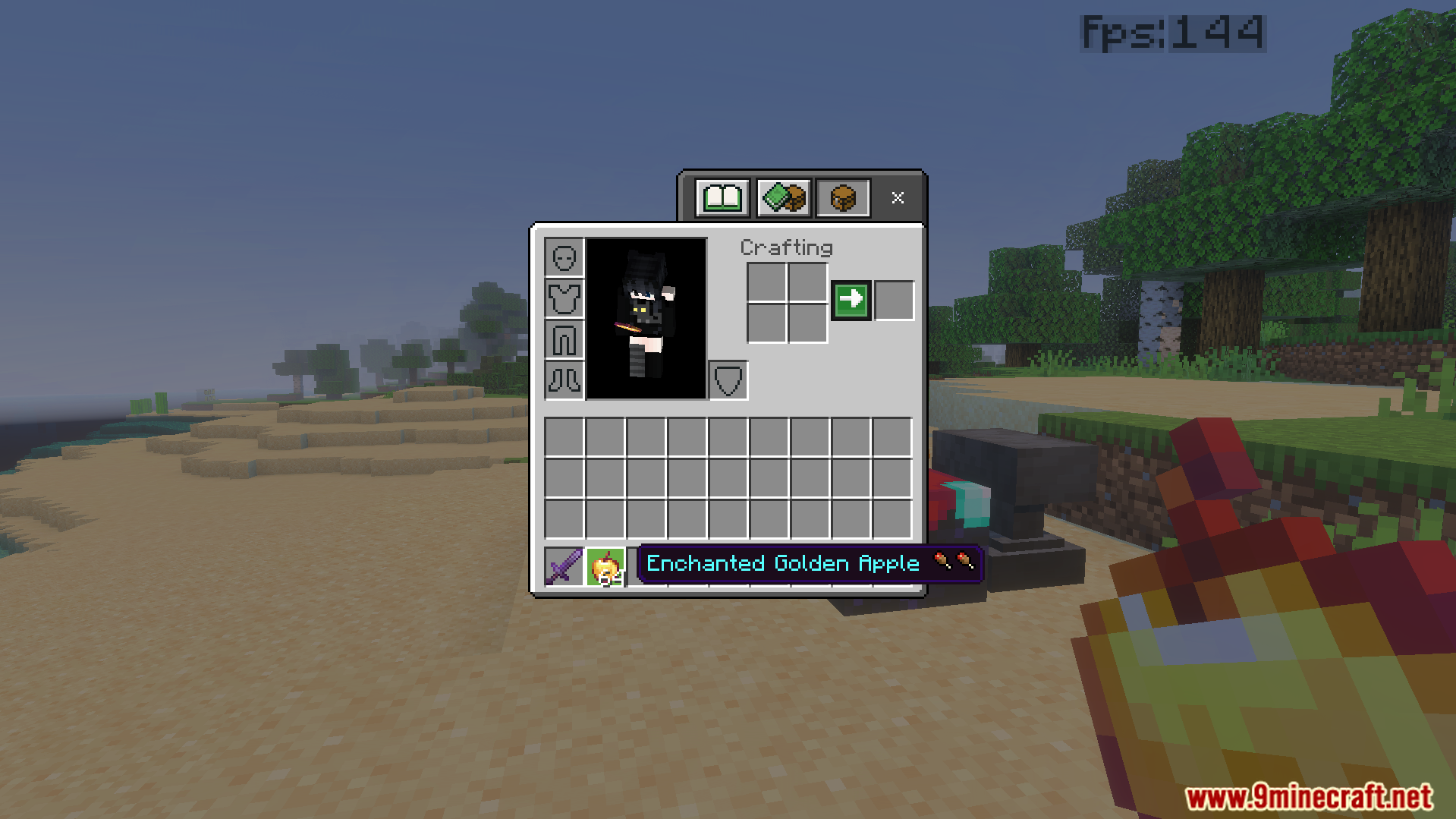
- Displays hunger points directly on food item names.
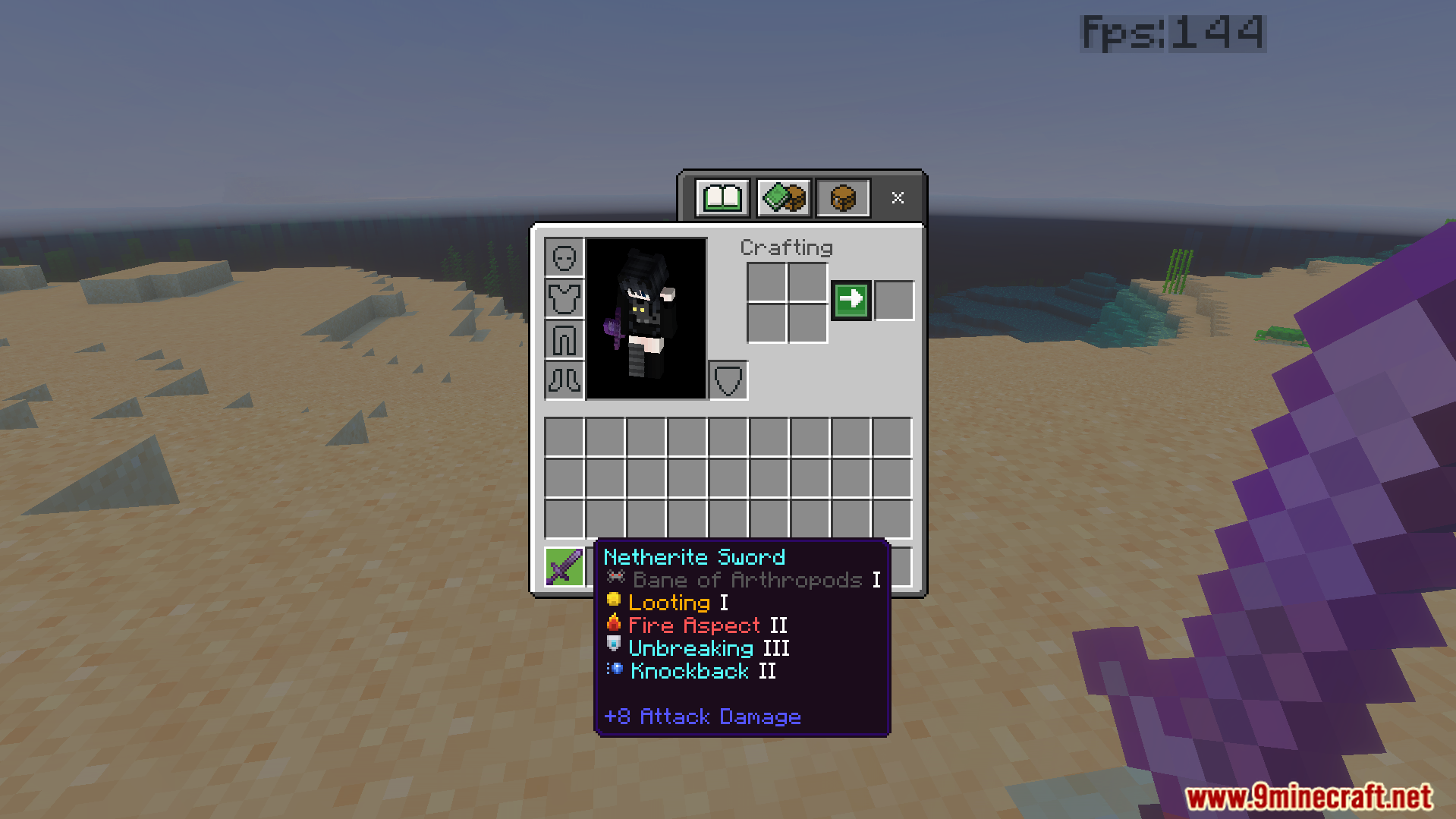
- Adds colored pixel art icons next to enchantments.
Configuration:
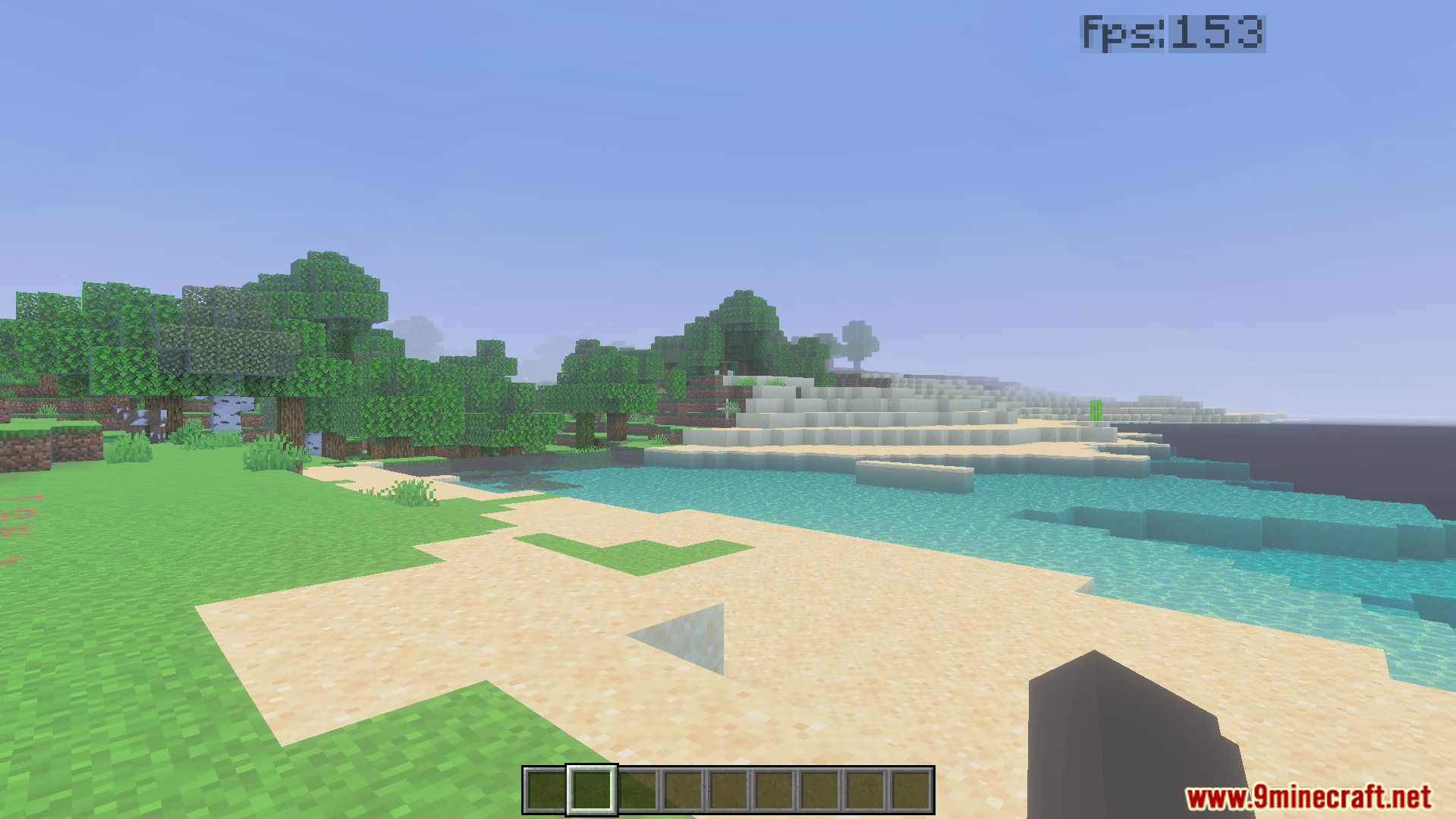
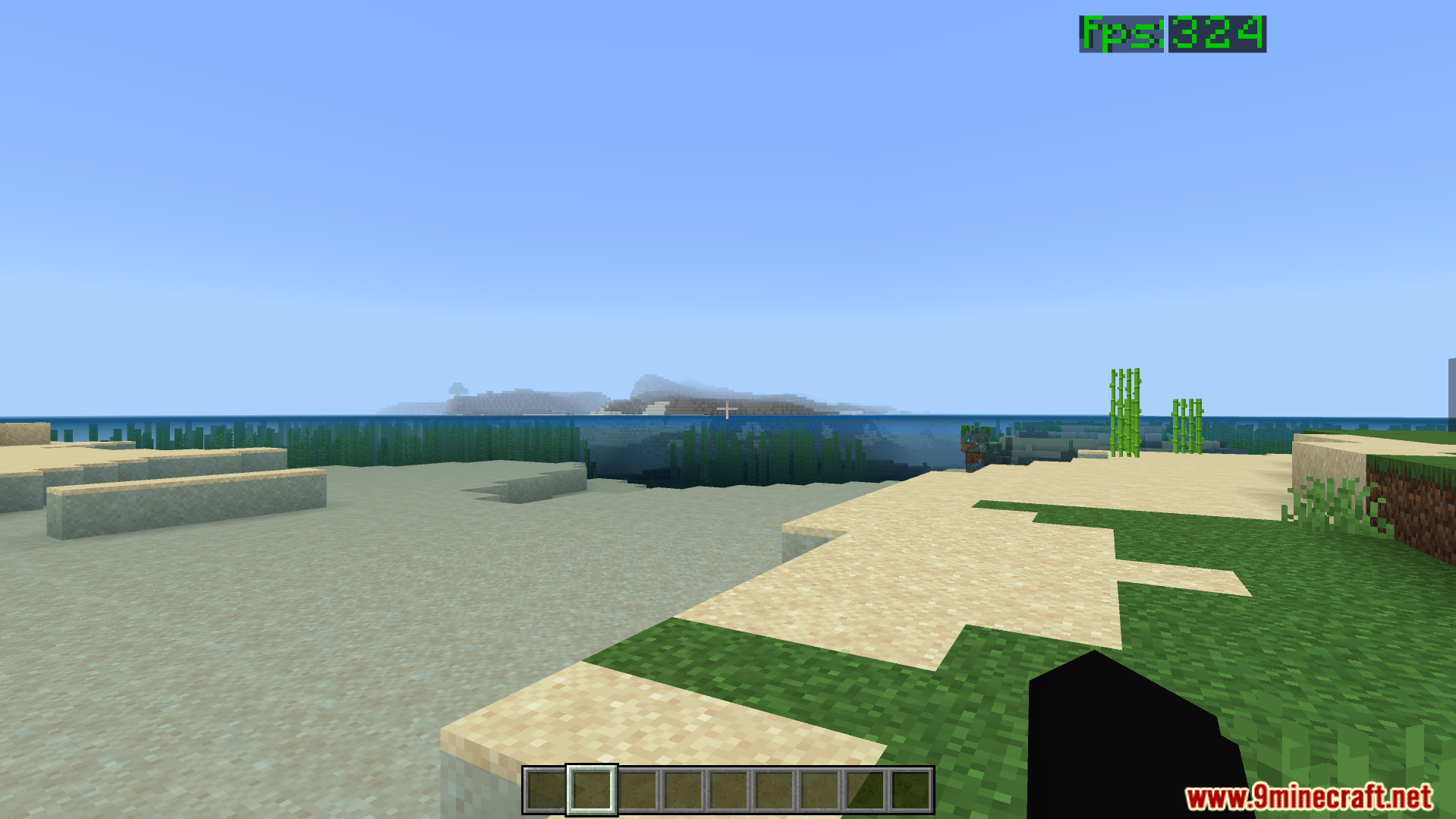
You can choose your performance level in the pack settings. The default option keeps all particles intact for normal play. The max FPS option removes all particles and enables fast grass.
Screenshots:
CraftStudios Better FPS Texture Pack Download Links
- Edition: Minecraft Bedrock
- File type: .mcpack
- Minecraft version listed: 1.21
- How to install: Download the .mcpack. → Open it — Minecraft imports it under Resource Packs. → Activate it in Global Resources, or for one world under Resource Packs → Available.
- Where to get it: In MCModsHub, or directly above on this page.
Install steps are the general flow for this file type — How to install Minecraft Bedrock texture packs walks through it step by step.
- Pack type: .mcpack — a single pack
- Manifest requires Minecraft 1.21.0 or newer
- Complete pack — everything it depends on is inside the file
- Download size: 1.0 MB
- Download link checked 22 Jul 2026 — working
- Mirrored on our own servers — the download does not depend on the original host
These come from our own check of the pack file, not from the source page.