Home›Bedrock›Texture packs›Collapse UI Texture Pack (26.x, 1.21) – Custom Console Style Menus For Bedrock
Texture packsBedrock
Collapse UI Texture Pack (26.x, 1.21) – Custom Console Style Menus For Bedrock
Bedrock texture pack listed for Minecraft 1.21. File opened and checked on 21 Sep 2026; installs from the MC Bedrock Mods app on Android.
⬇ Download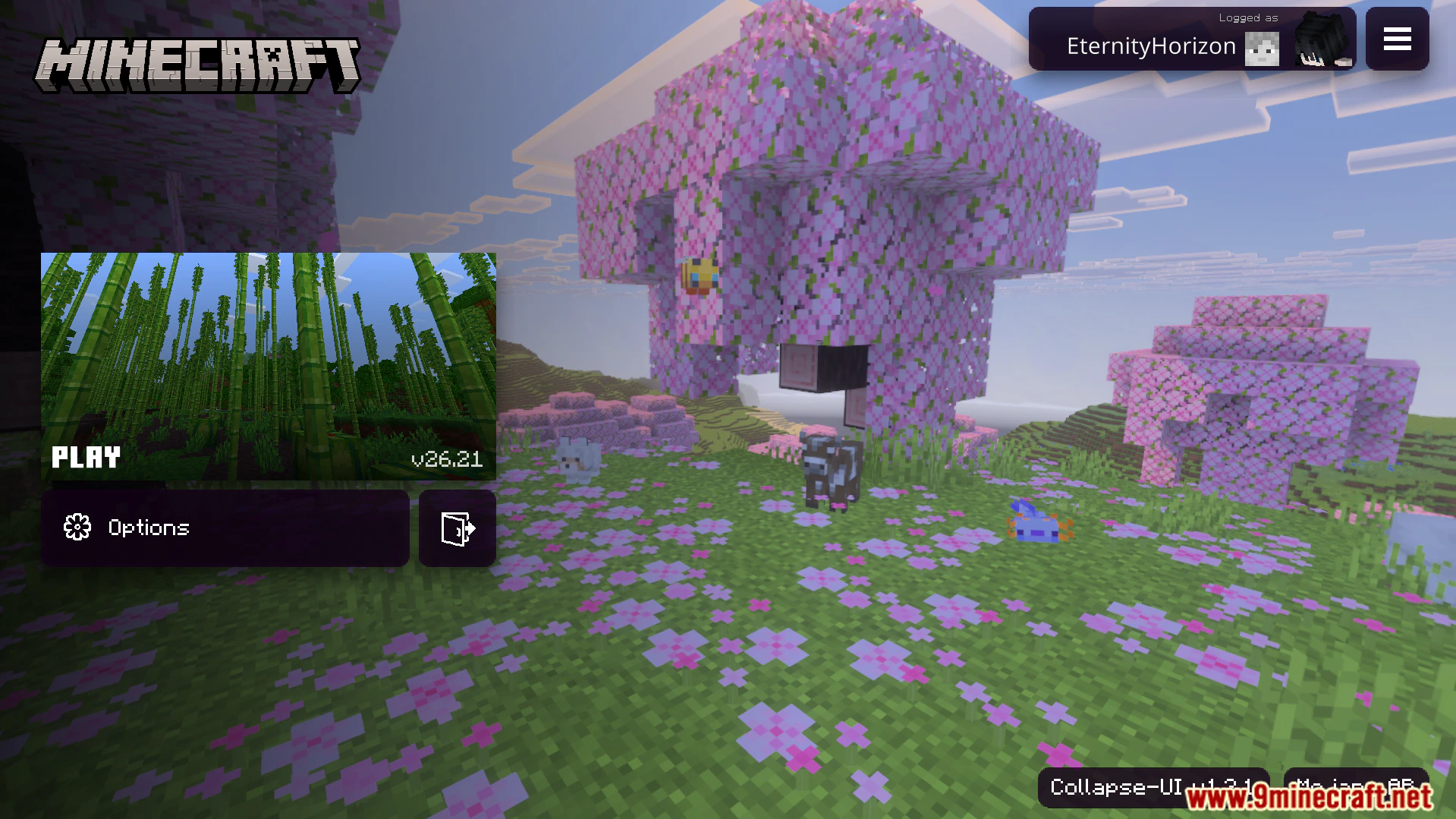
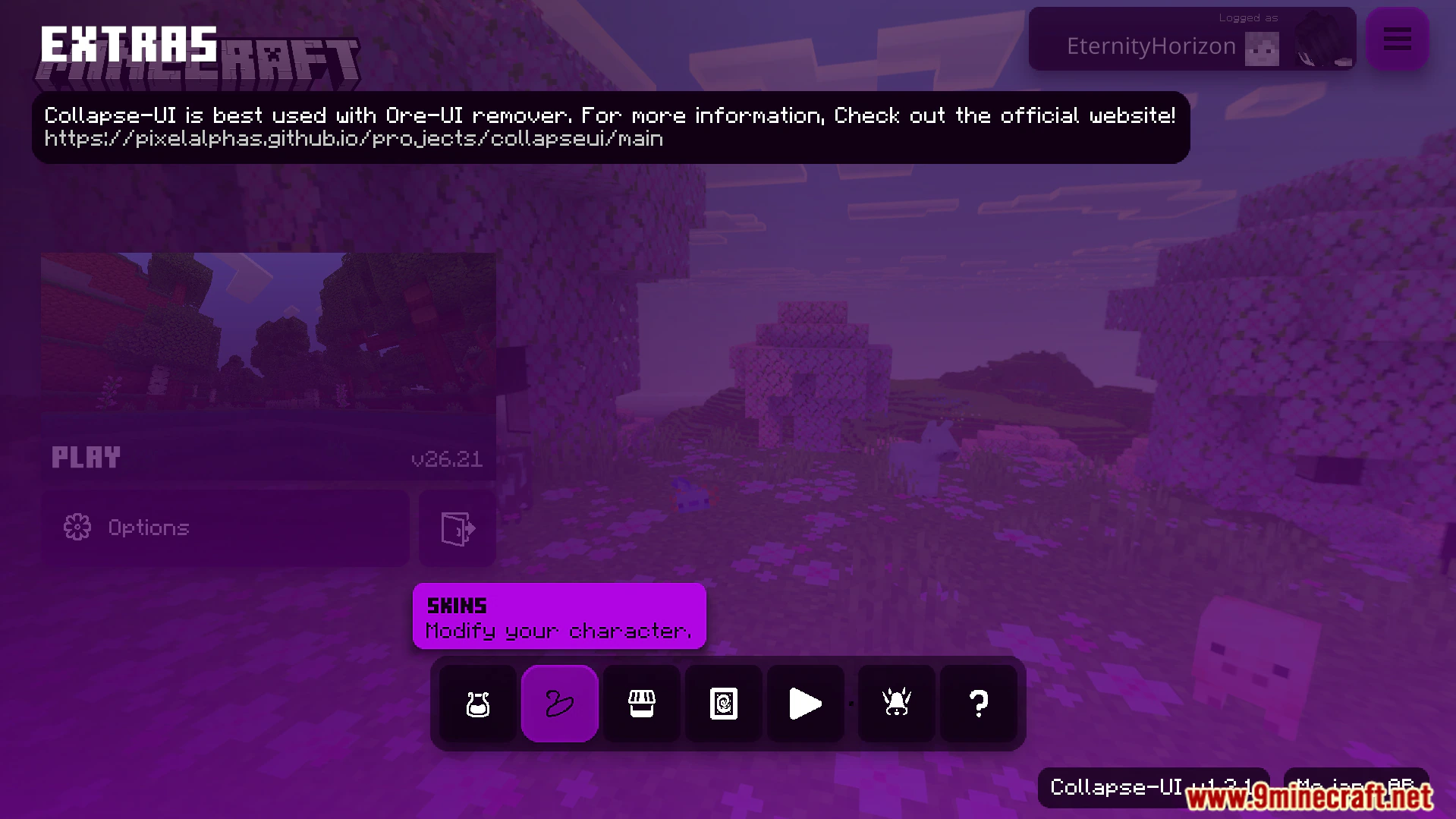
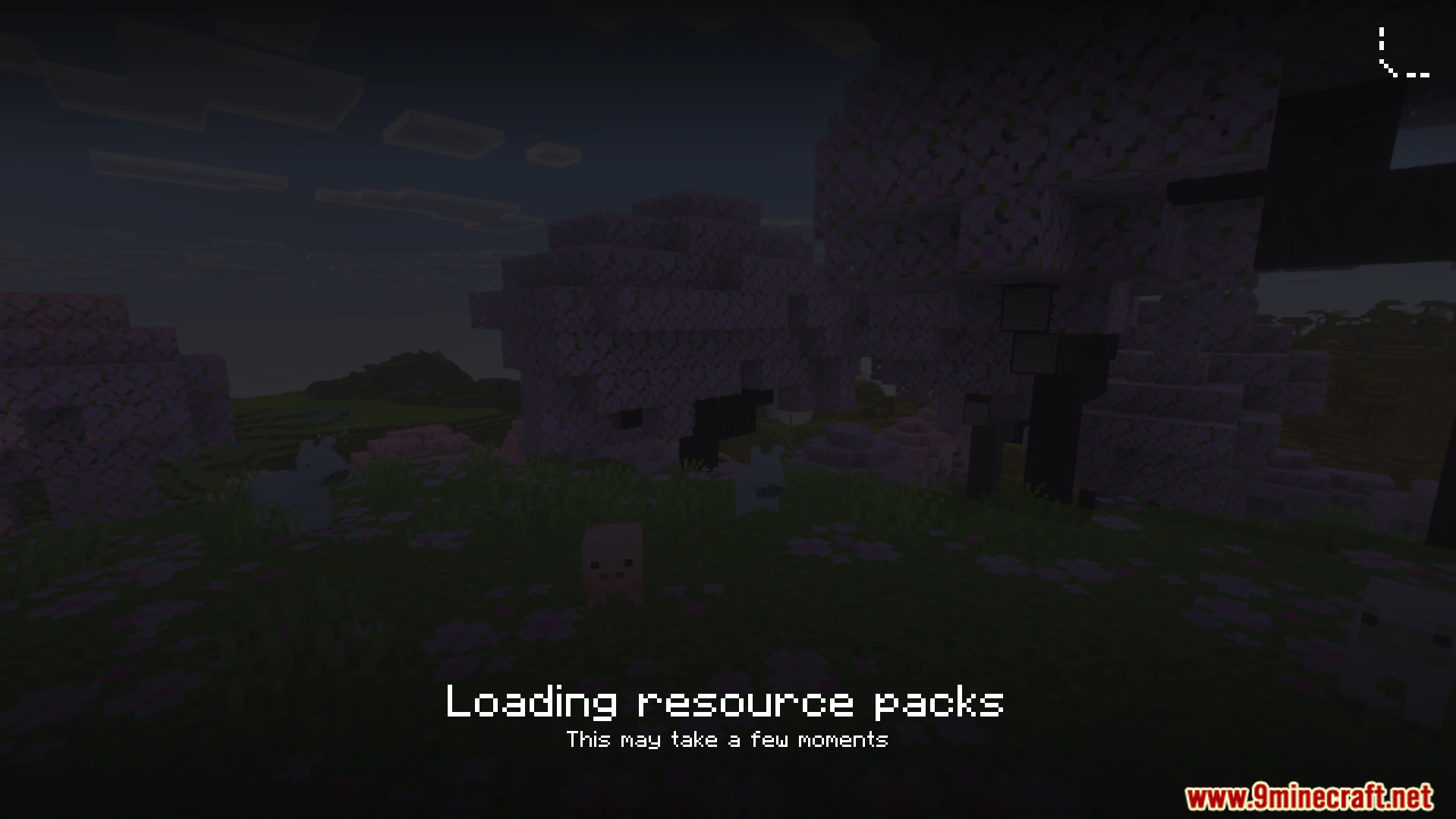
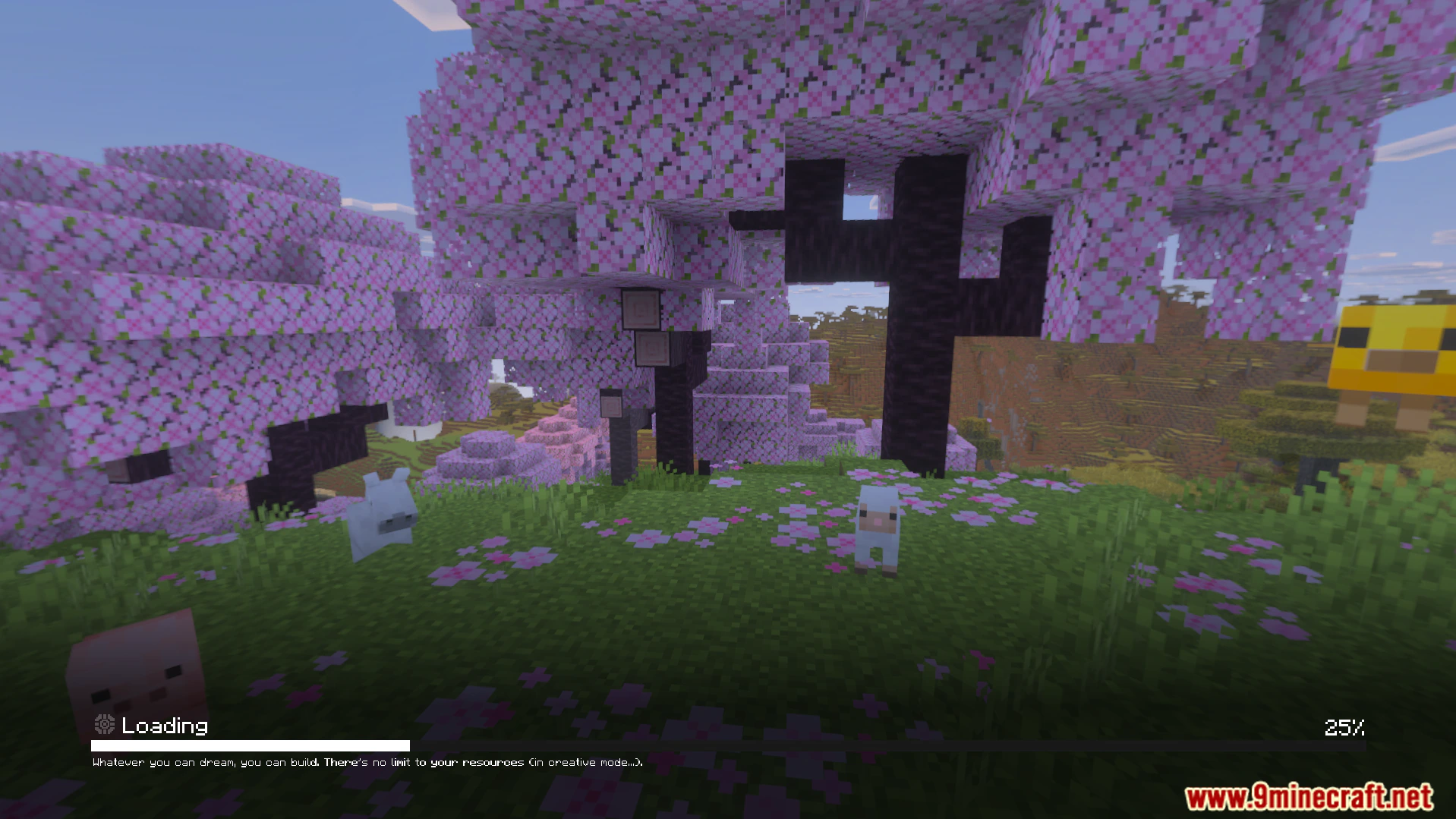
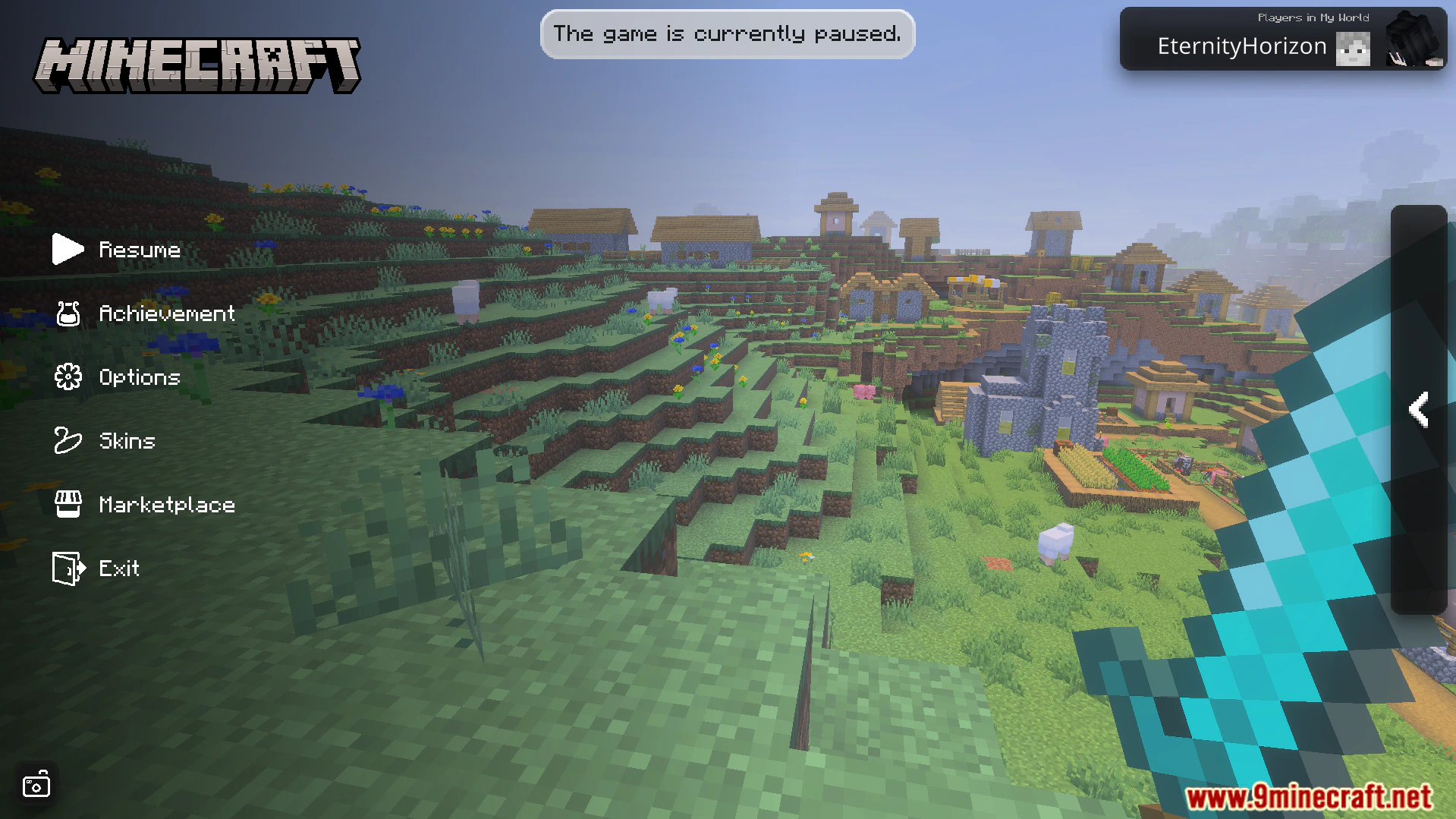
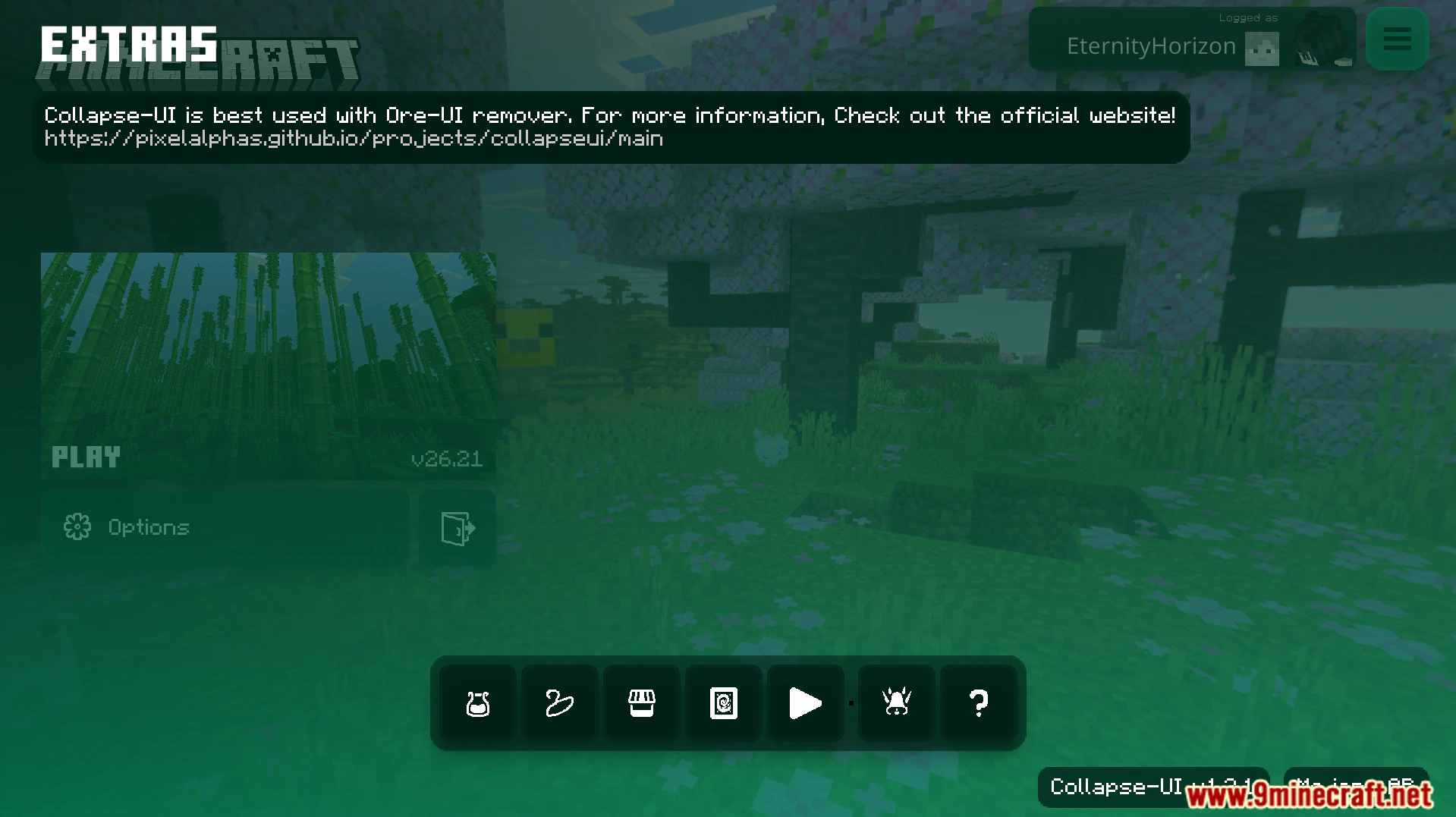
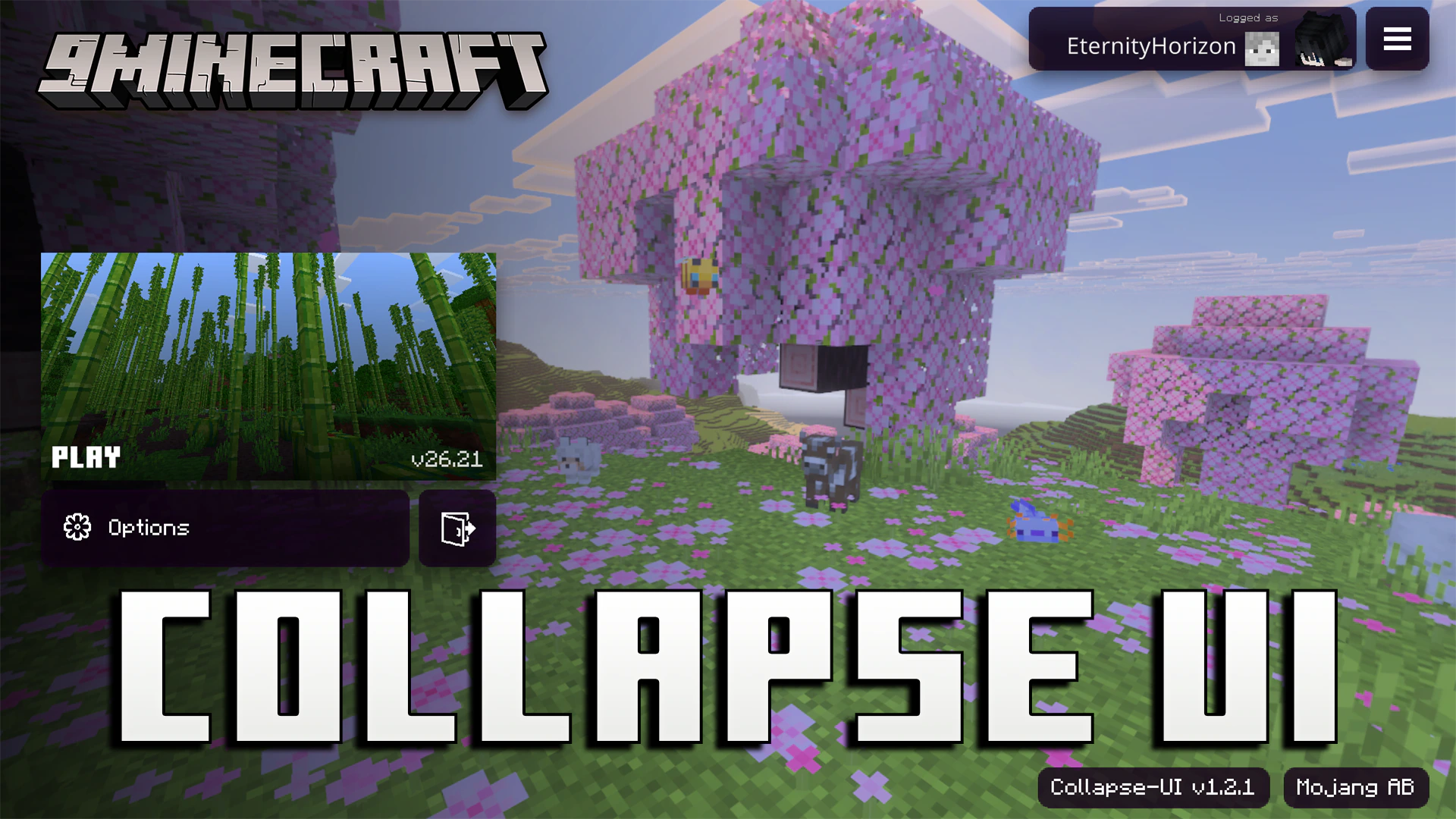
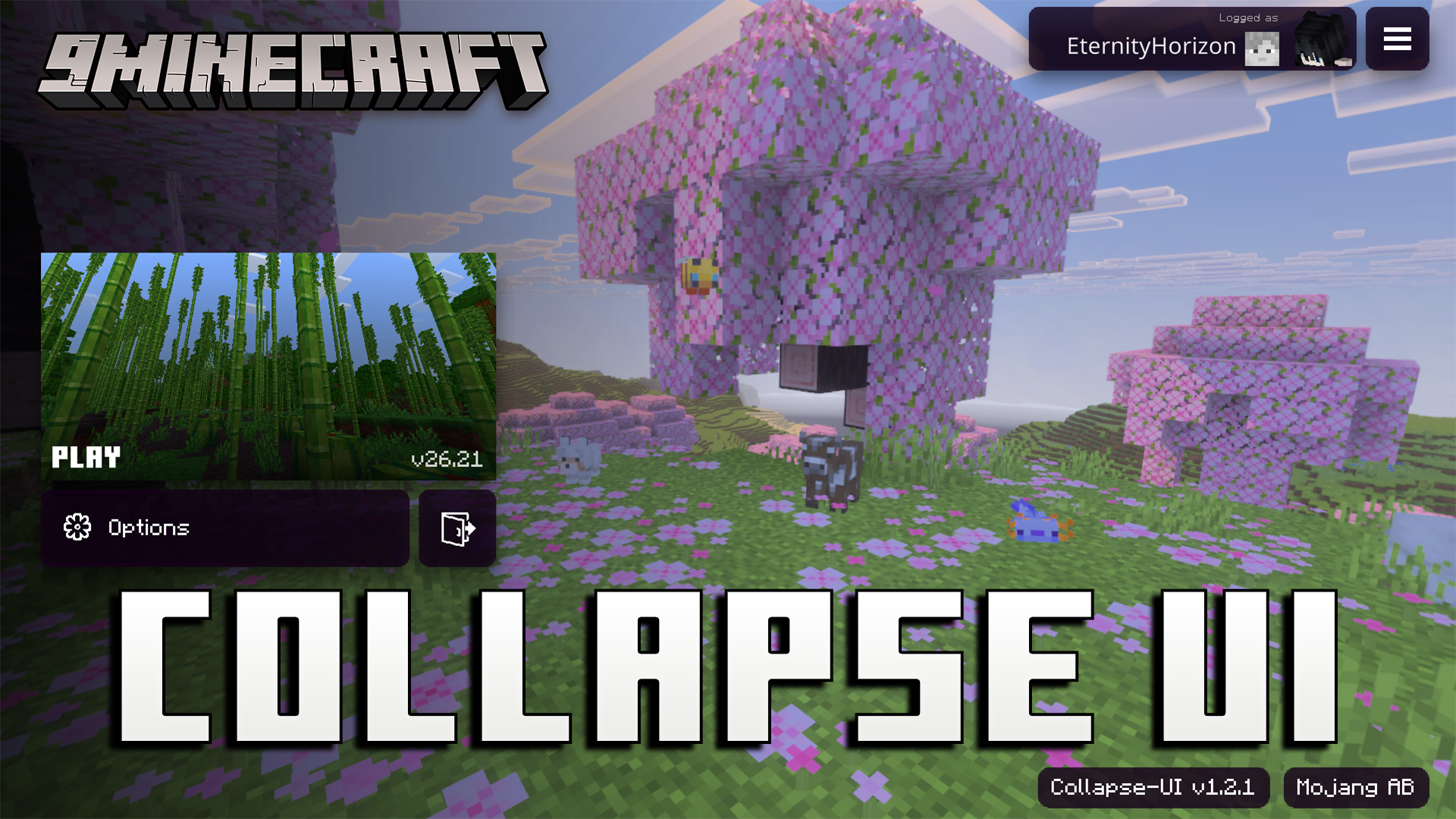
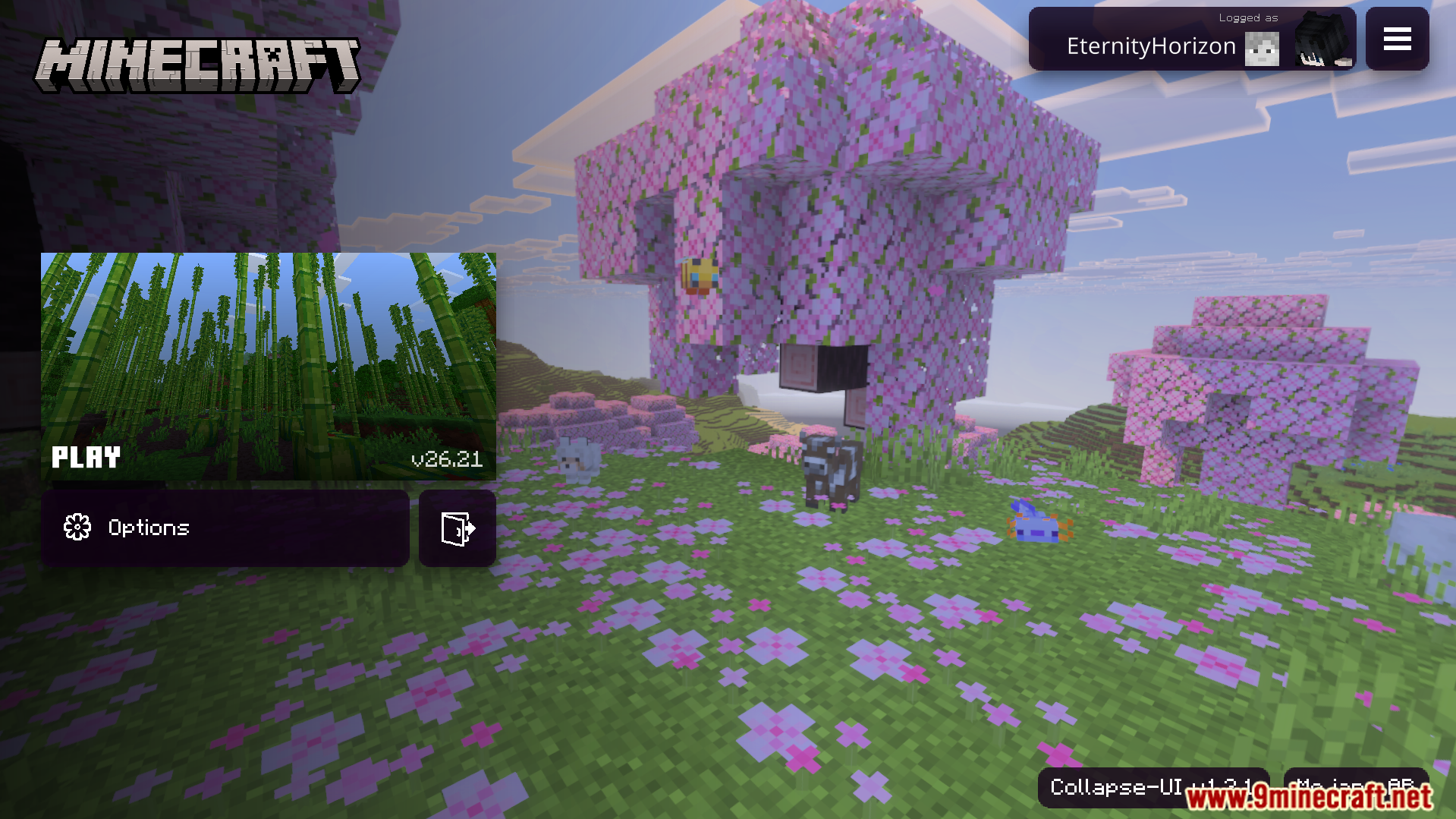
Collapse UI Texture Pack changes your Bedrock menus to look just like a console screen. It adds optimized code that allows your game screens to load much faster than normal. This pack also gives mobile players easier access to many new menu options.
Features:
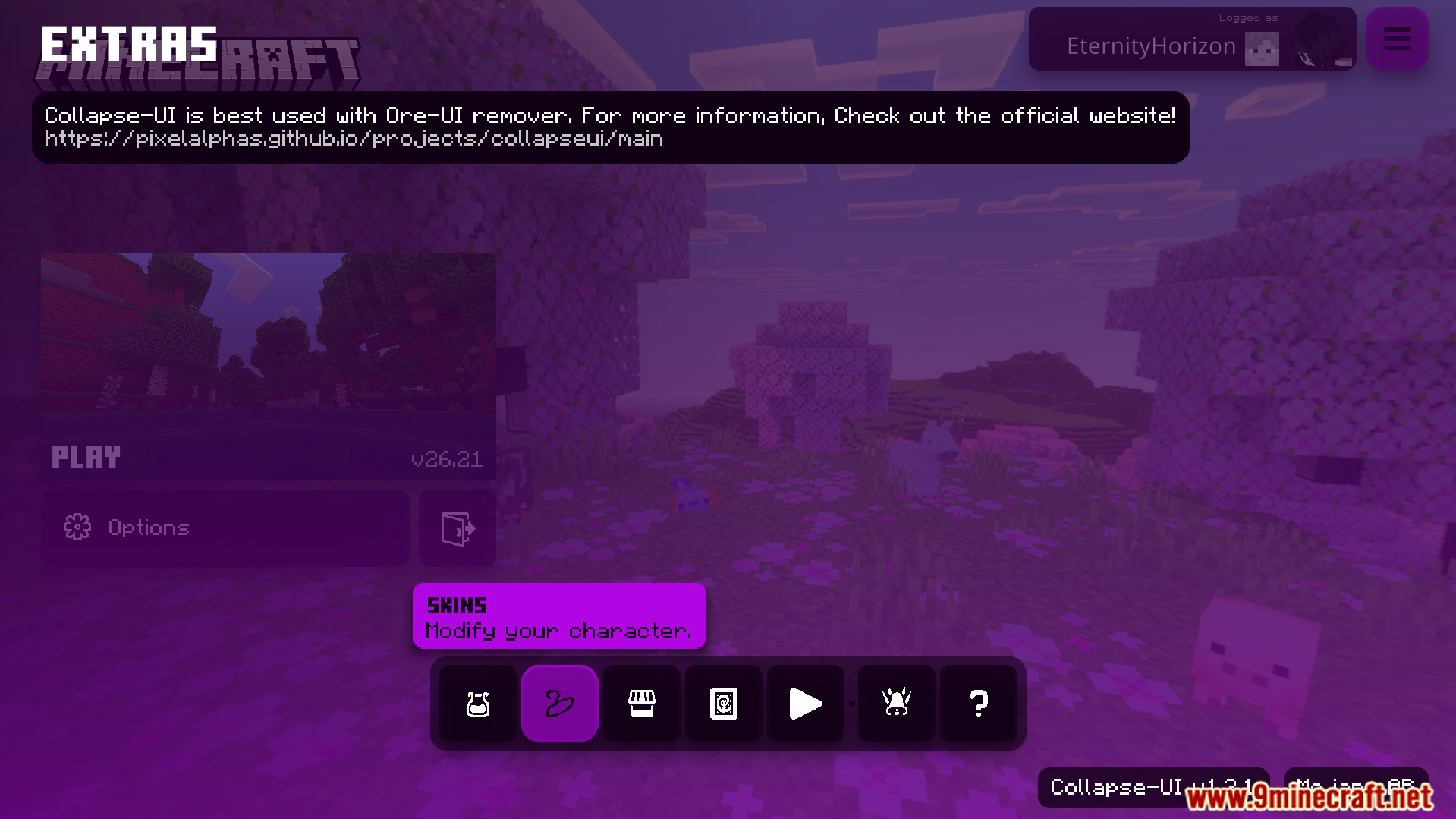
- Adds an extra menu with easy options for controllers and keyboards.
- Shows helpful descriptions inside your game settings screen.
- Changes the safezone screen to use a clean outline border.
- Updates your HUD with a themed experience bar and message area.
- Lets you view the player list directly from the pause menu.
Configuration:
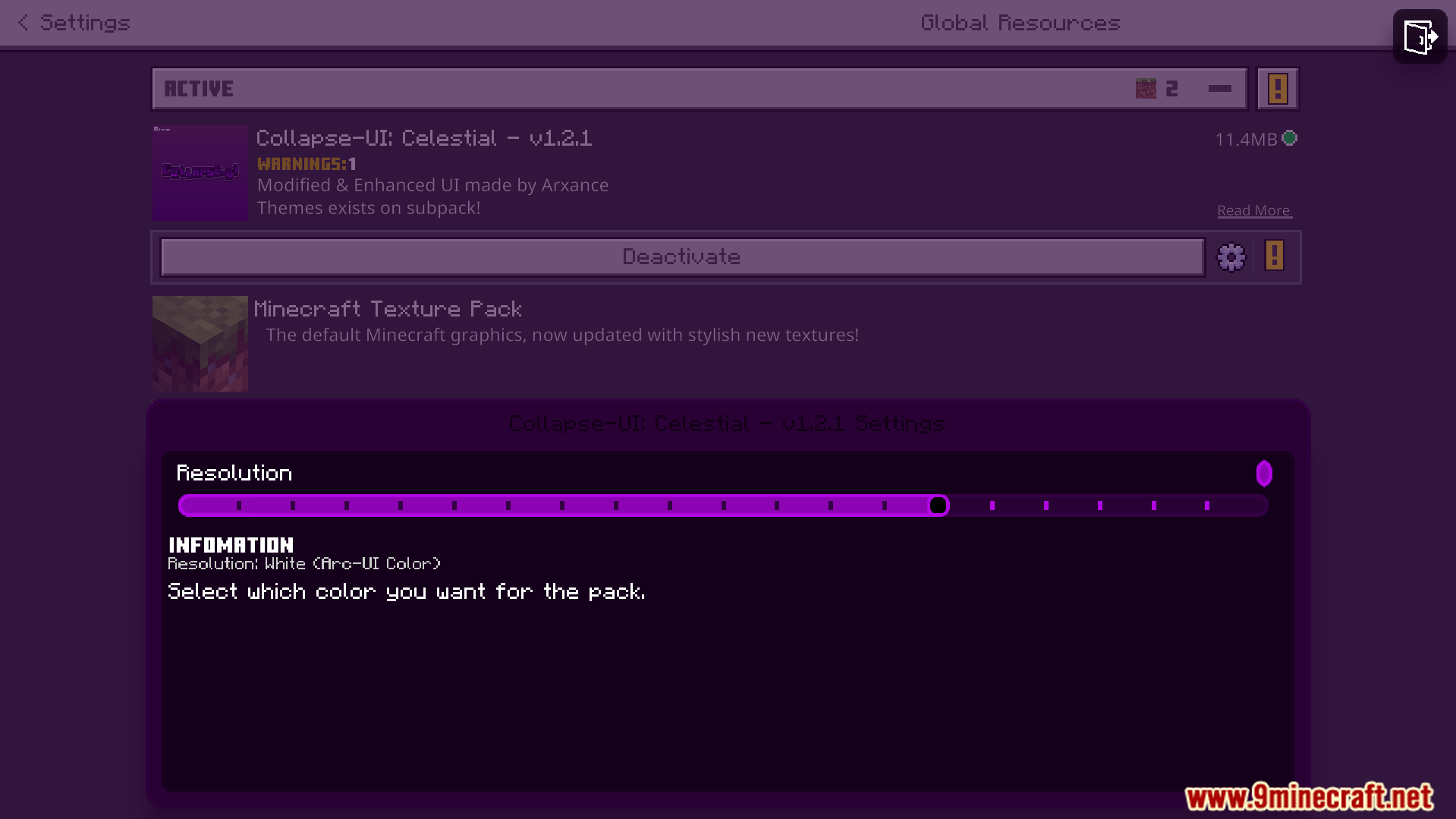
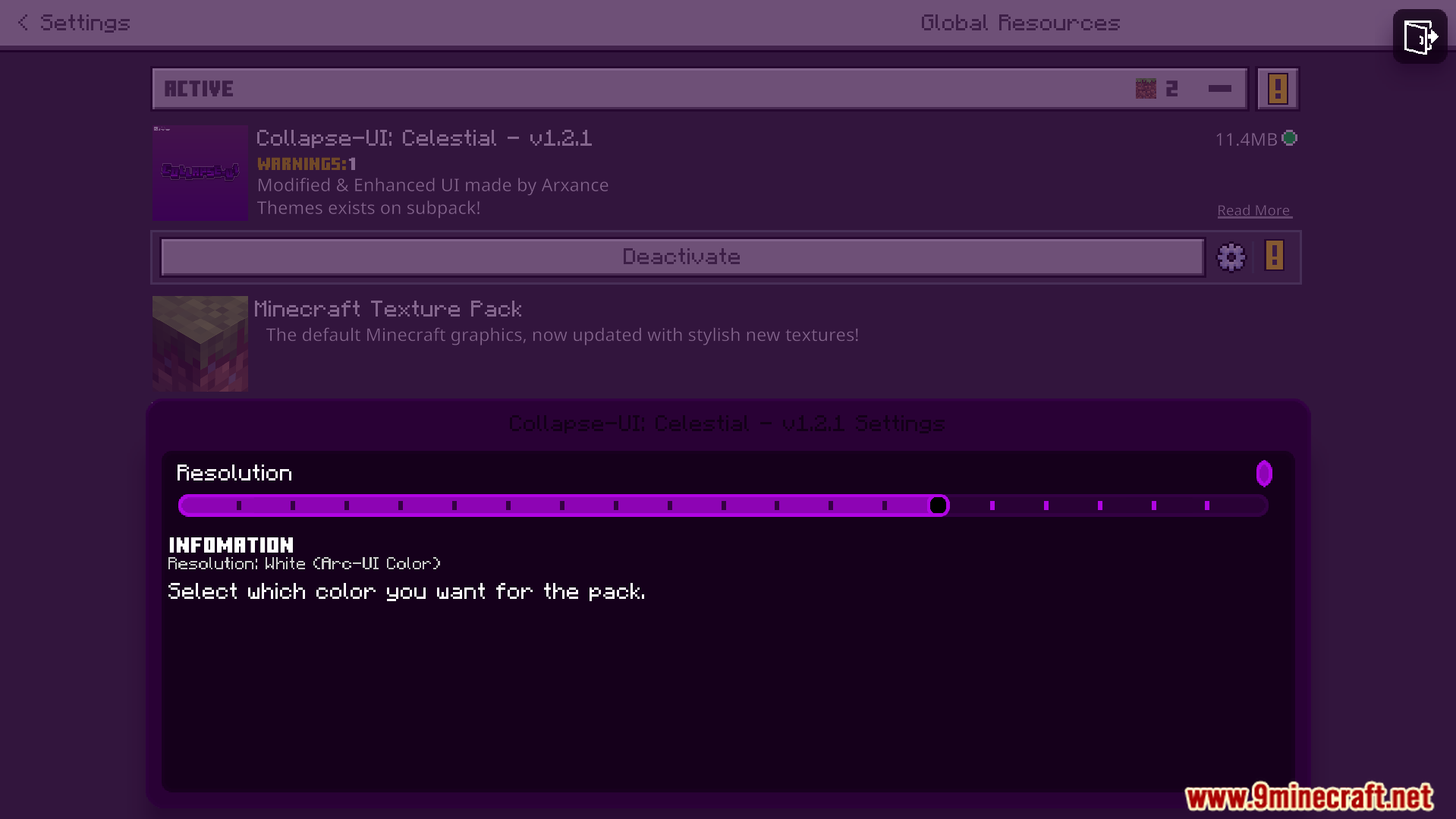
You can customize this pack using a special configuration file.
Screenshots:
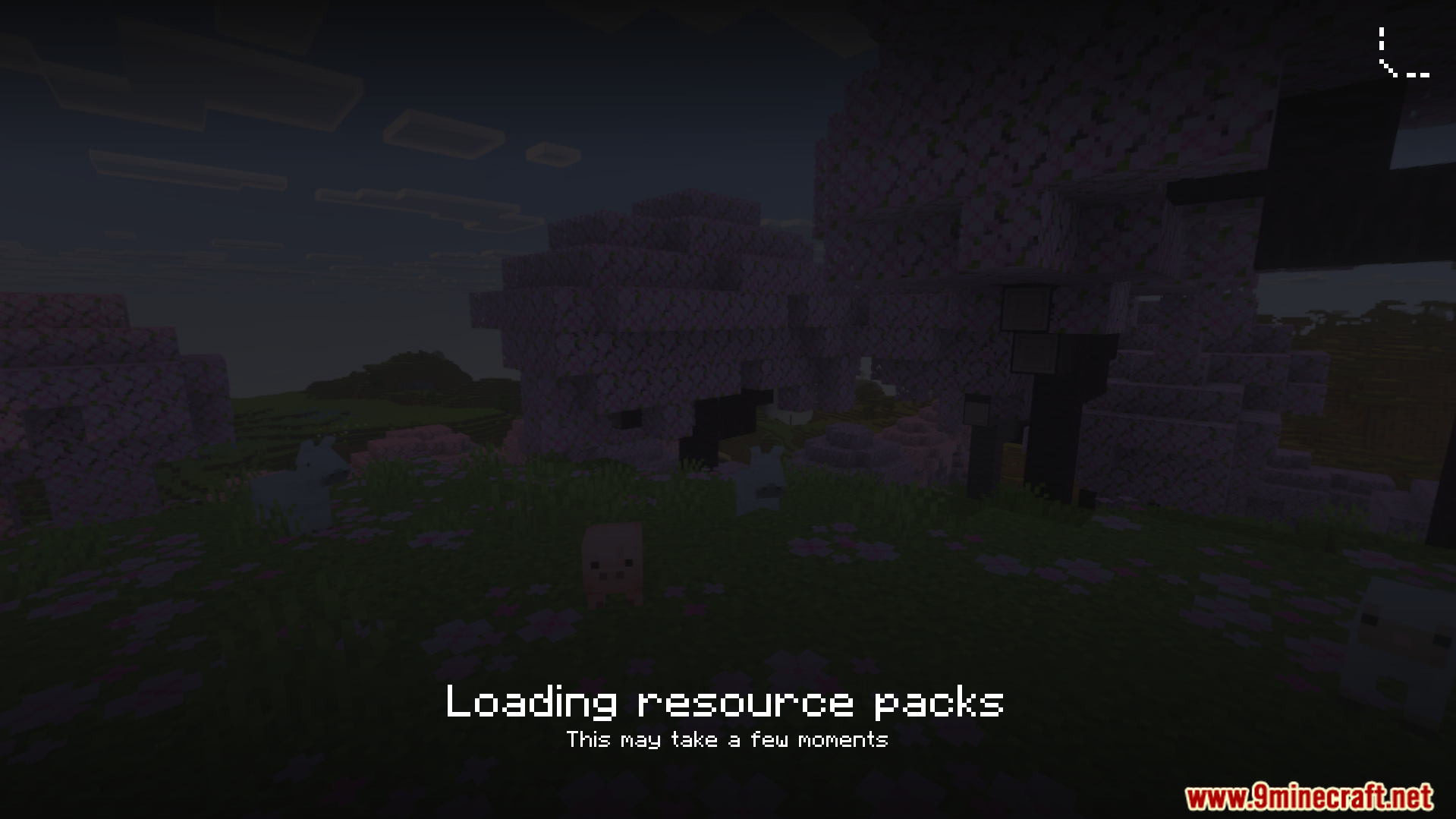
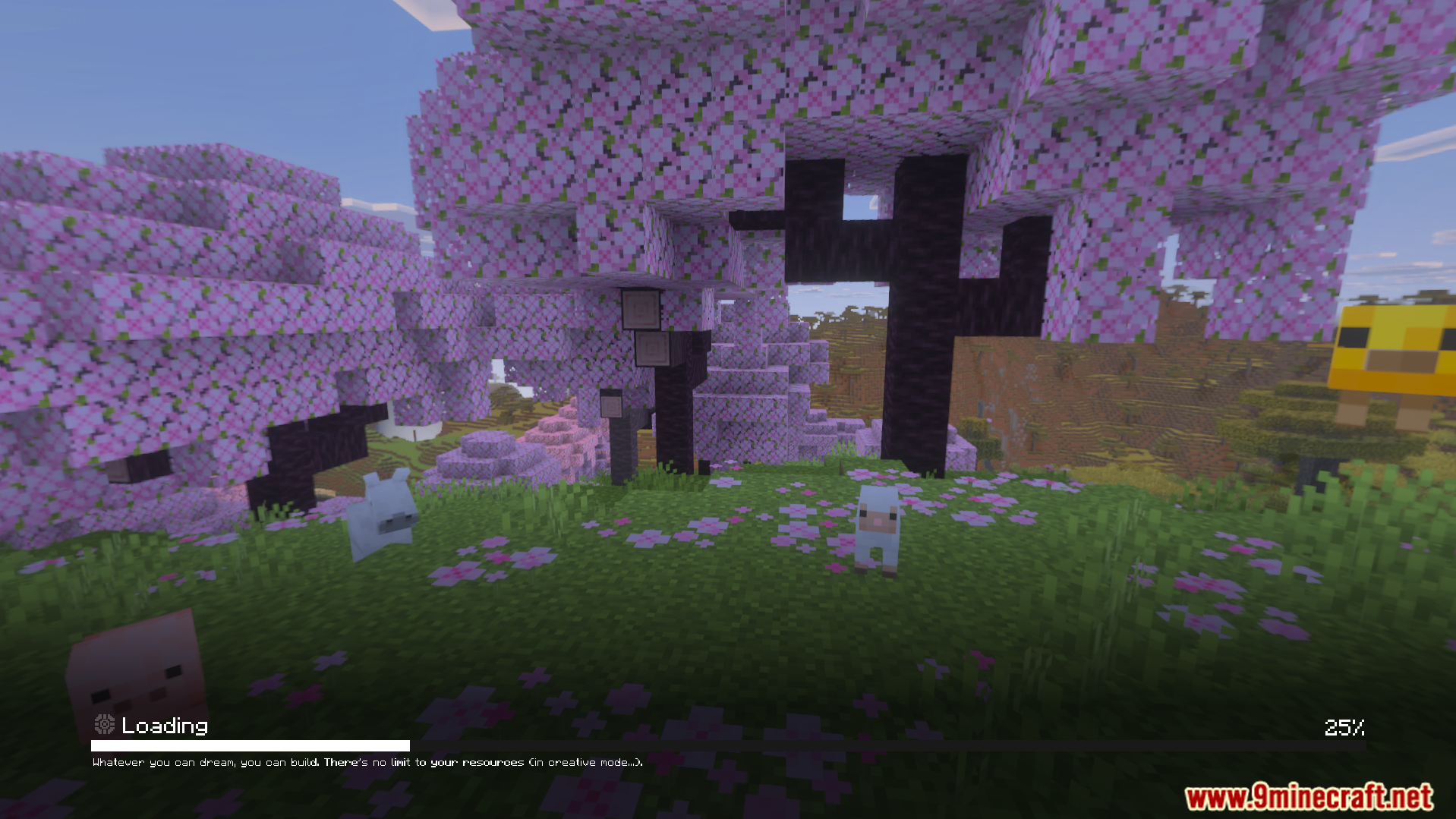
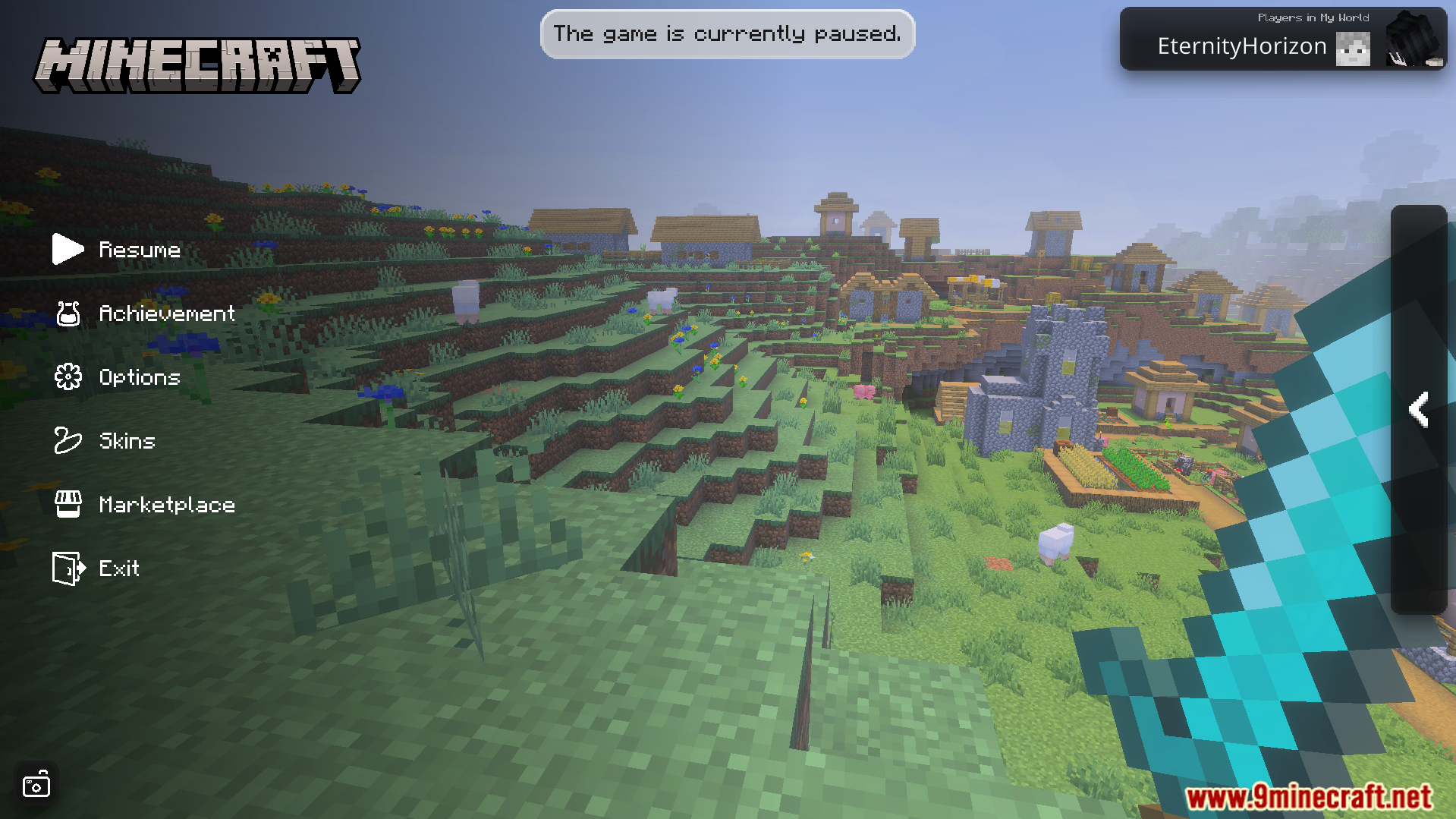
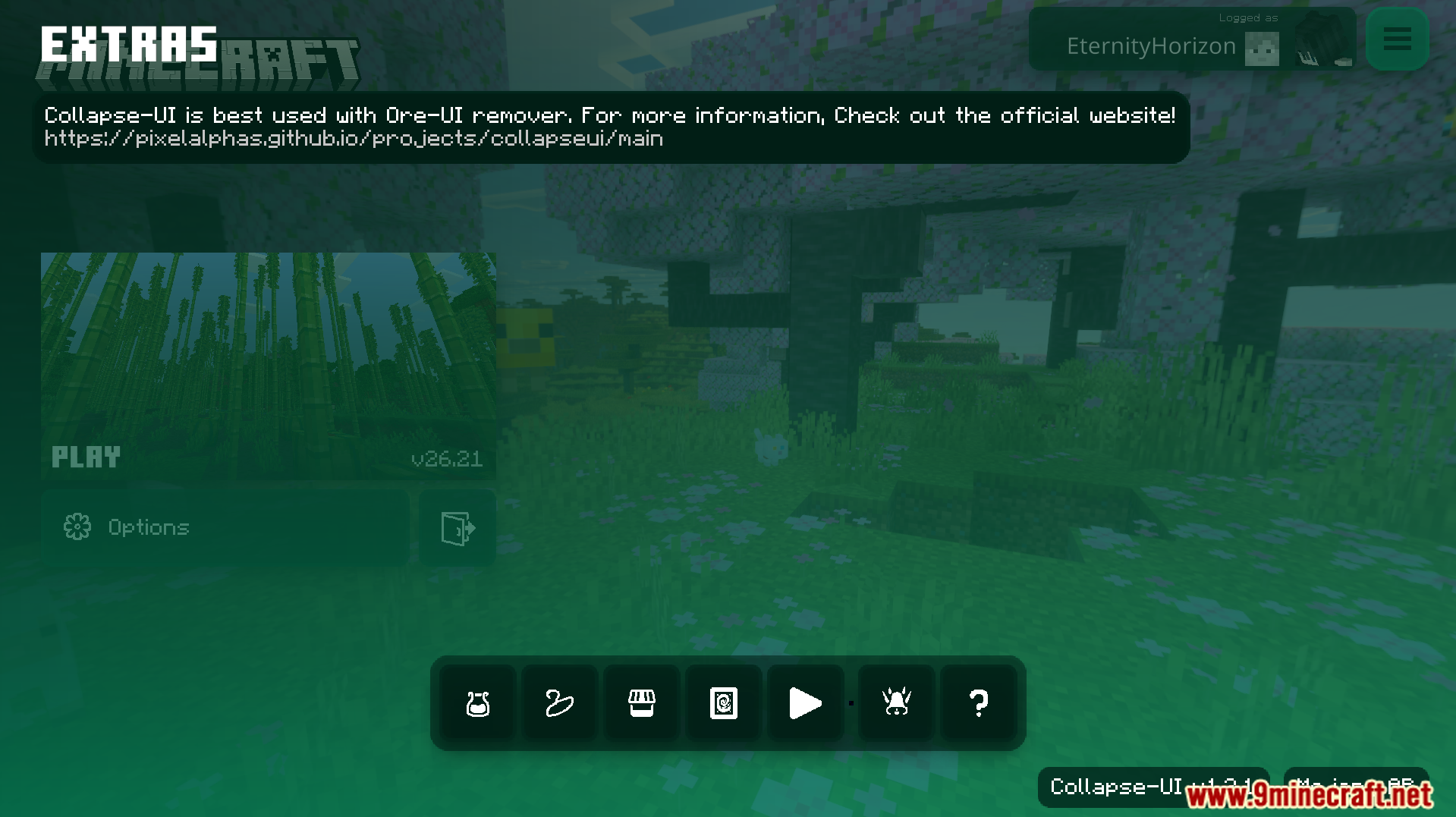
Collapse UI Texture Pack Download Links
Quick facts
- Edition: Minecraft Bedrock
- File type: .mcpack
- Minecraft version listed: 1.21
- How to install: Download the .mcpack. → Open it — Minecraft imports it under Resource Packs. → Activate it in Global Resources, or for one world under Resource Packs → Available.
- Where to get it: In MCModsHub, or directly above on this page.
Install steps are the general flow for this file type — How to install Minecraft Bedrock texture packs walks through it step by step.
File checked by MCModsHub
- Pack type: .mcaddon — behaviour and resource pack in one file
- Manifest requires Minecraft 1.21.110 or newer
- Complete pack — everything it depends on is inside the file
- Download size: 11.4 MB
- Download link checked 22 Jul 2026 — working
- Mirrored on our own servers — the download does not depend on the original host
These come from our own check of the pack file, not from the source page.