Texture packsBedrock
Vanilla PvP Texture Pack (26.x, 1.21) – Shrink Tools And Clear Your View
Bedrock texture pack listed for Minecraft 1.21. Download on the author's site.
⬇ Download
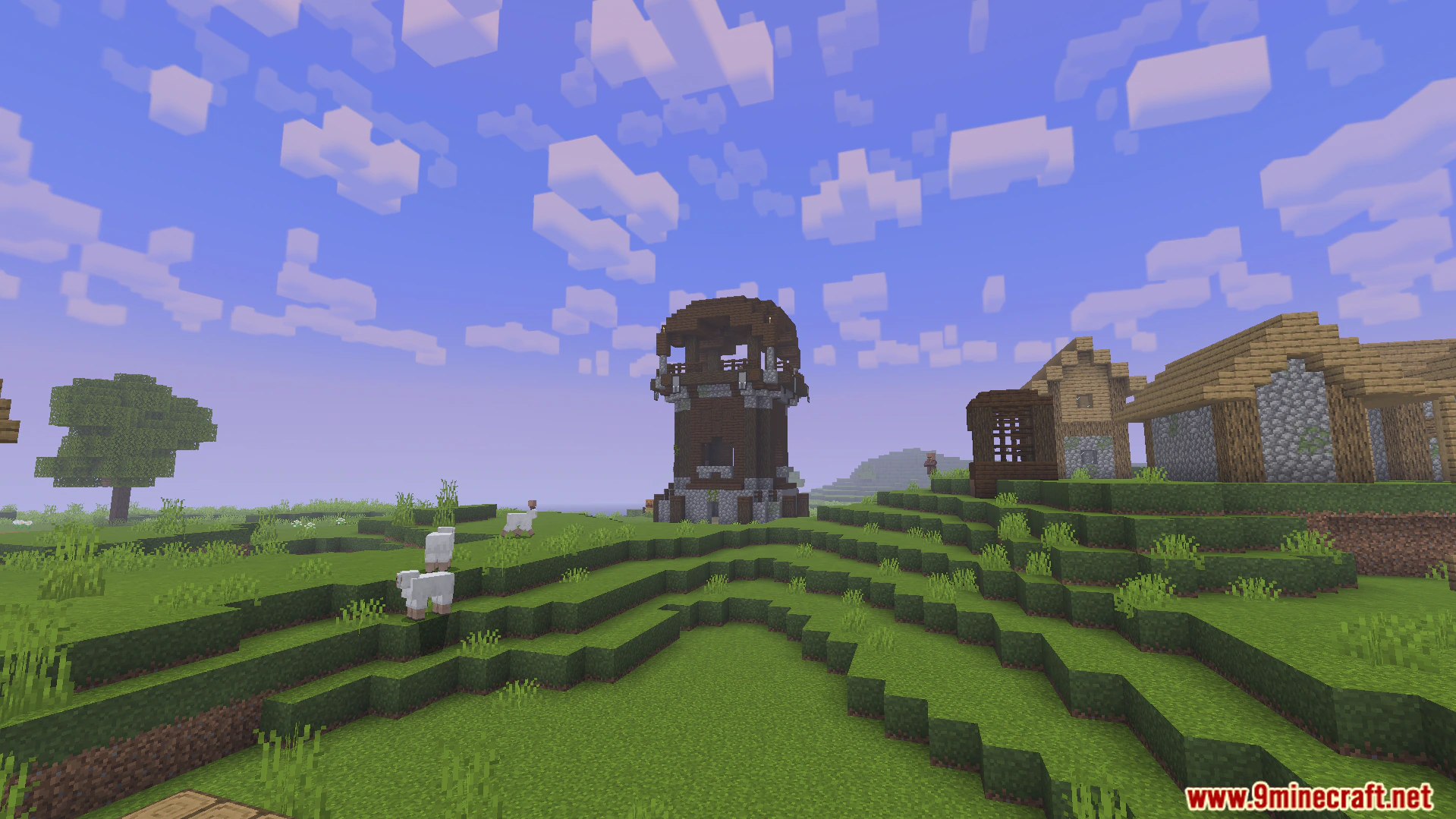
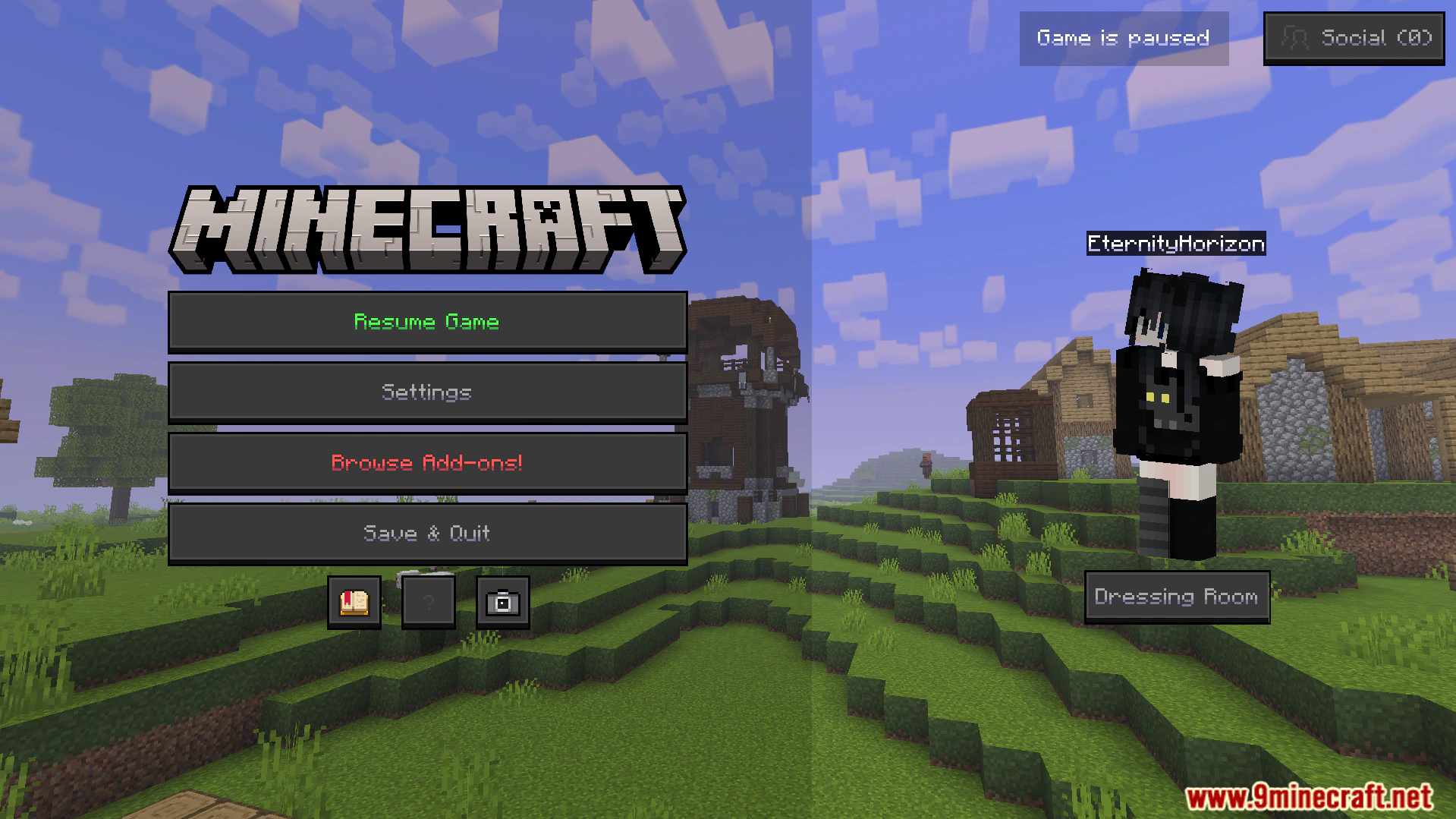
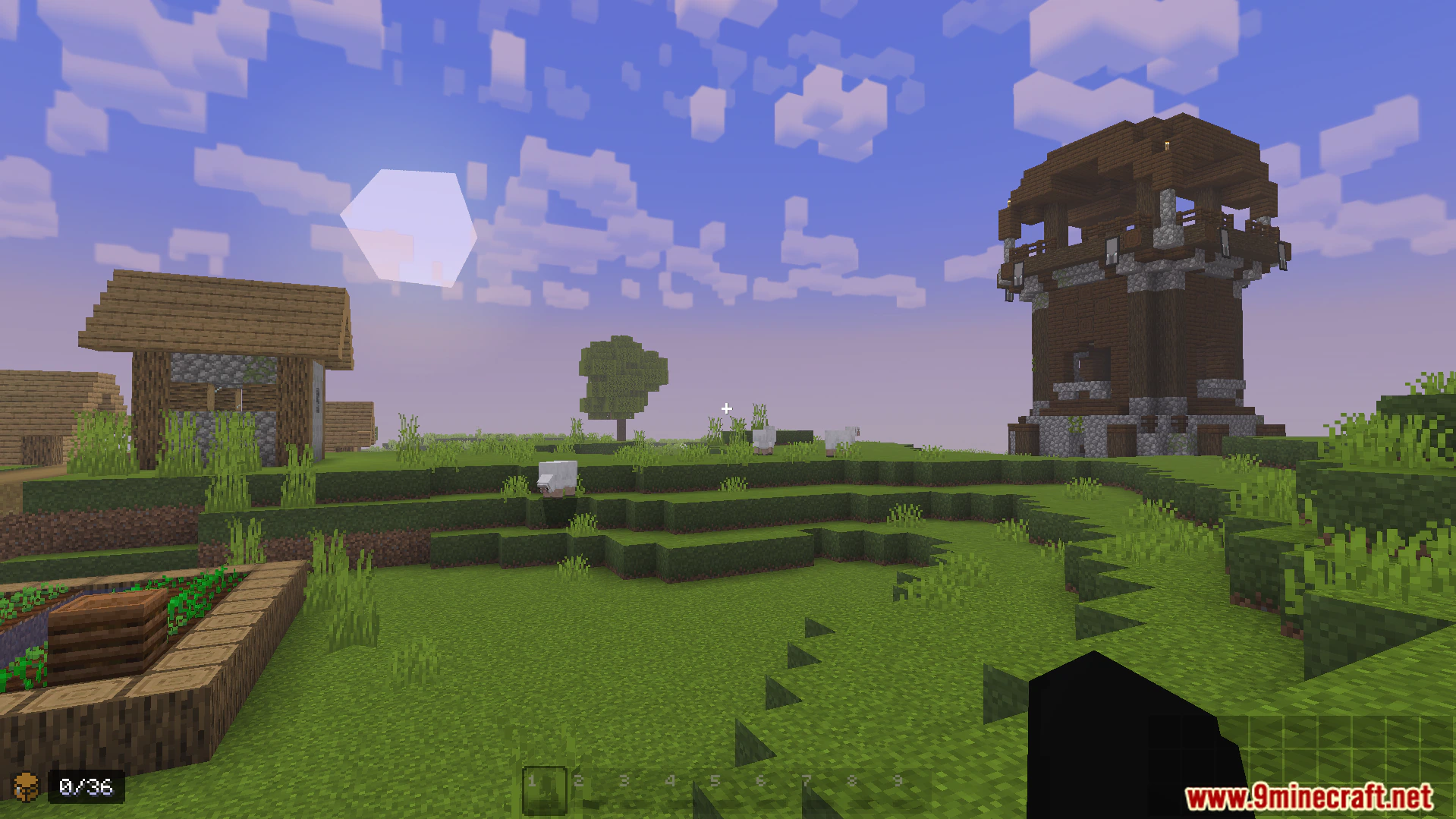
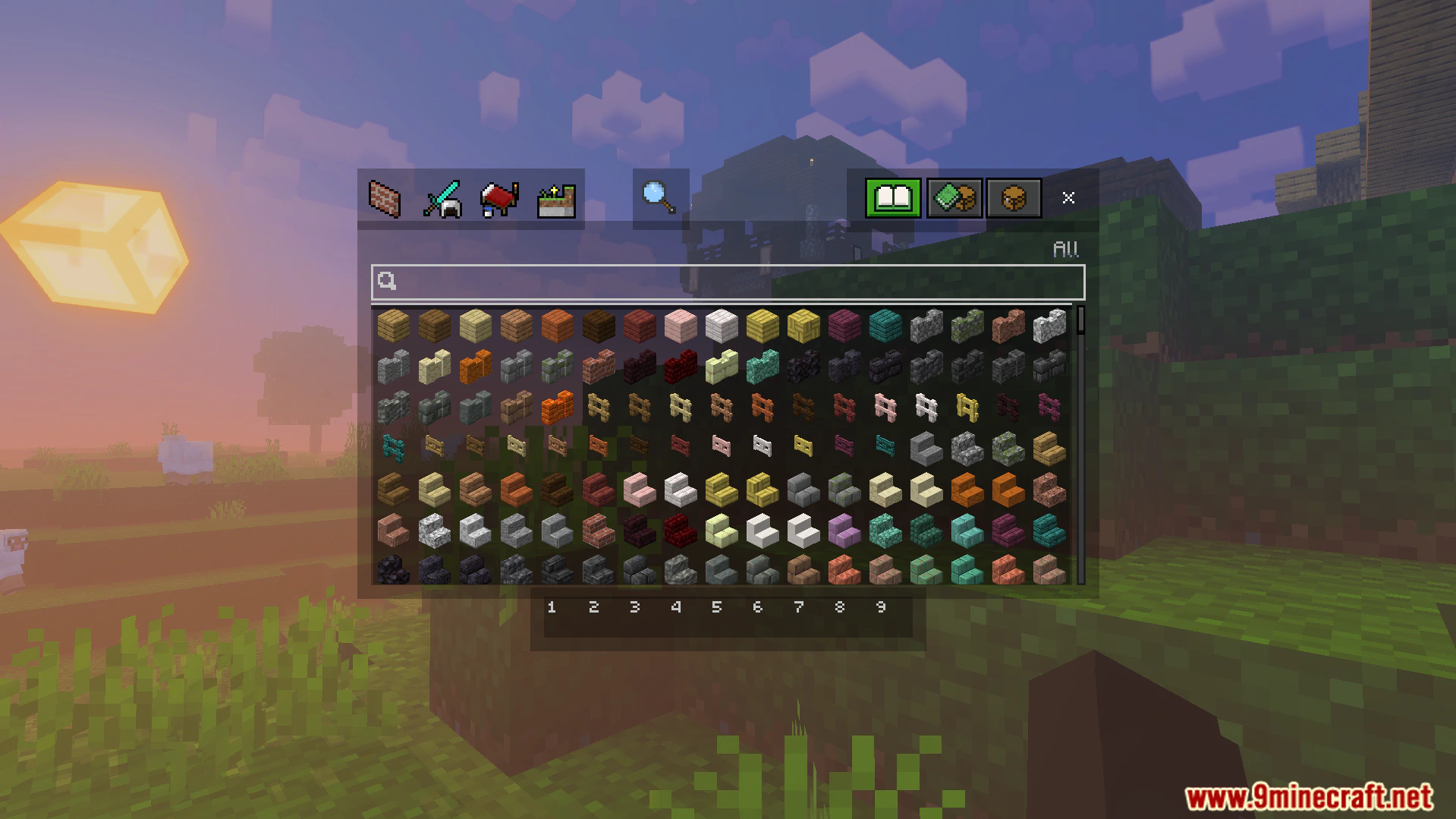
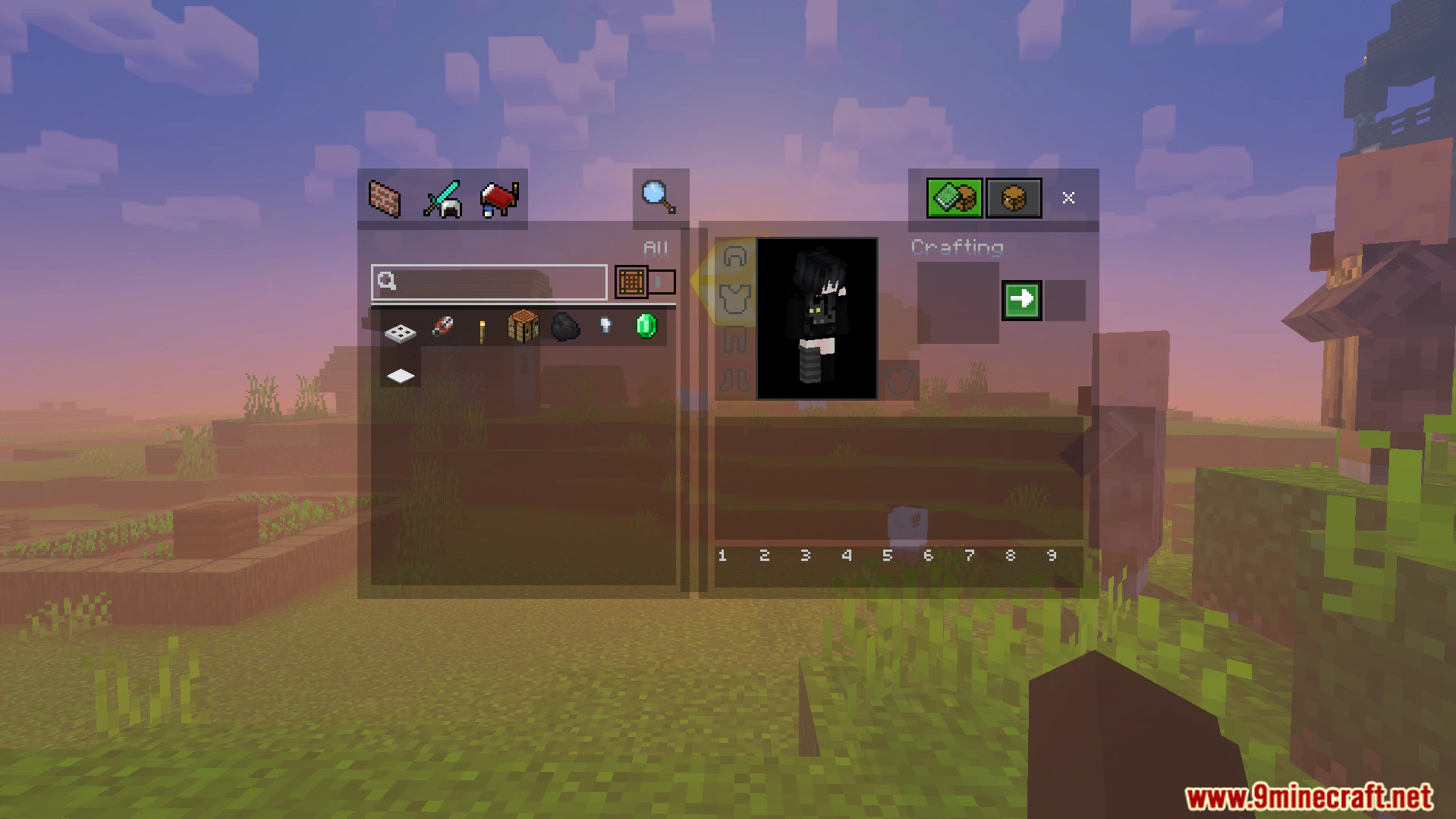
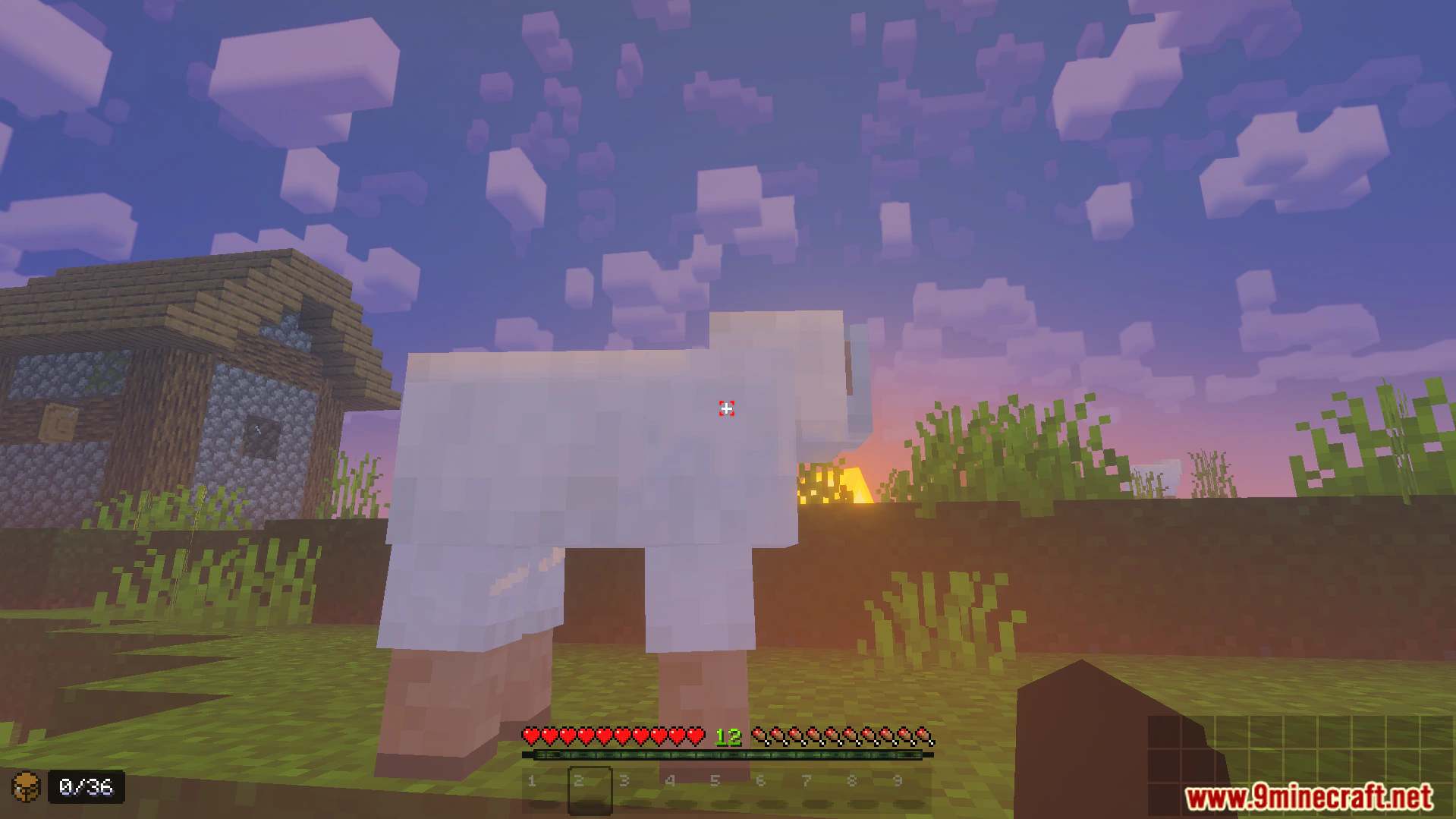
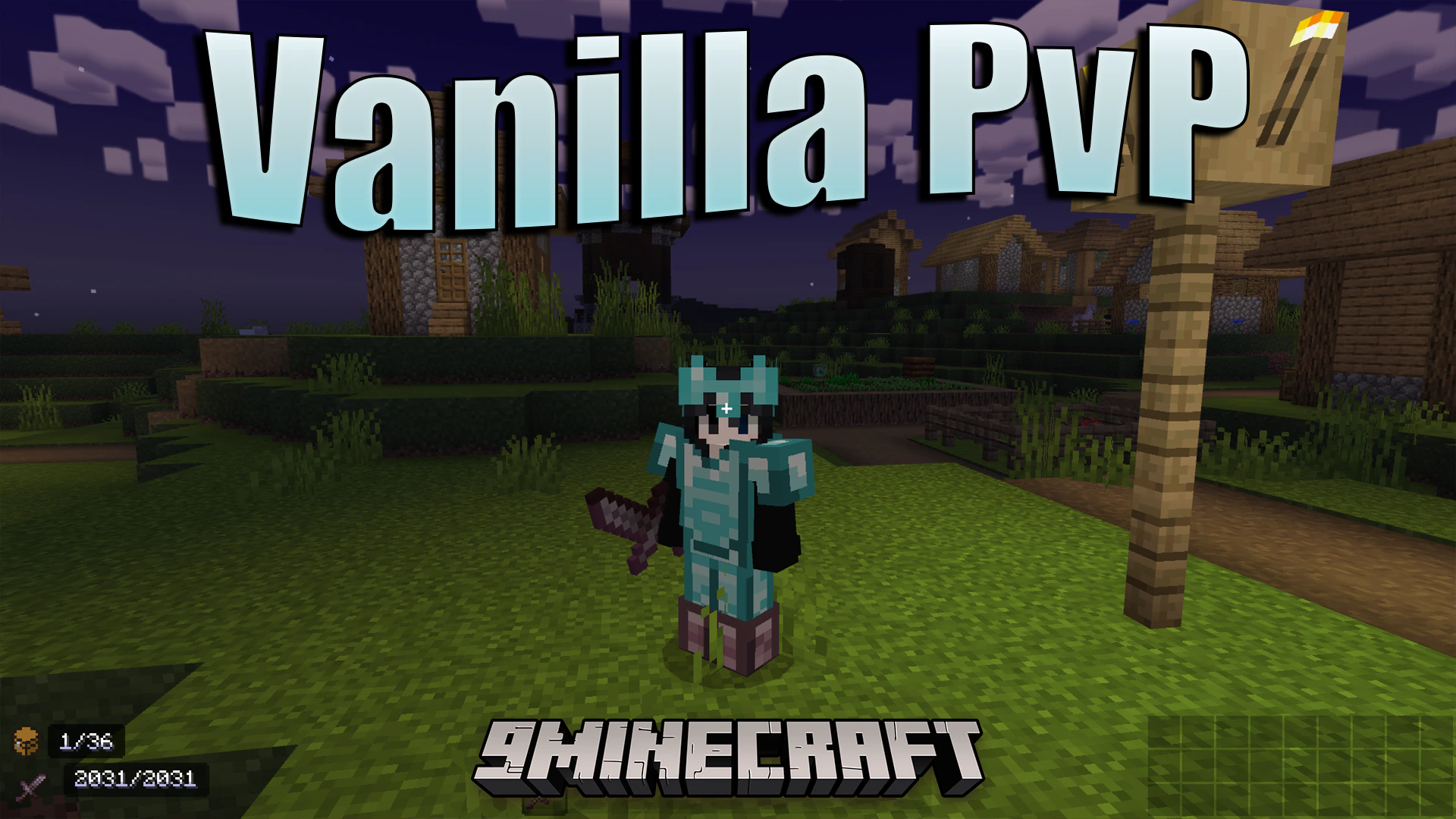
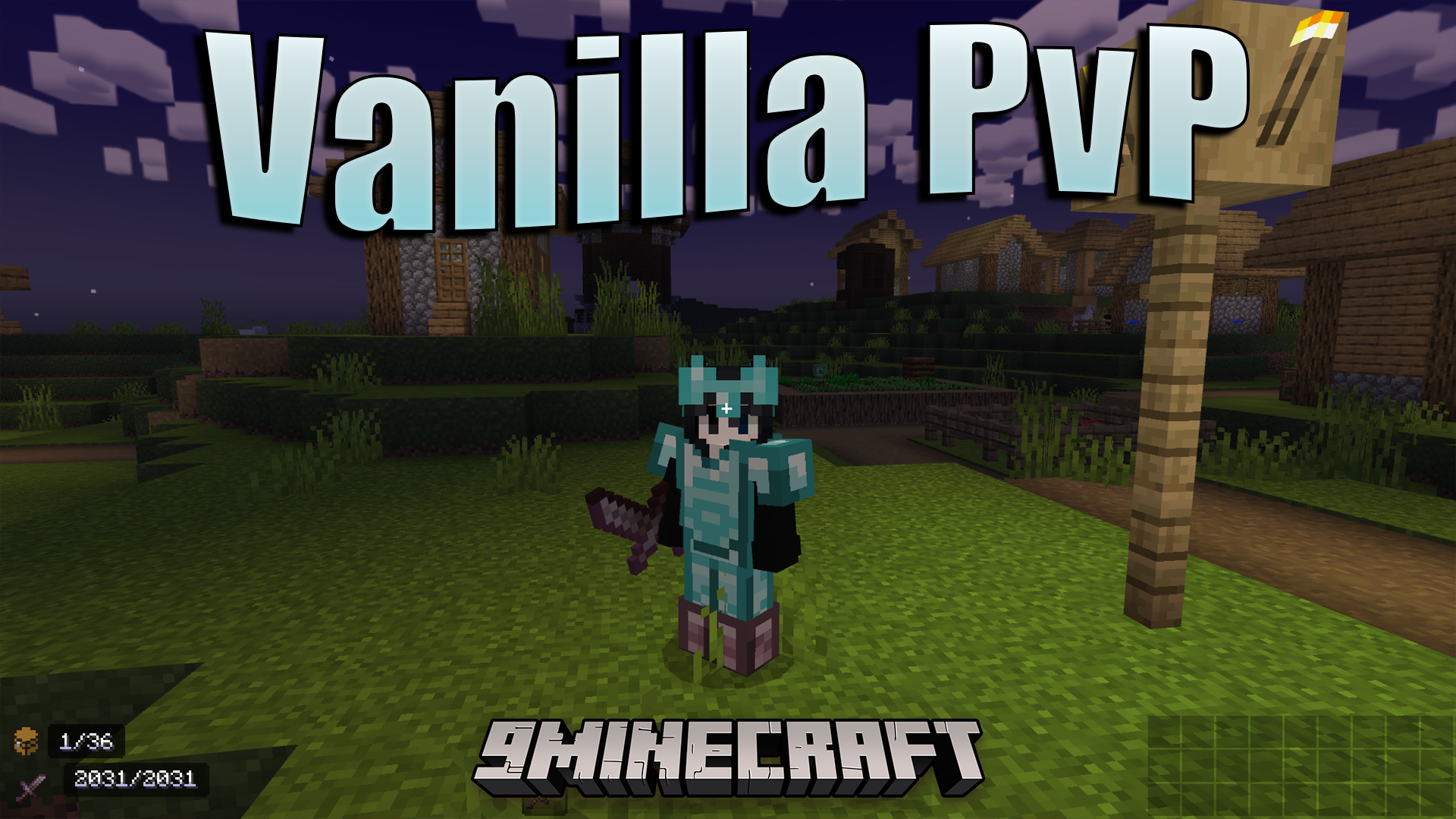
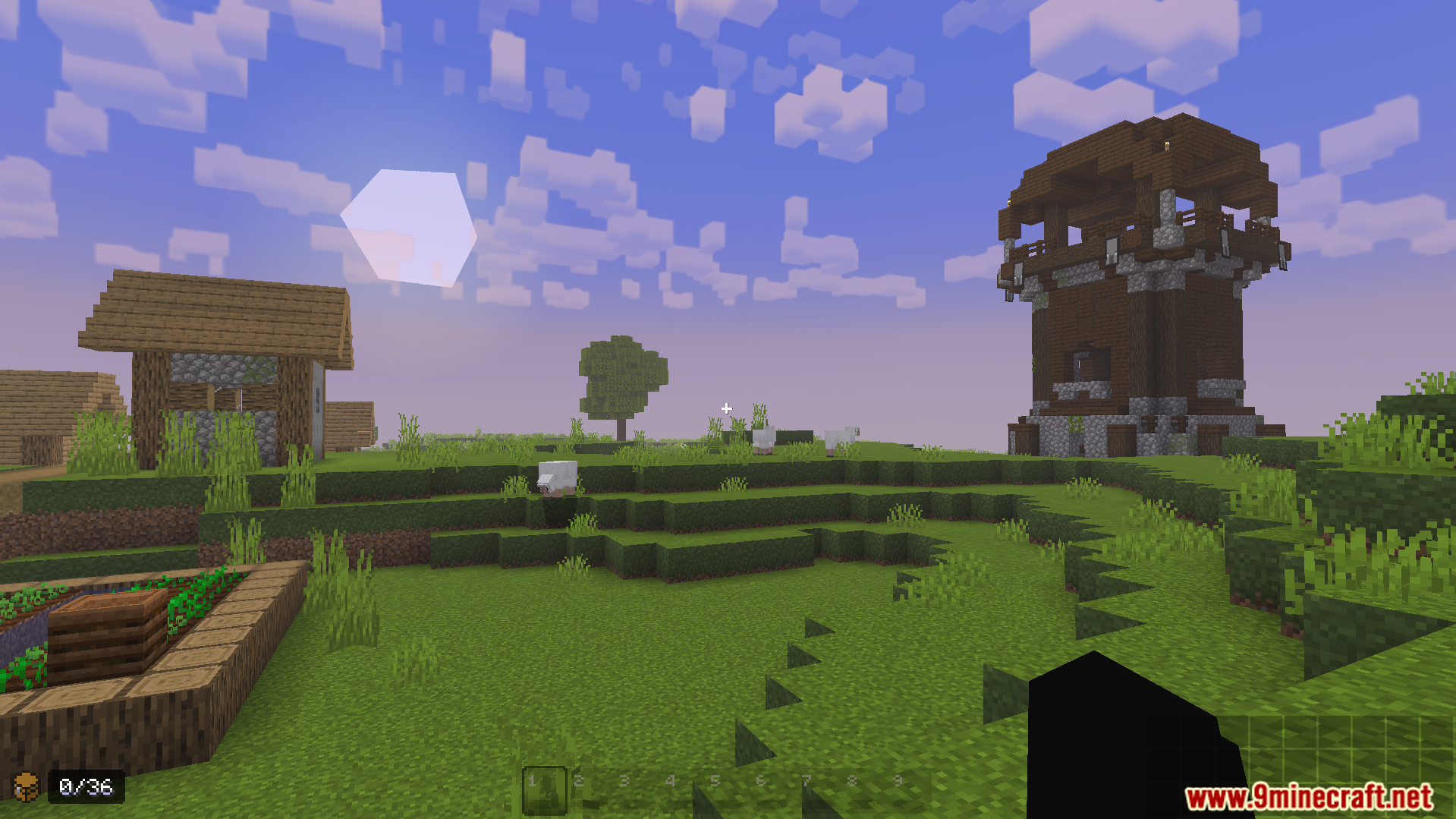
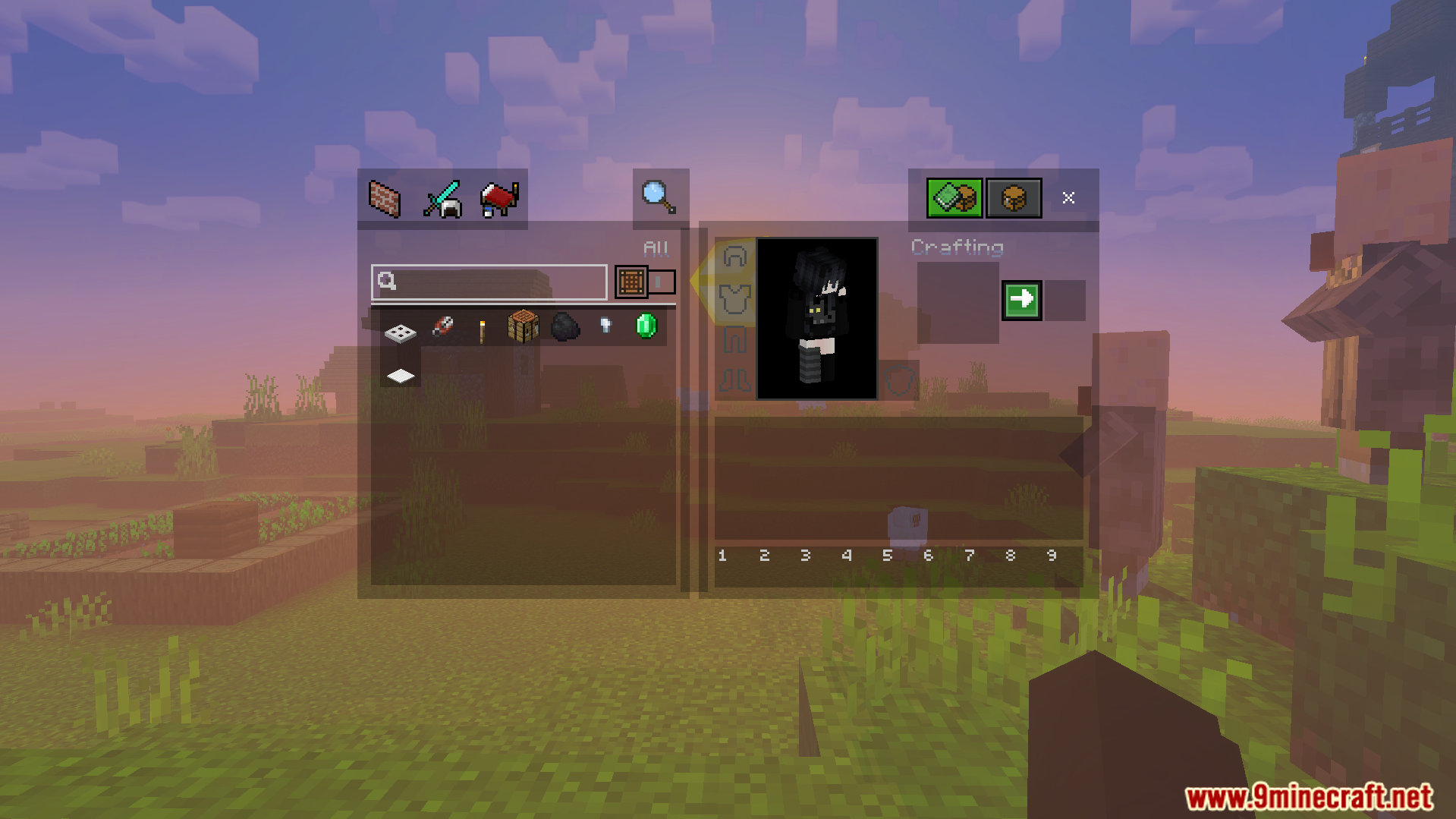
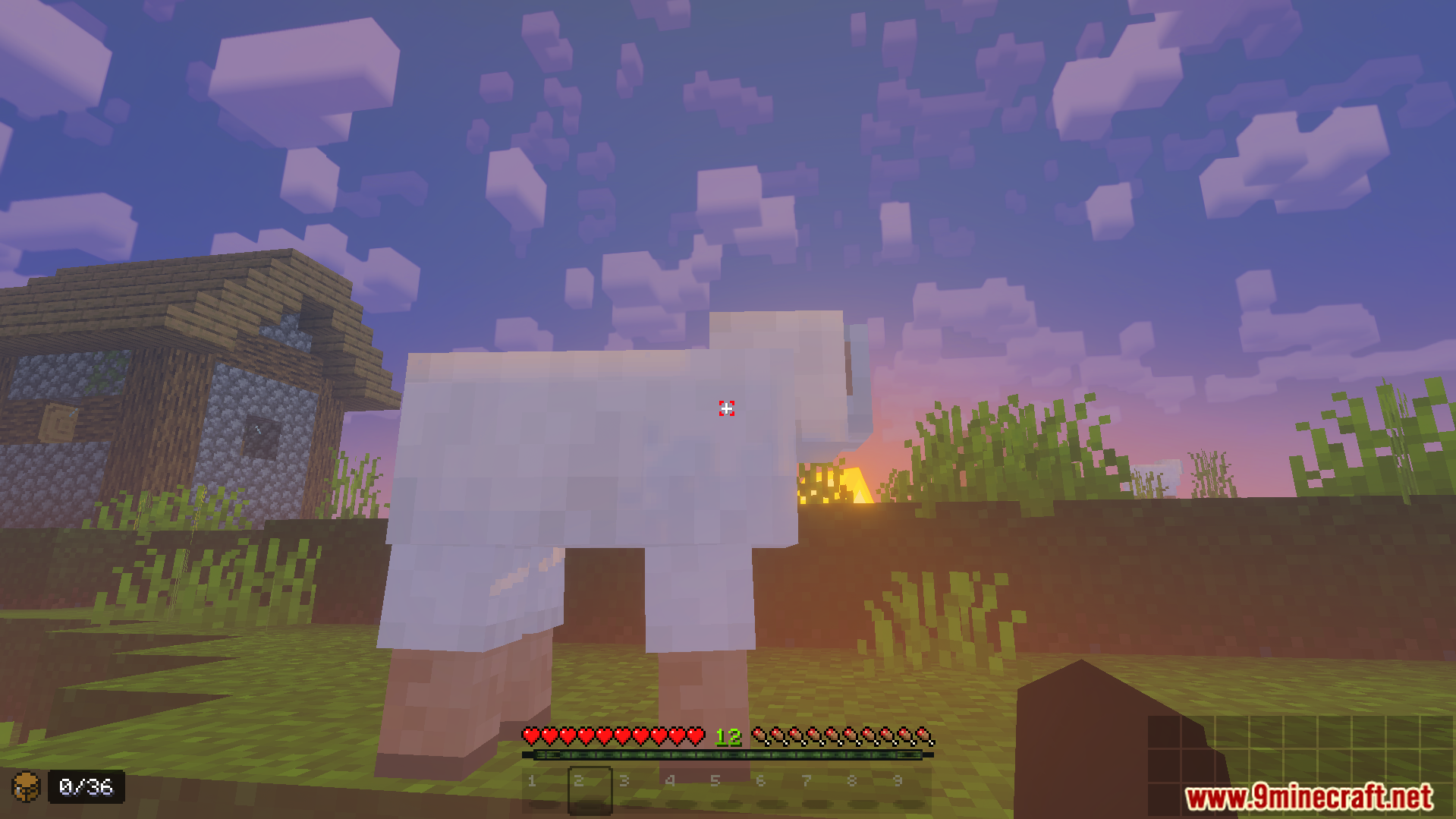
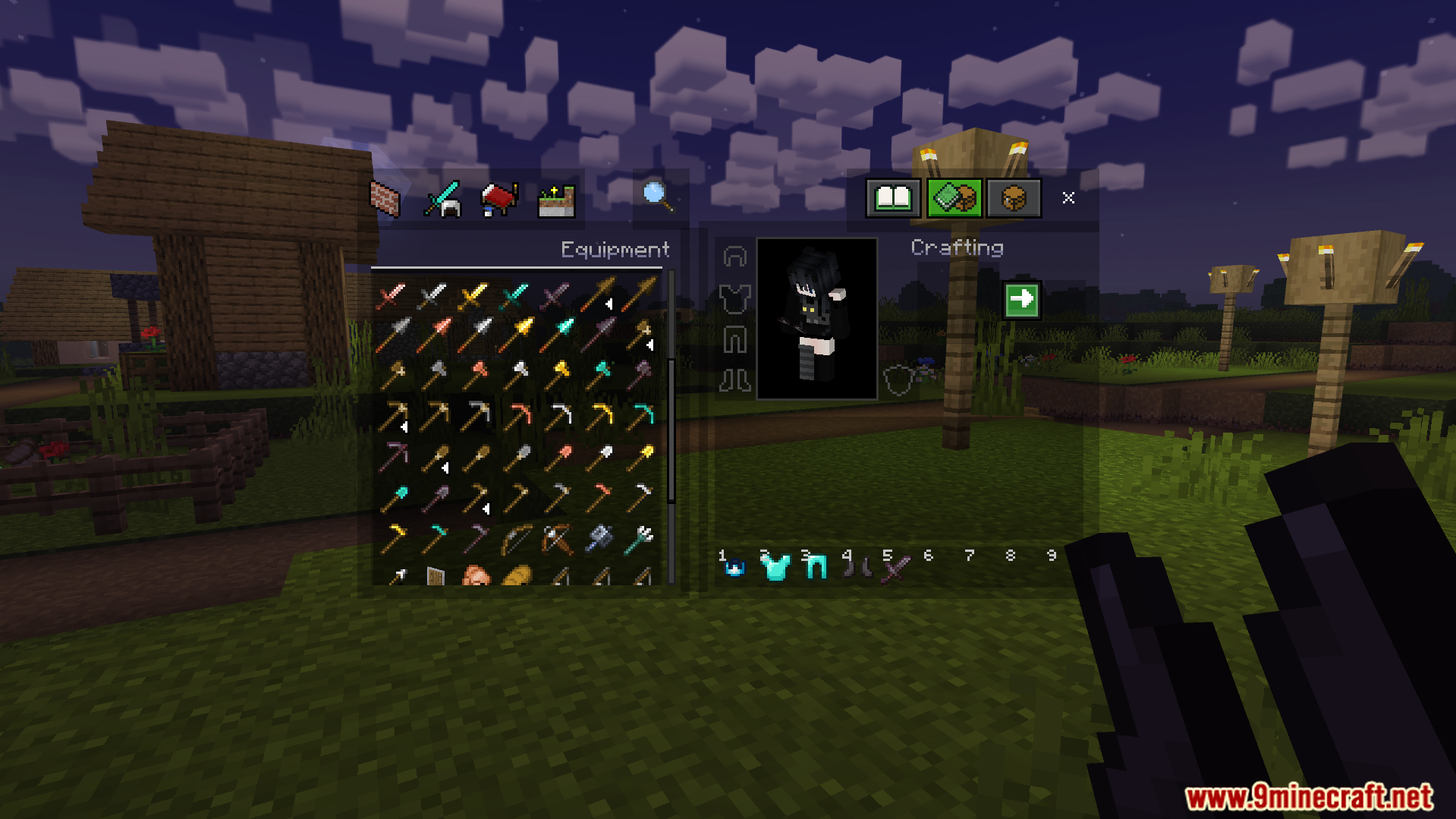
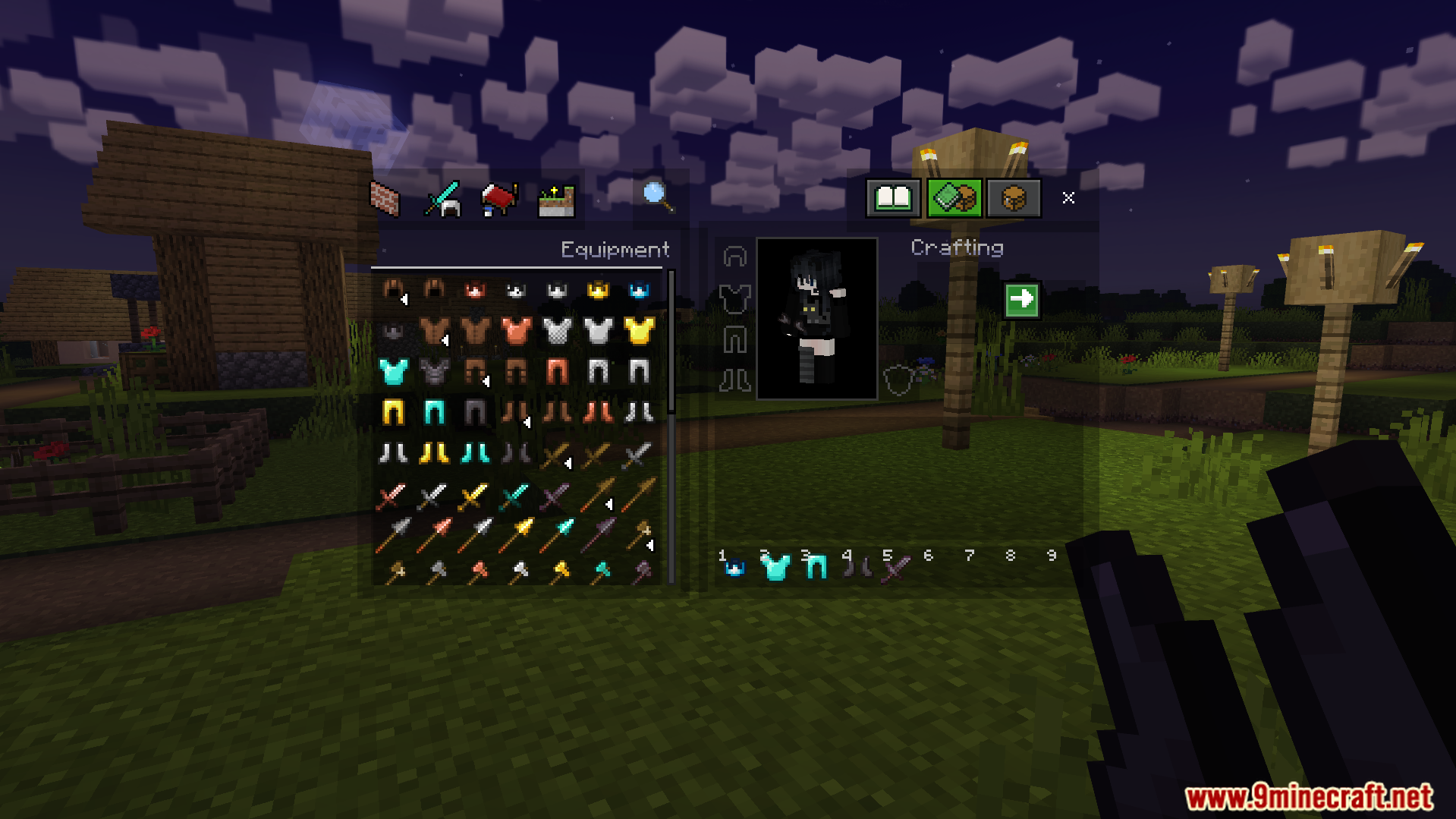
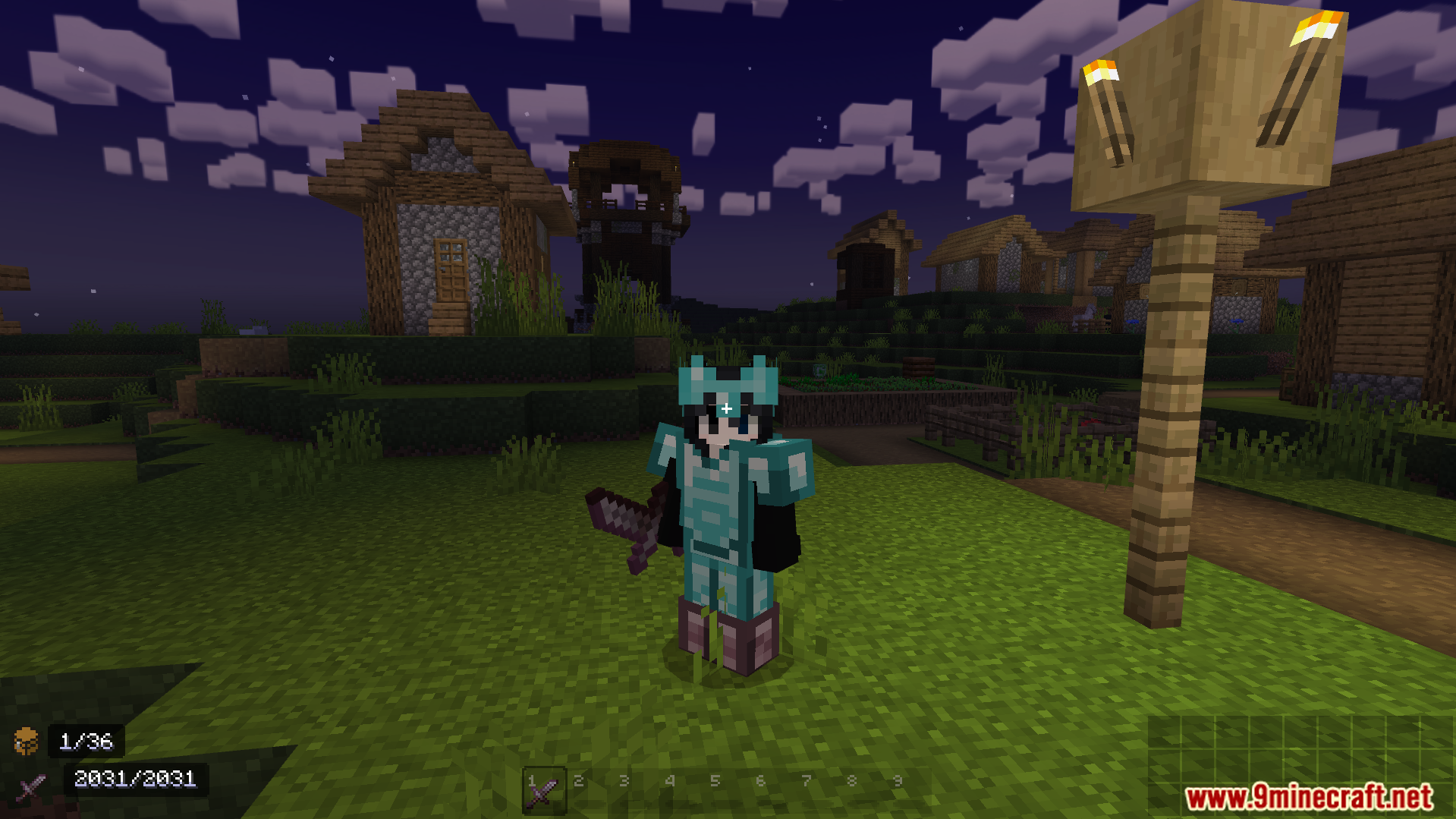
Vanilla PvP Texture Pack updates your screen visuals to give you an edge in combat. It shrinks your tools and weapons so you can see more of the world around you. This pack also keeps the basic game style but adds helpful changes like clear pumpkin views and lower fire effects.
Features:
- Reduces the size of tools and weapons for better screen space.
- Makes ores much easier to spot while you mine underground.
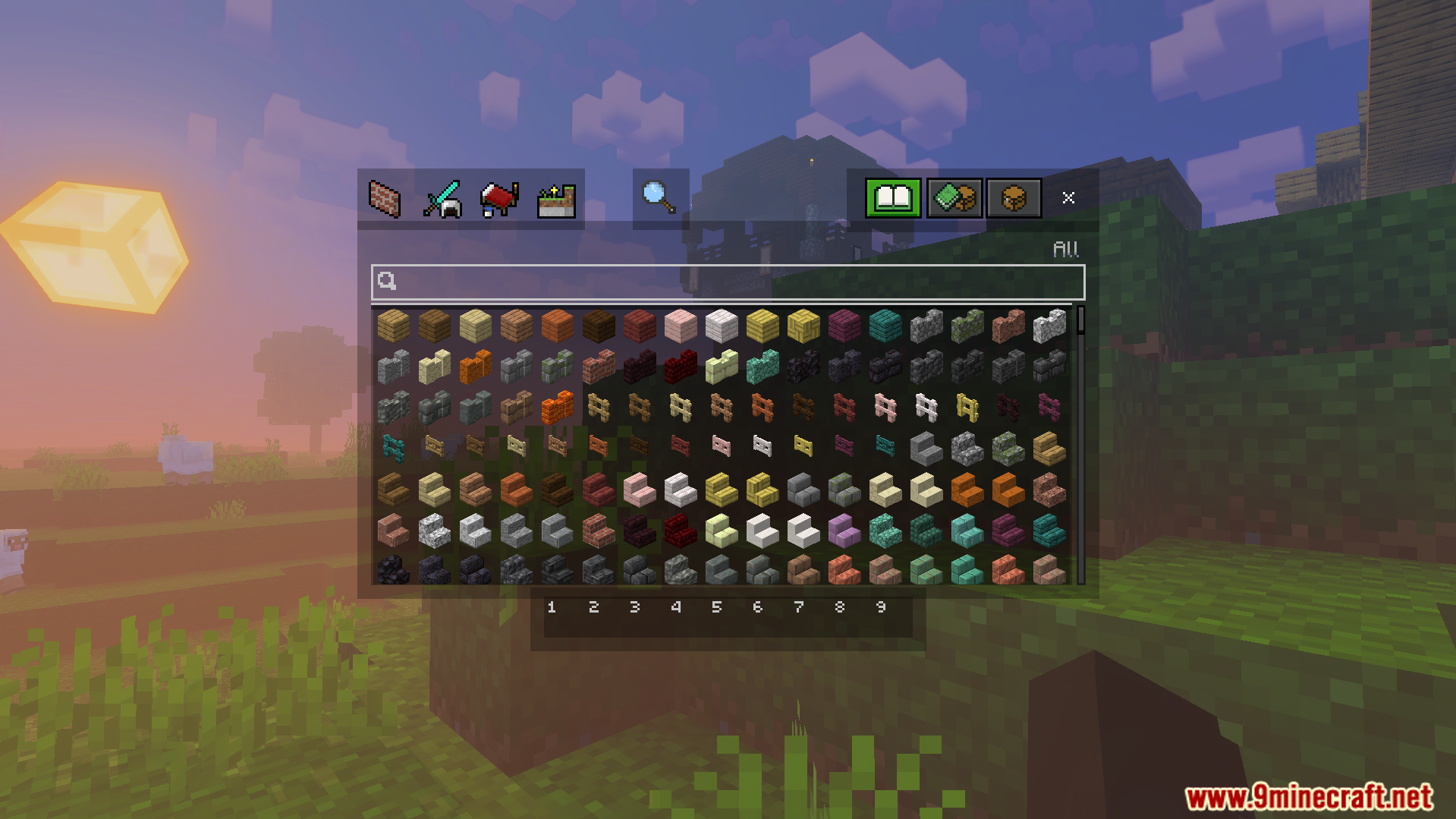
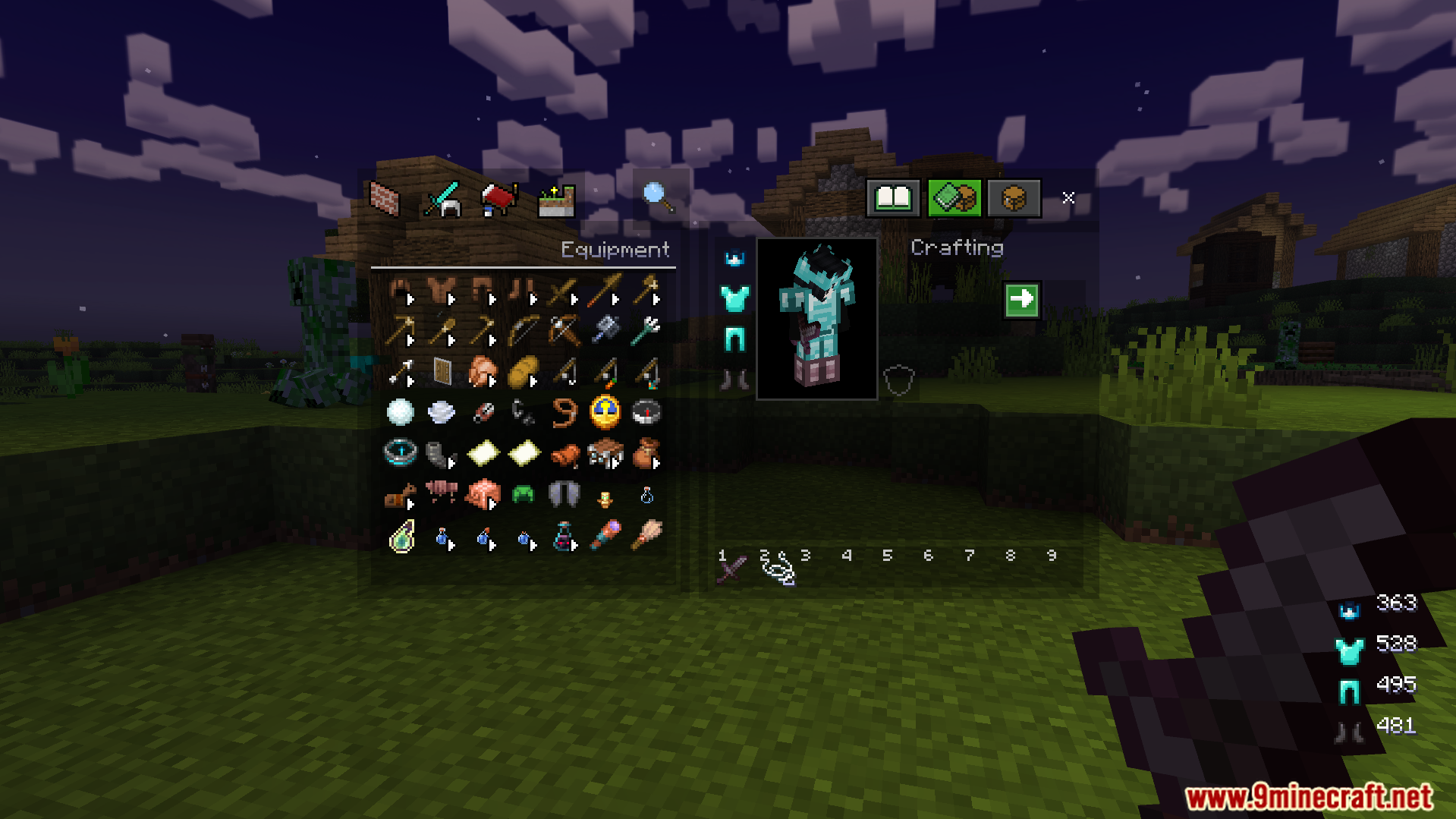
- Lets you view your inventory screen while you are fighting.
- Lowers the fire and shield graphics to keep your view clear.
- Changes carved pumpkins to be clear when you wear them.
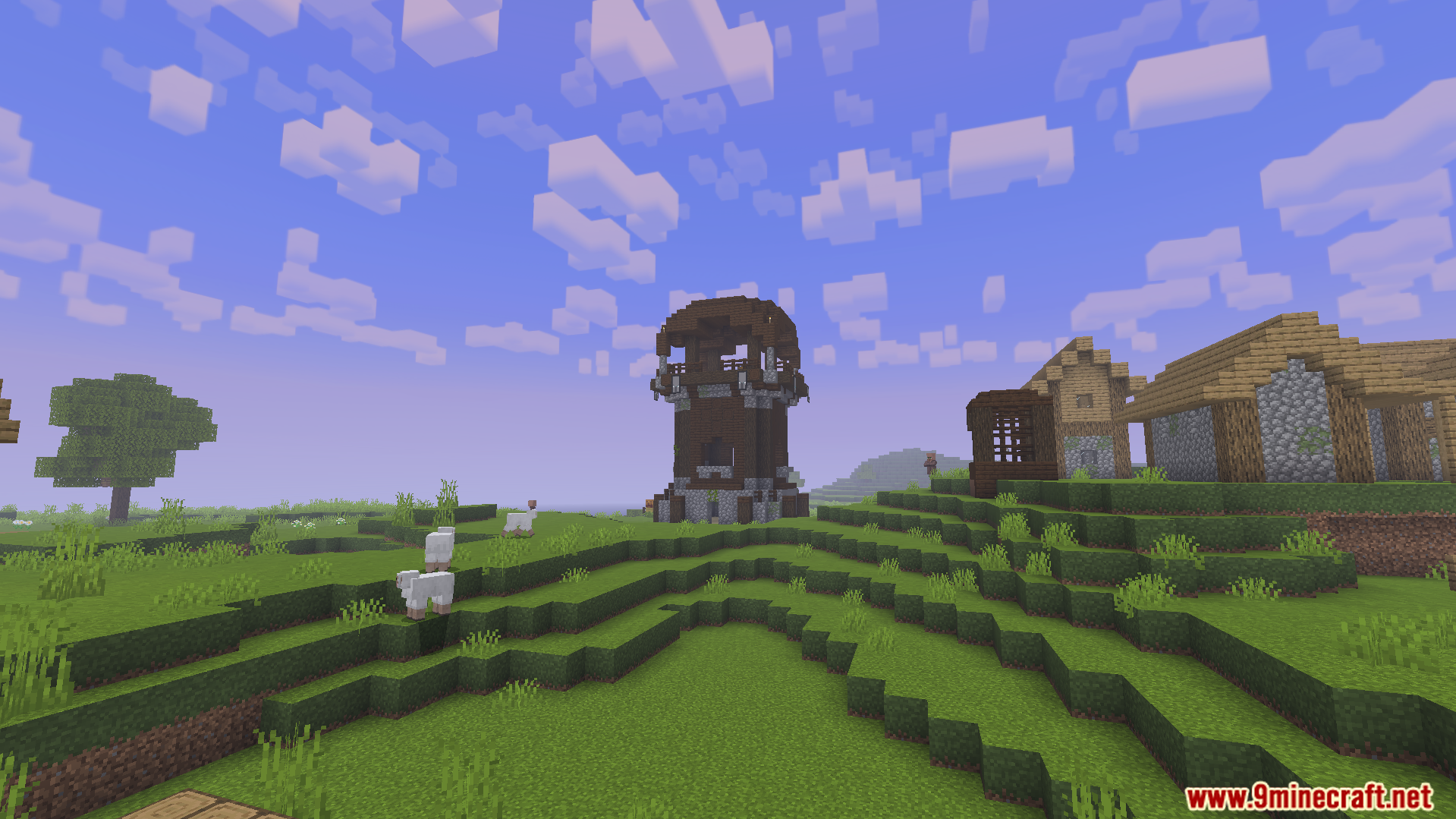
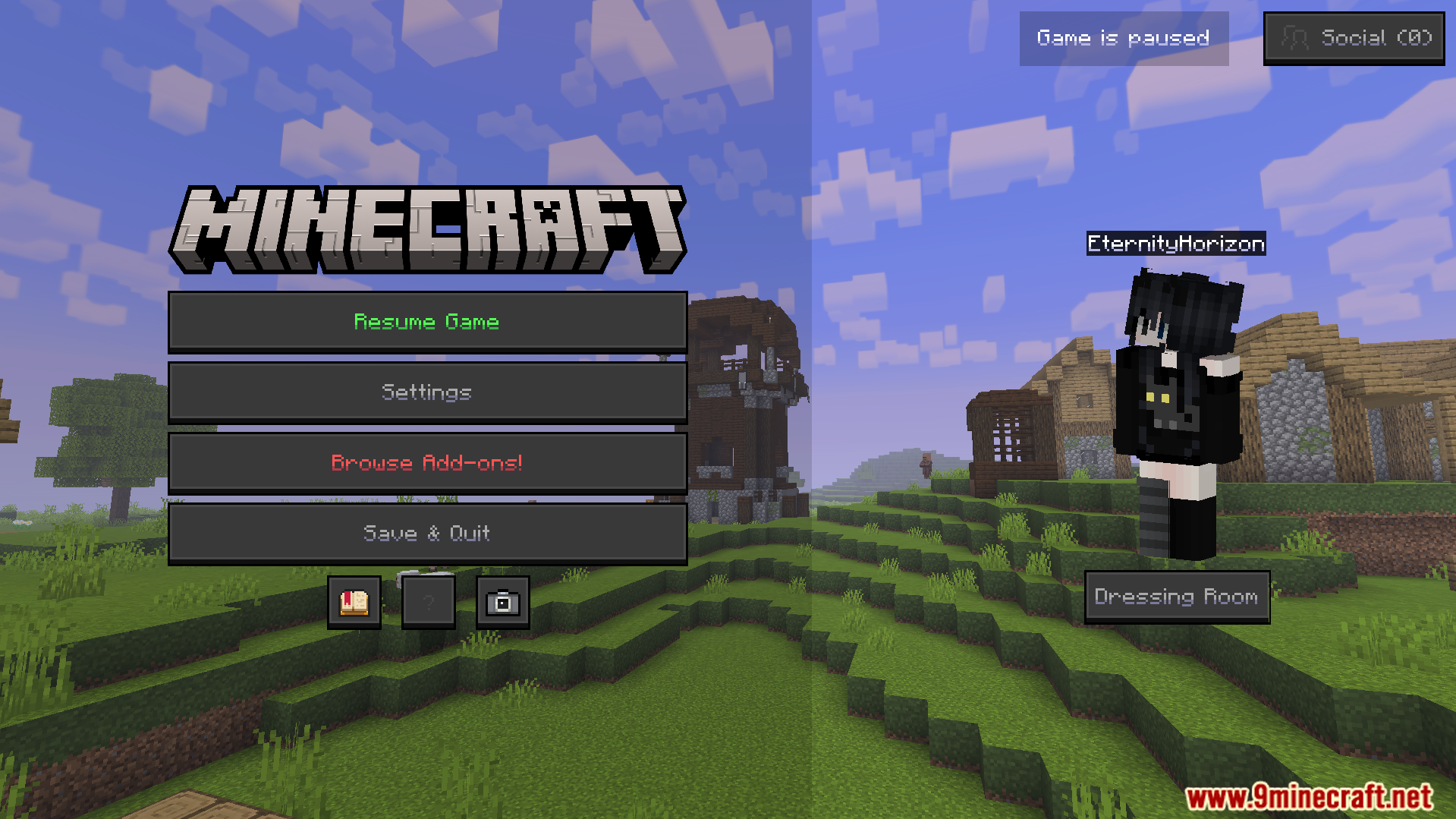
Screenshots:
Vanilla PvP Texture Pack Download Links
Quick facts
- Edition: Minecraft Bedrock
- File type: .mcpack
- Minecraft version listed: 1.21
- How to install: Download the .mcpack. → Open it — Minecraft imports it under Resource Packs. → Activate it in Global Resources, or for one world under Resource Packs → Available.
- Where to get it: Opens on the file's original source — not every file is mirrored on our own servers.
Install steps are the general flow for this file type — How to install Minecraft Bedrock texture packs walks through it step by step.
Vanilla PvP Texture Pack (26.x, 1.21) – Shrink Tools And Clear Your View is a free Minecraft Bedrock texture pack. Compatible with Minecraft 1.21. Download it and open it directly in the game.